The Manufacturing Production Schedule Excel Template for Small Factories simplifies production planning by organizing tasks, timelines, and resources efficiently. It enhances workflow management by providing clear visibility into daily, weekly, and monthly production targets. This template helps small factories optimize output, minimize downtime, and ensure timely delivery of products.
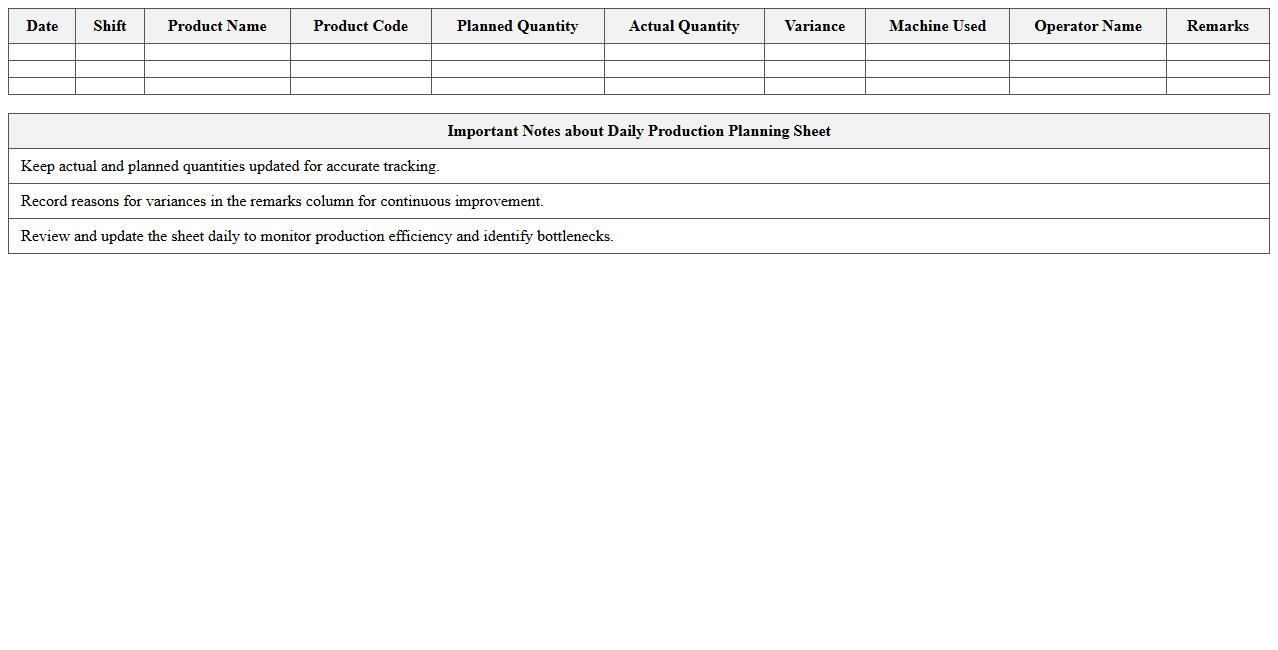
Daily Production Planning Excel Sheet for Small Manufacturers
A
Daily Production Planning Excel Sheet for small manufacturers is a structured tool designed to track and organize daily manufacturing tasks, inventory levels, and resource allocation. It enhances operational efficiency by providing clear visibility of production schedules, deadlines, and material requirements, helping to minimize downtime and reduce waste. This document facilitates better decision-making and streamlines workflow management, ultimately improving productivity and meeting customer demand promptly.
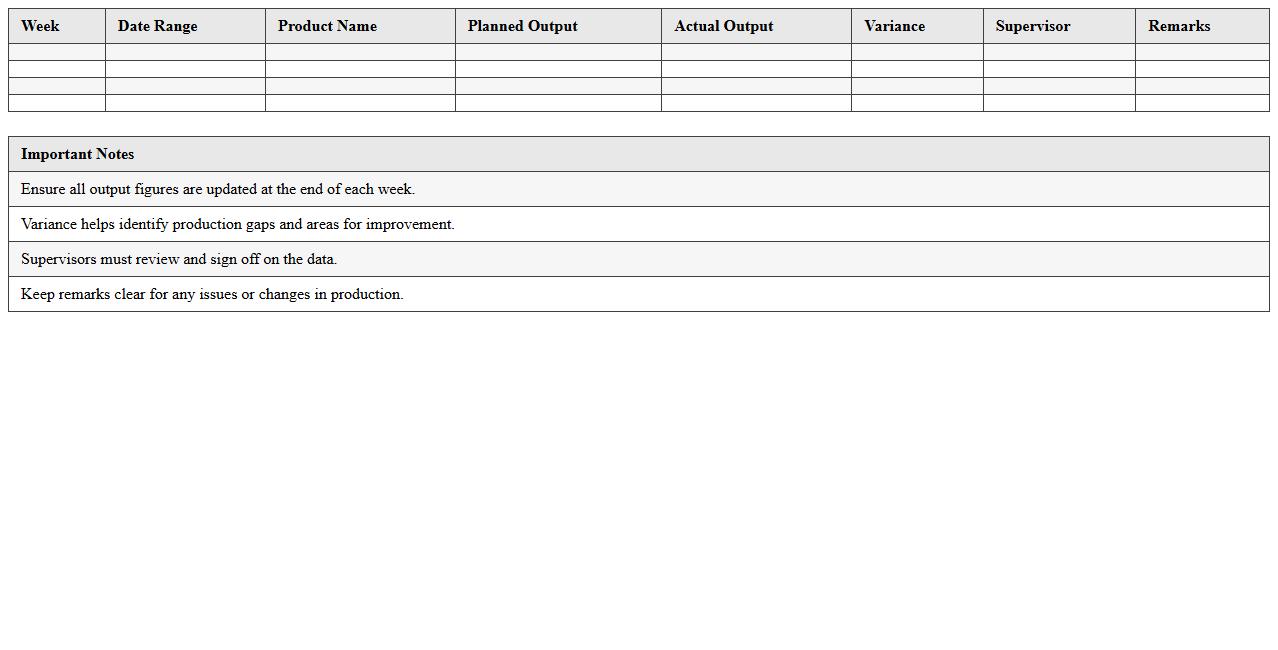
Weekly Factory Output Schedule Excel Template
The
Weekly Factory Output Schedule Excel Template document is a structured tool designed to track and manage production output on a weekly basis, enabling efficient monitoring of manufacturing processes. It helps factory managers and production teams identify trends, allocate resources effectively, and maintain deadlines by organizing output data in a clear, accessible format. Using this template improves operational efficiency, reduces downtime, and supports informed decision-making for continuous production optimization.
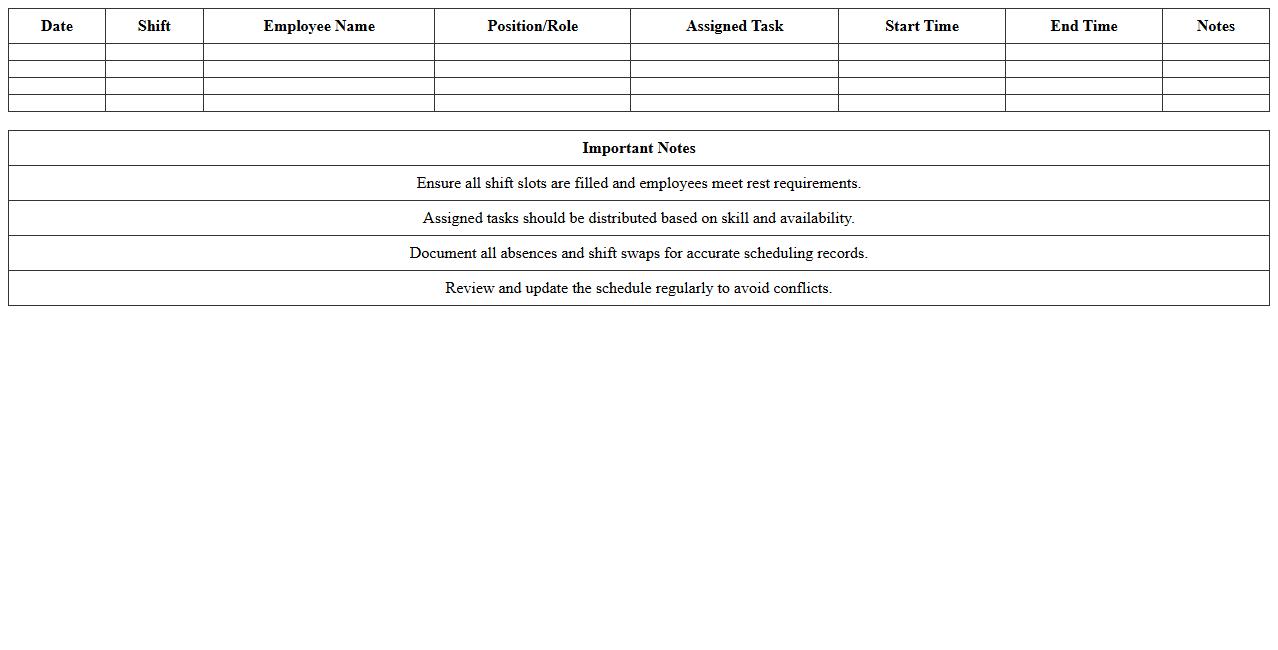
Small Factory Shift Schedule & Task Assignment Excel
The
Small Factory Shift Schedule & Task Assignment Excel document is a practical tool designed to organize employee shifts and allocate tasks efficiently within a small manufacturing environment. It helps managers track work hours, reduce scheduling conflicts, and ensure balanced task distribution, improving overall productivity. By using this document, factories can streamline operations, maintain accurate records, and enhance workforce coordination without the need for complex software.
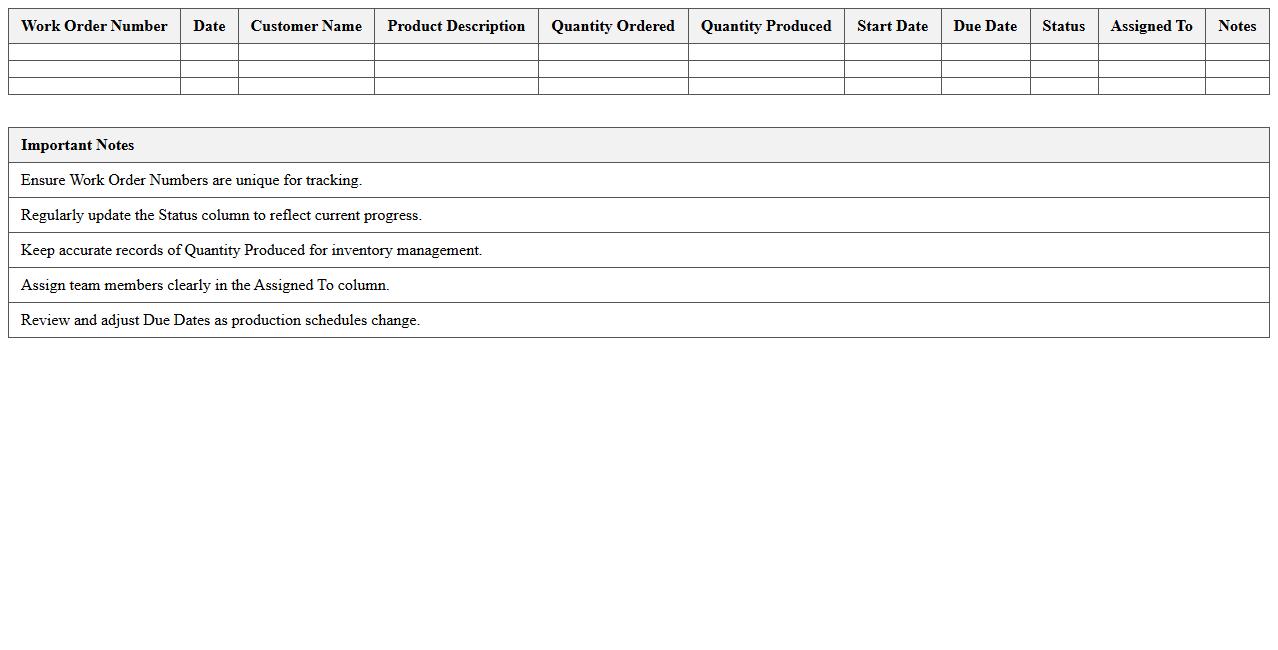
Work Order Tracking Excel Template for Manufacturing
A
Work Order Tracking Excel Template for Manufacturing is a structured spreadsheet designed to monitor and manage production orders efficiently. It helps track essential details such as order status, materials required, deadlines, and labor allocation, enabling better workflow organization and resource management. Utilizing this template improves manufacturing process transparency, reduces delays, and enhances overall operational productivity.
Machine Utilization Schedule Excel Sheet
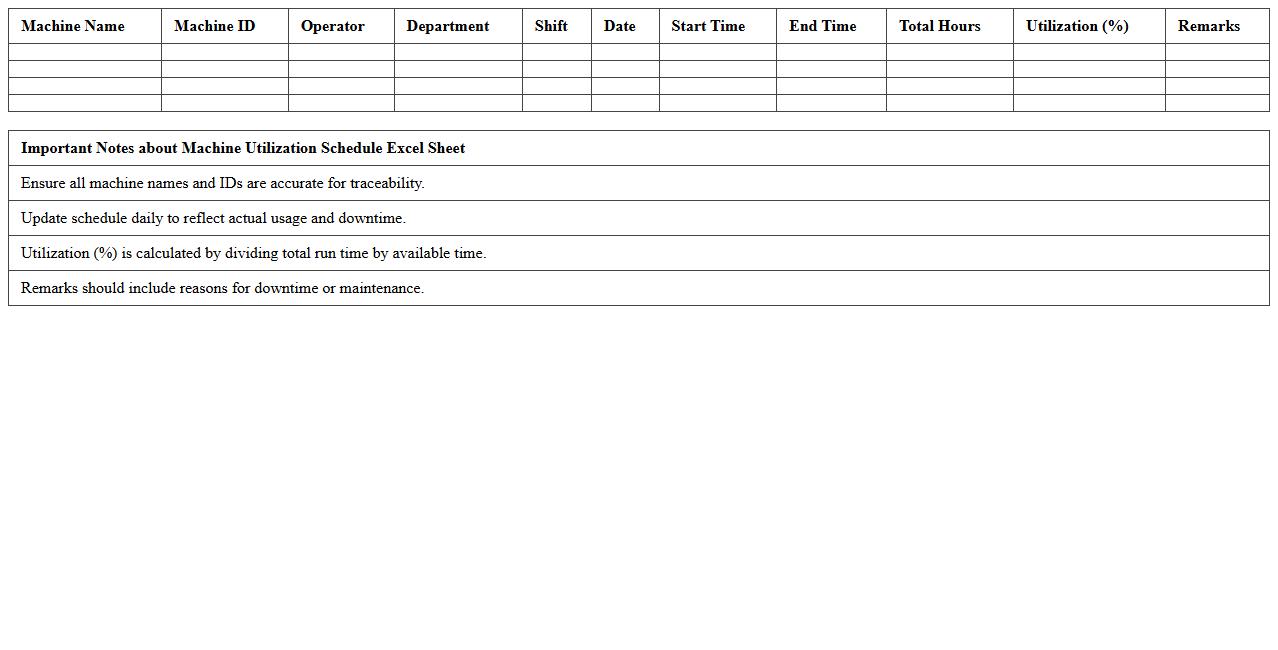
A
Machine Utilization Schedule Excel Sheet is a document designed to track and optimize the use of machinery within a production or manufacturing environment. It helps monitor machine operating times, downtime, maintenance schedules, and overall efficiency, enabling managers to identify bottlenecks and improve resource allocation. By providing clear visibility into machine performance, this tool supports better decision-making, reduces idle time, and enhances productivity.
Employee Production Roster Excel Template
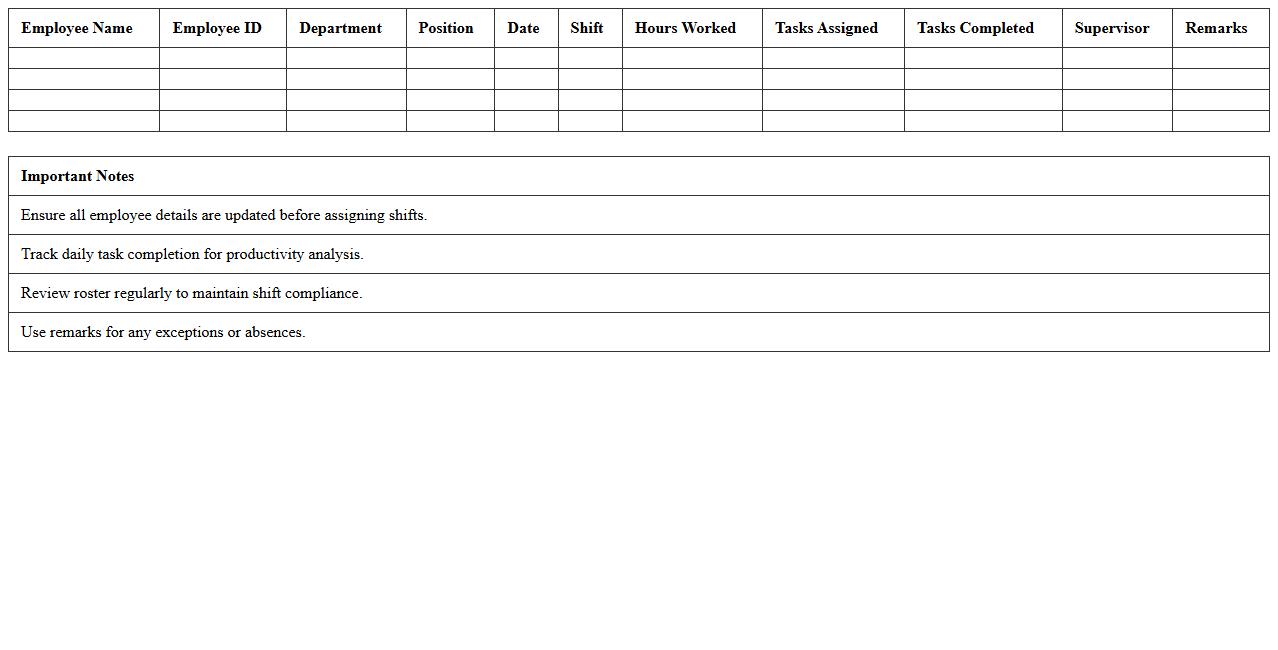
The
Employee Production Roster Excel Template is a structured spreadsheet designed to organize and track employee work schedules and productivity metrics efficiently. It enables managers to monitor daily output, allocate tasks, and analyze workforce performance with ease. Utilizing this template improves operational planning, enhances time management, and supports data-driven decision-making within organizations.
Manufacturing Capacity Planning Excel Spreadsheet
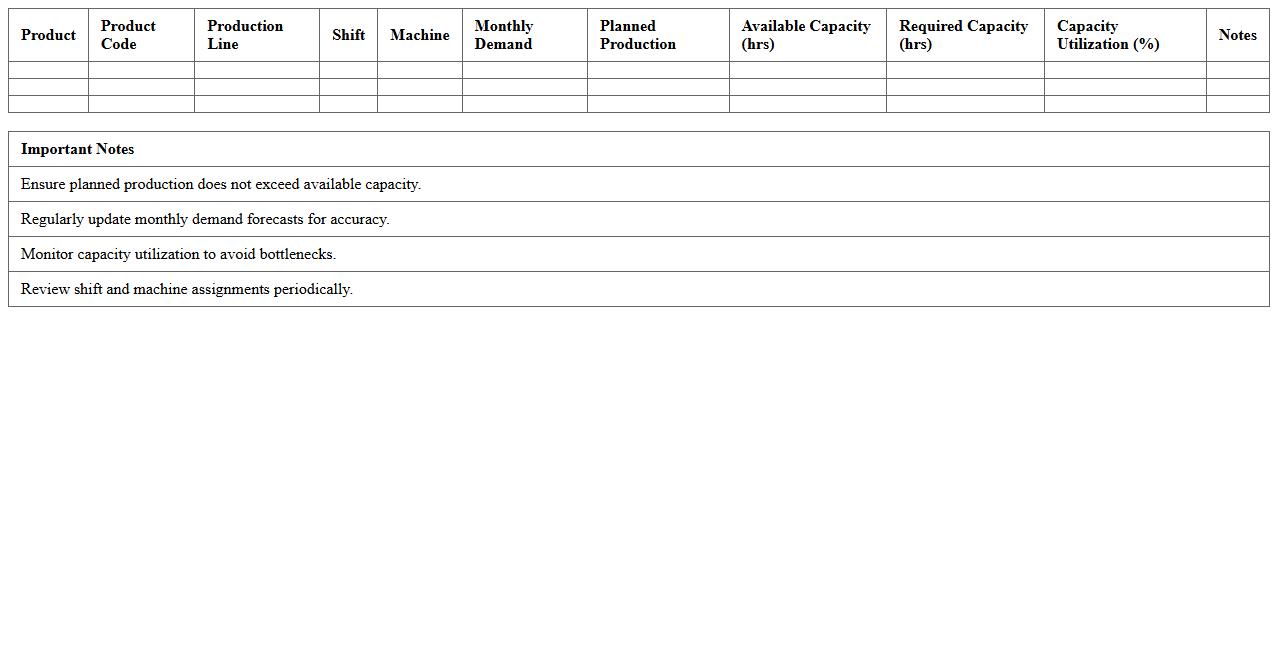
A
Manufacturing Capacity Planning Excel Spreadsheet document is a tool designed to analyze and allocate production resources efficiently by tracking machine hours, labor availability, and material requirements. It helps manufacturers forecast production capabilities, identify bottlenecks, and optimize workload distribution to meet demand deadlines. By providing a clear overview of capacity constraints, the spreadsheet enables informed decision-making that enhances operational efficiency and reduces downtime.
Product Line Production Timeline Excel Template
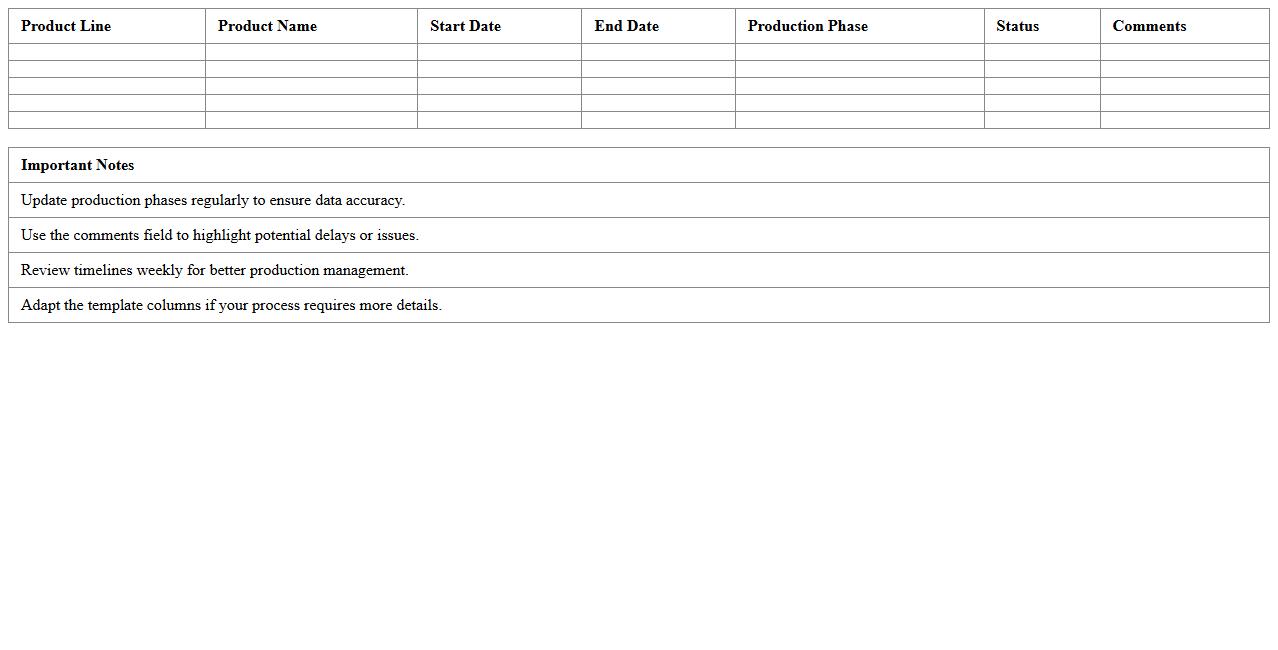
The
Product Line Production Timeline Excel Template is a structured spreadsheet designed to map out the scheduling and progress of manufacturing processes across multiple product lines. It helps managers track deadlines, allocate resources efficiently, and identify potential bottlenecks in production workflows. Utilizing this template enhances project visibility, enabling timely adjustments and optimized production planning.
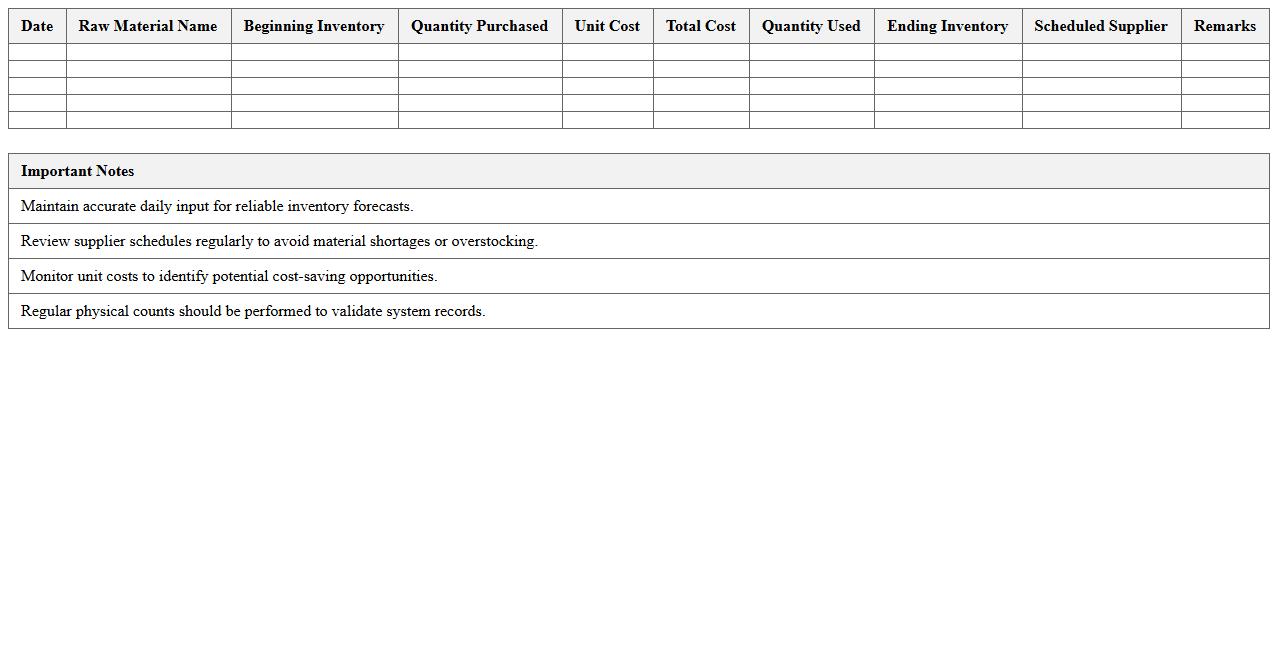
Raw Material Usage and Inventory Scheduling Excel
The
Raw Material Usage and Inventory Scheduling Excel document is designed to track and manage the consumption of raw materials while forecasting inventory needs accurately. It enables businesses to optimize stock levels, reduce waste, and ensure timely procurement processes through detailed data analysis and scheduling features. By providing real-time insights into material usage patterns, this tool supports efficient production planning and cost-saving strategies.
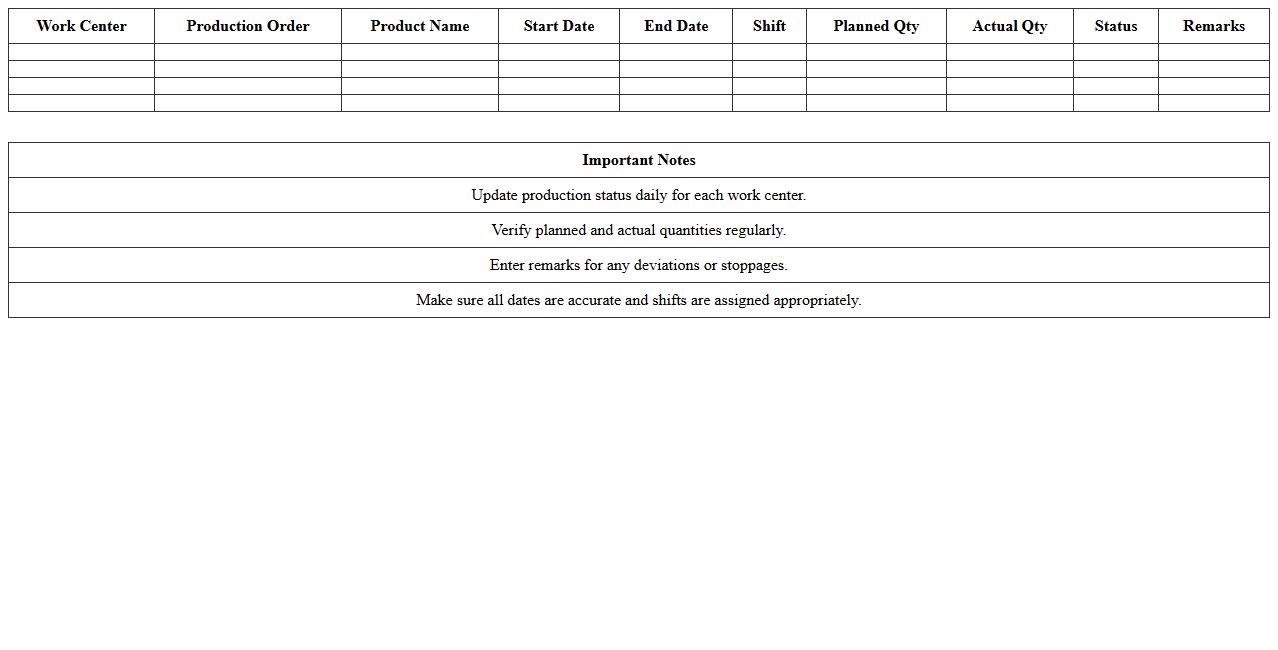
Small Factory Work Center Production Calendar Excel
The
Small Factory Work Center Production Calendar Excel document is a specialized tool designed to schedule and track production activities within small manufacturing facilities. It helps optimize resource allocation, monitor work center availability, and streamline workflow by providing a clear visual representation of daily tasks and deadlines. Utilizing this calendar enhances efficiency, reduces downtime, and supports timely delivery of products by improving coordination between production teams.
How can I automate shift allocations in a small factory's production schedule using Excel?
To automate shift allocations in Excel, use a combination of data validation and conditional formatting to assign workers to shifts dynamically. Implement formulas like INDEX and MATCH to pull employee availability and ensure balanced shift distribution. Additionally, Macros or VBA scripts can automate repetitive scheduling tasks, enhancing efficiency.
What are effective Excel formulas for tracking raw material usage per batch?
Tracking raw material usage efficiently involves formulas such as SUMIFS to aggregate material consumption by batch numbers. Use VLOOKUP or XLOOKUP to pull specific batch details from data tables for precise tracking. Incorporating dynamic named ranges helps to update material usage data automatically as batches are processed.
How can I visualize machine downtime and bottlenecks in an Excel schedule?
Utilize Excel's conditional formatting and pivot charts to visualize machine downtime clearly by highlighting periods of inactivity. Gantt charts created with stacked bar charts effectively illustrate production bottlenecks over time. Incorporate sparklines adjacent to schedules to provide a quick visual summary of machine performance trends.
Which Excel templates best support just-in-time production planning for small factories?
Templates focusing on inventory management and production scheduling are optimal for just-in-time production in small factories. Look for templates that integrate demand forecasting, reorder points, and lead time calculations to reduce overstock. Microsoft's official Excel template gallery offers customizable options tailored to streamlined manufacturing workflows.
How do I integrate purchase order lead times with daily production scheduling in Excel?
To integrate purchase order lead times with production schedules, create a timeline table that calculates expected delivery dates using the WORKDAY function. Link lead time data to production start dates with lookup formulas ensuring materials availability synchronized with daily operations. Employing dynamic Gantt charts can visually align purchase deliveries with the production calendar for greater clarity.
More Manufacturing Excel Templates