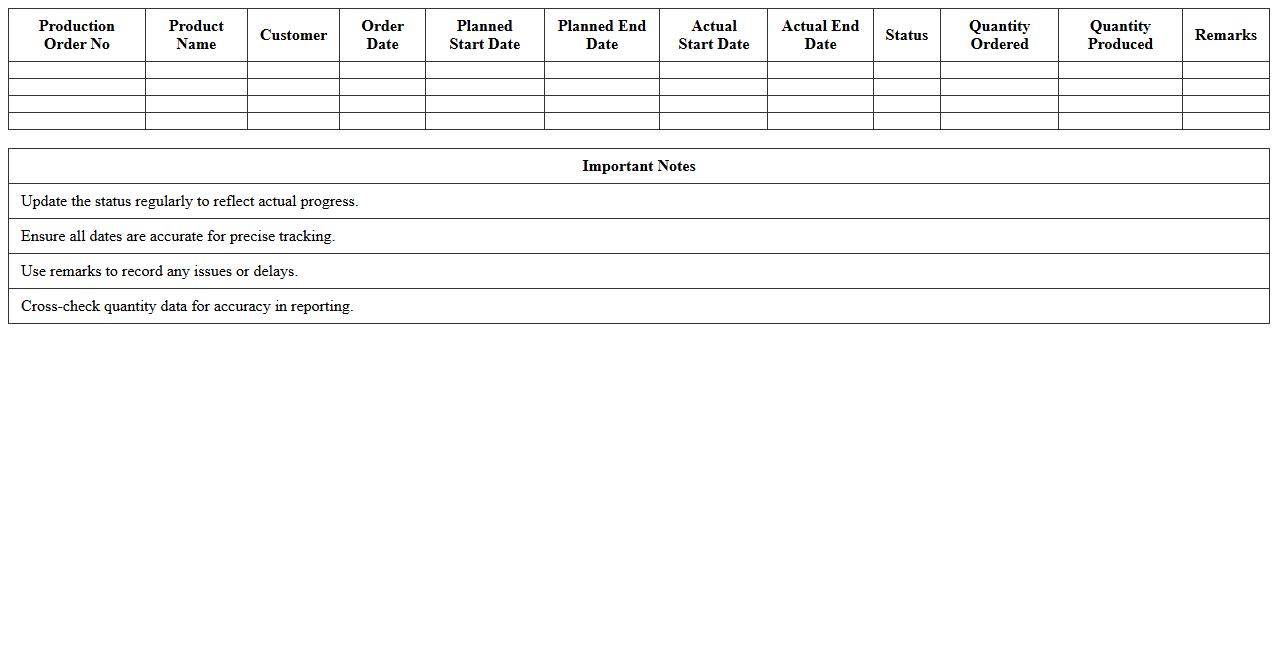
Production Order Tracking Excel Template
A
Production Order Tracking Excel Template document is a structured spreadsheet designed to monitor and manage the progress of manufacturing orders from initiation to completion. It provides real-time visibility into production status, inventory usage, and delivery timelines, enabling efficient resource allocation and minimizing delays. This template helps streamline operations, improve accuracy in order fulfillment, and enhances communication across production teams.
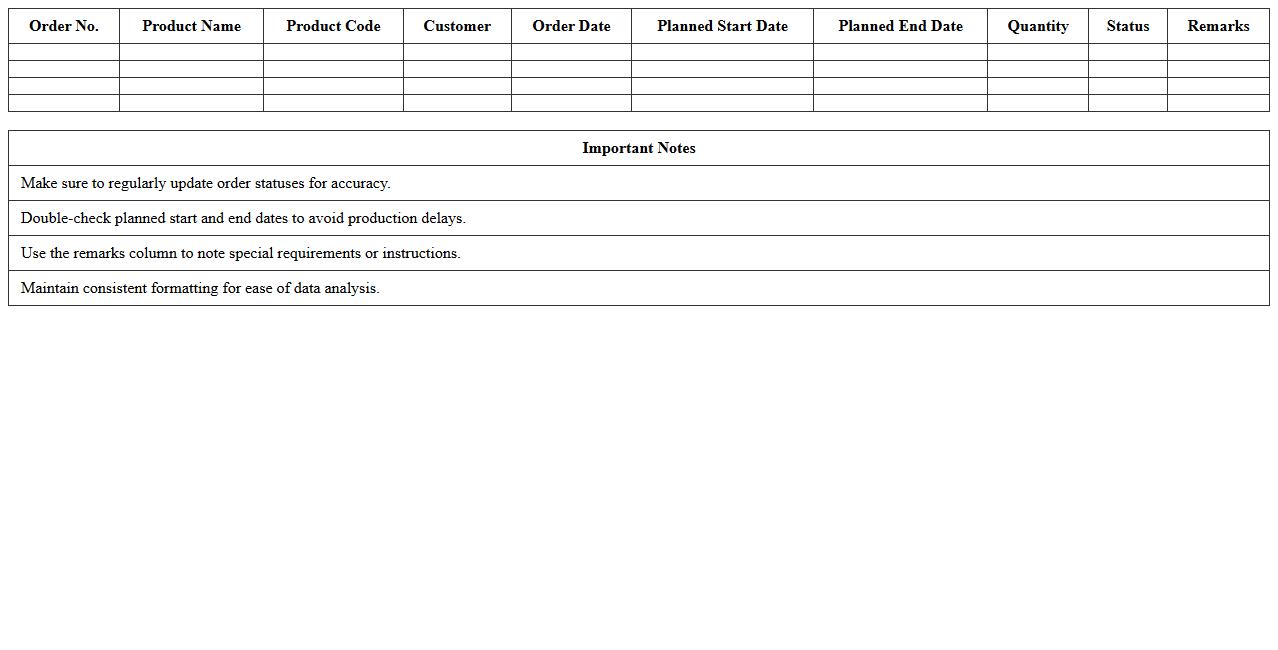
Manufacturing Order Schedule Spreadsheet
A
Manufacturing Order Schedule Spreadsheet is a detailed document that tracks production timelines, resource allocation, and order statuses within a manufacturing process. It helps manufacturers optimize workflow by providing real-time visibility into order progress, material requirements, and delivery deadlines. This tool is essential for improving operational efficiency, reducing delays, and ensuring timely fulfillment of customer orders.
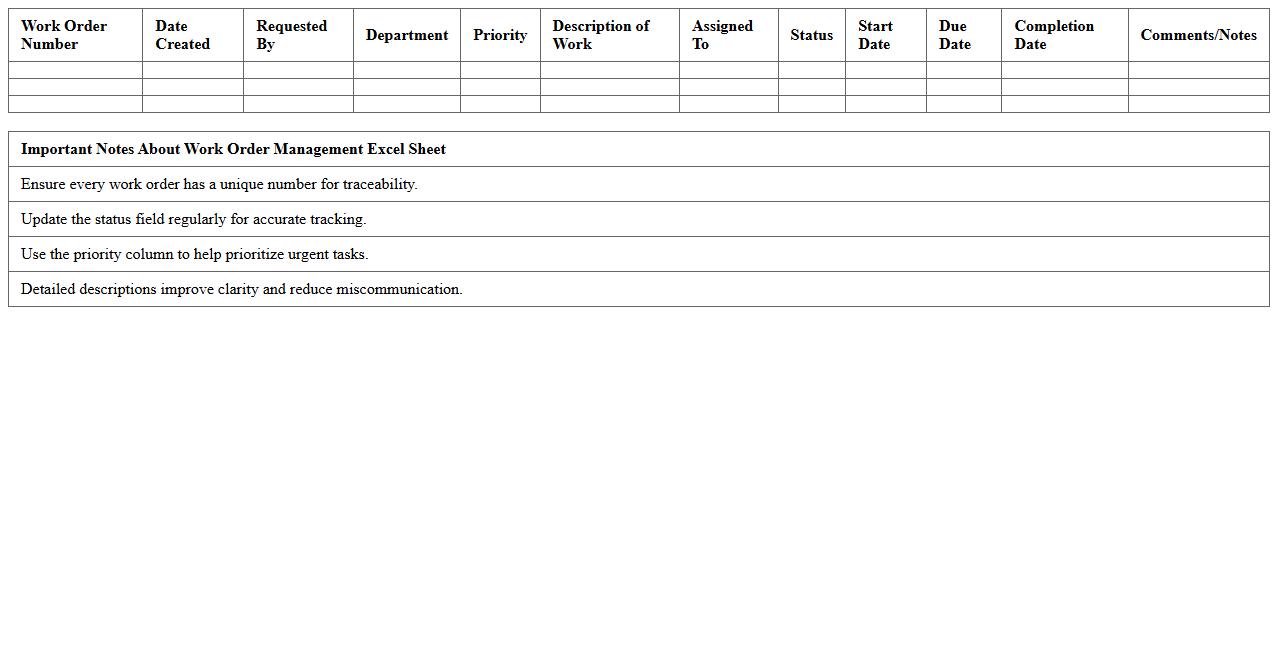
Work Order Management Excel Sheet
A
Work Order Management Excel Sheet is a structured document designed to track, organize, and manage work orders efficiently within an organization. It enables users to monitor job status, allocate resources, schedule tasks, and maintain records of completed and pending work, enhancing overall operational productivity. This tool simplifies communication between departments, reduces errors, and ensures timely execution of maintenance, repairs, or service requests.
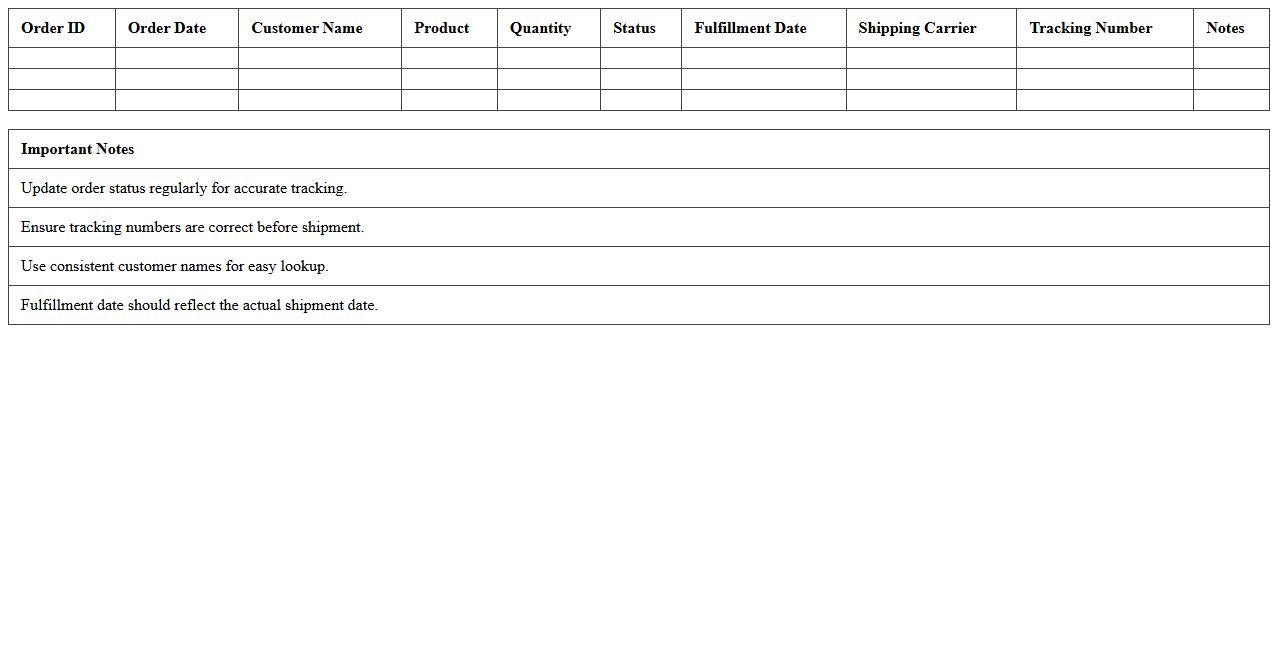
Order Fulfillment Status Tracker
The
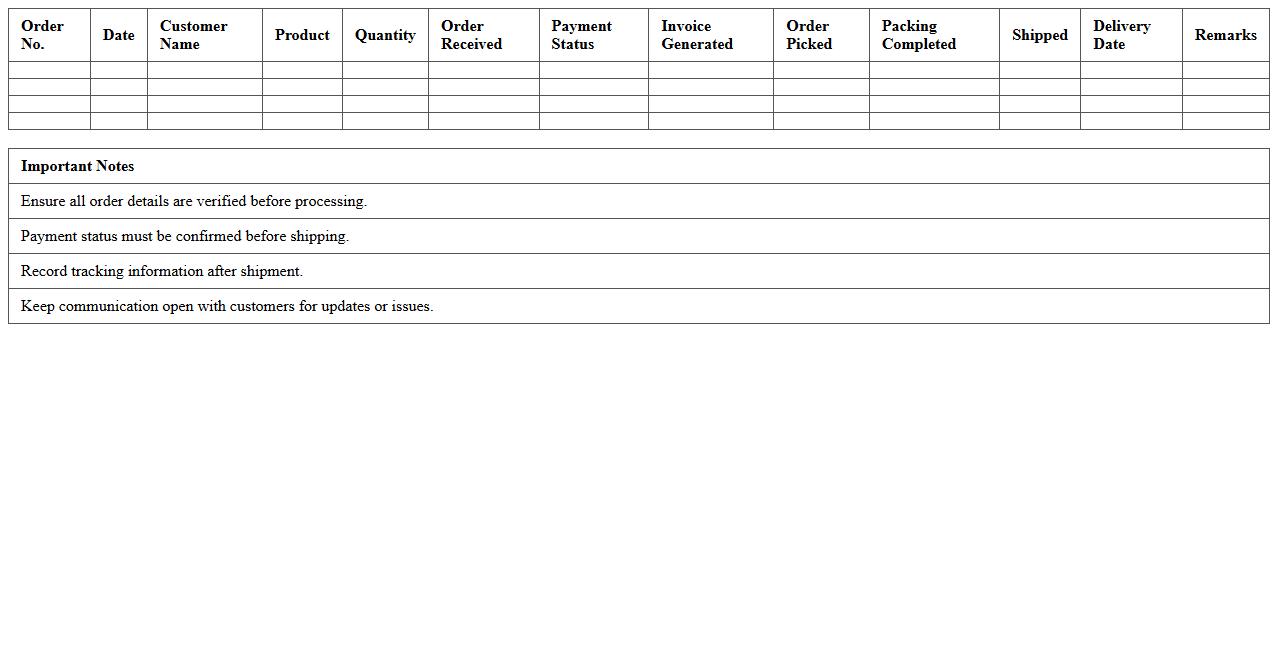
Order Fulfillment Status Tracker document monitors each stage of the order processing cycle, from purchase confirmation to shipment delivery. It provides real-time updates on inventory levels, shipping progress, and expected delivery dates, enabling businesses to optimize supply chain management. This tool enhances customer satisfaction by ensuring accurate order tracking and timely communication.
Manufacturing Sales Order Log
The
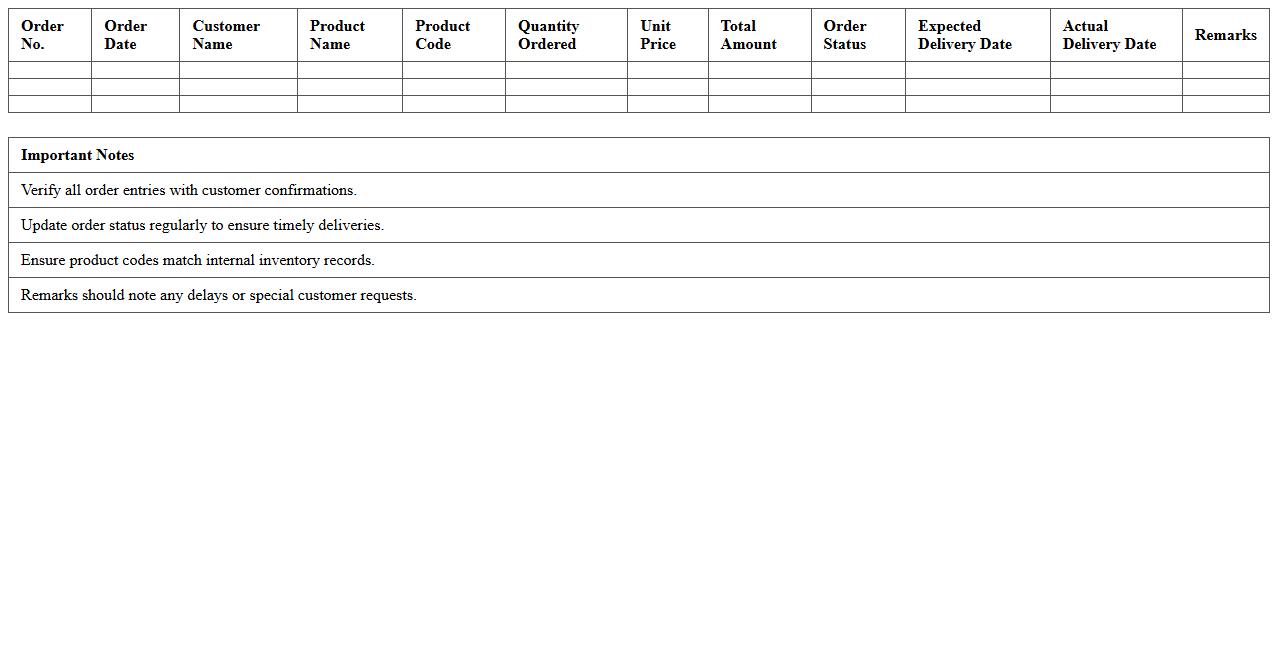
Manufacturing Sales Order Log document records detailed information about each sales order within the manufacturing process, including order numbers, customer details, product specifications, quantities, and delivery dates. This log enables efficient tracking and management of production schedules, ensuring timely fulfillment and reducing errors in order processing. Maintaining an accurate sales order log facilitates better inventory planning, enhanced communication between departments, and improved customer satisfaction.
Order Processing Checklist Template
An
Order Processing Checklist Template is a structured document that outlines each step required to efficiently manage and fulfill customer orders. It helps businesses ensure accuracy, reduce errors, and streamline the entire order fulfillment process by providing a clear guide for tasks such as order verification, inventory checks, packaging, and shipping. Using this template improves operational efficiency, enhances customer satisfaction, and supports consistent quality control throughout the order handling cycle.
Customer Order Management Excel
A
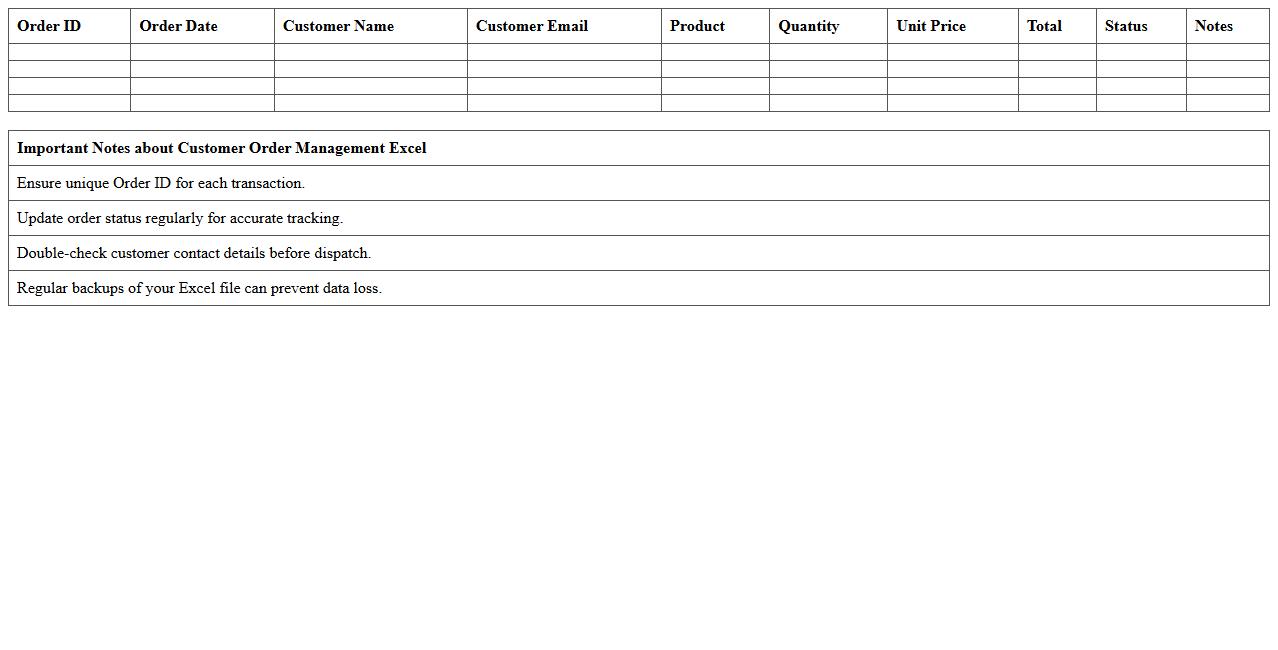
Customer Order Management Excel document is a structured spreadsheet designed to track and organize customer orders efficiently. It allows businesses to monitor order status, manage inventory levels, and streamline the fulfillment process by consolidating all order details in one place. This tool enhances operational efficiency, reduces errors, and improves customer satisfaction by providing clear visibility into order history and delivery timelines.
Order-to-Delivery Tracking Sheet
The
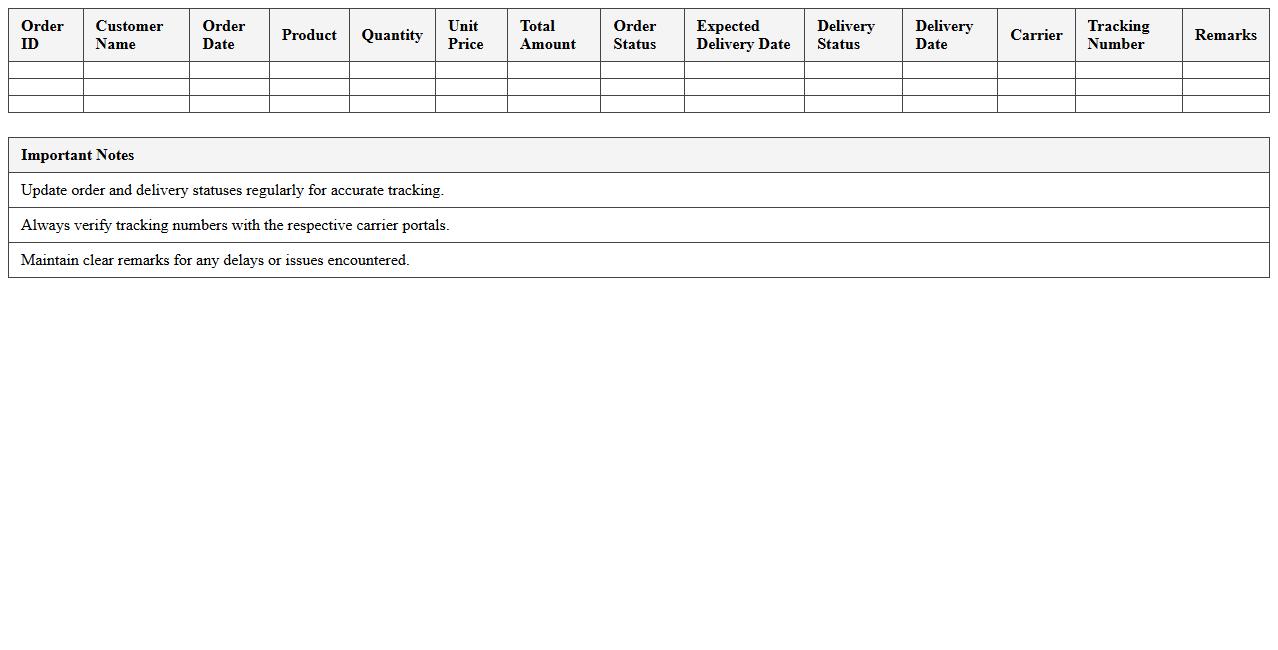
Order-to-Delivery Tracking Sheet is a critical document that monitors the entire process from order placement to final product delivery, ensuring transparency and accountability at each stage. It helps businesses streamline supply chain operations, minimize delays, and enhance customer satisfaction by providing real-time updates on order status, inventory levels, and shipping details. Utilizing this tracking sheet enables efficient communication between departments and supports timely decision-making to optimize delivery performance.
Order Entry & Dispatch Register
The
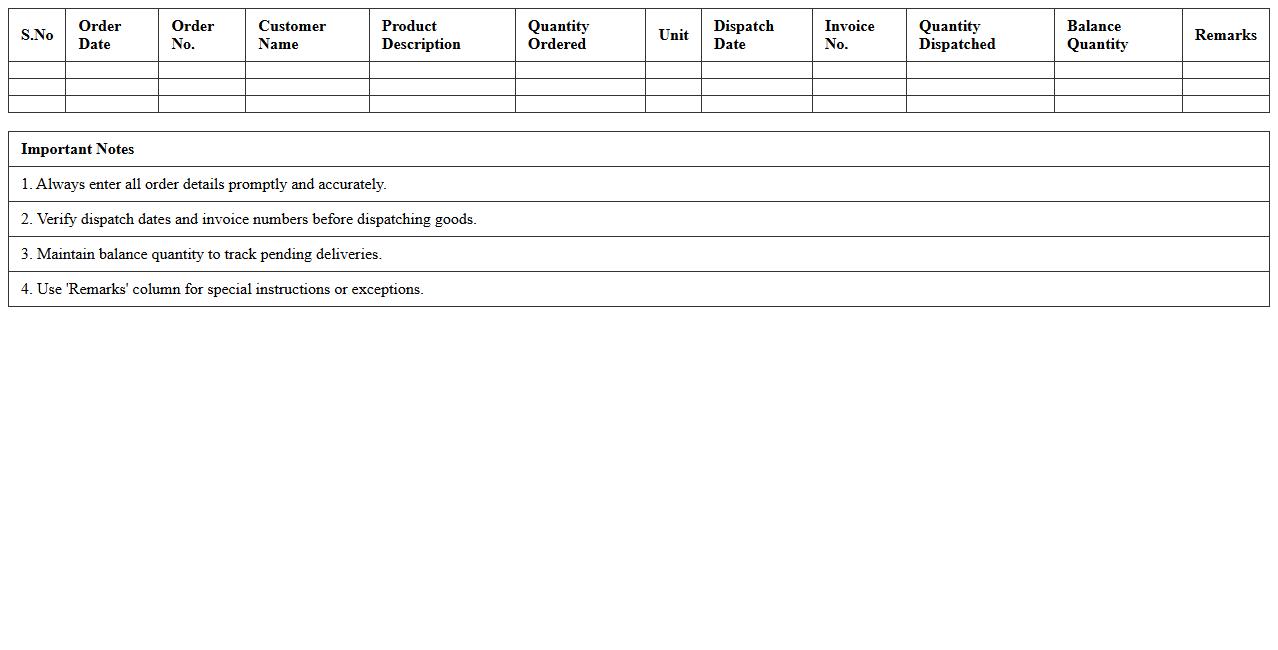
Order Entry & Dispatch Register document records all sales orders received and tracks the dispatch of goods against these orders, ensuring accurate inventory management and timely delivery. It provides clear visibility into order status, helping businesses monitor fulfillment efficiency and identify any discrepancies between orders and shipments. This document is essential for maintaining organized sales records, improving customer satisfaction, and streamlining supply chain operations.
Excel Template for Backorder Monitoring
An
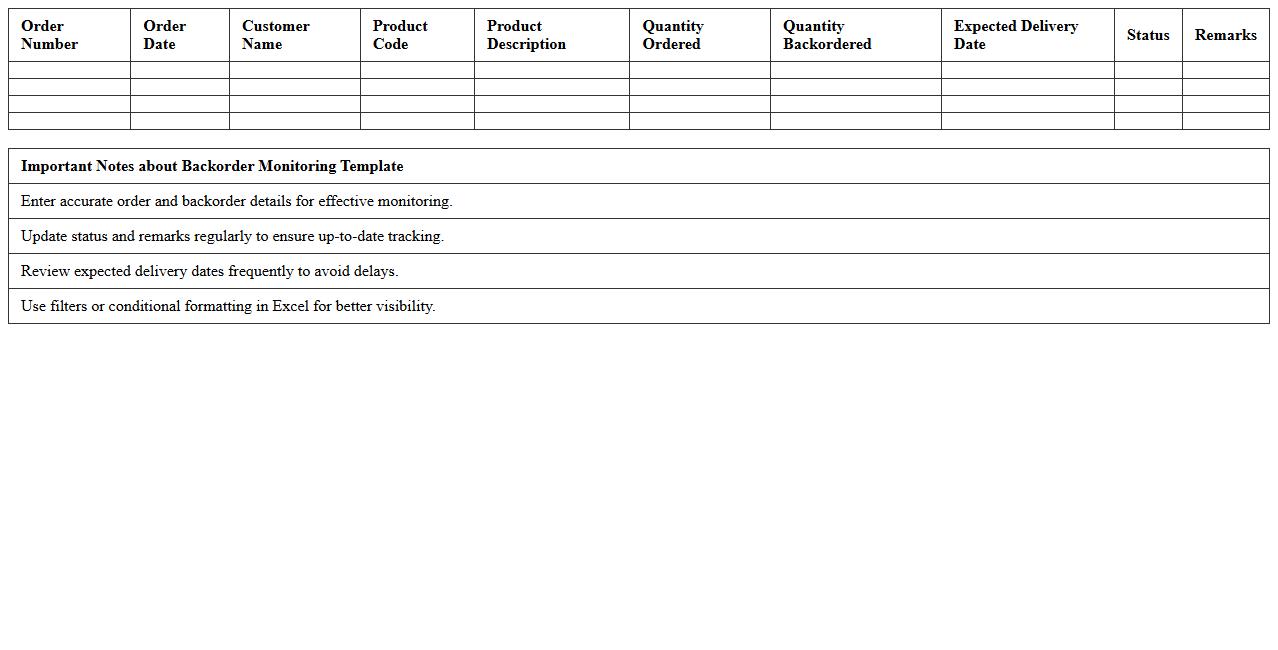
Excel Template for Backorder Monitoring is a pre-designed spreadsheet that tracks and manages pending customer orders that cannot be fulfilled due to inventory shortages. This tool helps businesses maintain real-time visibility into backorder statuses, enabling efficient prioritization and communication with suppliers and customers. It improves inventory management accuracy and reduces fulfillment delays by providing clear insights into stock levels and order backlogs.
How can Excel automate purchase order numbering in manufacturing workflows?
Excel can automate purchase order numbering by using sequential formulas like =MAX() combined with +1 to generate unique IDs. Implementing VBA macros allows for more complex automation, such as resetting numbers by month or order type. This streamlines manufacturing workflows by minimizing manual input errors and speeding up order processing.
What formulas track material shortages in manufacturing order sheets?
Formulas such as =IF() combined with SUMIF() help track material shortages by comparing inventory levels and required quantities. Conditional formatting can visually highlight shortage conditions for immediate attention. These formulas provide real-time insights, enabling timely reordering and efficient inventory management.
How does Excel link BOM (Bill of Materials) to sales orders for real-time updates?
Excel connects the BOM to sales orders using lookup functions like VLOOKUP(), INDEX(), and MATCH(). Dynamic tables and data validation lists ensure any changes in sales orders reflect instantly in BOM calculations. This linkage facilitates accurate material planning and cost estimation throughout the manufacturing process.
Which Excel templates optimize lead time calculation for manufacturing orders?
Templates that incorporate Gantt charts and formula-driven date calculations such as =NETWORKDAYS() effectively optimize lead time calculation. These templates enable tracking of start and end dates across multiple process steps for precise scheduling. Optimized lead time management facilitates better resource allocation and on-time delivery.
How to generate packing and shipping document letters from fulfilled orders in Excel?
Excel can create packing and shipping documents by merging order data into pre-designed templates using VBA or mail merge features. Macros automate the extraction of fulfilled order details for formatted document generation. This approach improves accuracy and reduces manual labor in preparing shipping documentation.