Production Line Task Management Excel Template
The
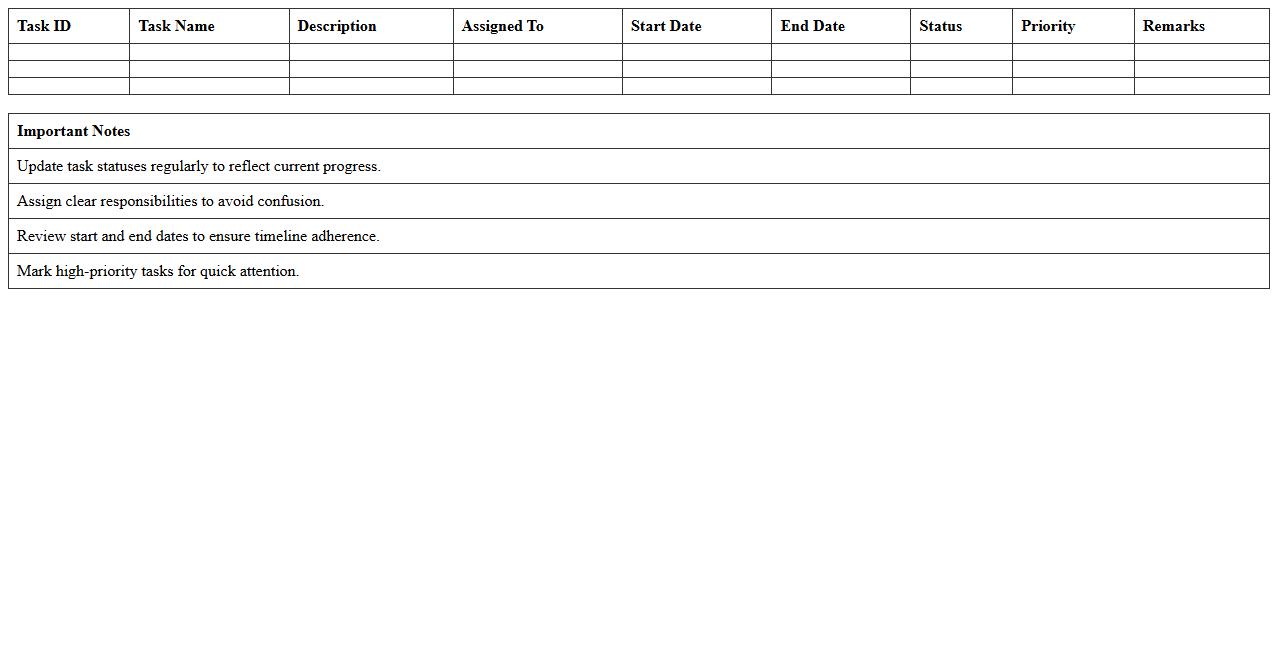
Production Line Task Management Excel Template document is designed to streamline and organize tasks associated with production processes, enabling efficient scheduling, tracking, and resource allocation. It helps monitor each production stage, identify bottlenecks, and ensure deadlines are met by providing a clear overview of task status, assigned personnel, and timelines. This template enhances workflow visibility, improves team coordination, and supports decision-making to maximize productivity and minimize downtime.
Manufacturing Batch Process Tracker Spreadsheet
A
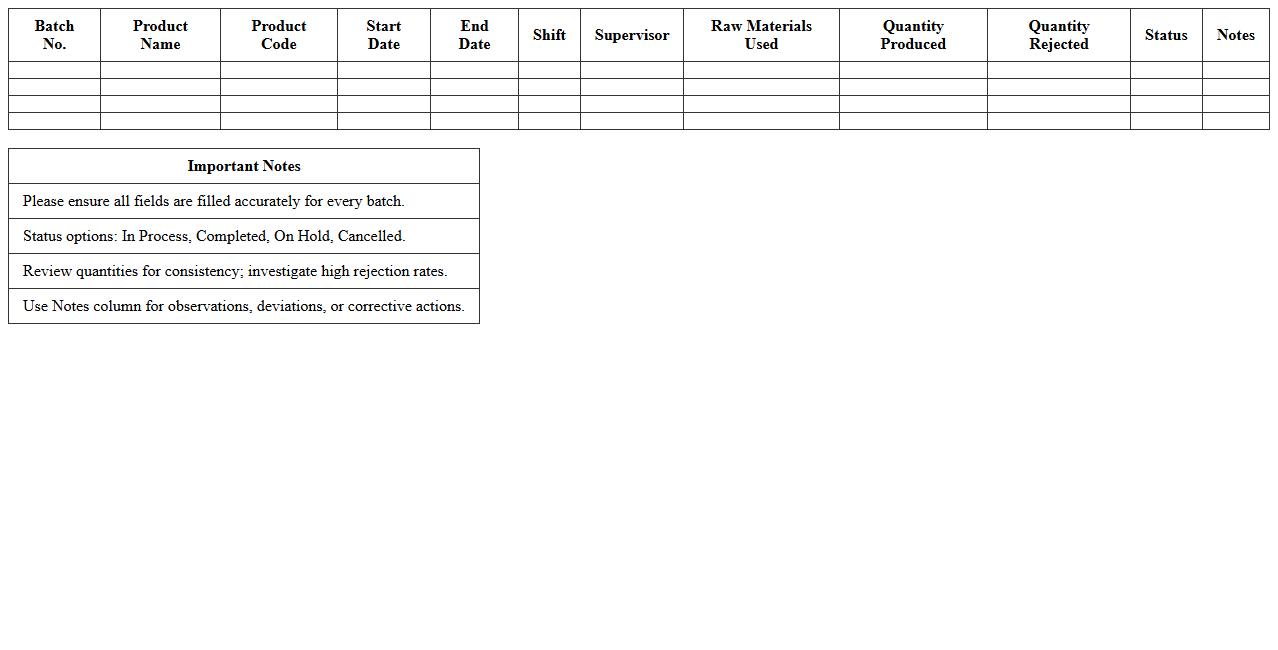
Manufacturing Batch Process Tracker Spreadsheet is a detailed document used to monitor and record the progress of production batches in a manufacturing environment. It helps track key data such as batch numbers, production dates, quality control results, and resource usage, ensuring real-time visibility into the manufacturing process. This tool enhances operational efficiency, reduces errors, and supports compliance with industry standards by providing accurate documentation of each production batch.
Quality Control Audit Checklist Excel Sheet
A
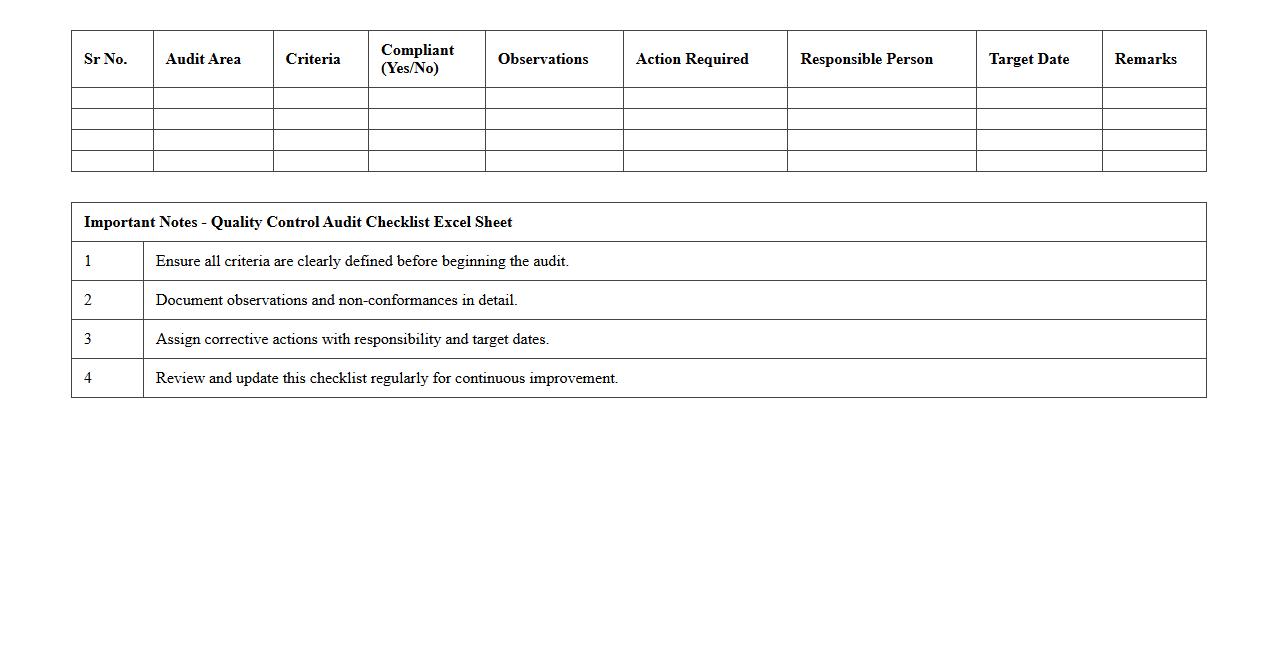
Quality Control Audit Checklist Excel Sheet document serves as a systematic tool designed to ensure compliance with defined quality standards by listing specific criteria and checkpoints for evaluation. It streamlines the auditing process by organizing inspection data, tracking deviations, and facilitating consistent reviews within manufacturing or service environments. This document enhances accuracy, accountability, and efficiency, enabling teams to quickly identify issues, implement corrective actions, and maintain high-quality outputs.
Equipment Maintenance Log Excel Template
An
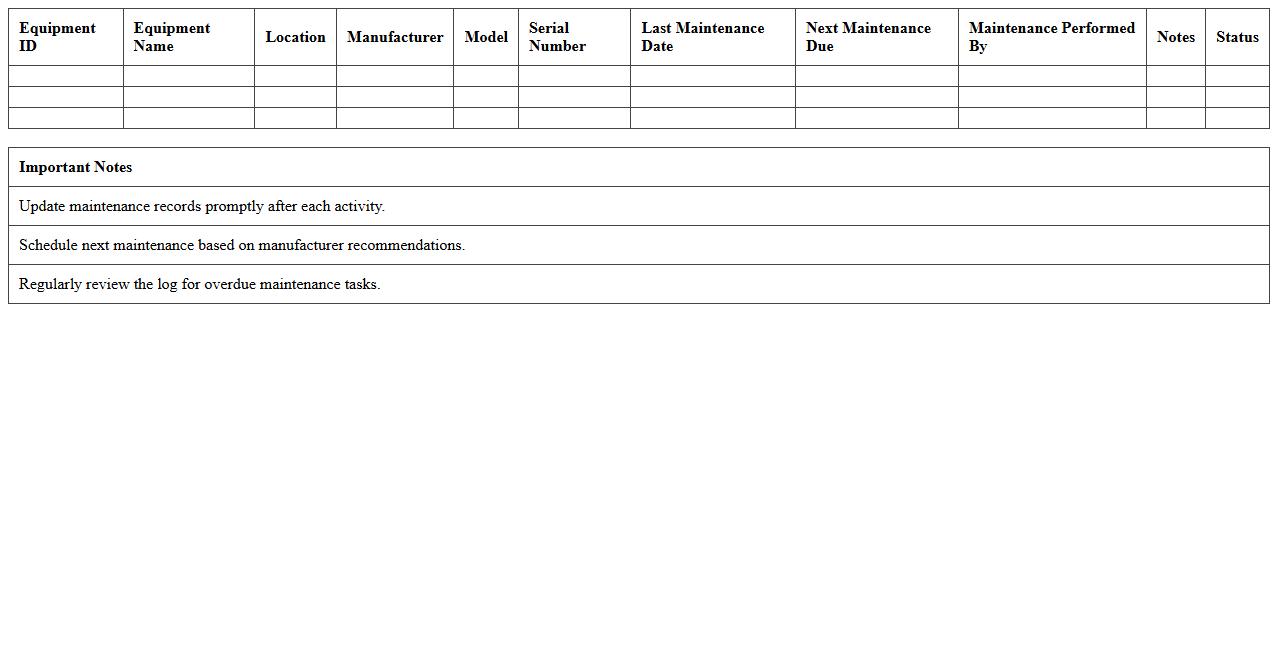
Equipment Maintenance Log Excel Template is a structured spreadsheet designed to systematically record and track maintenance activities for machinery and equipment. It helps businesses monitor service dates, identify recurring issues, and schedule preventative maintenance, reducing downtime and extending asset lifespan. Using this template improves maintenance efficiency, ensures compliance with safety standards, and supports data-driven decision-making for asset management.
Order Fulfillment Workflow Tracker Excel File
The
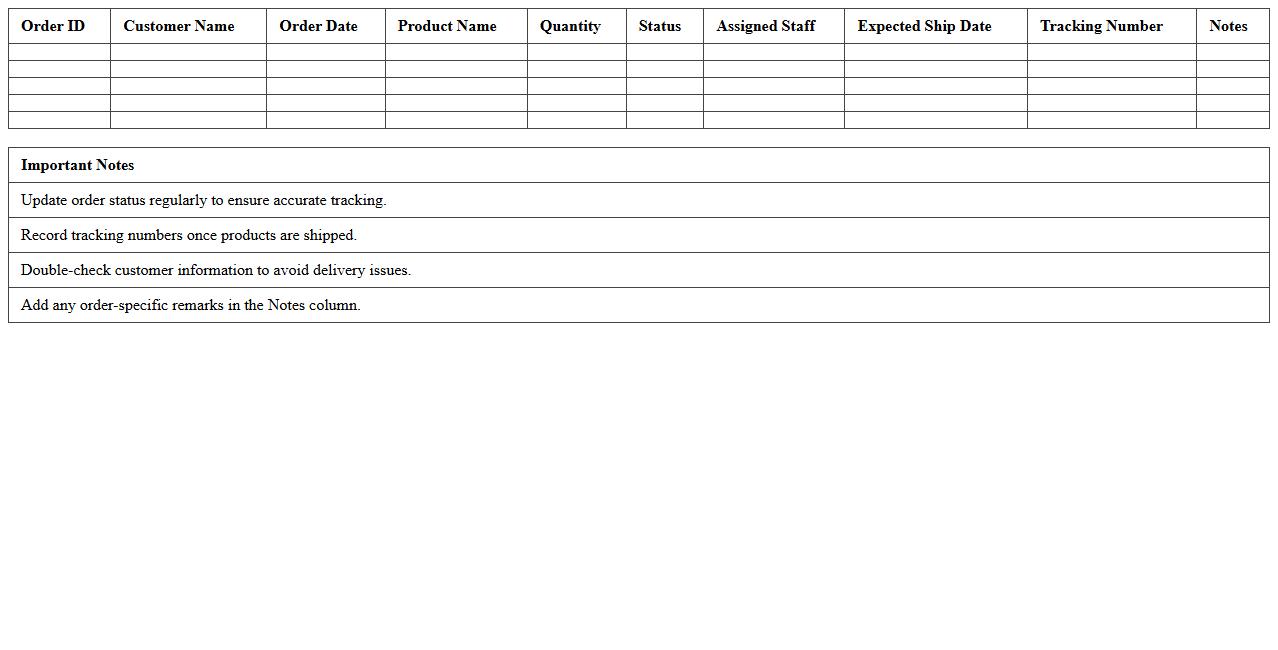
Order Fulfillment Workflow Tracker Excel File document is a comprehensive spreadsheet designed to monitor and manage every stage of the order fulfillment process, from receipt to delivery. It allows businesses to track order status, inventory levels, shipping details, and timelines, ensuring accuracy and efficiency in handling customer orders. This tool enhances operational workflow by providing real-time insights and reducing errors, ultimately improving customer satisfaction and streamlining supply chain management.
Inventory Movement Tracking Excel Spreadsheet
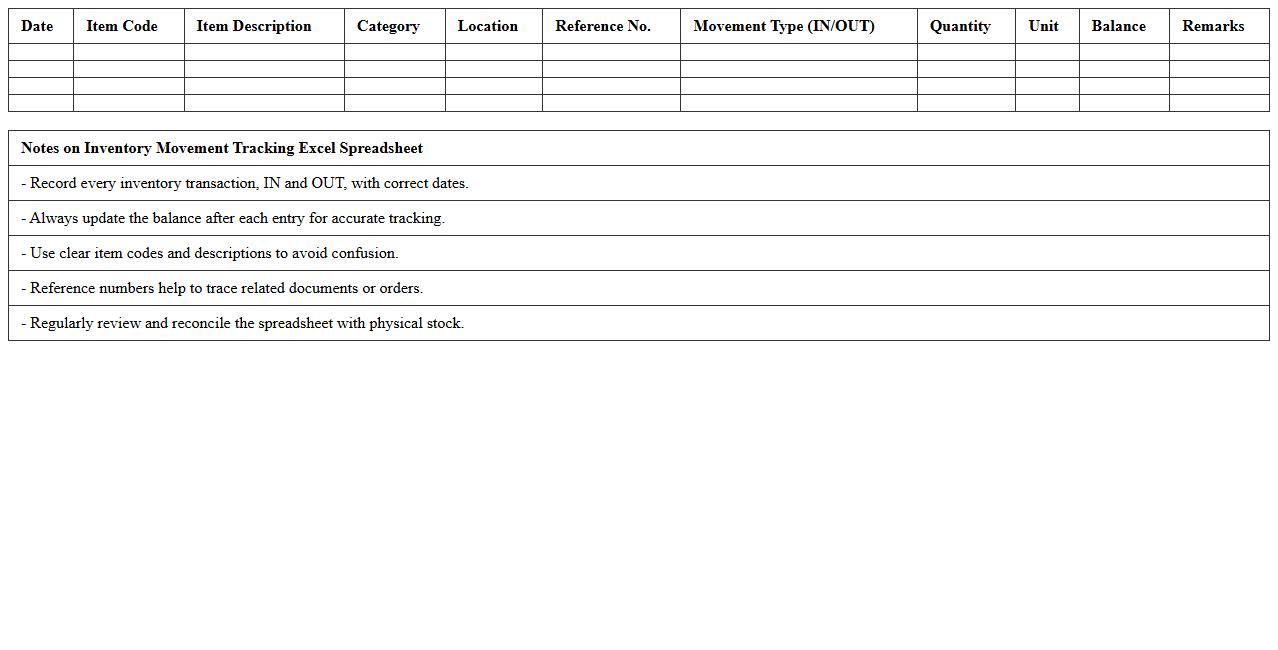
Inventory Movement Tracking Excel Spreadsheet is a powerful tool designed to monitor and record the flow of goods within a business, capturing details such as stock levels, item locations, and transaction dates. This document helps streamline inventory management by providing real-time data insights, reducing stock discrepancies, and enhancing order accuracy. Using an
Inventory Movement Tracking Excel Spreadsheet enables efficient control over supply chain processes, minimizes losses, and supports better decision-making for restocking and demand forecasting.
Shift Handover Report Excel Template for Manufacturing
A
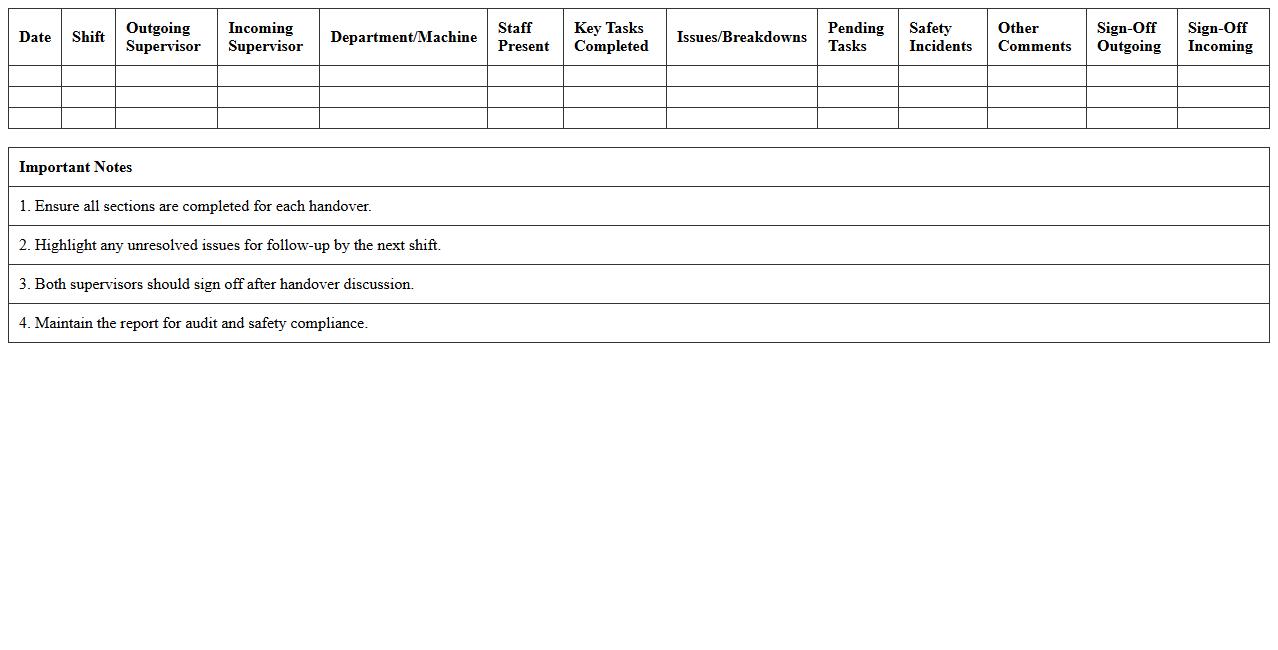
Shift Handover Report Excel Template for manufacturing is a structured document designed to seamlessly transfer critical information between shifts, ensuring continuity and operational efficiency on the production floor. This template captures key data such as production output, equipment status, quality control observations, safety incidents, and pending tasks, facilitating clear communication and accountability among shift teams. Utilizing this report enhances productivity by minimizing errors, reducing downtime, and supporting data-driven decision-making in manufacturing environments.
Raw Material Usage Monitoring Excel Sheet
A
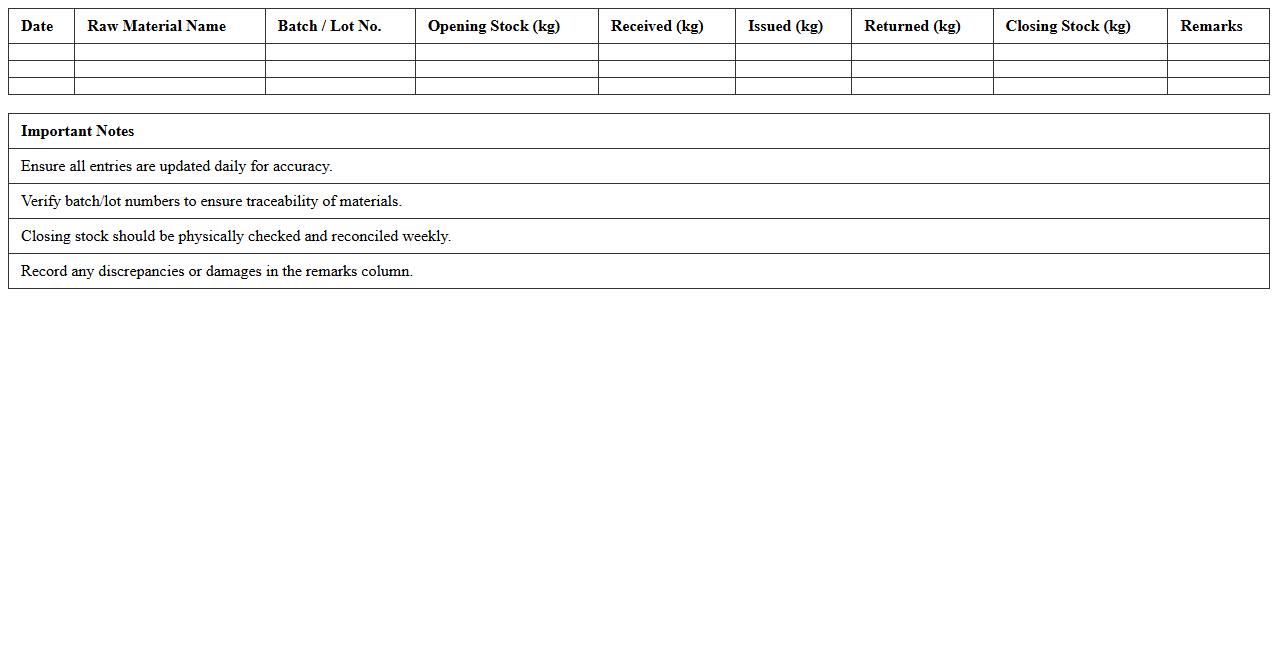
Raw Material Usage Monitoring Excel Sheet document is a tool designed to track and analyze the consumption of raw materials within a production process. It helps businesses maintain accurate inventory levels, reduce waste, and optimize procurement by providing detailed insights into material usage patterns. By facilitating real-time monitoring and reporting, this document supports efficient resource management and cost control.
Machine Downtime Analysis Excel Tracker
The
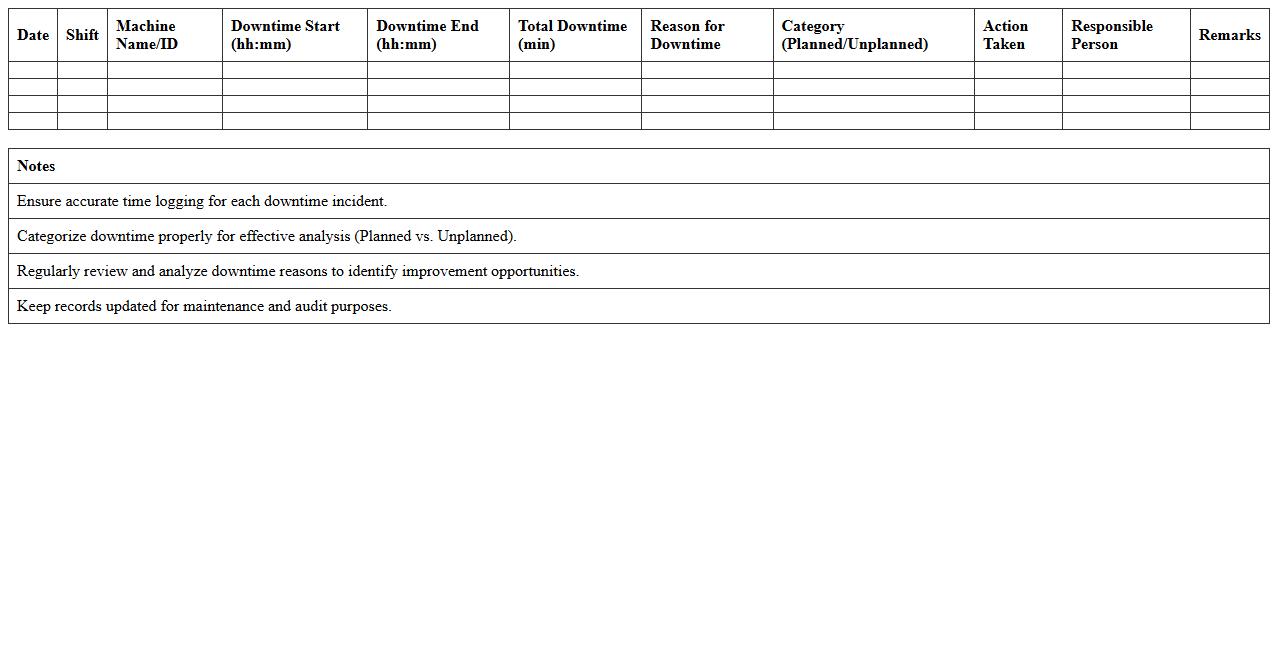
Machine Downtime Analysis Excel Tracker document is a powerful tool designed to record, monitor, and analyze periods when machinery is not operational. It helps identify patterns and root causes of downtime, enabling businesses to implement targeted maintenance strategies and improve overall equipment efficiency. By leveraging this tracker, companies can reduce production delays, optimize resource allocation, and enhance productivity metrics.
Shop Floor Activity Schedule Excel Template
The
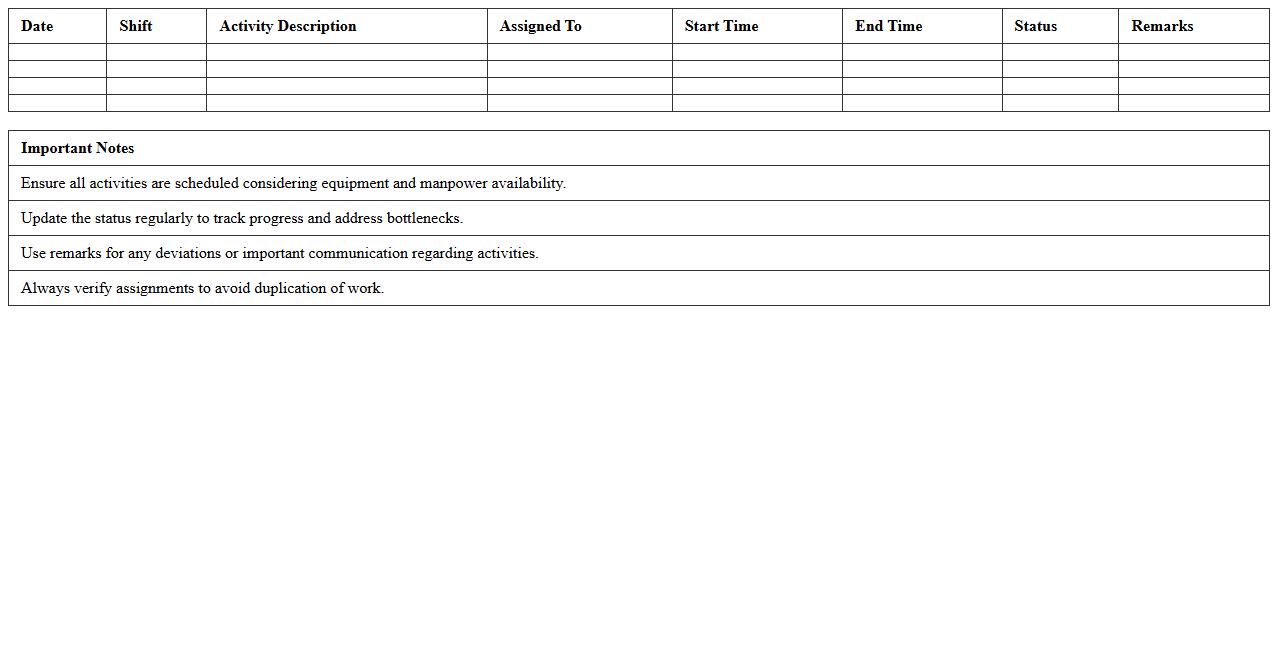
Shop Floor Activity Schedule Excel Template is a structured spreadsheet designed to organize and track daily manufacturing activities on the shop floor, including machine operation times, workforce allocation, and production targets. This document helps managers improve workflow efficiency, identify bottlenecks, and ensure timely completion of tasks by providing a clear visual representation of schedules and resource usage. It enhances operational control, supports data-driven decision-making, and facilitates communication between production teams.
How can engineers automate defect logging in a Manufacturing Workflow Tracker Excel sheet?
Engineers can automate defect logging in Excel by using VBA macros that trigger upon data entry. This automation captures defect details without manual input, ensuring accuracy and speed. Additionally, integrating drop-down menus and data validation enhances the consistency of logged defects.
What advanced formulas optimize real-time inventory updates for engineering workflows?
Advanced Excel formulas like SUMIFS, INDEX-MATCH, and dynamic array functions enable precise real-time inventory tracking. These formulas dynamically calculate available stock and update values as transactions occur. Leveraging these functions minimizes errors and keeps engineering workflows seamless.
How do you integrate BOM (Bill of Materials) tracking within the workflow Excel?
Integrating BOM tracking involves creating linked tables that map components to assemblies in the Excel sheet. Using relational formulas like VLOOKUP or XLOOKUP, engineers can associate each workflow stage with its specific materials. This method streamlines component tracking and inventory management.
Which conditional formatting highlights process bottlenecks for engineers in Excel trackers?
Conditional formatting rules such as color scales, data bars, or icon sets highlight workflow delays effectively. Setting thresholds for parameters like task duration or queue length visually flags bottlenecks. This visual aid assists engineers in promptly identifying critical process interruptions.
How can engineers link machine maintenance schedules to workflow stages in the tracker?
Engineers can link maintenance schedules to workflow stages by embedding maintenance dates and alerts within the Excel tracker. Using formulas to compare current dates with scheduled maintenance triggers timely notifications. This integration helps avoid machine downtime and maintain smooth operations.