The Manufacturing Excel Template for Quality Control streamlines the tracking and analysis of production quality metrics, enabling manufacturers to maintain high standards efficiently. This template includes customizable fields for defect tracking, process monitoring, and corrective actions. Empower your quality assurance team with real-time insights and organized data to reduce errors and improve product consistency.
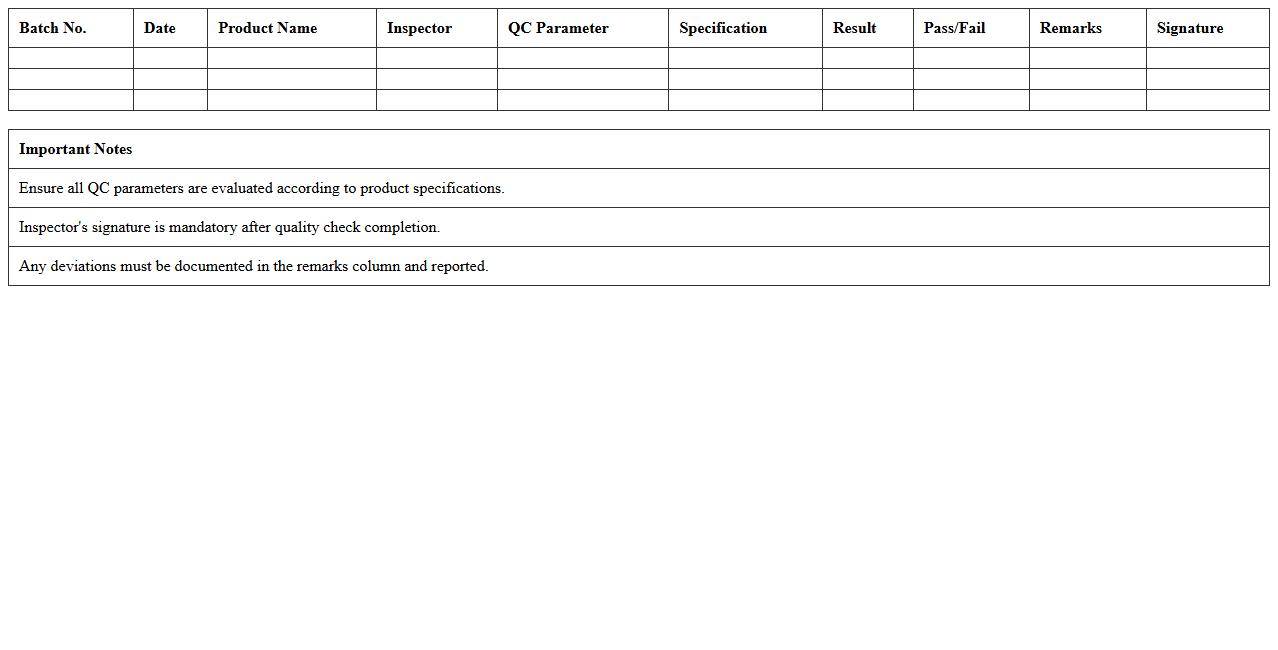
Batch-wise Quality Control Checklist Excel Template
The
Batch-wise Quality Control Checklist Excel Template document is a structured tool designed to systematically track and monitor quality parameters for each production batch, ensuring consistency and compliance with industry standards. It allows manufacturers to record inspection results, identify defects, and maintain detailed quality logs, facilitating timely corrective actions and reducing product recalls. By organizing quality data in a clear, accessible format, this template enhances process transparency, supports regulatory audits, and drives continuous improvement in manufacturing operations.
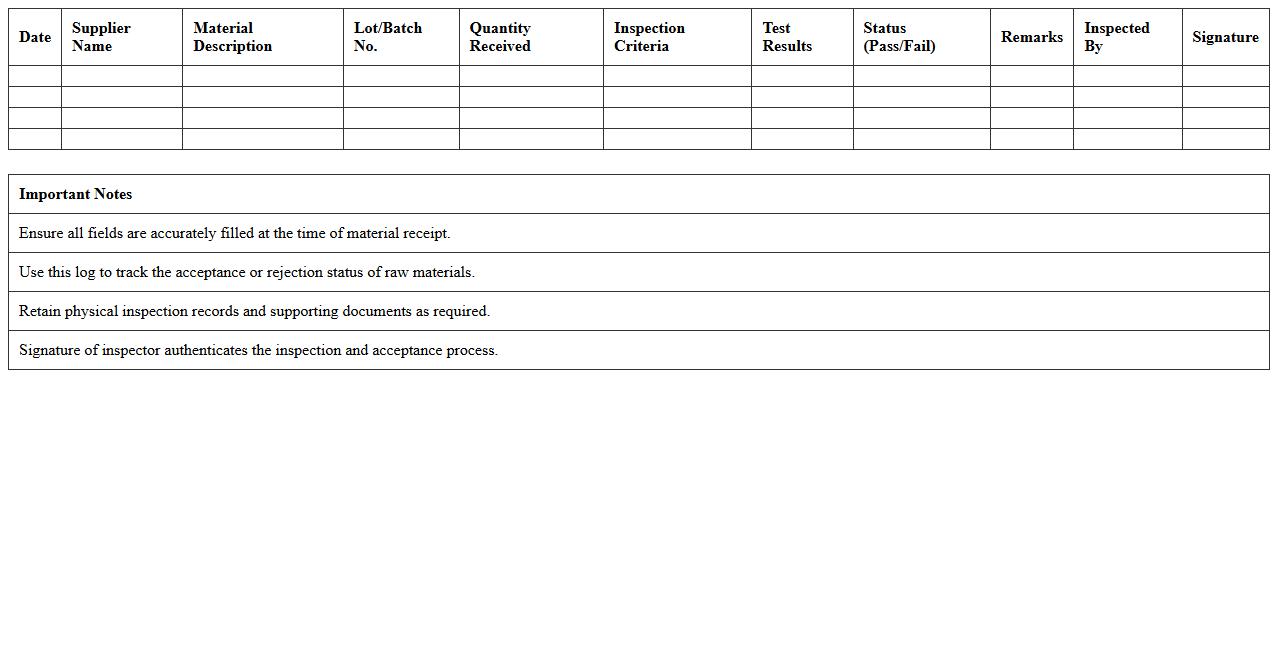
Raw Material Inspection Log Excel Template
The
Raw Material Inspection Log Excel Template document is designed to systematically record and track the quality and specifications of raw materials received in a manufacturing process. It helps ensure compliance with industry standards by documenting inspection results, identifying defects, and facilitating timely corrective actions. This template improves inventory accuracy, streamlines quality control processes, and enhances overall production efficiency.
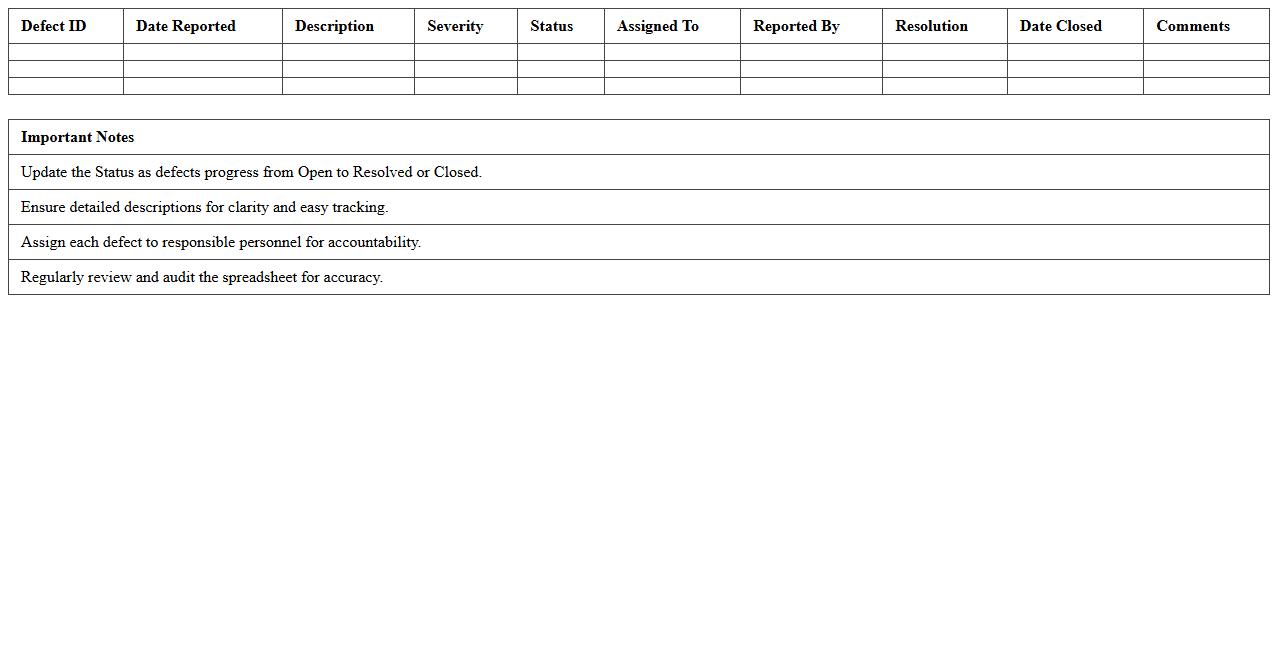
Product Defect Tracking Spreadsheet
A
Product Defect Tracking Spreadsheet is a structured document designed to systematically record, monitor, and analyze defects found in products during development or after release. It enables teams to prioritize defect resolution by capturing critical data such as defect type, severity, status, and responsible personnel. This tool enhances quality control and improves product reliability by providing clear visibility into defect trends and progress over time.
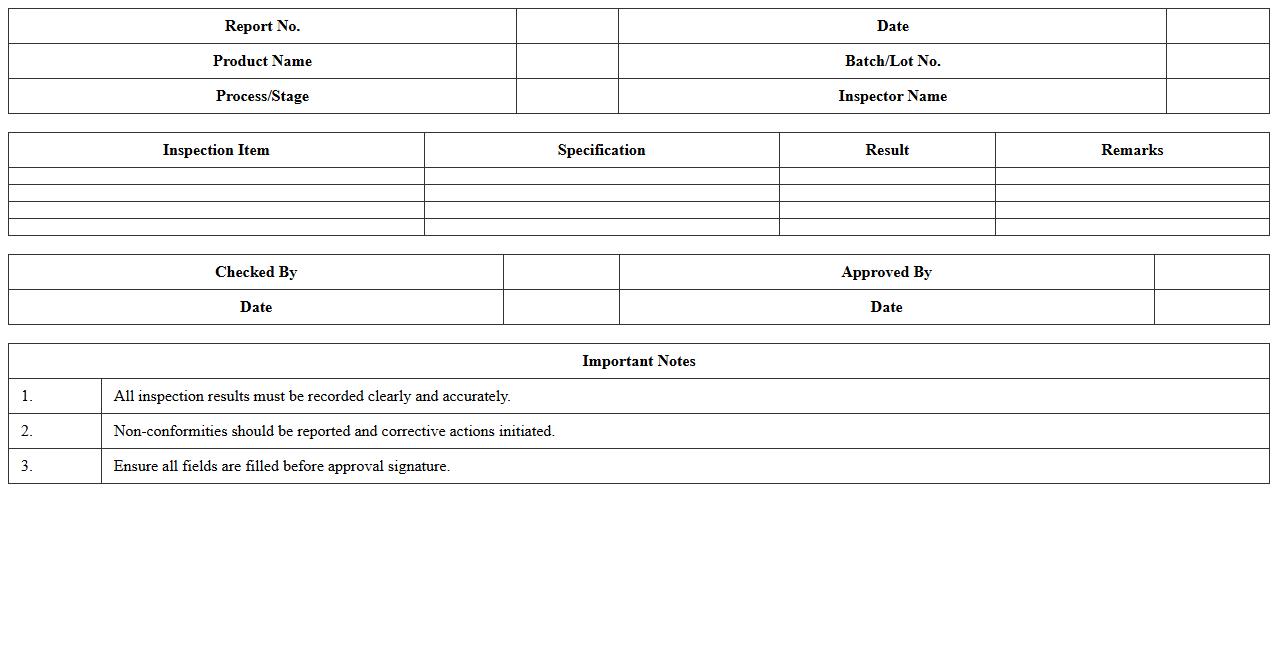
In-Process Quality Inspection Report Excel
The
In-Process Quality Inspection Report Excel document is a detailed record used to monitor and document quality checks performed during the manufacturing or production process. It helps identify defects or deviations in real-time, enabling prompt corrective actions and minimizing waste. By systematically capturing inspection data, this report ensures consistent product quality and supports compliance with industry standards.
Final Product Quality Audit Sheet
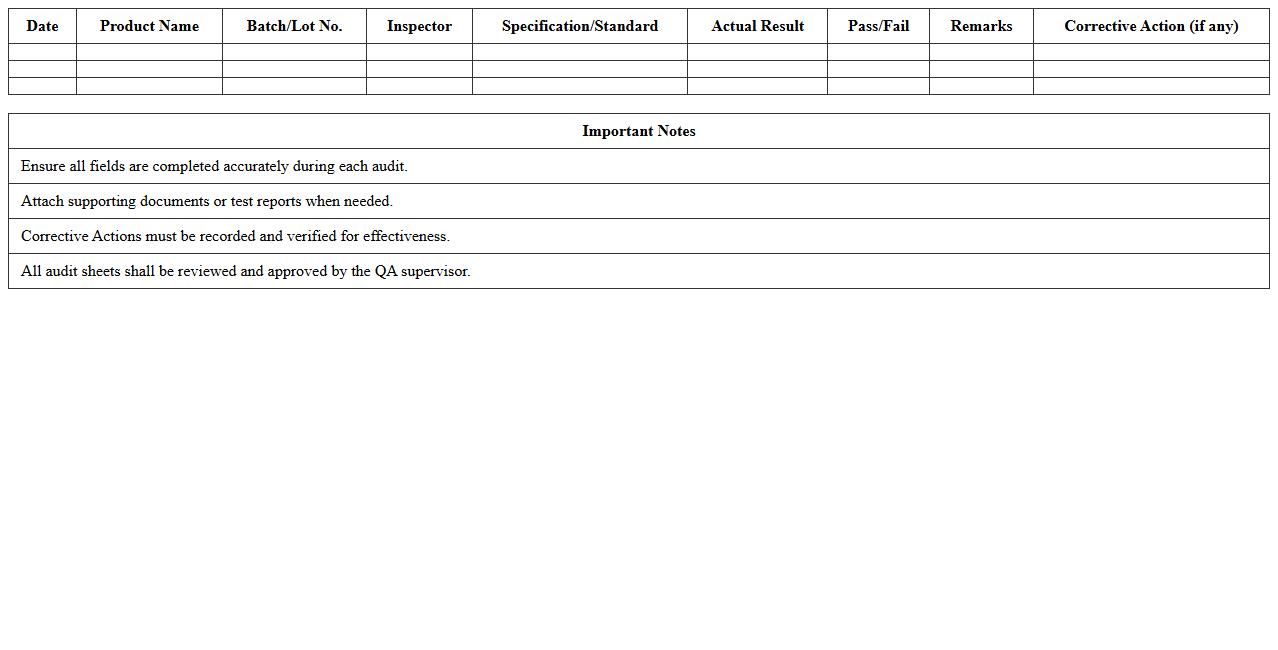
The
Final Product Quality Audit Sheet is a detailed document used to systematically verify the quality standards of a finished product before it reaches the customer. It records various inspection criteria, ensuring compliance with specification requirements and identifying any defects or non-conformities. This document aids in maintaining consistent product quality, reduces the risk of returns, and supports continuous improvement efforts within manufacturing or production processes.
Quality Control Non-Conformance Register Template
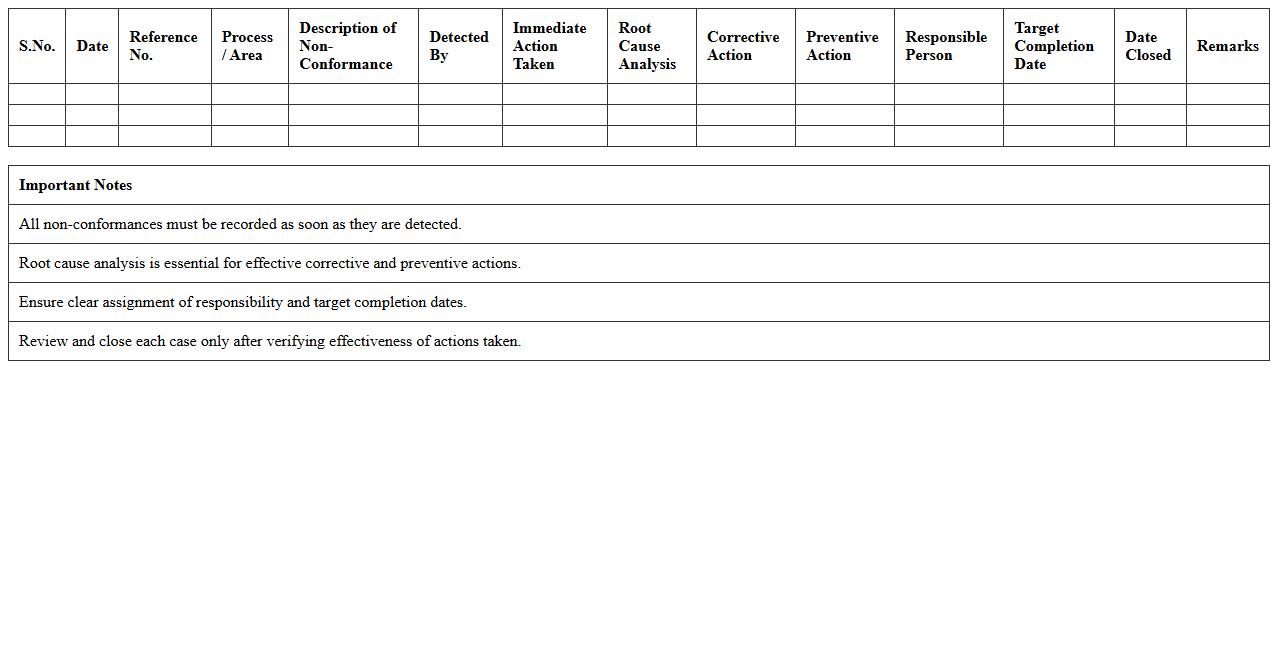
A
Quality Control Non-Conformance Register Template document is a structured tool used to systematically record and track instances where products or processes fail to meet specified quality standards. This template enables organizations to identify, analyze, and address non-conformances efficiently, ensuring continuous improvement in quality management systems. By maintaining detailed records, it facilitates accountability, supports root cause analysis, and helps prevent recurrence of defects, ultimately enhancing overall operational performance and compliance.
Manufacturing Process Capability Analysis Excel
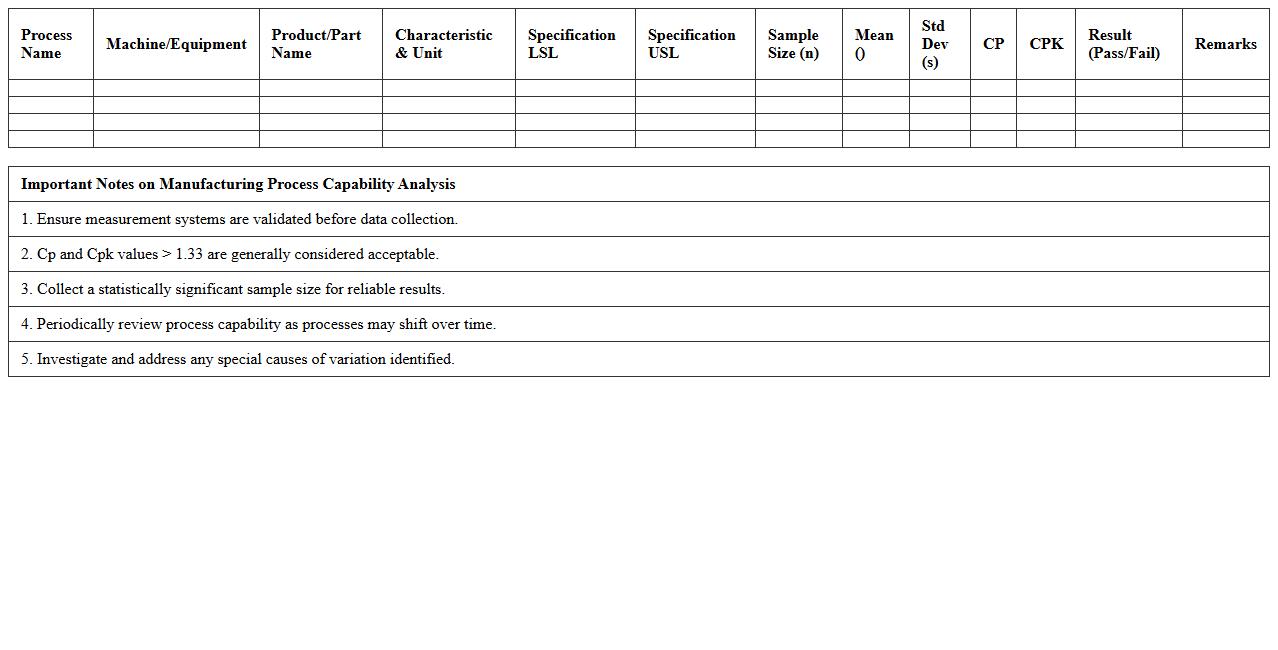
Manufacturing Process Capability Analysis Excel document is a powerful tool used to evaluate the performance and consistency of manufacturing processes by analyzing key metrics such as Cp, Cpk, Pp, and Ppk. This document enables manufacturers to identify variations, assess process stability, and ensure products meet quality standards, ultimately reducing defects and increasing efficiency. Utilizing
Manufacturing Process Capability Analysis helps in making data-driven decisions to optimize production and maintain competitive advantage.
Quality Control Sampling Plan Spreadsheet
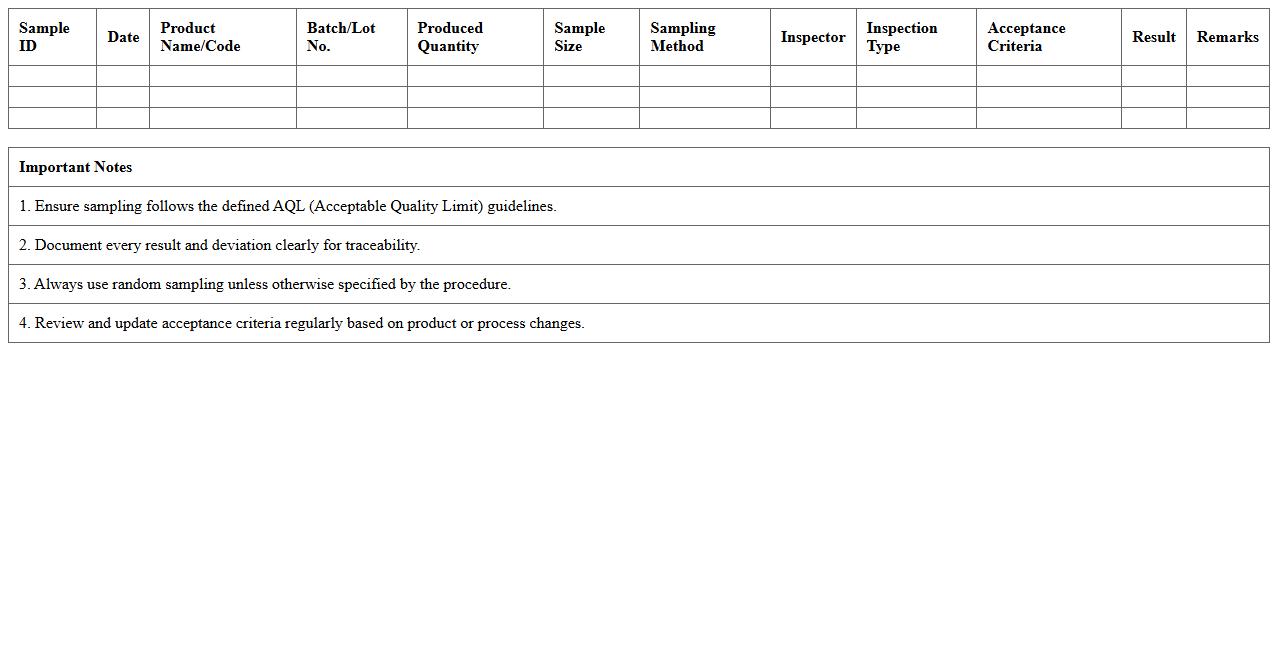
A
Quality Control Sampling Plan Spreadsheet document is a structured tool that helps businesses systematically select and analyze product samples to ensure compliance with quality standards. It organizes sampling data, inspection procedures, and acceptance criteria, enabling efficient tracking of defects and process variations. By using this spreadsheet, companies can reduce inspection time, improve decision-making accuracy, and maintain consistent product quality.
Supplier Quality Assessment Tracker Excel
The
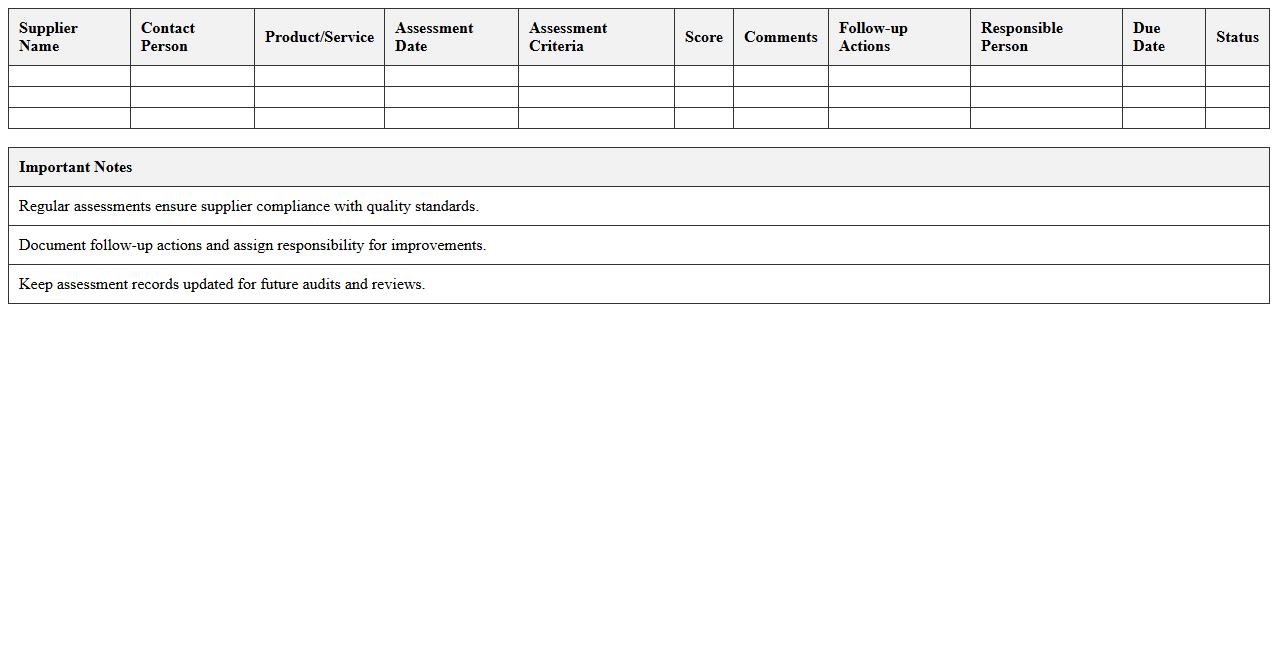
Supplier Quality Assessment Tracker Excel is a comprehensive tool designed to evaluate and monitor supplier performance across various quality metrics. It enables businesses to systematically track compliance, identify potential risks, and ensure suppliers meet established standards, thereby enhancing supply chain reliability. This tracker supports informed decision-making by providing clear, organized data that helps improve product quality and vendor relationships.
Corrective Action Tracking Log Excel Template
The
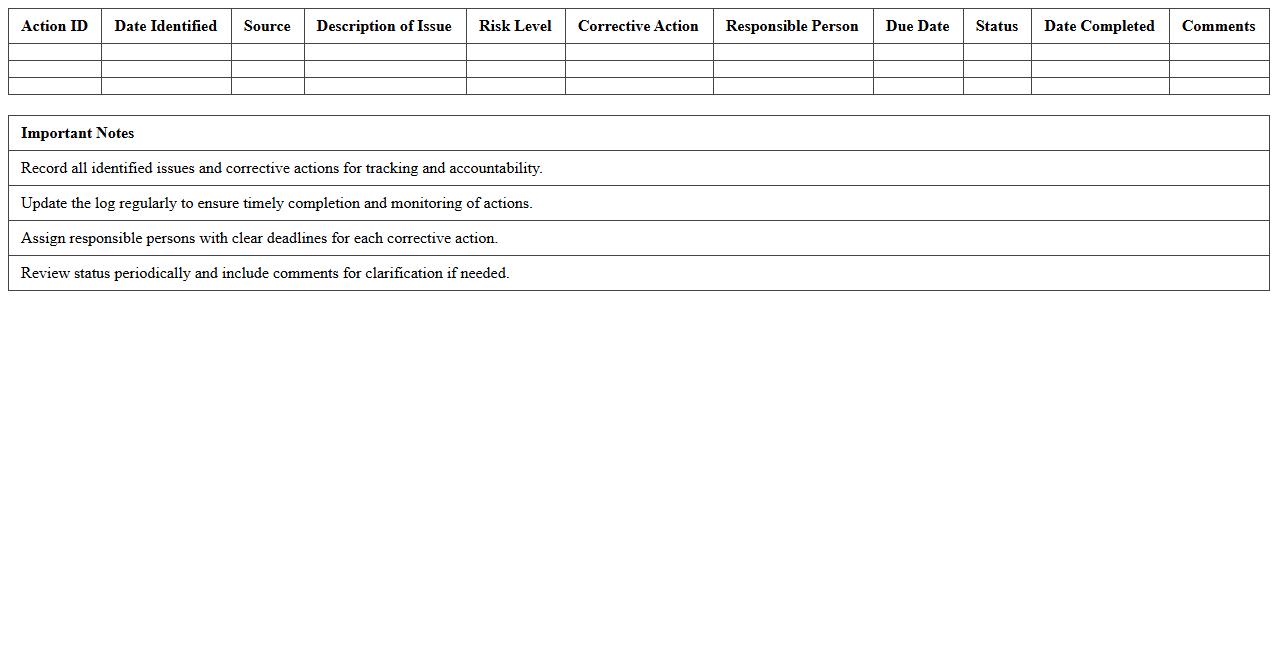
Corrective Action Tracking Log Excel Template is a structured document designed to record, monitor, and manage corrective actions within a project or organizational process. It helps track the status, deadlines, responsibilities, and outcomes of identified issues to ensure timely resolution and continuous improvement. This template enhances accountability, improves communication among teams, and supports compliance with quality management standards.
How can I automate defect tracking in manufacturing using Excel formulas?
Automating defect tracking in manufacturing with Excel formulas begins by setting up a structured data input sheet. Use IF, COUNTIF, and SUMIF formulas to categorize defects and calculate their frequencies automatically. These formulas help identify patterns and enable quick reporting without manual data entry.
What are the best Excel templates for monitoring production batch quality?
The best Excel templates for monitoring production batch quality include dashboards that feature pivot tables and conditional formatting. Templates with built-in data validation ensure accurate entries for batch numbers, defect counts, and timestamps. Choose templates that allow customizable columns for metrics like yield rate, defect rate, and batch status for comprehensive quality control.
How do I generate real-time SPC (Statistical Process Control) charts in Excel?
To generate real-time SPC charts in Excel, set up dynamic data ranges using Excel tables or named ranges. Use the LINE chart type combined with conditional formatting to highlight control limits and out-of-control points. Integrate formulas such as AVERAGE and STDEV to calculate control limits automatically from live data.
Which Excel functions help analyze root causes of quality failures?
Excel functions like VLOOKUP, INDEX MATCH, and PIVOT TABLES are essential in analyzing root causes of quality failures. The IFERROR and FILTER functions assist in cleaning data and isolating failure patterns. Combining these tools with charts and conditional formatting uncovers key defect contributors efficiently.
How can I set up automated alerts in Excel for out-of-spec product data?
Automated alerts for out-of-spec product data in Excel can be created using conditional formatting to highlight anomalies instantly. Use the IF function alongside data validation rules to flag values outside acceptable ranges. For proactive notifications, integrate Excel with VBA macros to display message boxes or send email alerts based on defect thresholds.
More Manufacturing Excel Templates