Manufacturing Product Inspection Checklist Excel Template
The
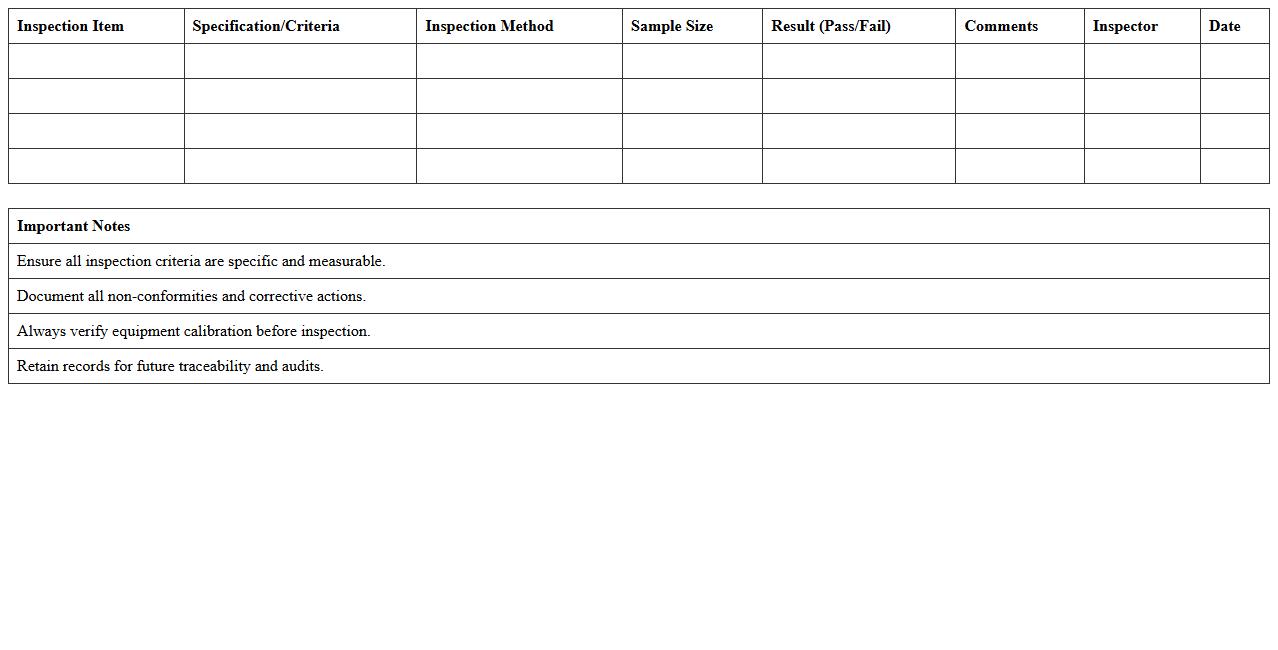
Manufacturing Product Inspection Checklist Excel Template document serves as a structured tool to systematically verify product quality and adherence to specifications during the manufacturing process. It enables consistent tracking of inspection criteria, defects, and corrective actions, ensuring compliance with industry standards and reducing the risk of defective products reaching customers. Utilizing this template improves operational efficiency, quality control, and facilitates clear communication across production and quality assurance teams.
Quality Control Inspection Report Excel Sheet
A
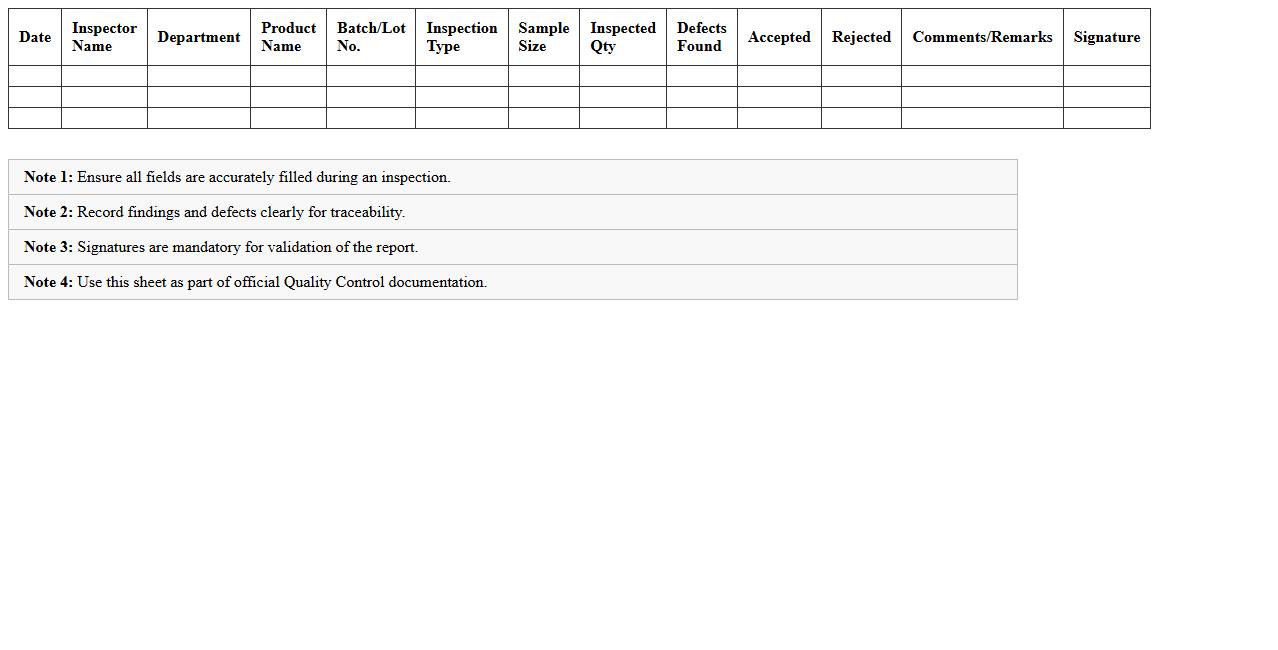
Quality Control Inspection Report Excel Sheet is a structured document used to record, analyze, and track the quality of products or services during the inspection process. It allows teams to systematically document inspection results, identify defects, and ensure compliance with quality standards. By using this Excel sheet, businesses can enhance accuracy, streamline quality assurance workflows, and drive continuous improvement in production efficiency.
Production Batch Quality Inspection Log Template
The
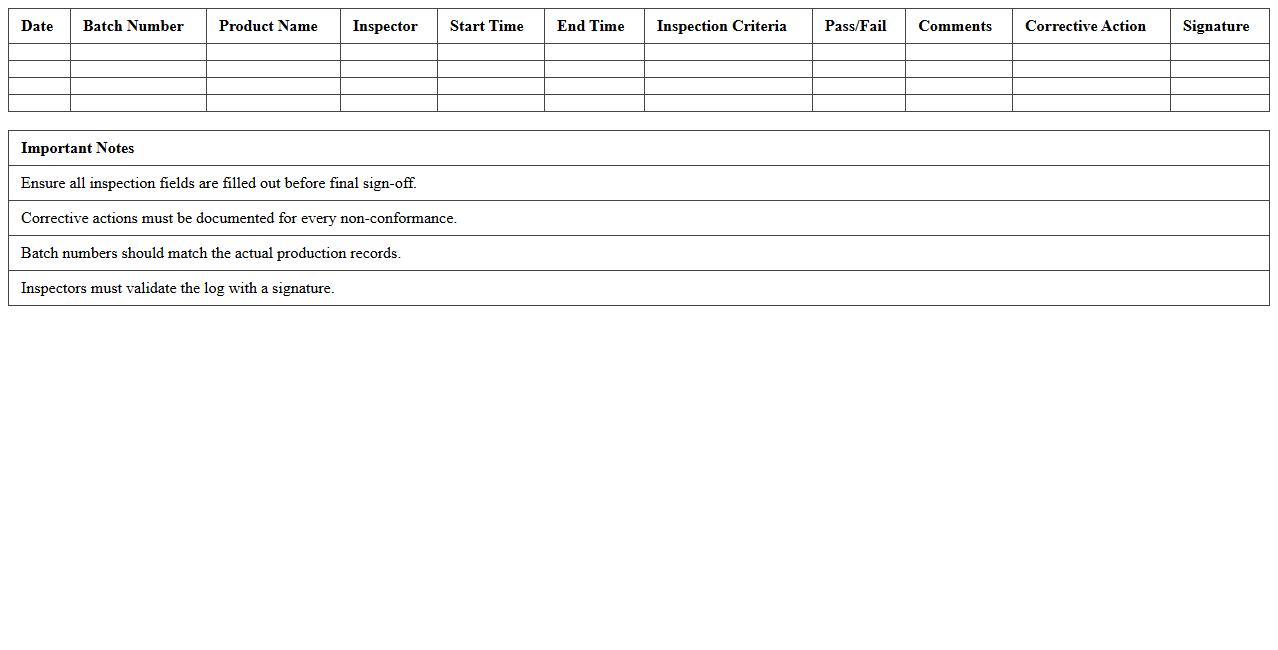
Production Batch Quality Inspection Log Template document systematically records inspection data for each production batch, ensuring thorough quality control and traceability. It allows manufacturers to track defects, verify compliance with quality standards, and promptly address issues, minimizing product recalls and enhancing overall efficiency. Utilizing this template supports consistent documentation, aiding audits and continuous improvement efforts in production processes.
Manufacturing Defect Tracking Excel Spreadsheet
A
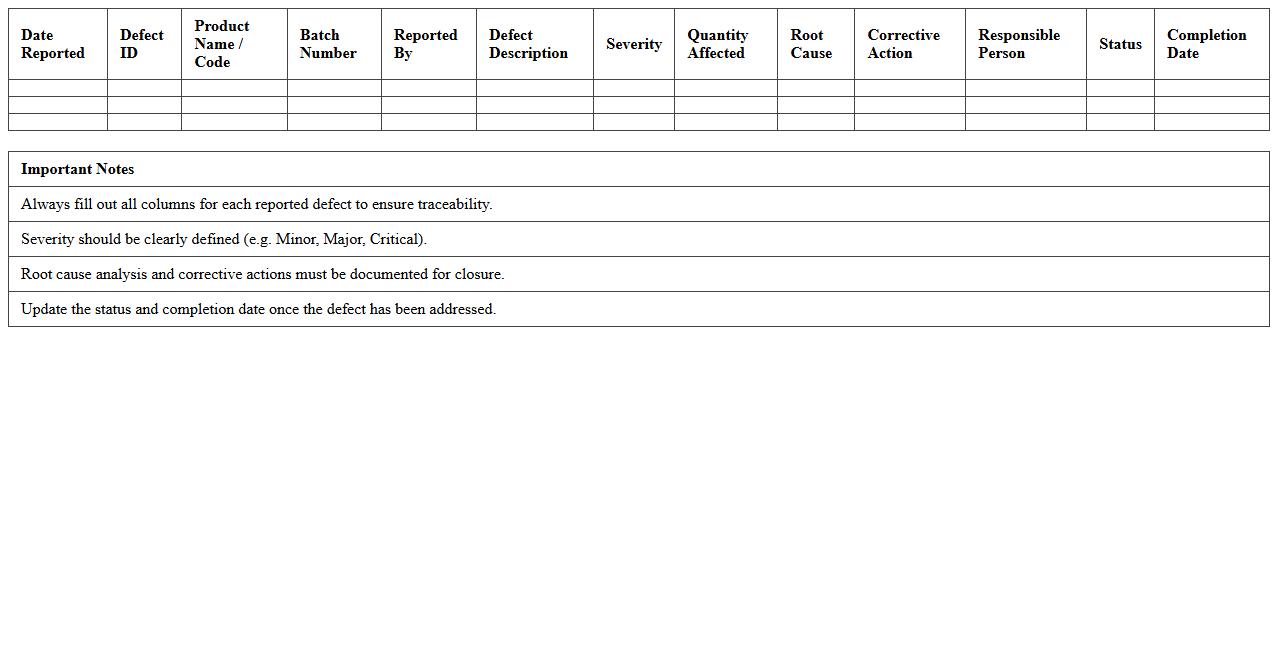
Manufacturing Defect Tracking Excel Spreadsheet document systematically records and analyzes defects identified during the production process, enabling manufacturers to monitor quality control effectively. This tool helps pinpoint recurring issues, track defect frequency, and assess the root causes, facilitating timely corrective actions and process improvements. By organizing defect data in a structured format, it enhances decision-making, reduces waste, and improves overall product quality and reliability.
Supplier Quality Audit Report Excel Template
The
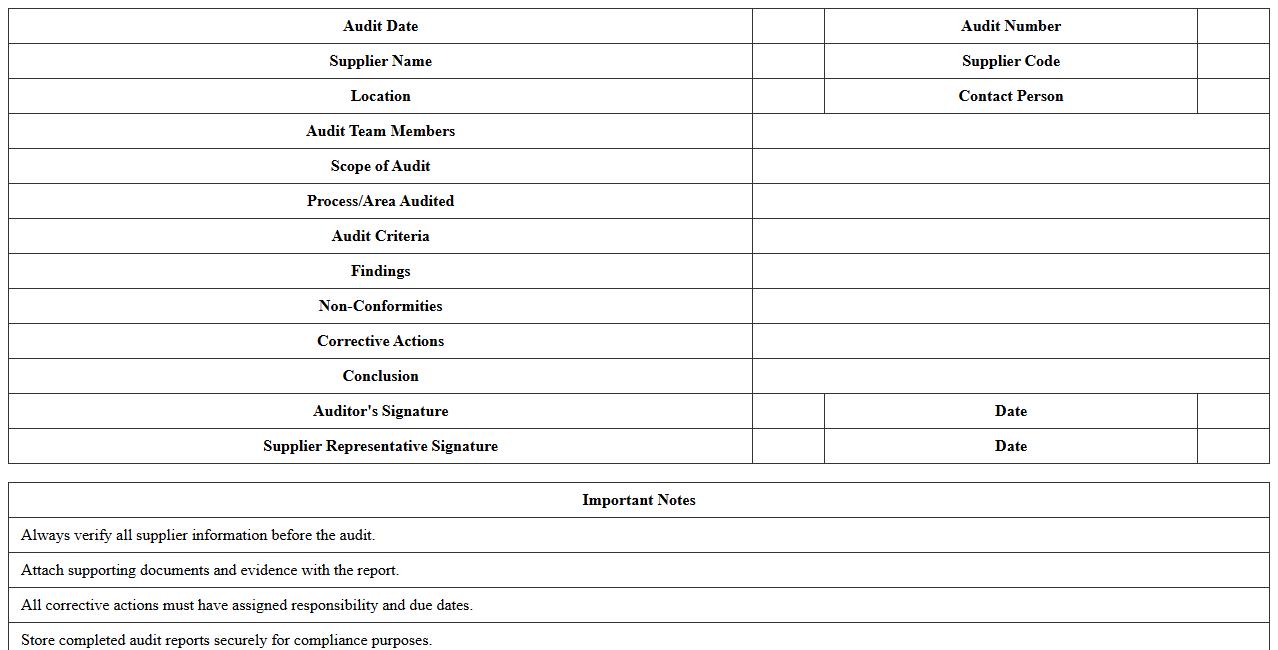
Supplier Quality Audit Report Excel Template document is a structured tool designed to systematically evaluate and document the quality performance of suppliers. It enables organizations to track compliance with quality standards, identify areas of improvement, and ensure consistent product quality throughout the supply chain. This template enhances decision-making by providing clear, data-driven insights into supplier reliability and audit outcomes.
Finished Goods Inspection Report Excel Sheet
A
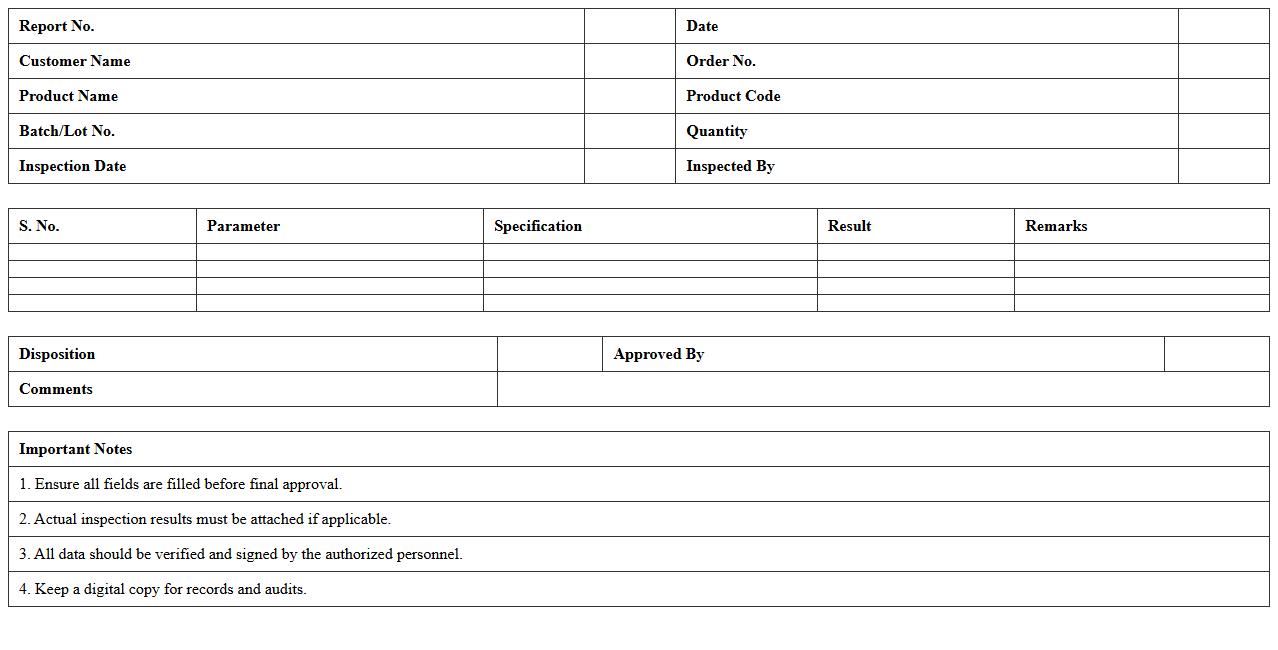
Finished Goods Inspection Report Excel Sheet document is a structured file used to record and analyze the quality checks of completed products before shipment or storage. It captures critical data such as product specifications, inspection criteria, defect types, and quantities, enabling systematic tracking of product quality. This document enhances quality control by providing clear, organized insights that help identify defects early, ensure compliance with standards, and improve overall production efficiency.
Process Quality Control Data Sheet Template
A
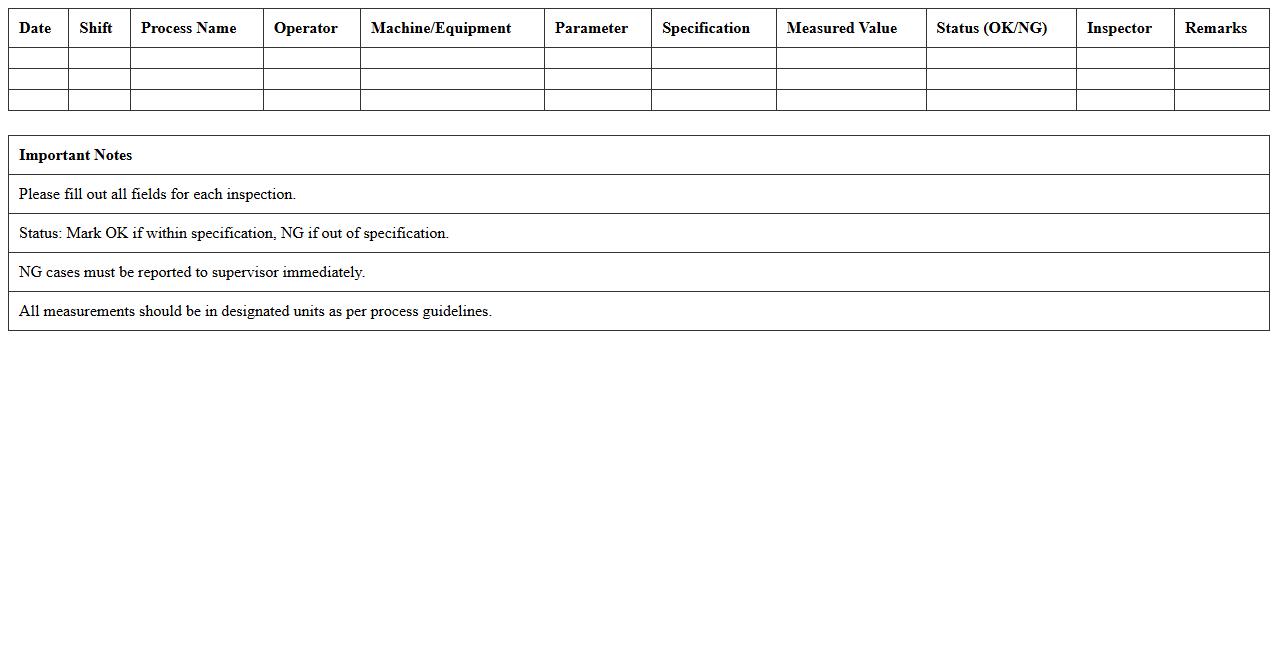
Process Quality Control Data Sheet Template is a structured document used to systematically record, monitor, and analyze quality metrics during manufacturing or service processes. It helps ensure consistency, identify deviations, and maintain compliance with industry standards by providing a clear framework for capturing critical process parameters and inspection results. Utilizing this template enhances product quality, reduces defects, and supports continuous improvement initiatives in operational workflows.
Equipment Inspection and Maintenance Log Excel
An
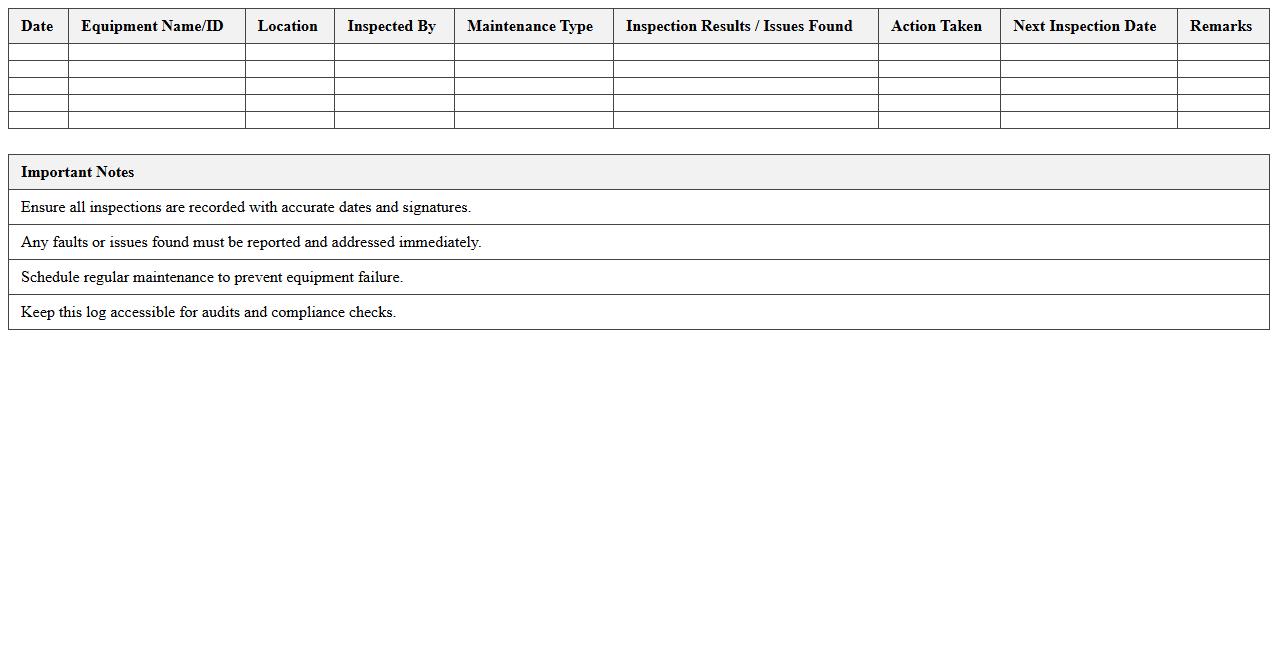
Equipment Inspection and Maintenance Log Excel document is a structured spreadsheet designed to track and record routine inspections, maintenance activities, and repair histories of equipment. It helps organizations ensure compliance with safety standards, reduce downtime by scheduling timely maintenance, and extend the lifespan of machinery through consistent monitoring. Using this log enhances operational efficiency and provides a centralized, easily accessible record for auditing and management purposes.
Incoming Material Quality Inspection Excel Template
The
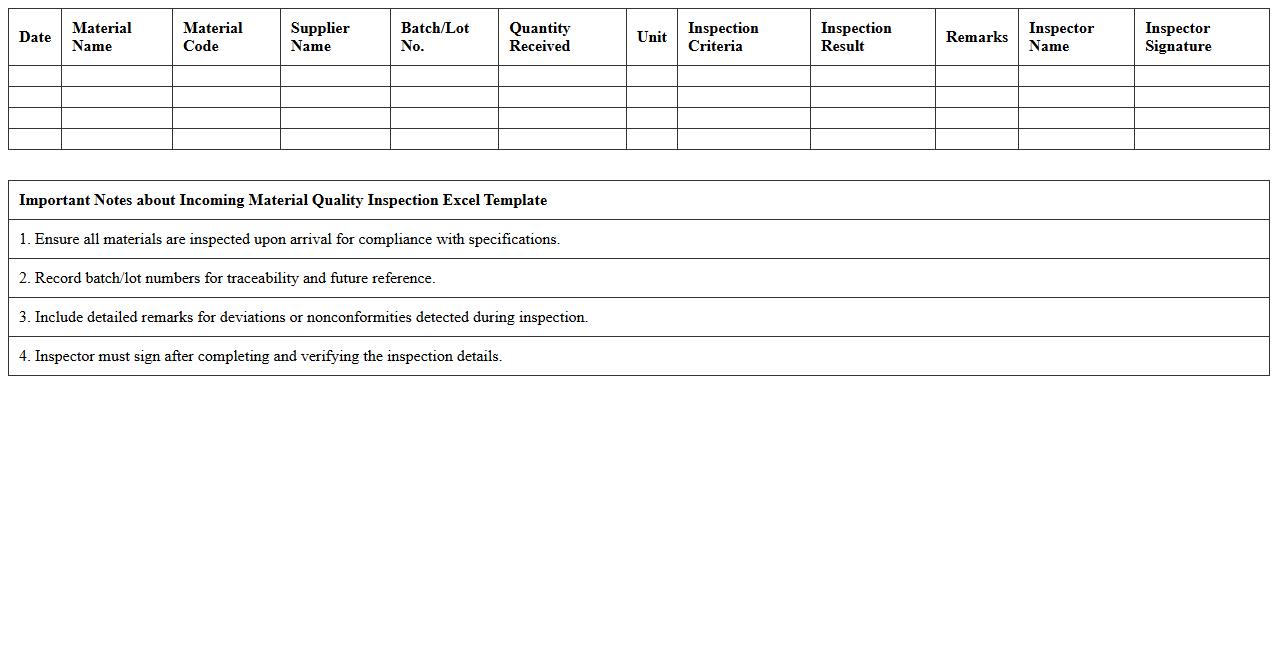
Incoming Material Quality Inspection Excel Template document is a structured tool designed to systematically record and evaluate the quality of raw materials received from suppliers. It helps ensure that purchased materials meet specified standards by tracking inspection results, identifying defects, and facilitating compliance with quality control protocols. Utilizing this template enhances accuracy, streamlines reporting, and supports timely decision-making in supply chain management.
Manufacturing Quality Non-Conformance Report Template
A
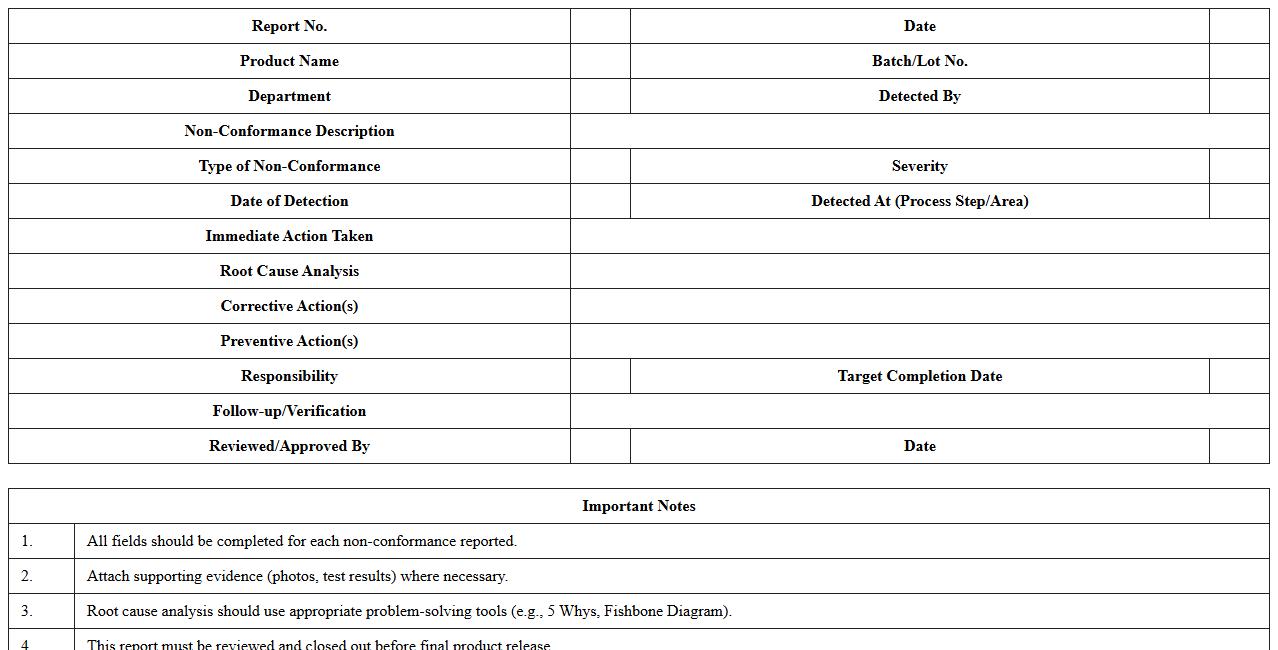
Manufacturing Quality Non-Conformance Report Template is a structured document designed to capture and record instances where products or processes deviate from established quality standards. It helps in systematically identifying non-conformities, analyzing root causes, and implementing corrective actions to prevent recurrence. This template ensures consistent documentation, improves communication among quality management teams, and supports compliance with industry regulations.
How can I automate defect categorization in Manufacturing Quality Control Excel inspection reports?
Automating defect categorization in Excel involves using data validation and nested IF formulas to automatically classify errors based on predefined criteria. Integration of VBA macros can further enhance the process, enabling real-time defect grouping and reporting. Utilizing PivotTables aids in dynamically summarizing defects, streamlining quality control analysis.
What formulas best calculate pass/fail rates by production batch in Excel?
The COUNTIF and COUNTIFS functions are ideal for calculating pass/fail rates by filtering records based on batch ID and inspection results. Combining these with simple division formulas helps compute the percentage of passes and failures accurately. These formulas ensure precise tracking of quality performance across different production batches.
How to design dynamic dropdowns for inspection parameters in Excel report templates?
Dynamic dropdowns in Excel are created using the Data Validation feature linked to named ranges or Excel Tables that automatically update as new parameters are added. Leveraging the OFFSET and INDIRECT functions can make dropdown lists responsive to user selections. This approach maintains flexibility in report templates and ensures accuracy in data entry.
What methods ensure traceability of inspector inputs in shared Excel QC logs?
Traceability of inspector inputs is ensured by implementing timestamp and user identification macros that log changes automatically. Protecting worksheet cells and enabling track changes enhances accountability in shared QC logs. Additionally, version control with Excel's Share Workbook feature supports detailed audit trails.
How can conditional formatting highlight nonconformities in QC inspection sheets?
Conditional formatting in Excel highlights nonconformities by applying color codes based on logical rules reflecting quality standards. Using formulas that compare inspection results against threshold values enables instant visual identification of defects. This method enhances real-time monitoring and facilitates swift corrective actions in manufacturing quality control.