Employee Payroll Calculation Sheet
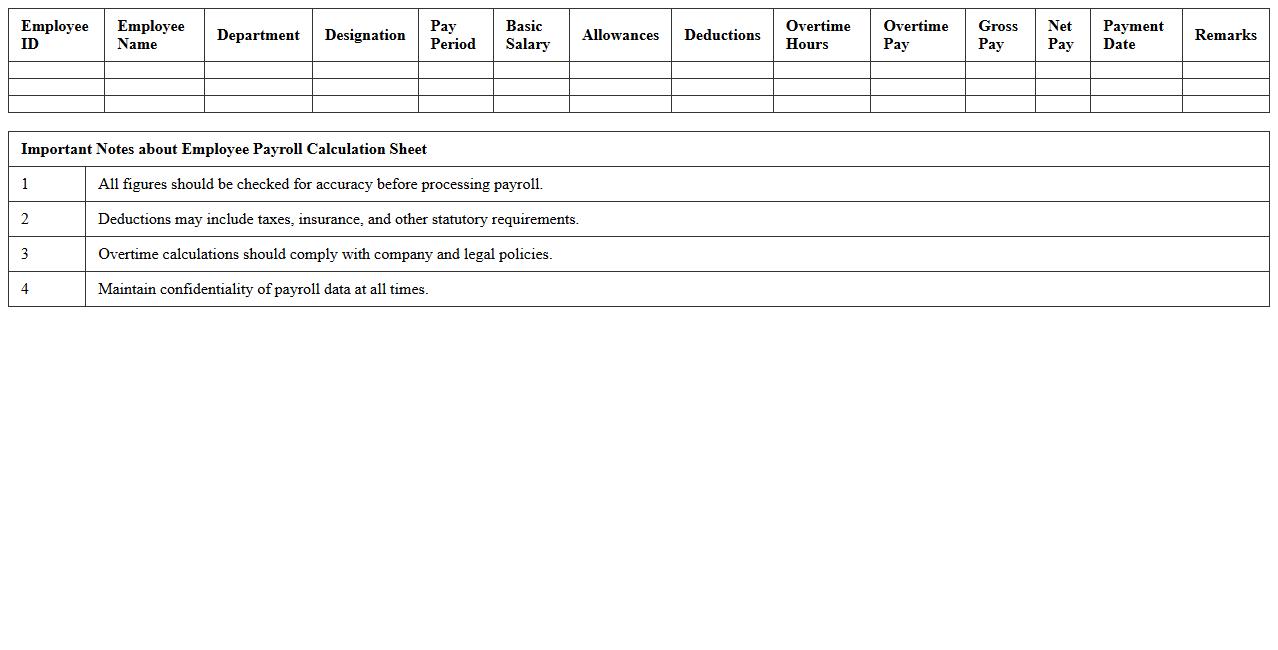
An
Employee Payroll Calculation Sheet is a document that records detailed information on employee wages, deductions, bonuses, and taxes for accurate salary processing. It ensures transparency and compliance with labor laws by providing a clear breakdown of payroll components for each pay period. This sheet streamlines payroll management, reduces errors, and supports efficient financial planning and reporting for organizations.
Monthly Salary Disbursement Tracker
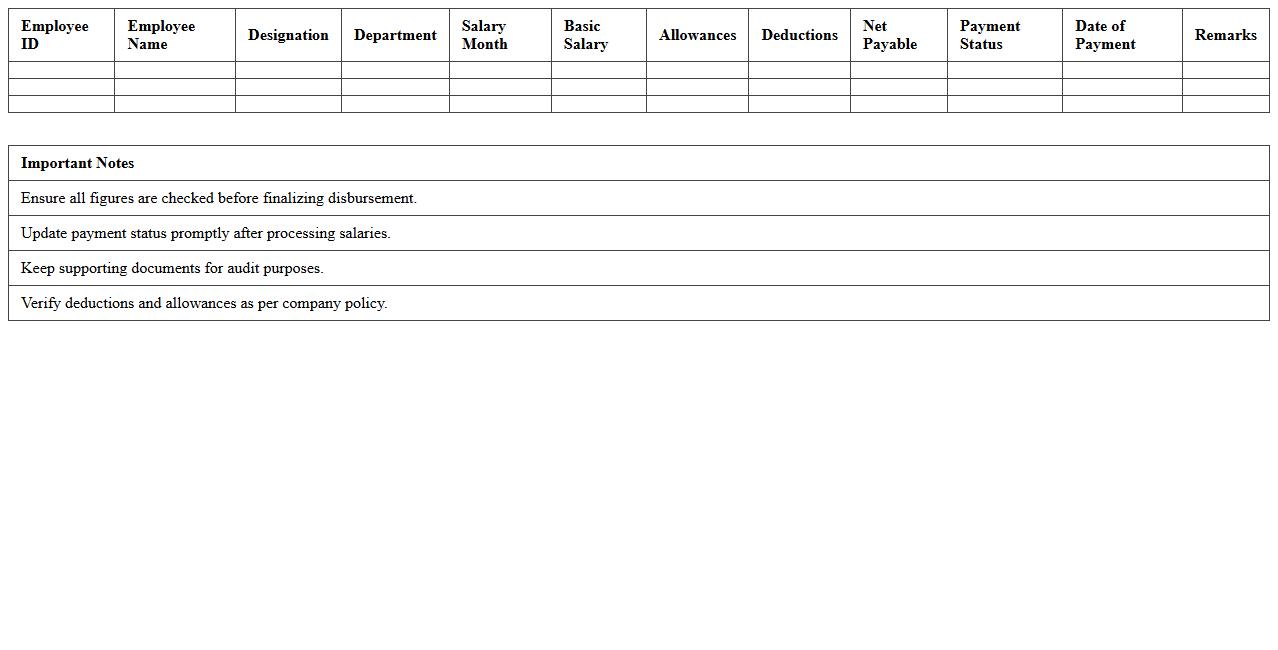
The
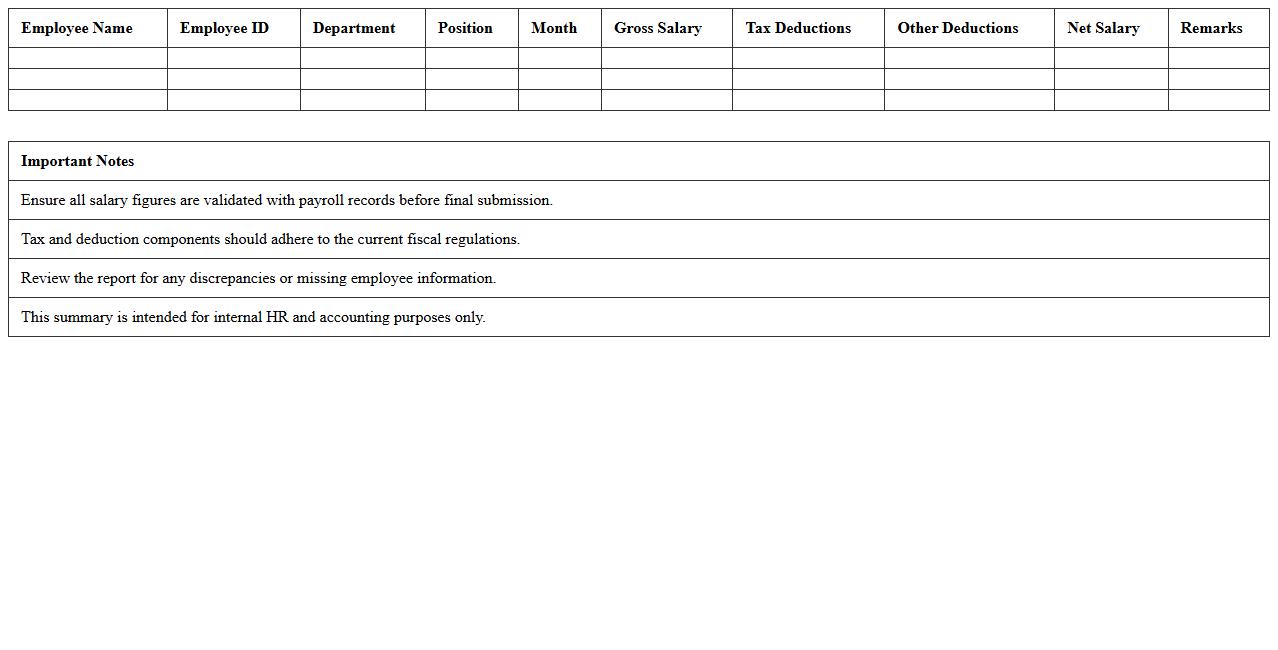
Monthly Salary Disbursement Tracker document is a crucial tool for recording and monitoring employee salary payments each month. It helps HR departments and finance teams ensure accurate and timely salary distribution, reducing payroll errors and discrepancies. By maintaining clear records, organizations can streamline payroll management, improve budgeting accuracy, and enhance compliance with labor regulations.
Overtime and Allowance Payroll Register
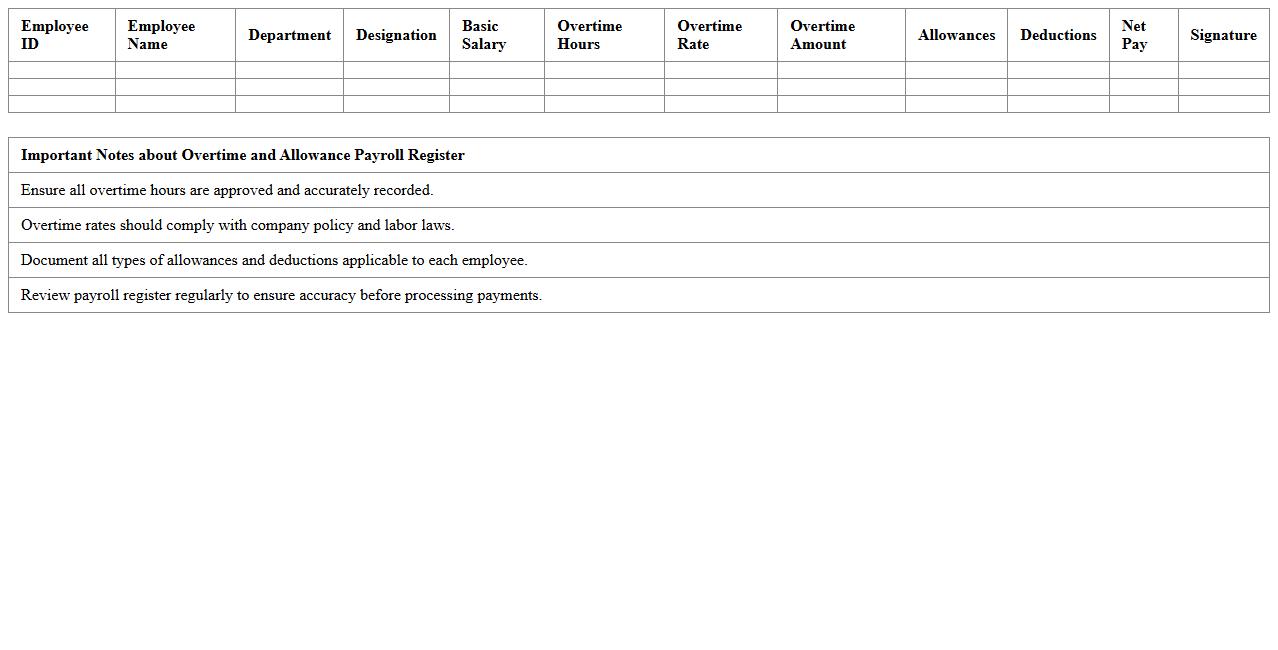
The
Overtime and Allowance Payroll Register document is a detailed record that tracks employee overtime hours and additional allowances paid during a specific payroll period. It helps organizations ensure accurate compensation, maintain compliance with labor laws, and facilitate transparent financial reporting. By providing a clear summary of extra earnings, this register is essential for auditing payroll processes and managing employee remuneration effectively.
Payslip Generation Template
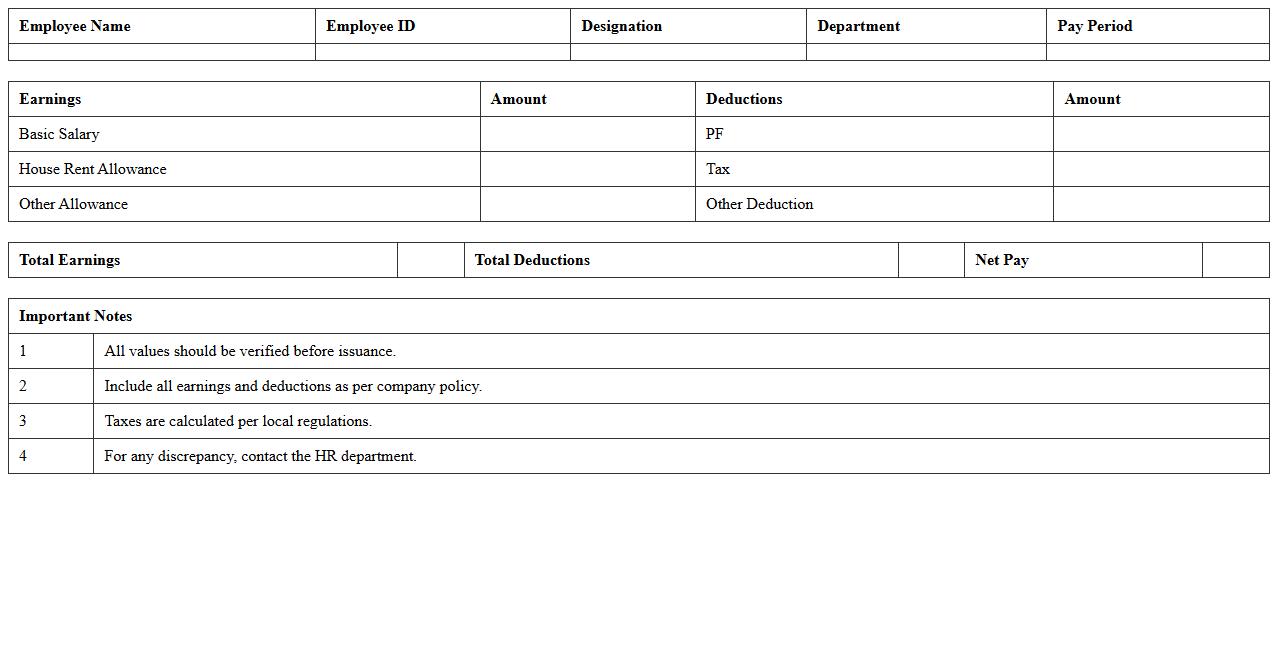
A
Payslip Generation Template document is a structured format used to systematically create detailed employee salary statements, including earnings, deductions, taxes, and net pay. It ensures accuracy, consistency, and compliance with payroll regulations by automating the calculation and presentation of payroll data. This template is essential for businesses to streamline payroll processing, improve transparency, and maintain proper financial records for auditing and employee reference.
Payroll Deductions and Contributions Log
The
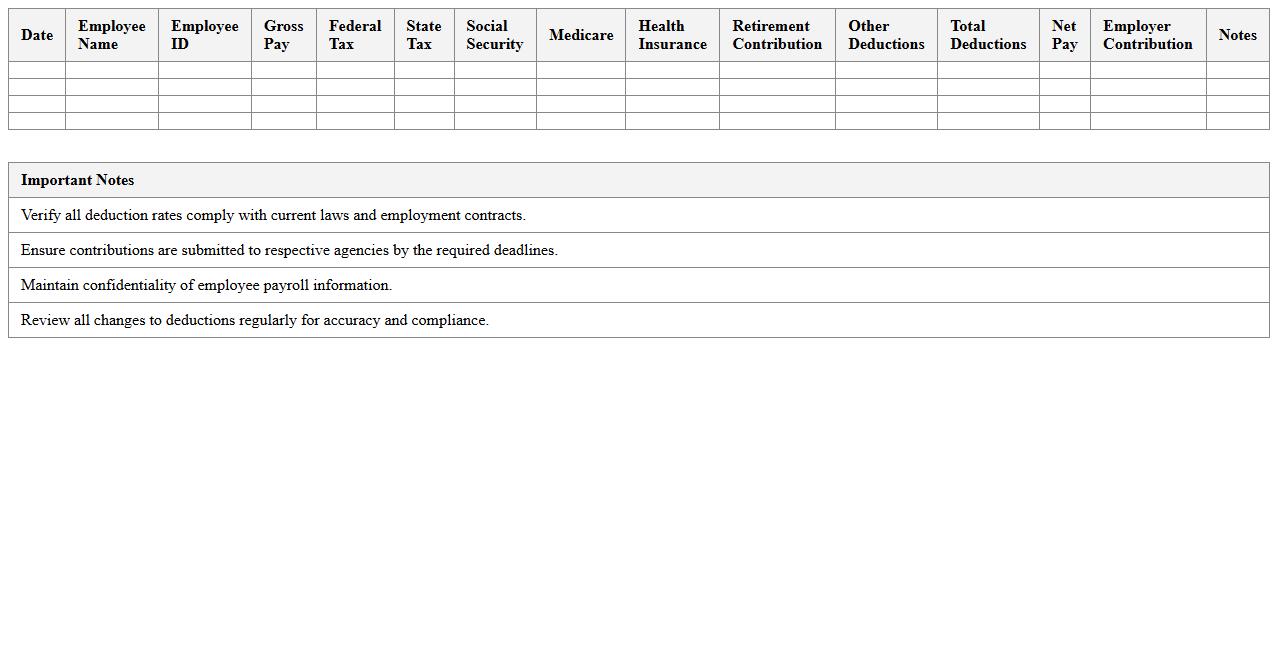
Payroll Deductions and Contributions Log document records all employee salary deductions and employer contributions, ensuring accurate and transparent financial tracking. It helps maintain compliance with tax regulations, benefit plans, and labor laws by providing a detailed overview of withheld amounts such as taxes, insurance premiums, and retirement contributions. This log is essential for auditing, payroll reconciliation, and resolving discrepancies efficiently.
Annual Payroll Summary Report
The
Annual Payroll Summary Report is a comprehensive document that consolidates all employee compensation data over a fiscal year, including wages, bonuses, taxes withheld, and benefits contributions. This report is essential for accurate tax filing, compliance with labor laws, and financial auditing. It helps employers analyze payroll expenses, budget effectively, and ensure transparency in employee compensation management.
Employee Attendance and Payroll Integration
The
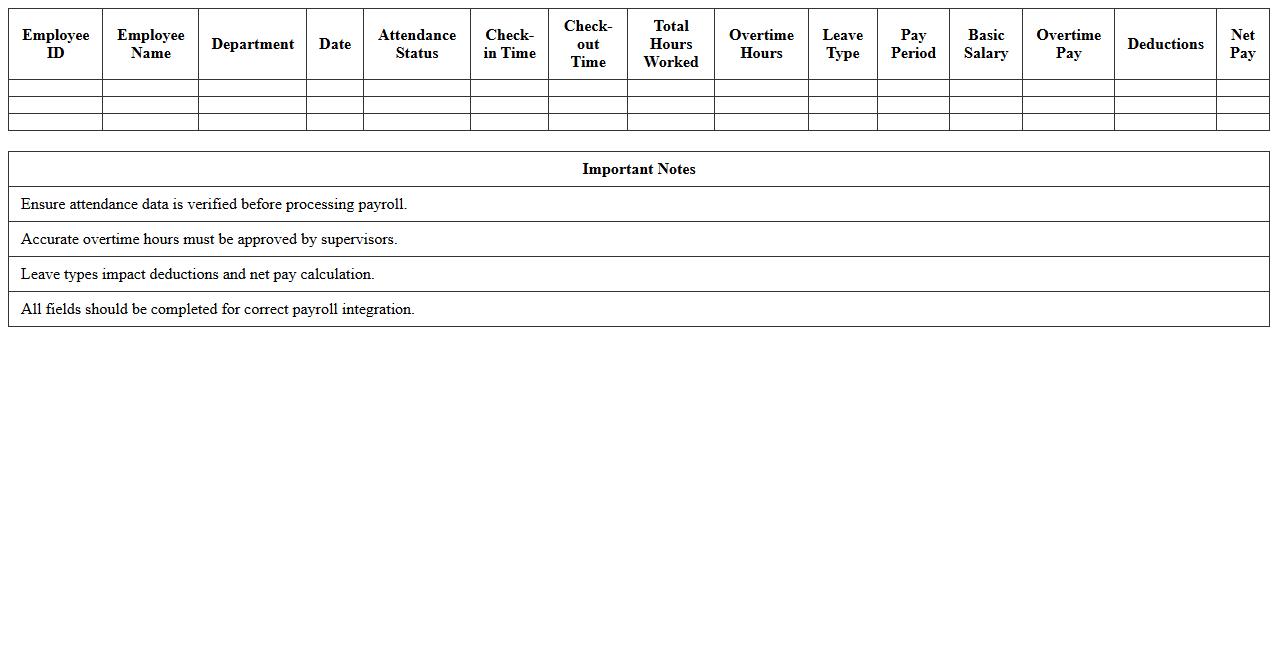
Employee Attendance and Payroll Integration document outlines the seamless connection between attendance tracking systems and payroll processing, ensuring accurate calculation of wages based on hours worked. It helps eliminate manual errors, streamline payroll operations, and improve compliance with labor laws by providing synchronized and verified attendance data. This integration enhances efficiency in human resource management and financial reporting, making it a critical tool for businesses seeking to optimize workforce management.
Tax Withholding Payroll Worksheet
The
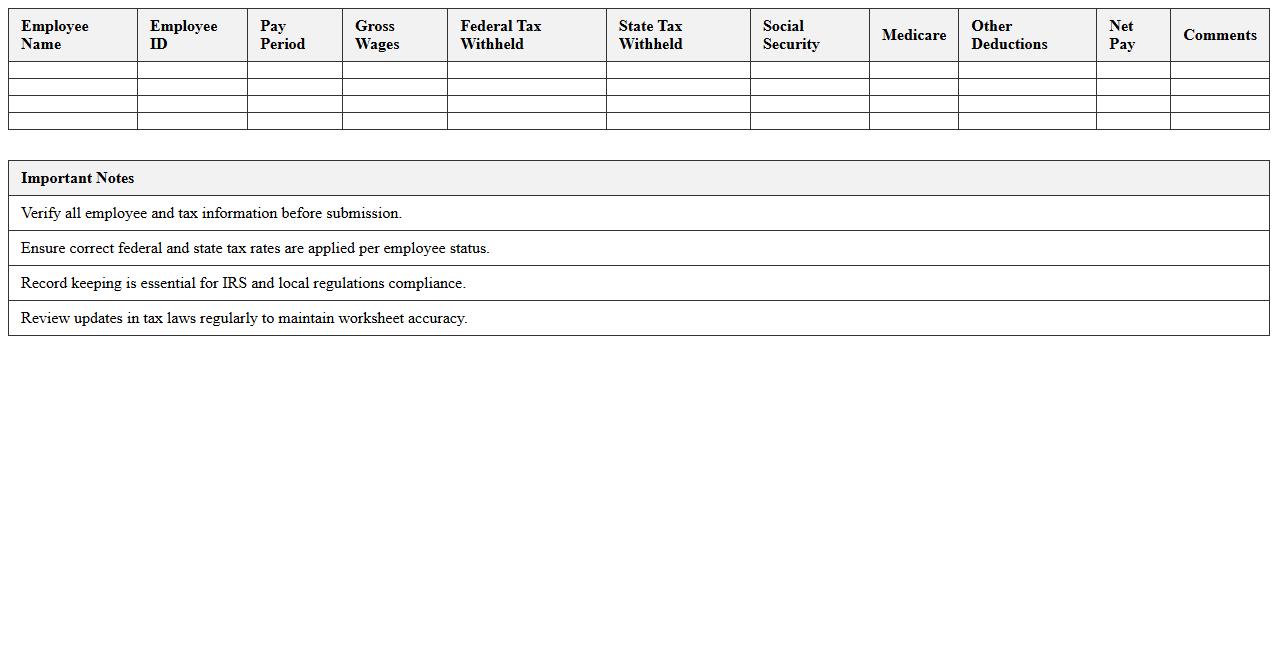
Tax Withholding Payroll Worksheet is a vital document used by employers and employees to determine the correct amount of federal income tax to withhold from an employee's paycheck. It helps ensure accurate tax withholding, preventing underpayment or overpayment of taxes throughout the year. By using this worksheet, individuals can better manage their tax liabilities and avoid penalties or large tax bills during filing season.
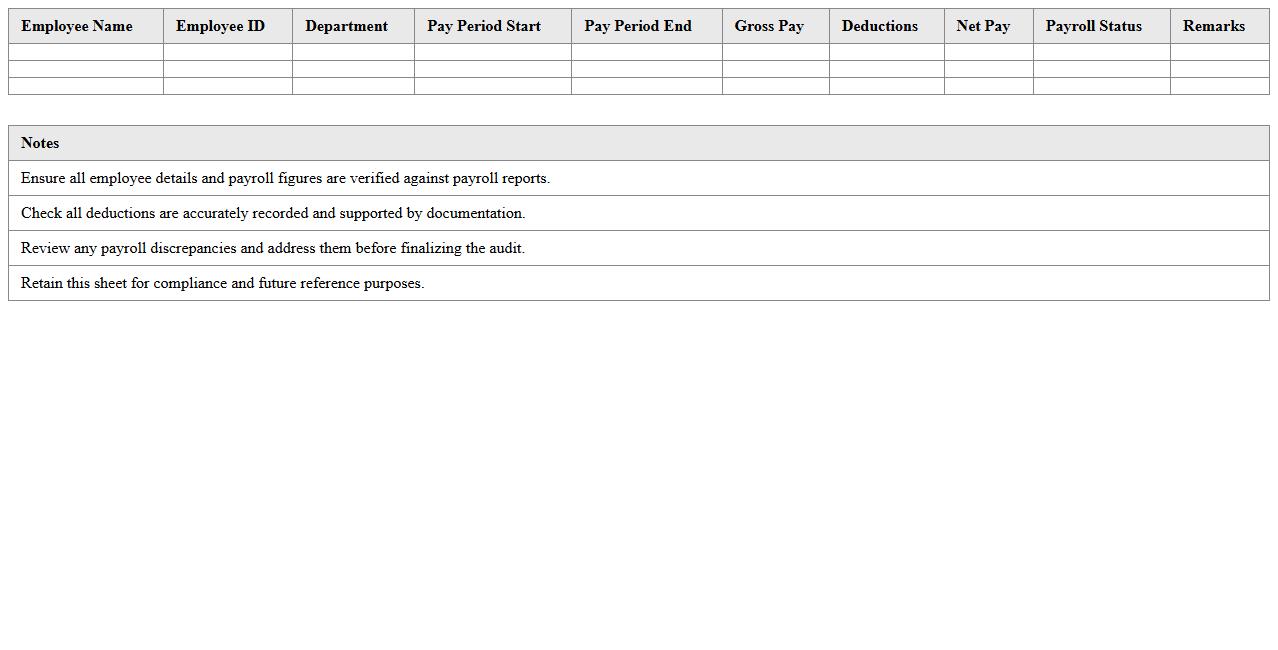
Payroll Audit and Reconciliation Sheet
A
Payroll Audit and Reconciliation Sheet is a detailed document that verifies the accuracy of payroll records by cross-checking employee wages, deductions, taxes, and benefits against internal financial data and statutory requirements. It helps identify discrepancies, errors, or fraud, ensuring compliance with labor laws and financial regulations. This document is essential for maintaining accurate payroll processes, reducing financial risks, and supporting transparent audit trails for organizations.
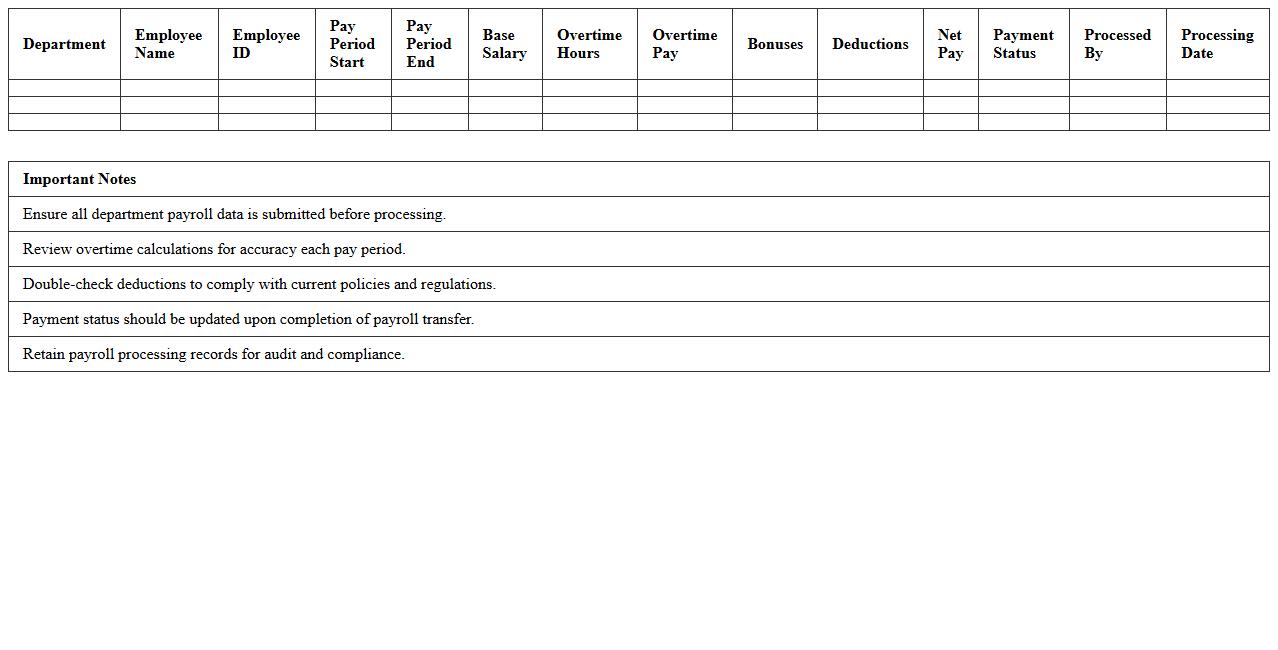
Multi-Department Payroll Processing Dashboard
The
Multi-Department Payroll Processing Dashboard document centralizes payroll data from various departments, streamlining the management of employee compensation across an organization. It provides real-time insights into payroll expenses, tax calculations, and compliance metrics, enhancing accuracy and reducing administrative errors. By facilitating seamless coordination between departments, this dashboard improves efficiency, ensures timely salary disbursements, and supports strategic financial planning.
How to automate employee tax deduction calculations in HR payroll Excel sheets?
To automate employee tax deductions in Excel, use formulas that apply tax rates based on salary brackets. Implement nested IF statements or VLOOKUP to match gross pay with corresponding tax rates. Automating these calculations ensures accuracy and saves time during payroll processing.
What Excel formulas best track overtime hours for payroll accuracy?
Use the SUMIF or IF formulas to identify and total overtime hours exceeding regular work thresholds. Calculations like =MAX(0, TotalHours - StandardHours) isolate overtime effectively. Accurate overtime tracking enhances payroll precision and employee compensation fairness.
How to design a leave management template linked to payroll processing?
Create a leave management template with columns for employee ID, leave type, and leave duration. Link leave balances to payroll using formulas that deduct unpaid leave days from total workdays. This setup ensures seamless integration between leave records and payroll adjustments.
Which conditional formatting helps flag payroll discrepancies in HR documents?
Apply conditional formatting rules like color scales or icon sets to highlight anomalies such as negative values or excessive hours. Use formulas within conditional formatting to flag inconsistencies dynamically. This method quickly identifies payroll errors for prompt resolution.
What pivot table setups give monthly payroll summaries for HR review?
Construct pivot tables with employee names as rows and months as columns to summarize payroll data efficiently. Include filters for departments or pay types for detailed analysis. This organization provides concise monthly payroll overviews essential for HR decision-making.