The Human Resource Excel Template for Onboarding Process streamlines new employee integration by organizing essential documents, training schedules, and compliance checklists in one accessible format. This template enhances efficiency, ensuring all onboarding steps are completed timely and accurately. It serves as a valuable tool for HR teams to track progress and improve the overall onboarding experience.
Employee Onboarding Checklist Excel Template
An
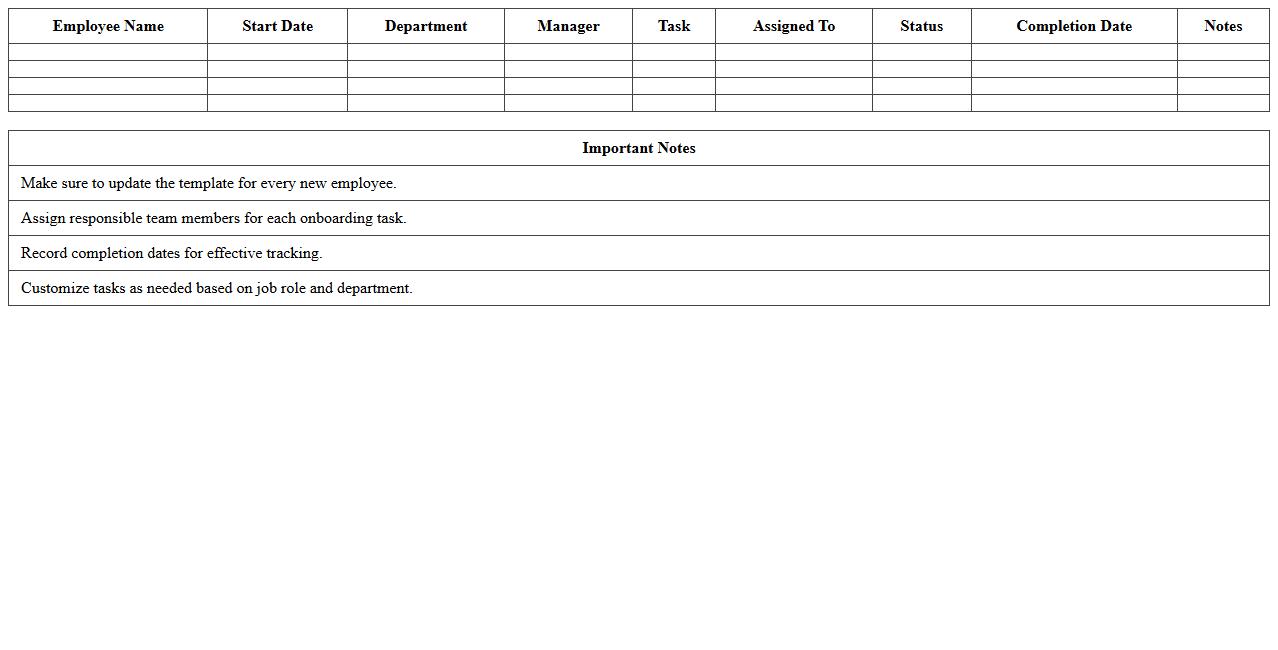
Employee Onboarding Checklist Excel Template is a structured document designed to streamline the new hire integration process by organizing essential tasks, deadlines, and responsibilities. This template enhances efficiency by ensuring all onboarding steps are systematically completed, from paperwork submission to training schedules. Utilizing this tool helps HR teams maintain consistency, reduce errors, and provide a smooth transition for new employees into the company culture.
New Hire Information Form Excel Template
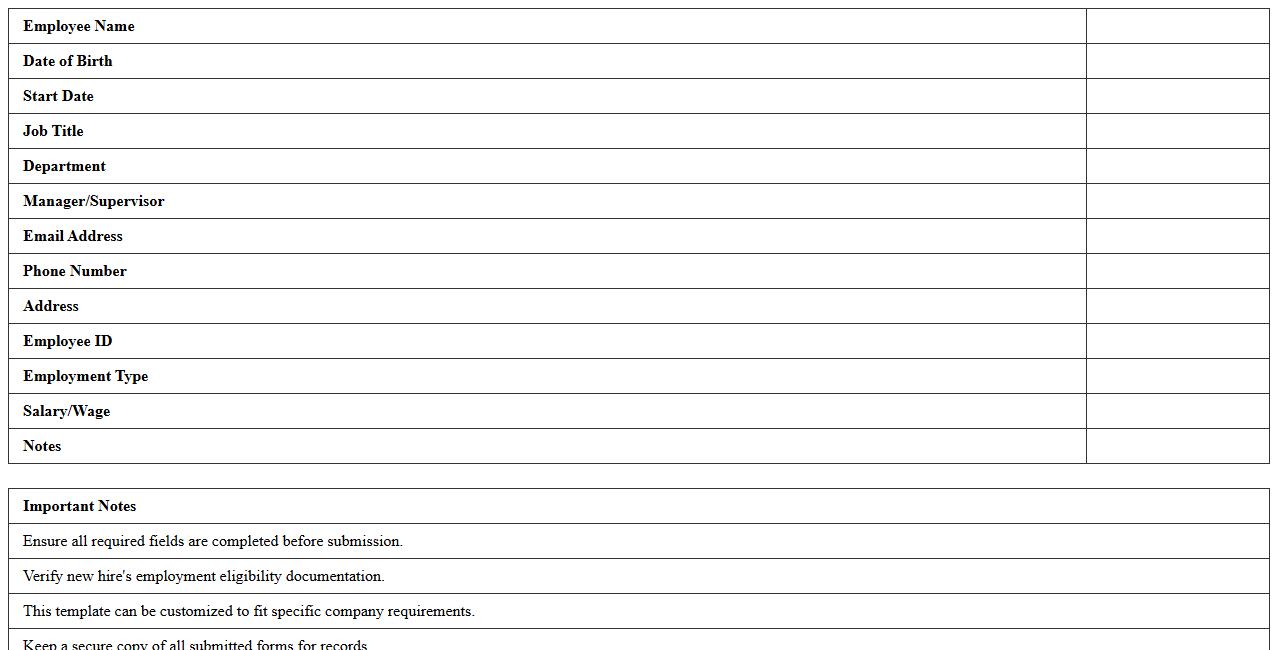
The
New Hire Information Form Excel Template is a structured document designed to collect and organize essential employee details during the onboarding process. It streamlines data entry by providing predefined fields for personal information, contact details, emergency contacts, and employment specifics, ensuring accuracy and consistency. This template enhances HR efficiency by centralizing new hire data, facilitating easy access and integration with payroll and personnel systems.
Onboarding Task Tracker Spreadsheet
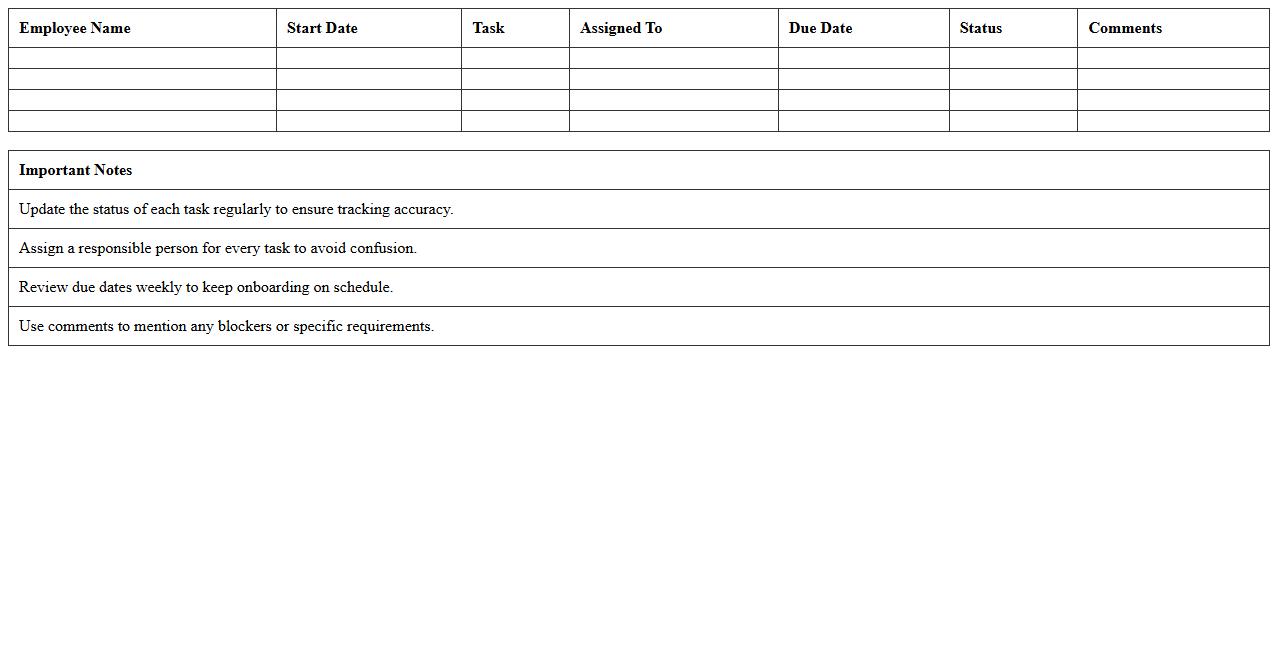
An
Onboarding Task Tracker Spreadsheet is a structured document designed to organize and monitor new employee onboarding activities. It helps HR teams and managers track completion of essential tasks such as paperwork, training sessions, and orientation meetings, ensuring a smooth integration process. By providing clear visibility into each step, it enhances accountability, reduces delays, and improves the overall onboarding experience.
Orientation Schedule Excel Template
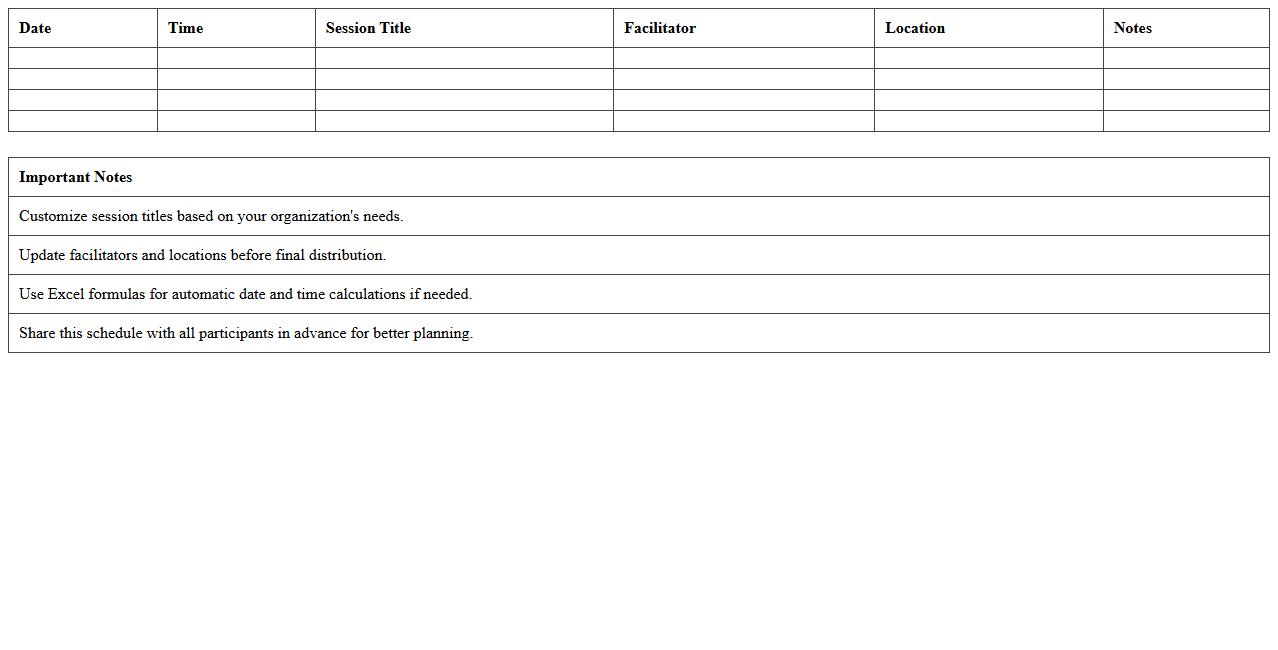
The
Orientation Schedule Excel Template document organizes and tracks orientation activities efficiently, allowing HR teams and coordinators to plan sessions, assign tasks, and monitor attendance with ease. This template streamlines workflow by providing clear timelines, ensuring new employees or students receive essential information systematically. Utilizing this tool enhances communication, reduces scheduling conflicts, and improves overall orientation program management.
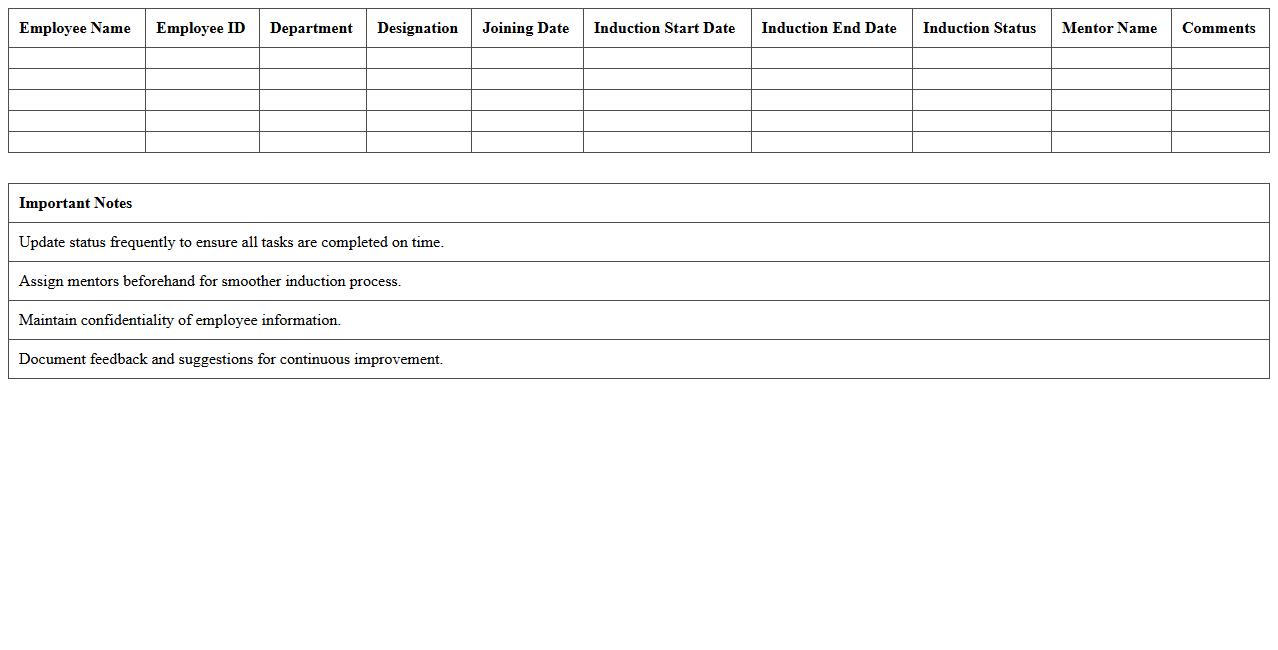
Employee Induction Process Tracker
The
Employee Induction Process Tracker document systematically records each step of a new hire's onboarding journey, ensuring all orientation activities and compliance requirements are completed efficiently. It allows HR teams to monitor progress, identify gaps, and streamline training schedules, resulting in faster integration and improved employee retention. By providing a clear overview of induction milestones, this tracker enhances organizational consistency and supports a smooth transition for new employees.
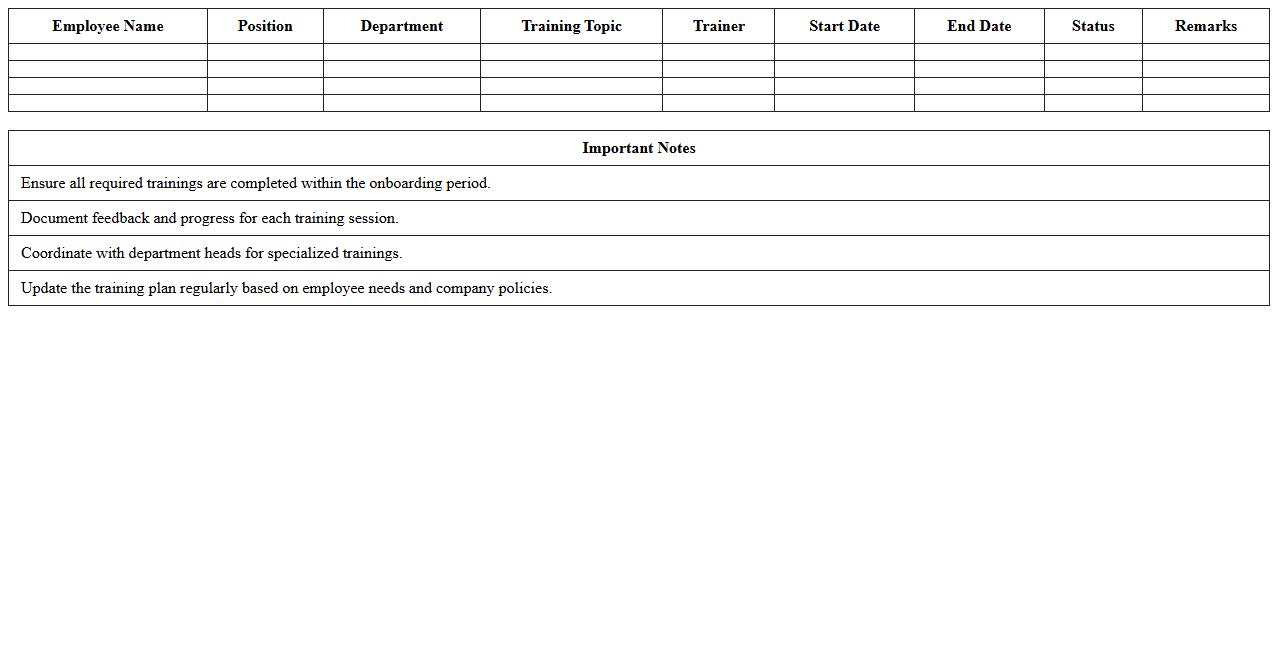
New Employee Training Plan Excel Template
The
New Employee Training Plan Excel Template document is a structured tool designed to organize and track onboarding activities, training sessions, and skill development for new hires. It helps HR professionals and managers ensure a consistent and comprehensive training process by clearly outlining objectives, timelines, and progress. This template enhances efficiency by providing a centralized, customizable format for monitoring employee readiness and improving overall workforce integration.
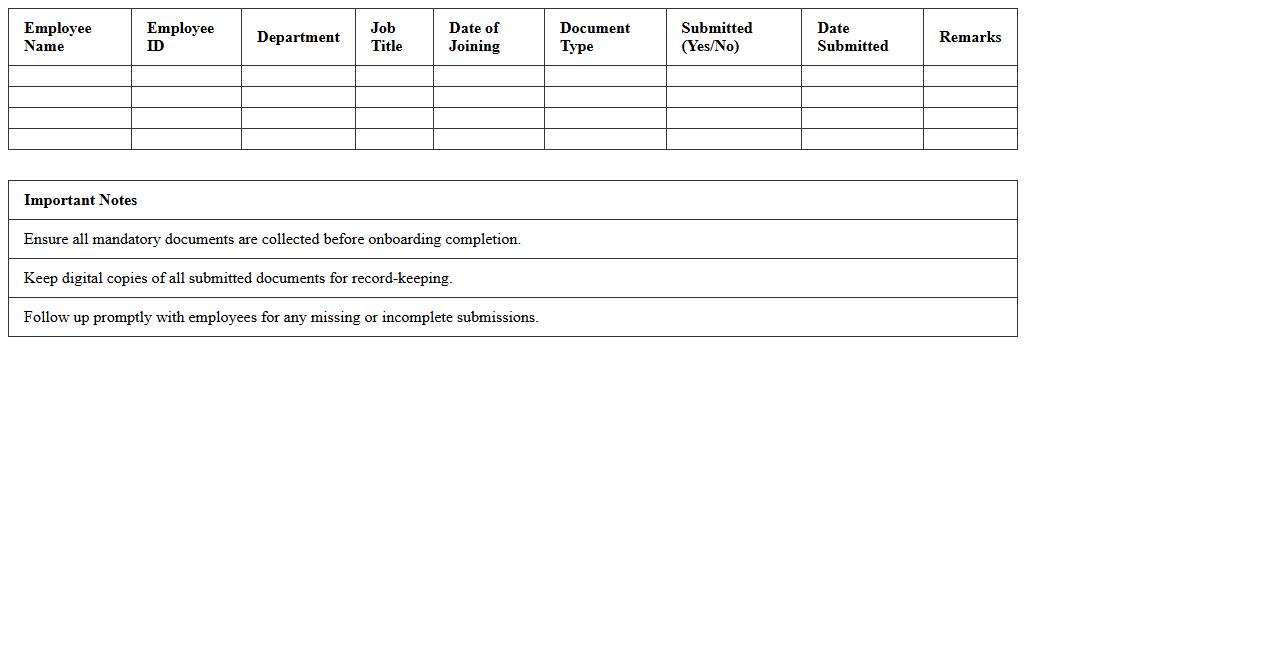
Onboarding Document Submission Tracker
The
Onboarding Document Submission Tracker is a centralized tool used to monitor and manage the collection of essential documents during the employee onboarding process. It ensures timely submission and verification of critical paperwork such as identification, tax forms, and compliance certificates, reducing delays and improving administrative efficiency. By maintaining organized records, this tracker helps HR teams streamline onboarding workflows, enhance data accuracy, and ensure regulatory compliance.
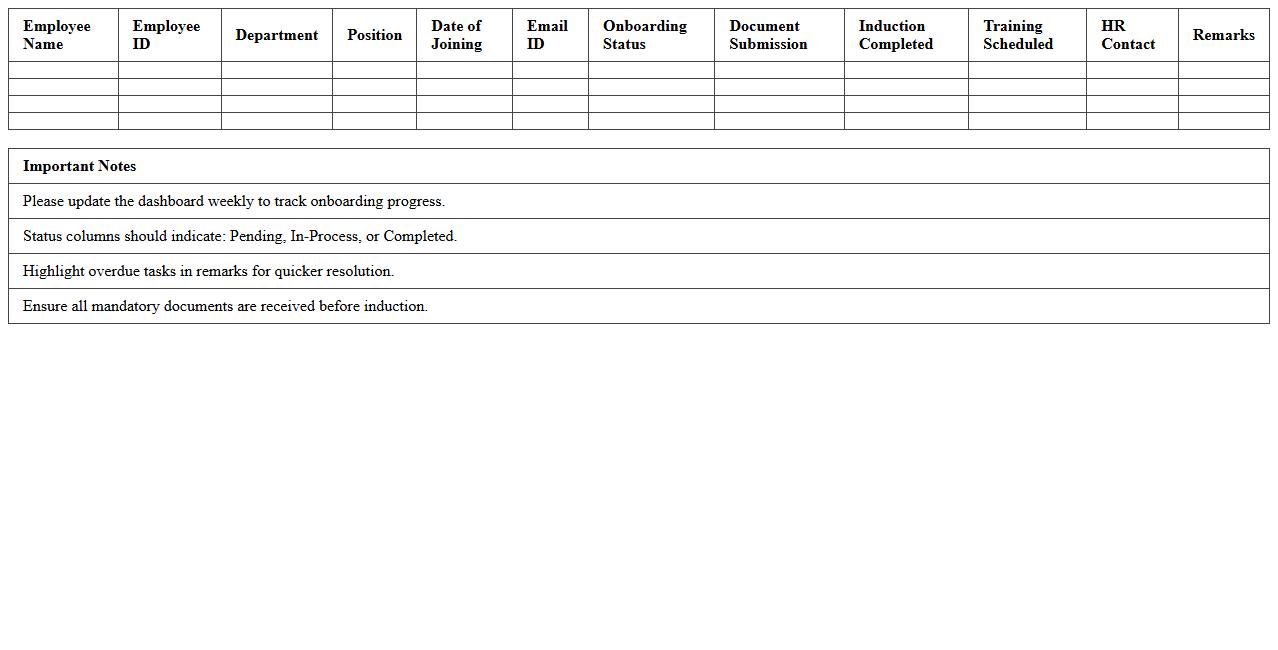
HR Onboarding Status Dashboard Excel
The
HR Onboarding Status Dashboard Excel document tracks the progress of new hires through each stage of the onboarding process, providing real-time visibility into completion rates and pending tasks. It consolidates critical data such as training completion, document submission, and orientation attendance into an easy-to-read format, enabling HR teams to identify bottlenecks and ensure timely integration of employees. Using this dashboard improves workforce readiness, enhances compliance, and supports data-driven decision-making for human resource management.
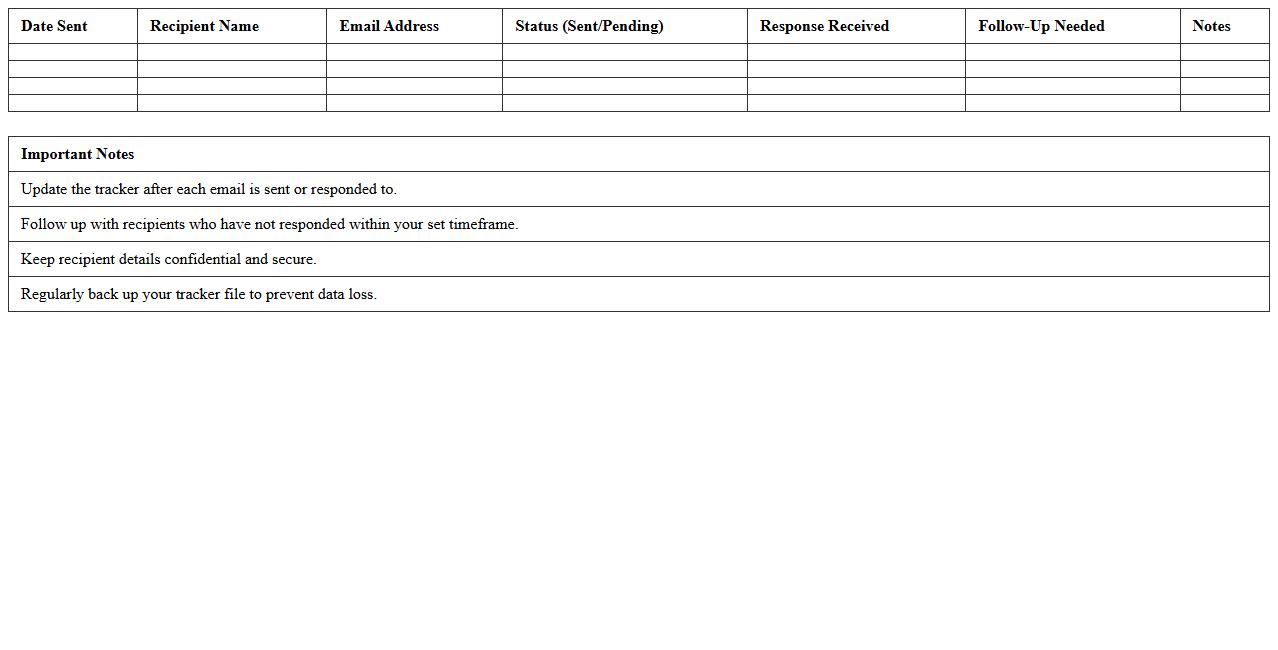
Welcome Email Tracker Template
A
Welcome Email Tracker Template document is a tool designed to monitor and organize the performance of welcome emails sent to new subscribers or customers. It helps businesses track open rates, click-through rates, and engagement metrics, enabling data-driven improvements in email marketing strategies. By systematically measuring these key indicators, companies can enhance customer onboarding experiences and increase overall retention.
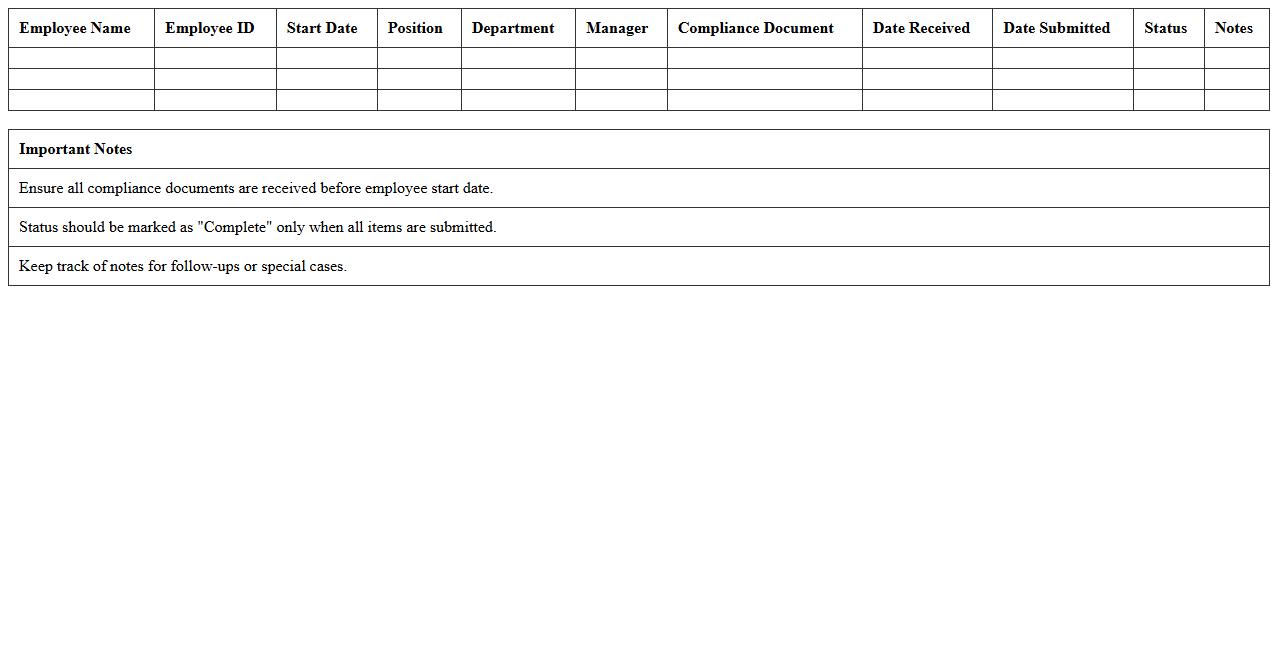
Onboarding Compliance Checklist Spreadsheet
The
Onboarding Compliance Checklist Spreadsheet is a structured document designed to track and ensure all mandatory onboarding tasks are completed in accordance with company policies and legal requirements. It provides a clear overview of requirements such as document submissions, training completions, and regulatory verifications, helping HR teams maintain organized and consistent processes. Using this spreadsheet reduces the risk of non-compliance, streamlines new hire integration, and improves overall workforce readiness.
How can Excel track new hire document submission status efficiently?
Excel can track new hire document submission status by creating a structured checklist with columns for each required document. Using data validation and dropdown menus streamlines status updates, such as "Submitted," "Pending," or "Missing." Automating reminders or progress bars enhances visibility, ensuring HR teams stay informed on each employee's document completeness.
What Excel templates automate HR onboarding workflows?
Templates like Onboarding Tracker and Employee Checklist automate HR workflows by organizing tasks, deadlines, and submission statuses in one place. Many templates incorporate built-in formulas and conditional formatting to simplify progress monitoring. Utilizing these ready-made solutions saves time and reduces manual errors during the onboarding process.
How to use pivot tables to monitor onboarding document completion rates?
Pivot tables summarize onboarding data by grouping new hires and their document statuses dynamically. Dragging fields such as "Employee Name" and "Document Status" into rows and columns produces an overview of completion rates. Filtering and slicing options make it easy to focus on specific departments or document types for detailed analysis.
Which Excel formulas flag missing onboarding paperwork in HR records?
Formulas like IF, ISBLANK, and COUNTIF identify missing documents by evaluating empty or incorrect entries. For example, an IF formula can return "Missing" if a cell contains no data, alerting HR staff for follow-up. Combining these with conditional formatting creates a proactive system to flag absent paperwork immediately.
How does conditional formatting in Excel highlight overdue onboarding tasks?
Conditional formatting visually flags overdue tasks using color codes based on due dates compared to the current date. Setting rules to highlight cells red when deadlines pass enhances prompt attention to delayed submissions. This feature helps HR managers quickly prioritize outstanding onboarding activities and maintain compliance.
More Human Resource Excel Templates