Employee Onboarding Tracker Excel Template
The
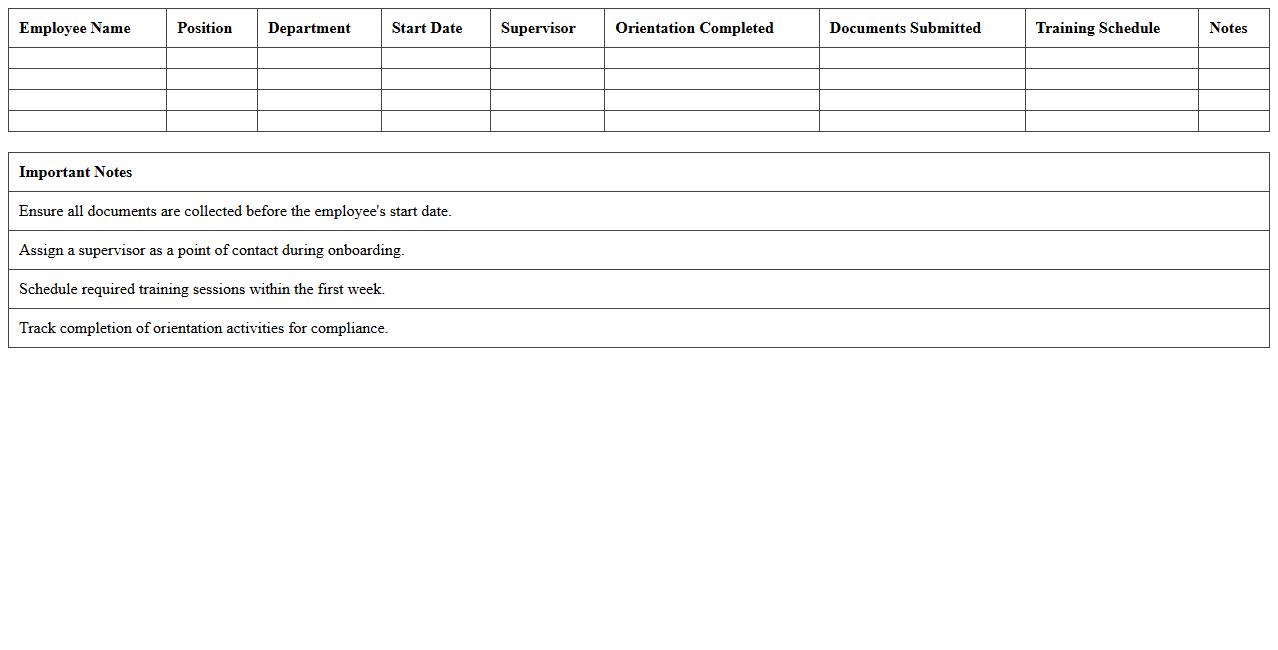
Employee Onboarding Tracker Excel Template is a structured spreadsheet designed to streamline the onboarding process by organizing new hire information, training schedules, and task completion status. It enables HR teams and managers to monitor each step of the onboarding journey efficiently, ensuring compliance and timely follow-up. This template improves new employee integration, reduces errors, and enhances overall productivity during the critical initial employment phase.
Staff Attendance Record Excel Spreadsheet
A
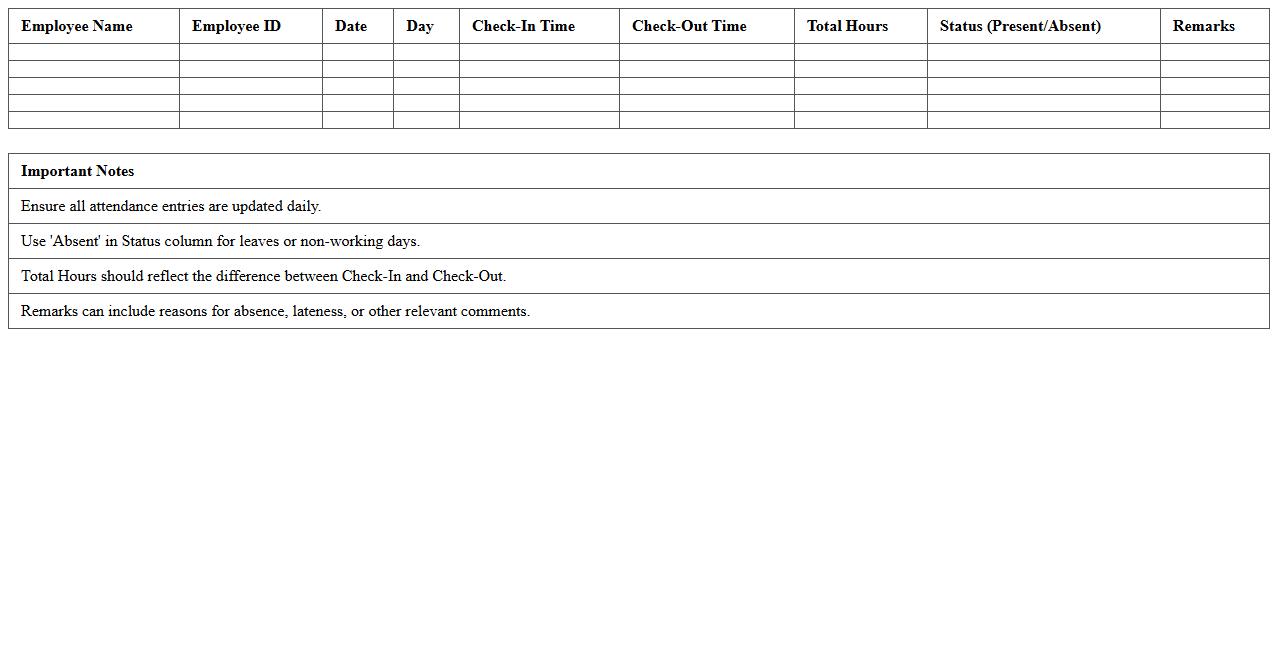
Staff Attendance Record Excel Spreadsheet is a digital tool designed to track and manage employee attendance efficiently. It helps organizations monitor punctuality, calculate work hours, and identify patterns such as absenteeism or overtime. By using this spreadsheet, businesses can streamline payroll processing, improve workforce management, and maintain accurate attendance records for compliance and reporting purposes.
Employee Leave Management Excel Sheet
An
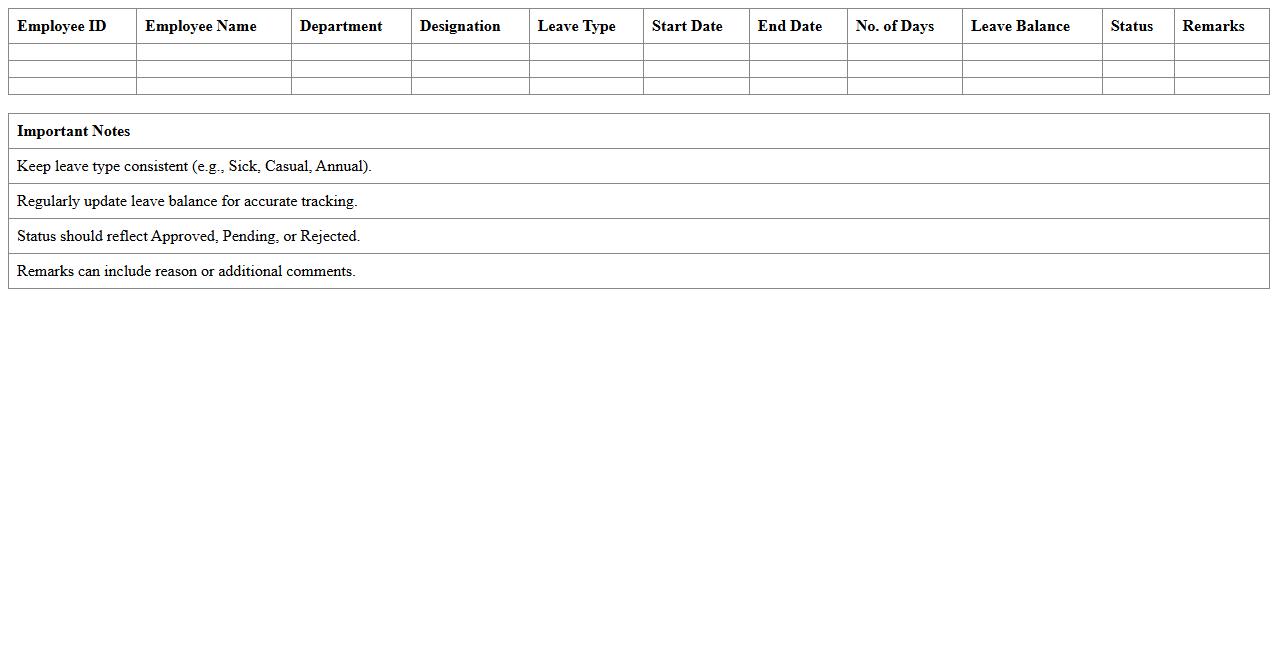
Employee Leave Management Excel Sheet is a digital tool designed to track and organize employee leave requests, balances, and approvals efficiently. It helps HR teams monitor attendance, manage various leave types, and ensure compliance with company policies in one centralized platform. This document streamlines leave administration, reduces errors, and improves workforce planning by providing clear visibility into employee availability.
Workforce Demographics Reporting Template
The
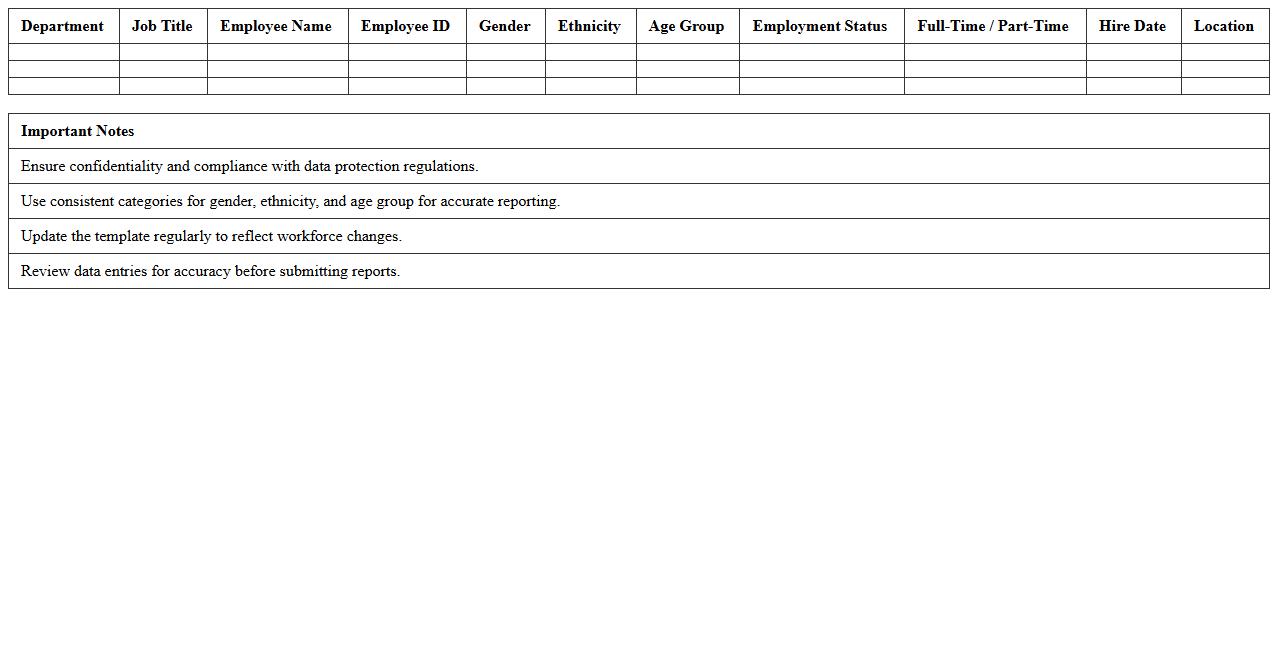
Workforce Demographics Reporting Template document is a structured tool designed to collect and analyze employee data such as age, gender, ethnicity, and job classification. This template helps organizations identify workforce trends, diversity metrics, and potential gaps, facilitating data-driven decision-making for talent management and compliance. Using this report enables better workforce planning, promotes inclusivity, and supports strategic initiatives related to human capital development.
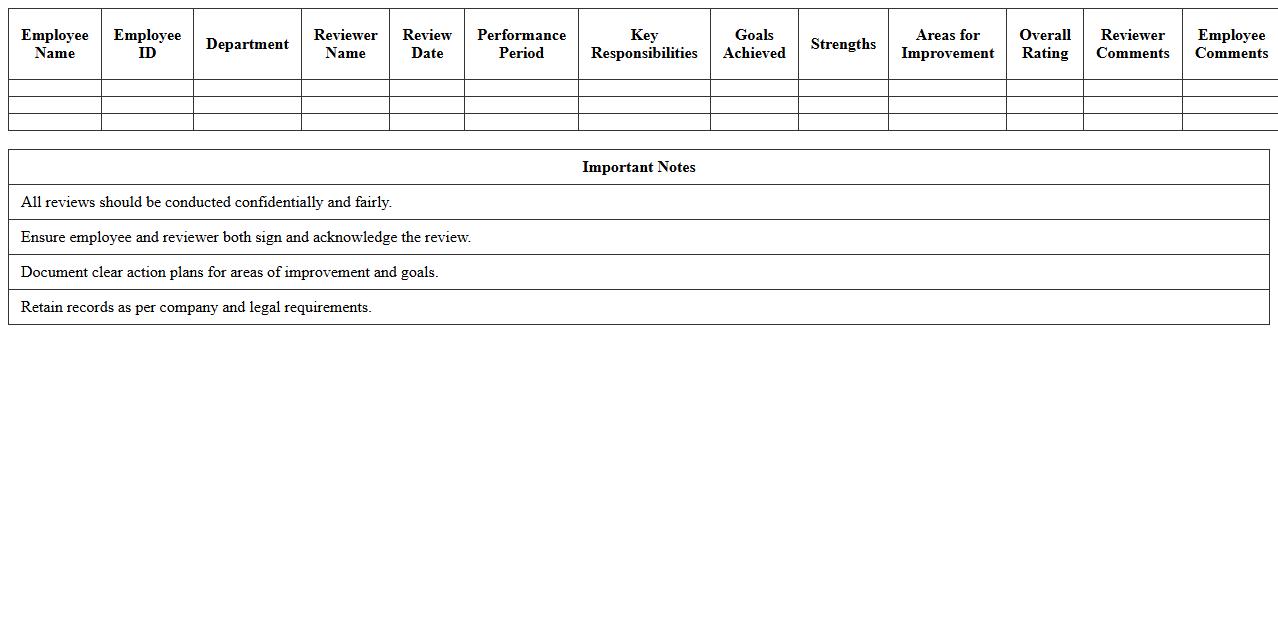
Employee Performance Review Log
An
Employee Performance Review Log document systematically records evaluations of an employee's work quality, productivity, and goal achievements over time. This log helps managers track progress, identify strengths and areas for improvement, and make informed decisions regarding promotions, training, or corrective actions. Maintaining this document enhances transparency and supports continuous professional development within the organization.
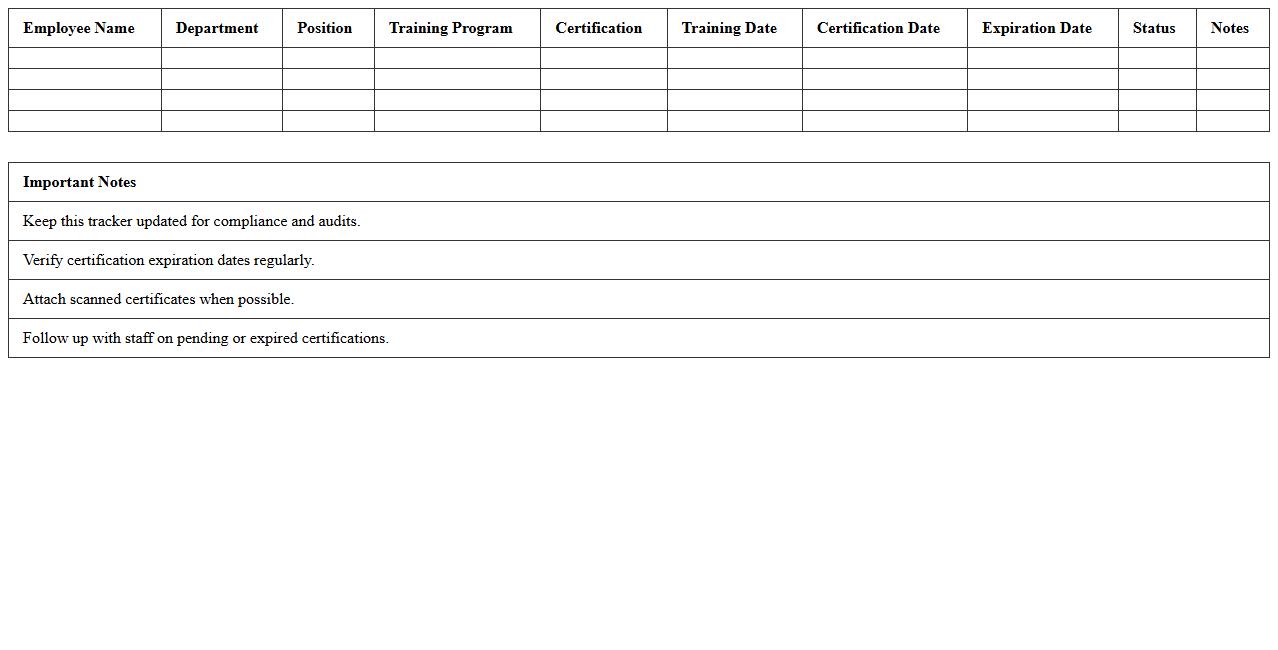
Staff Training & Certification Tracker
The
Staff Training & Certification Tracker document is a centralized tool that records and monitors employee training sessions, certifications, and renewal dates. It helps organizations ensure compliance with industry standards, identify skill gaps, and plan professional development effectively. By maintaining up-to-date information on staff qualifications, companies enhance workforce competency and reduce risks associated with expired certifications.
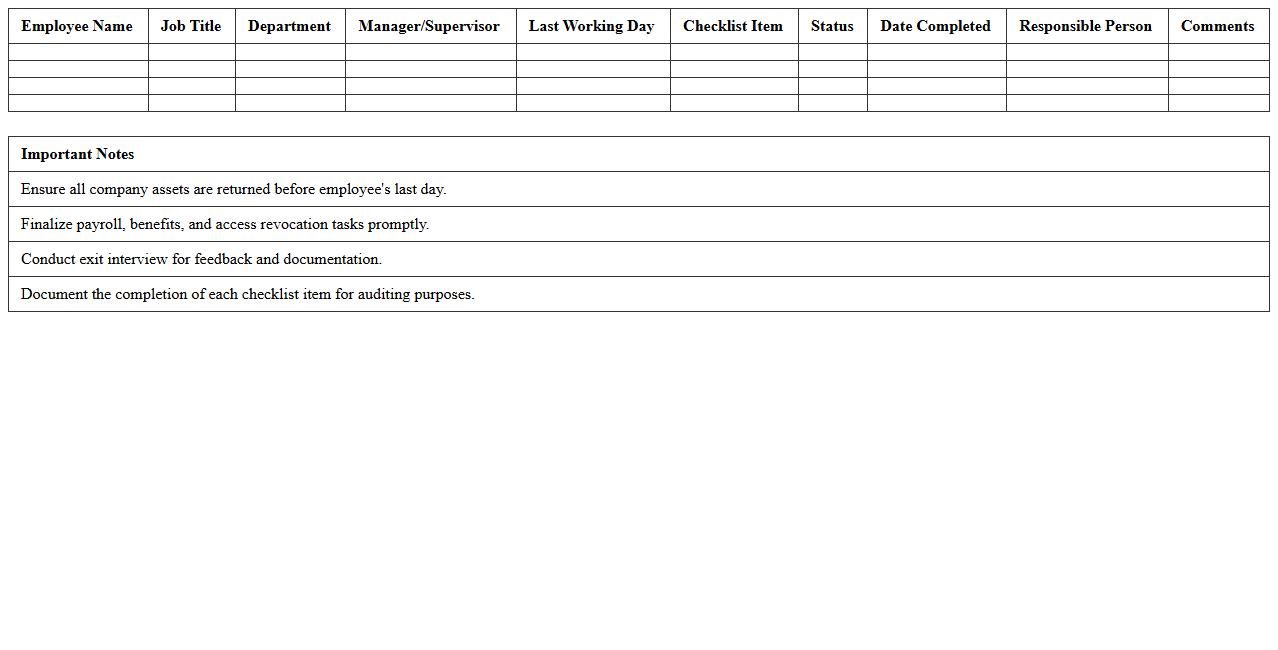
Employee Exit/Offboarding Checklist Excel
An
Employee Exit/Offboarding Checklist Excel document systematically organizes all necessary tasks to ensure a smooth and compliant employee departure process. It helps HR teams track key offboarding steps such as returning company property, revoking system access, and conducting exit interviews, reducing the risk of missed actions. Utilizing this checklist enhances operational efficiency, minimizes security risks, and maintains positive company-employee relationships during transitions.
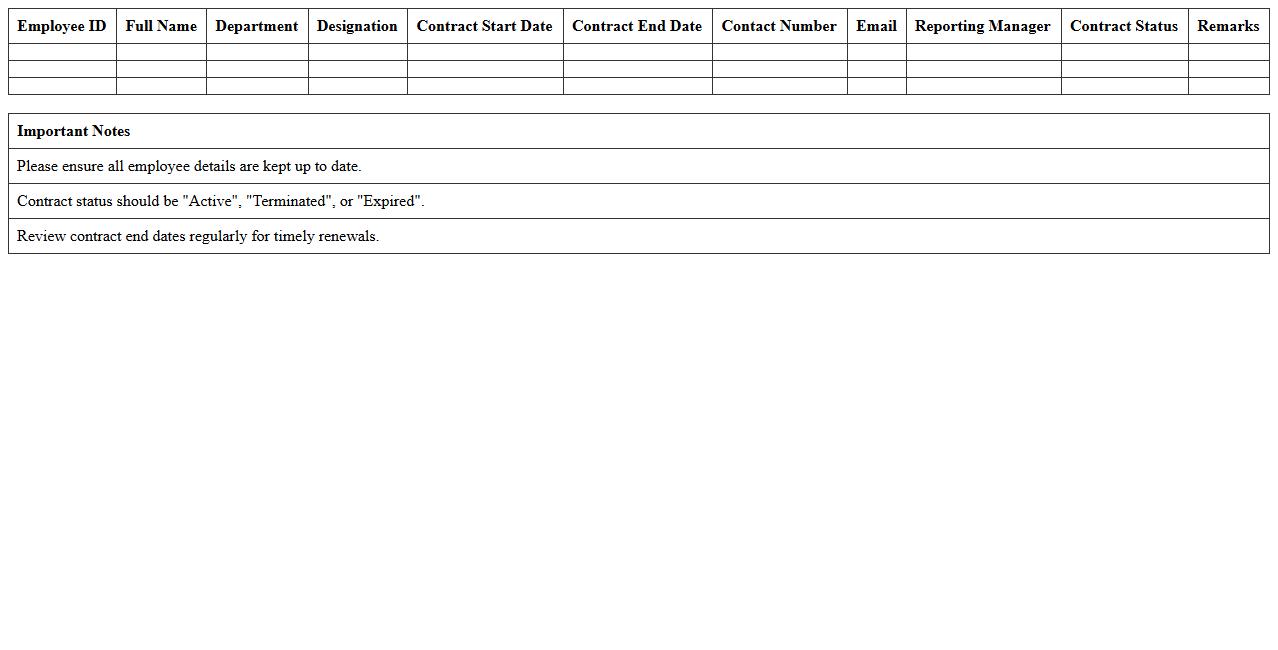
Contract Employee Details Database
A
Contract Employee Details Database document contains comprehensive records of contract-based employees, including personal information, contract duration, roles, payment terms, and performance metrics. It serves as a centralized resource for HR and management to track contract statuses, streamline payroll processing, and ensure compliance with labor laws. This database enhances workforce management efficiency and supports informed decision-making related to contract renewals and resource allocation.
HR Employee Contacts Directory Template
The
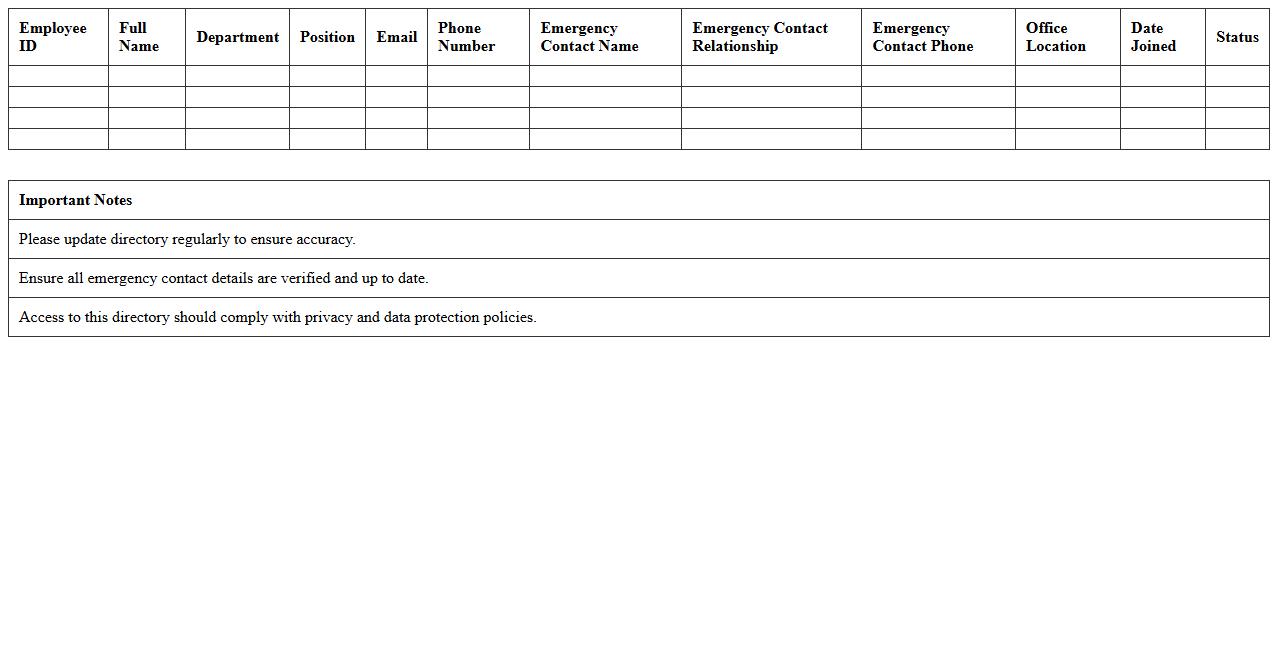
HR Employee Contacts Directory Template document is a structured tool designed to organize and maintain comprehensive contact information of employees within an organization. It enhances communication efficiency by providing quick access to essential details such as phone numbers, email addresses, and department affiliations. This template supports HR teams in streamlining internal coordination and improving employee engagement through well-managed contact records.
Employee Salary & Compensation Record Spreadsheet
An
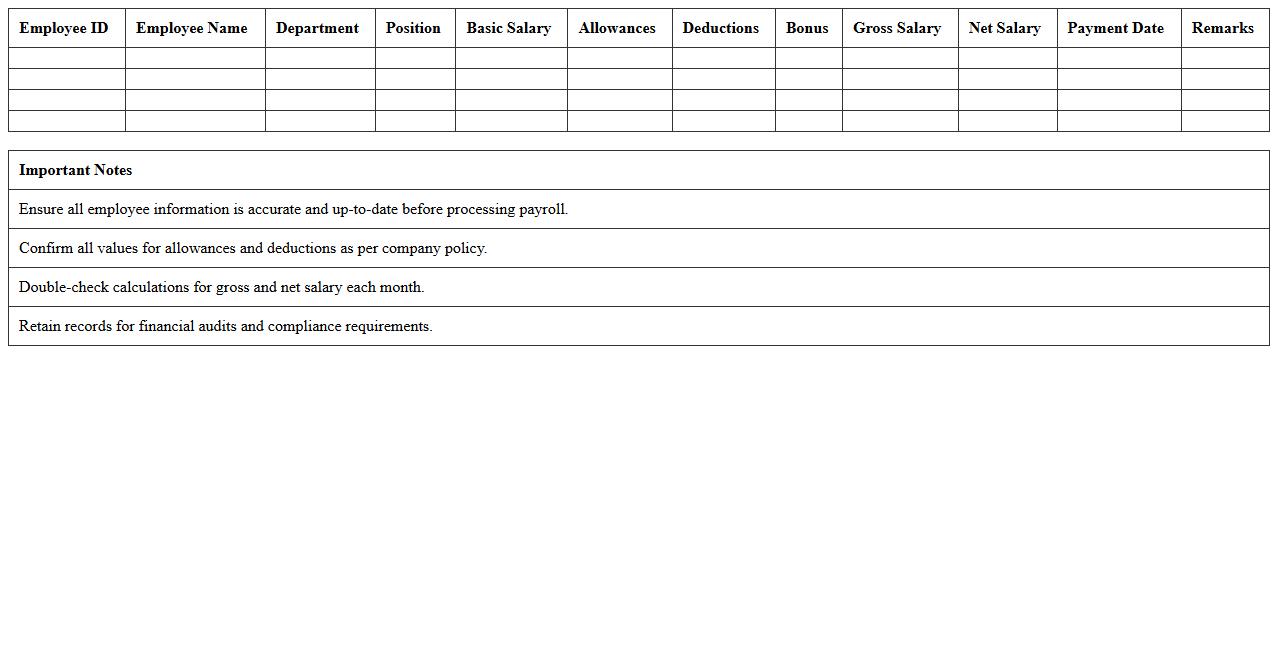
Employee Salary & Compensation Record Spreadsheet is a detailed document that tracks employee salaries, bonuses, benefits, and deductions in an organized format. It helps businesses maintain accurate payroll records, ensure compliance with tax regulations, and simplify financial reporting. This spreadsheet enhances transparency and efficiency in managing employee compensation, leading to better budget allocation and payroll accuracy.
How do you automate employee onboarding tracking in an HR Excel database?
Automate employee onboarding tracking by creating a centralized Excel sheet with key dates and task completion statuses. Use Excel's data validation and drop-down lists to streamline input consistency. Additionally, integrate conditional formatting to visually track progress and flag incomplete onboarding steps.
Which formulas best flag missing mandatory data fields in staff records?
Use the ISBLANK() function combined with IF() statements to flag missing mandatory data fields efficiently. For example, =IF(ISBLANK(A2), "Missing Data", "Complete") highlights blanks in critical fields. Pair this with conditional formatting to instantly identify incomplete entries in your employee dataset.
What Excel template structure optimizes separation of current vs. former employees?
Design an Excel template with a dedicated status column indicating "Current" or "Former" employee status. Utilize Excel tables and filters to quickly separate and analyze records based on this status. Including dynamic named ranges or pivot tables further enhances streamlined data management between employee groups.
How do you securely manage confidential columns (e.g., salary) in a shared HR worksheet?
Protect confidential columns by applying worksheet protection with password restrictions, restricting editing on sensitive data like salary. Implement hidden columns combined with selective password sharing for added security. Additionally, consider using Excel's Data Encryption features to safeguard sensitive HR information.
What conditional formatting highlights contract expiry dates in employee databases?
Use conditional formatting rules with formulas like =TODAY()>=E2-30 to highlight contracts expiring within 30 days. Apply color scales or fill colors on expiry date cells to visually alert HR staff. Customize the formatting to differentiate between expired, near-expiry, and valid contracts for efficient tracking management.