The Human Resource Excel Template for Performance Improvement Plan streamlines the process of tracking employee performance goals and progress effectively. This template allows HR professionals to document specific improvement areas, set measurable targets, and monitor timelines with ease. Its organized format enhances accountability and supports structured feedback to drive employee development.
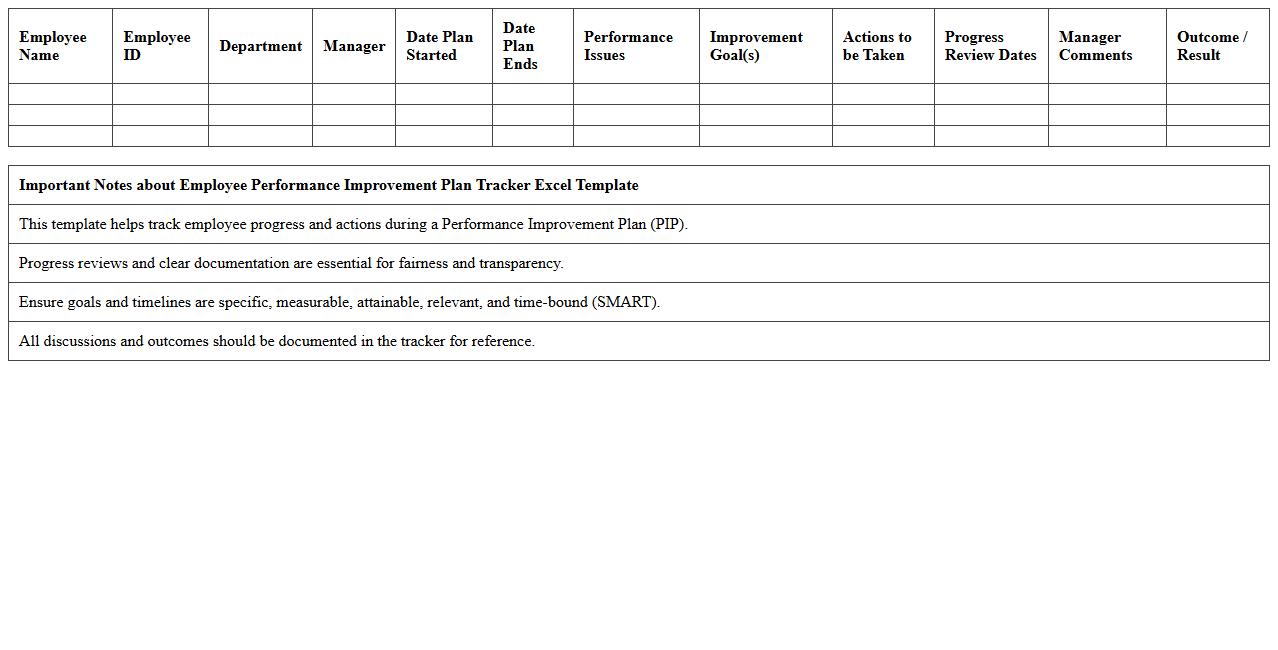
Employee Performance Improvement Plan Tracker Excel Template
The
Employee Performance Improvement Plan Tracker Excel Template document is designed to systematically monitor and track an employee's progress against specific performance goals and improvement actions. It enables managers to document key performance indicators, deadlines, and feedback, ensuring accountability and transparent communication throughout the improvement process. This tool streamlines performance management by providing a clear visual overview, facilitating timely interventions and supporting employee development.
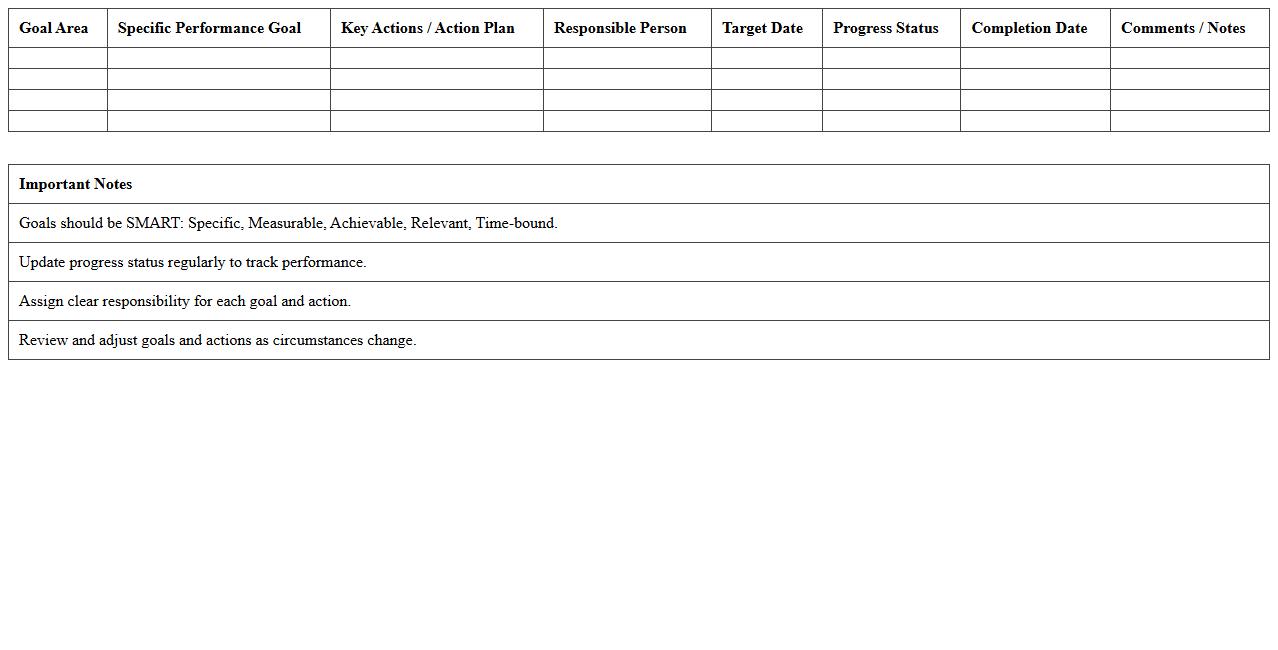
Performance Goals & Action Plans Spreadsheet
A
Performance Goals & Action Plans Spreadsheet is a structured document designed to track, manage, and evaluate individual or team objectives alongside the specific steps required to achieve them. This tool enhances productivity by clearly outlining deadlines, responsibilities, and progress metrics, facilitating better accountability and focused effort. By centralizing goal-setting and action tracking, it supports continuous performance improvement and strategic alignment within organizations.
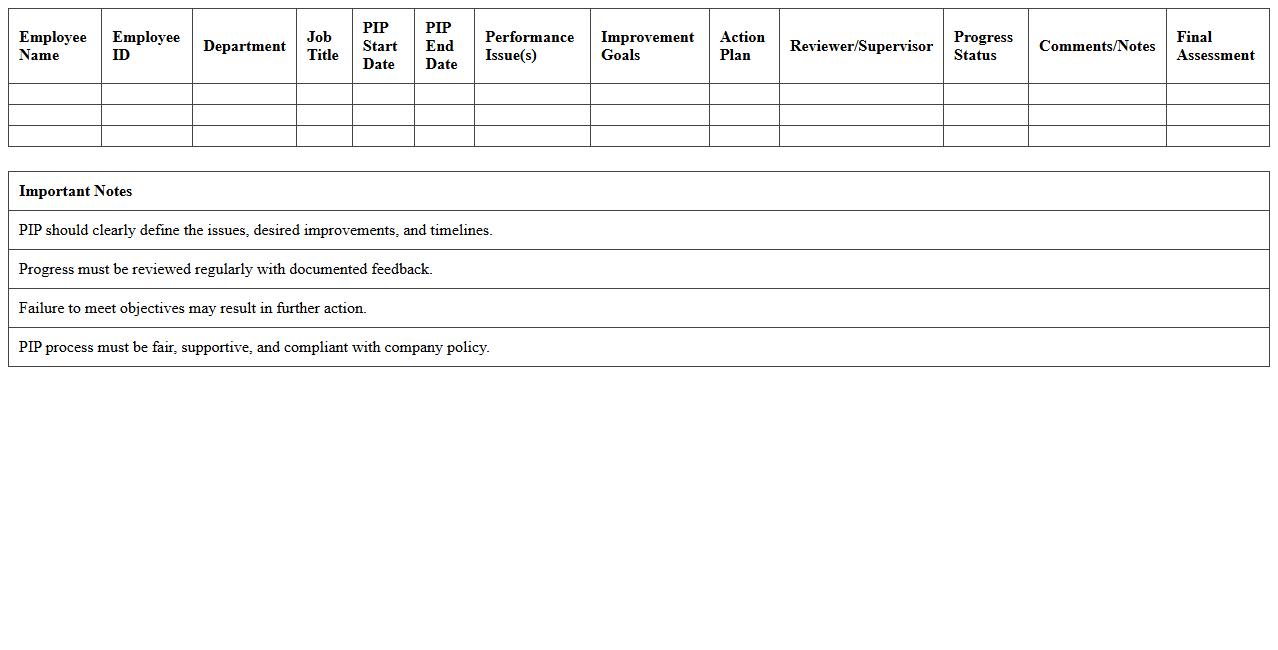
PIP (Performance Improvement Plan) Monitoring Sheet
A
Performance Improvement Plan (PIP) Monitoring Sheet is a structured document designed to track an employee's progress against specific performance goals outlined in a PIP. It provides a clear framework for managers to document regular feedback, action steps, and measurable outcomes, ensuring accountability throughout the improvement process. This monitoring sheet is essential for identifying skill gaps, facilitating targeted coaching, and making informed decisions about employee development or corrective actions.
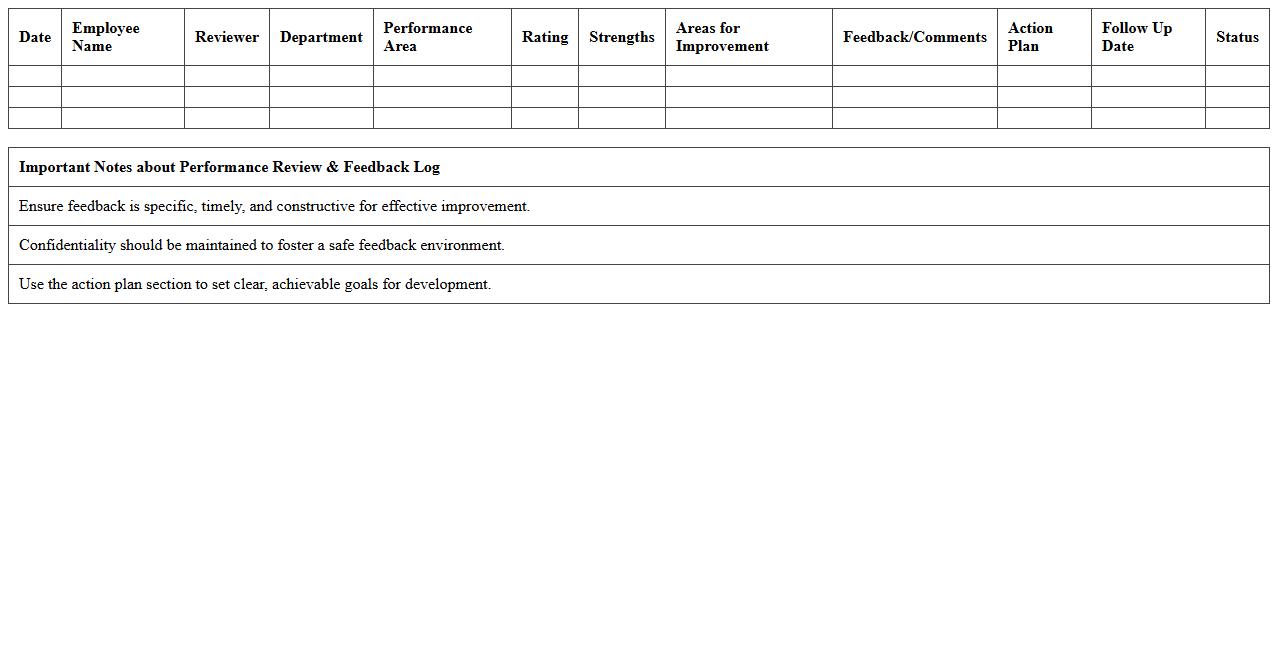
Performance Review & Feedback Log Excel
A
Performance Review & Feedback Log Excel document serves as a structured tool for tracking employee evaluations, feedback, and progress over time. This document enhances organization by centralizing performance data, enabling managers to identify trends, set goals, and make informed decisions for talent development. Utilizing this log improves communication, accountability, and overall workforce productivity by providing clear records of achievements and areas for improvement.
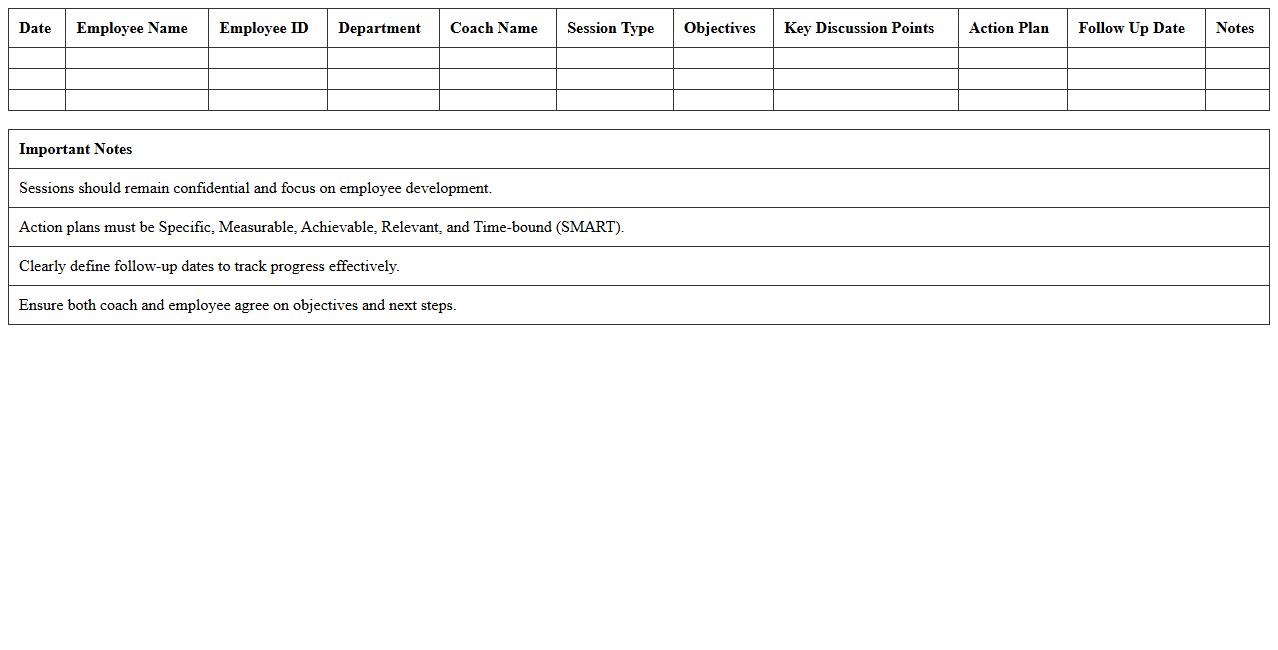
HR Performance Coaching Session Tracker
The
HR Performance Coaching Session Tracker document is a structured tool designed to record, monitor, and analyze employee performance coaching sessions. It helps HR professionals track progress, set actionable goals, and identify areas for improvement, which enhances overall workforce productivity. By maintaining detailed documentation, organizations ensure consistent follow-up and support for employee development initiatives.
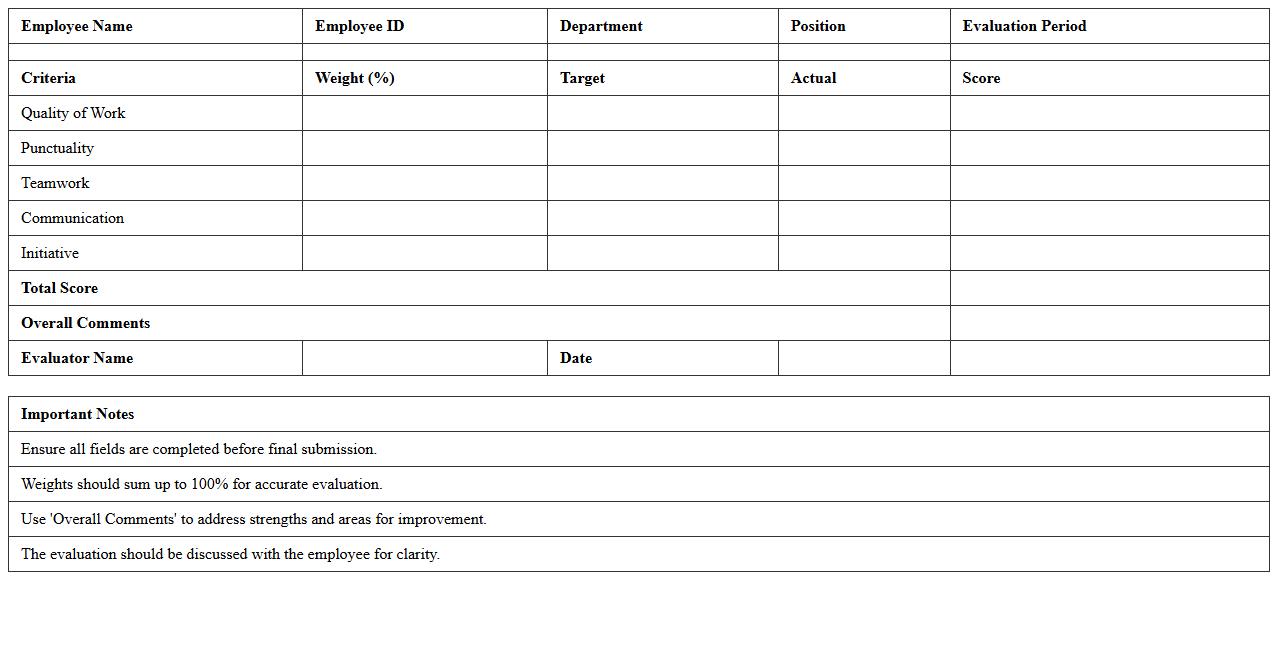
Employee Progress Evaluation Template
An
Employee Progress Evaluation Template document is a structured tool designed to systematically assess an employee's performance, achievements, and areas for improvement over a specific period. This template helps managers provide consistent, objective feedback, track development goals, and align employee growth with organizational objectives. Utilizing this document enhances performance management by fostering clear communication, identifying skill gaps, and supporting data-driven decisions for promotions or training programs.
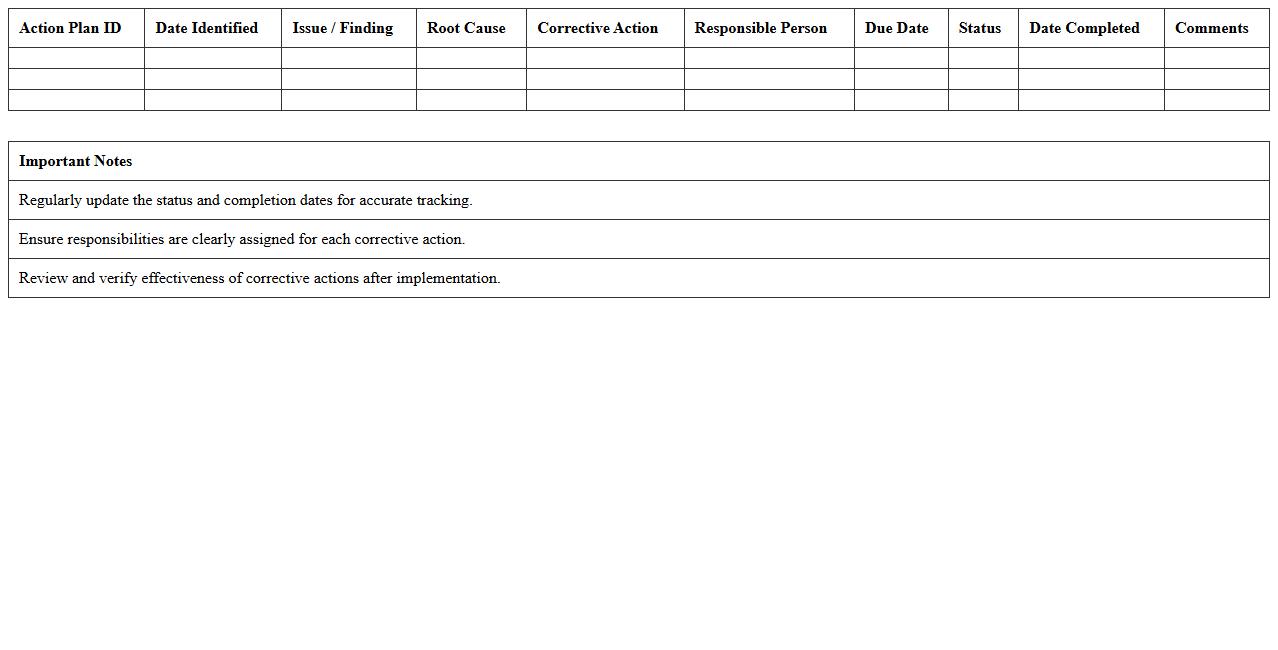
Corrective Action Plan Documentation Spreadsheet
A
Corrective Action Plan Documentation Spreadsheet is a structured tool used to systematically record, track, and manage corrective actions identified during audits, inspections, or quality reviews. It helps organizations ensure accountability by documenting responsible parties, deadlines, status updates, and evidence of completion, promoting transparency and continuous improvement. This spreadsheet streamlines communication, enhances compliance with regulatory requirements, and supports effective resolution of non-conformities to prevent recurrence.
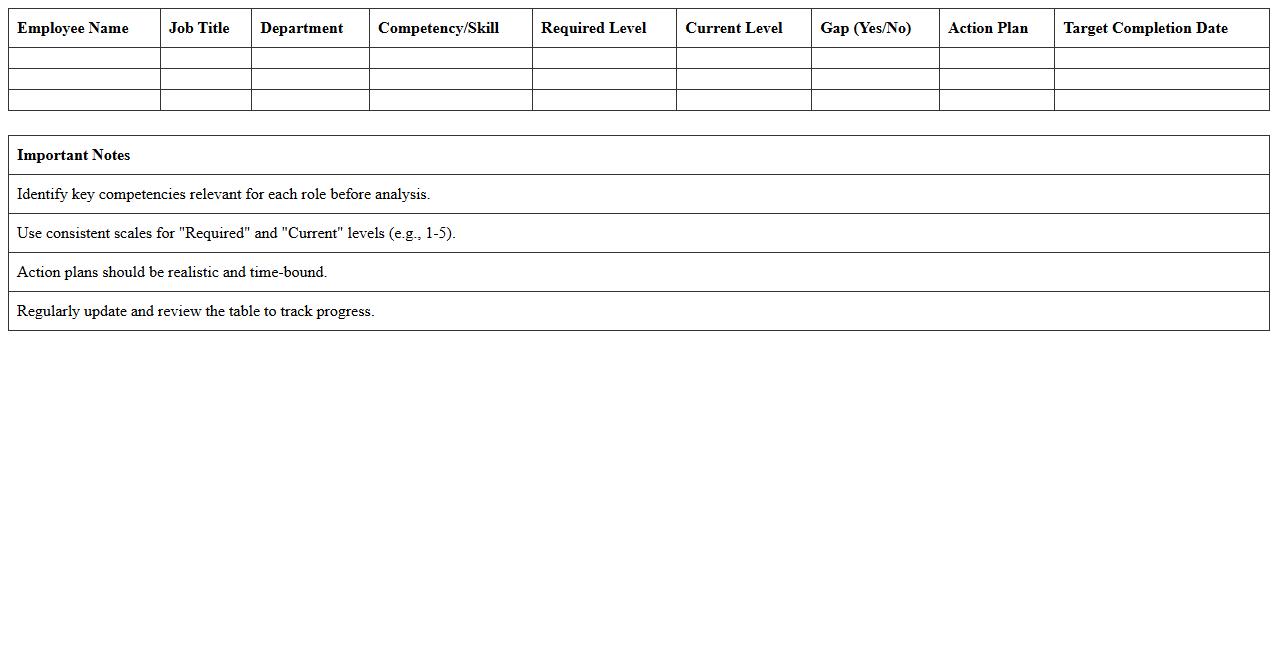
Competency & Skill Gap Analysis Excel
A
Competency & Skill Gap Analysis Excel document is a structured tool designed to identify the difference between current employee skills and the skills required for specific roles or organizational goals. It helps organizations pinpoint areas where training or development is necessary, ensuring targeted skill enhancement and efficient resource allocation. By systematically tracking competencies, this document supports strategic workforce planning and boosts overall productivity.
Performance Improvement Timeline Planner
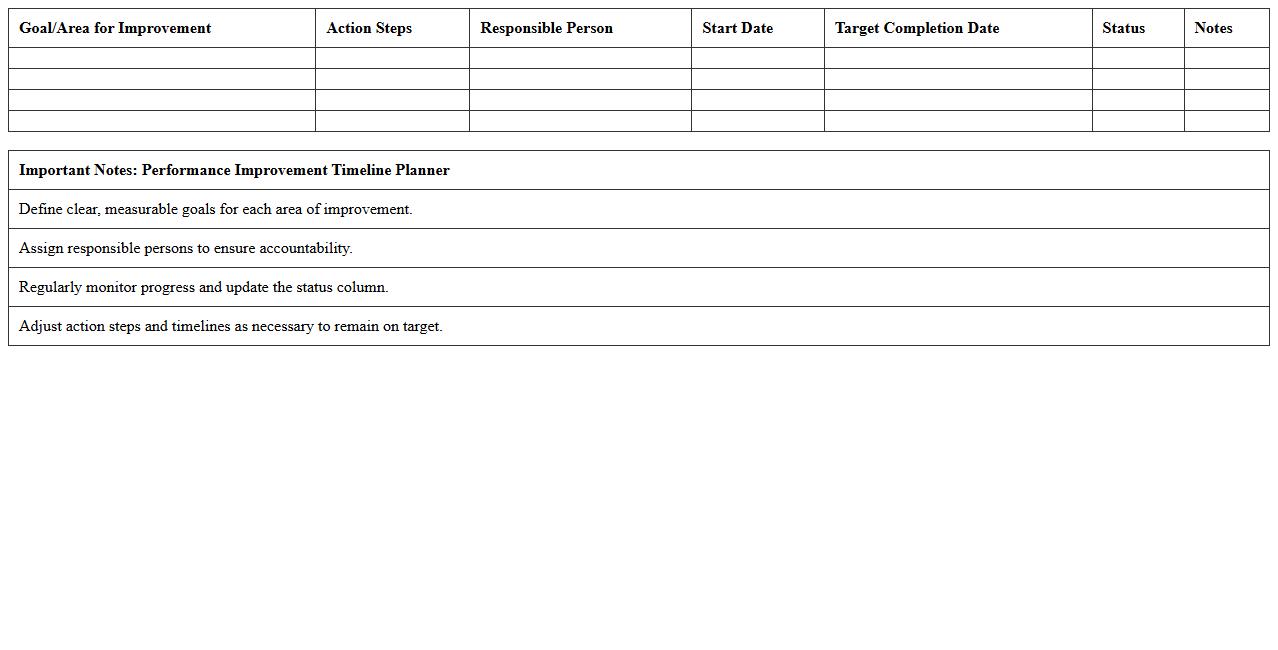
The
Performance Improvement Timeline Planner document outlines the scheduled steps and milestones for enhancing individual or team performance within a specific timeframe. It serves as a strategic tool to track progress, set clear goals, and ensure accountability in achieving desired outcomes. This planner helps organizations systematically address performance gaps and measure improvements effectively.
Performance Improvement Analysis Dashboard Excel
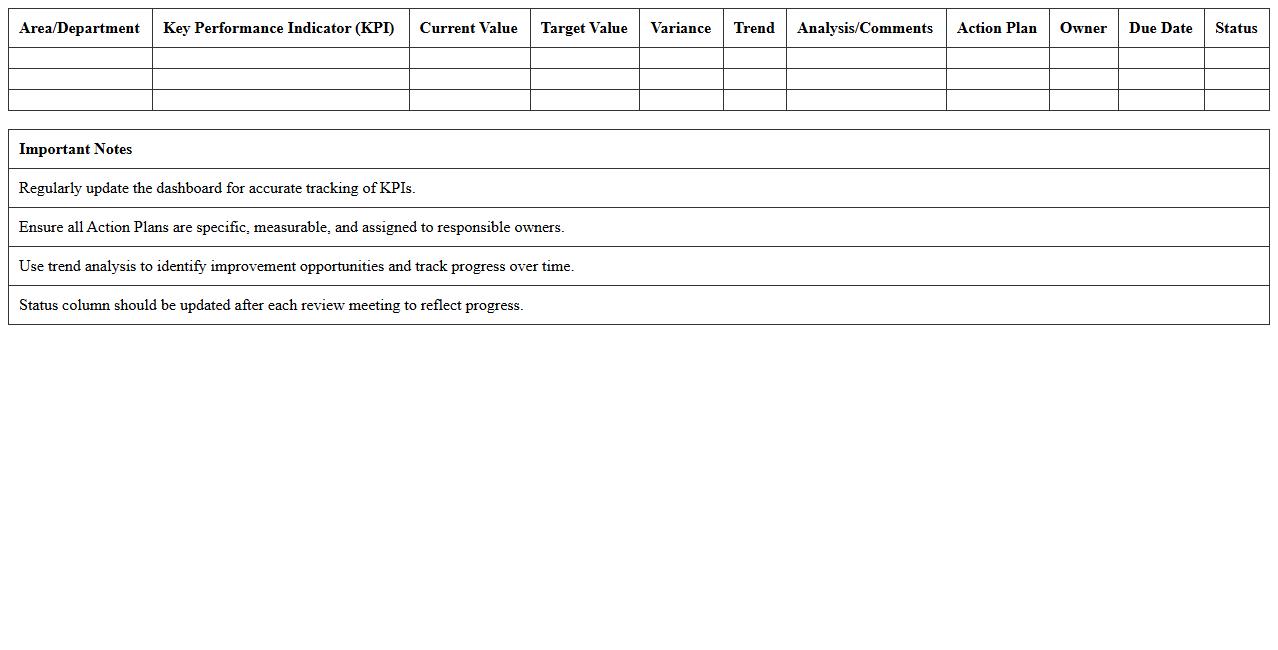
A
Performance Improvement Analysis Dashboard in Excel serves as a powerful tool that consolidates key performance indicators (KPIs) to monitor and analyze operational efficiency across various business functions. By visualizing real-time data trends, it enables users to quickly identify performance gaps, track progress towards goals, and make informed decisions to drive continuous improvement. This dashboard enhances productivity by providing actionable insights that help organizations focus resources on areas needing optimization, ultimately boosting overall performance.
How to automate PIP tracking in HR Excel sheets?
To automate PIP tracking in HR Excel sheets, use dynamic tables with conditional formatting to highlight progress status. Integrate drop-down lists for standardized data entry and automate status updates with IF formulas. Leveraging Excel macros can further streamline repetitive tasks such as reminders and status changes.
What are key Excel formulas for PIP progress analysis?
Key Excel formulas for PIP progress analysis include IF, COUNTIF, and SUMIFS to evaluate goal completion and track milestones. The VLOOKUP or XLOOKUP functions help pull employee-specific data dynamically. Additionally, the NETWORKDAYS formula calculates the elapsed days within the PIP timeframe, aiding in time-based performance assessment.
How to visualize employee PIP status using HR Excel dashboards?
Visualize employee PIP status by creating interactive dashboards with charts like bar graphs, pie charts, and progress bars. Use slicers and pivot tables to filter data by department or employee for targeted insights. Implement conditional formatting to make statuses like "On Track" or "At Risk" immediately visible to HR managers.
Which HR Excel templates best support documenting PIP outcomes?
The best HR Excel templates for documenting PIP outcomes feature structured fields for goals, timelines, feedback, and final decisions. Templates with integrated comment sections and checklists help ensure comprehensive record-keeping. Choose templates with pre-built formulas and dashboards to facilitate ongoing tracking and reporting.
How to ensure PIP documentation compliance with Excel audit trails?
Ensure PIP documentation compliance in Excel by enabling workbook protection and tracking changes. Use the 'Track Changes' feature to maintain an audit trail of edits and date stamps for accountability. Additionally, saving backups and implementing version control strengthens document integrity and compliance.
More Human Resource Excel Templates