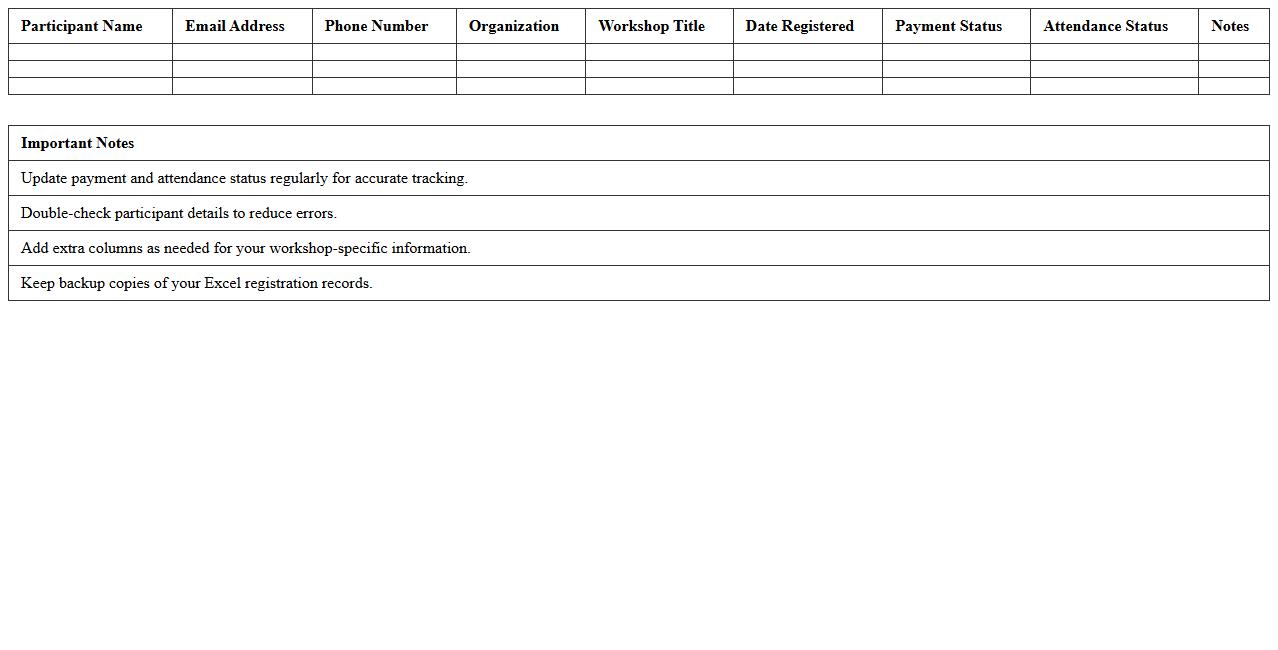
The Event Management Excel Template for Workshop Registrations streamlines the process of tracking participant information, payment status, and session preferences. This customizable tool helps organizers efficiently manage attendee lists and generate reports, ensuring smooth workshop operations. Its user-friendly design reduces manual errors and saves time during event planning.
Workshop Registration Tracking Excel Template
The
Workshop Registration Tracking Excel Template is a structured spreadsheet designed to organize and manage participant information, registration status, payment details, and attendance records efficiently. It allows event coordinators to monitor workshop enrollments in real-time, ensuring accurate data collection and easy access to essential metrics. By streamlining the registration process, this template helps improve event planning, reduce errors, and enhance communication with attendees.
Event Participant Registration List Excel Template
The
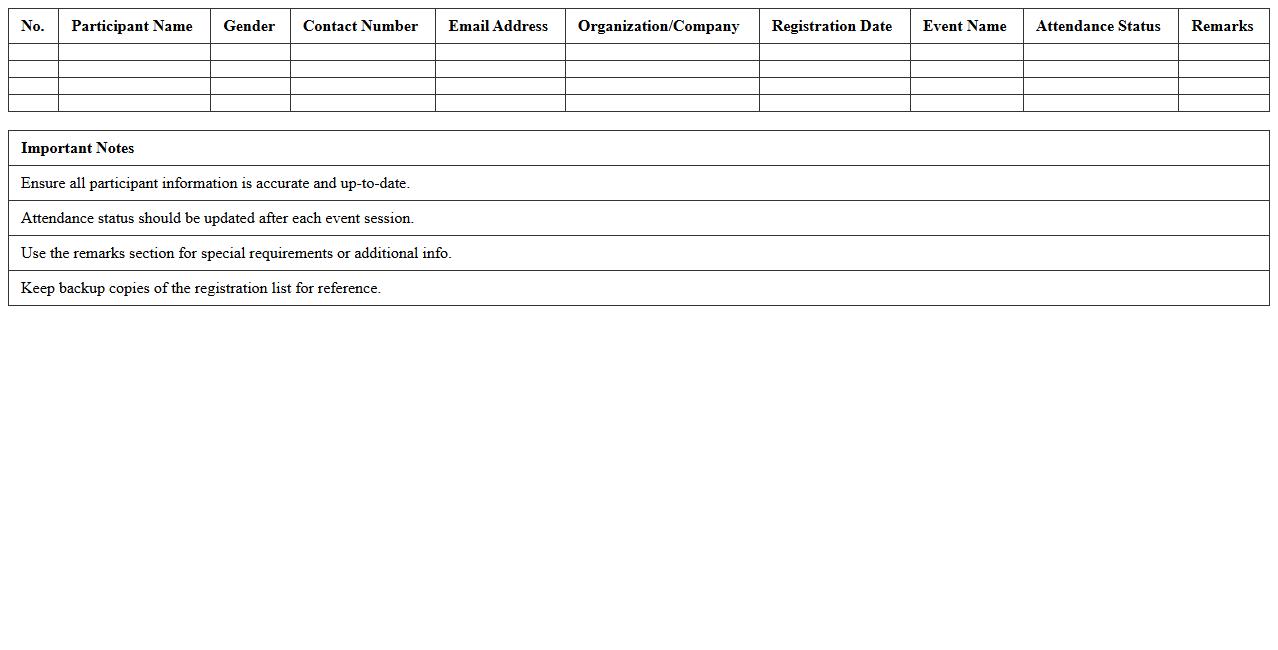
Event Participant Registration List Excel Template is a structured spreadsheet designed to organize and track attendee information for events, including names, contact details, registration status, and payment records. This template streamlines the event management process by providing a centralized, easy-to-update document that enhances data accuracy and accessibility. Utilizing this tool significantly improves efficiency in managing participant information, enabling quick reference and seamless communication throughout event planning and execution.
Workshop Attendance Sign-In Sheet Excel Template
The
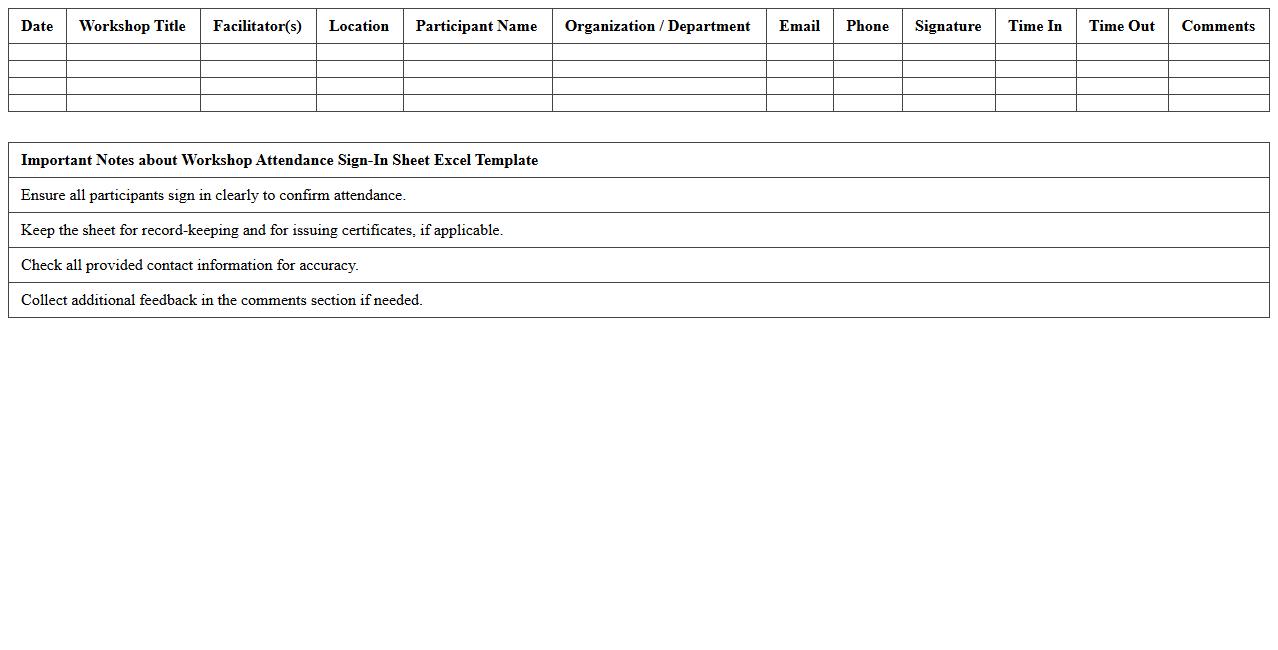
Workshop Attendance Sign-In Sheet Excel Template is a structured document designed to efficiently record participant details during workshops or training sessions. It helps organizers track attendance, gather contact information, and maintain accurate records for reporting and follow-up purposes. Using this template streamlines data management, improves organization, and ensures reliable attendance tracking for event analysis and certification processes.
Workshop Payment and Fee Tracker Excel Template
The
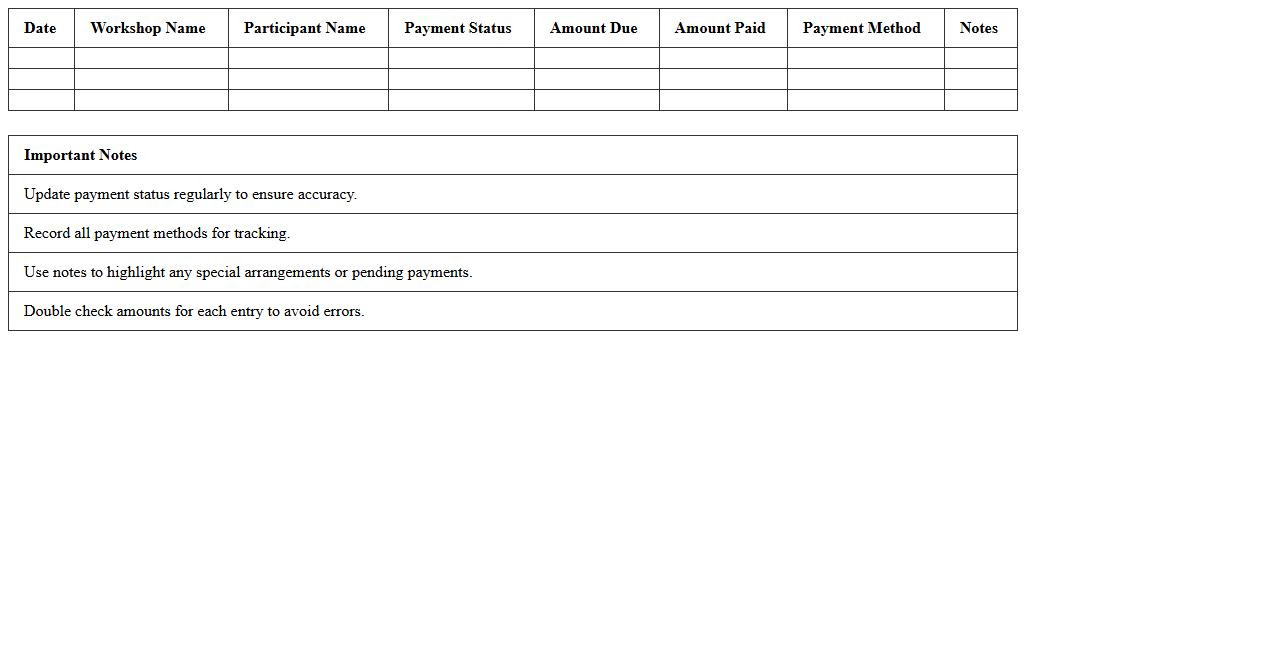
Workshop Payment and Fee Tracker Excel Template is a structured spreadsheet designed to monitor and manage payments and fees related to workshop events efficiently. It helps users organize participant information, track payment statuses, calculate outstanding balances, and generate financial reports with ease. This tool streamlines financial oversight, ensuring timely fee collection and accurate record-keeping for successful workshop administration.
Workshop Session Scheduling Excel Template
The
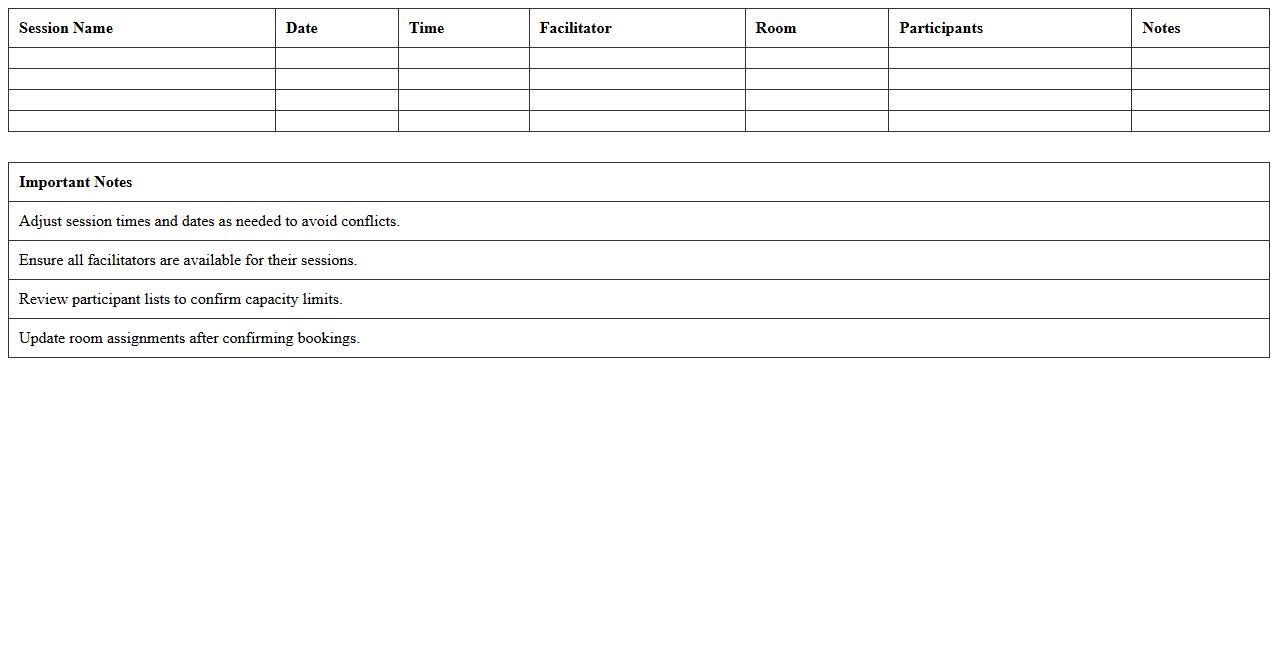
Workshop Session Scheduling Excel Template document is a structured tool designed to organize and manage the timing, topics, and participants of workshop sessions efficiently. It helps streamline the planning process by providing clear visibility into session durations, speaker assignments, and resource allocation, reducing scheduling conflicts. This template enhances productivity by ensuring all stakeholders have access to an up-to-date, easy-to-read schedule that simplifies coordination and maximizes workshop success.
Workshop Volunteer Assignment Excel Template
The
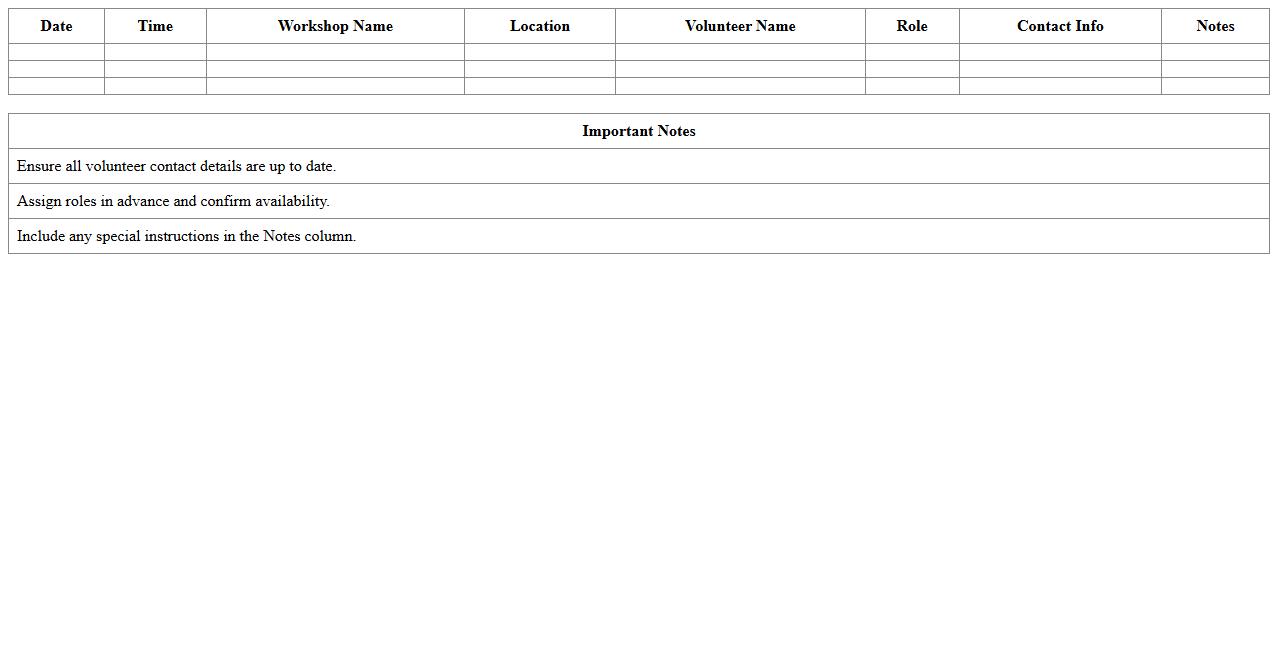
Workshop Volunteer Assignment Excel Template is a structured spreadsheet designed to organize and manage volunteer roles efficiently during workshops. It helps coordinators track volunteer names, assigned tasks, shift timings, and contact information in one centralized document, ensuring smooth workflow and accountability. Using this template improves volunteer coordination, optimizes resource allocation, and minimizes scheduling conflicts.
Workshop Badge and Name Tag Generator Excel Template
The
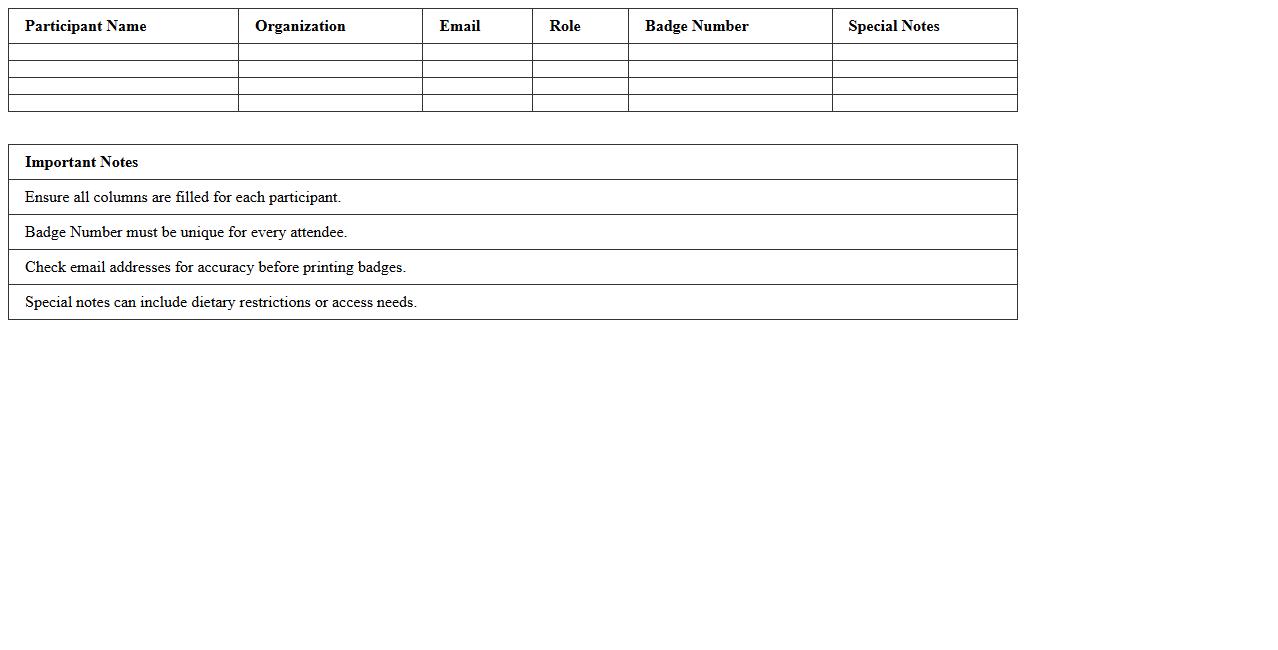
Workshop Badge and Name Tag Generator Excel Template is a customizable tool designed to create professional and consistent badges and name tags for events efficiently. It streamlines the process by allowing users to input participant data and automatically generate print-ready badges, saving time and reducing errors. This template is especially useful for event organizers seeking a cost-effective solution to manage attendee identification without the need for specialized design software.
Workshop Feedback and Survey Response Excel Template
The
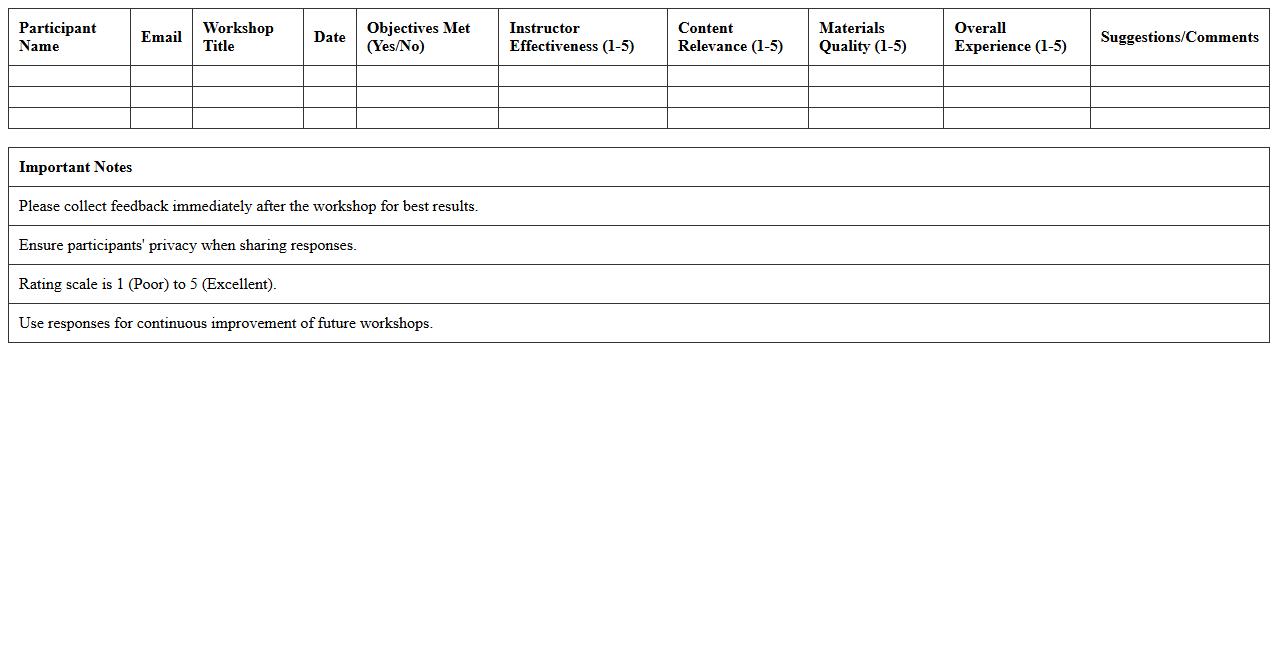
Workshop Feedback and Survey Response Excel Template is a structured document designed to collect and analyze participant responses from workshops or training sessions efficiently. It helps organizers track attendee satisfaction, identify areas for improvement, and measure overall effectiveness using organized data inputs and built-in analytics. This template streamlines data collection and enhances decision-making by providing clear insights into feedback trends and participant engagement.
Pre-Workshop Task Checklist Excel Template
The
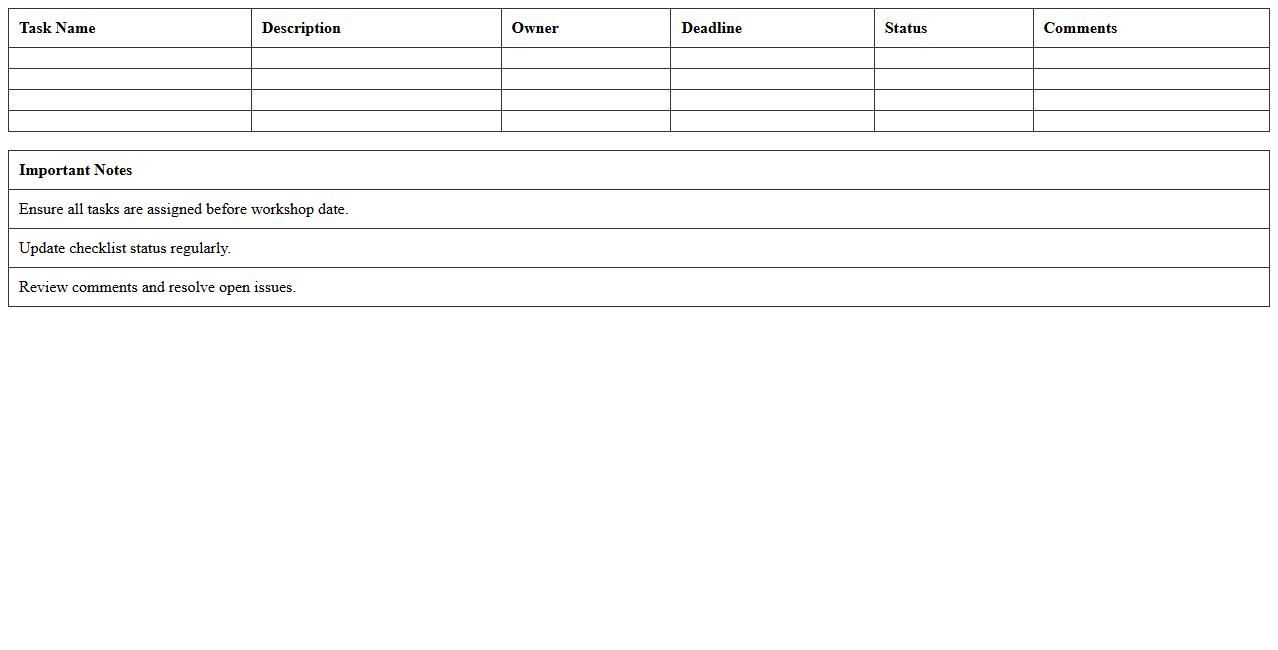
Pre-Workshop Task Checklist Excel Template document is a structured tool designed to organize and track essential tasks before a workshop begins, ensuring all preparations are completed efficiently. It helps streamline planning processes by listing activities such as venue booking, material preparation, and participant invitations, reducing the risk of oversights. Using this template improves time management and promotes clear accountability among team members, enhancing overall workshop effectiveness.
Workshop Resource and Material Inventory Excel Template
The
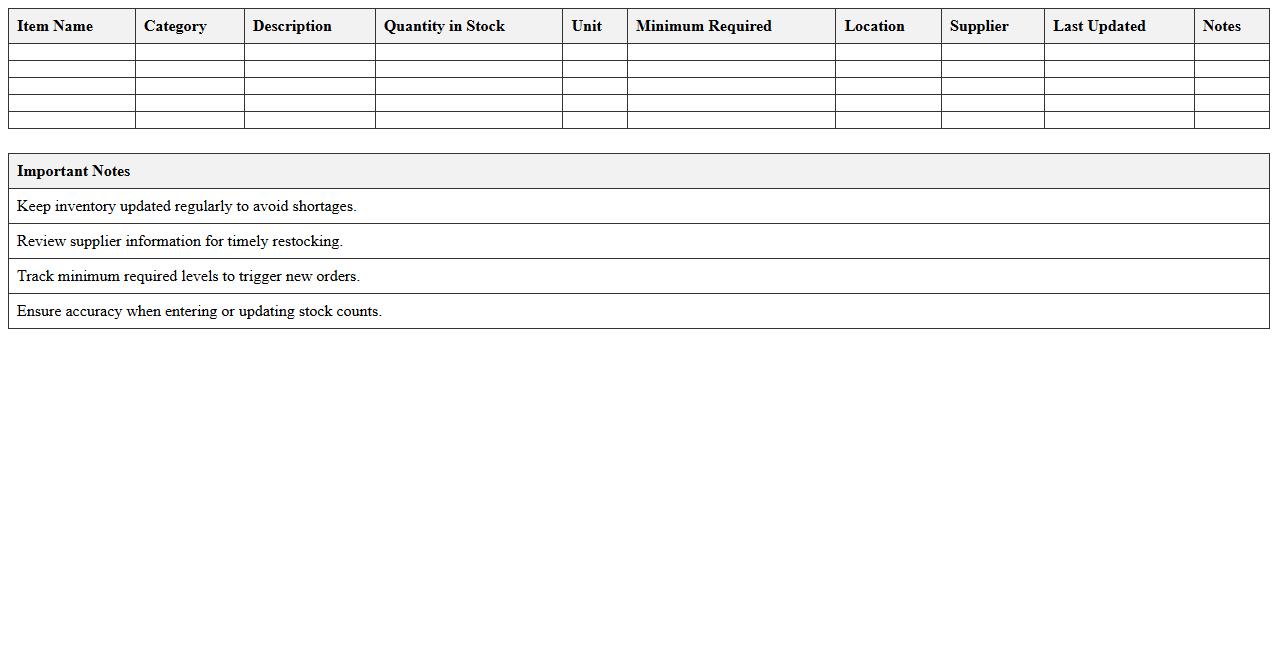
Workshop Resource and Material Inventory Excel Template document is a structured tool designed to track and manage all materials, supplies, and equipment used in workshops, ensuring accurate inventory control and efficient resource allocation. It helps identify stock levels, prevent shortages, and maintain organized records of usage, which reduces downtime and optimizes procurement processes. This template is essential for improving operational efficiency and cost management in both small and large-scale workshop environments.
How can Excel automate RSVP tracking for workshop participants?
Excel can automate RSVP tracking by using tables to organize participant data efficiently. Utilizing data validation and drop-down lists helps streamline the RSVP status updates. Additionally, conditional formatting highlights responses, making it easy to identify confirmed, pending, or declined participants.
What formulas best analyze attendee demographics in registration sheets?
Excel formulas like COUNTIF, SUMIFS, and AVERAGEIF are ideal for analyzing attendee demographics. These formulas allow organizers to segment data by age, location, or other criteria quickly. PivotTables further enhance demographic insights by summarizing and visualizing registration trends.
How to configure Excel to flag incomplete workshop sign-ups?
Using conditional formatting with custom formulas, Excel can flag missing or incomplete data fields automatically. Logical functions such as IF and ISBLANK detect entries where required information is absent. This setup ensures timely follow-up and accurate participant records for the workshop.
Which Excel features help manage payment statuses for event registrations?
Excel features like Data Validation, Conditional Formatting, and the IF function efficiently track payment statuses. By assigning categories such as "Paid," "Pending," or "Overdue," the sheet visually organizes financial data. PivotTables and filters simplify the review process for event payment management.
How to generate session allocation lists from registration data in Excel?
Excel uses filters and PivotTables to allocate participants into workshop sessions based on registration details. Sorting data by preferences or availability helps create balanced group lists. Combining these features automates session planning and enhances event coordination effectiveness.
More Event Management Excel Templates