The Event Management Excel Template for Sponsorship Management streamlines tracking sponsor details, commitments, and deliverables in one organized spreadsheet. It enhances budgeting and communication by clearly outlining sponsor packages, payment schedules, and promotional responsibilities. This template ensures efficient coordination and maximizes sponsor satisfaction throughout the event planning process.
Event Sponsorship Tracking Excel Template
The
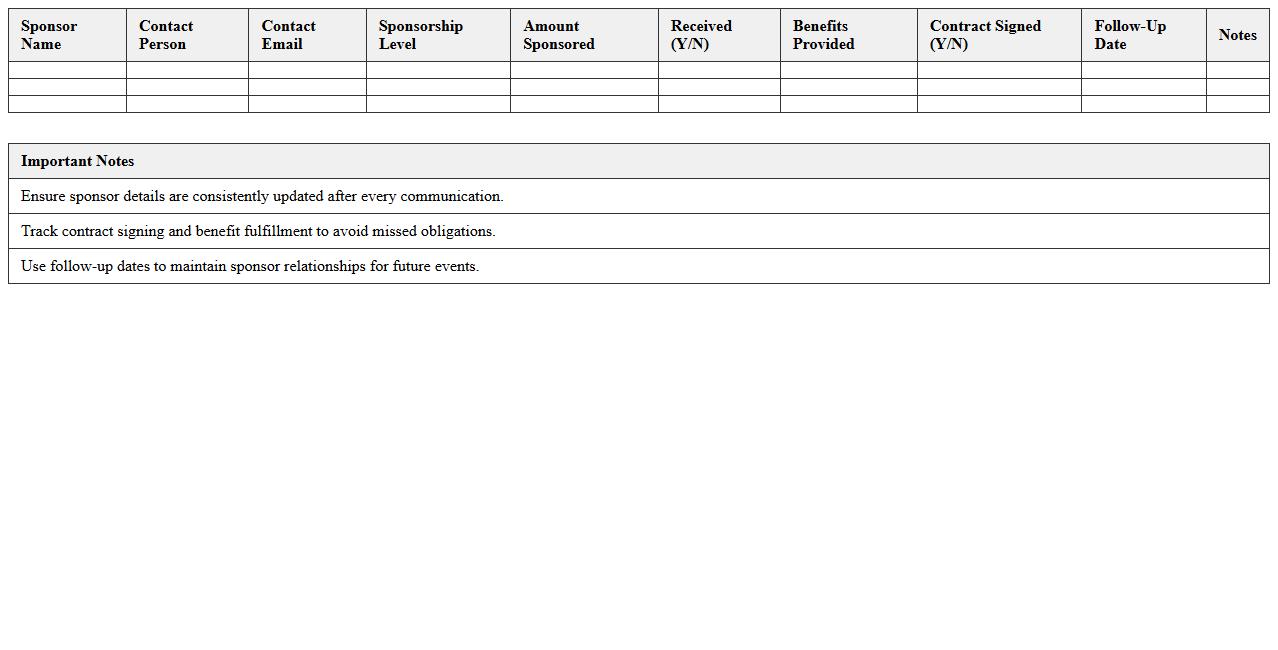
Event Sponsorship Tracking Excel Template is a structured tool designed to monitor and manage sponsorship agreements, payments, and deliverables for events. It allows organizers to efficiently track sponsor contributions, deadlines, and fulfillment status, ensuring transparent communication and accountability. Utilizing this template streamlines financial oversight and enhances relationship management with sponsors, contributing to successful event execution.
Sponsorship Proposal Management Excel Sheet
A
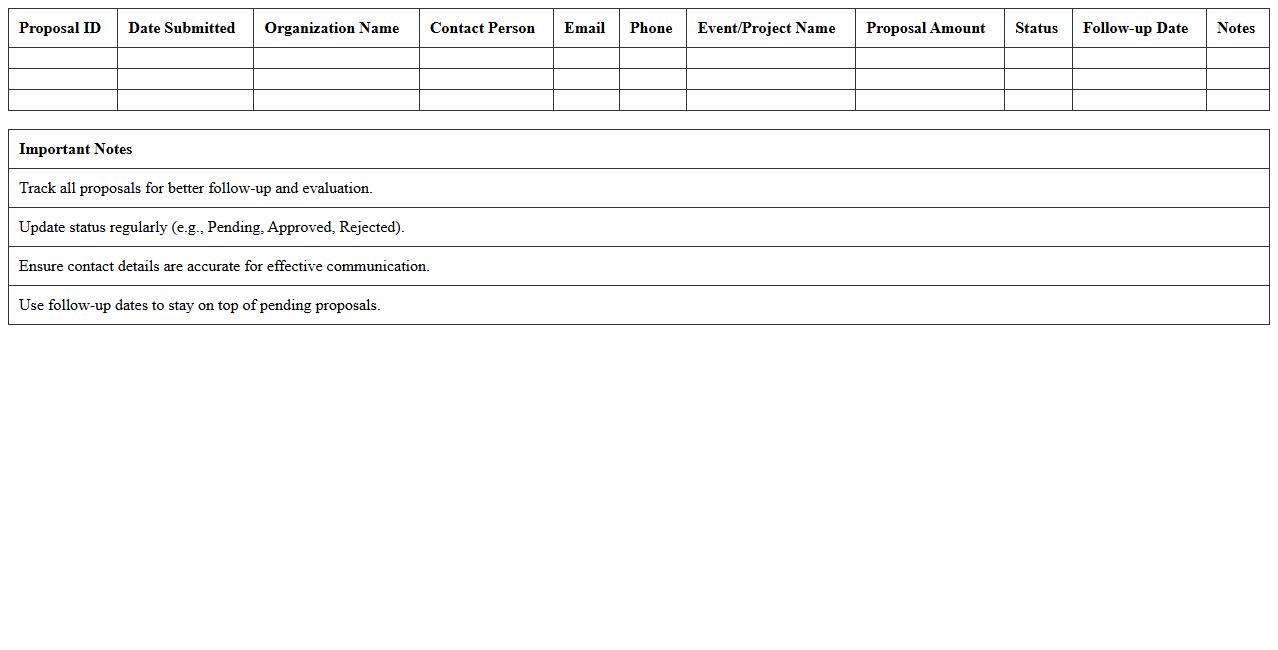
Sponsorship Proposal Management Excel Sheet is a structured document designed to organize, track, and analyze sponsorship opportunities and proposals efficiently. It provides detailed fields for sponsor information, proposal status, deadlines, and financial commitments, enabling streamlined communication and improved follow-up processes. This tool enhances decision-making by consolidating all critical data in one place, leading to better sponsorship acquisition and relationship management.
Sponsor Contact List Excel Template
The
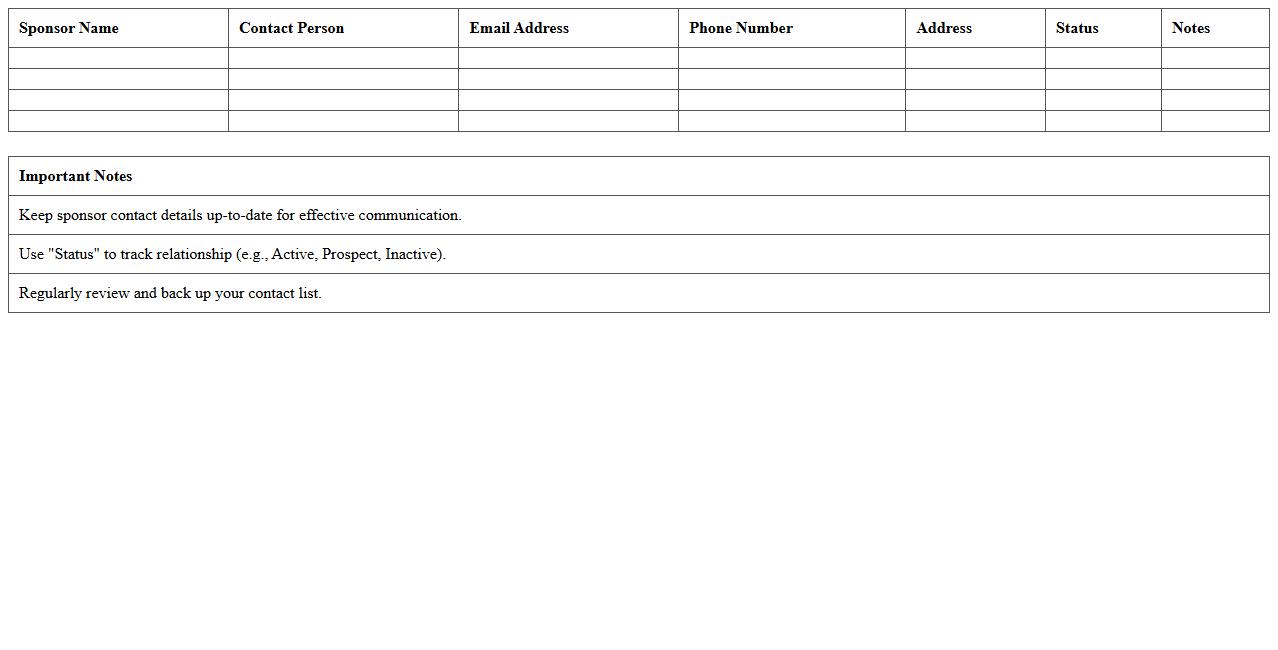
Sponsor Contact List Excel Template document organizes detailed information about sponsors, including names, contact details, and sponsorship levels, in a structured and easily accessible format. This template streamlines communication management, enabling efficient tracking and follow-up with sponsors for events or projects. Its customizable fields and sorting capabilities improve data organization, saving time and enhancing sponsor relationship management.
Sponsorship Benefits Matrix Excel Template
The
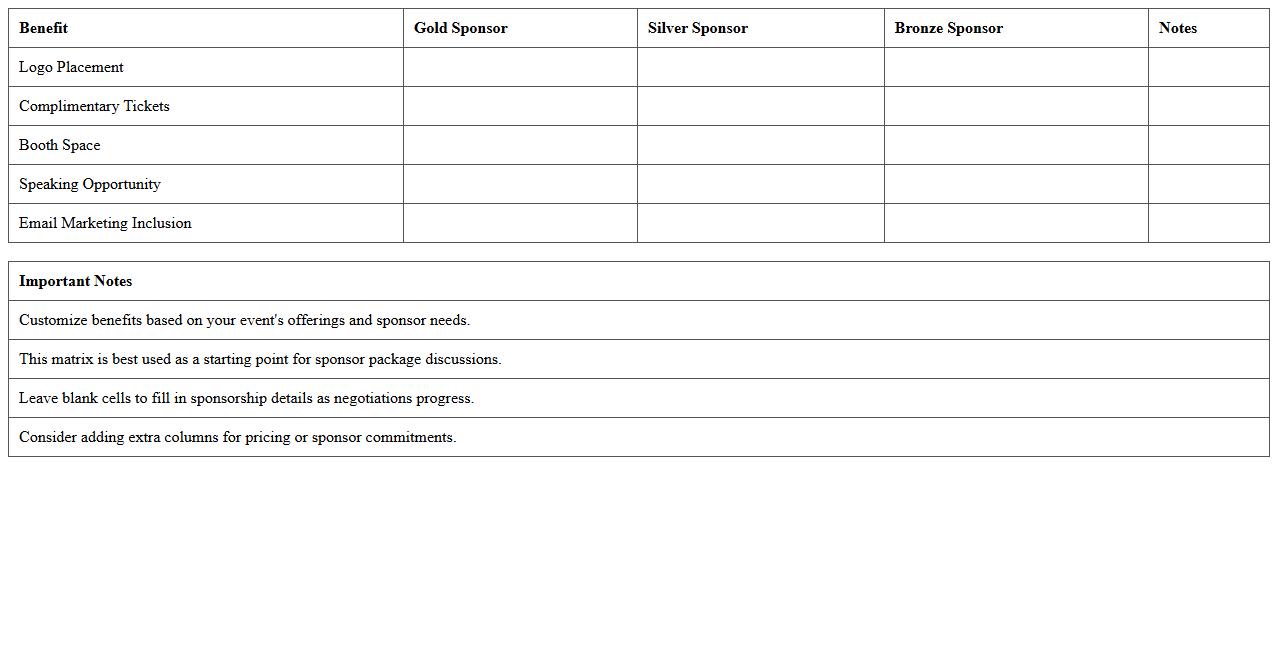
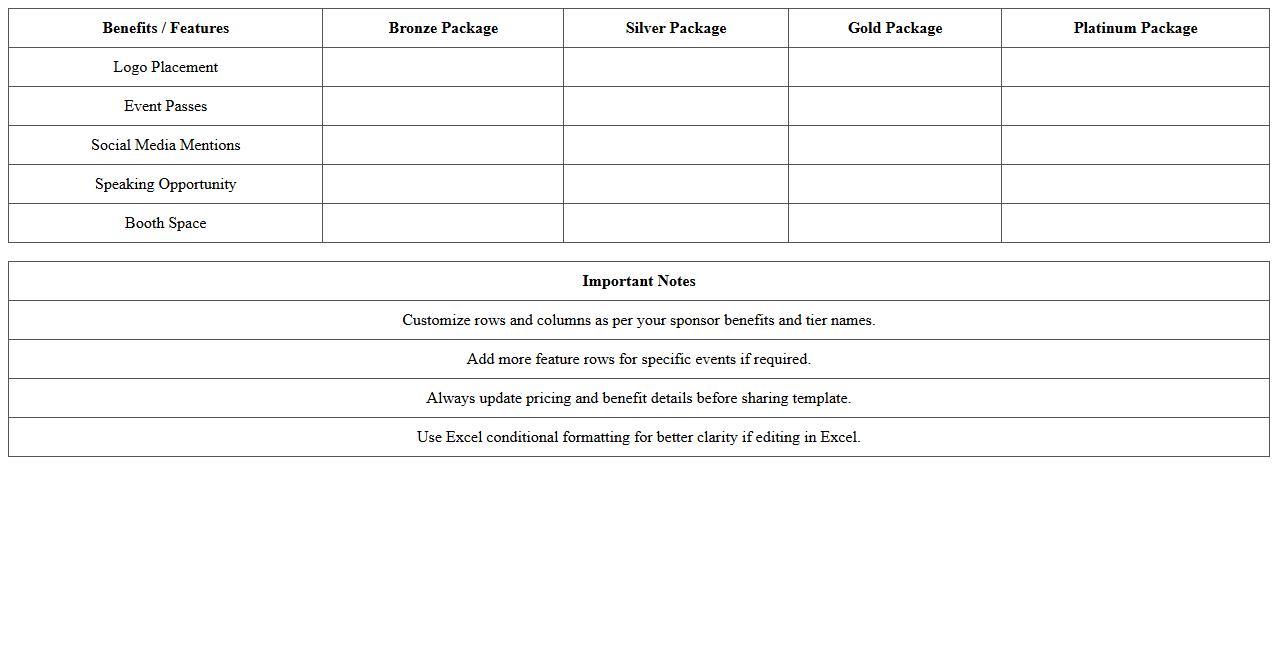
Sponsorship Benefits Matrix Excel Template is a structured document designed to clearly outline and organize the various benefits offered to sponsors based on their contribution levels. This template helps event organizers or marketing teams efficiently manage and communicate sponsorship packages, ensuring transparency and consistency in sponsor negotiations. By using this tool, users can easily customize, compare, and present benefit tiers, improving sponsorship acquisition and retention strategies.
Sponsorship Revenue Tracker Excel Sheet
The
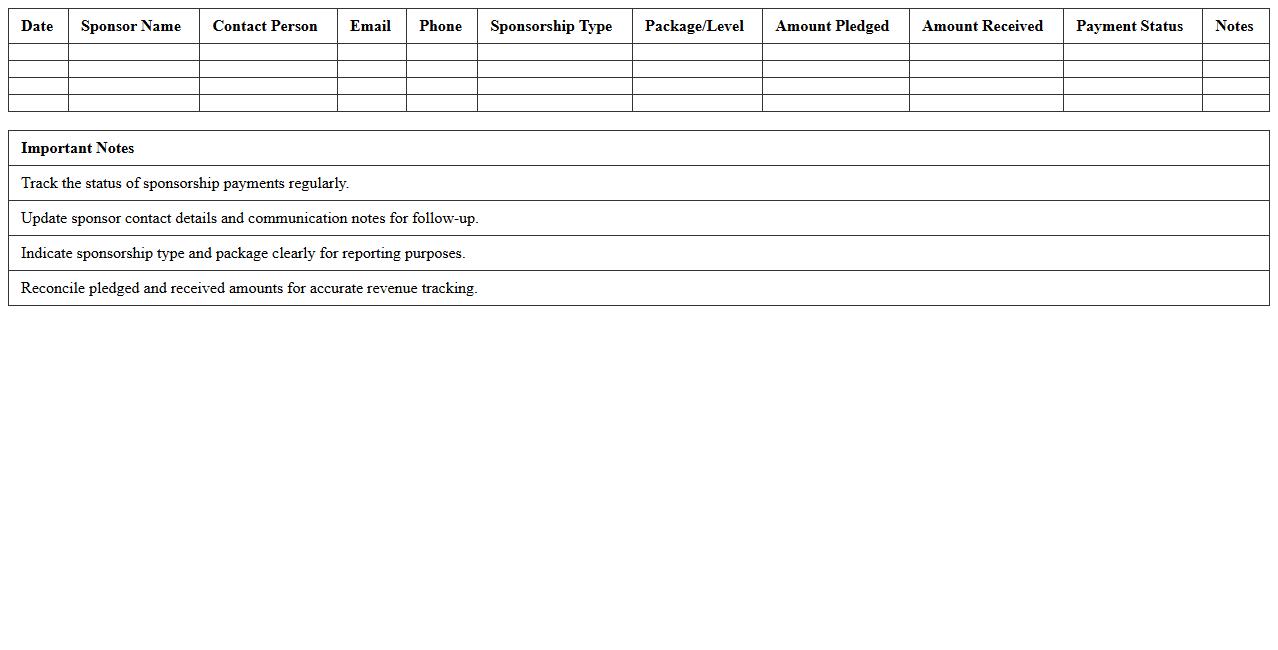
Sponsorship Revenue Tracker Excel Sheet is a specialized document designed to record and monitor income generated from sponsorship deals efficiently. It helps users organize sponsor details, track payment dates, and analyze revenue trends, ensuring accurate financial management and forecasting. By maintaining clear records, businesses can optimize sponsorship relationships and maximize profit potential.
Sponsorship Agreement Management Excel Template
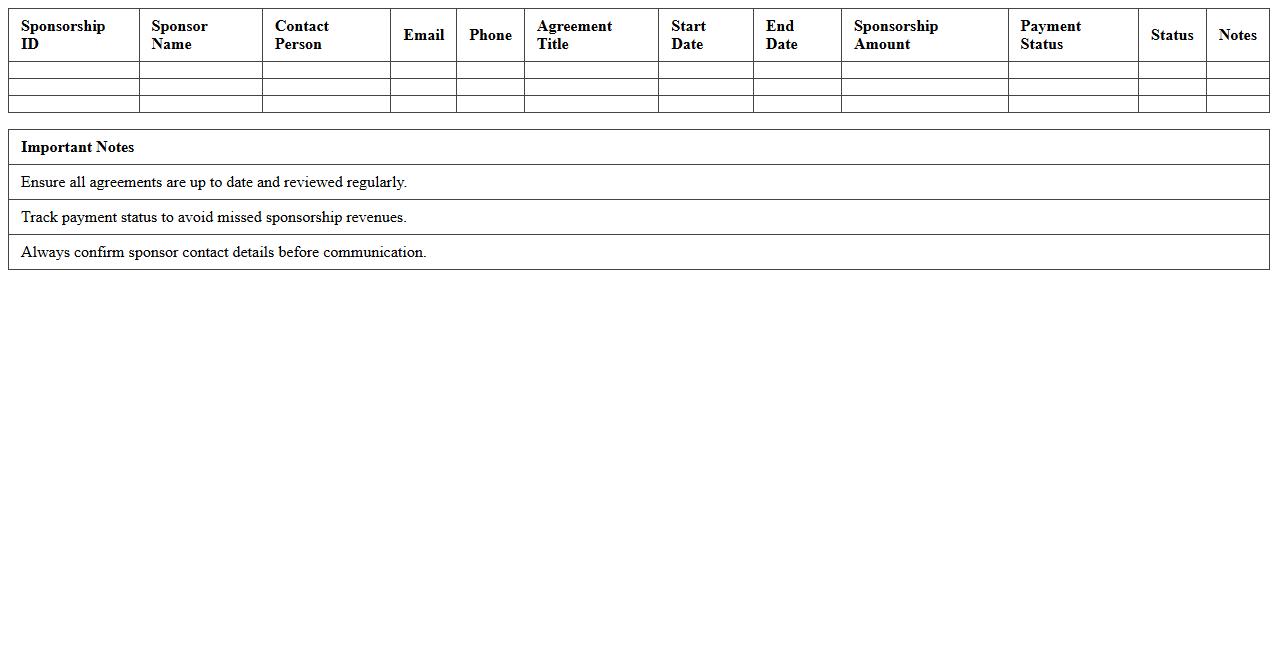
Sponsorship Agreement Management Excel Template is a structured document designed to organize and track all essential details of sponsorship contracts, including terms, payment schedules, and deliverables. This template enhances efficiency by providing a clear overview and easy access to sponsor commitments and compliance status, reducing the risk of missed deadlines or overlooked clauses. Using this
template streamlines communication and accountability between sponsors and organizers, ensuring smooth collaboration and successful event or project execution.
Sponsorship Package Comparison Excel Template
The
Sponsorship Package Comparison Excel Template document is a structured tool designed to organize and evaluate multiple sponsorship offers side by side. It enables users to analyze key factors such as cost, benefits, audience reach, and brand alignment efficiently. This template is useful for making informed decisions and selecting the most advantageous sponsorship package that maximizes return on investment.
Sponsor Follow-up and Communication Log
The
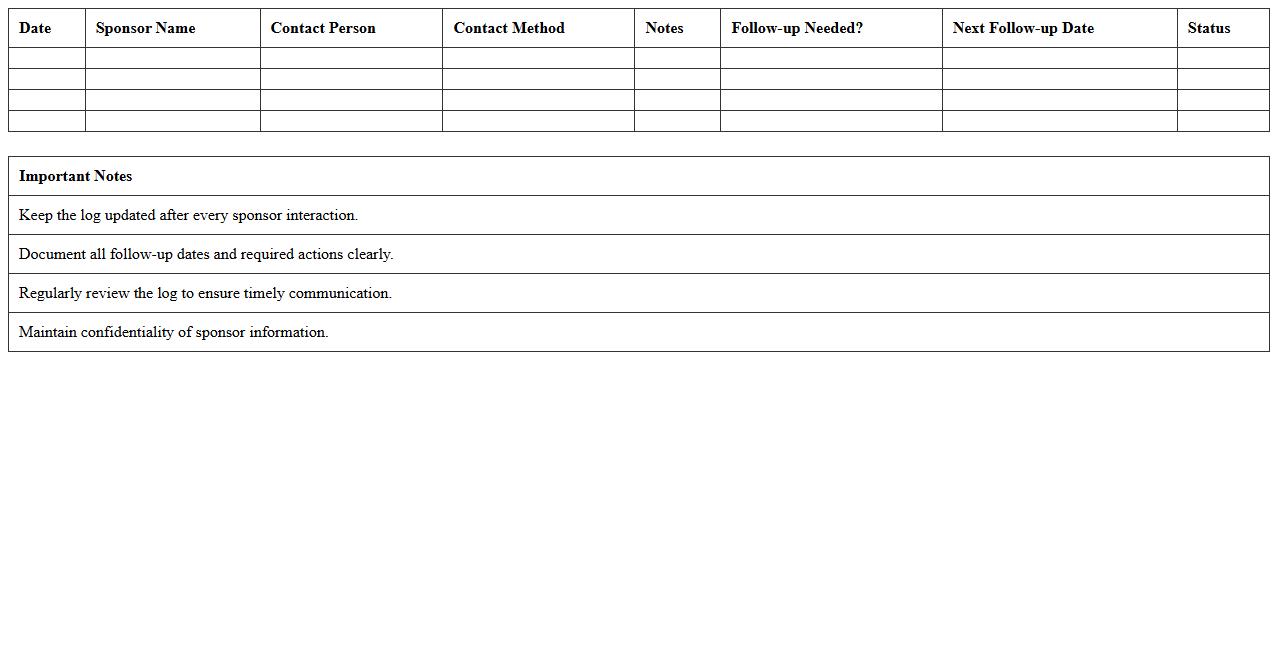
Sponsor Follow-up and Communication Log document serves as a centralized record of all interactions between project teams and sponsors, facilitating streamlined tracking of requests, feedback, and decisions. It enhances transparency, ensures accountability, and enables timely responses by organizing correspondence chronologically with key details such as dates, participants, and action items. This document is essential for maintaining clear communication channels and fostering strong sponsor relationships throughout the project lifecycle.
Event Sponsor Invoice Tracker Excel Sheet
The
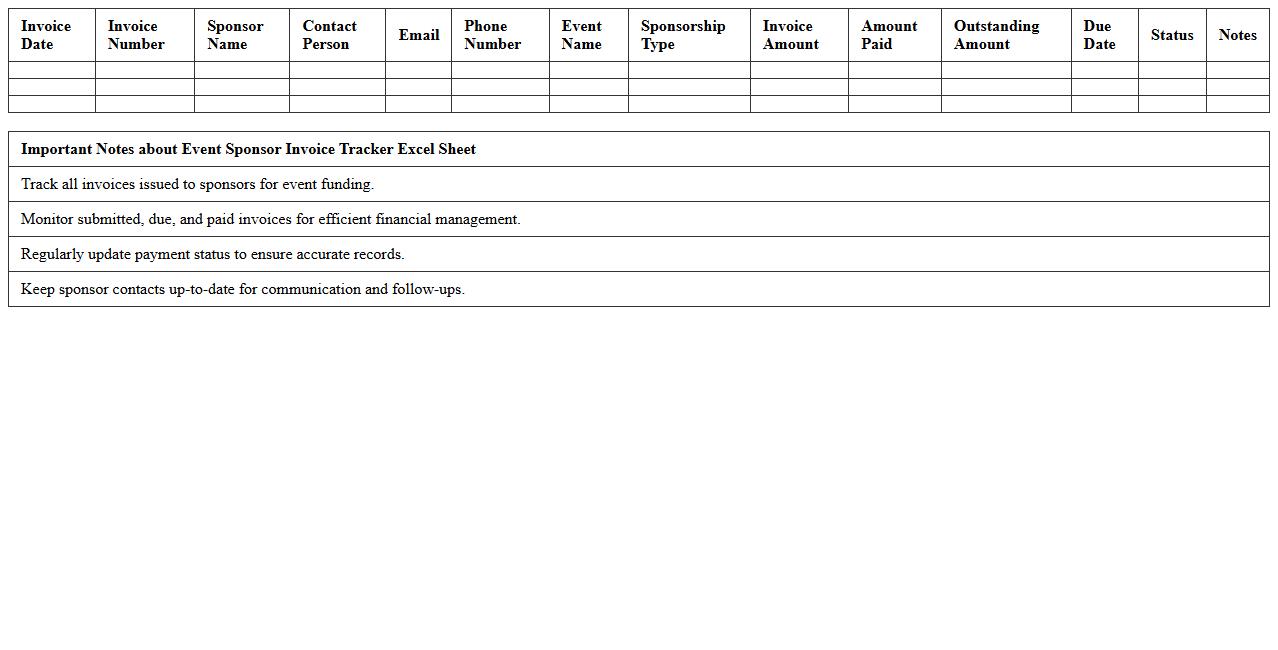
Event Sponsor Invoice Tracker Excel Sheet document is a structured tool designed to manage and monitor invoices related to event sponsorships, providing clear visibility on payment statuses, due dates, and amounts. It streamlines financial tracking by consolidating sponsor details, invoice numbers, payment terms, and outstanding balances into one accessible format. This document enhances budgeting accuracy, reduces the risk of missed payments, and improves overall financial organization during event planning and execution.
Sponsorship Pledge and Payment Status Excel Template
The
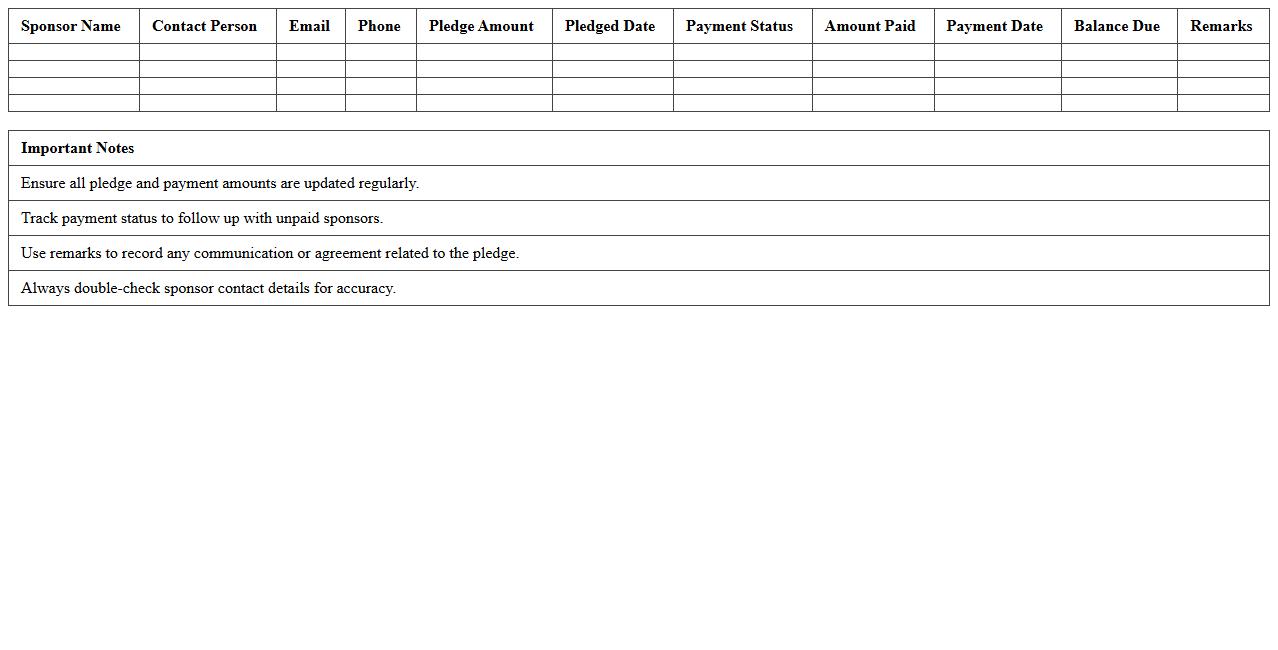
Sponsorship Pledge and Payment Status Excel Template is a structured spreadsheet designed to track commitments and actual payments from sponsors efficiently. It allows users to monitor outstanding pledges, update payment statuses, and generate comprehensive reports, ensuring transparent financial management. Utilizing this template streamlines sponsorship tracking, enhances accountability, and supports timely follow-ups for maximizing funding outcomes.
How do you use Excel to track sponsorship deliverables and deadlines for events?
Using Excel to track sponsorship deliverables involves creating a structured sheet with columns for deliverable names, assigned persons, deadlines, and status updates. Conditional formatting can highlight pending or overdue tasks, ensuring nothing is missed. Regularly updating the spreadsheet enhances event management efficiency and accountability.
What key columns should be included in an Excel sponsorship prospect list?
An Excel sponsorship prospect list should include columns such as Company Name, Contact Person, Contact Information, Sponsorship Level Interest, and Status. Additional fields like Previous Interaction, Notes, and Follow-up Dates help track communication history. This setup allows for clear organization and prioritization of potential sponsors.
How can Excel formulas automate sponsorship package value calculations?
Excel formulas such as SUM, PRODUCT, and IF can be used to automatically calculate the total sponsorship package value based on selected options and quantities. Dynamic formula combinations update the total value instantly when package components change. This automation reduces manual errors and speeds up pricing decisions.
What is the best way to visualize sponsorship progress in Excel dashboards?
Visualizing sponsorship progress can be achieved by using Excel charts like bar charts, pie charts, and progress bars within a dashboard. PivotTables combined with slicers allow interactive filtering of sponsorship status, amounts, and deadlines. Incorporating conditional formatting and data visualization enhances quick insights and stakeholder communication.
How do you manage sponsorship invoicing and payment status using Excel sheets?
To manage invoicing and payment status, create columns for Invoice Number, Invoice Date, Amount, Due Date, and Payment Status. Using data validation to restrict payment status options improves data consistency. Formulas can calculate overdue invoices and outstanding amounts, making financial tracking more efficient.
More Event Management Excel Templates