Event Budget Planner Excel Template
The
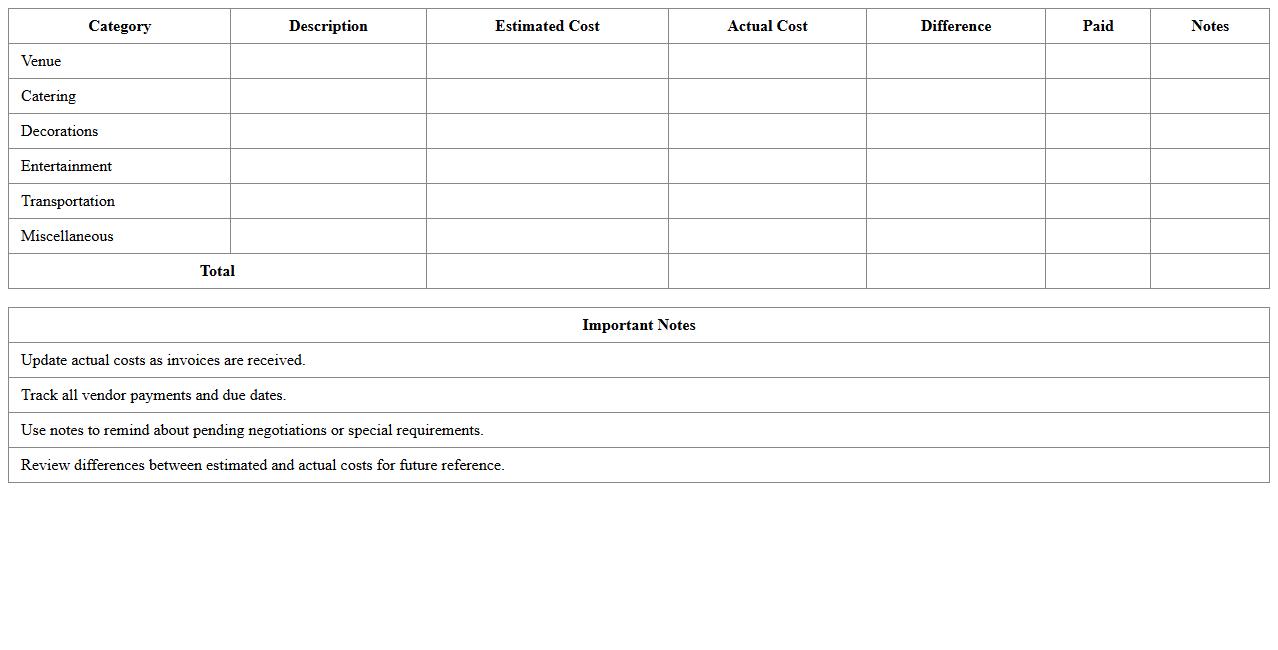
Event Budget Planner Excel Template is a structured spreadsheet designed to help organize and manage the financial aspects of an event, including costs for venue, catering, entertainment, and marketing. It enables users to track expenses against their budget in real-time, ensuring that spending stays within planned limits. This tool is essential for event coordinators aiming to maintain financial control and optimize resource allocation efficiently.
Event Marketing Calendar Tracking Sheet
An
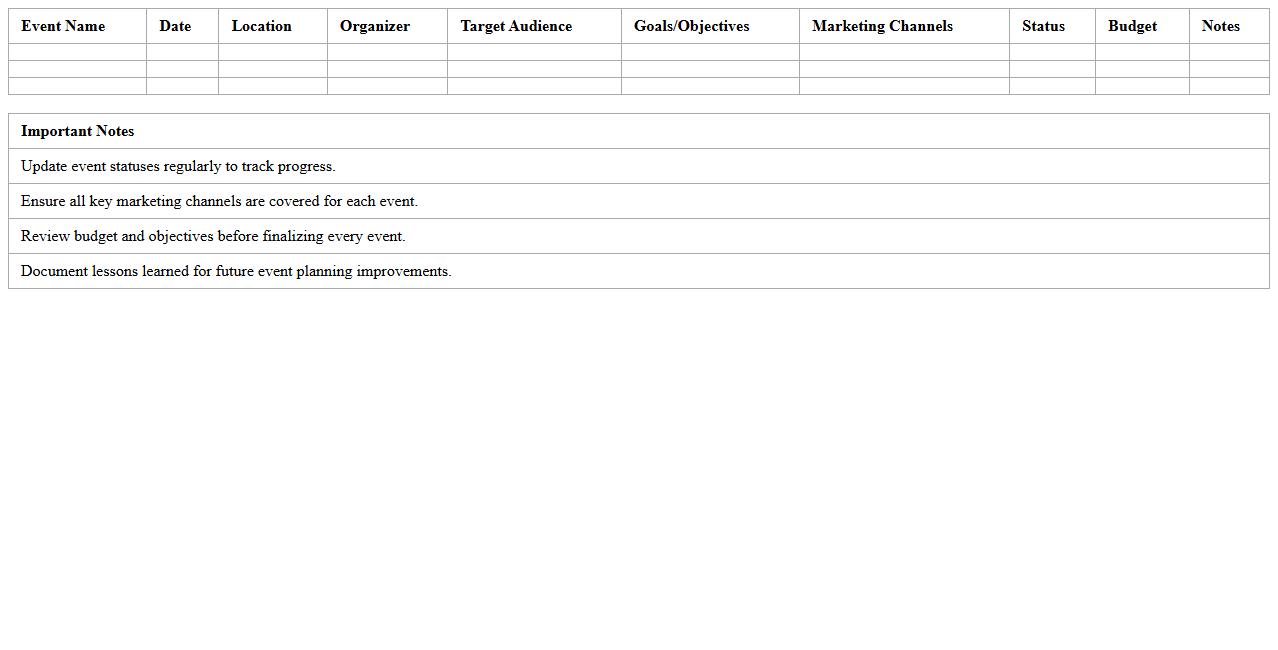
Event Marketing Calendar Tracking Sheet is a strategic tool used to organize, schedule, and monitor marketing activities related to events, ensuring timely execution and alignment with overall marketing goals. It consolidates key dates, tasks, deadlines, and responsible team members in one place, enhancing collaboration and reducing the risk of missed opportunities. This document improves efficiency by providing a clear overview of campaign progress and enabling data-driven adjustments to maximize event impact.
Campaign ROI Analysis Spreadsheet
A
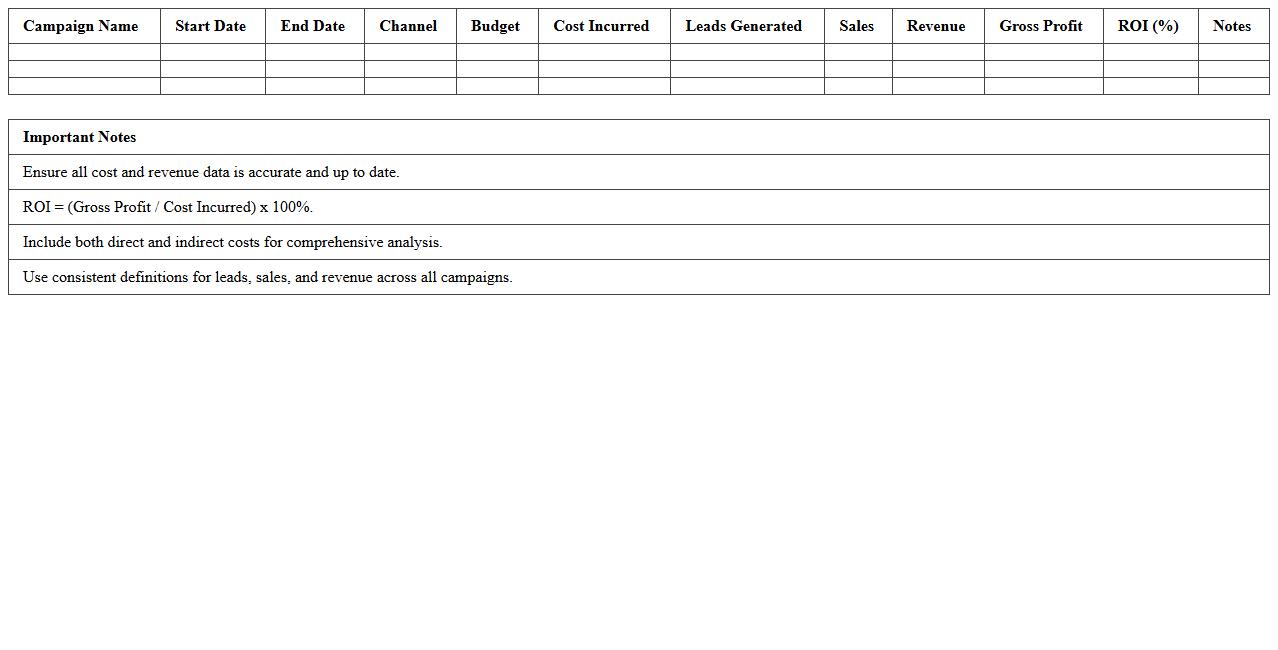
Campaign ROI Analysis Spreadsheet is a structured document designed to track and evaluate the return on investment for marketing campaigns by calculating revenue generated versus campaign costs. It helps businesses identify which campaigns deliver the highest profitability, enabling data-driven decisions for budget allocation and strategy optimization. Using this tool improves financial efficiency and enhances overall marketing performance by pinpointing successful initiatives.
Event Guest List & RSVP Tracker
An
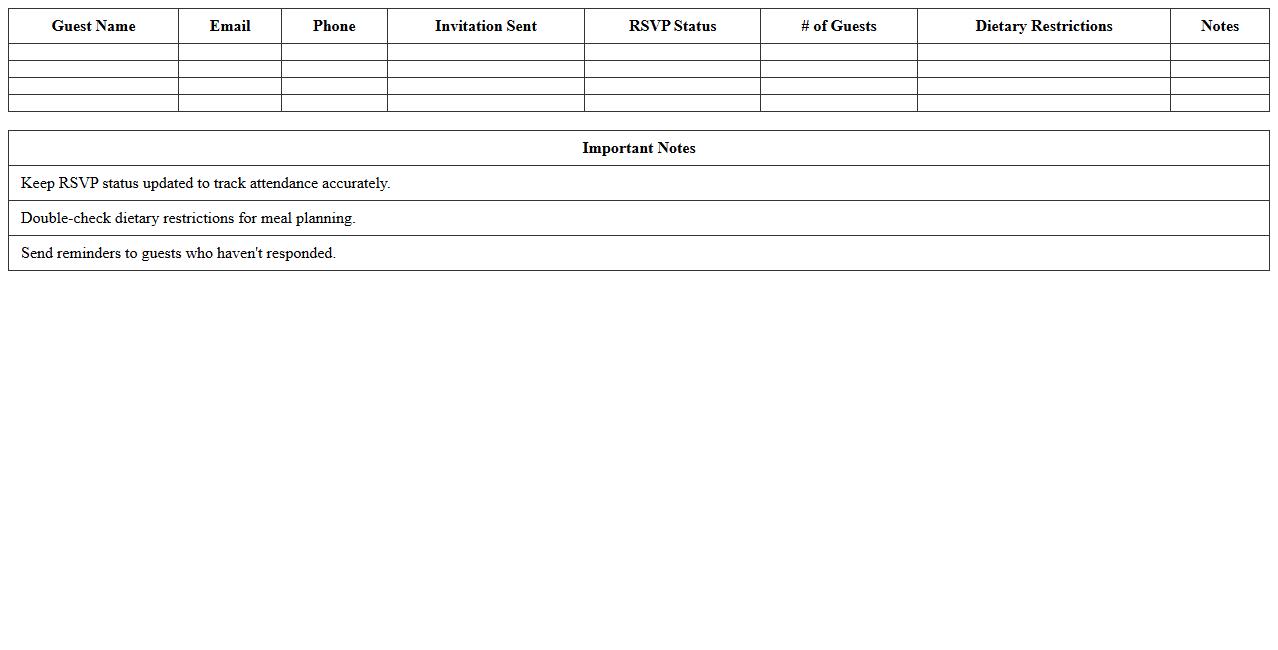
Event Guest List & RSVP Tracker document is a comprehensive tool designed to organize invitee information, track attendance confirmations, and manage guest preferences efficiently. It helps event planners monitor responses in real-time, ensuring accurate headcounts and seamless communication with attendees. Utilizing this document enhances coordination, reduces last-minute surprises, and supports successful event execution by maintaining all essential guest data in one accessible place.
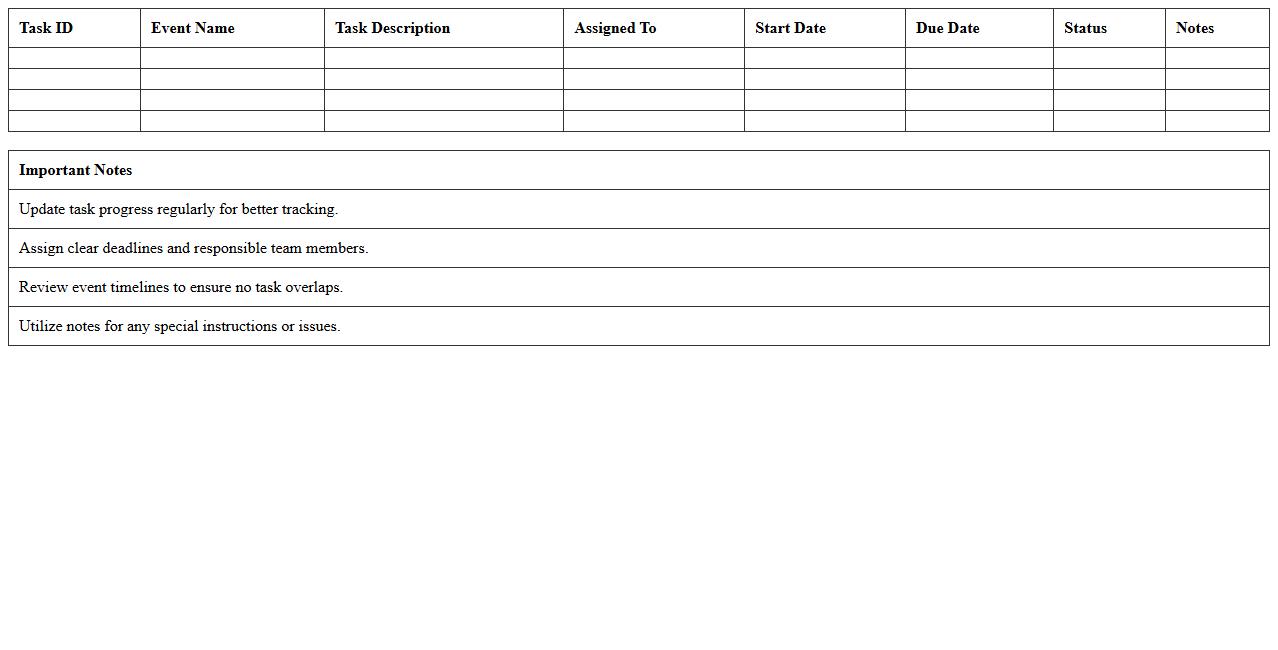
Event Task and Timeline Management Excel
An
Event Task and Timeline Management Excel document is a structured tool designed to organize, track, and schedule all tasks related to event planning within a clear timeline. It ensures deadlines are met by providing a visual overview of task progress, resource allocation, and priority settings, enhancing overall efficiency. This document helps teams collaborate seamlessly, minimizing the risk of overlooked details and improving event execution quality.
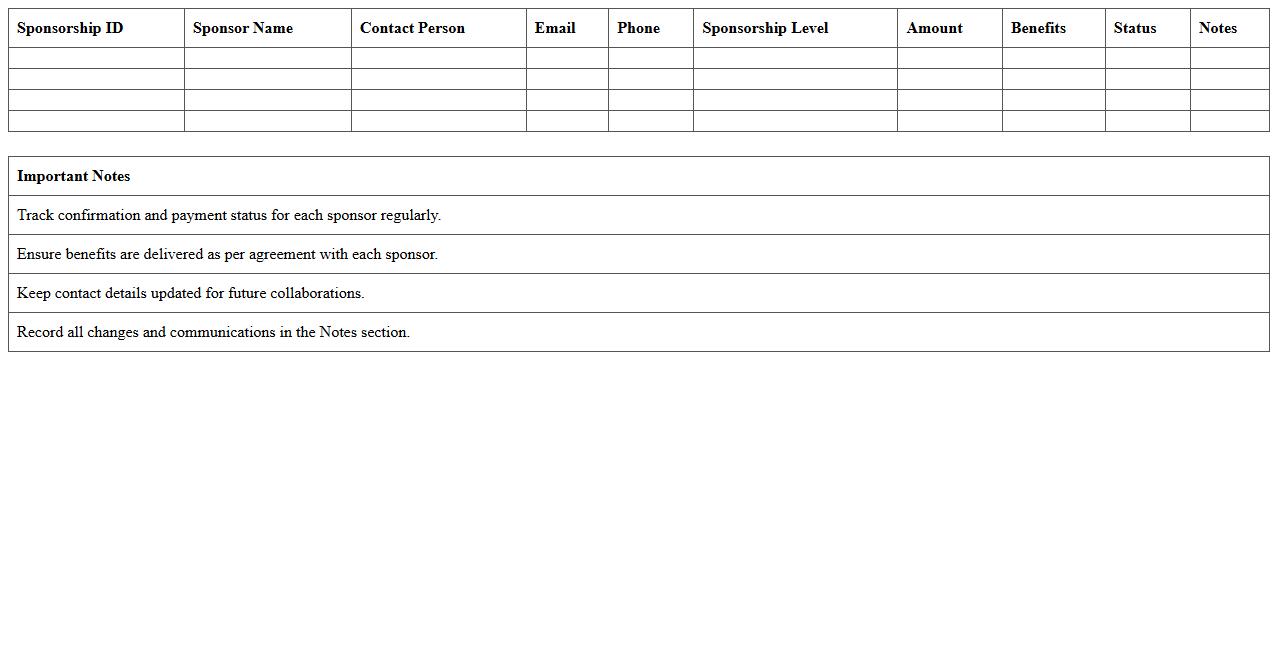
Sponsorship Management Sheet for Events
A
Sponsorship Management Sheet for events is a structured document designed to track, organize, and manage sponsorship details, including sponsor names, contribution amounts, deliverables, and contact information. This sheet streamlines communication, ensures timely fulfillment of sponsor benefits, and helps maintain a transparent overview of financial and resource commitments. Utilizing this tool enhances event planning efficiency, supports accountability, and maximizes partnership opportunities, ultimately contributing to a successful sponsorship experience.
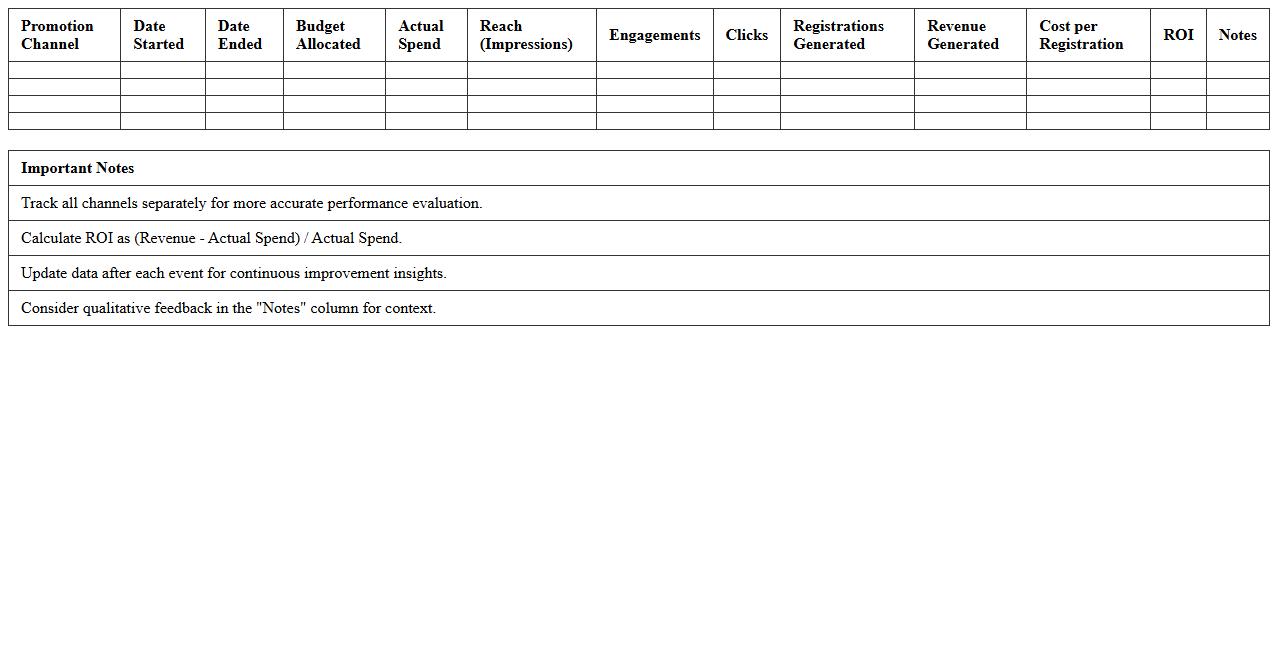
Event Promotion Channel Performance Tracker
The
Event Promotion Channel Performance Tracker document systematically records and analyzes the effectiveness of various marketing channels used to promote events, such as social media, email campaigns, and paid advertisements. By tracking key metrics like engagement rates, conversion percentages, and ROI, it enables marketers to identify the most successful channels and optimize budget allocation. This data-driven approach improves strategic decision-making, enhances promotional efficiency, and maximizes overall event attendance and impact.
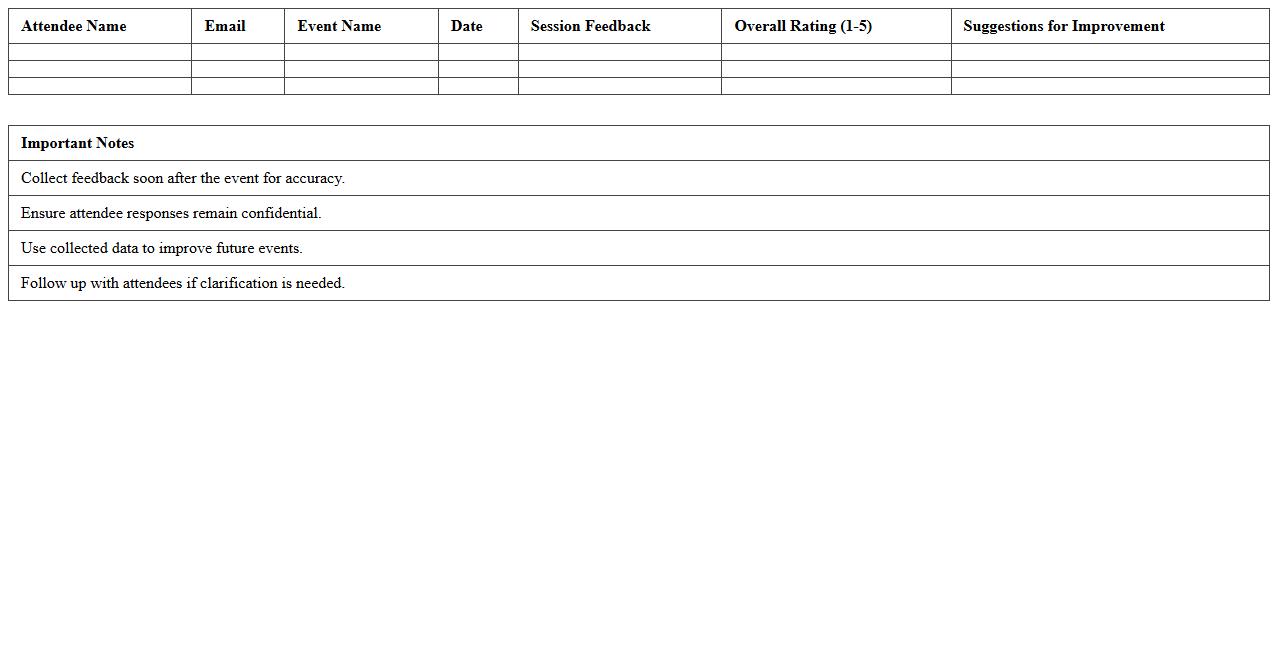
Attendee Feedback Collection Template
The
Attendee Feedback Collection Template document is designed to systematically gather opinions, ratings, and suggestions from event participants. It facilitates the evaluation of event effectiveness, speaker performance, and overall attendee satisfaction, enabling organizers to identify strengths and areas for improvement. By using this template, organizations can enhance future events, tailor content to audience preferences, and improve attendee engagement.
Marketing Campaign Expenses Log
A
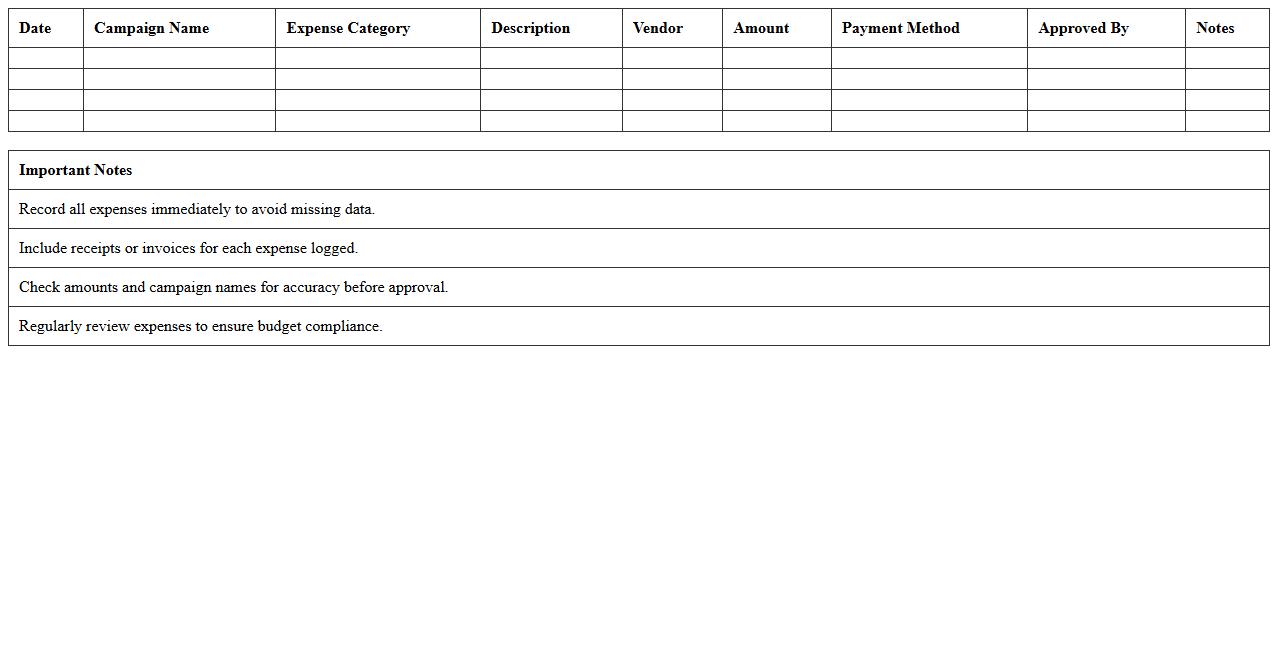
Marketing Campaign Expenses Log document systematically records all costs associated with marketing initiatives, including advertising, promotional activities, and production expenses. This document helps track budget adherence, analyze spending patterns, and optimize future campaign strategies by providing clear financial insights. It is essential for maintaining financial accountability and improving ROI through detailed expense monitoring.
Post-Event Analytics Dashboard Excel Template
The
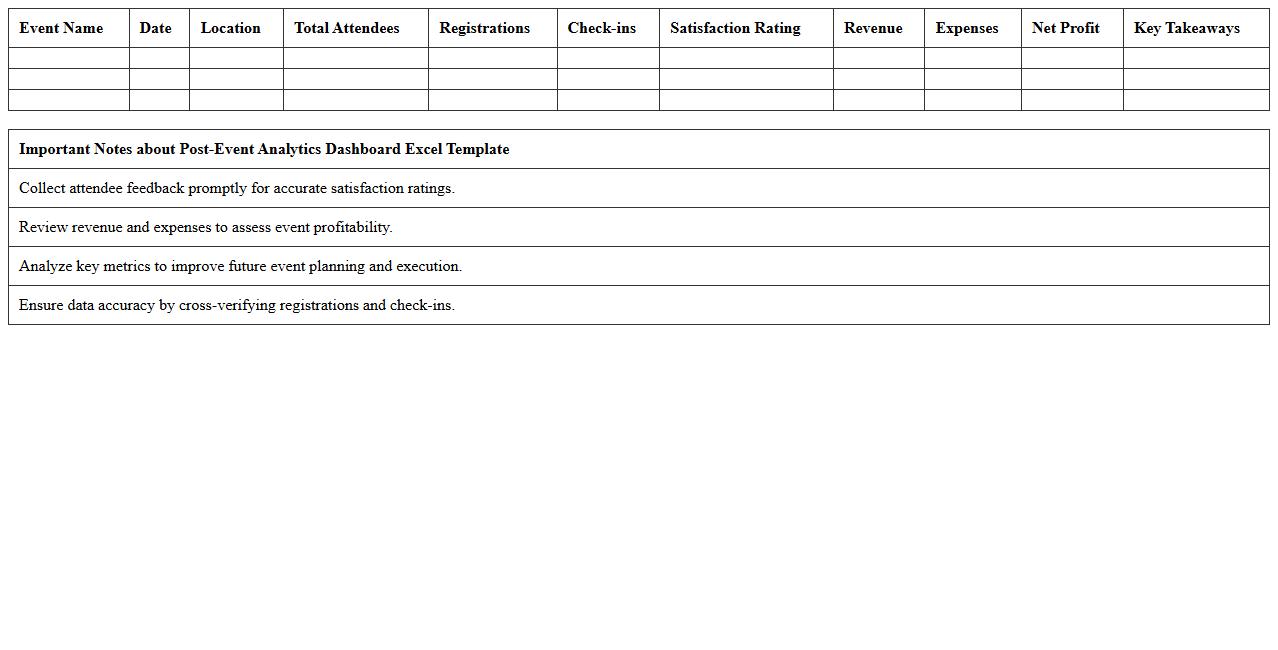
Post-Event Analytics Dashboard Excel Template is a structured tool designed to compile, visualize, and analyze data collected after an event, enabling clear assessment of performance metrics such as attendance, engagement, and satisfaction scores. This document helps event organizers identify successful elements and areas for improvement by providing insightful charts, graphs, and summarized data in an easy-to-understand format. Leveraging this template enhances decision-making for future events, optimizes resource allocation, and maximizes overall event impact.
Which Excel templates best track event ROI in marketing campaigns?
The Event Budget and ROI Tracker template is ideal for calculating costs against revenues in marketing campaigns. This template helps marketers break down expenses, ticket sales, and sponsorship revenues clearly. Using such a template ensures precise tracking of your return on investment (ROI) in every event.
How do you automate attendee follow-ups using Excel mail merge?
Excel can be combined with Microsoft Word's Mail Merge feature to automate personalized emails to attendees. First, prepare your attendee list with emails and custom fields in Excel, then link it to your Word template. This integration streamlines follow-up communications, boosting engagement with minimal manual effort.
What pivot table setup visualizes channel response rates for events?
Create a pivot table that rows aggregate marketing channels like email, social media, and ads, with columns showing response metrics such as clicks or registrations. Summarizing data this way highlights which channels have the highest audience engagement. Incorporating slicers enables dynamic filtering to analyze channel effectiveness over time.
How can Excel macros streamline budgeting for multi-event planning?
Using Excel macros, you can automate repetitive tasks like consolidating expenses across multiple events into one master budget. Macros speed up importing data, updating totals, and generating summary reports. This automation reduces errors and frees up time for strategic financial planning.
Which formulas monitor guest engagement from campaign outreach?
Formulas such as COUNTIF and SUMIF track interactions like event sign-ups or survey responses from marketing efforts. Calculating engagement rates involves dividing active respondents by total invitees using simple arithmetic formulas. These metrics help quantify the success of your campaign outreach accurately.