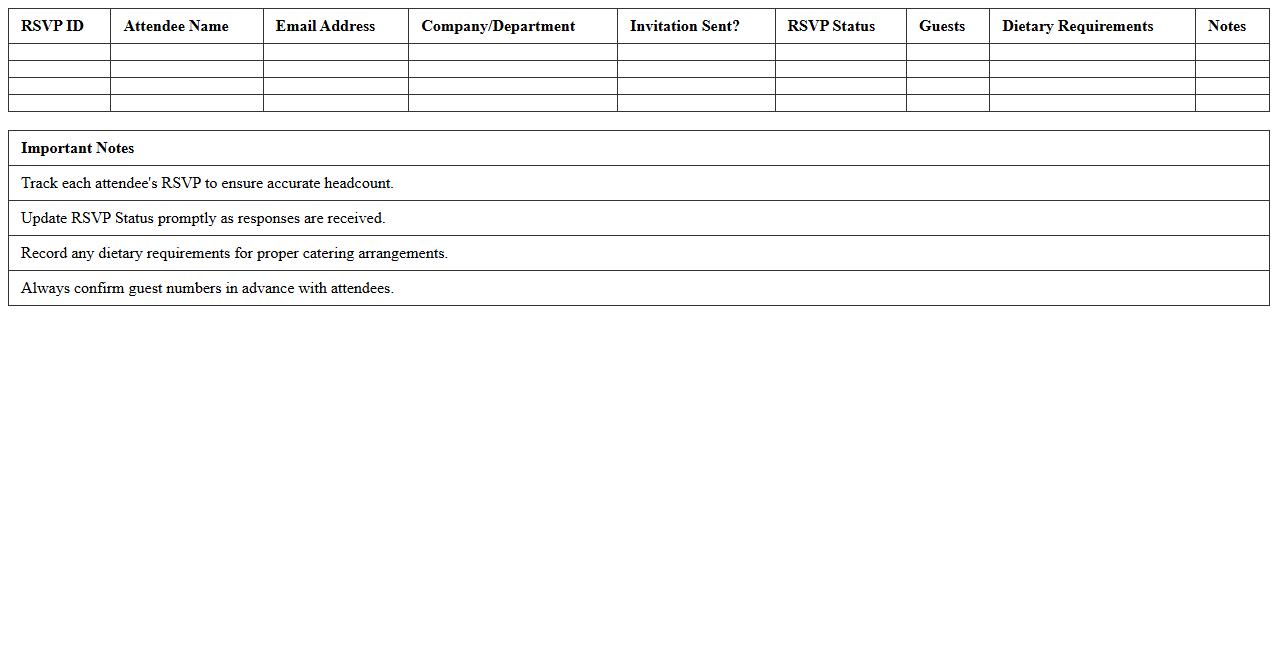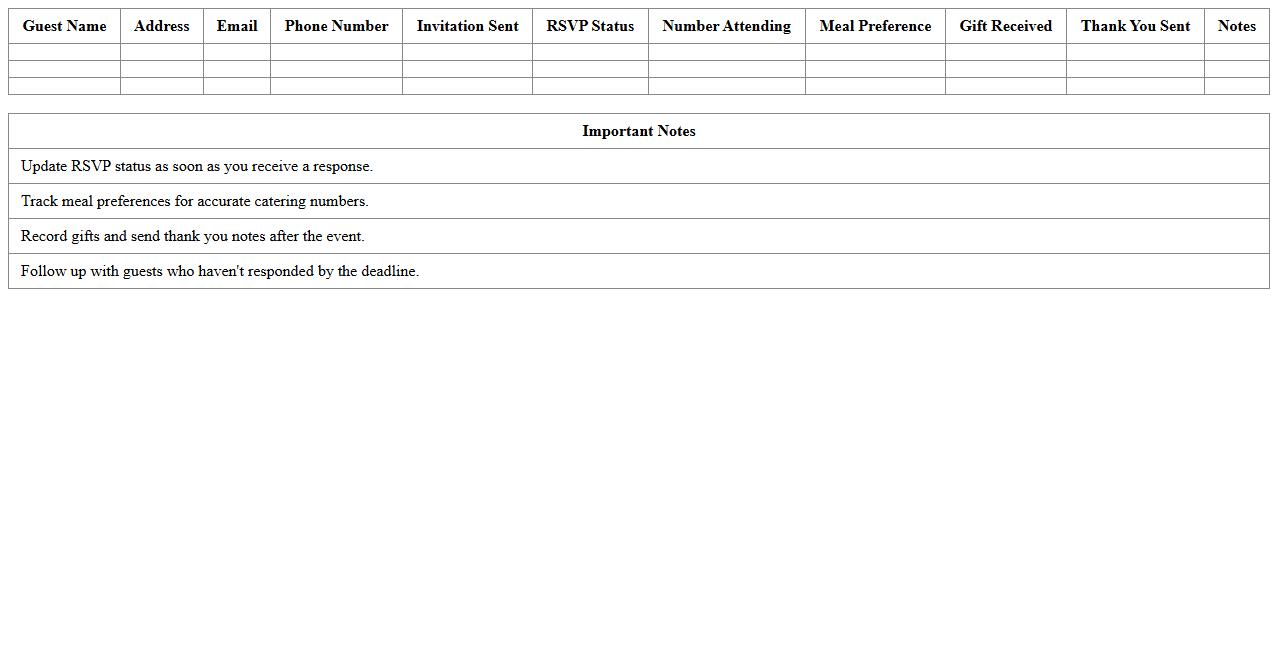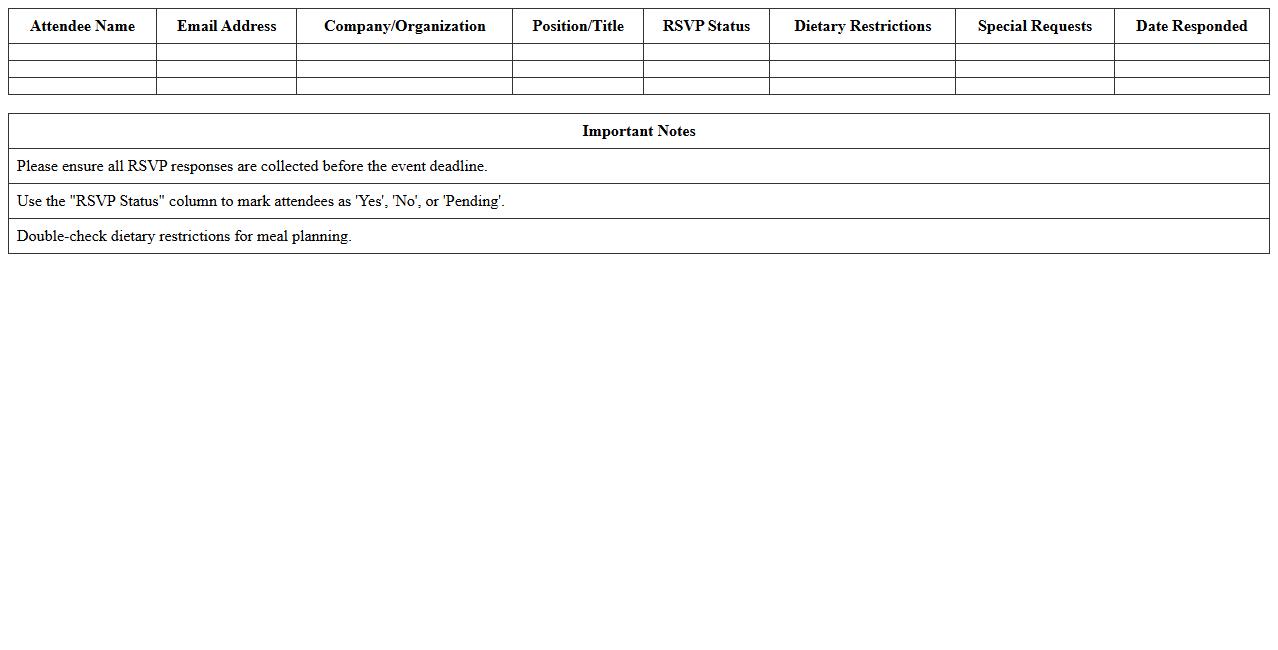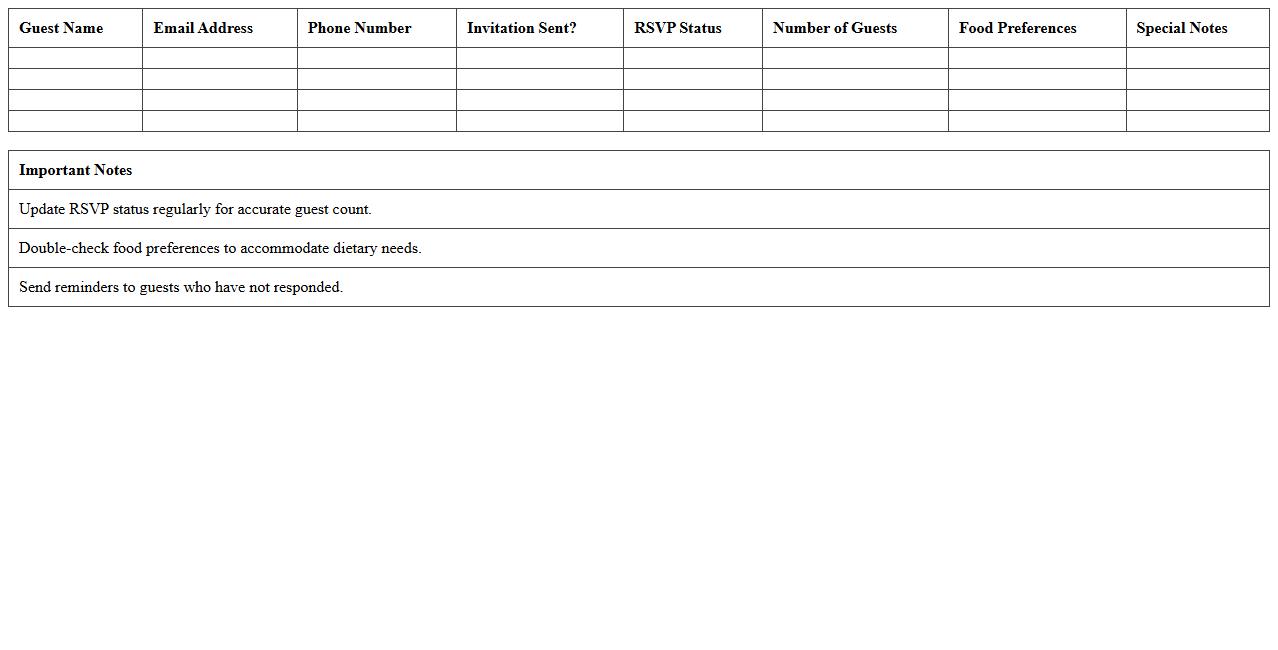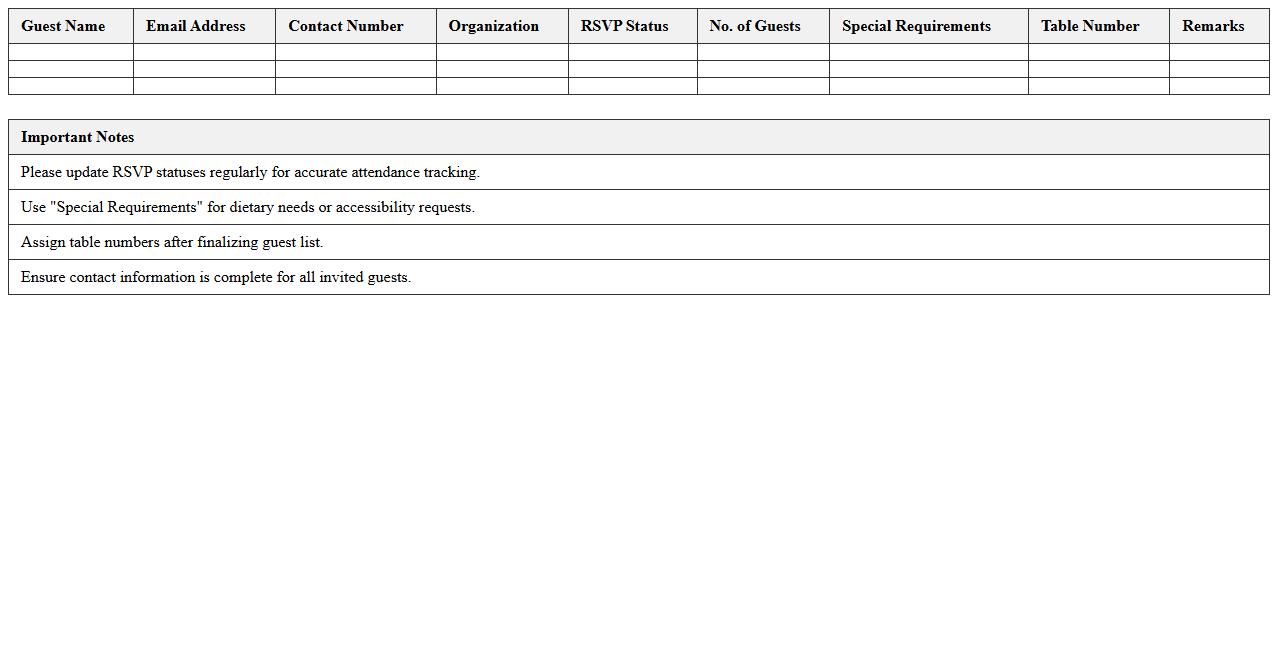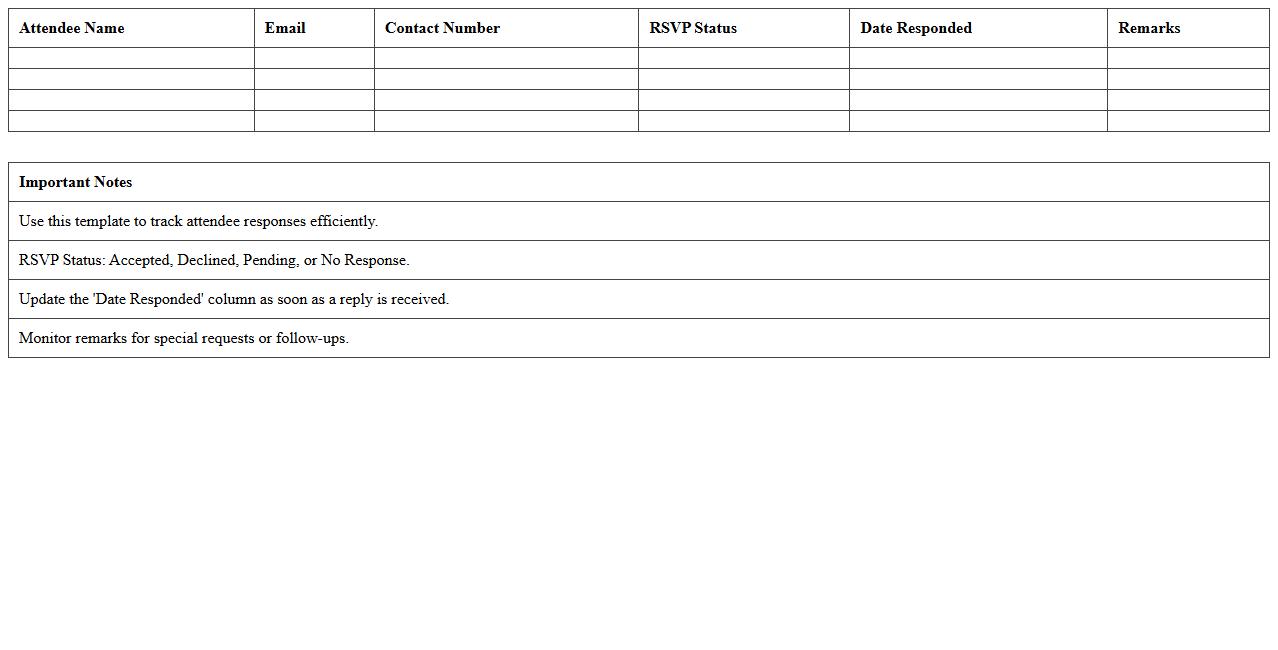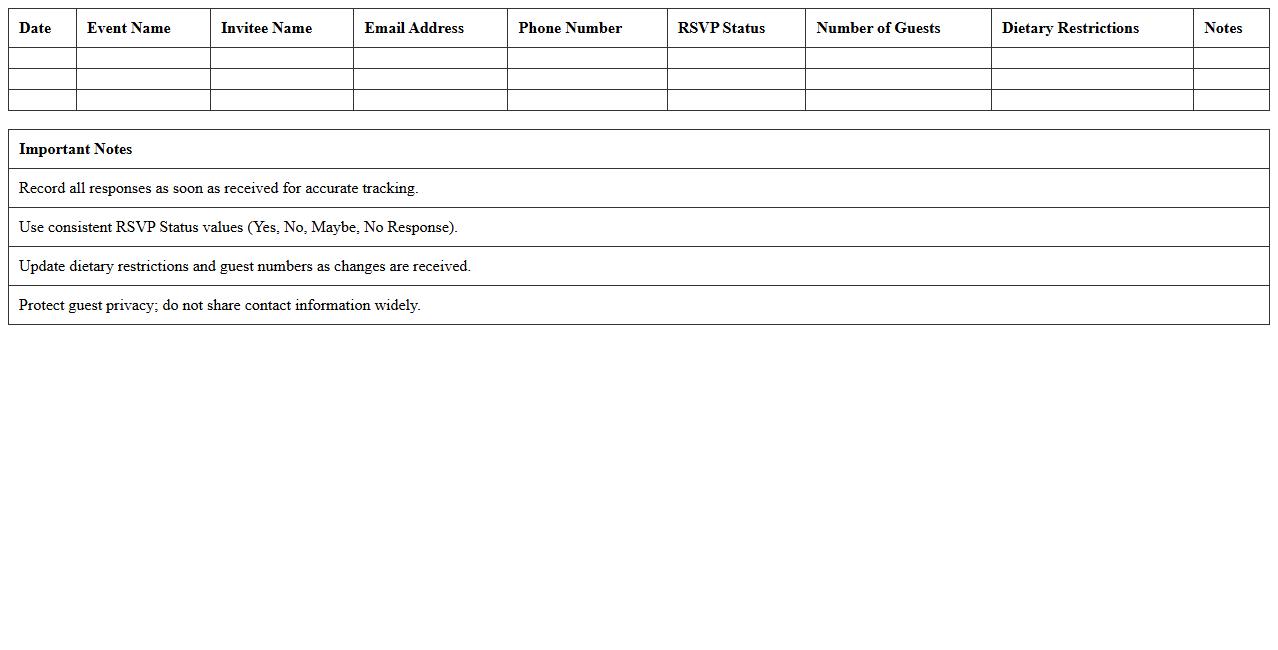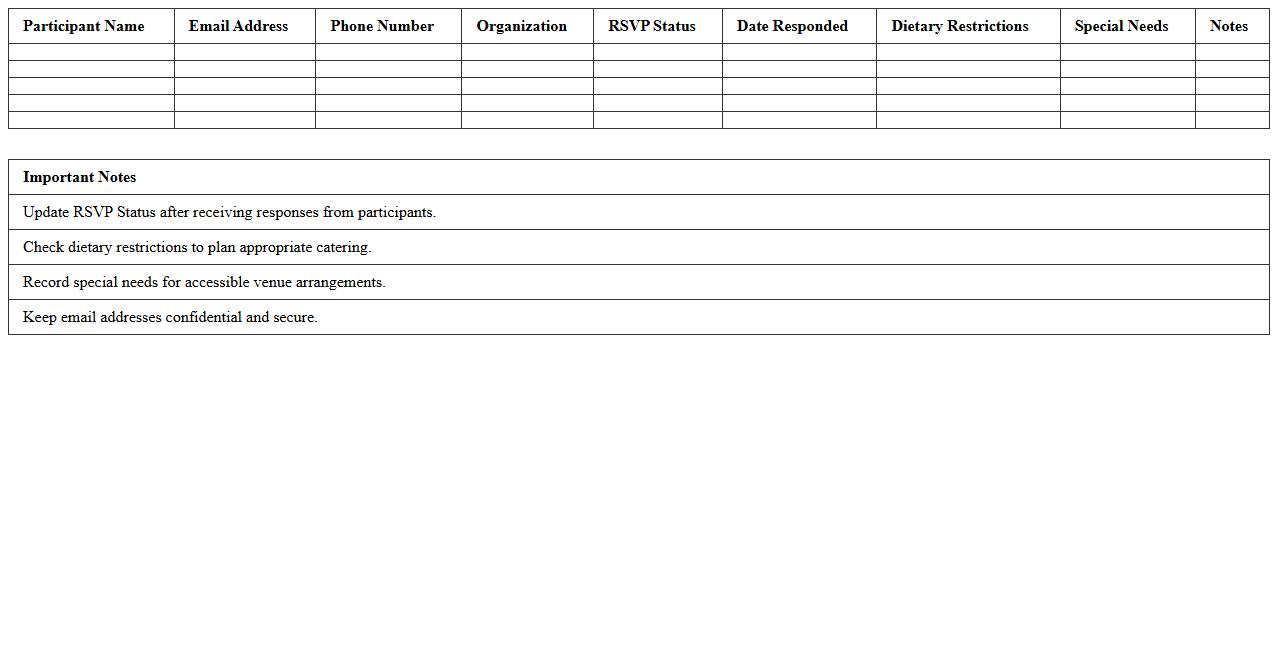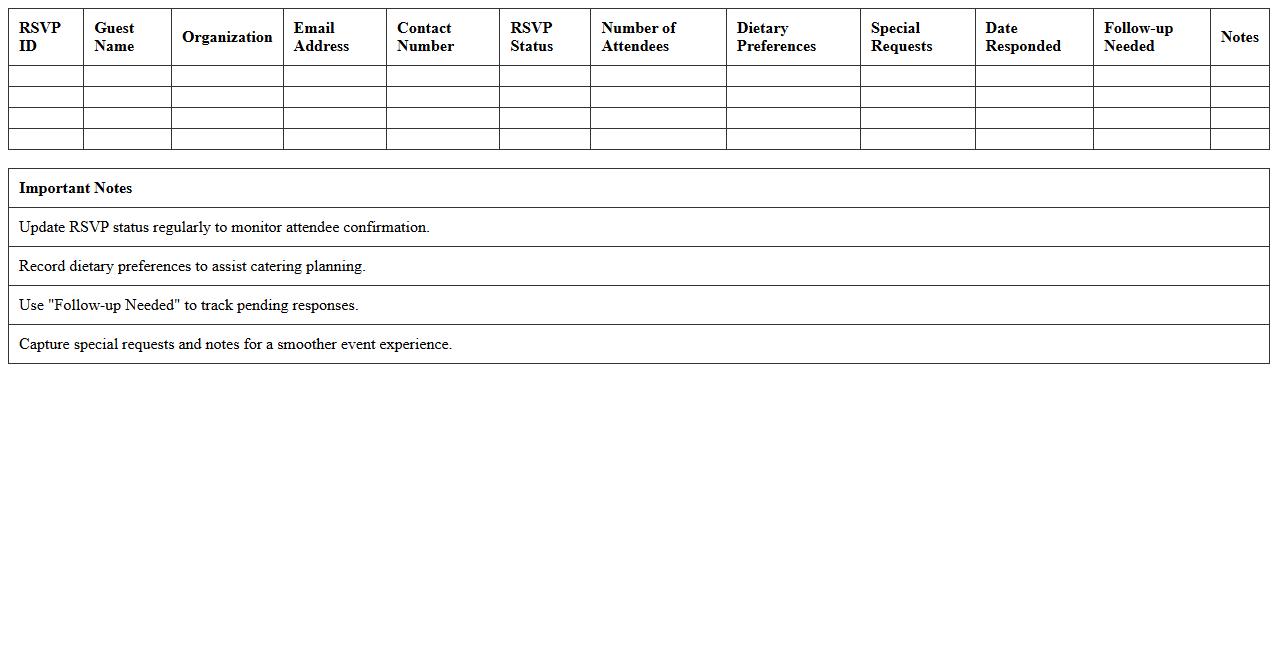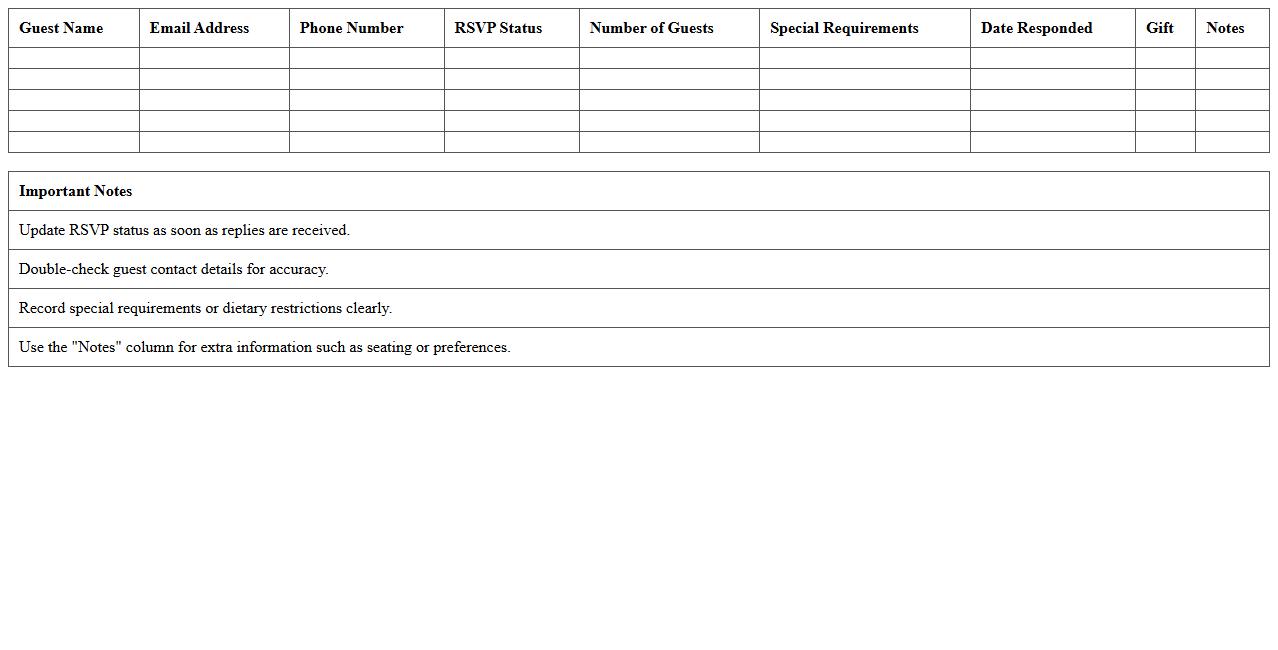
The Event Management Excel Template for RSVP Management streamlines the tracking of guest responses, ensuring efficient organization and accurate attendance records. It features customizable fields for names, contact details, and RSVP status, allowing seamless updates and easy monitoring. This template helps event planners save time and reduce errors in managing invitations and confirmations.
Corporate Event RSVP Tracking Excel Template
The
Corporate Event RSVP Tracking Excel Template is a structured spreadsheet designed to efficiently manage guest responses for corporate events. It helps event planners track attendance confirmations, dietary preferences, and special requests in a centralized, easy-to-update format. Utilizing this template streamlines event coordination, improves communication with attendees, and enhances overall event organization.
Wedding Guest RSVP Management Spreadsheet
A
Wedding Guest RSVP Management Spreadsheet is a digital tool designed to organize and track guest responses for a wedding event. It helps streamline the planning process by consolidating attendance details, meal preferences, and special requests in one easily accessible format. This document enhances communication with guests and ensures accurate headcounts, facilitating efficient coordination with vendors and venue arrangements.
Conference Attendee RSVP List Template
A
Conference Attendee RSVP List Template document organizes and tracks participant responses for event planning, ensuring accurate headcounts and efficient communication. This template streamlines managing attendee details such as names, contact information, and RSVP status, reducing errors and saving administrative time. Utilizing this tool enhances logistical coordination and improves the overall success of conferences and meetings.
Party Invitation RSVP Tracker Excel
A
Party Invitation RSVP Tracker Excel document is a structured spreadsheet designed to organize guest responses for events, helping hosts efficiently monitor attendance. It allows users to record invitee details, track confirmations, declines, and pending replies in one centralized location. This tool enhances event planning by providing clear visibility into guest lists, simplifying seating arrangements, and ensuring accurate headcounts for catering and logistics.
Gala Dinner RSVP Management Excel Sheet
A
Gala Dinner RSVP Management Excel Sheet is a specialized document designed to efficiently track guest responses, meal preferences, and seating arrangements for formal events. It helps event organizers maintain accurate attendance records, streamline communication with invitees, and avoid overbooking or underestimating guest counts. By consolidating all RSVP details in one organized spreadsheet, it enhances overall event planning accuracy and improves logistical coordination.
Seminar RSVP Status Tracking Template
The
Seminar RSVP Status Tracking Template is a structured document designed to efficiently monitor attendee responses for seminars, ensuring accurate headcounts and event planning. It organizes key data such as names, RSVP status, contact details, and special requirements, streamlining communication and follow-ups. This template improves event coordination by reducing no-shows and optimizing resource allocation based on confirmed attendance.
Fundraiser RSVP Response Excel Log
The
Fundraiser RSVP Response Excel Log document is a structured spreadsheet designed to systematically track and manage attendee responses for fundraising events. It helps organizers efficiently monitor guest confirmations, dietary preferences, and special requests, ensuring accurate planning and resource allocation. Using this log improves communication, enhances event coordination, and maximizes participation rates for successful fundraising outcomes.
Workshop Participant RSVP Excel Tracker
The
Workshop Participant RSVP Excel Tracker is a specialized spreadsheet designed to efficiently record and manage attendee responses for workshops. It allows organizers to track confirmations, cancellations, and participant details in real-time, ensuring accurate headcounts and streamlined communication. This tool enhances event planning by providing clear visibility into attendance patterns and enabling data-driven decisions.
Networking Event RSVP Monitoring Spreadsheet
A
Networking Event RSVP Monitoring Spreadsheet is a document designed to track and organize attendees' responses for networking events, ensuring efficient planning and communication. It helps event coordinators manage participant lists, monitor attendance status, and streamline follow-ups, preventing overbooking and enhancing engagement. This tool is essential for maintaining accurate records and optimizing event logistics to maximize networking opportunities.
Birthday Event RSVP Management Excel Template
The
Birthday Event RSVP Management Excel Template is a structured spreadsheet designed to track guest responses efficiently for birthday parties. It allows event planners to organize invitees, monitor attendance confirmations, and manage special requirements such as meal preferences or plus-ones. This template streamlines communication and ensures accurate headcounts, helping to reduce chaos and improve event coordination.
How do you automate RSVP status updates in Event Management Excel sheets?
To automate RSVP status updates, you can use Excel formulas like IF and VLOOKUP to link RSVP responses directly to the event master list. This enables real-time status tracking without manual input. Integrating drop-down menus for RSVP statuses helps maintain data consistency and speeds up updates.
What formulas track attendee meal preferences in RSVP documents?
Use the COUNTIF formula to tally different meal preferences such as vegetarian, vegan, or gluten-free selections. Combining IF statements with data validation lists ensures accurate categorization of attendee meals. This approach simplifies organizing catering needs directly within the RSVP sheet.
How can conditional formatting flag duplicate RSVP entries?
Conditional formatting with the formula =COUNTIF(range, cell)>1 highlights duplicate RSVP entries instantly. Applying this rule to email or name columns helps identify multiple submissions by one attendee. This ensures accurate headcounts and prevents overbooking issues in event planning.
Which Excel template best manages plus-one responses for events?
The best Excel templates for managing plus-one responses include customizable RSVP trackers with columns for guest details and plus-one indicators. Templates featuring dynamic tables and drop-down menus allow easy input and adjustment of additional attendees. Many event management templates from Microsoft Office or third-party providers come preformatted for this purpose.
What pivot table setup summarizes RSVP acceptance rates?
Create a pivot table using the RSVP status column as rows and count of attendees as values to summarize acceptance rates. Filtering by event date or session helps analyze trends across multiple events. Adding calculated fields can display percentage acceptance, providing quick insights for event coordinators.
More Event Management Excel Templates