Virtual Event Budget Tracking Excel Template
The
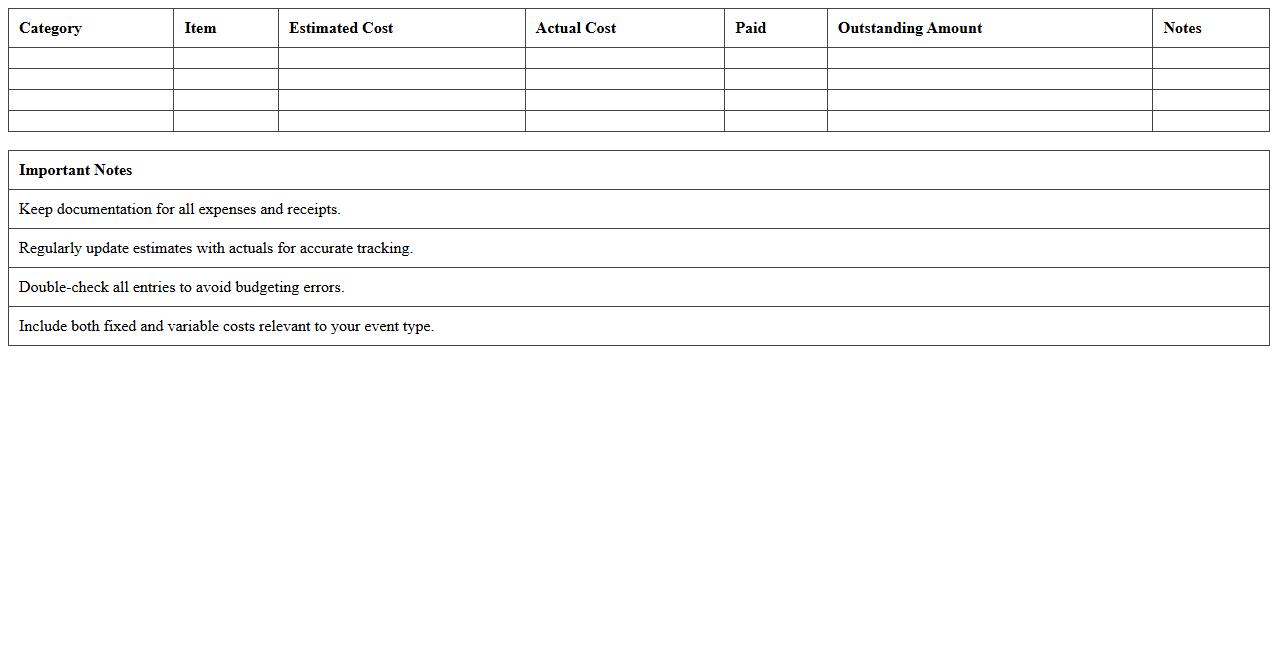
Virtual Event Budget Tracking Excel Template is a specialized spreadsheet designed to help event planners meticulously monitor and manage all financial aspects of virtual events. It enables users to categorize expenses, forecast costs, and track actual spending in real time, ensuring that the event stays within budget. This tool enhances financial transparency, improves decision-making, and streamlines the budgeting process for successful virtual event execution.
Online Event Registration Management Spreadsheet
An
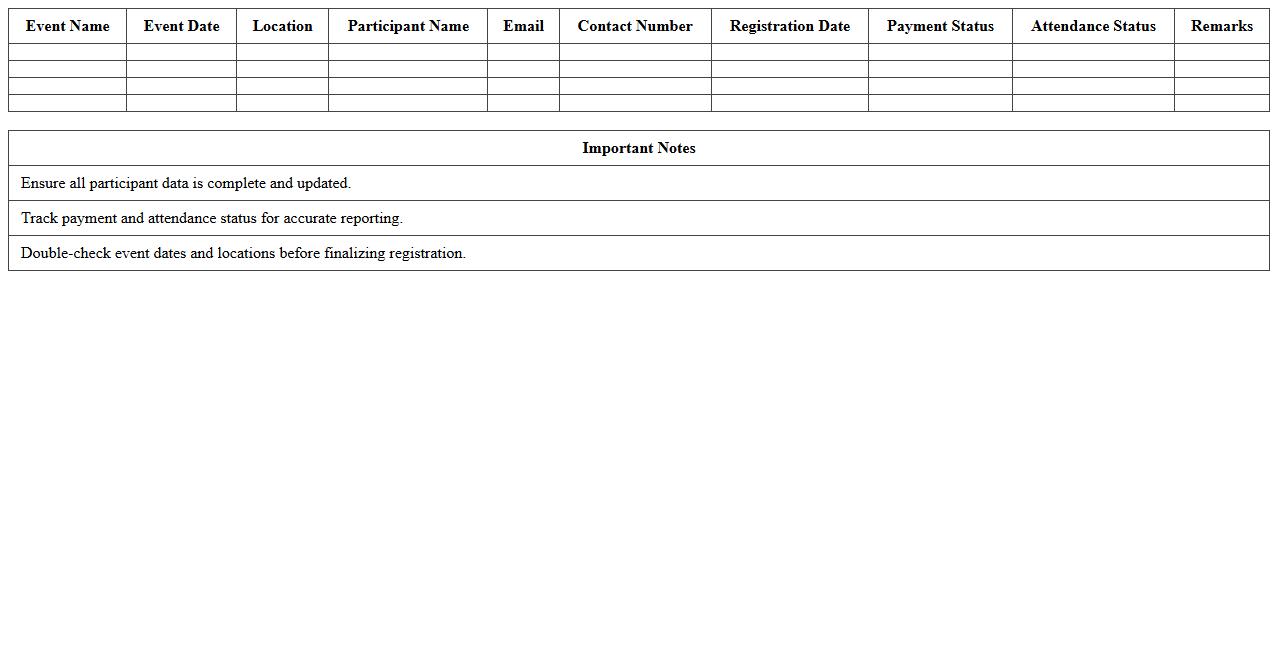
Online Event Registration Management Spreadsheet is a digital tool designed to organize and track participant information, registration status, and payment details for events efficiently. This spreadsheet streamlines the registration process by consolidating data in one accessible location, reducing errors and saving time for event organizers. It is useful for managing attendee lists, monitoring event capacity, and generating reports that facilitate smooth event execution and follow-up.
Virtual Event Task & Timeline Planner
A
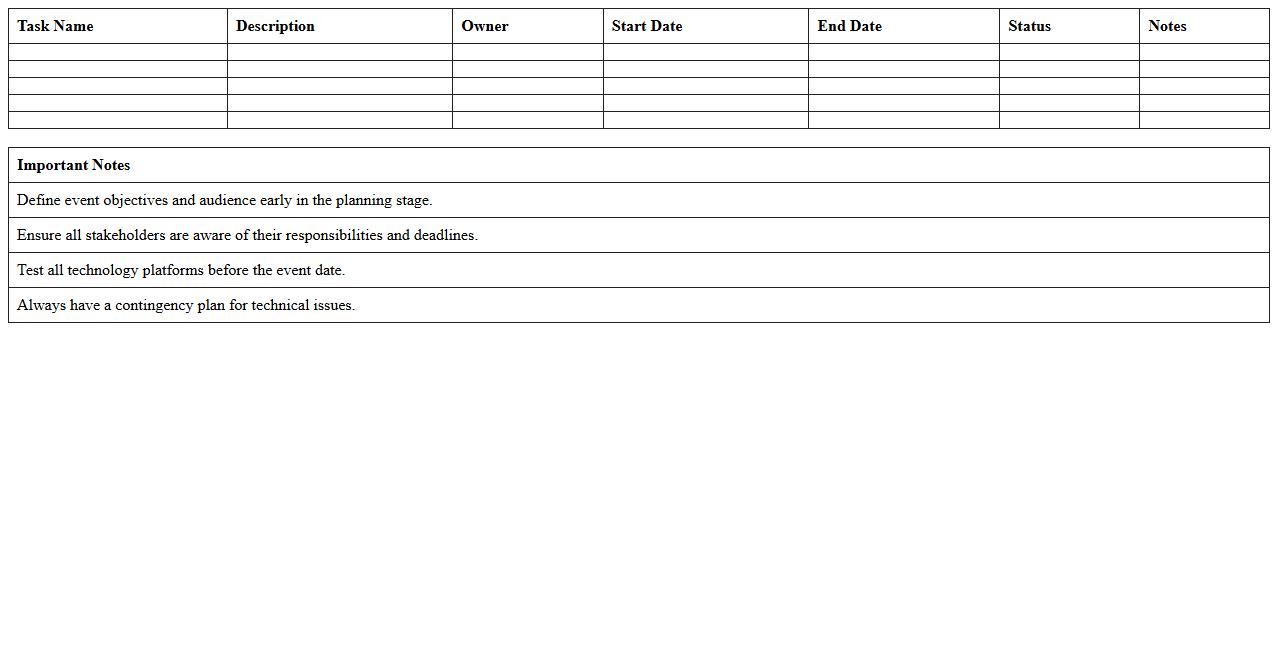
Virtual Event Task & Timeline Planner document organizes all essential tasks and deadlines for planning and executing online events, ensuring smooth coordination and timely completion. It helps teams allocate responsibilities, track progress, and manage resources effectively, reducing the risk of overlooked details or last-minute issues. This structured approach enhances productivity and guarantees a successful virtual event experience by keeping every phase on schedule.
Attendee Engagement Tracker for Virtual Events
The
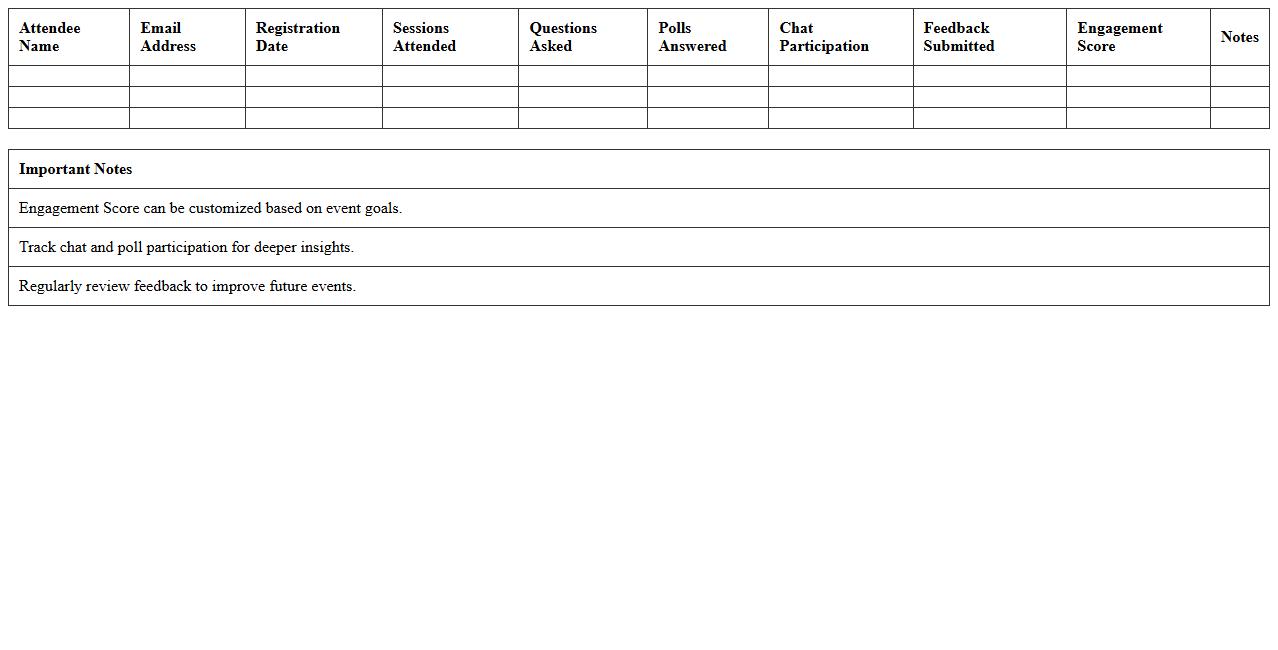
Attendee Engagement Tracker for Virtual Events document provides a comprehensive framework to monitor and analyze participant interactions during online conferences or webinars. This tool helps event organizers gauge attendee involvement by tracking metrics such as session duration, chat activity, poll responses, and Q&A participation, enabling data-driven decisions to enhance engagement strategies. Utilizing this document ensures improved event performance, higher satisfaction rates, and optimized content delivery tailored to audience interests.
Virtual Conference Agenda Planning Excel Sheet
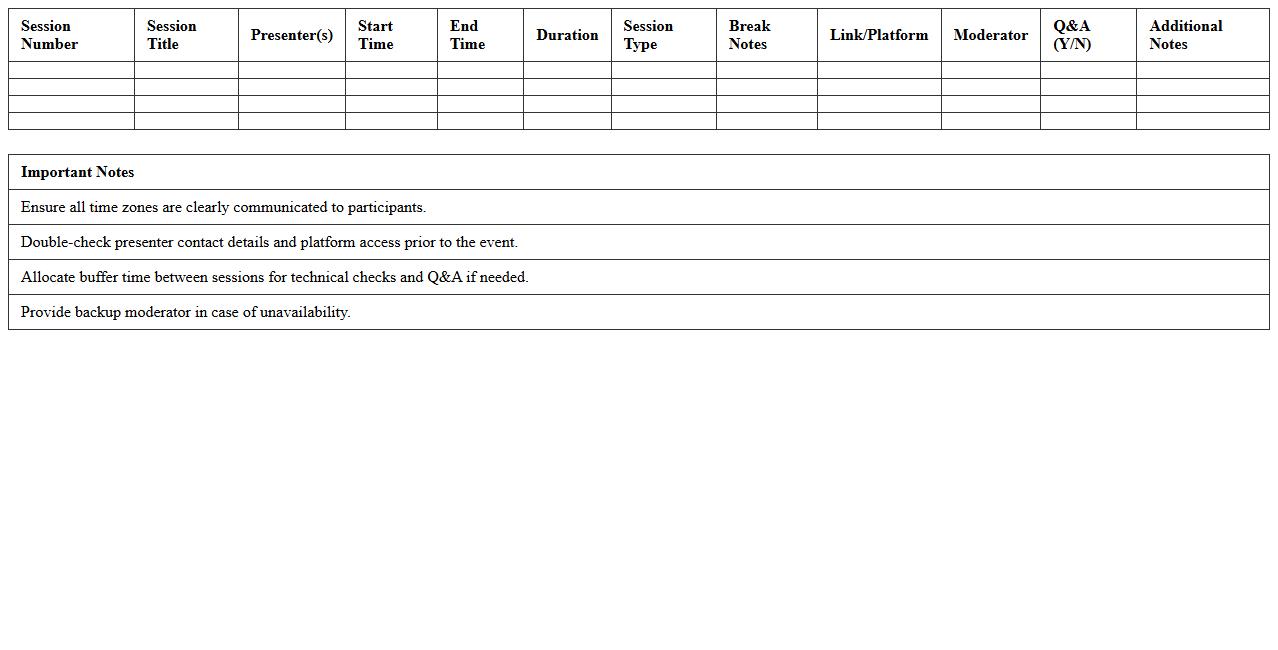
A
Virtual Conference Agenda Planning Excel Sheet is a structured document designed to organize and manage all aspects of a virtual event schedule efficiently. It allows event planners to allocate time slots, coordinate speaker sessions, and track key details such as presentation topics, URLs, and participant information in one centralized location. Utilizing this tool enhances productivity, reduces scheduling conflicts, and ensures a seamless flow of the virtual conference.
Virtual Session Feedback Collection Template
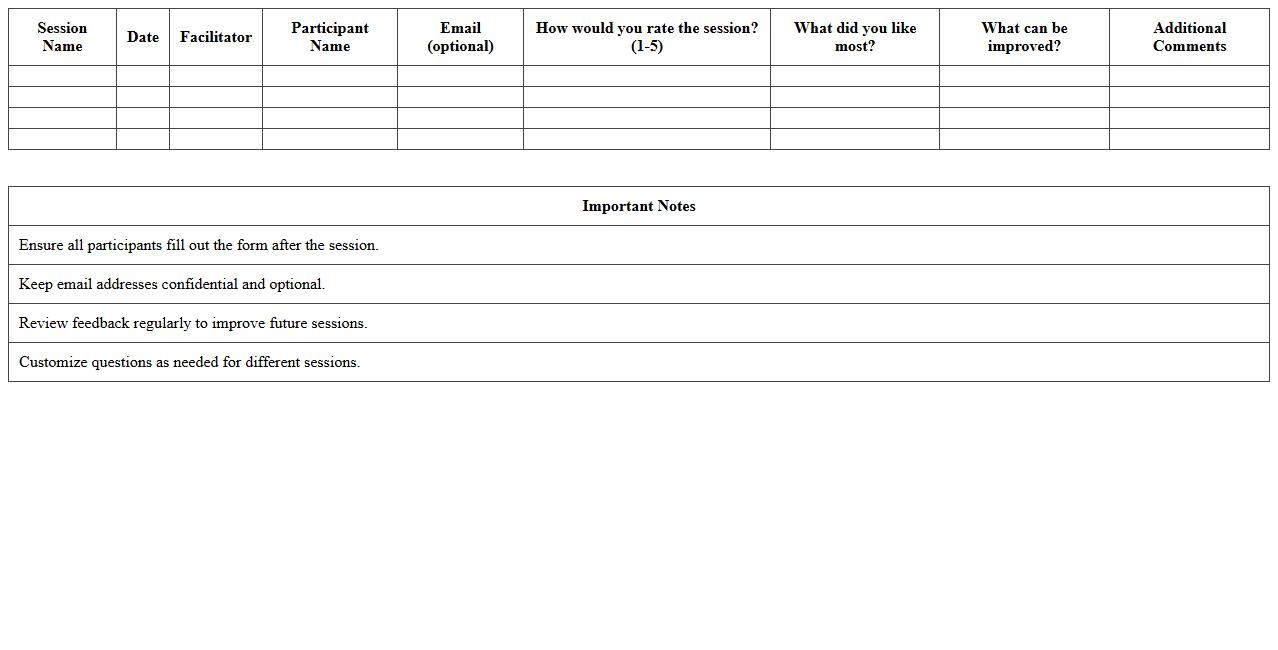
The
Virtual Session Feedback Collection Template document is a structured tool designed to gather participant insights and evaluations after online meetings or webinars. It enables organizations to systematically collect data on attendee satisfaction, engagement levels, and suggestions for improvement, helping enhance future virtual sessions. By analyzing this feedback, teams can optimize content delivery, address technical issues, and tailor experiences to better meet audience needs.
Event Speaker & Host Coordination Log
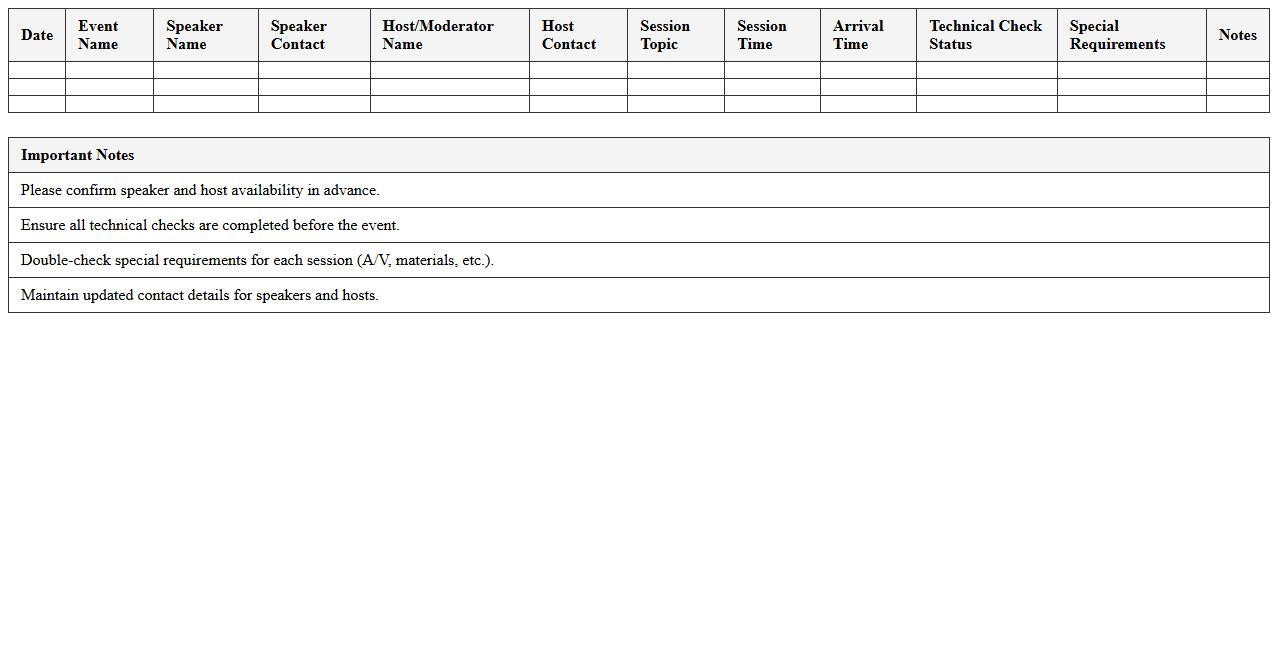
The
Event Speaker & Host Coordination Log document serves as a centralized record that tracks speaker schedules, contact information, and special requirements, ensuring seamless communication and organization throughout the event planning process. By maintaining detailed notes on speaker readiness and host assignments, this log minimizes scheduling conflicts and enhances on-site coordination. It ultimately streamlines event execution, improving attendee experience and overall event success.
Virtual Event Sponsorship Tracker Excel
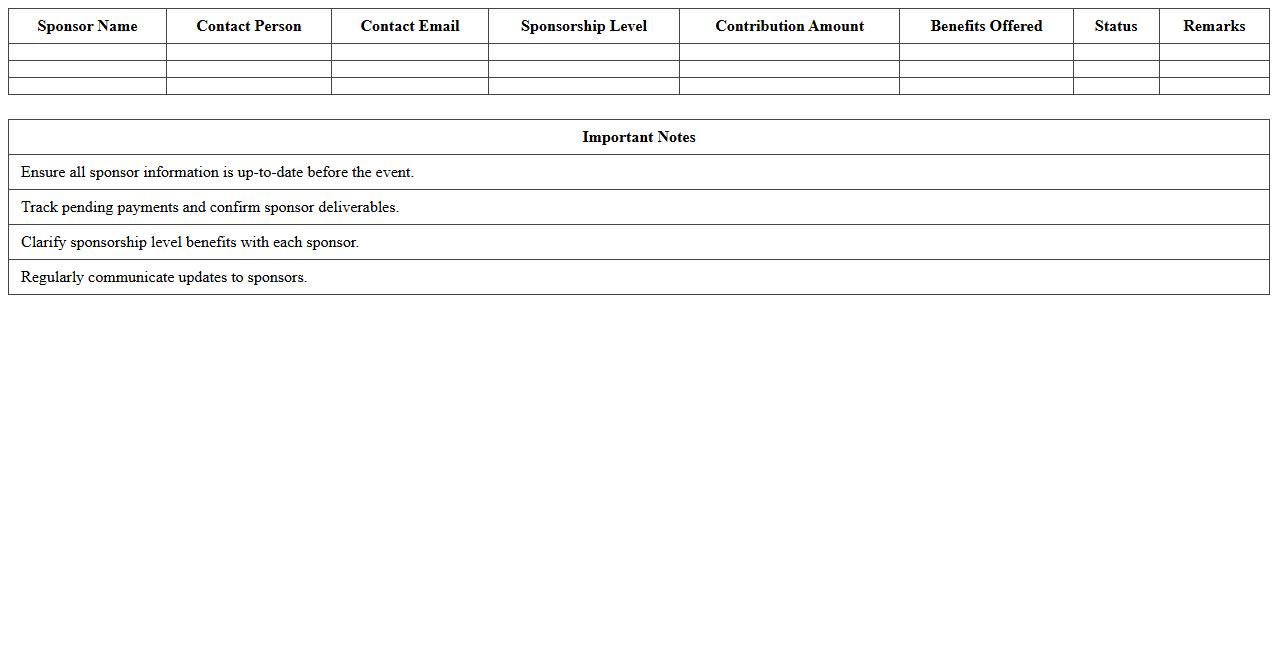
The
Virtual Event Sponsorship Tracker Excel document is a comprehensive tool designed to organize and monitor sponsorship details for online events. It allows users to track sponsor commitments, payment statuses, deliverables, and engagement metrics in a centralized and efficient manner. This document enhances the management of virtual event sponsorships, ensuring transparency and maximizing revenue opportunities.
Online Event Marketing Calendar Spreadsheet
An
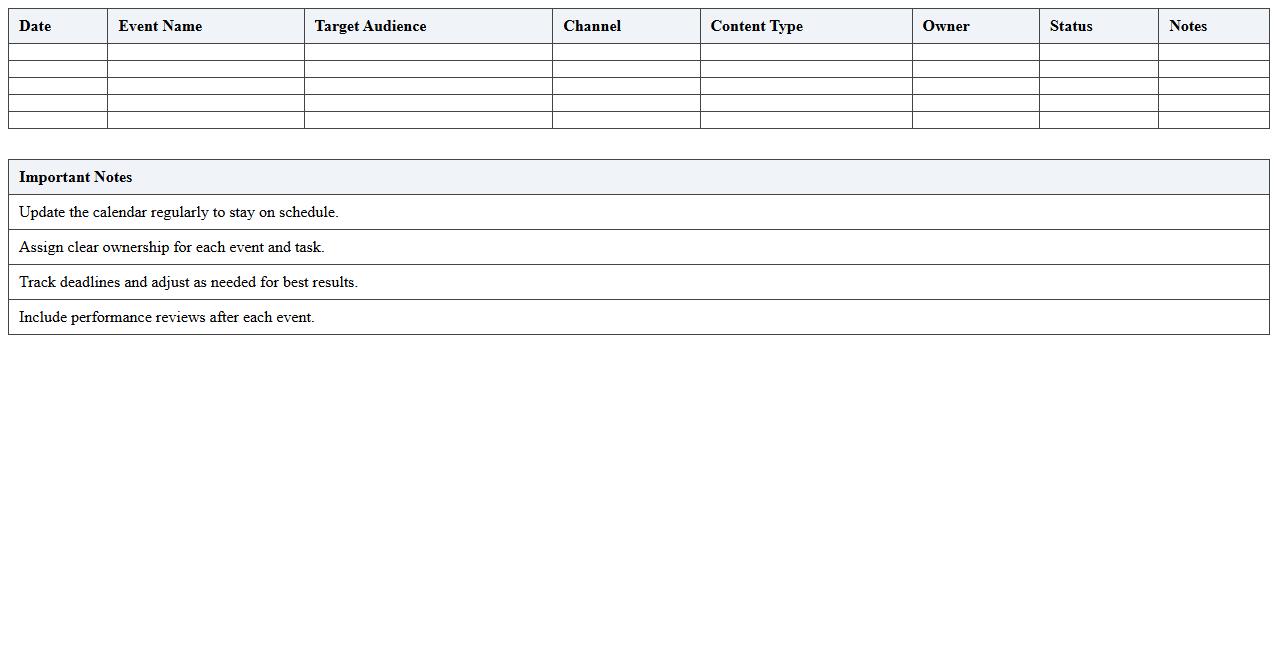
Online Event Marketing Calendar Spreadsheet document serves as a centralized tool for organizing and scheduling all event marketing activities, ensuring deadlines and promotional tasks are visible and manageable. It helps marketing teams plan campaigns, allocate resources, and track progress efficiently by integrating event dates, target audiences, and platform-specific strategies. By maintaining this spreadsheet, businesses can optimize event outreach, improve coordination, and maximize audience engagement across multiple digital channels.
Virtual Exhibitor Management Excel Template
The
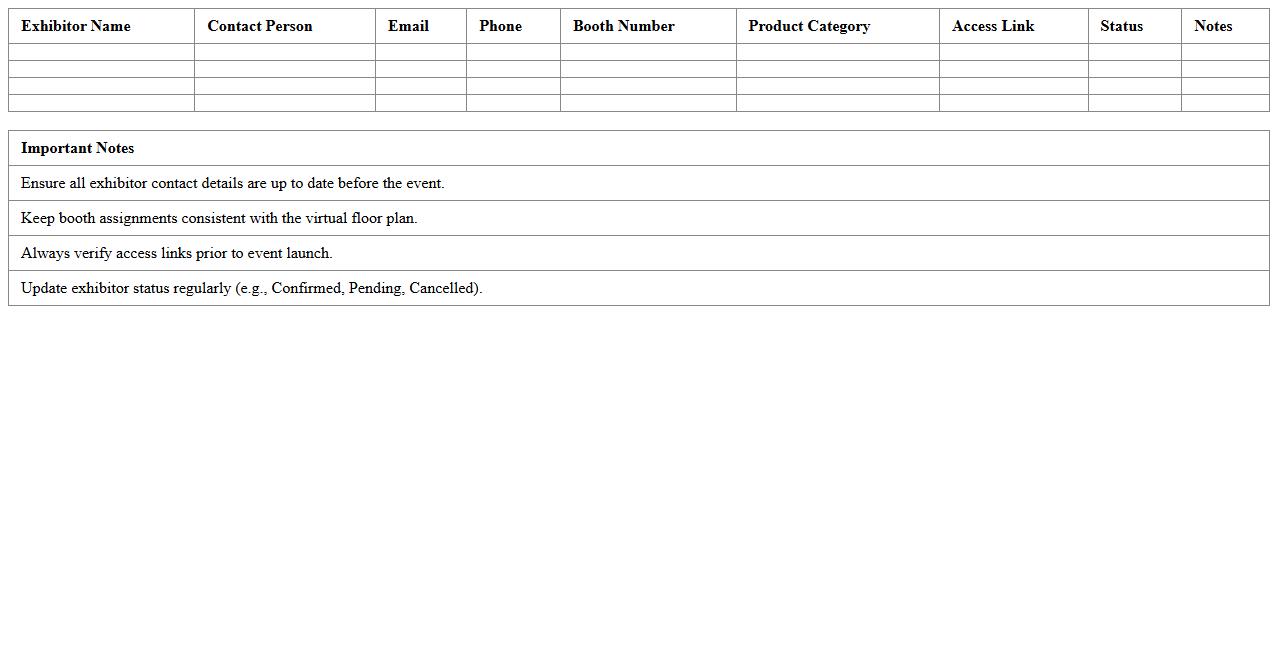
Virtual Exhibitor Management Excel Template document is a comprehensive tool designed to streamline the organization and tracking of virtual exhibition participants, including their booth assignments, schedules, and contact information. It enhances efficiency by centralizing data, enabling event coordinators to manage exhibitor details, monitor progress, and coordinate communications effortlessly. This template is essential for optimizing virtual event planning, ensuring smooth operations, and improving overall exhibitor experience.
How can I automate attendee registration tracking in Excel for virtual events?
To automate attendee registration tracking in Excel, start by creating a structured table with fields like Name, Email, and Registration Status. Use Excel's Forms feature or integrate Microsoft Forms to collect registrations directly into your spreadsheet. Applying filters and conditional formatting can help you quickly identify registered and pending attendees.
What Excel formulas best summarize session attendance across multiple virtual event dates?
Excel formulas like SUMIFS, COUNTIFS, and PIVOT TABLES are ideal for summarizing session attendance over several dates. These functions allow you to aggregate data based on specific event dates and participants efficiently. Combining these with dynamic named ranges ensures your summaries update automatically as new data is added.
How do I design a document letter template in Excel for virtual event follow-ups?
Designing a letter template in Excel involves setting up a professional layout using merged cells, borders, and custom fonts. Use Excel's CONCATENATE or TEXTJOIN functions to personalize the letter with attendee names and event details. Embedding placeholders linked to your data table makes it easy to generate multiple personalized follow-up letters.
Which Excel charts are optimal for visualizing virtual event engagement metrics?
Bar charts and line charts effectively display attendance trends and session participation over time. Pie charts are useful for showing the distribution of engagement types like Q&A contributions or poll responses. For more advanced visualization, consider using combo charts to compare multiple metrics in one view.
How can I integrate Excel with virtual event platforms for real-time participant data?
Integrate Excel with virtual event platforms via API connections or third-party tools like Power Automate to import real-time participant data. Using Excel's Power Query allows you to pull data dynamically from web services or CSV exports. Automating this process ensures your attendance and engagement metrics are always up to date without manual input.