The Construction Safety Audit Excel Template for Site Managers provides an organized and efficient way to track safety compliance and identify potential hazards on construction sites. This customizable template helps site managers systematically document inspections, monitor corrective actions, and ensure adherence to safety regulations. It streamlines reporting processes, enhancing overall site safety management and risk mitigation.
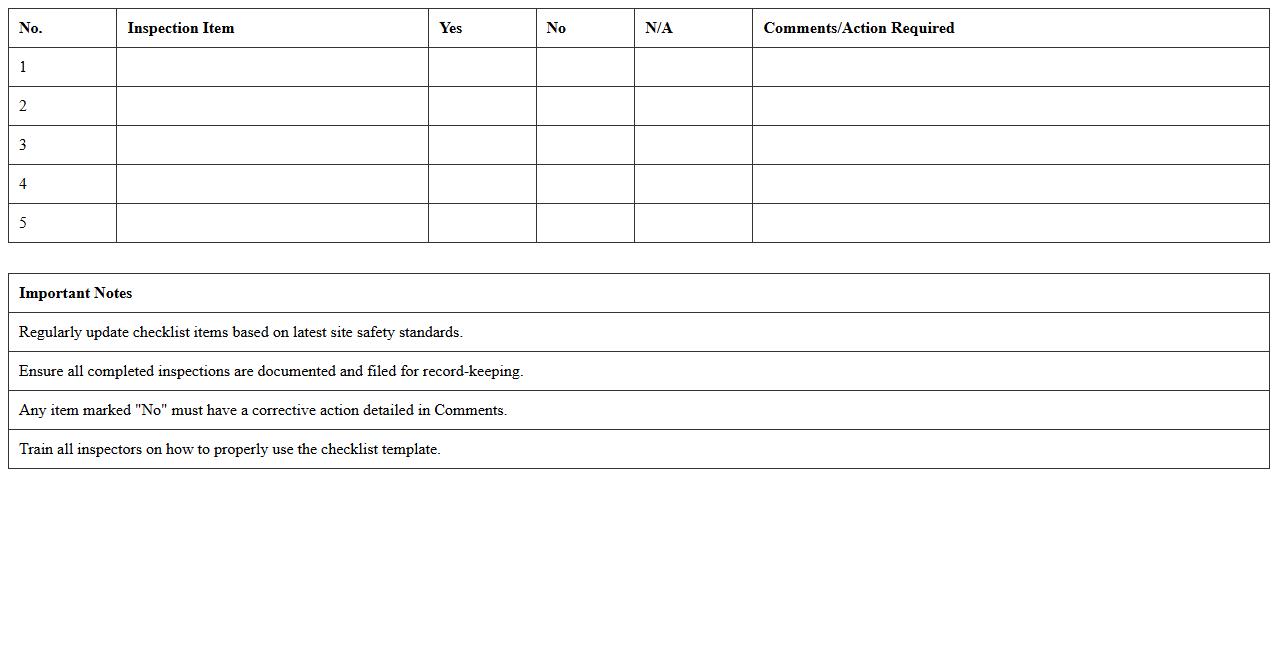
Construction Site Safety Inspection Checklist Excel Template
The
Construction Site Safety Inspection Checklist Excel Template document is a structured tool designed to systematically record and track safety compliance on construction sites. It helps identify potential hazards, ensures adherence to safety regulations, and facilitates timely corrective actions. Using this template improves workplace safety, reduces accident risks, and supports regulatory audits by organizing inspection data efficiently.
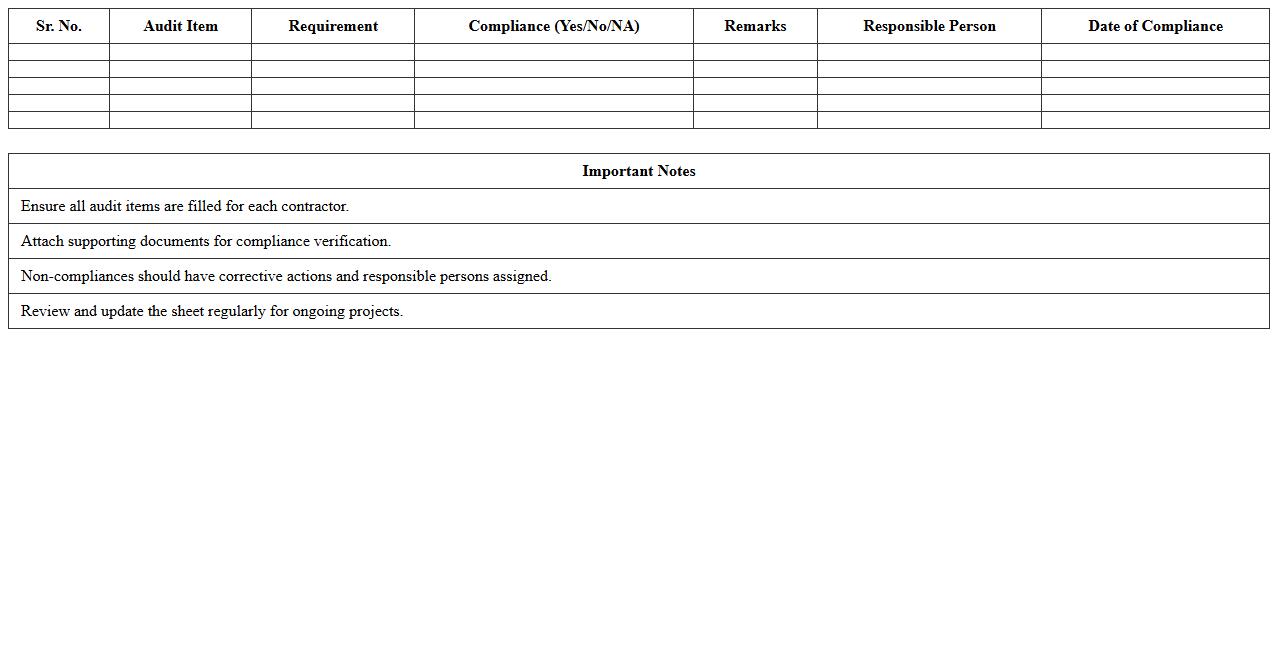
Contractor Safety Compliance Audit Excel Sheet
The
Contractor Safety Compliance Audit Excel Sheet document is a structured template designed to systematically evaluate contractor adherence to safety regulations and standards. It enables organizations to track, document, and analyze safety performance metrics, identify potential risks, and ensure regulatory compliance efficiently. This tool supports proactive safety management, reducing workplace hazards and promoting a culture of accountability among contractors.
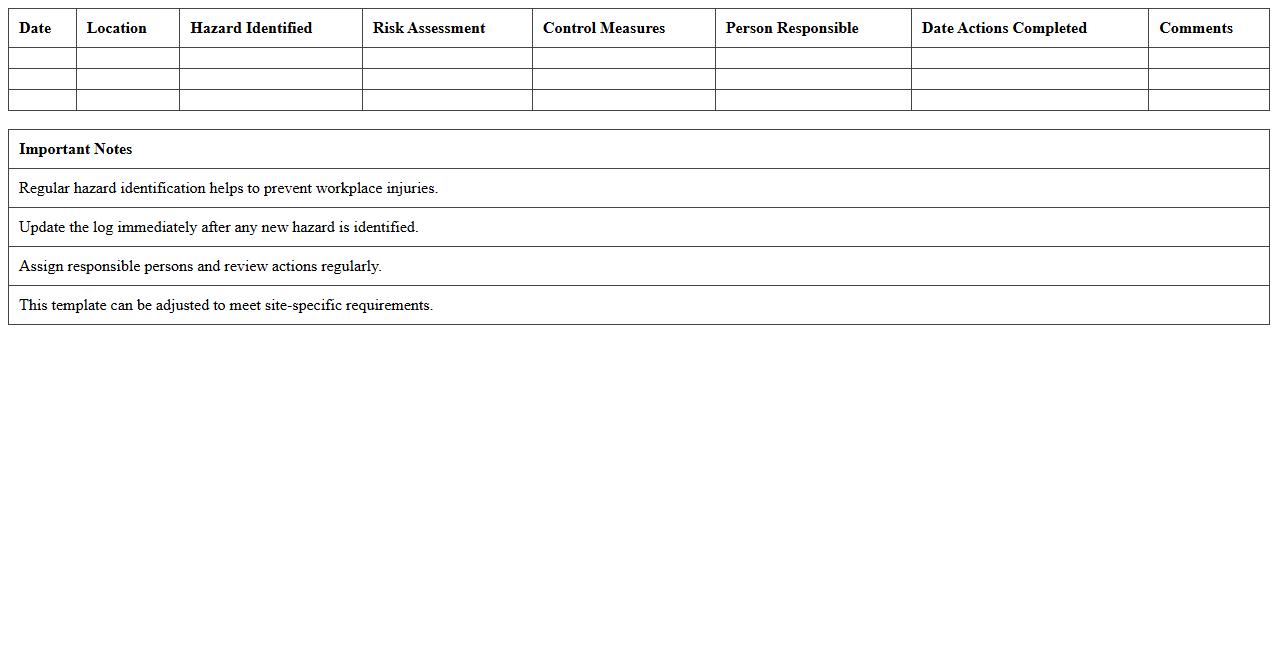
Site Hazard Identification Log Excel Template
The
Site Hazard Identification Log Excel Template document is a structured tool designed to systematically record, track, and manage potential safety hazards on a construction or work site. By categorizing hazards, assigning risk levels, and documenting corrective actions, it enhances workplace safety and ensures compliance with regulatory standards. This log template facilitates proactive risk management, improves communication among teams, and supports data-driven decisions to prevent accidents and injuries.
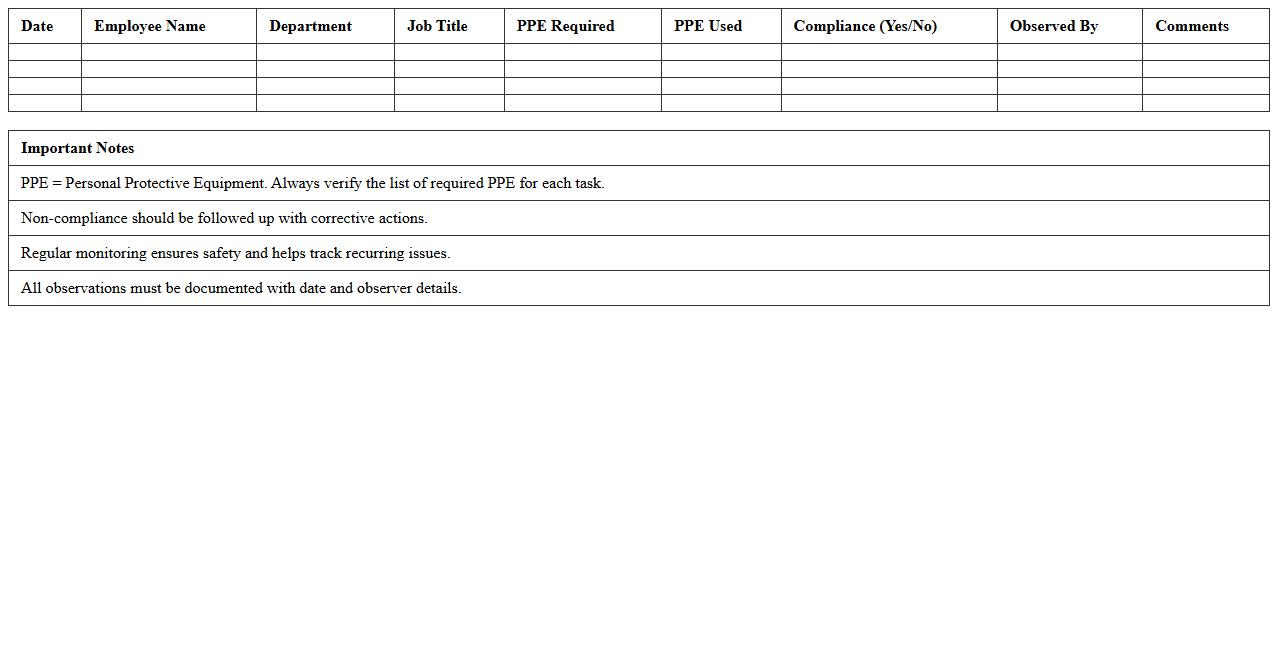
PPE Compliance Tracking Sheet Excel
A
PPE Compliance Tracking Sheet Excel document is a tool designed to monitor and record the usage and adherence to personal protective equipment (PPE) protocols within an organization. It helps ensure workers consistently follow safety standards by providing a structured format to track PPE issuance, inspection dates, and training compliance. This tracking sheet minimizes workplace hazards by identifying gaps in PPE usage, facilitating timely corrective actions and regulatory compliance.
Construction Equipment Safety Audit Spreadsheet
A
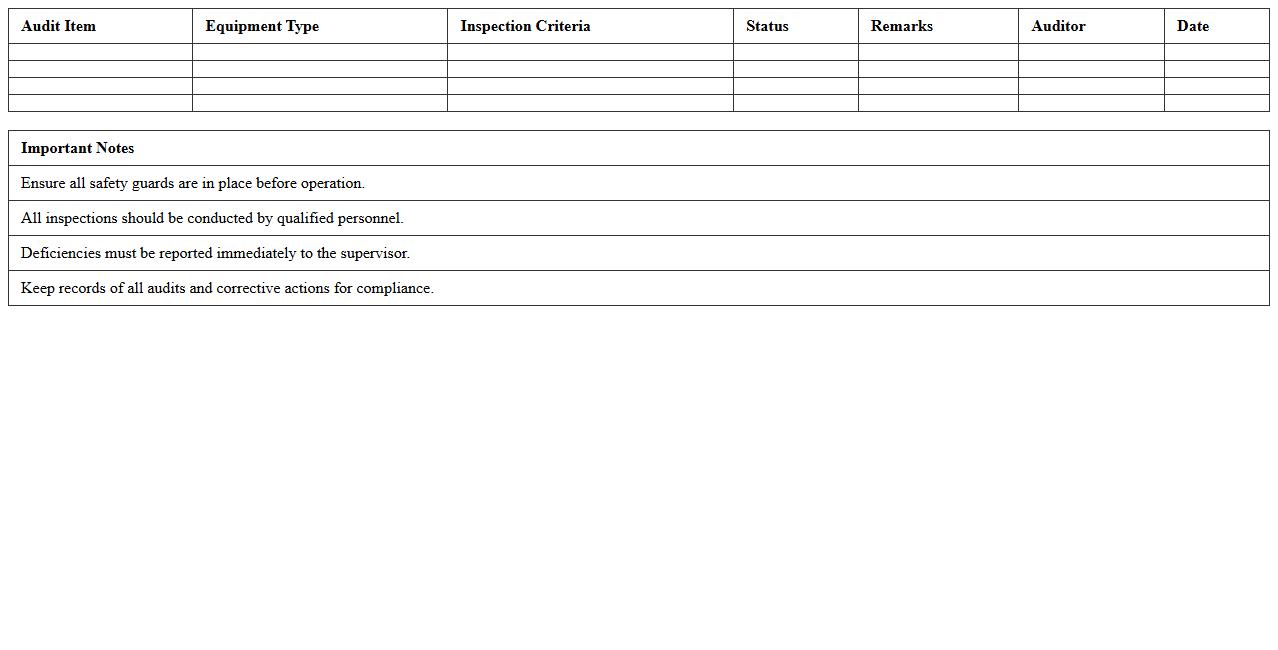
Construction Equipment Safety Audit Spreadsheet is a detailed document designed to track and evaluate the safety status of various construction machinery and tools. It helps project managers and safety officers systematically record inspection results, maintenance schedules, and potential hazards, ensuring compliance with safety regulations. This spreadsheet improves workplace safety by identifying risks early, reducing accident rates, and maintaining equipment reliability.
Safety Incident Report Log Excel Template
A
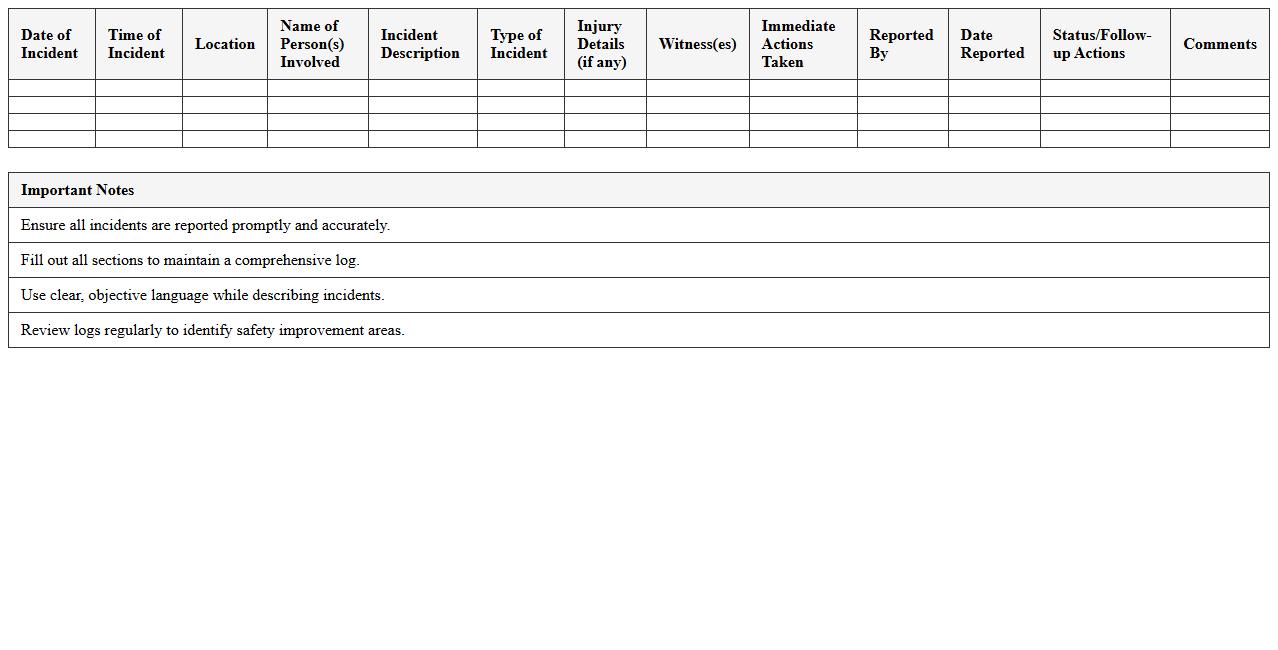
Safety Incident Report Log Excel Template is a structured document designed to record, track, and analyze workplace safety incidents systematically. It enables organizations to document details such as incident date, location, type, severity, and corrective actions, facilitating compliance with safety regulations and identifying patterns to prevent future accidents. Utilizing this template improves workplace safety management by enhancing incident transparency and supporting proactive risk mitigation strategies.
Weekly Safety Walkthrough Audit Excel Form
The
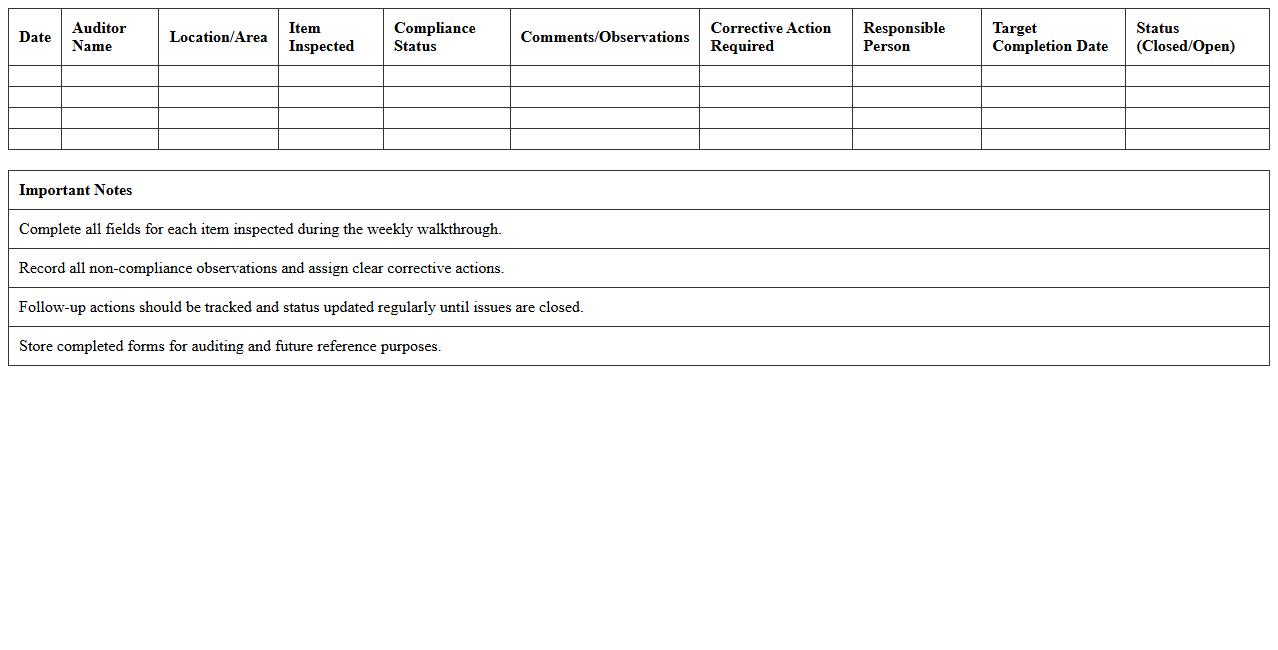
Weekly Safety Walkthrough Audit Excel Form document is a structured tool designed to systematically record and evaluate workplace safety conditions on a weekly basis. It helps identify potential hazards, track compliance with safety protocols, and ensure corrective actions are documented and followed up promptly. Utilizing this form enhances organizational safety culture, reduces workplace incidents, and supports regulatory compliance with OSHA standards.
Site Emergency Preparedness Audit Excel Template
The
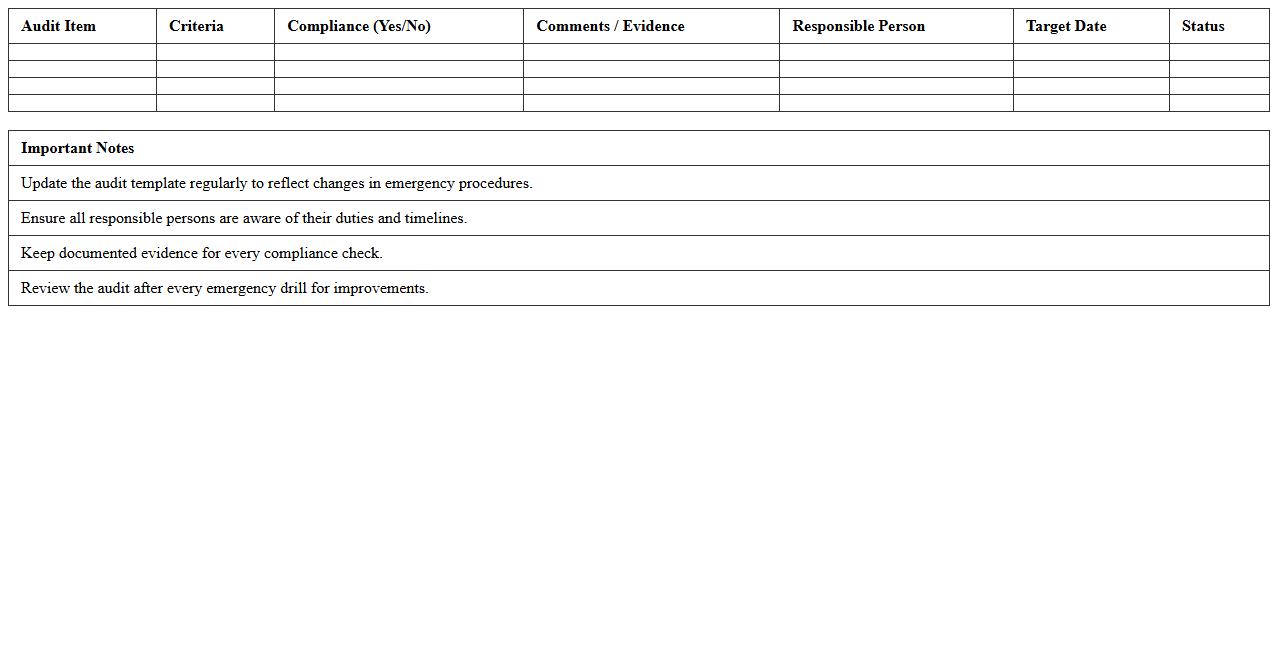
Site Emergency Preparedness Audit Excel Template is a structured document designed to systematically evaluate the readiness of a site to handle emergencies, including natural disasters, fires, and hazardous material incidents. It helps organizations identify gaps in emergency plans, equipment availability, and staff training through detailed checklists and audit criteria, enabling proactive risk management and compliance with safety regulations. Using this template enhances safety protocols, ensures regulatory adherence, and improves overall emergency response effectiveness at the site level.
Toolbox Talk Attendance Register Excel Sheet
The
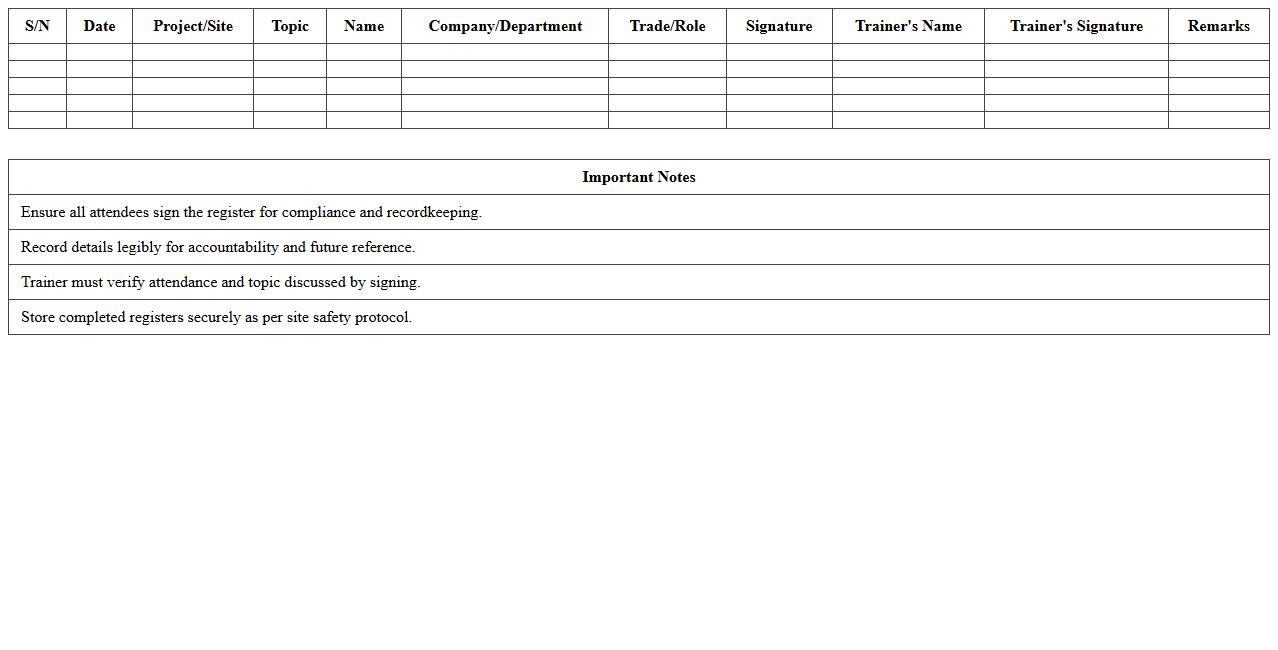
Toolbox Talk Attendance Register Excel Sheet document is a structured digital record designed to track participant attendance during safety meetings on job sites. It helps organizations maintain accurate logs of employee engagement in safety discussions, ensuring compliance with occupational health and safety regulations. Using this register improves accountability, simplifies record-keeping, and facilitates quick access to attendance data for audits or reporting purposes.
Subcontractor Safety Performance Monitoring Excel Template
The
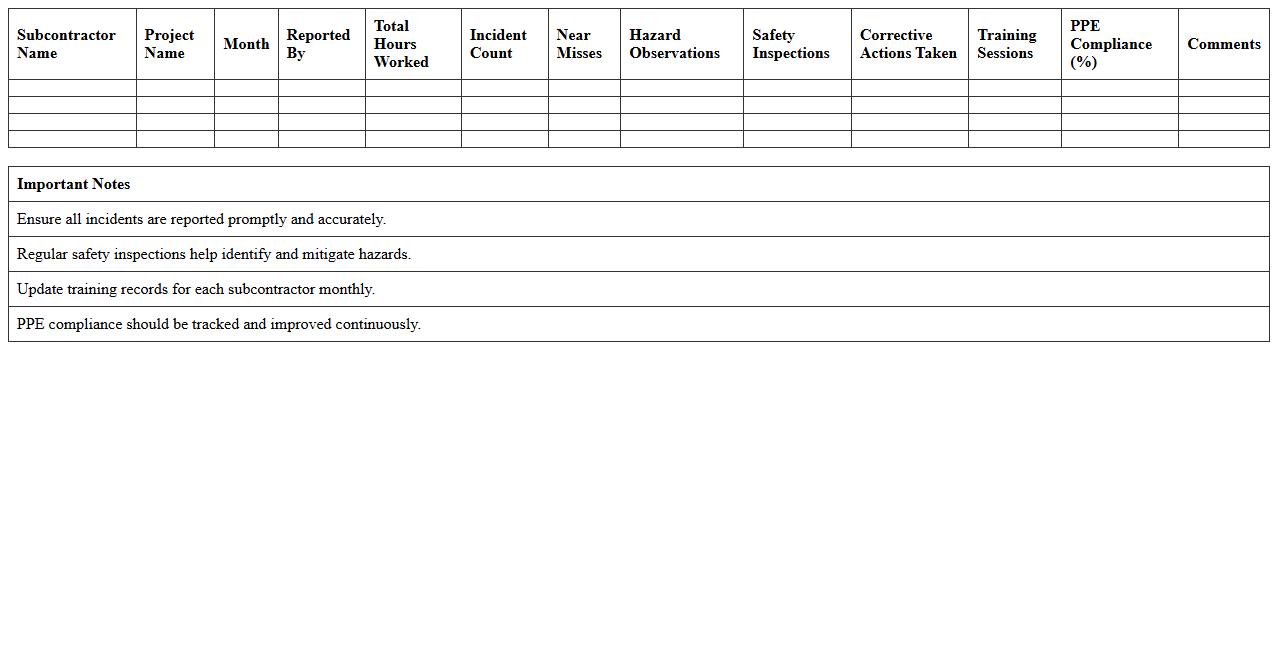
Subcontractor Safety Performance Monitoring Excel Template document is a structured tool designed to track and evaluate the safety records and compliance of subcontractors on construction or industrial projects. It enables project managers to systematically record incidents, near misses, safety audits, and corrective actions, fostering transparency and accountability. Using this template enhances risk management by identifying potential hazards early and ensuring subcontractors adhere to safety regulations, ultimately promoting a safer work environment.
What key safety checkpoints should be included in a Construction Safety Audit Excel template for site managers?
Ensure the Excel template includes personal protective equipment (PPE) compliance to monitor worker safety gear usage. Incorporate checkpoints for site housekeeping to evaluate cleanliness and clutter. Lastly, add verification of machinery and equipment safety to prevent operational hazards.
How can site managers track corrective actions within the safety audit spreadsheet?
Site managers should create a dedicated corrective actions log within the audit spreadsheet for clear tracking of issues. Utilize columns for action description, assigned personnel, due dates, and completion status. Implementing status dropdown menus helps in monitoring progress efficiently.
Which formulas or conditional formatting improve hazard identification in the audit Excel sheet?
Leverage IF statements to flag non-compliance or missing safety items automatically. Use conditional formatting to highlight critical hazards in red, drawing immediate attention. Employ COUNTIF formulas to summarize the number of identified risks for easy review.
How often should site managers schedule and document safety audits using Excel?
Site managers should conduct safety audits weekly or bi-weekly depending on site activity and risk levels. Regular documentation in Excel ensures up-to-date compliance tracking and accountability. Maintaining a consistent audit schedule helps identify trends and improve safety protocols.
What are the best practices for linking safety audit results in Excel with incident reporting systems?
Integrate audit data by exporting Excel summaries into the incident reporting software for seamless information flow. Use hyperlinks or embedded comments in Excel cells to connect to detailed incident reports. Establishing automated data sync reduces manual errors and improves response times.
More Construction Excel Templates