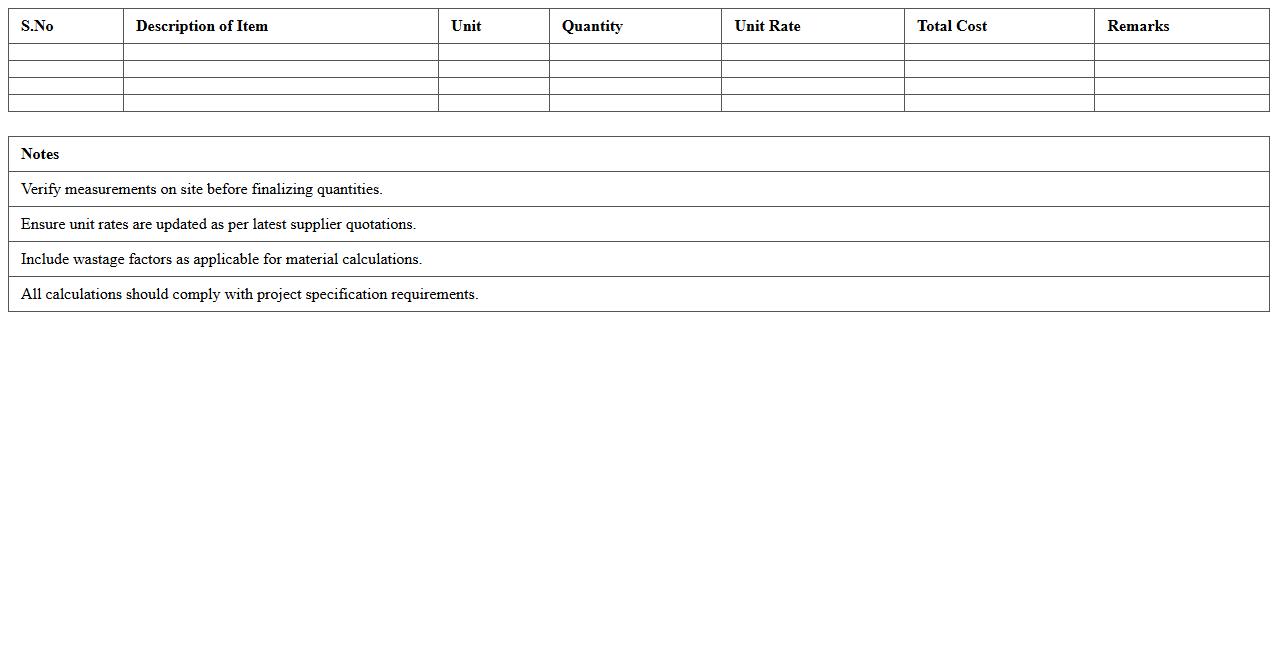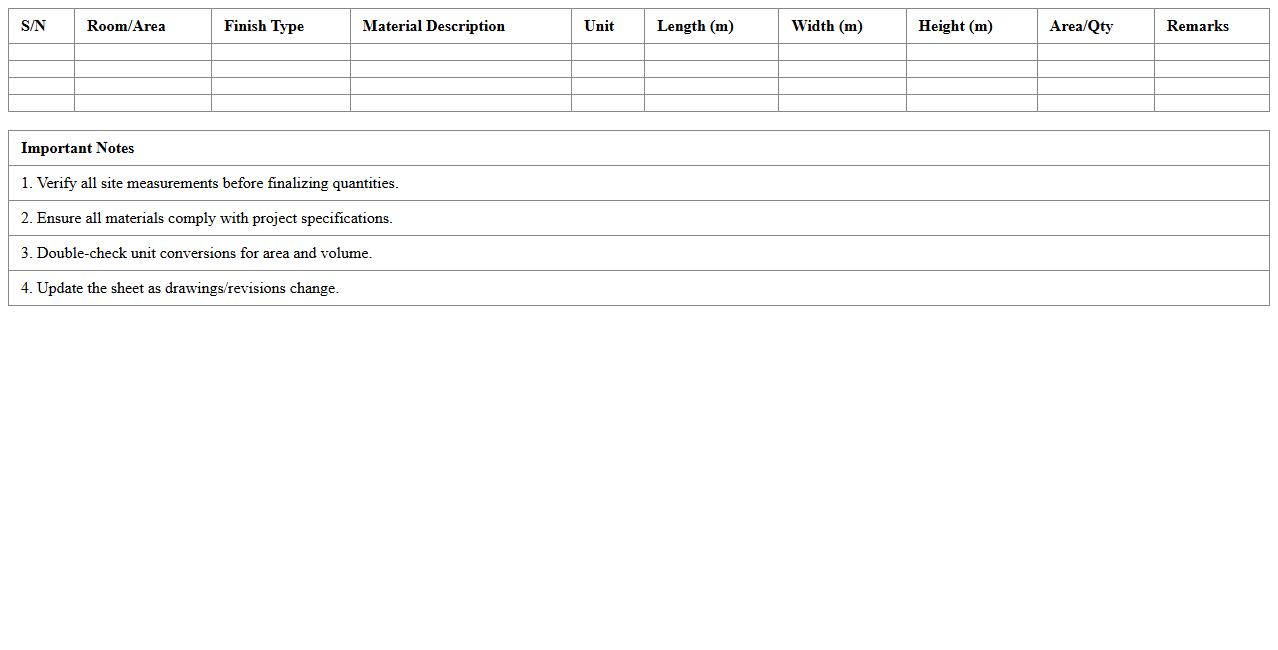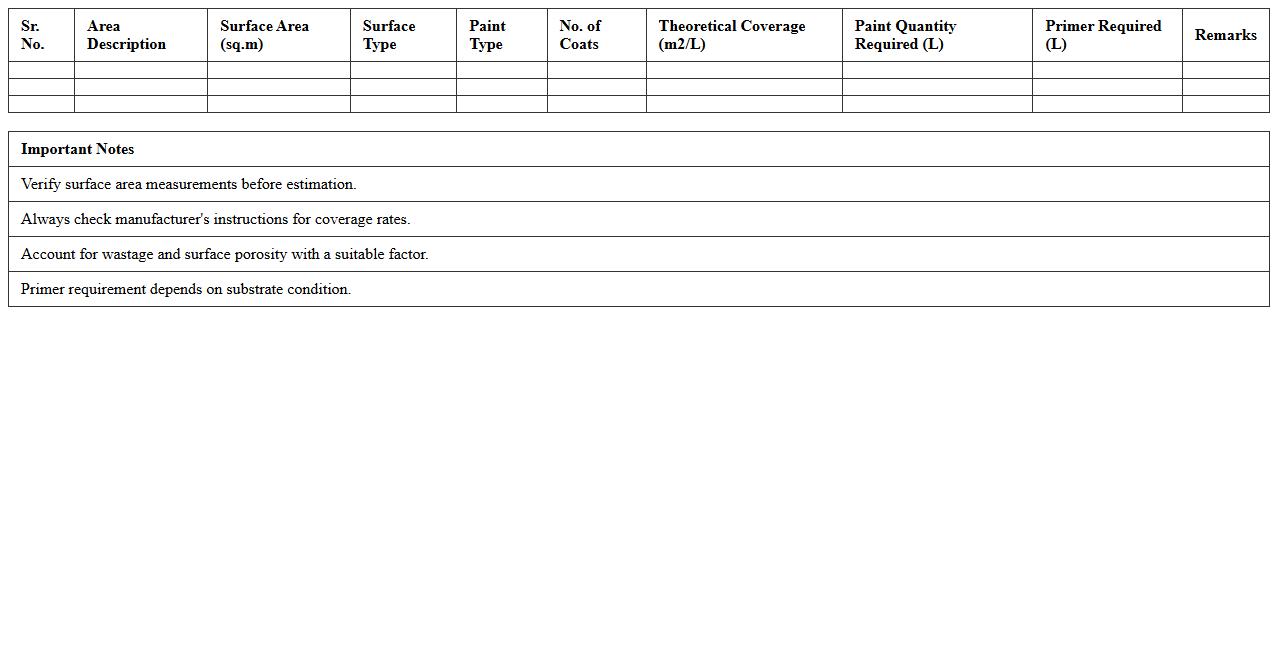
The Construction Material Takeoff Excel Template for Quantity Surveyors streamlines the process of calculating material quantities for construction projects. This template enables accurate estimation and cost tracking by organizing data efficiently in a user-friendly spreadsheet format. Quantity surveyors benefit from increased productivity and reduced errors during project planning and budgeting stages.
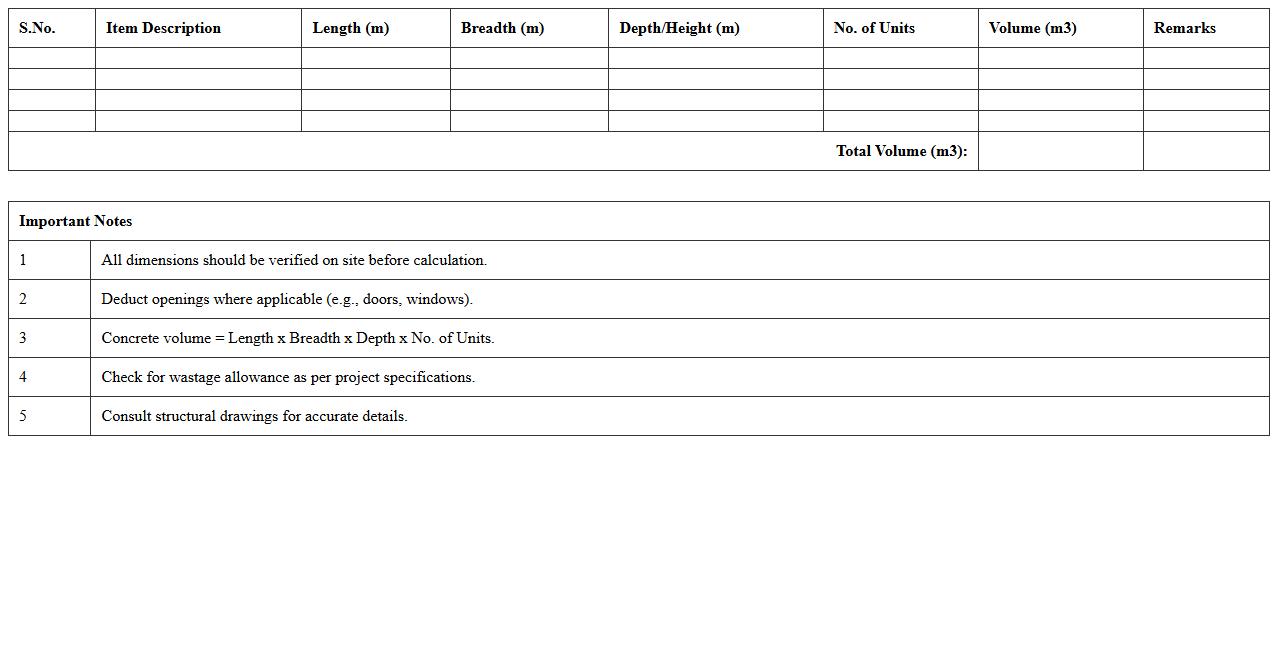
Concrete Volume Calculation Excel Template for Quantity Surveyors
The
Concrete Volume Calculation Excel Template for Quantity Surveyors is a specialized tool designed to accurately estimate the volume of concrete required for construction projects. It streamlines the calculation process by automating volume measurements based on input dimensions, minimizing errors and saving time. This template is invaluable for project budgeting, resource planning, and ensuring precise material procurement, ultimately reducing waste and optimizing costs.
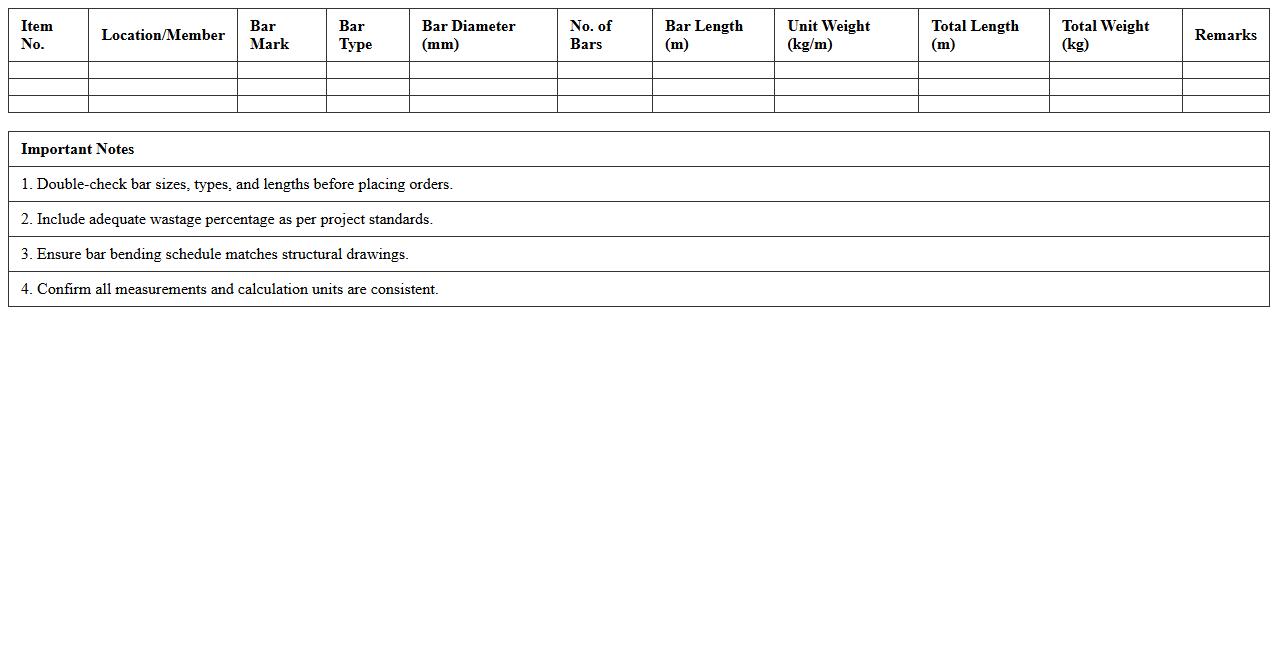
Steel Reinforcement Takeoff Sheet Excel Template
A
Steel Reinforcement Takeoff Sheet Excel Template is a detailed spreadsheet designed to quantify and organize the types and quantities of steel reinforcement required for construction projects. This document enables precise estimation of materials, reducing waste and ensuring cost-effective purchasing by listing bar sizes, lengths, and quantities. It streamlines project planning and budgeting by providing accurate data for structural steel requirements, improving overall project efficiency.
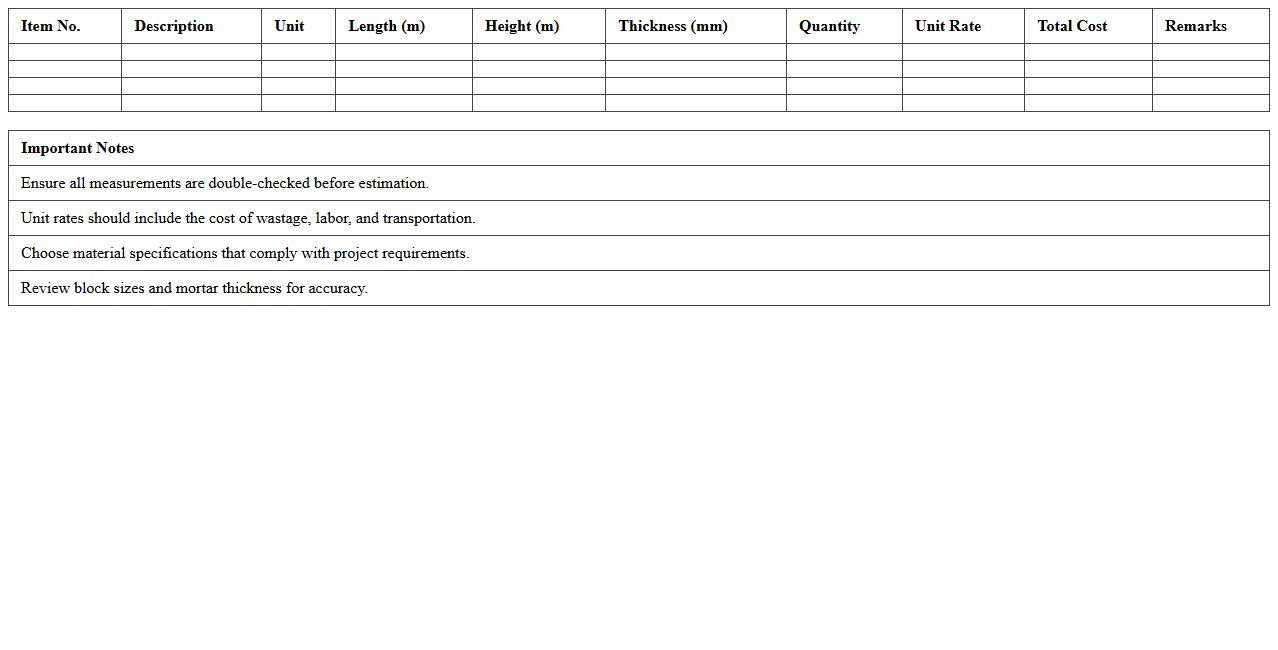
Blockwork and Masonry Material Estimation Excel Template
The
Blockwork and Masonry Material Estimation Excel Template is a specialized spreadsheet designed to calculate the precise quantity of bricks, blocks, cement, sand, and other materials required for masonry construction projects. It streamlines project planning by providing accurate cost and volume estimations based on input dimensions, reducing material wastage and budget overruns. This tool enhances efficiency for contractors, builders, and project managers by simplifying complex calculations and enabling informed decision-making in resource allocation.
Plumbing Materials Quantity Takeoff Excel Sheet
A
Plumbing Materials Quantity Takeoff Excel Sheet document systematically lists and quantifies all materials needed for plumbing projects, including pipes, fittings, valves, and fixtures. It helps contractors, engineers, and estimators accurately calculate material requirements, reduce waste, and control project costs. Using this detailed spreadsheet enhances project planning efficiency and supports precise budgeting and procurement decisions.
Electrical Fixtures and Wiring Material Takeoff Excel Template
An
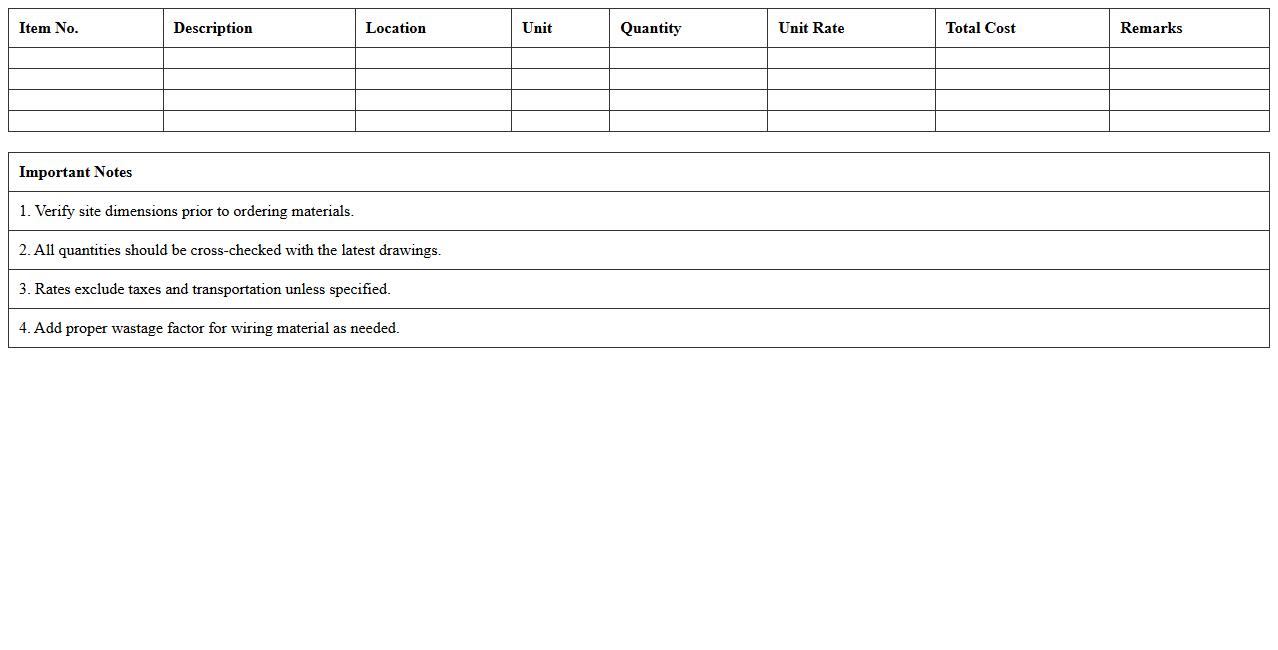
Electrical Fixtures and Wiring Material Takeoff Excel Template document organizes and quantifies materials needed for electrical installations, including fixtures, conduits, wires, and connectors. This template streamlines project planning by providing accurate cost estimates, reducing material waste and ensuring efficient budgeting. Construction managers and electricians can leverage it to enhance procurement accuracy and project timeline management.
Flooring Material Quantity Estimator Excel Template
The
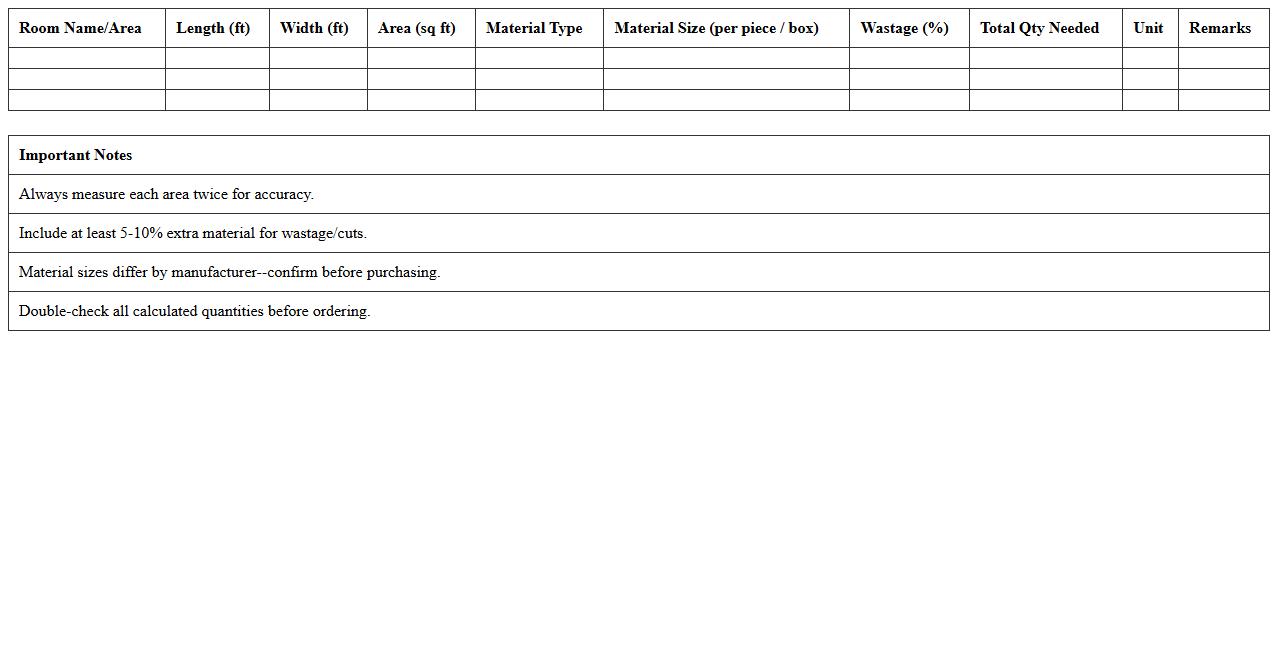
Flooring Material Quantity Estimator Excel Template is a specialized tool designed to calculate the precise amount of flooring materials needed for a project based on area measurements and material specifications. It helps minimize waste and reduce costs by providing accurate quantity estimations for materials such as tiles, hardwood, laminate, or carpet. This template streamlines project planning by allowing users to input dimensions and receive detailed reports, improving procurement efficiency and budget management.
Roofing Material Takeoff and Cost Estimation Excel Sheet
A
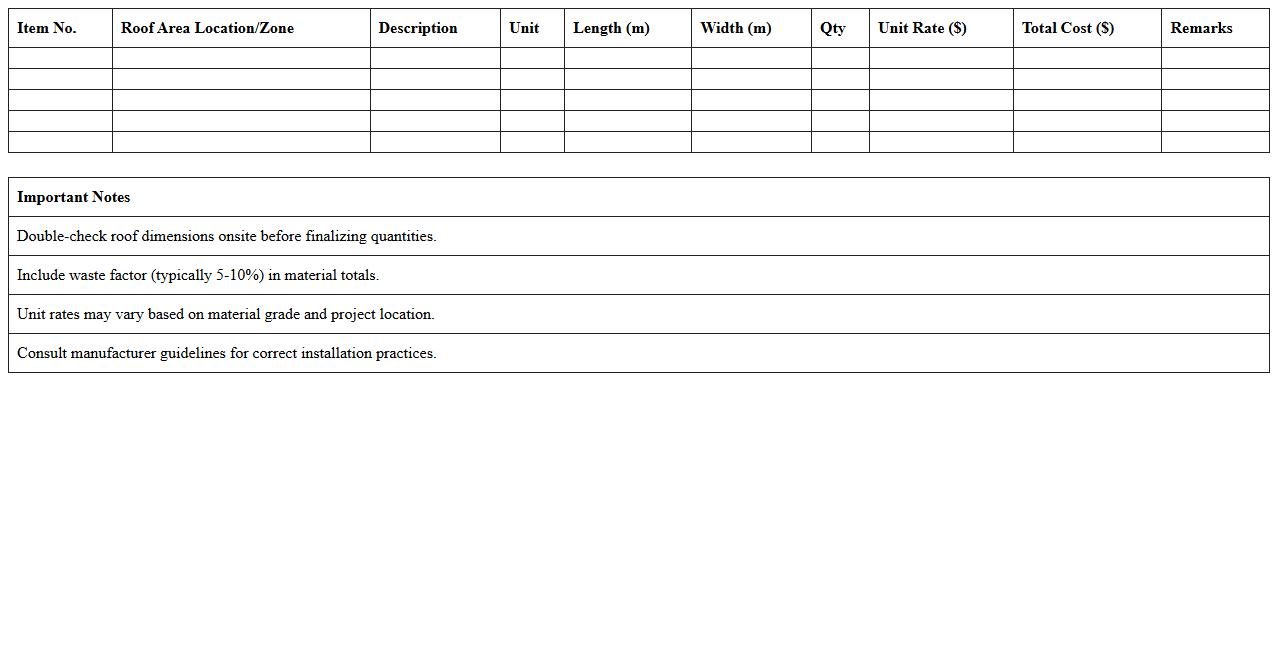
Roofing Material Takeoff and Cost Estimation Excel Sheet is a detailed document that helps accurately calculate the quantity and cost of roofing materials needed for a construction project. This tool streamlines project planning by organizing data on materials such as shingles, underlayment, nails, and flashing, allowing precise budgeting and minimizing waste. Using this Excel sheet improves cost control, enhances procurement efficiency, and supports timely project completion by providing clear, itemized estimates.
Door and Window Schedule Quantities Excel Template
The
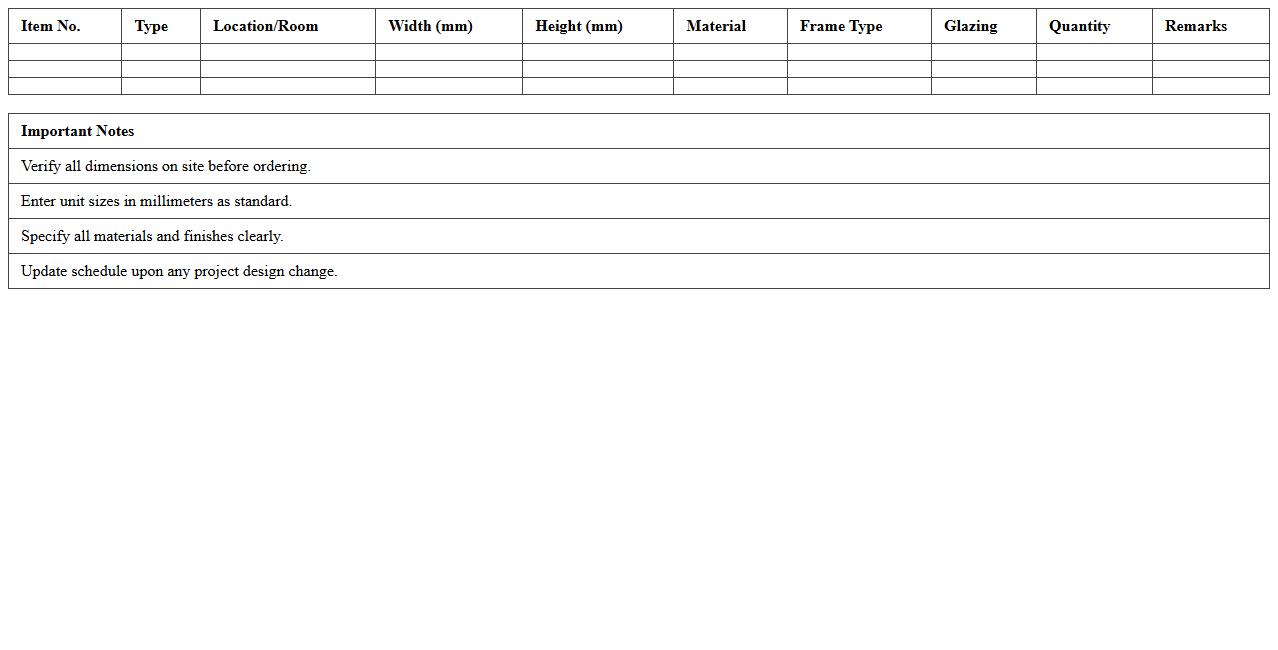
Door and Window Schedule Quantities Excel Template document is a detailed spreadsheet that organizes and quantifies all door and window types used in a construction project, facilitating accurate material estimation and procurement. It helps architects, engineers, and contractors streamline project planning by providing clear itemized data, reducing errors and ensuring budget control. This template improves project efficiency by enabling quick adjustments and easy integration with overall construction schedules.
Finishing Materials Quantity Takeoff Excel Sheet
A
Finishing Materials Quantity Takeoff Excel Sheet document is a detailed spreadsheet designed to calculate and organize the quantities of finishing materials required for construction projects. It helps accurately estimate the amounts of paint, tiles, wallpapers, and other finishing elements, minimizing material wastage and controlling project budgets. This tool streamlines procurement planning and ensures efficient resource allocation throughout the project lifecycle.
Paint and Coating Material Estimation Excel Template
The
Paint and Coating Material Estimation Excel Template document is a tool designed to calculate the exact quantities of paint and coating materials required for a project, reducing waste and cost. It streamlines the estimation process by allowing users to input surface area dimensions, paint coverage rates, and application layers, providing accurate material requirements. This template is useful for project managers, contractors, and painters to plan budgets efficiently and ensure timely procurement of materials.
How to automate material quantity extraction in Excel for construction takeoff sheets?
To automate material quantity extraction in Excel, use formulas like SUMIF and INDEX-MATCH to dynamically pull data from different sheets. Combining these with Excel macros can help streamline repetitive tasks, making takeoff processes more efficient. Additionally, integrating data validation ensures accuracy while extracting quantities from complex construction takeoff sheets.
What are advanced Excel formulas for tracking wastage in material takeoff?
Advanced Excel formulas such as ARRAYFORMULA, SUMPRODUCT, and IFERROR allow for precise wastage tracking by calculating differences between ordered and used materials. Conditional statements like IF combined with logical operators help in flagging excess wastage beyond acceptable limits. Using these formulas enables quantity surveyors to monitor and reduce material losses effectively.
How can pivot tables improve material categorization in quantity surveyor spreadsheets?
Pivot tables enhance material categorization by summarizing large datasets based on categories such as type, supplier, and project phase. They enable quick data aggregation and offer interactive filtering to analyze quantities without altering the original data. This flexibility helps quantity surveyors identify trends and manage inventory efficiently.
Which conditional formatting rules highlight discrepancies in material quantities?
Conditional formatting rules like color scales, data bars, and icon sets visually highlight discrepancies in material quantities by comparing expected vs. actual values. Using formulas in conditional formatting can flag negative variances or zero quantities that indicate potential errors. Such visual cues assist project managers in quickly spotting inaccuracies and addressing them promptly.
What are best practices for linking Excel material takeoff sheets with project schedules?
Best practices include creating dynamic references and using Excel's Power Query to link material takeoff sheets directly with project schedules for real-time updates. Ensuring both files are properly structured and consistently named minimizes errors during data refresh. Establishing these links improves coordination between procurement and scheduling teams, enhancing project efficiency.
More Construction Excel Templates