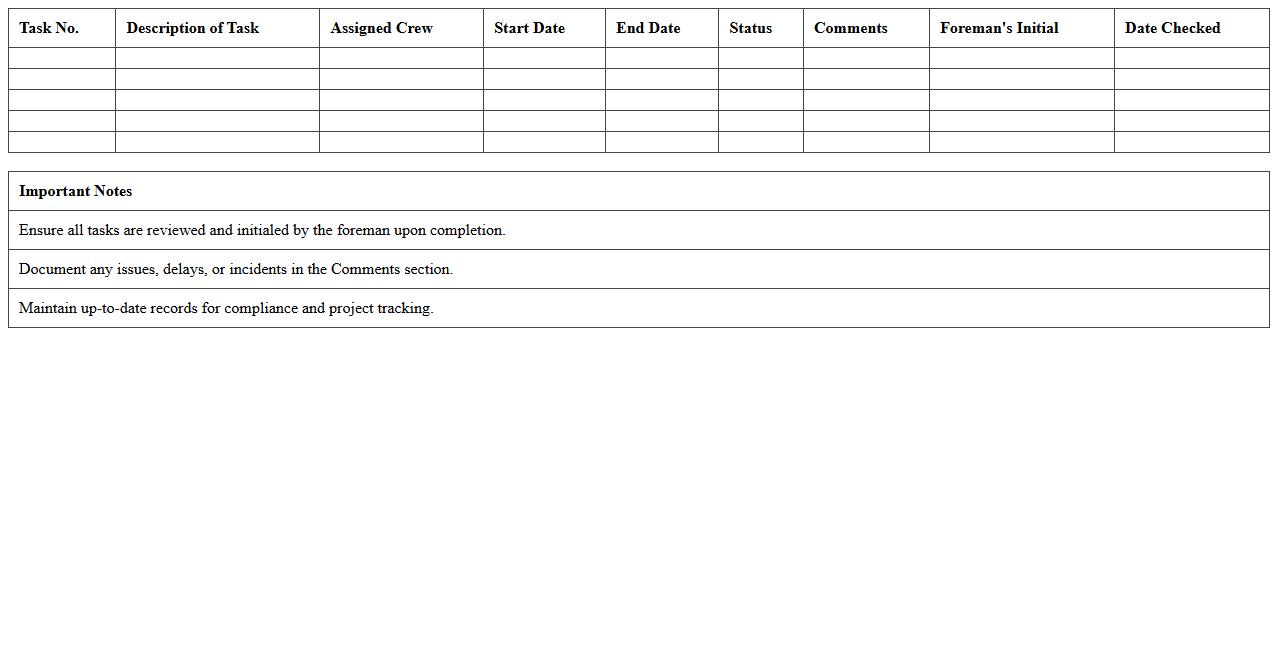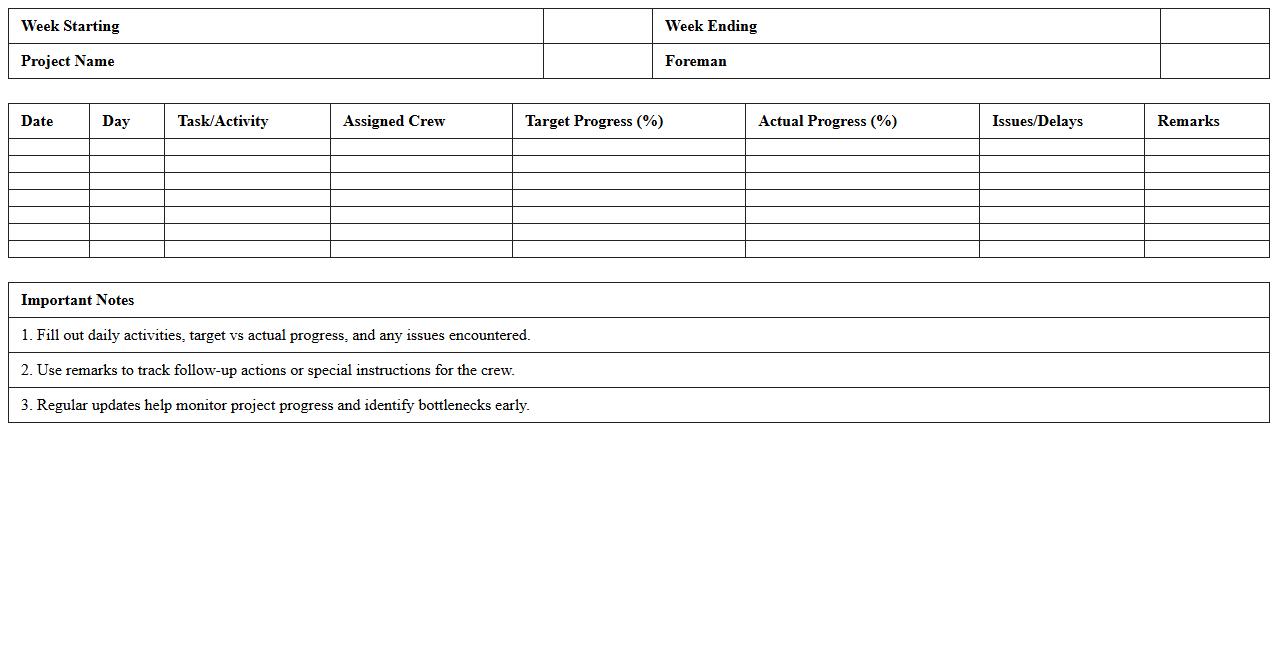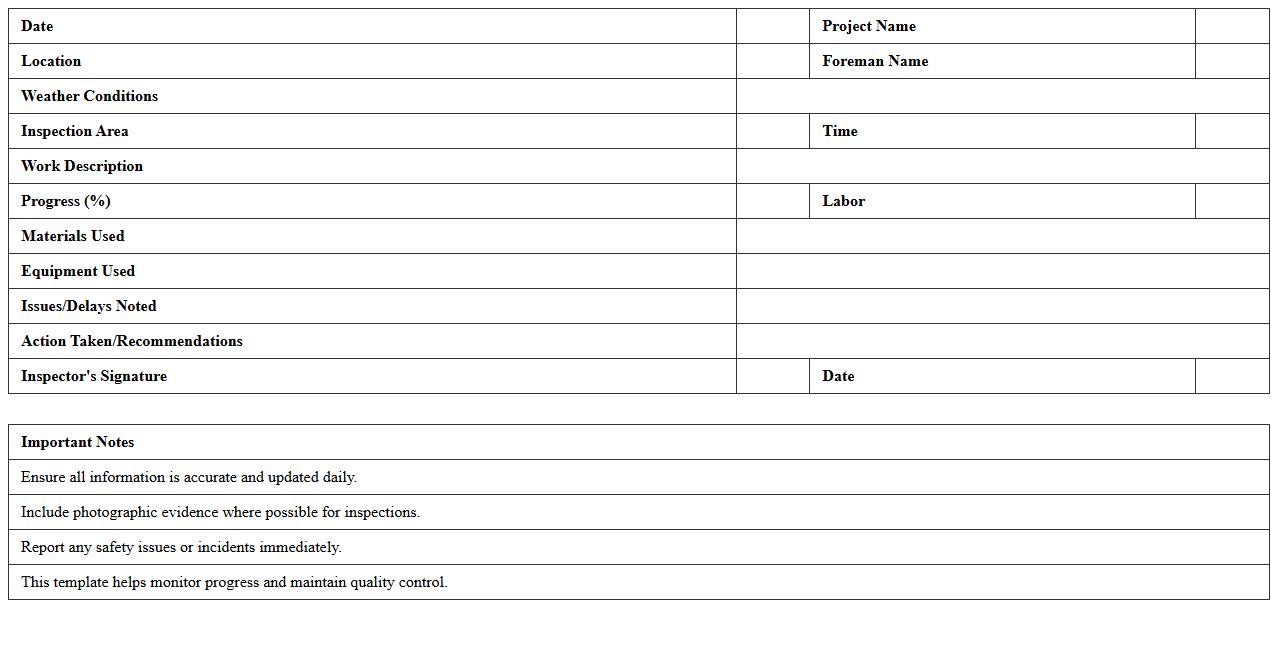
The Construction Progress Tracking Excel Template for Foremen is designed to streamline project management by allowing foremen to monitor daily tasks, resource allocation, and work completion efficiently. This template enhances accuracy in reporting progress and identifying delays, ensuring timely decision-making on-site. Its user-friendly layout supports real-time updates and clear communication between teams and stakeholders.
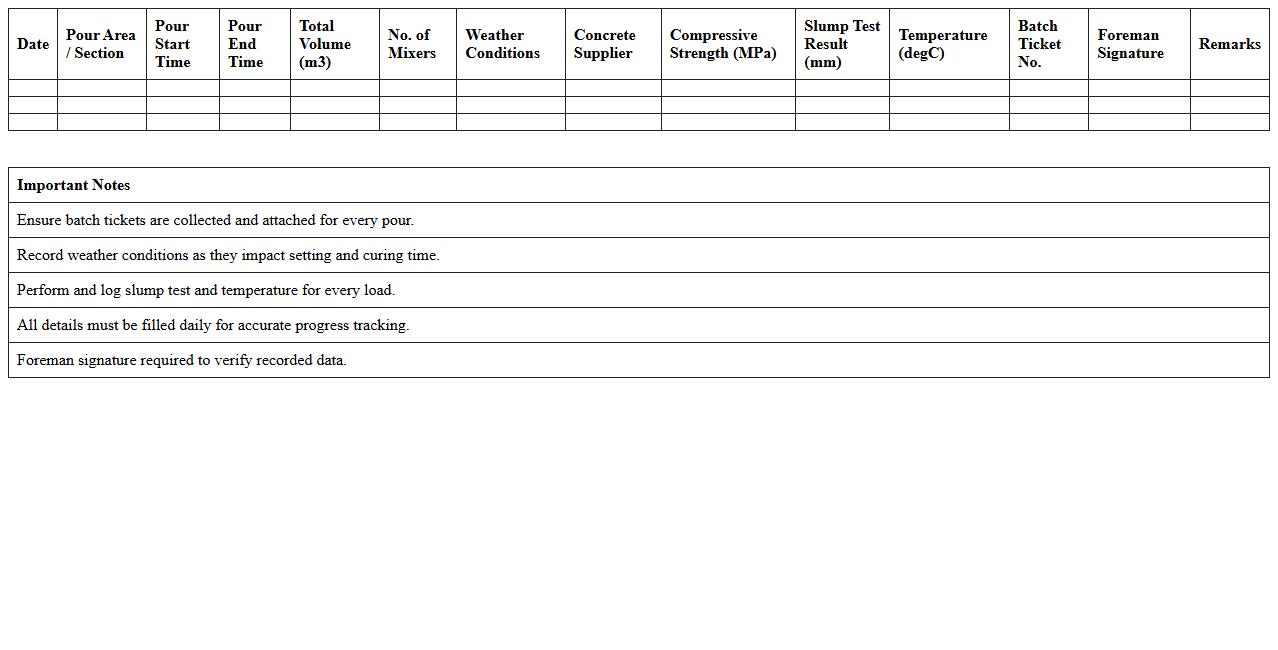
Concrete Pour Progress Tracker for Foreman (Excel Template)
The
Concrete Pour Progress Tracker for Foreman is an Excel template designed to monitor and record the daily progress of concrete pouring activities on construction sites. It helps foremen accurately track volume, pour locations, and timeframes, ensuring projects stay on schedule and within budget. This tool enhances project management by providing clear, organized data to optimize resource allocation and identify potential delays early.
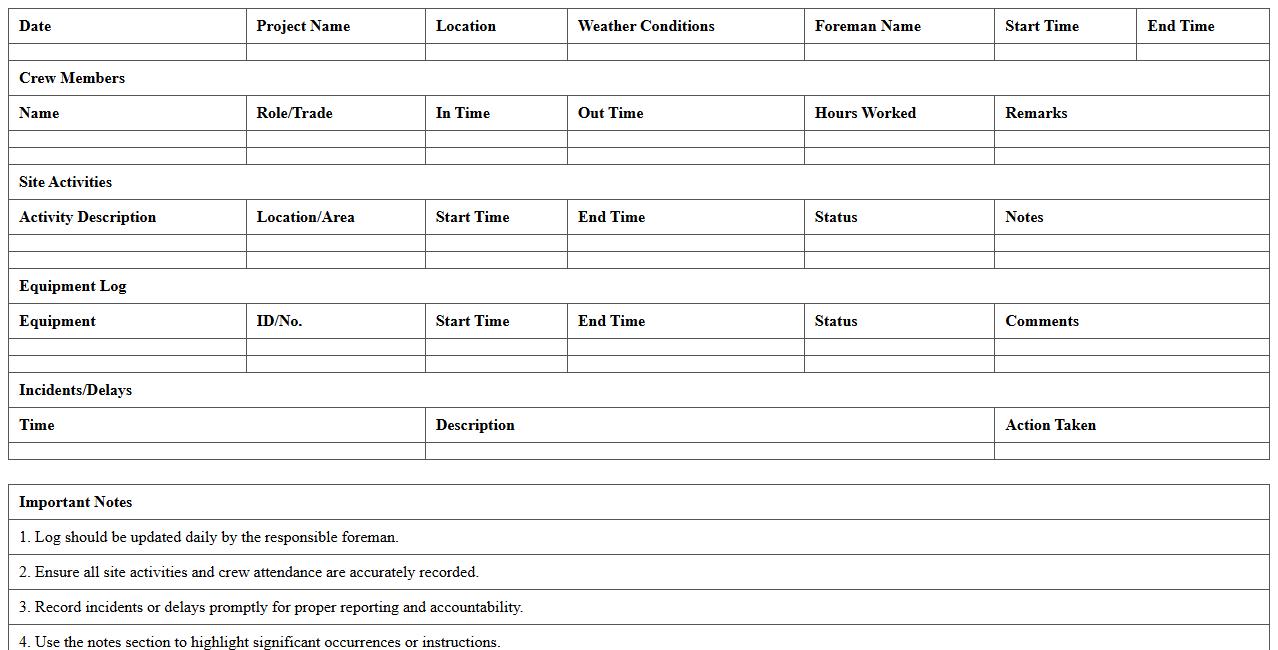
Site Activity Daily Log Excel Template for Foremen
The
Site Activity Daily Log Excel Template for Foremen is a structured document designed to record daily construction site activities, including worker attendance, equipment usage, weather conditions, and task progress. This template helps streamline reporting, improve communication between site managers and project stakeholders, and ensures accurate tracking of site operations. Utilizing this log enhances project management efficiency by providing clear, organized documentation crucial for monitoring schedules, resource allocation, and compliance.
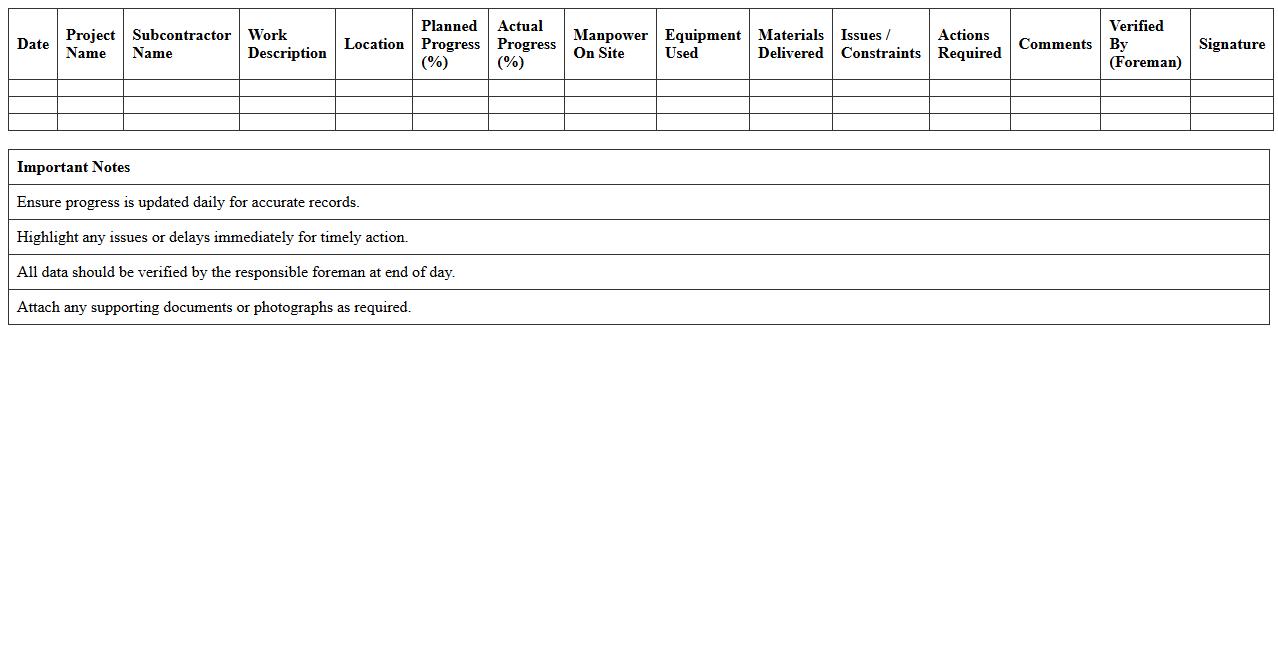
Subcontractor Progress Monitoring Sheet for Foremen (Excel)
The
Subcontractor Progress Monitoring Sheet for Foremen (Excel) is a detailed tracking tool designed to record and evaluate the daily or weekly progress of subcontractor tasks on construction sites. This document helps foremen systematically monitor work completion, resource utilization, and adherence to project timelines, ensuring efficient communication and accountability. By providing a clear, organized overview of subcontractor performance, it facilitates early issue detection and supports timely decision-making to keep projects on schedule.
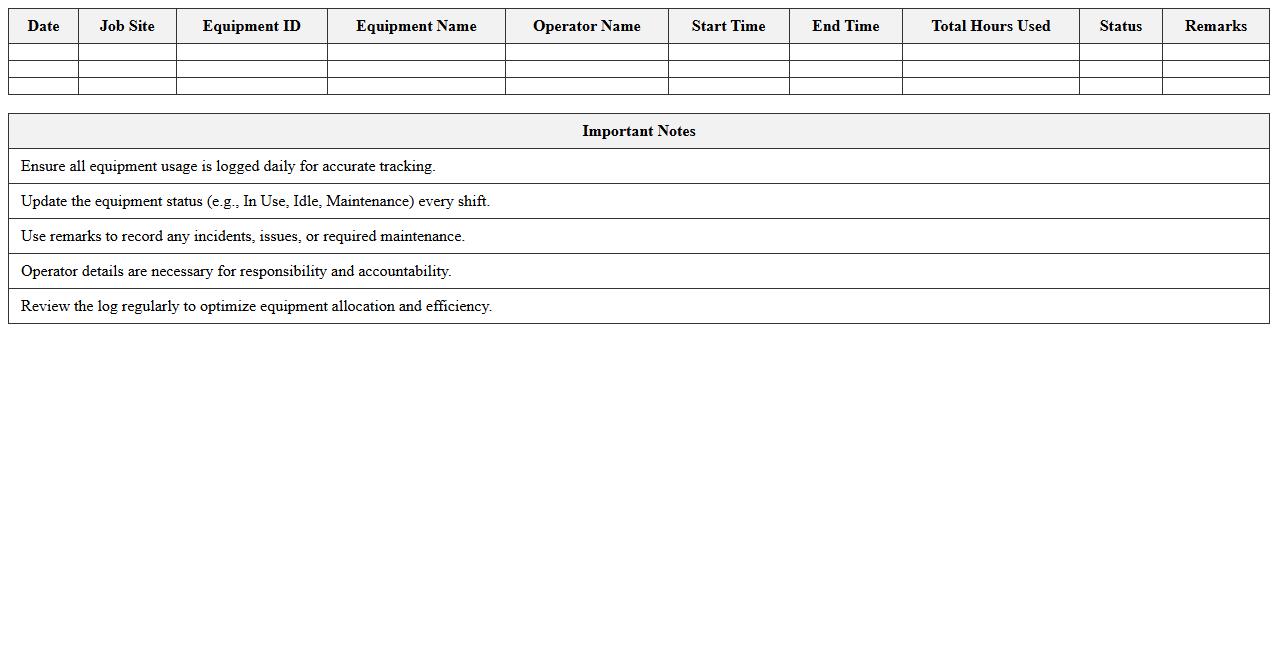
Equipment Utilization Tracking Excel Template for Construction Foremen
The
Equipment Utilization Tracking Excel Template for Construction Foremen is a specialized tool designed to monitor and optimize the use of construction machinery and tools on-site. It helps foremen accurately log equipment hours, maintenance schedules, and availability, ensuring efficient resource allocation and minimizing downtime. This template improves project management by providing clear visibility into equipment performance, leading to cost savings and enhanced productivity.
Construction Task Completion Checklist for Foremen (Excel)
The
Construction Task Completion Checklist for Foremen (Excel) is a structured tool designed to track and verify the completion of specific construction site tasks efficiently. It ensures all critical activities, inspections, and safety measures are systematically recorded, promoting accountability and reducing the risk of overlooking essential steps. Using this checklist improves project management by providing clear documentation, enhancing communication, and supporting timely task completion on construction projects.
Material Delivery and Usage Tracker for Foremen (Excel Template)
The
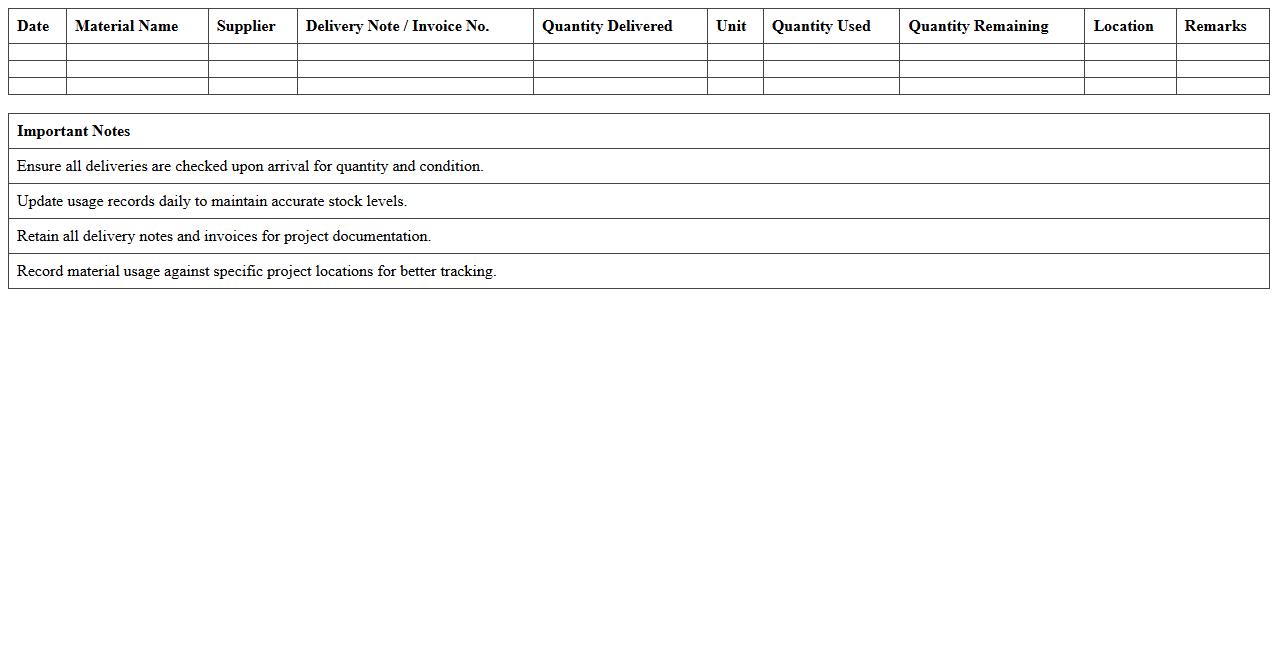
Material Delivery and Usage Tracker for Foremen (Excel Template) is a specialized tool designed to efficiently monitor and record the receipt and consumption of construction materials on site. It enables foremen to maintain accurate logs of inventory inflows and outflows, ensuring real-time visibility into project resource allocation and reducing wastage. This template streamlines material management processes, supports budget adherence, and improves overall project accountability through organized data collection and easy report generation.
Labor Hours Tracking Excel Sheet for Site Foremen
The
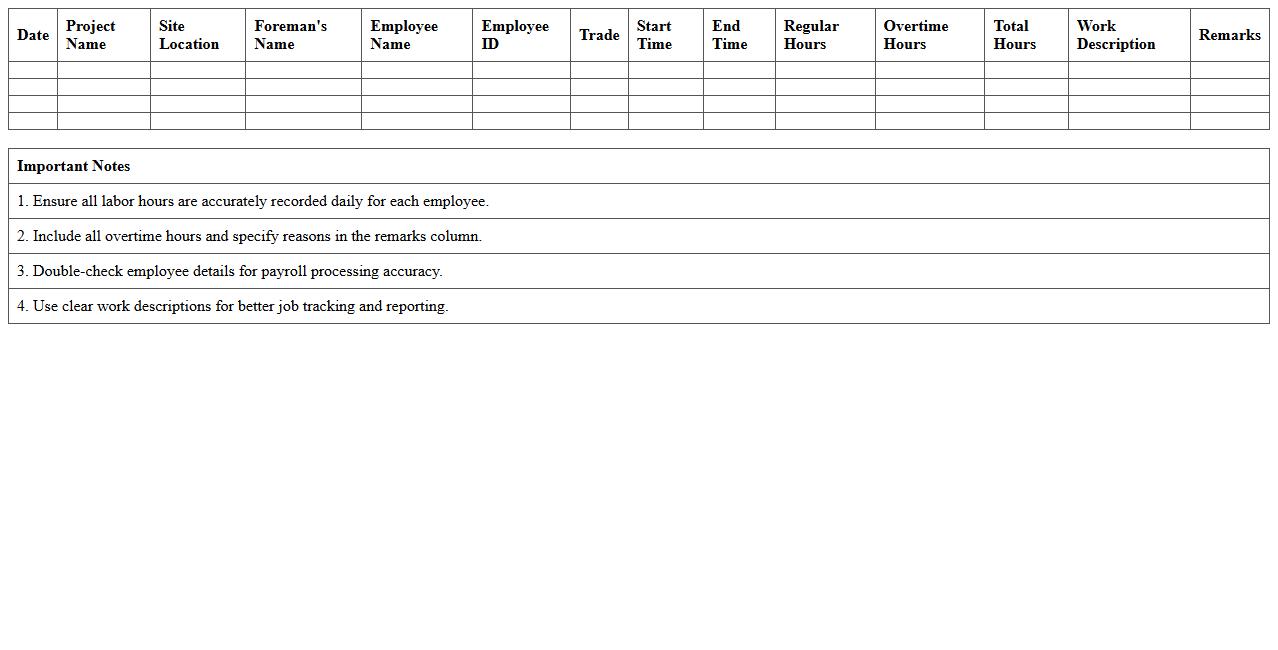
Labor Hours Tracking Excel Sheet for Site Foremen is a detailed document designed to accurately record and monitor the working hours of site laborers daily. This tool enhances project management by providing clear visibility into workforce productivity, labor costs, and overtime, enabling site foremen to make informed scheduling and budgeting decisions. It also facilitates compliance with labor regulations and supports payroll accuracy, ultimately improving operational efficiency on construction sites.
Construction Punch List Progress Tracker Excel Template for Foremen
The
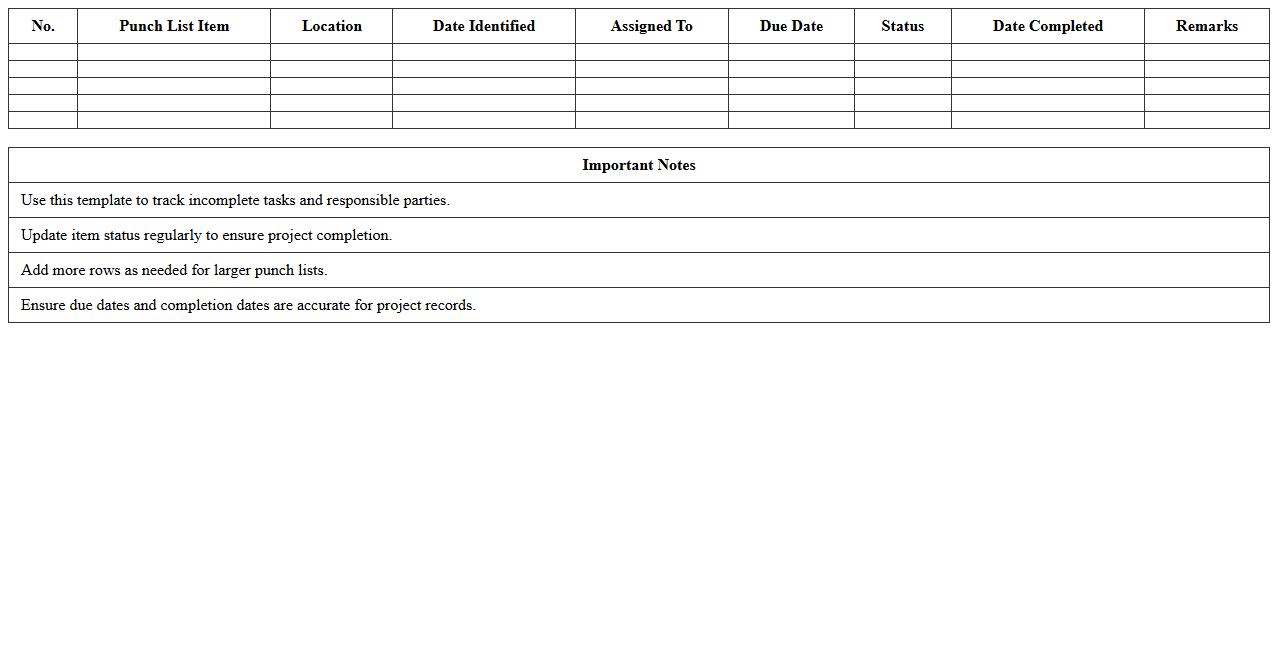
Construction Punch List Progress Tracker Excel Template for foremen is a practical tool designed to systematically track and manage outstanding tasks in construction projects. It helps foremen monitor the completion status of punch list items, ensuring timely resolution of defects or incomplete work before project closeout. This template streamlines communication, enhances accountability, and improves project efficiency by providing a clear overview of progress and pending issues in a structured format.
Weekly Work Schedule and Progress Log Excel for Foremen
The
Weekly Work Schedule and Progress Log Excel for Foremen is a comprehensive tool designed to organize daily tasks, track project milestones, and monitor workforce productivity on a weekly basis. It helps foremen efficiently allocate resources, manage timelines, and record progress to ensure projects stay on track and meet deadlines. By providing a clear overview of work schedules and progress updates, this document enhances communication between teams and supports effective project management.
Foreman’s Site Inspection and Progress Report Excel Template
The
Foreman's Site Inspection and Progress Report Excel Template is a comprehensive tool designed to document daily construction site activities, track project progress, and identify potential issues. It streamlines the reporting process by organizing data into clear sections for inspection notes, worker attendance, materials used, and safety observations, facilitating effective communication between foremen and project managers. This template enhances project management efficiency by providing a structured format for consistent updates, enabling timely decision-making and ensuring quality control throughout the construction lifecycle.
How can foremen customize Construction Progress Tracking Excel templates for phase-specific updates?
Foremen can customize Construction Progress Tracking Excel templates by adding specific columns and fields tailored to each project phase. This includes inserting new status indicators and detailed phase descriptions that reflect project milestones. Utilizing Excel's filtering and grouping features allows foremen to update and review phase-specific progress efficiently.
What formula automates daily completed task percentage in Excel progress trackers?
The formula =SUM(completed_tasks)/SUM(total_tasks)*100 automates the daily completed task percentage in Excel. By referencing dynamic ranges for completed and total tasks, the tracker updates in real time as data is entered. This formula ensures an accurate and automated calculation of daily progress for construction projects.
How to link material usage logs with activity timelines in Excel for foremen?
Foremen can link material usage logs to activity timelines by using Excel's lookup functions such as VLOOKUP or INDEX-MATCH. This connection enables real-time tracking of materials against scheduled activities, improving resource management. Additionally, embedding these relationships in a shared template ensures cohesive progress monitoring and material accountability.
Which Excel chart best visualizes weekly crew productivity for construction reports?
The Stacked Column Chart in Excel is ideal for visualizing weekly crew productivity, as it displays task completion segmented by crew members or task types. This chart highlights comparisons across weeks, showing both individual and collective crew performance. Its clear and segmented format makes it highly effective for construction progress reporting.
How can foremen auto-flag delayed milestones using conditional formatting in Excel?
Foremen can auto-flag delayed milestones by applying conditional formatting rules that highlight dates past their deadlines without completion status. Setting formulas such as =AND(today()>due_date,status<>"Complete") triggers automatic color changes for overdue tasks. This visual alert mechanism helps foremen quickly identify and address project delays.
More Construction Excel Templates