The Construction Vendor Management Excel Template for Procurement Teams streamlines tracking and evaluating supplier performance, contract details, and payment schedules within construction projects. This customizable template enhances organization by consolidating vendor information, facilitating timely communication, and improving decision-making processes. Procurement teams benefit from increased efficiency and reduced risks by maintaining accurate records and monitoring key metrics through this user-friendly Excel tool.
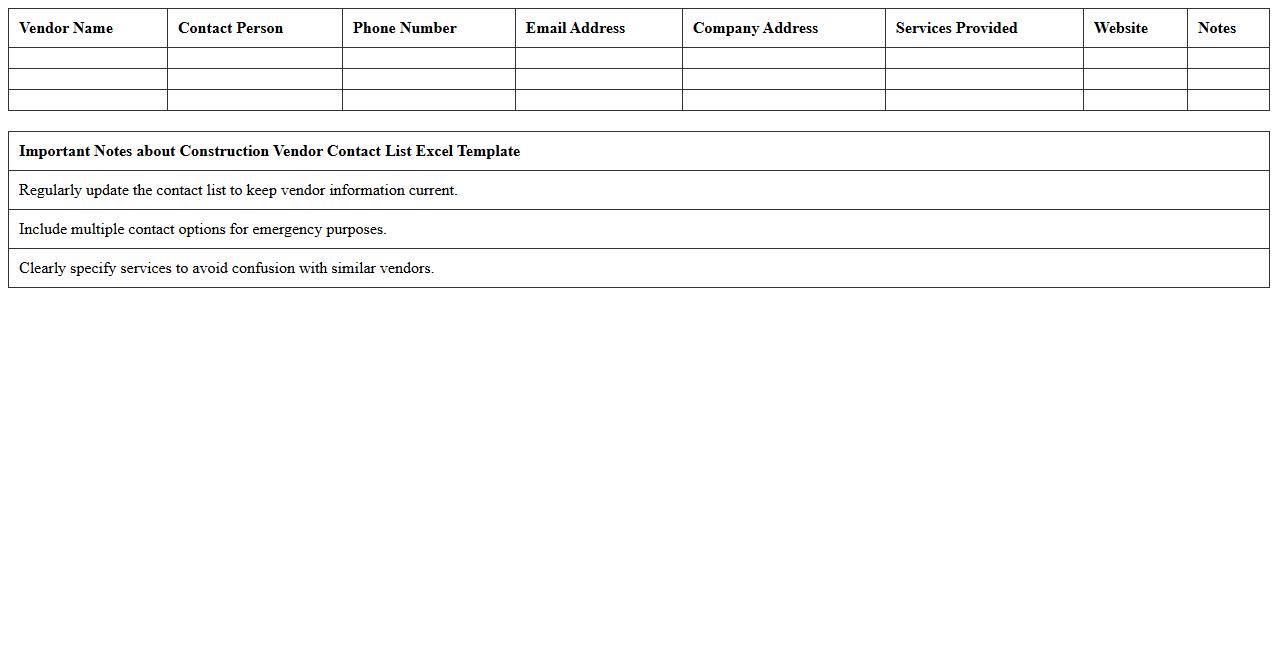
Construction Vendor Contact List Excel Template
The
Construction Vendor Contact List Excel Template is a structured spreadsheet designed to organize and maintain detailed information about suppliers, subcontractors, and service providers involved in construction projects. It helps project managers and procurement teams efficiently track vendor contacts, manage communication, and ensure timely coordination for materials and services. Using this template enhances project workflow by centralizing vendor data, reducing errors, and speeding up vendor selection and follow-up processes.
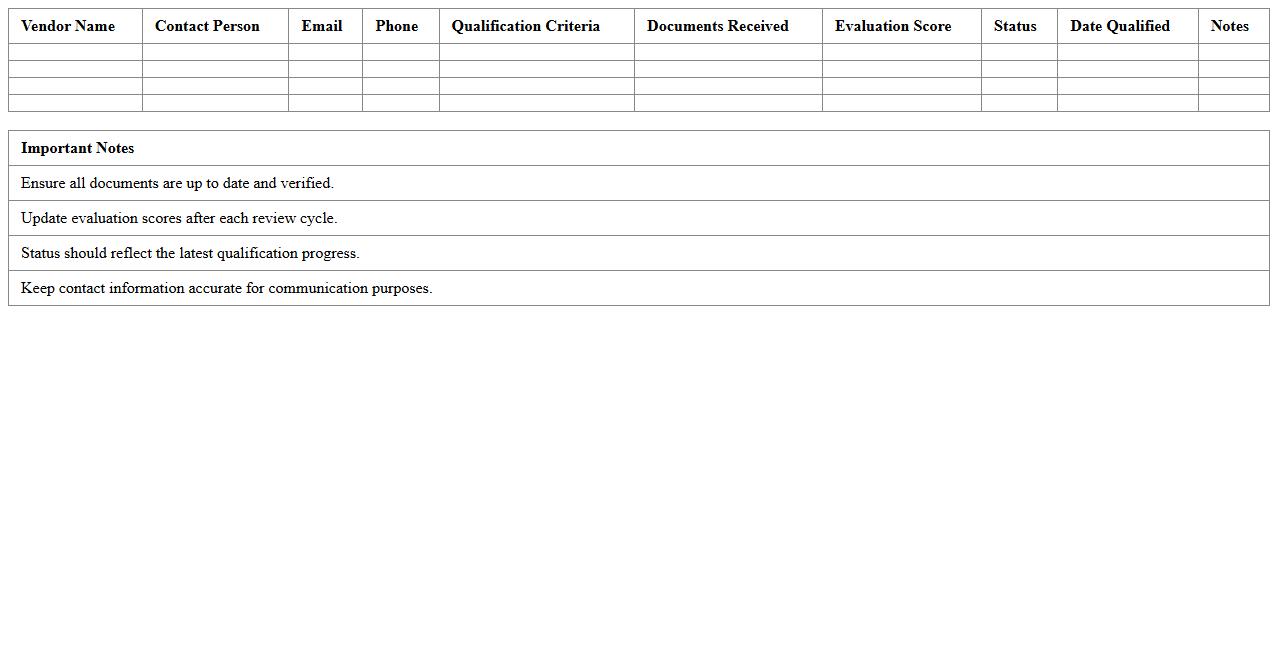
Vendor Qualification Tracking Spreadsheet
A
Vendor Qualification Tracking Spreadsheet is a structured document used to evaluate and monitor the compliance, performance, and qualifications of suppliers. It helps businesses maintain up-to-date records of vendor certifications, audit results, and deliverable quality, ensuring consistent adherence to industry standards and internal requirements. This tracking tool improves risk management and streamlines procurement decisions by providing transparent, easily accessible vendor information.
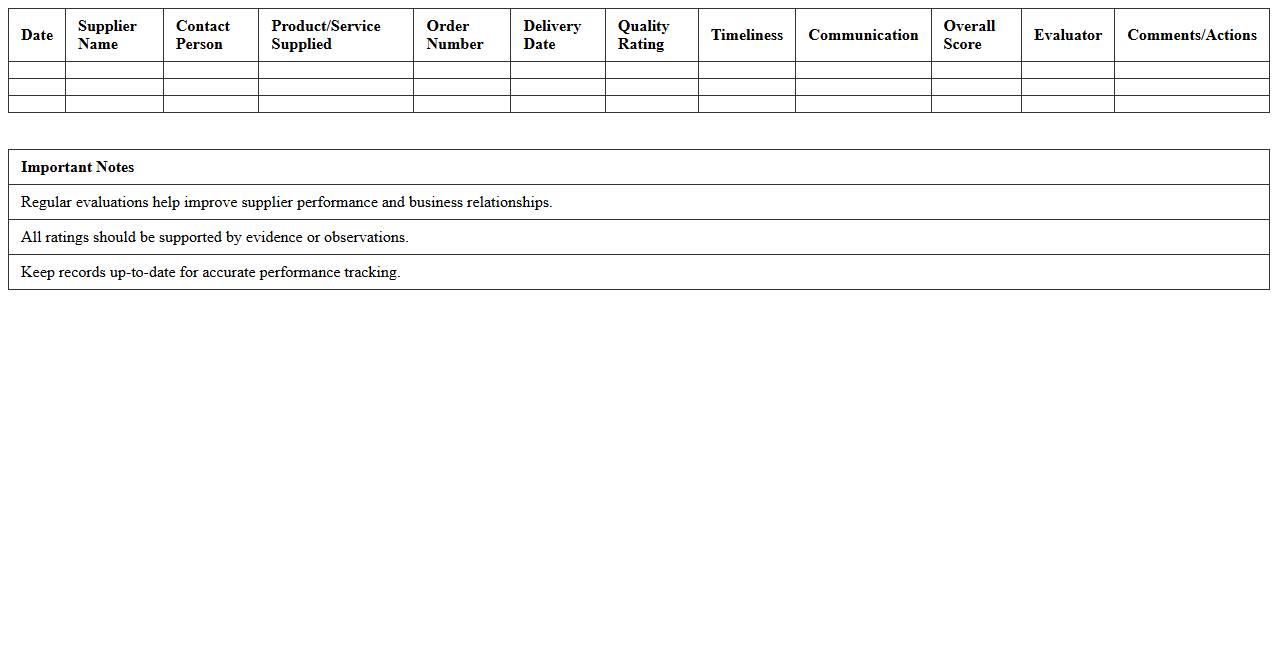
Supplier Performance Evaluation Log
The
Supplier Performance Evaluation Log document systematically records and analyzes supplier performance metrics such as quality, delivery time, and compliance with contractual terms, enabling organizations to monitor supplier reliability and efficiency. By maintaining this log, companies can identify trends, address performance issues proactively, and make informed decisions for supplier selection and retention. This tool enhances supply chain management by promoting accountability, minimizing risks, and optimizing procurement strategies.
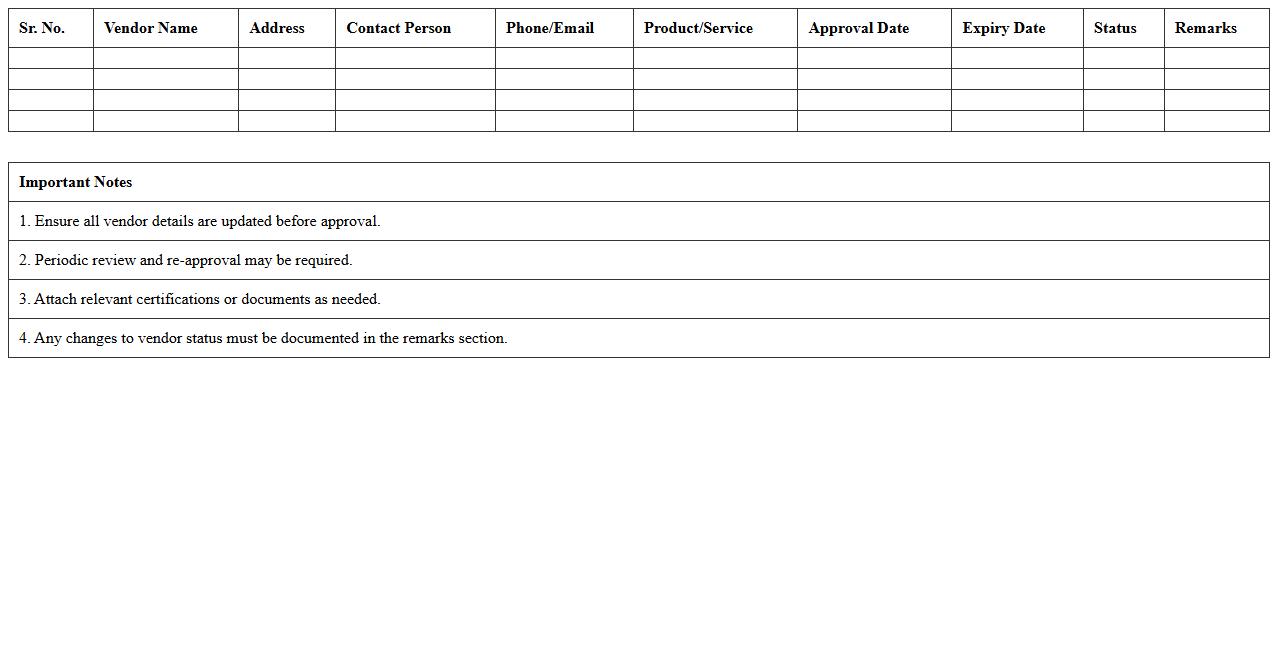
Approved Vendor Register Sheet
The
Approved Vendor Register Sheet is a comprehensive document listing all suppliers who meet specific quality, compliance, and performance criteria set by an organization. It streamlines procurement processes by ensuring that only vetted vendors are engaged, reducing risks associated with supplier reliability and quality control. This document is essential for maintaining consistent supply chain standards, enhancing operational efficiency, and supporting sustainable vendor management practices.
Construction Vendor Compliance Checklist
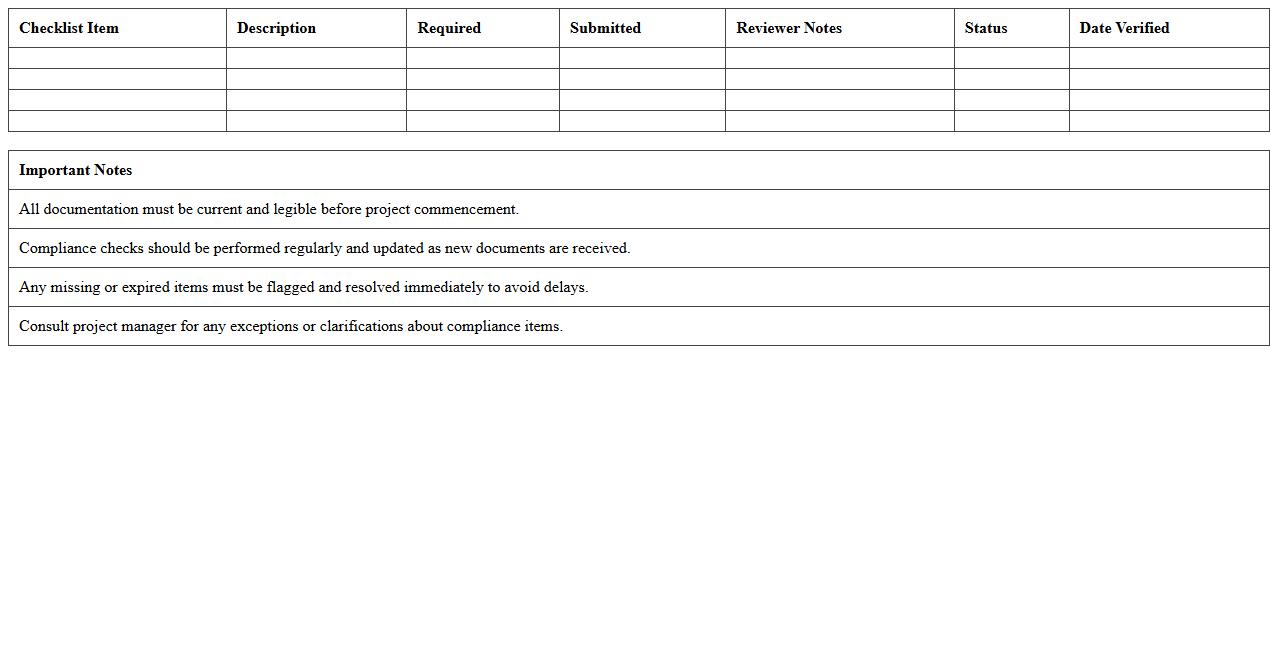
A
Construction Vendor Compliance Checklist document ensures that all vendors meet specific regulatory, safety, and quality standards before and during construction projects. It helps streamline vendor selection, monitor adherence to contractual obligations, and mitigate risks associated with non-compliance. Using this checklist improves project efficiency, reduces delays, and enhances overall construction quality by holding all vendors accountable.
Procurement Vendor Bid Comparison Template
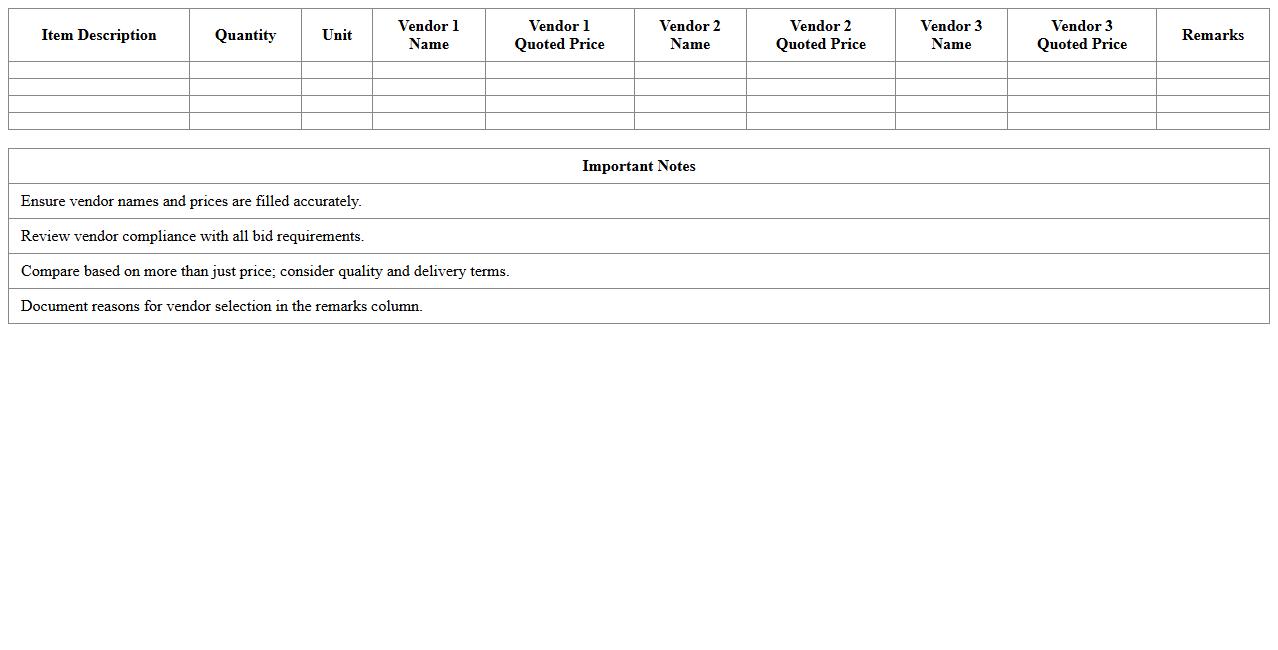
A
Procurement Vendor Bid Comparison Template document is a structured tool designed to evaluate and compare multiple vendor proposals based on price, quality, delivery time, and service terms. It enables procurement teams to make data-driven decisions by clearly presenting side-by-side comparisons of bids, reducing the risk of bias and ensuring transparency. This template streamlines the selection process, optimizes vendor negotiation, and enhances overall cost-effectiveness in purchasing.
Vendor Contract Management Tracker
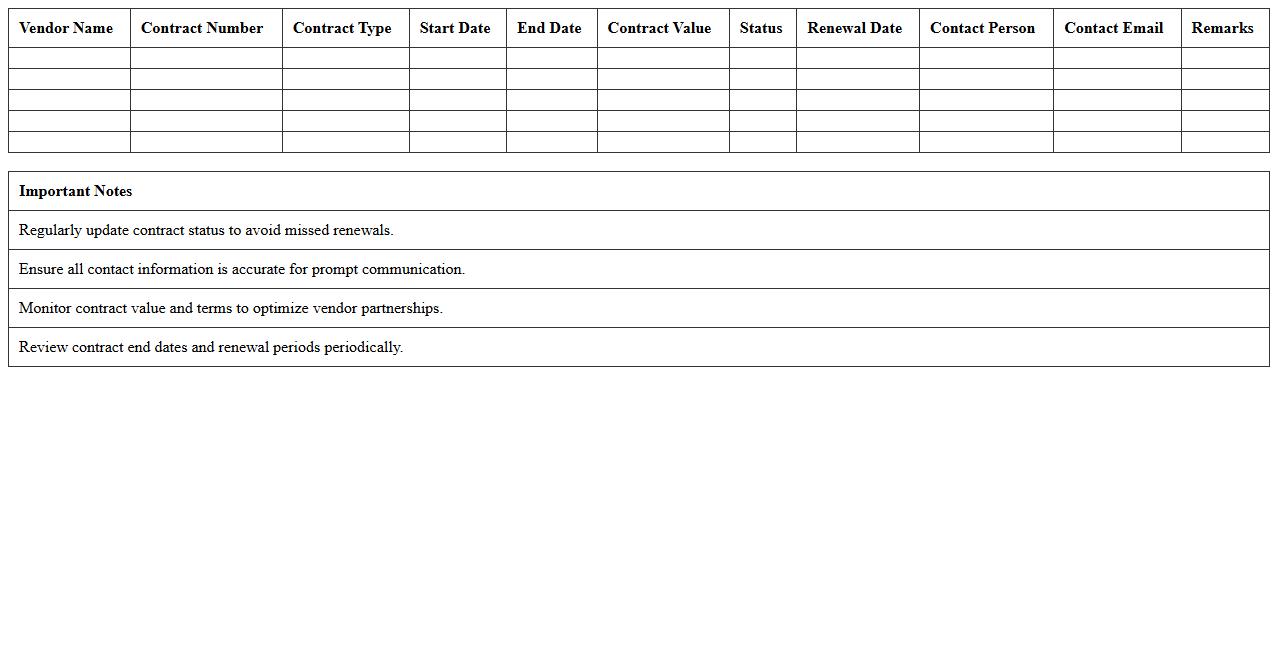
A
Vendor Contract Management Tracker document is a centralized tool used to monitor and organize all vendor agreements, ensuring critical details such as contract terms, renewal dates, and compliance requirements are easily accessible. It streamlines communication between procurement teams and vendors, reducing the risk of missed deadlines or contract violations. This tracker enhances overall contract lifecycle management, leading to improved vendor relationships and optimized operational efficiency.
Supplier Delivery Schedule Sheet
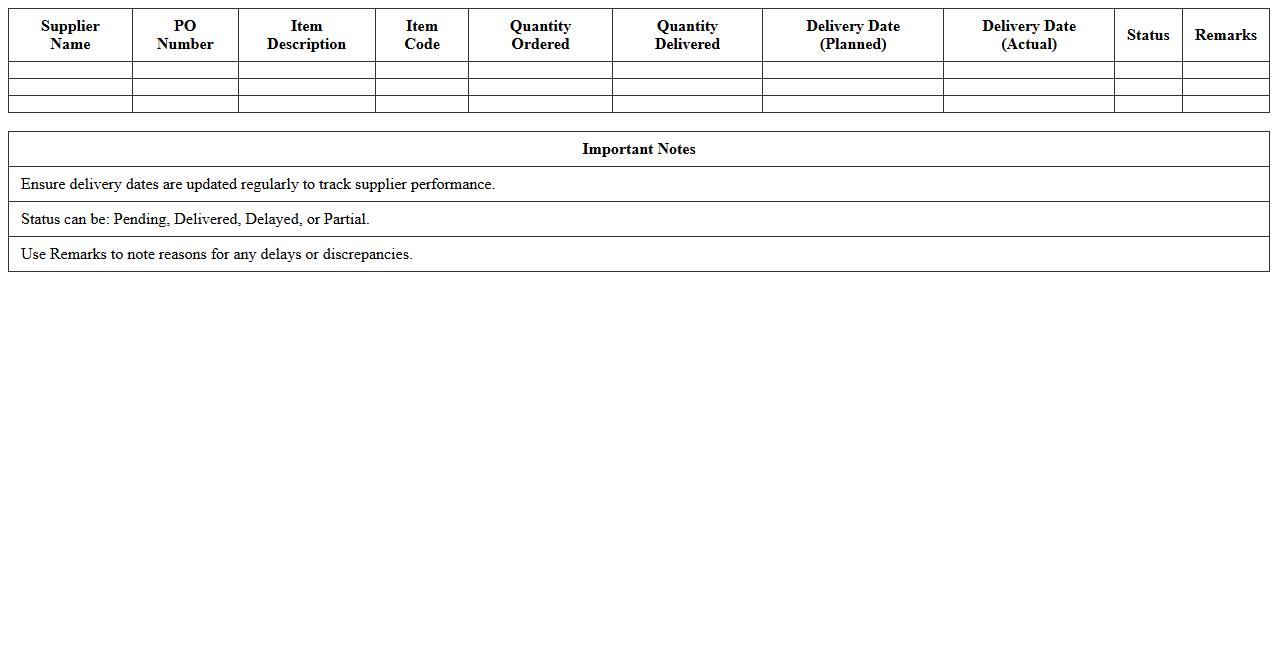
The
Supplier Delivery Schedule Sheet is a detailed document that outlines the planned delivery dates, quantities, and specifications of materials or products supplied by vendors. It enables efficient tracking of order fulfillment, helps coordinate production and inventory management, and ensures timely delivery to meet project deadlines. By providing clear visibility into supplier commitments, this sheet minimizes delays and supports effective communication across procurement and supply chain teams.
Vendor Payment Status Tracker
The
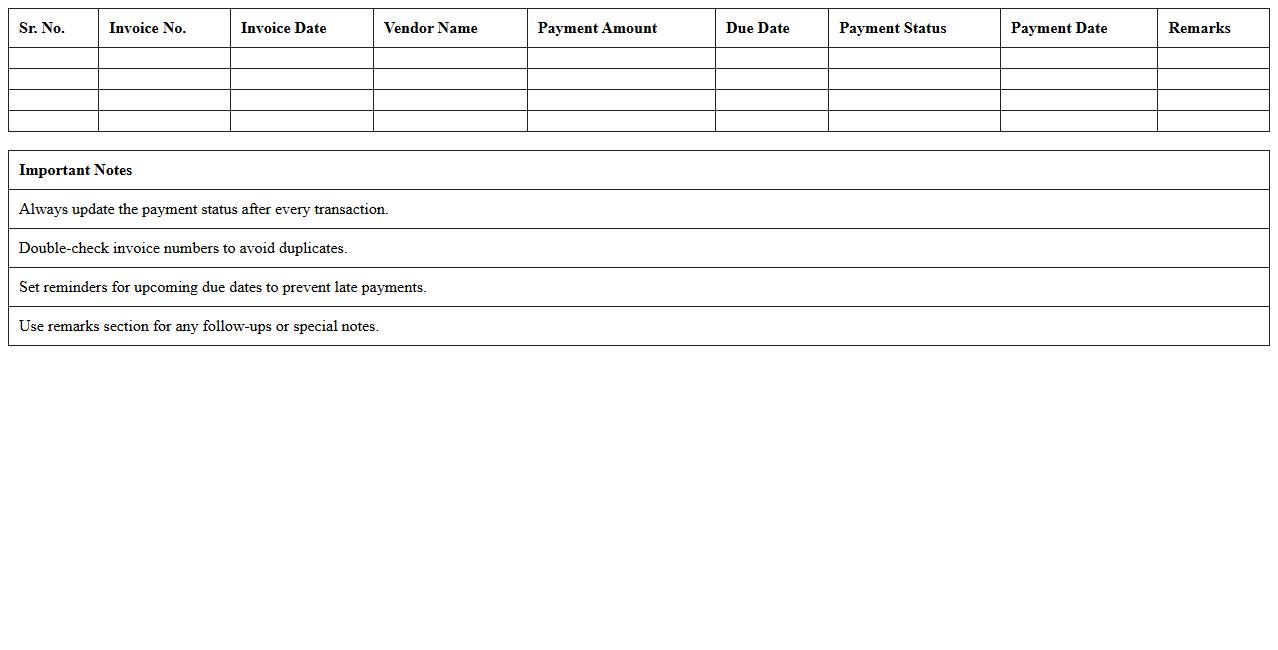
Vendor Payment Status Tracker document is a tool that monitors and records the current payment status of all vendors, providing real-time visibility into outstanding invoices, payment due dates, and transaction histories. It helps streamline accounts payable processes, reduces the risk of missed or delayed payments, and enables efficient cash flow management. By maintaining accurate tracking, businesses can enhance vendor relationships and ensure timely financial reconciliations.
Construction Vendor Risk Assessment Matrix
A
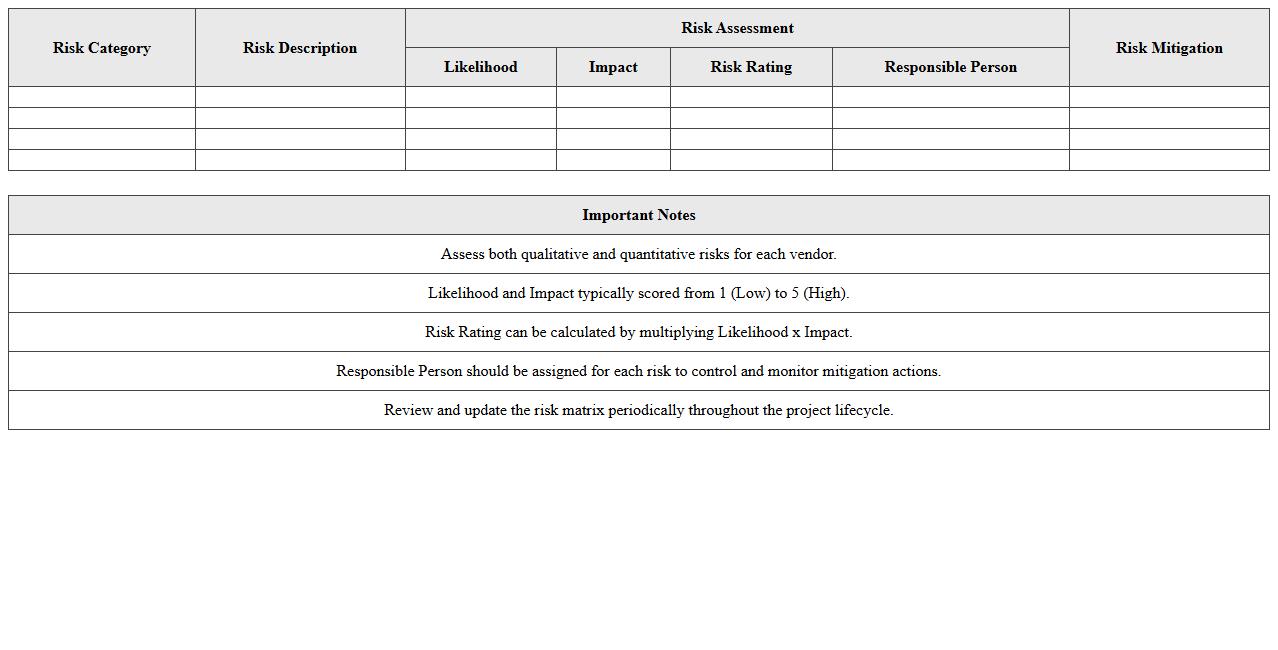
Construction Vendor Risk Assessment Matrix document evaluates potential risks associated with vendors involved in construction projects by categorizing and scoring factors such as financial stability, safety compliance, and past performance. This matrix enables project managers to make informed decisions, prioritize vendor selection, and mitigate risks that could delay timelines or increase costs. Employing such a structured tool improves overall project quality and enhances risk management strategies.
How to automate vendor performance tracking in Construction Vendor Management Excel?
To automate vendor performance tracking in Excel, begin by creating a detailed data input sheet that records key performance indicators (KPIs) like delivery time, quality score, and compliance levels. Use Excel formulas such as AVERAGEIFS or COUNTIFS to calculate performance metrics automatically based on entered data. Additionally, apply conditional formatting and data validation to highlight vendors who meet or fail to meet performance thresholds instantly.
Which formulas best compare bid prices across multiple vendors in Excel?
The most effective formulas for comparing bid prices across vendors include MIN, VLOOKUP, and INDEX-MATCH, which help identify the lowest bids and retrieve corresponding vendor details. Use the MIN formula to find the lowest price in a range, then combine it with INDEX-MATCH to locate the winning vendor's name. For dynamic comparison, incorporate IF formulas to flag the best offers automatically within your bid comparison tables.
What are effective Excel templates for monitoring supplier compliance and certification expiry?
Effective Excel templates for tracking supplier compliance often include columns for certification types, expiry dates, and audit status, with built-in alerts to identify upcoming expiries. Look for templates with integrated dashboards that summarize compliance statuses and highlight overdue certifications. Using features like data validation and conditional formatting, these templates ensure suppliers remain compliant and certifications are renewed on time.
How to set up real-time alerts for contract renewal dates in vendor management spreadsheets?
To set up real-time alerts for contract renewals, use Excel's conditional formatting alongside TODAY() formulas to highlight contracts expiring within a set timeframe, such as 30 days. Create a dedicated alert column that flags renewal dates approaching soon, enabling proactive vendor management. For automated email alerts, integrate Excel with Outlook via VBA macros to notify relevant stakeholders when renewal deadlines approach.
Which pivot table structures optimize spend analysis for construction procurement teams?
Pivot tables that optimize spend analysis for procurement typically organize data by vendor, project, and expense category to reveal detailed cost insights. Use row labels for vendors and columns for project timelines or purchase types to track spend trends over time effectively. Incorporating slicers and filters enhances interactivity, allowing teams to drill down into specific expenditures and identify potential savings opportunities quickly.
More Construction Excel Templates