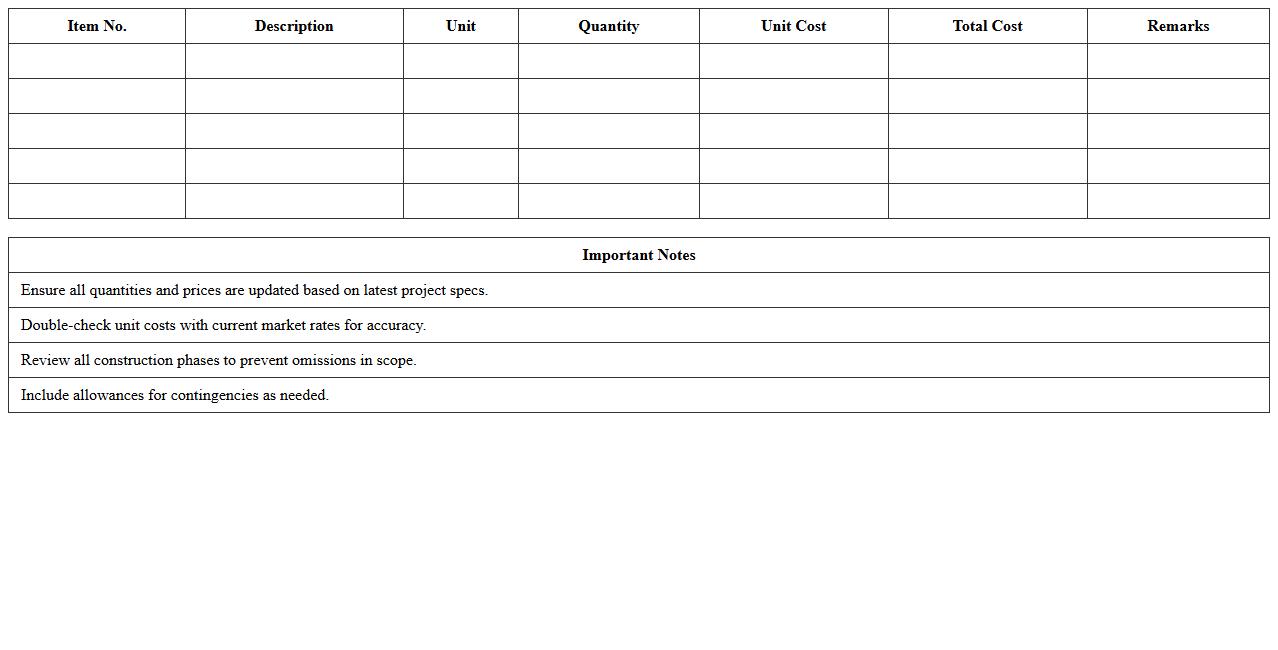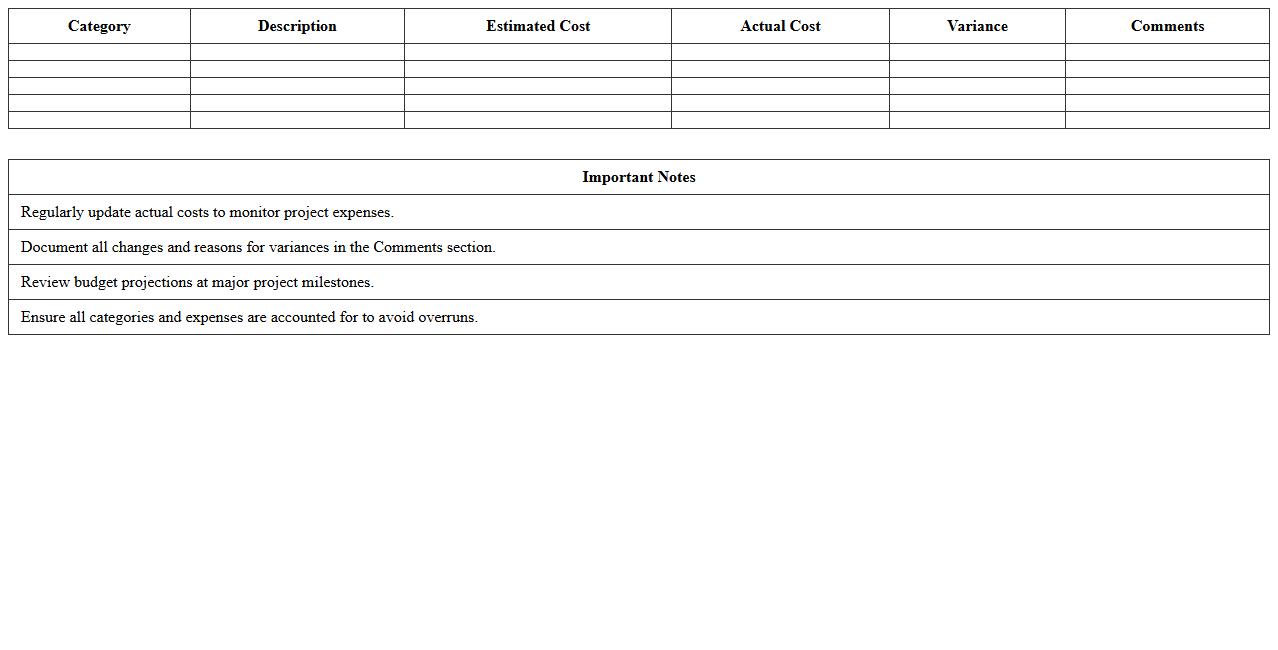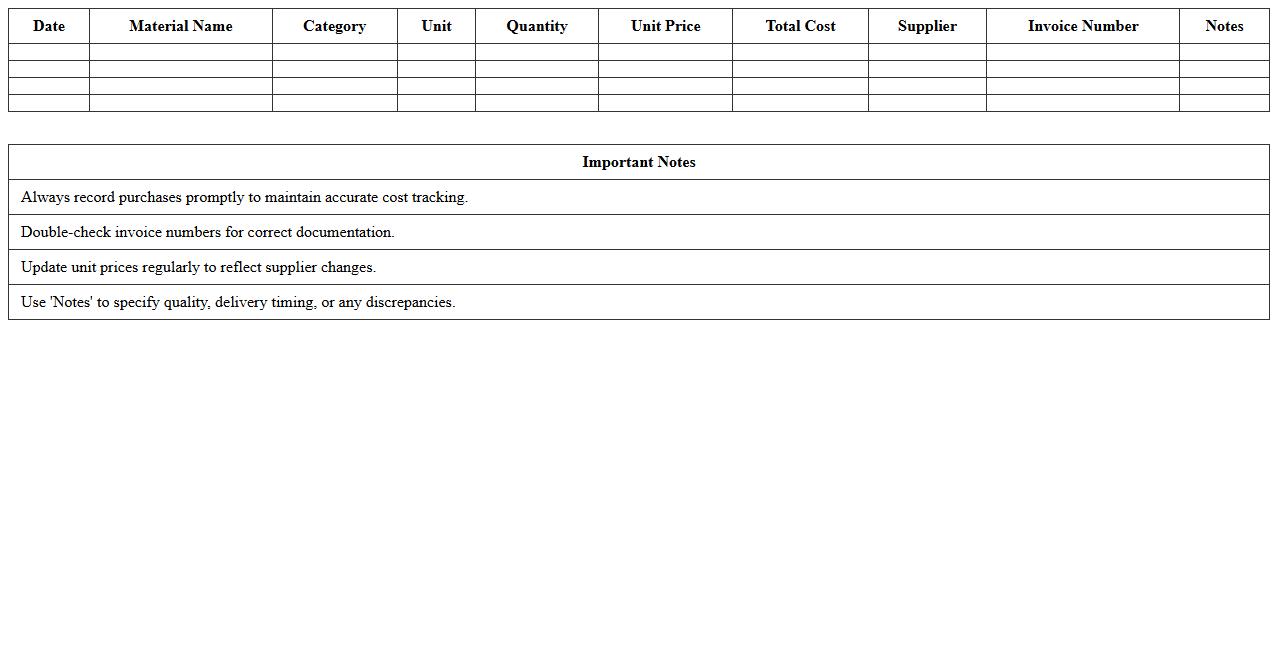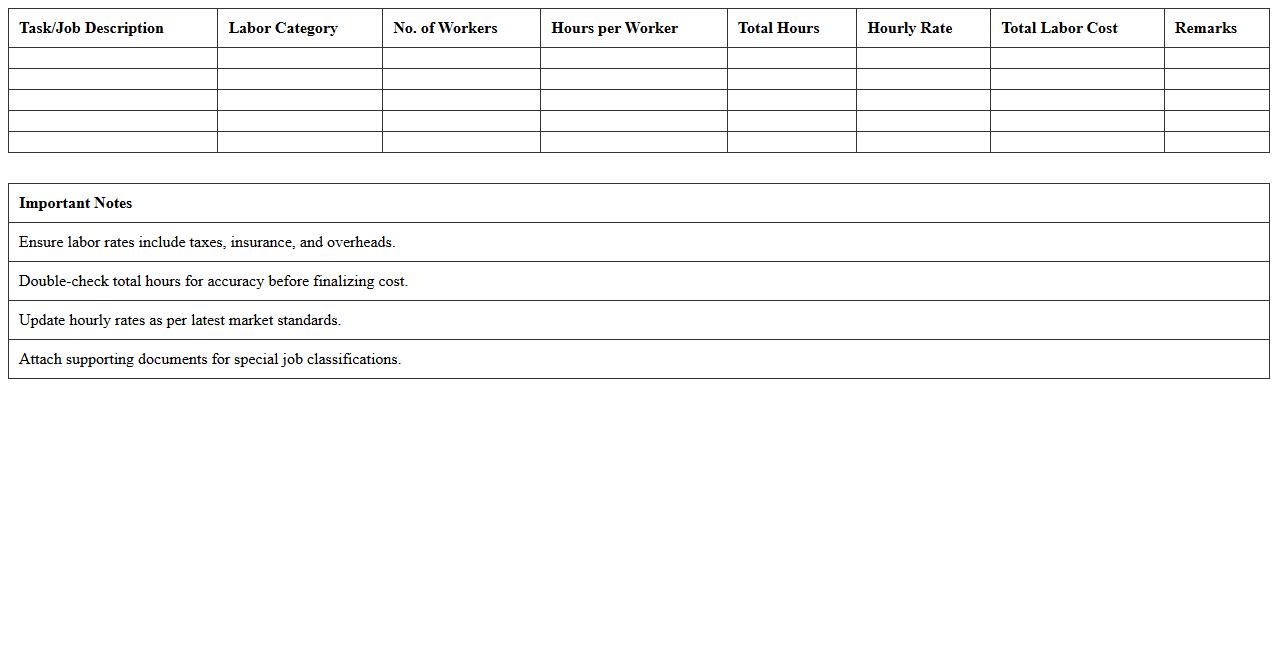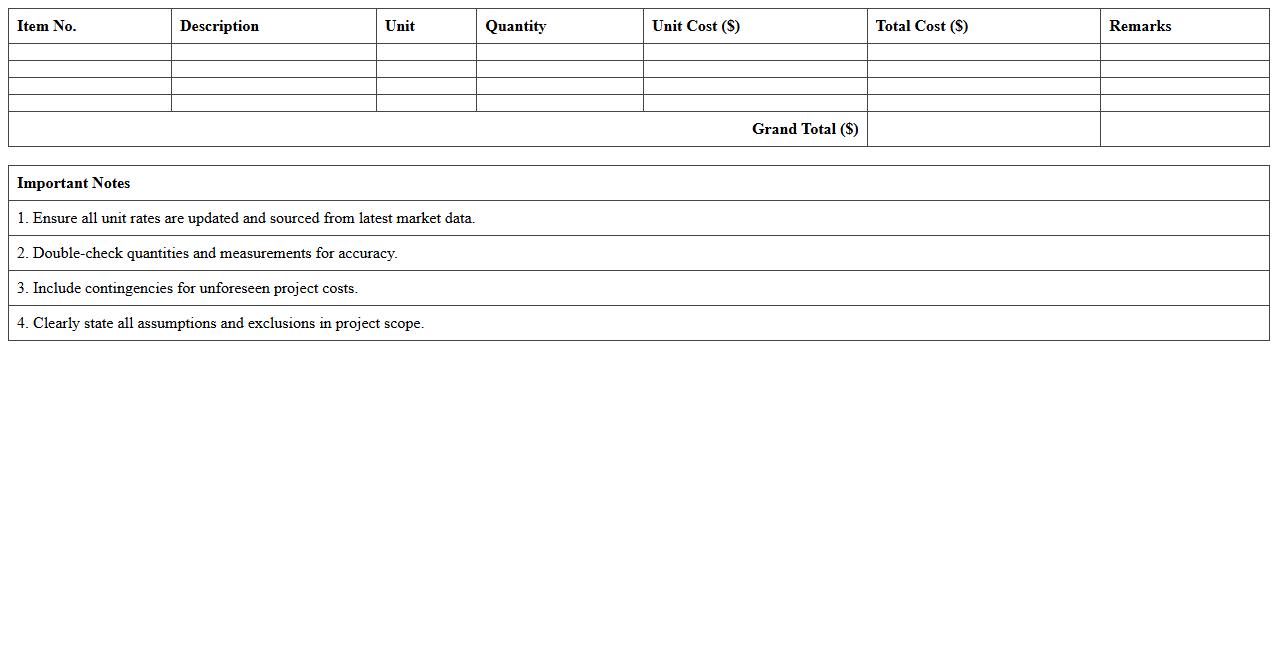
The Construction Cost Estimate Excel Template for Contractors streamlines budgeting by organizing material, labor, and overhead expenses in a clear, customizable format. This tool enhances accuracy and efficiency in project cost management, helping contractors avoid budget overruns. Easy-to-use formulas and categories allow for precise tracking and quick adjustments throughout the construction process.
Residential Construction Cost Estimate Excel Template
The
Residential Construction Cost Estimate Excel Template is a detailed spreadsheet designed to help project managers and contractors accurately predict the expenses involved in residential building projects. It organizes costs such as materials, labor, permits, and contingencies in a clear, customizable format, enabling precise budget planning and financial tracking. Using this template enhances decision-making efficiency and reduces the risk of budget overruns during construction.
Commercial Construction Budget Spreadsheet
A
Commercial Construction Budget Spreadsheet is a detailed financial document used to plan, track, and manage costs associated with commercial building projects. It helps project managers allocate funds accurately, monitor expenses in real-time, and ensure that the construction stays within the approved budget. By organizing labor, materials, equipment, and contingency costs, this spreadsheet minimizes financial risks and improves decision-making throughout the project lifecycle.
Building Materials Cost Tracker Sheet
A
Building Materials Cost Tracker Sheet document is a detailed spreadsheet designed to monitor and record the expenses of construction materials throughout a project. It helps project managers and contractors maintain budget control by providing real-time insights into cost fluctuations, quantity usage, and supplier pricing. Using this tool reduces financial risks and ensures resource allocation aligns with the overall project budget and timeline.
Contractor Labor Cost Estimation Template
A
Contractor Labor Cost Estimation Template is a structured document designed to accurately calculate and organize labor expenses for construction or project-based work. It helps project managers and contractors forecast labor costs by detailing hours, wage rates, and job roles, enabling better budgeting and resource allocation. Using this template reduces the risk of cost overruns and ensures transparent, efficient financial planning throughout the project lifecycle.
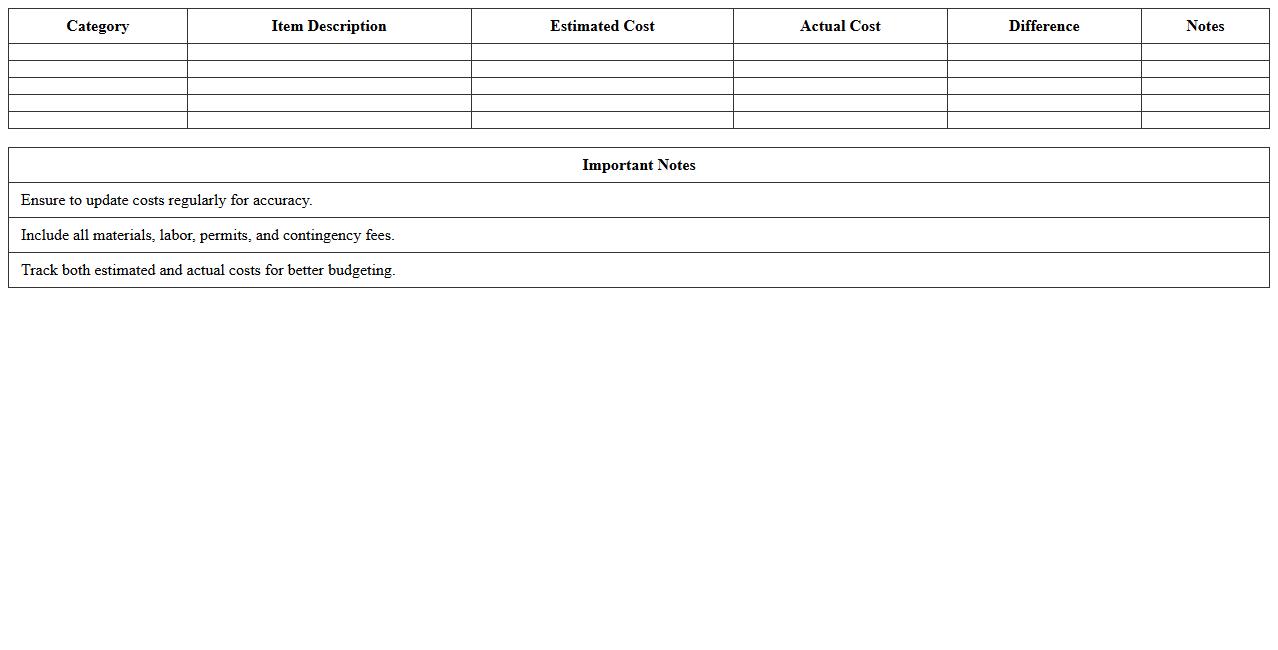
Home Renovation Cost Breakdown Excel Sheet
A
Home Renovation Cost Breakdown Excel Sheet document is a detailed spreadsheet designed to itemize and track all expenses associated with a home improvement project. It organizes costs into categories such as materials, labor, permits, and contingency funds, allowing for precise budgeting and financial planning. This tool helps homeowners manage their renovation expenses effectively, avoid overspending, and make informed decisions throughout the project lifecycle.
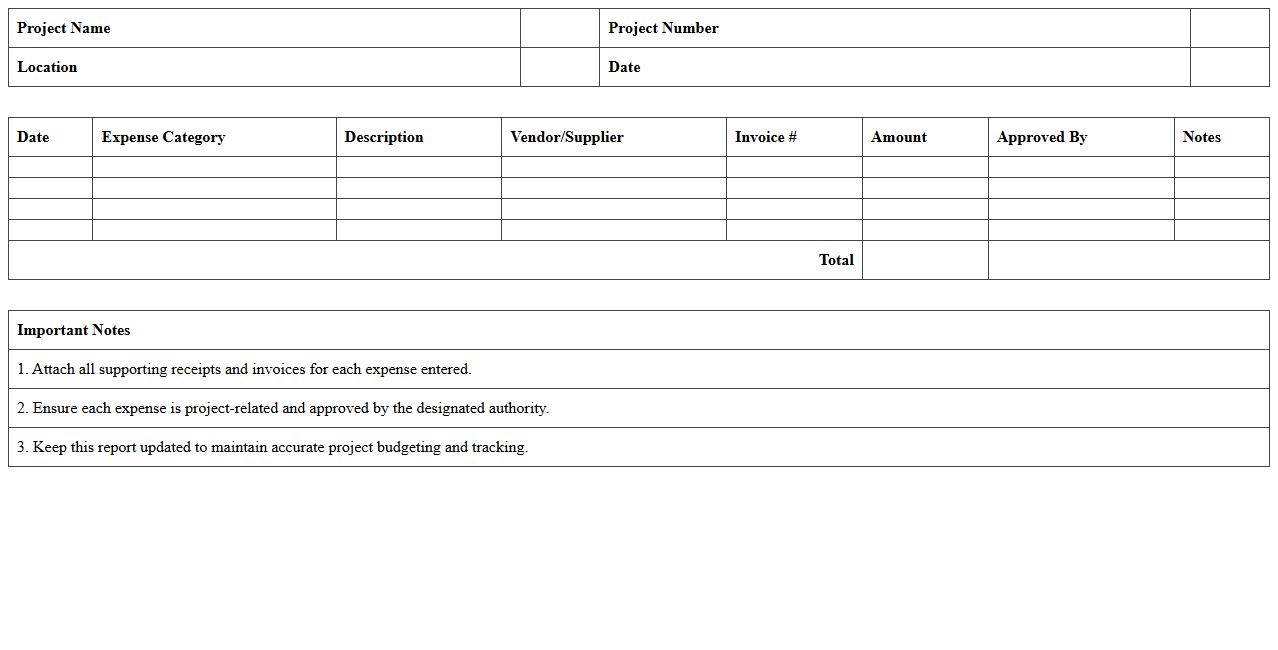
Project-Specific Construction Expense Report
A
Project-Specific Construction Expense Report details all costs related to a particular construction project, including labor, materials, equipment, and subcontractor expenses. It provides accurate financial tracking and helps monitor budget adherence, ensuring efficient resource allocation and timely identification of cost overruns. This report is essential for project managers and stakeholders to maintain financial control and support informed decision-making throughout the construction process.
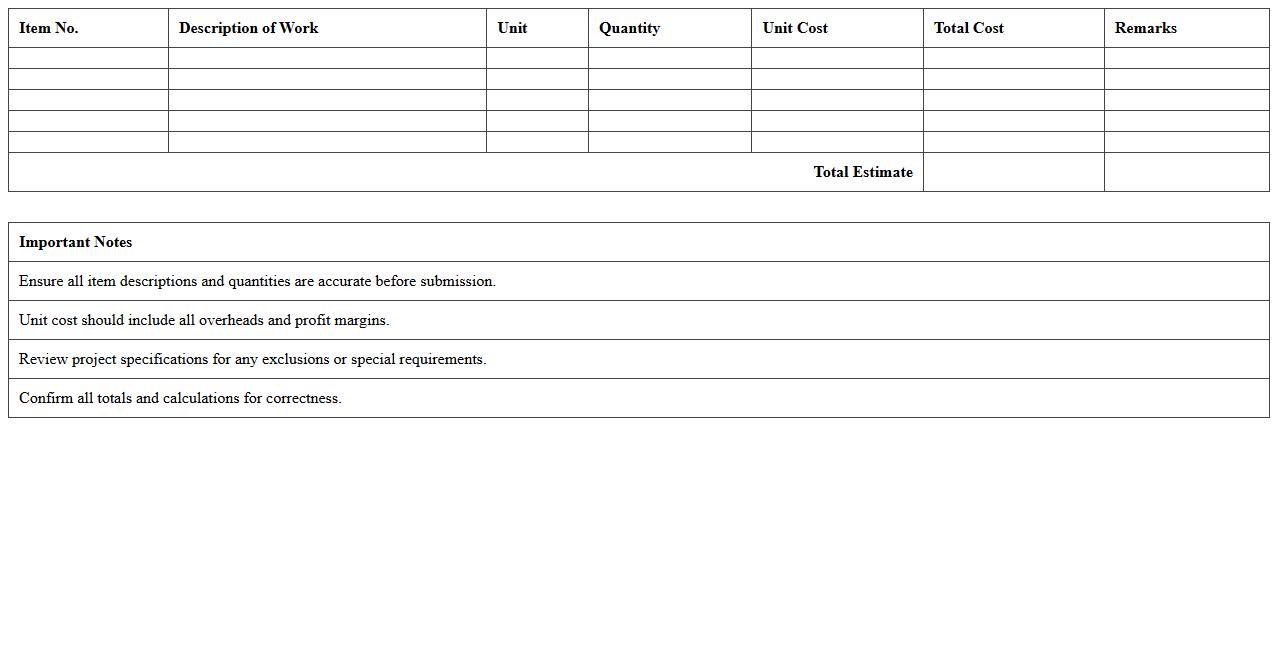
Detailed Bid Proposal Estimate Template
A
Detailed Bid Proposal Estimate Template is a comprehensive document used to outline precise cost breakdowns and project scope for contractors or service providers. It helps in presenting clear, itemized estimates that enhance transparency and facilitate informed decision-making for clients. This template streamlines the bidding process by organizing all financial and project details systematically, improving accuracy and competitiveness in securing contracts.
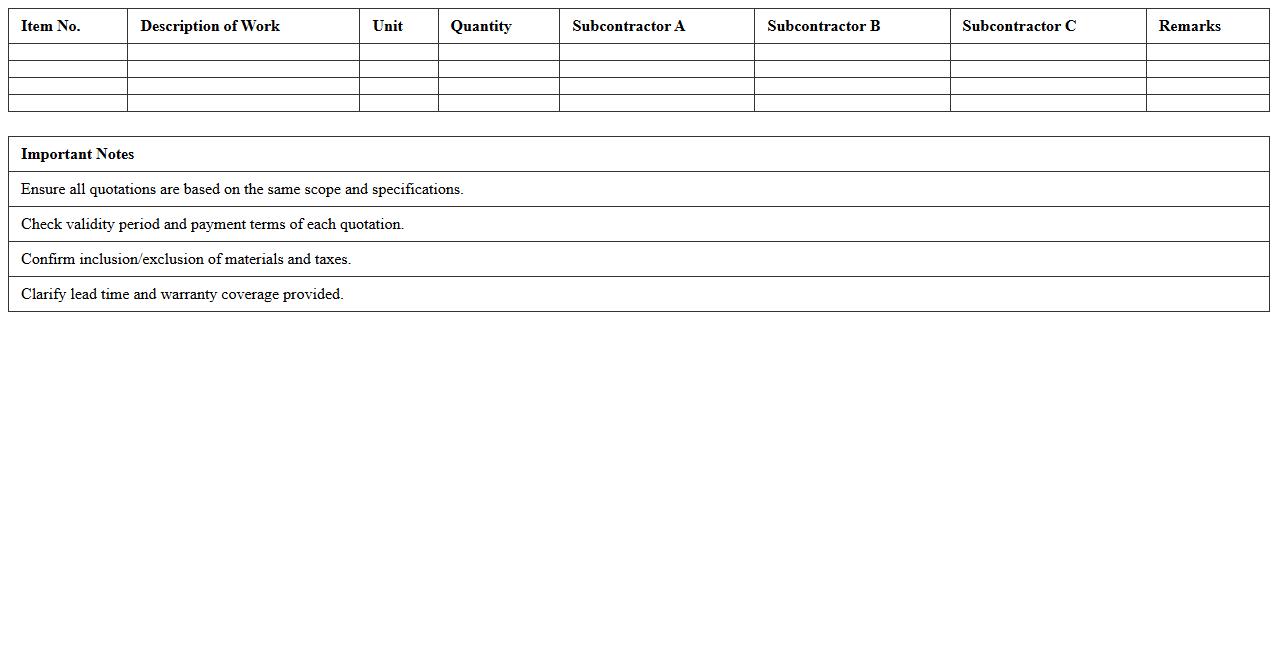
Subcontractor Quotation Comparison Excel
The
Subcontractor Quotation Comparison Excel document is a structured tool designed to evaluate and compare multiple subcontractor bids based on criteria such as price, scope, and terms. It enables project managers to make informed decisions by clearly presenting differences and advantages across quotations, increasing transparency and cost efficiency. This tool helps streamline the selection process, ensuring the best value and reducing project risks associated with subcontractor selection.
Civil Engineering Project Cost Analysis Spreadsheet
A
Civil Engineering Project Cost Analysis Spreadsheet is a detailed document used to estimate, track, and manage the financial aspects of construction projects. It helps engineers and project managers break down expenses such as materials, labor, equipment, and overhead, facilitating budget control and resource allocation. This tool enhances decision-making by providing a clear overview of project costs, minimizing risks of overruns and ensuring cost efficiency throughout the project lifecycle.
Construction Change Order Cost Tracking Sheet
A
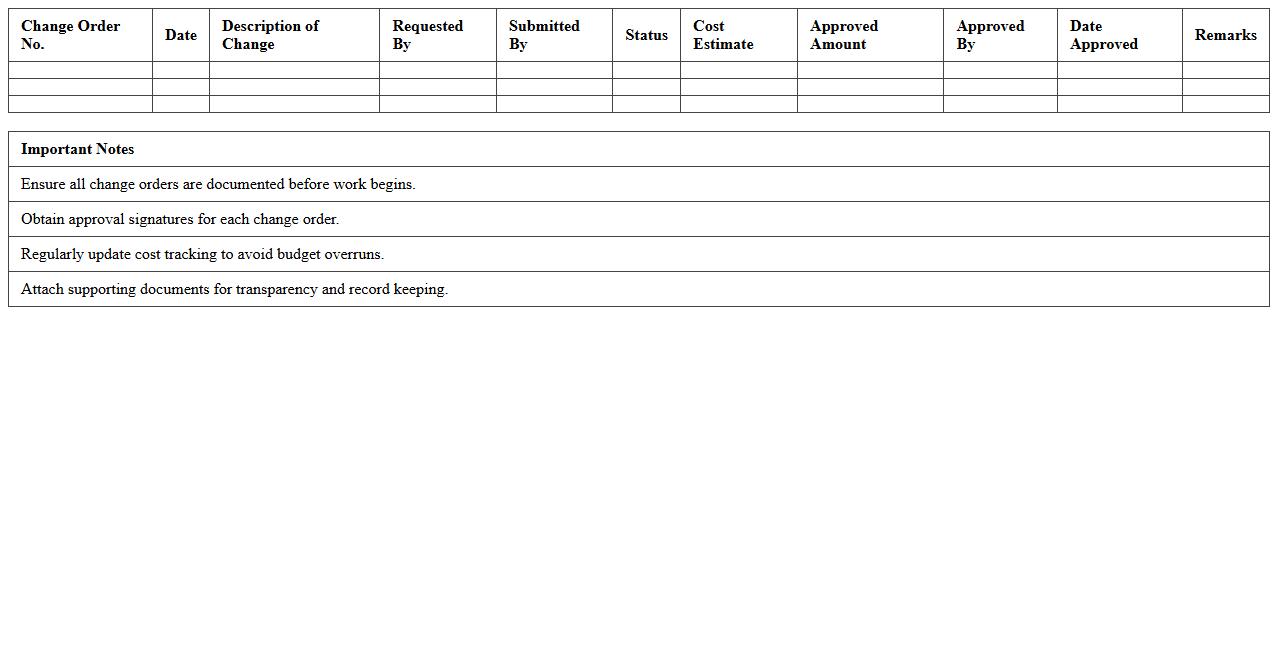
Construction Change Order Cost Tracking Sheet is a detailed document used to record, monitor, and manage the financial impact of modifications made to the original construction contract. It helps project managers accurately track additional expenses, avoid budget overruns, and maintain transparent communication between contractors, clients, and stakeholders. This tool enhances cost control, improves decision-making, and ensures timely updates to project budgets throughout the construction process.
How can contractors automate material quantity takeoff in a construction cost estimate Excel template?
Contractors can automate material quantity takeoff by using Excel's SUMPRODUCT and VLOOKUP functions to link material quantities with unit prices dynamically. Creating a structured database for materials and their measurements allows for automatic updates when project dimensions change. Using drop-down lists and data validation ensures that only valid materials are selected, boosting accuracy and efficiency.
What Excel formulas best track change orders and cost overruns in contractor estimates?
Excel formulas like SUMIF and IFERROR help track change orders by summing specific costs associated with changes. The IF function can flag cost overruns by comparing actual expenses to budget limits, highlighting items exceeding estimates. Using INDEX MATCH enables accurate retrieval of change order details for continuous monitoring of cost variations.
How do you structure labor cost breakdowns by trade in an Excel cost estimate for construction projects?
Labor costs should be organized by listing each trade category separately with corresponding rates and hours worked. Employing Excel tables enhances data clarity and makes it simple to perform aggregate calculations for each trade. Adding subtotals using the SUBTOTAL function allows easy tracking of labor expenses across different project phases.
Which Excel features enable real-time collaboration on construction cost estimates among contractor teams?
Excel's integration with OneDrive and SharePoint facilitates real-time collaboration, enabling multiple users to edit cost estimates simultaneously. The Comments and Track Changes features improve communication by allowing team members to provide feedback and review edits. Conditional access permissions can be set to ensure data security while maintaining team transparency.
How can conditional formatting highlight budget variances or high-risk items in a contractor's cost estimate sheet?
Conditional formatting rules can be set to change cell colors for budget variances, making it easy to spot costs that exceed planned amounts. Using icon sets or data bars visually emphasizes high-risk items or areas needing attention within the estimate. Setting thresholds based on percentage over budget ensures quick identification of potential financial issues in the project.
More Construction Excel Templates