The Transportation Logbook Excel Template for School Bus Operators streamlines record-keeping by providing an easy-to-use format for tracking routes, mileage, and maintenance schedules. This template enhances safety compliance and ensures accurate documentation of daily operations. Designed specifically for school bus operators, it supports efficient management and accountability.
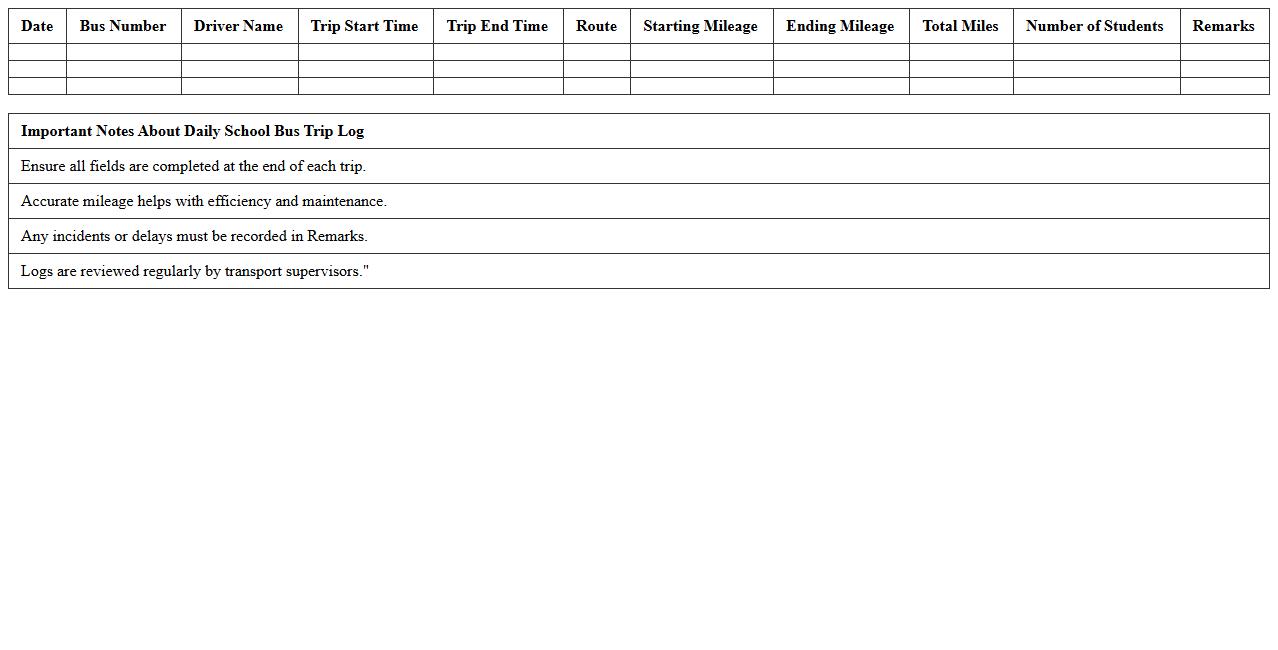
Daily School Bus Trip Log Excel Template
The
Daily School Bus Trip Log Excel Template document is a structured tool designed to record and track daily bus routes, passenger details, and timing efficiently. It helps school administrators and transport coordinators maintain accurate records, monitor bus schedules, and ensure student safety by documenting pickups and drop-offs systematically. Using this template improves operational organization and provides valuable data for analyzing route efficiency and addressing any logistical issues promptly.
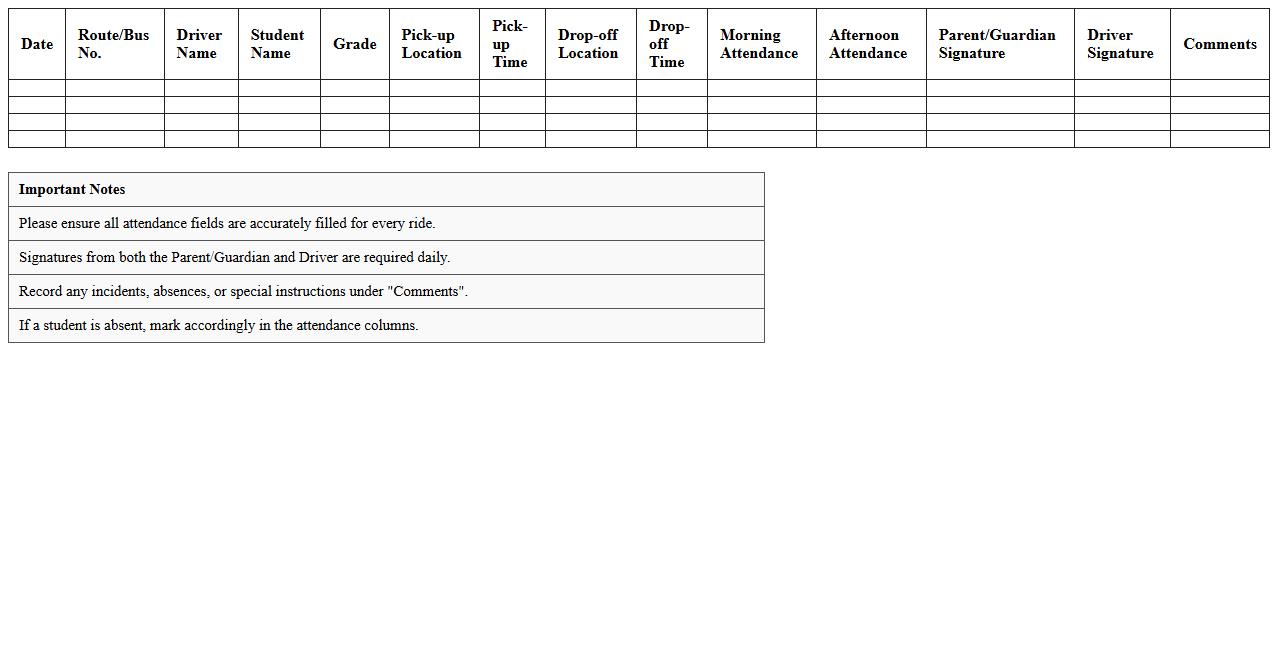
Student Transportation Attendance Sheet
A
Student Transportation Attendance Sheet is a document used to record and track the presence of students during transportation to and from school or extracurricular activities. It ensures accurate monitoring of student safety, helps verify who boarded or exited the vehicle, and assists in managing attendance-related concerns efficiently. This document is crucial for enhancing communication between school administrators, transportation staff, and parents, thereby promoting accountability and security.
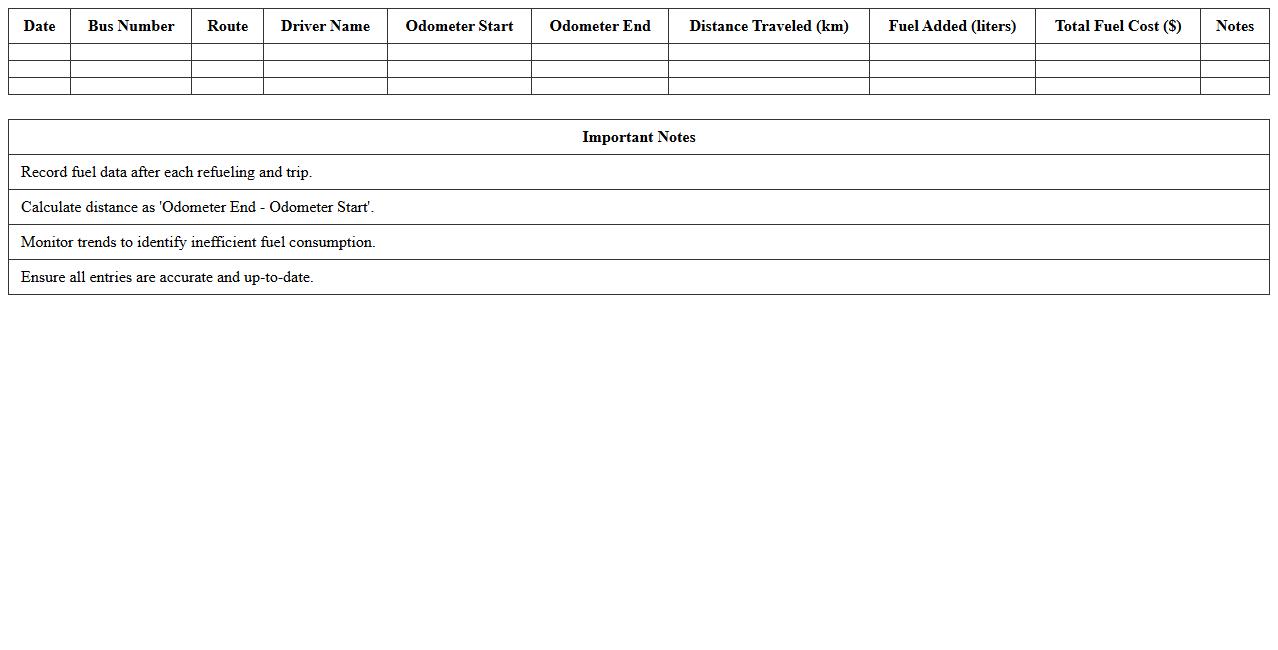
School Bus Fuel Consumption Tracker Excel
The
School Bus Fuel Consumption Tracker Excel document is a spreadsheet designed to accurately monitor and record fuel usage for school bus fleets. It helps administrators analyze fuel efficiency, identify patterns of excessive consumption, and plan maintenance schedules to optimize fuel economy. This tool supports cost reduction, environmental sustainability efforts, and enhances overall fleet management by providing clear visual data insights.
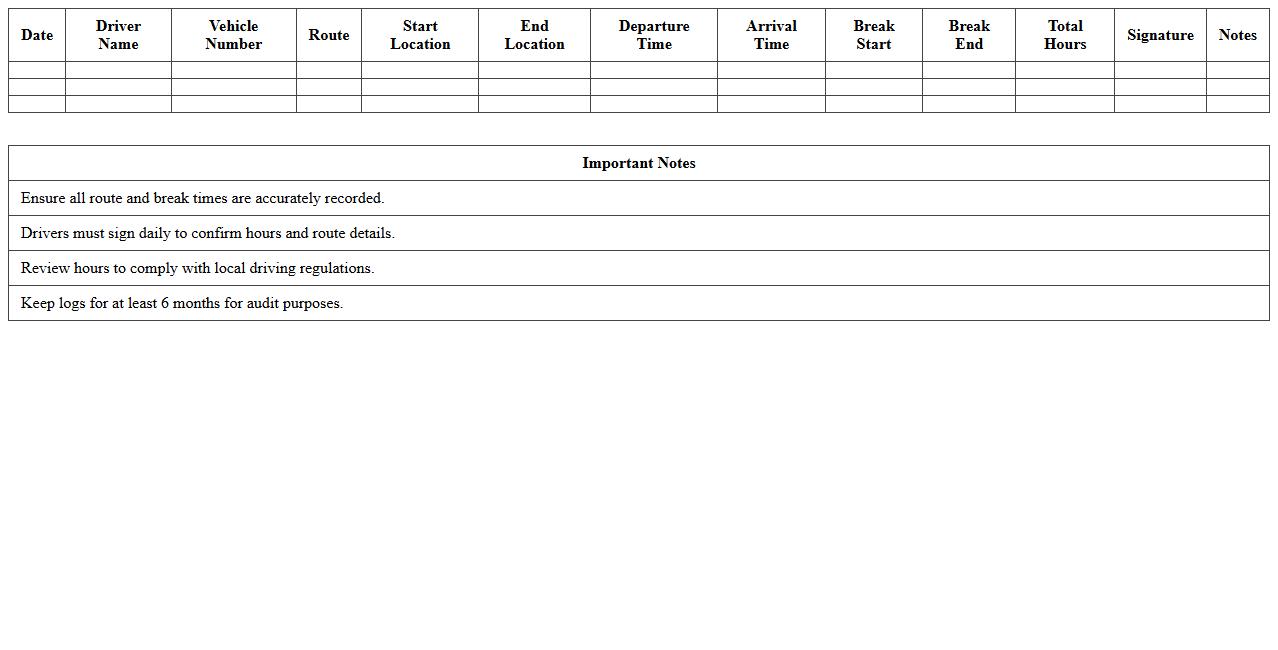
Driver Hours and Route Schedule Log
The
Driver Hours and Route Schedule Log document records the specific hours a driver spends operating a vehicle and the detailed route schedule they follow. This log helps ensure compliance with transportation regulations, prevents driver fatigue by monitoring work hours, and optimizes route planning for efficiency. Maintaining accurate records supports safety management, legal accountability, and enhances overall fleet operation performance.
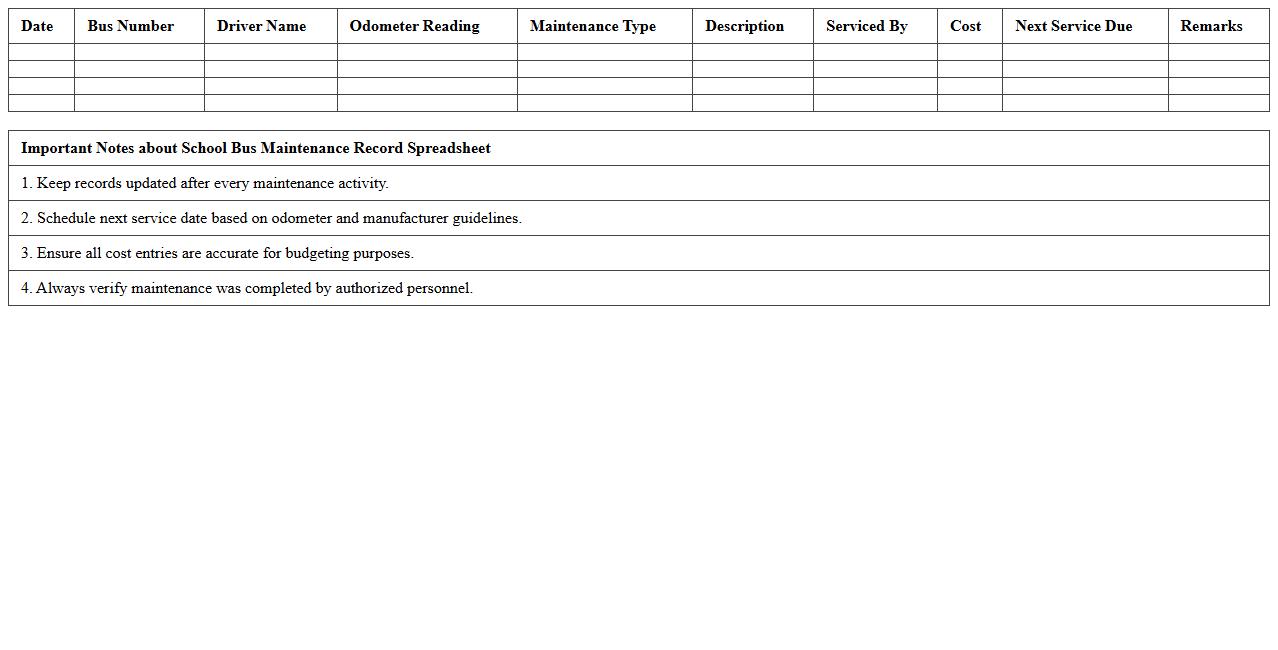
School Bus Maintenance Record Spreadsheet
A
School Bus Maintenance Record Spreadsheet is a detailed document used to track and organize all maintenance activities, repairs, and inspections for school buses. This spreadsheet helps ensure the safety and reliability of the fleet by providing easy access to service history, scheduling future maintenance, and identifying recurring issues. Using this document improves operational efficiency, reduces downtime, and supports compliance with safety regulations.
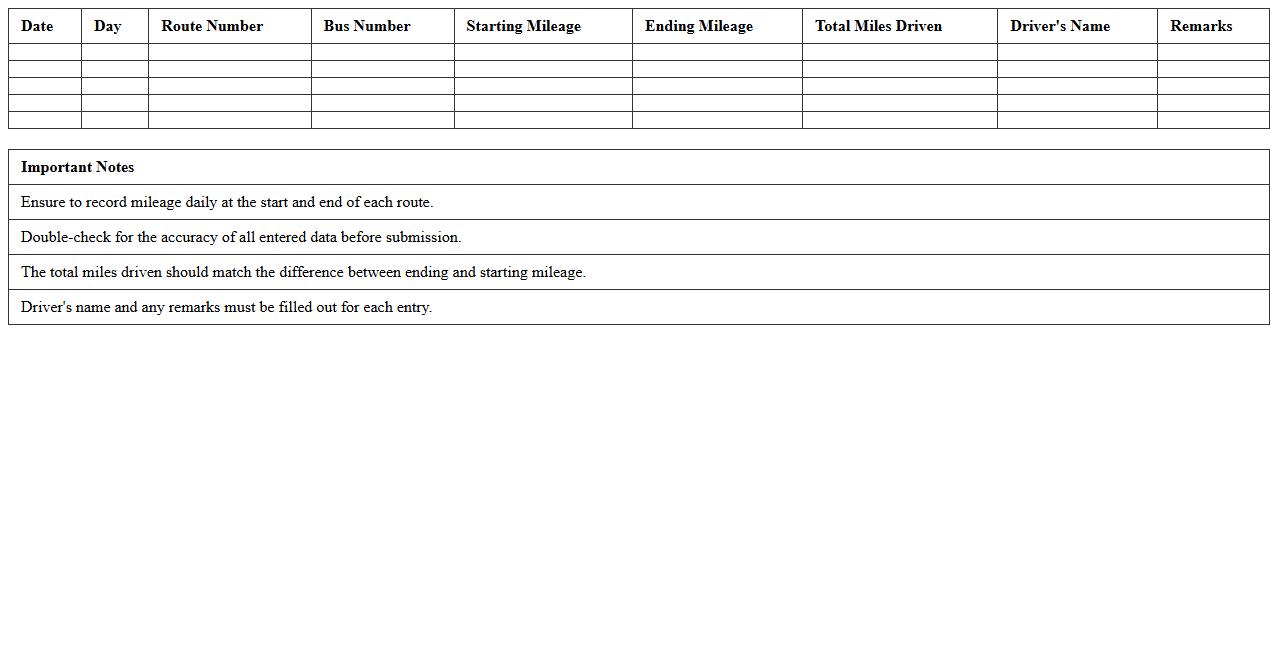
Weekly School Bus Mileage Log Template
A
Weekly School Bus Mileage Log Template is a structured document designed to accurately record the daily mileage of school buses over a one-week period. This log helps transportation coordinators track bus usage, monitor fuel consumption, and schedule maintenance based on actual distance traveled. Utilizing this template ensures efficient fleet management, cost control, and improved safety compliance for school transportation services.
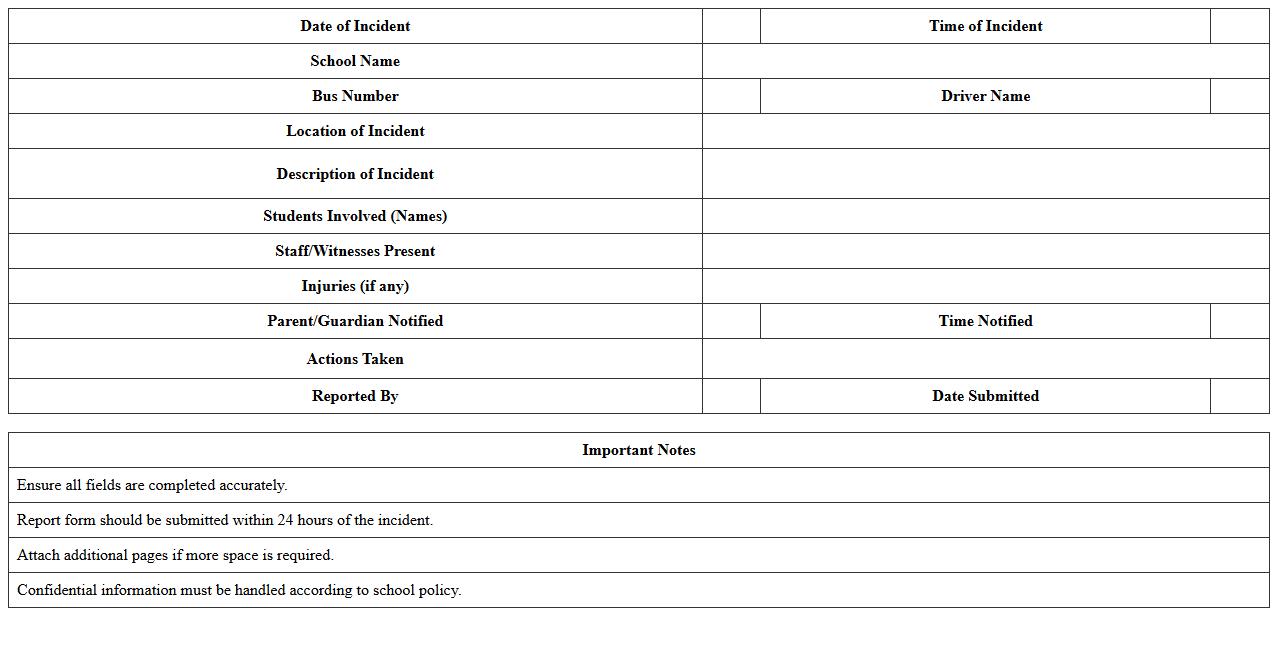
School Bus Incident Report Form Excel
The
School Bus Incident Report Form Excel document is a structured template designed to record and track incidents occurring on school buses, including accidents, behavioral issues, and safety concerns. It allows school administrators and transportation coordinators to efficiently log details such as date, time, student names, incident descriptions, and actions taken, ensuring accurate and consistent documentation. Using this Excel form enhances communication, improves incident management, and supports compliance with safety regulations for student transportation.
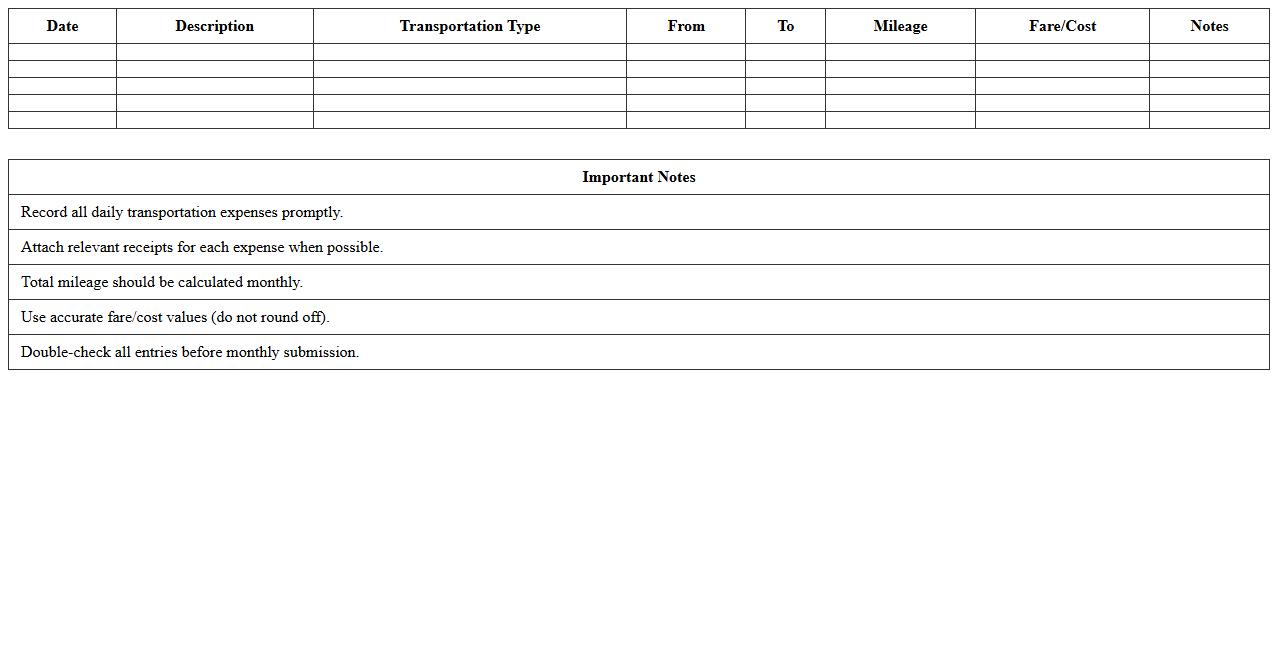
Monthly Transportation Expense Sheet
A
Monthly Transportation Expense Sheet is a detailed record used to track and organize all transportation-related costs within a specific month, such as fuel, maintenance, tolls, and public transit fares. This document helps individuals and businesses monitor spending patterns, identify cost-saving opportunities, and manage budgets effectively. By providing clear insights into transportation expenses, it supports informed financial planning and accountability.
School Bus Route Assignment Tracker
The
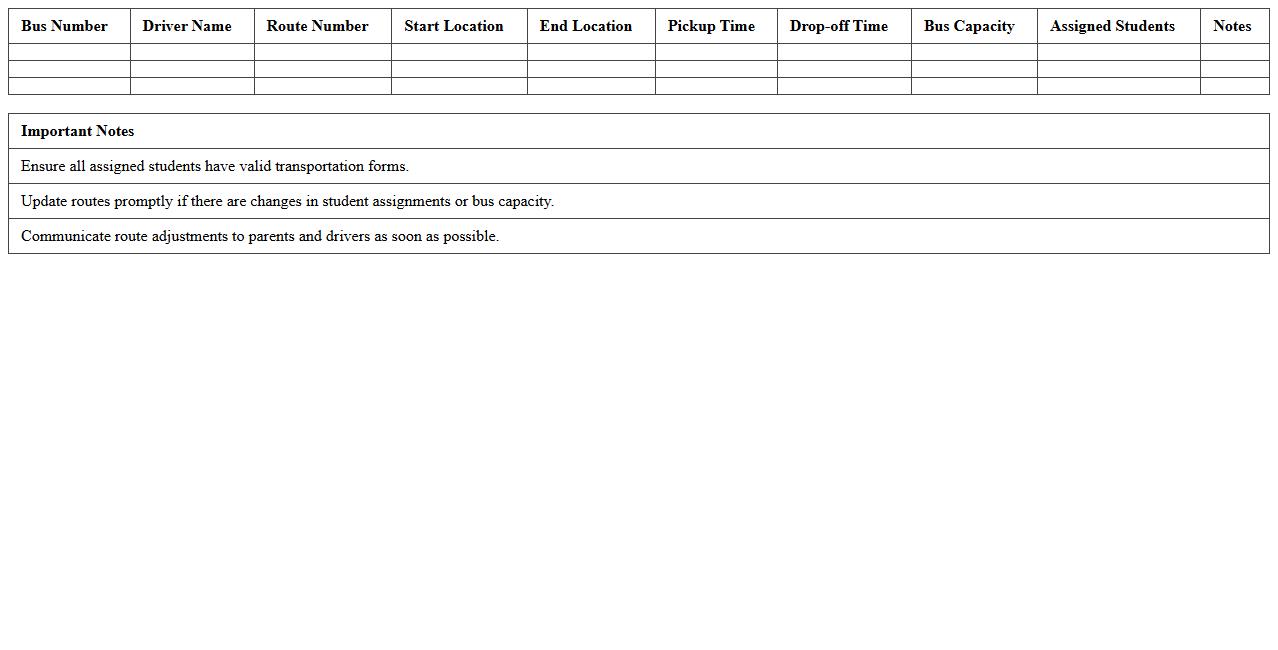
School Bus Route Assignment Tracker document systematically records and manages bus routes, driver assignments, and student pickup locations to ensure efficient transportation logistics. This tool enhances safety by accurately tracking which drivers are responsible for each route and aids in optimizing routes to reduce travel time and fuel consumption. It also serves as a vital resource for transportation coordinators to monitor daily operations, quickly respond to changes, and maintain consistent communication with parents and school staff.
Field Trip Bus Usage Log Excel Template
The
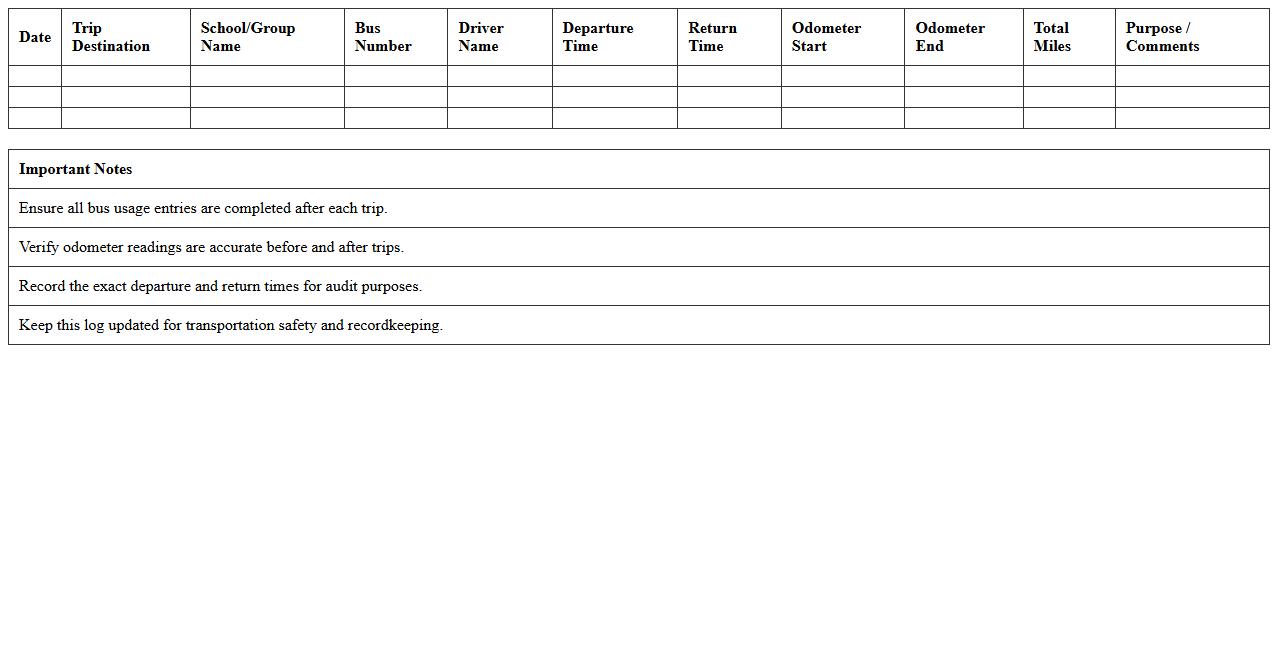
Field Trip Bus Usage Log Excel Template is a structured document designed to track bus assignments, passenger counts, and travel times during school field trips. It helps organizers efficiently monitor transportation details, ensuring safety, accountability, and timely departures and arrivals. Using this template streamlines communication between staff and transportation providers while facilitating accurate record-keeping for future trip planning.
How can school bus operators automate mileage tracking in a Transportation Logbook Excel sheet?
School bus operators can automate mileage tracking by using formulas that calculate the difference between start and end odometer readings for each trip. Integrating drop-down menus for route selection helps standardize data entry and improve accuracy. Additionally, linking the mileage calculations to summary sheets allows easy monitoring of total distances covered over specific time periods.
What formulas help calculate fuel efficiency per route in a school bus logbook?
To calculate fuel efficiency per route, use the formula =DistanceTravelled/FuelUsed, where DistanceTravelled is the mileage recorded and FuelUsed is the amount of fuel consumed. You can apply this across all routes by referencing the specific cells containing these values. This formula provides a clear measure of how efficiently each bus operates on different routes.
How to structure driver shift logs for compliance in an Excel logbook?
Driver shift logs should include columns for driver name, shift start and end times, total hours worked, and route details to ensure compliance with regulations. Incorporating data validation ensures that entries like times and dates are input correctly. Summarizing shifts weekly or monthly using pivot tables can help in monitoring working hours and identifying compliance issues.
Which columns ensure accurate maintenance record-keeping in a transportation logbook template?
Essential columns for maintenance record-keeping include the bus ID, maintenance date, type of service performed, mileage at service, parts replaced, and next scheduled service date. This structured approach helps track each vehicle's maintenance history effectively. Keeping detailed notes enhances the ability to detect recurring issues and plan preventive maintenance efficiently.
How to use Excel conditional formatting to flag overdue bus servicing dates?
Excel's conditional formatting can be used to highlight overdue bus servicing by setting a rule that compares the next service date with today's date. When the next service date is earlier than the current date, the cell will be automatically highlighted in red. This visual alert helps operators quickly identify buses requiring immediate maintenance attention.
More Transportation Excel Templates