The Transportation Fleet Management Excel Template for Vehicle Operators streamlines scheduling, maintenance tracking, and fuel consumption monitoring in one easy-to-use spreadsheet. This template enhances operational efficiency by providing clear visuals and organized data tailored specifically for vehicle operators. It supports cost control and optimal route planning through automated calculations and customizable reports.
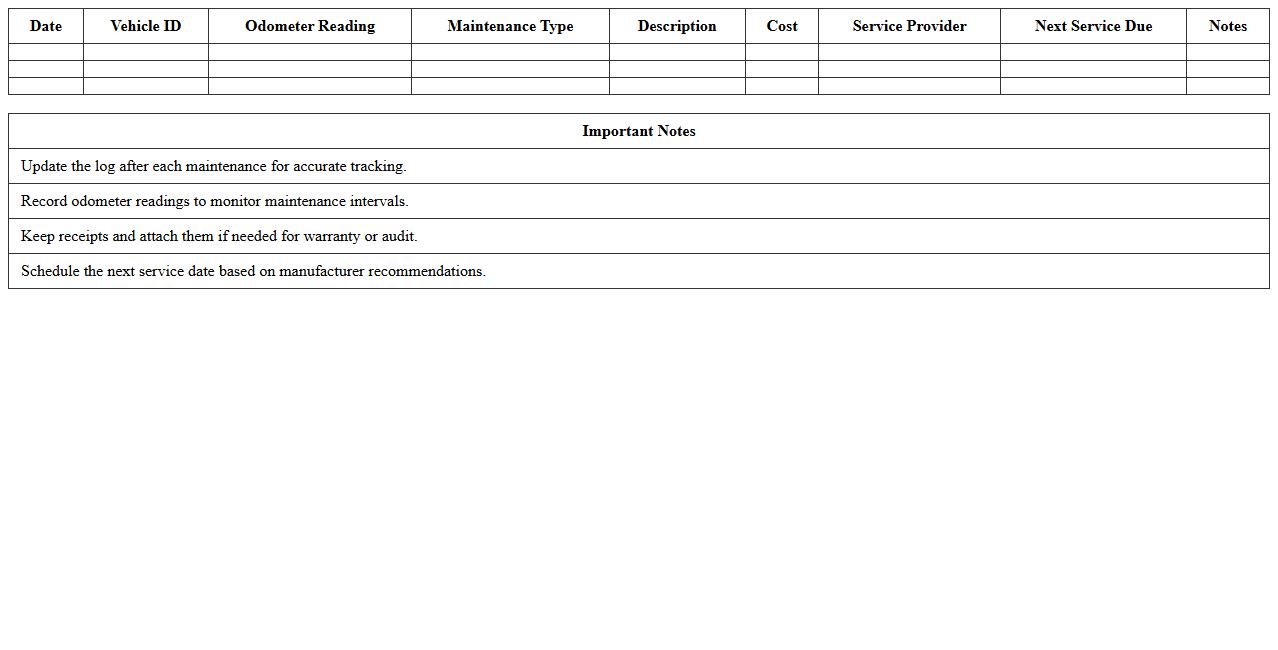
Vehicle Maintenance Log Excel Template
A
Vehicle Maintenance Log Excel Template document is a structured spreadsheet designed to track and organize all maintenance activities for vehicles, including oil changes, tire rotations, and repairs. It helps users efficiently monitor service schedules, record expenses, and ensure timely upkeep, reducing the risk of costly breakdowns and extending vehicle lifespan. By maintaining detailed and accessible records, this template supports better fleet management and aids in budgeting for vehicle-related costs.
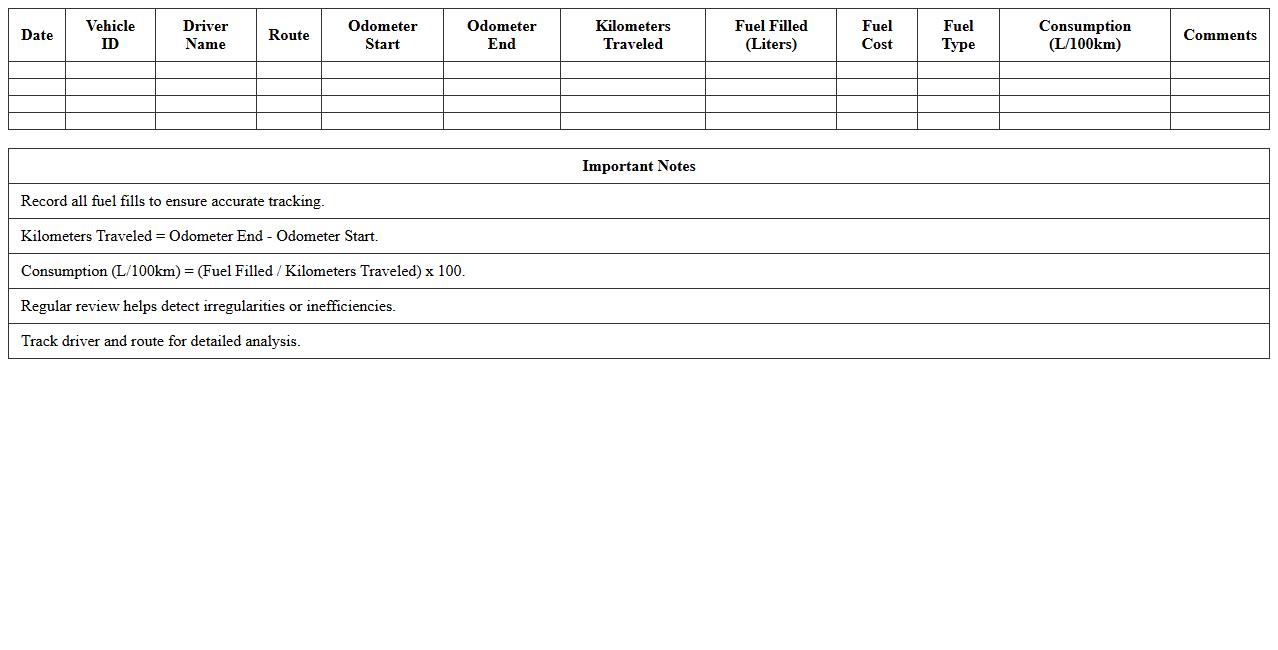
Fleet Fuel Consumption Tracker Excel Sheet
The
Fleet Fuel Consumption Tracker Excel Sheet is a detailed document designed to monitor and analyze fuel usage across multiple vehicles within a fleet. By inputting data such as miles traveled, fuel purchased, and consumption rates, the sheet enables accurate tracking of fuel efficiency and cost management. This tool helps businesses optimize fuel expenses, identify potential vehicle maintenance issues, and reduce overall operational costs through precise data analysis.
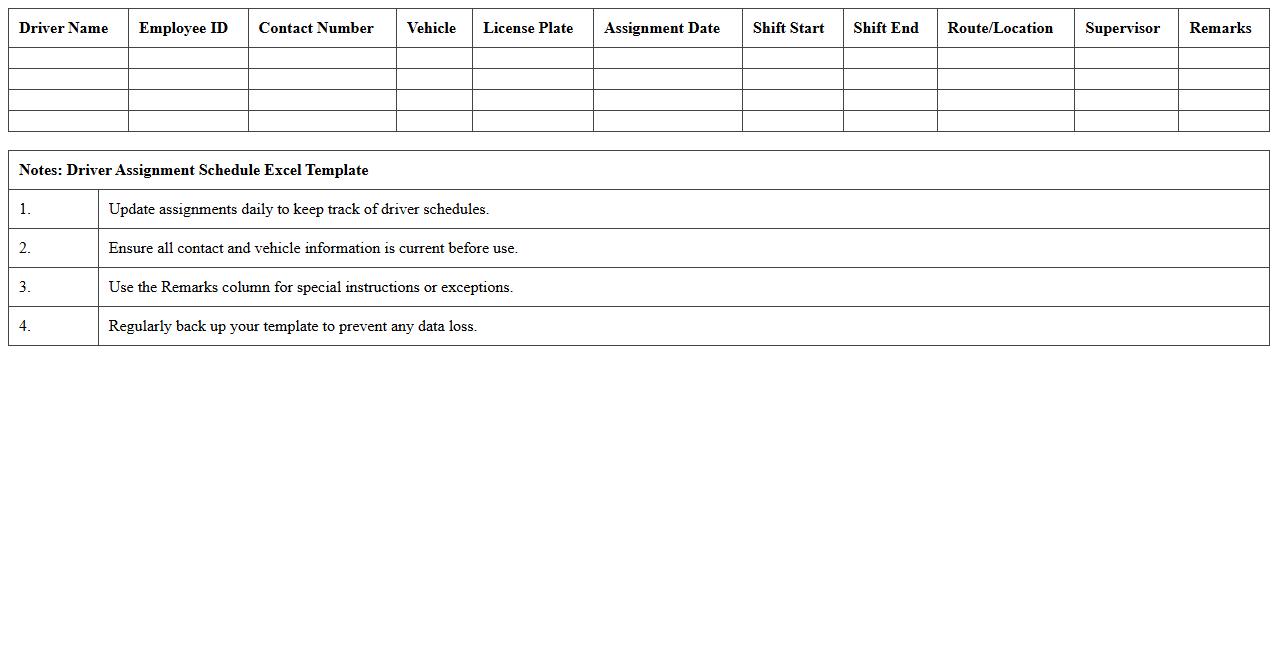
Driver Assignment Schedule Excel Template
The
Driver Assignment Schedule Excel Template is a structured spreadsheet designed to organize and allocate driving tasks efficiently across a team. It helps transportation managers track driver shifts, routes, and availability, ensuring optimal coverage and reducing scheduling conflicts. Using this template enhances operational productivity and improves communication within the fleet management system.
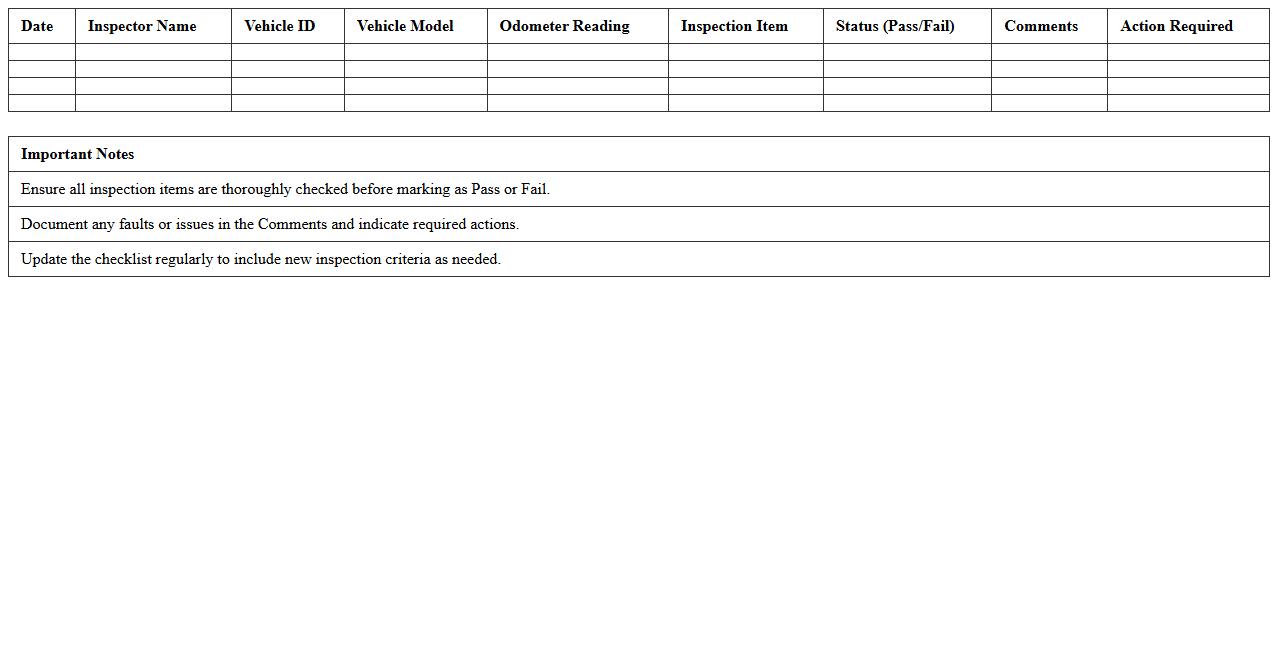
Vehicle Inspection Checklist Excel Template
A
Vehicle Inspection Checklist Excel Template is a structured document designed to systematically record and evaluate the condition of a vehicle through predefined inspection points. It streamlines the inspection process by organizing vehicle data, maintenance needs, and safety checks in an easily accessible and editable spreadsheet format. This template enhances efficiency, ensures comprehensive vehicle assessments, and helps maintain accurate records for fleet management or personal use.
Fleet Expense Tracking Spreadsheet
A
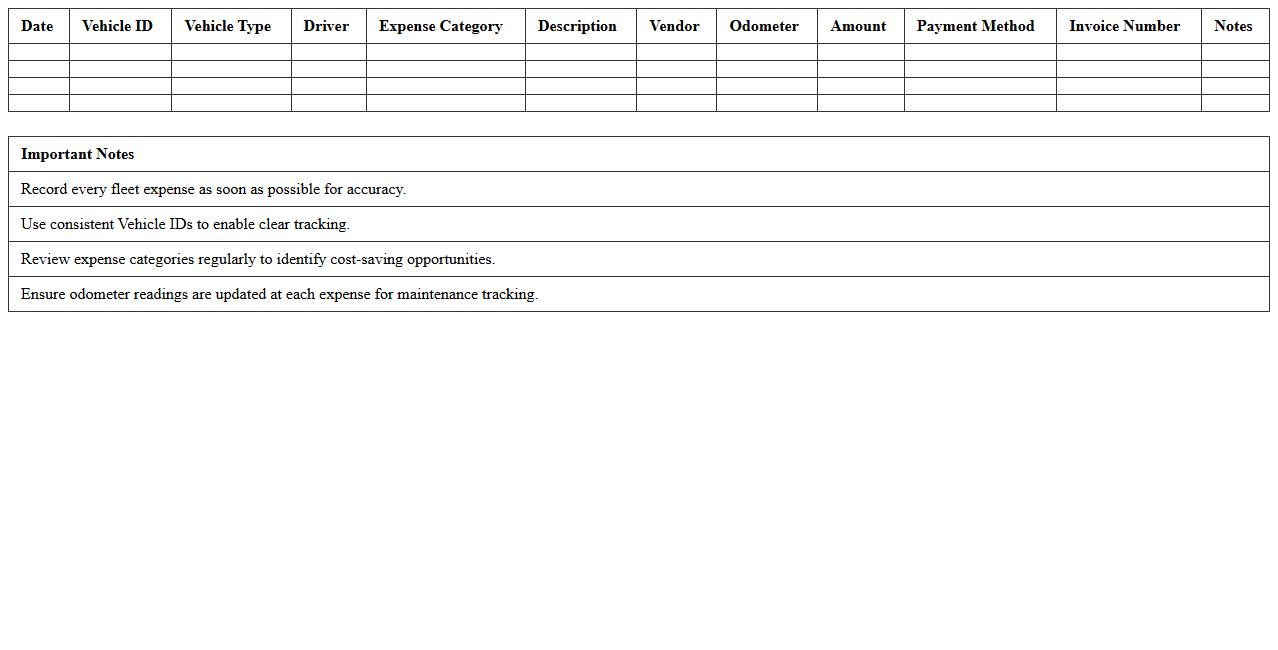
Fleet Expense Tracking Spreadsheet document is a structured tool designed to record and monitor all costs related to vehicle operations, including fuel, maintenance, insurance, and repairs. It enables businesses to analyze expense patterns, identify cost-saving opportunities, and maintain accurate financial records for budgeting and reporting purposes. By maintaining detailed expense tracking, organizations can improve fleet efficiency and optimize overall operational expenses.
Vehicle Service History Log Excel Sheet
A
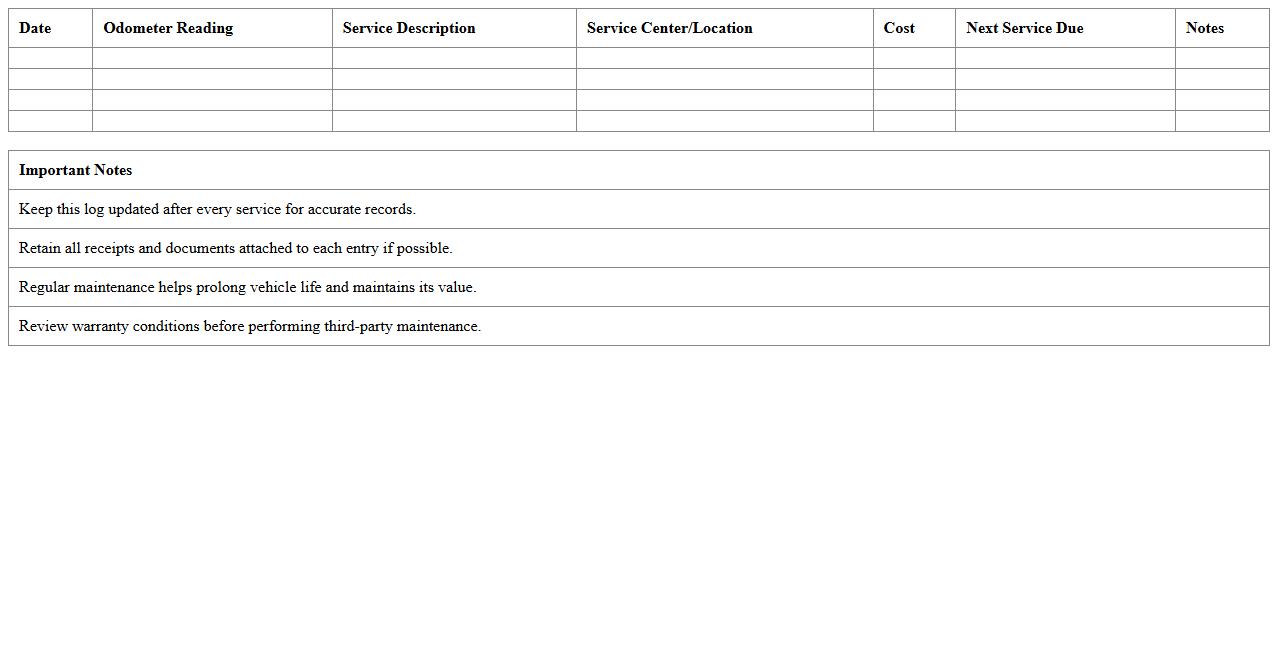
Vehicle Service History Log Excel Sheet document is a structured digital record that tracks maintenance, repairs, and service dates for a vehicle. It enables easy monitoring of service intervals, cost management, and helps in preserving the vehicle's resale value by providing a detailed maintenance history. This organized log minimizes the risk of missed services and supports informed decisions regarding vehicle upkeep.
Route Planning and Optimization Excel Template
The
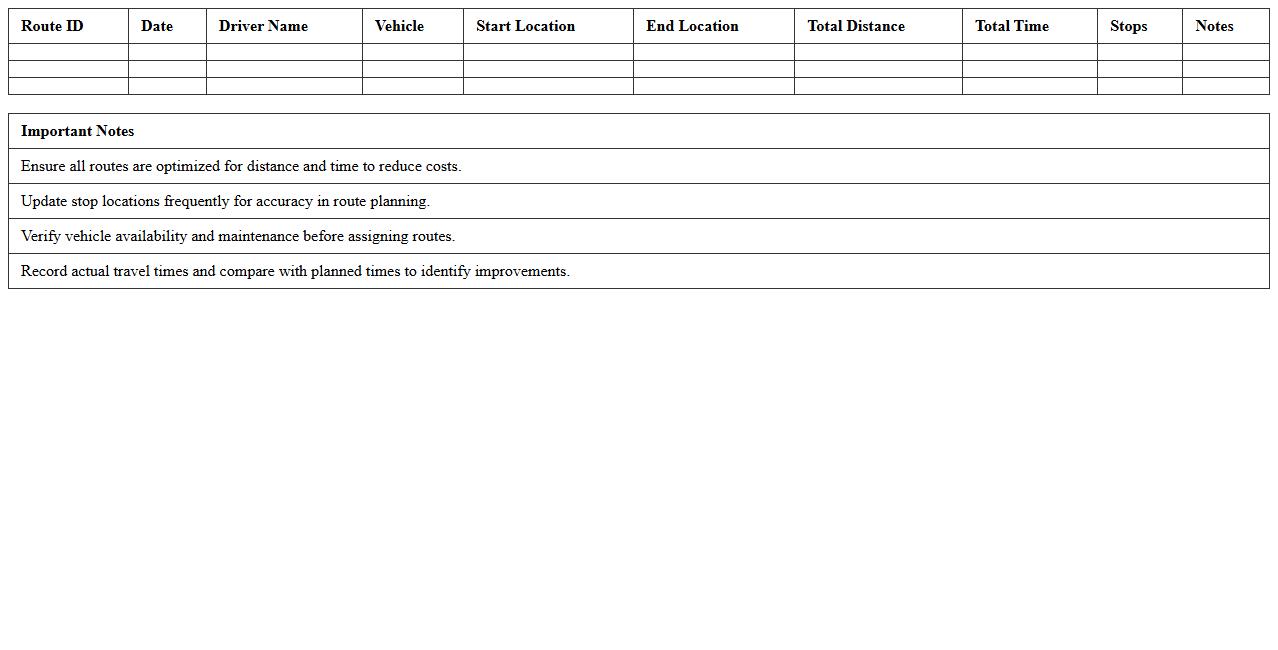
Route Planning and Optimization Excel Template is a practical tool designed to streamline logistics by efficiently mapping delivery routes and minimizing travel time and costs. It enables businesses to input multiple destinations, analyze optimal paths based on distance and time, and manage fleet resources effectively. This template enhances operational productivity, reduces fuel consumption, and supports data-driven decision-making for transportation and distribution processes.
Fleet Utilization Report Excel Spreadsheet
A
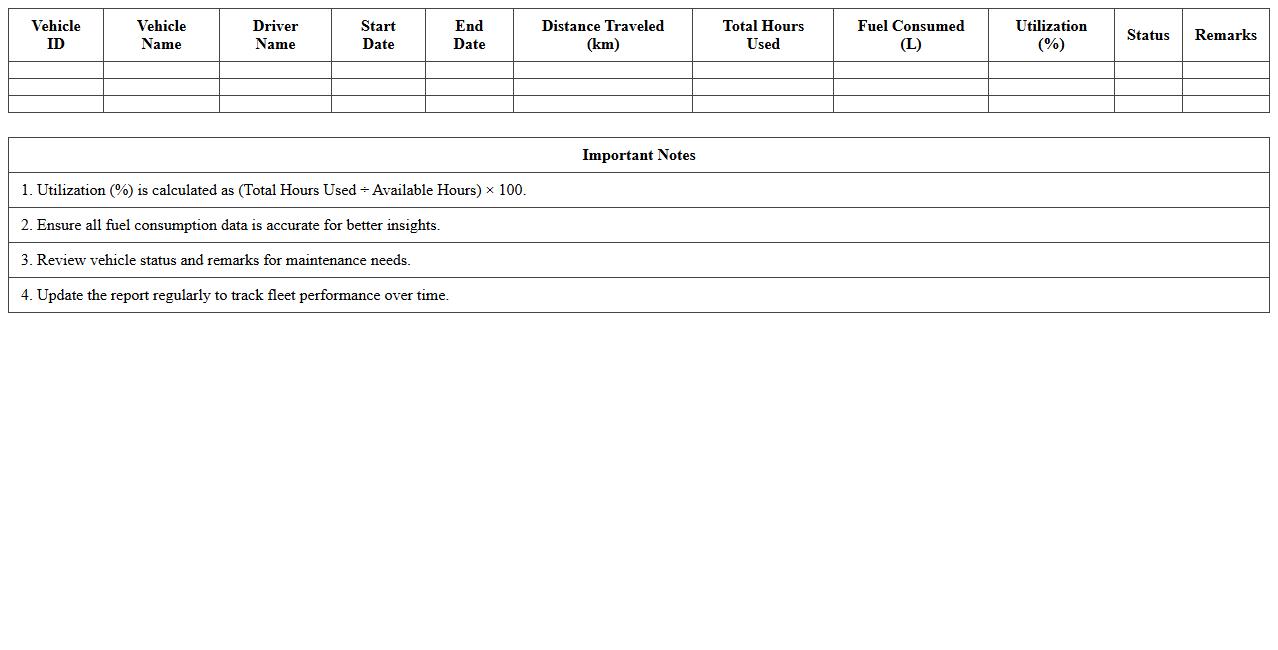
Fleet Utilization Report Excel Spreadsheet is a detailed document that tracks the usage, performance, and efficiency of vehicles within a fleet. It consolidates data such as mileage, fuel consumption, maintenance schedules, and operational hours to provide actionable insights for optimizing fleet management. This report enhances decision-making by identifying underutilized assets, reducing operational costs, and improving overall productivity.
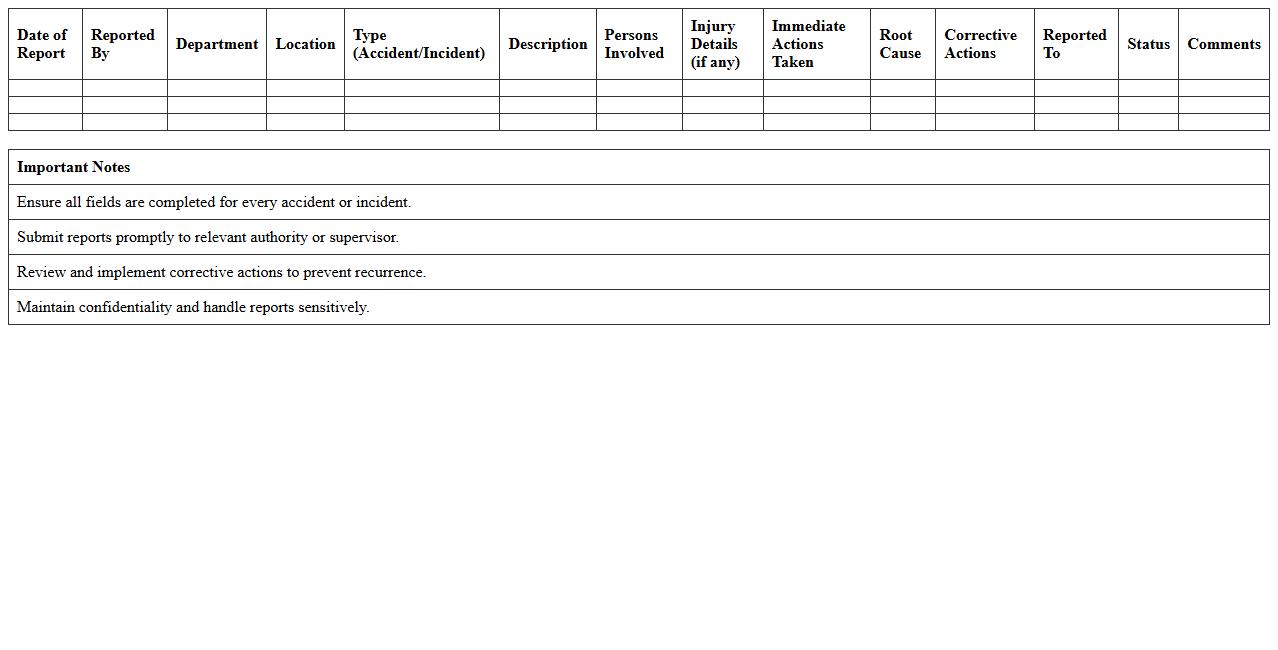
Accident and Incident Report Excel Template
An
Accident and Incident Report Excel Template is a structured document designed to systematically record details of workplace accidents or incidents, helping organizations maintain accurate and organized safety records. This template facilitates quick data entry, tracking, and analysis of incidents, enabling better identification of safety risks and compliance with legal reporting requirements. Using this tool improves incident management efficiency, supports preventive measures, and enhances overall workplace safety culture.
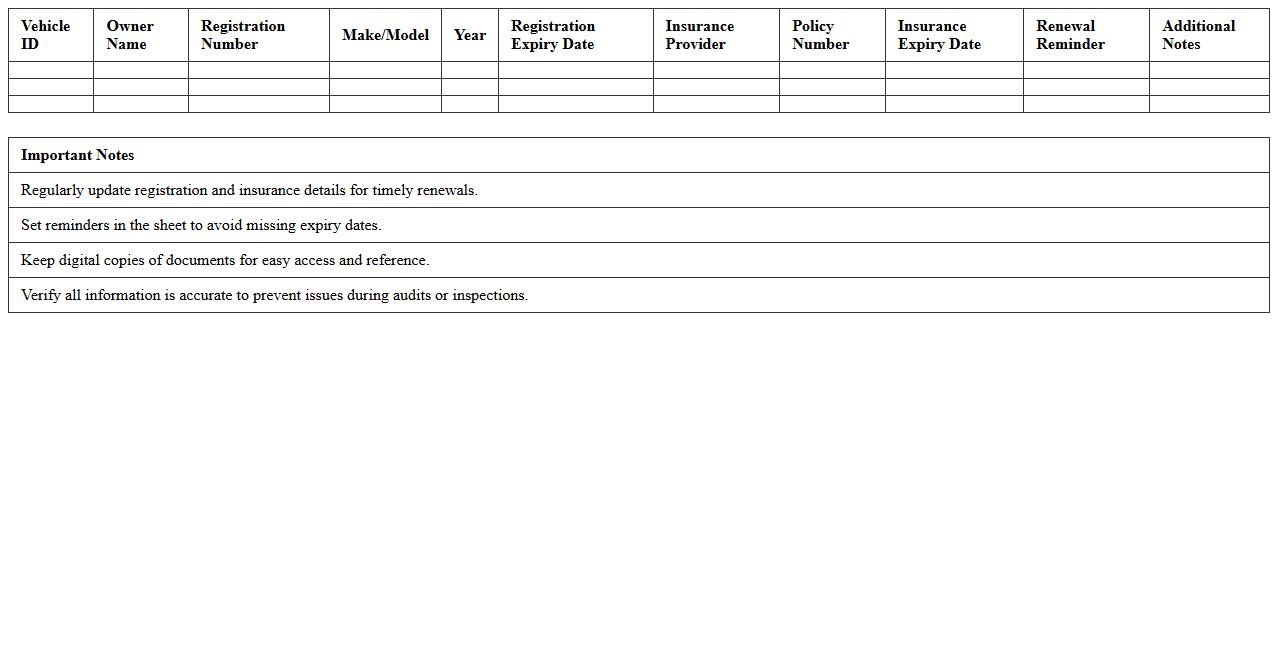
Vehicle Registration and Insurance Tracker Excel Sheet
A
Vehicle Registration and Insurance Tracker Excel Sheet is a digital tool designed to organize and monitor critical information related to vehicle registrations and insurance policies. It helps users keep track of renewal dates, policy numbers, vehicle details, and payment status, reducing the risk of missing deadlines or lapses in coverage. This organized approach saves time, enhances compliance, and ensures continuous protection for all vehicles in a fleet or personal collection.
How can vehicle maintenance schedules be automated in Excel for fleet operators?
Fleet operators can automate vehicle maintenance schedules using Excel by creating a structured worksheet with key columns like vehicle ID, last service date, and next service due. Incorporating formulas such as EDATE helps calculate upcoming maintenance dates based on service intervals. Additionally, leveraging Excel's conditional formatting highlights vehicles approaching their maintenance deadlines to ensure timely servicing.
What Excel formulas best track driver fuel consumption per route?
Tracking driver fuel consumption per route efficiently uses Excel formulas like SUMIFS to sum fuel usage based on specific routes and drivers. The AVERAGEIFS formula can also calculate average consumption to identify fuel efficiency trends. Combining these formulas with dynamic data ranges allows fleet operators to monitor and optimize fuel consumption accurately.
How to set up alerts for vehicle inspection deadlines using conditional formatting in Excel?
To create alerts for vehicle inspection deadlines, enter inspection dates and use the TODAY() function for real-time date comparison. Apply conditional formatting rules that change cell color when inspection dates approach or pass, such as within 30 days. This visual alert system ensures fleet operators never miss crucial vehicle inspection deadlines.
Which Excel dashboard layout optimizes monthly cost analysis for individual vehicles?
An optimized dashboard layout includes sections for fuel, maintenance, insurance, and other costs summarized per vehicle. Use pivot tables alongside charts like bar graphs and line charts to visualize monthly expenses clearly. Incorporating interactive slicers allows fleet operators to filter data by vehicle or time period effortlessly.
How to consolidate multi-location fleet mileage data in a single Excel sheet for operators?
Consolidating multi-location mileage data involves creating a master sheet where data from different locations is imported or linked. Use Excel's Power Query to automate data extraction and transformation from various files into one cohesive dataset. This method maintains data integrity and provides fleet operators with a comprehensive view of total fleet mileage.
More Transportation Excel Templates