The Transportation Route Optimization Excel Template for Dispatchers streamlines route planning by minimizing travel time and fuel costs. It enables dispatchers to efficiently allocate resources and improve delivery schedules through easy-to-use, customizable spreadsheet functions. This template enhances operational efficiency by integrating data analysis and route optimization in a single platform.
Urban Delivery Route Optimization Excel Template
The
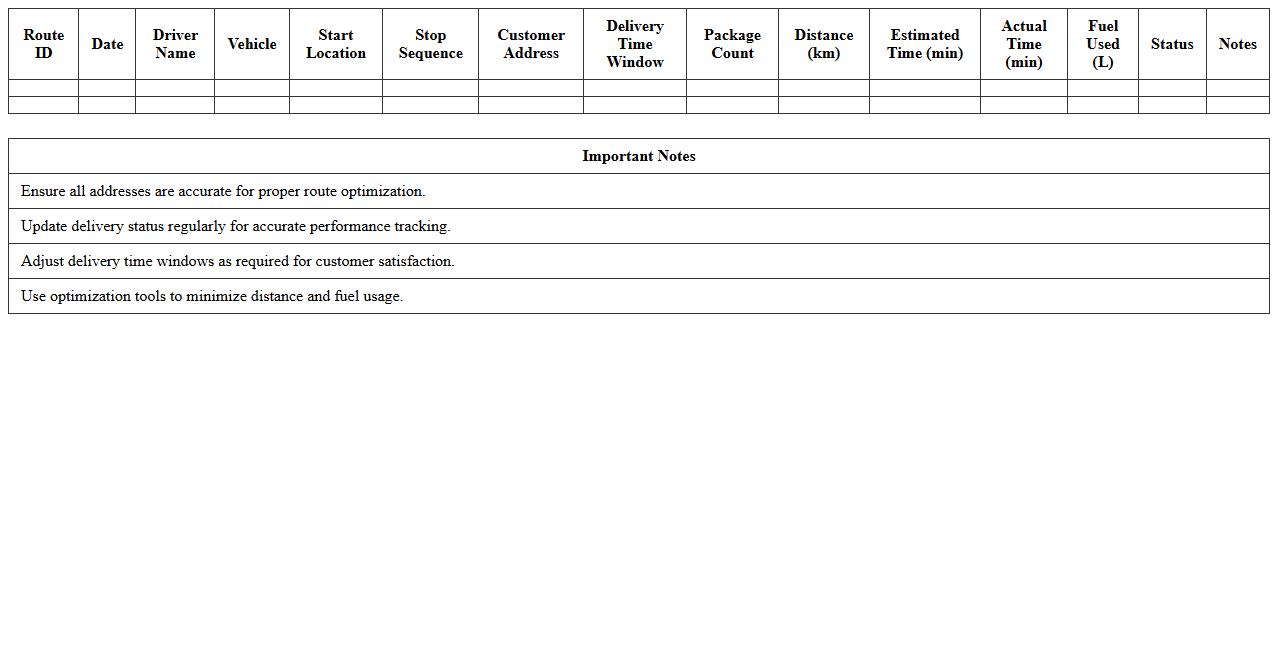
Urban Delivery Route Optimization Excel Template document is a powerful tool designed to streamline the planning of delivery routes within city environments by minimizing travel time and fuel consumption. It integrates spatial data, traffic patterns, and delivery constraints to generate efficient routes that improve logistics operations and reduce operational costs. Businesses and logistics managers benefit from enhanced productivity and faster delivery times, ultimately boosting customer satisfaction and profitability.
Freight Transportation Scheduling Excel Template
The
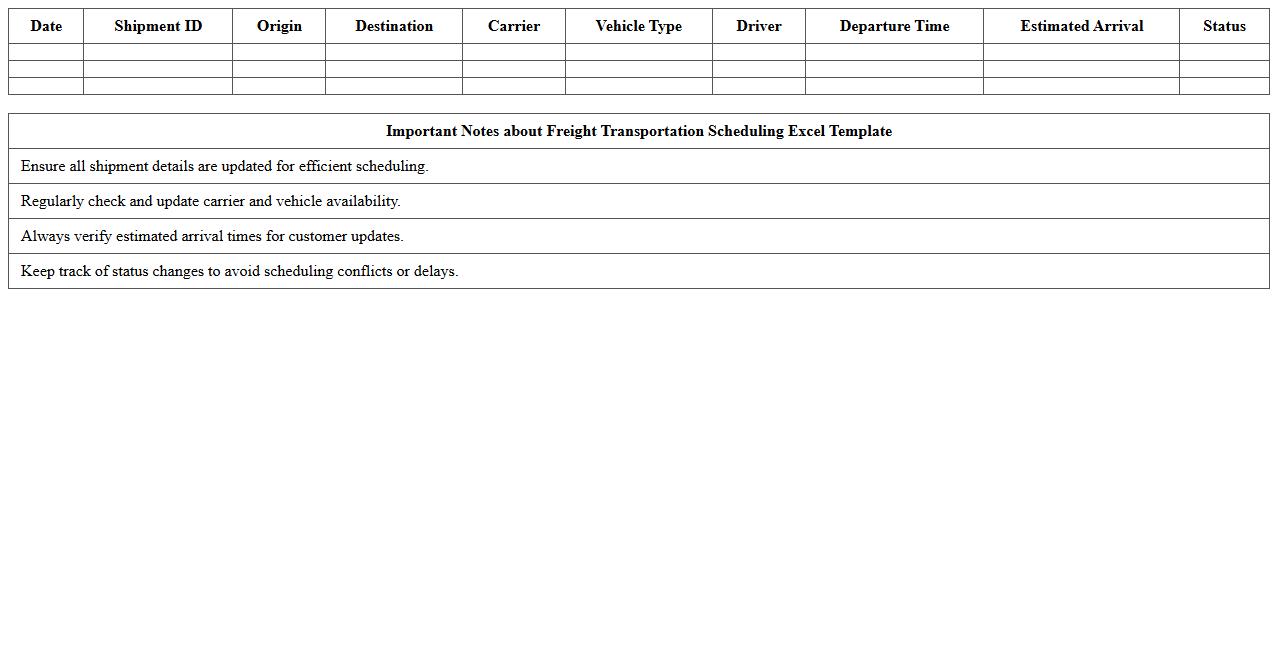
Freight Transportation Scheduling Excel Template is a comprehensive tool designed to streamline the planning and management of freight shipments, helping logistics teams optimize routes, track delivery times, and allocate resources efficiently. This template allows users to input shipment details, carrier information, and timelines in a structured format, ensuring accurate scheduling and minimizing delays. By centralizing transportation data, it improves operational transparency and supports informed decision-making in supply chain management.
Last Mile Route Planning Excel Template
The
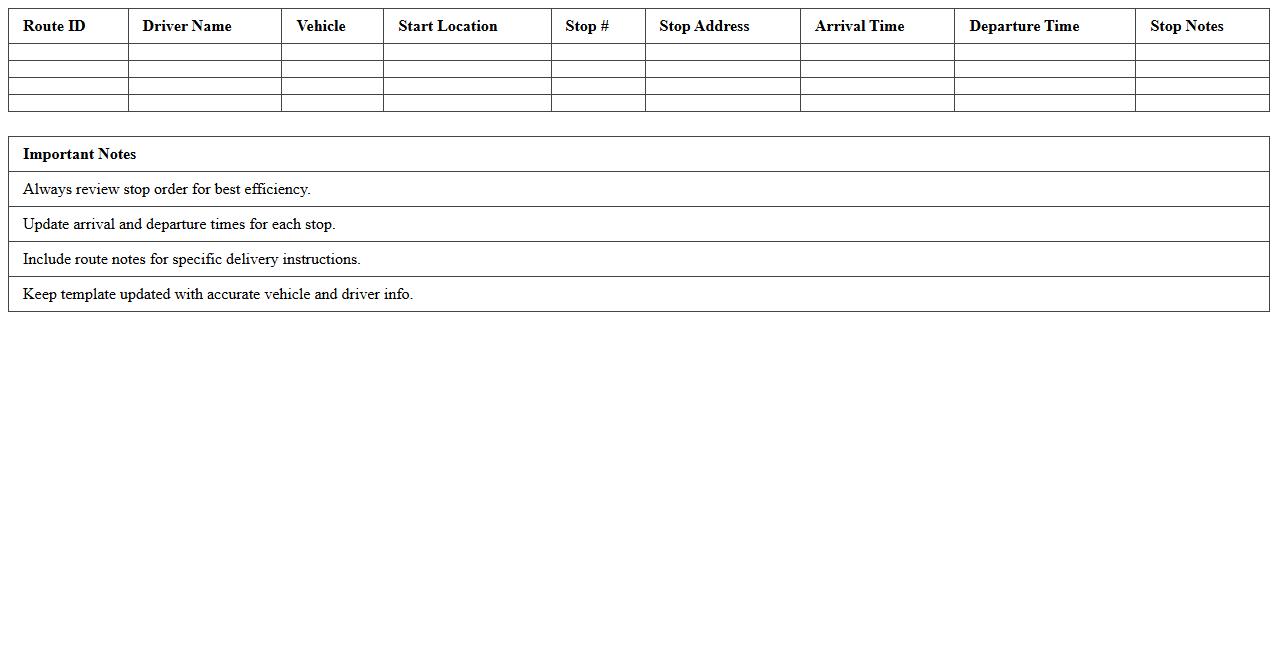
Last Mile Route Planning Excel Template is a powerful tool designed to optimize delivery routes by efficiently mapping the final segment of transportation to the customer's location. This template helps businesses reduce fuel costs, improve delivery times, and enhance customer satisfaction by providing clear route sequences and travel distances. Using this document allows for quick adjustments based on real-time data, making it indispensable for logistics managers and delivery service providers.
Multi-Stop Dispatch Route Excel Template
The
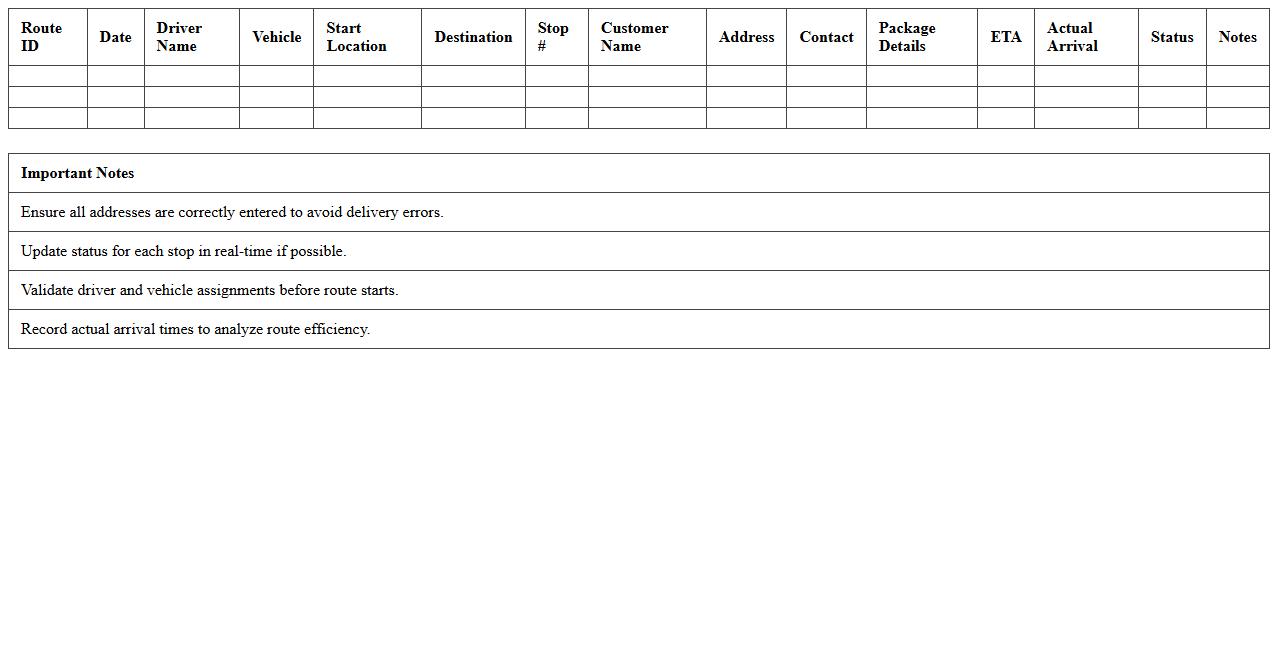
Multi-Stop Dispatch Route Excel Template is a powerful tool designed to organize and optimize delivery or service routes involving multiple stops. It enables businesses to input various addresses, calculate the most efficient routes, and manage dispatch schedules effectively, reducing fuel costs and travel time. By streamlining route planning, this template enhances operational efficiency and improves timely deliveries for logistics, transportation, and service industries.
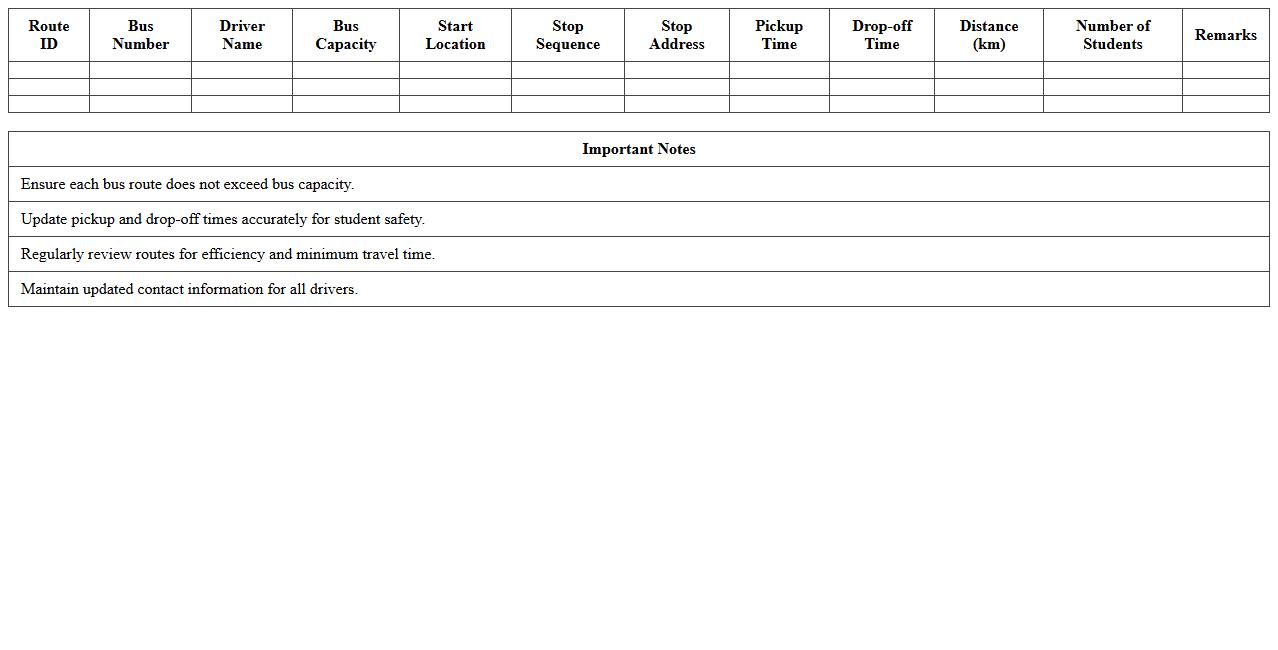
School Bus Route Optimization Excel Template
The
School Bus Route Optimization Excel Template is a practical tool designed to efficiently plan and manage bus routes for schools by minimizing travel distance and time. It helps administrators allocate resources effectively, reduce fuel costs, and ensure timely student pick-up and drop-off by analyzing multiple route options within a spreadsheet format. This document streamlines logistical planning, improves route accuracy, and enhances overall transportation safety and reliability for school districts.
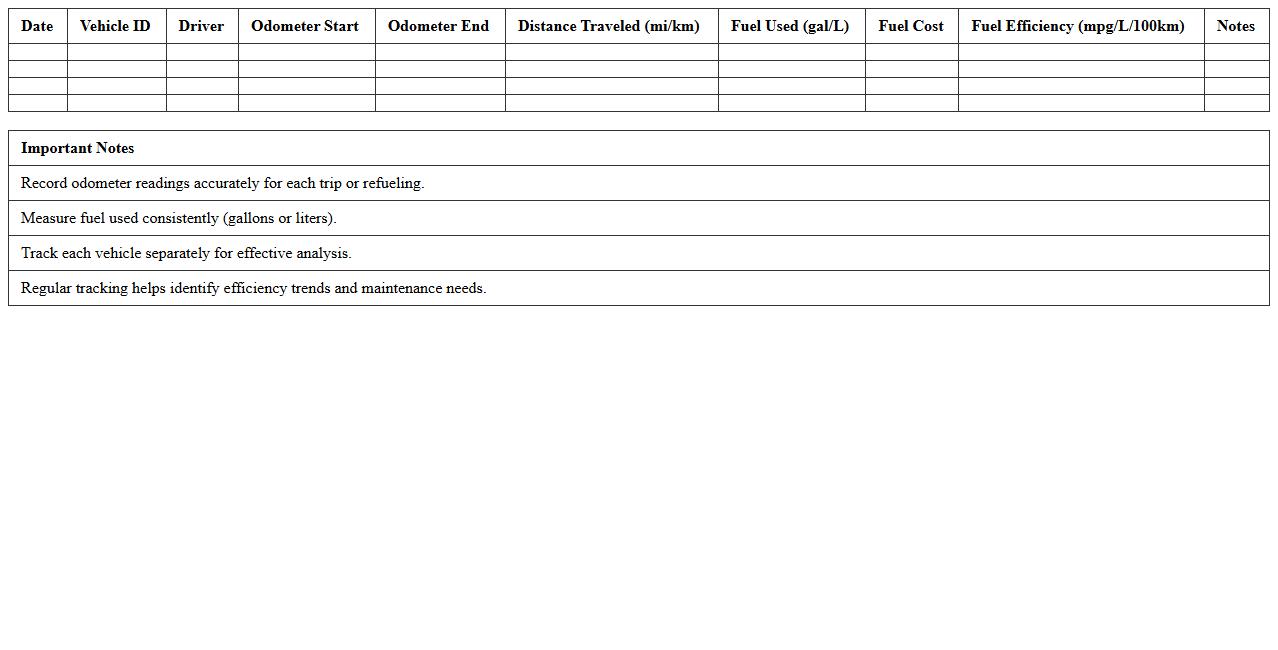
Fleet Fuel Efficiency Tracking Excel Template
The
Fleet Fuel Efficiency Tracking Excel Template is a spreadsheet designed to monitor and analyze fuel consumption across a vehicle fleet, helping organizations manage costs and environmental impact effectively. It consolidates data such as mileage, fuel purchases, and vehicle performance metrics, enabling precise calculation of fuel efficiency trends. This tool supports informed decision-making for maintenance, route planning, and cost control by providing clear visualization and easy access to critical fuel usage data.
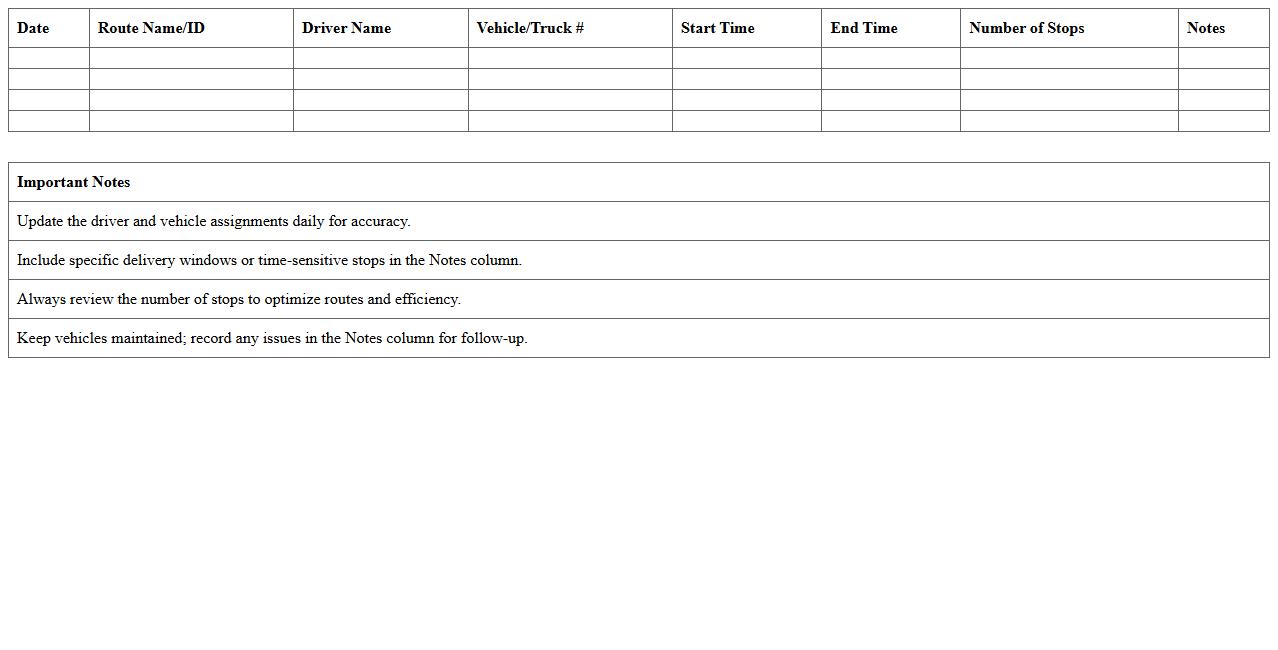
Daily Delivery Route Assignment Excel Template
The
Daily Delivery Route Assignment Excel Template is a structured spreadsheet designed to efficiently organize and allocate delivery routes for logistics and transportation teams. It helps streamline daily planning by clearly listing delivery points, assigned drivers, and time schedules, reducing errors and improving operational productivity. Using this template ensures optimized route management, leading to faster deliveries and cost savings for businesses.
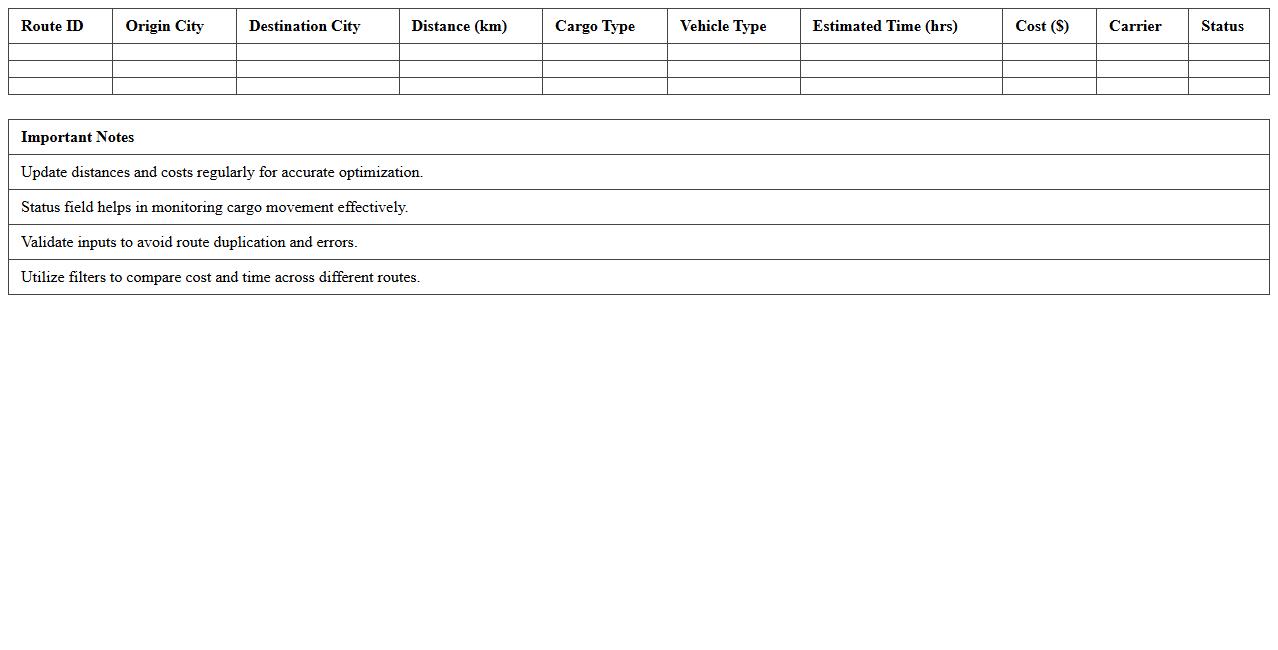
Intercity Cargo Route Optimization Excel Template
The
Intercity Cargo Route Optimization Excel Template is a specialized tool designed to streamline logistics by calculating the most efficient routes between cities, reducing transit time and fuel costs. It uses advanced algorithms to analyze multiple variables such as distance, traffic conditions, and delivery schedules to propose optimal paths for cargo transportation. This template helps businesses enhance operational efficiency, minimize expenses, and improve customer satisfaction through timely deliveries.
Truck Dispatch Load Planner Excel Template
The
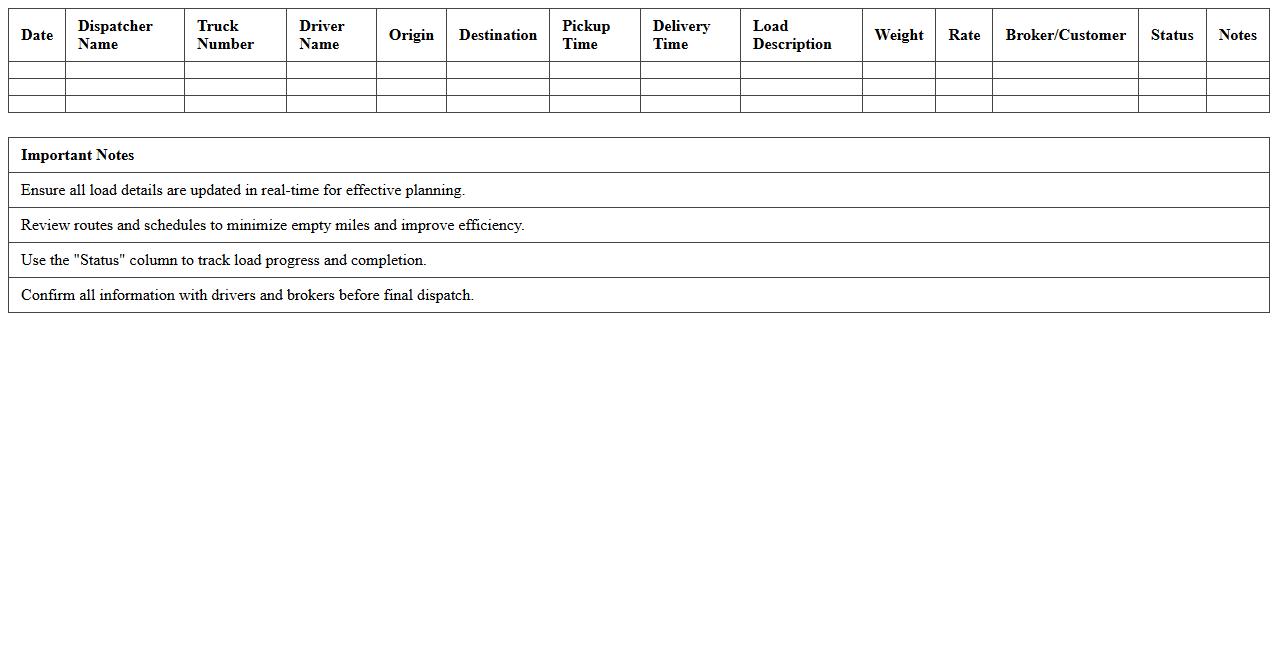
Truck Dispatch Load Planner Excel Template is a powerful tool designed to streamline the process of scheduling and managing freight loads for trucking operations. It helps logistics managers optimize load allocation, track delivery schedules, and improve route efficiency by consolidating key data such as pickup and drop-off locations, load weights, and driver assignments into a single, easy-to-use spreadsheet. This template enhances operational productivity by reducing manual errors and providing real-time visibility into dispatch activities, enabling better decision-making and cost control.
Route Time and Distance Calculator Excel Template
The
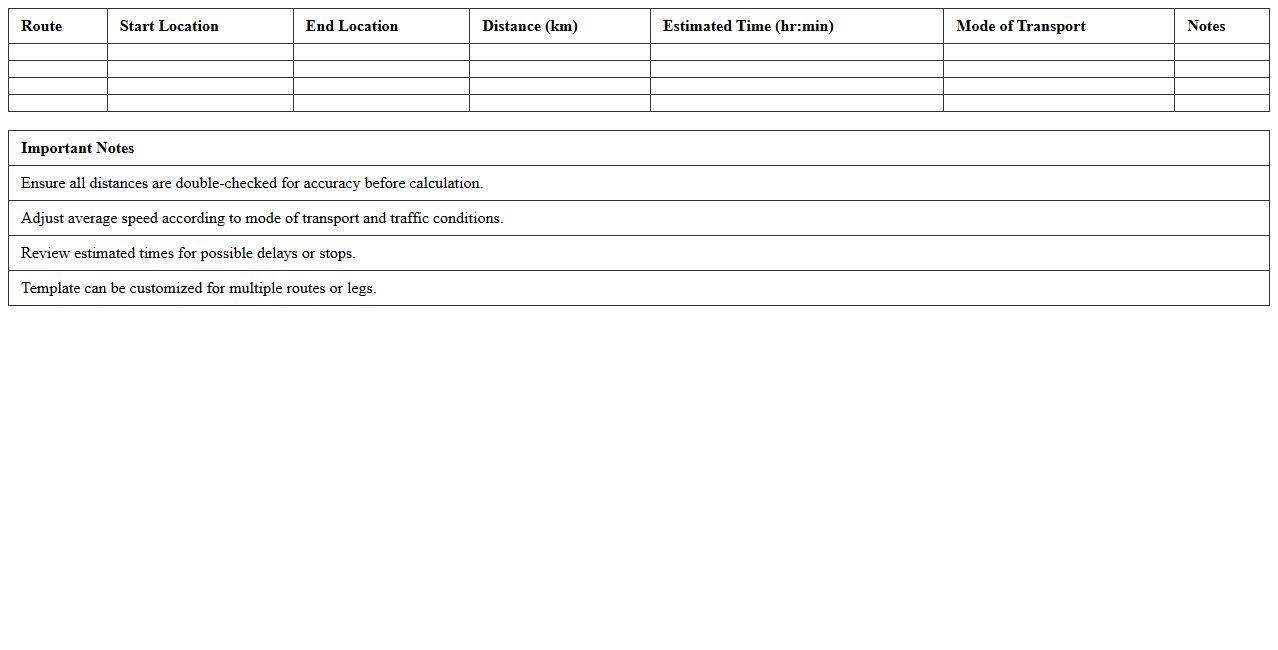
Route Time and Distance Calculator Excel Template is a powerful tool designed to efficiently calculate travel time and distance between multiple locations using customizable input data. It helps optimize route planning by providing accurate metrics for logistics, delivery scheduling, and travel cost estimation. This template enhances decision-making processes by saving time, reducing fuel expenses, and improving overall operational efficiency.
How can pivot tables in Excel highlight inefficient transportation routes for dispatchers?
Pivot tables in Excel allow dispatchers to summarize large datasets effectively, revealing inefficient transportation routes by comparing key metrics such as time, distance, and costs. By grouping routes and analyzing aggregated data, dispatchers can quickly identify which routes consistently underperform or incur higher expenses. This data-driven insight enables targeted improvements and optimized route planning.
What Excel formulas best calculate cost-per-mile for dynamic route adjustments?
Excel formulas like =SUM() and =IF() combined with arithmetic operations help calculate the accurate cost-per-mile by dividing total route cost by total miles traveled. The use of dynamic ranges and named ranges ensures real-time updates as routes change or costs fluctuate. This flexibility supports quick route adjustments to maintain optimal cost efficiency.
How can conditional formatting in Excel signal potential delivery delays on specific routes?
Conditional formatting in Excel can visually highlight routes that exceed expected delivery times by applying color codes based on threshold criteria. For example, routes with completion times greater than estimated can be marked in red to alert dispatchers. This immediate visual cue ensures prompt identification and resolution of potential delays.
How can Excel macros automate daily route assignment updates for dispatchers?
Excel macros automate repetitive tasks by recording a sequence of actions, such as importing data, updating routes, and assigning vehicles. Dispatchers can run these macros daily to refresh route assignments without manual intervention, improving efficiency and accuracy. This automation reduces errors and saves valuable time in route planning.
Which Excel chart types most effectively visualize vehicle utilization across multiple routes?
Bar charts and stacked column charts are highly effective for visualizing vehicle utilization across various routes by clearly showing usage patterns and comparisons. Additionally, pie charts can illustrate the proportion of time or miles spent on each route, making data interpretation intuitive. These visual tools help dispatchers optimize fleet management decisions.
More Transportation Excel Templates