Trade Show Budget Planning Excel Template
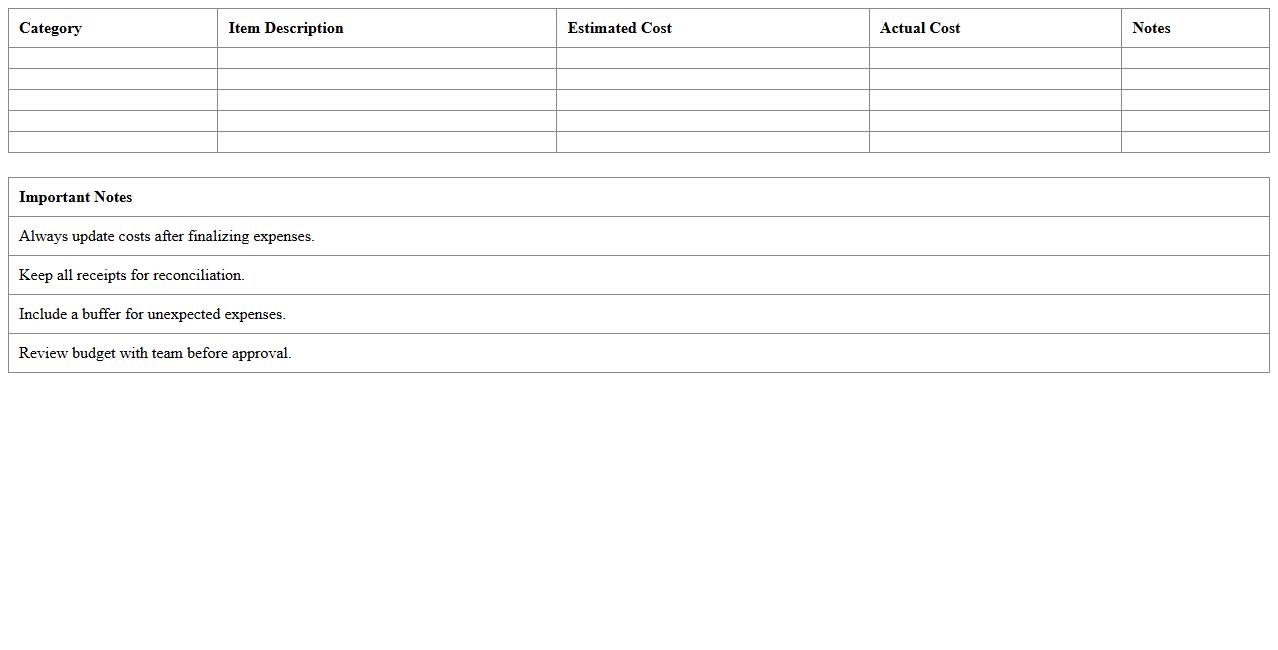
The
Trade Show Budget Planning Excel Template is a comprehensive tool designed to streamline financial management for trade show events, enabling accurate tracking of expenses such as booth rental, travel, marketing materials, and staffing costs. It enhances budget accuracy by providing customizable categories and automated calculations, which help businesses prevent overspending and allocate resources efficiently. This template is invaluable for ensuring clear financial oversight, improving decision-making, and maximizing return on investment during trade show participation.
Marketing Event Schedule Excel Template
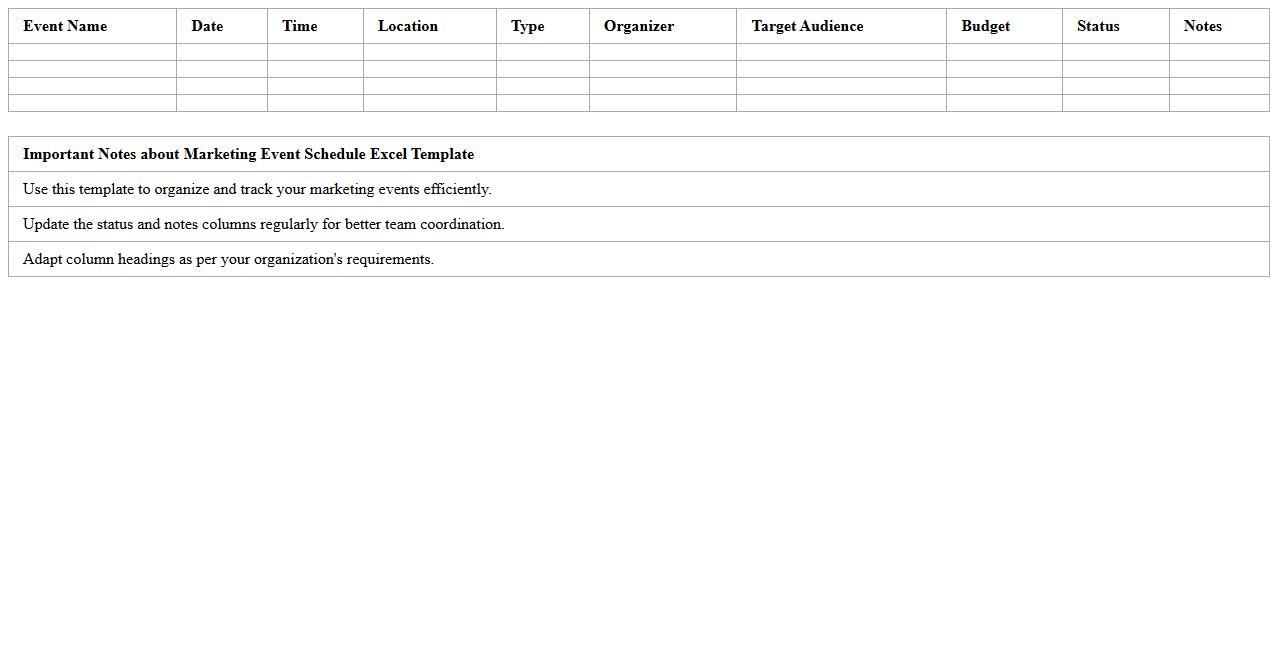
The
Marketing Event Schedule Excel Template is a comprehensive tool designed to organize and track all marketing events efficiently within a spreadsheet format. It allows users to plan timelines, assign responsibilities, set deadlines, and monitor progress, ensuring seamless coordination and timely execution of campaigns. This template enhances productivity by providing a clear visual overview of event schedules, improving communication across teams and optimizing resource allocation.
Exhibitor Contact List Excel Template
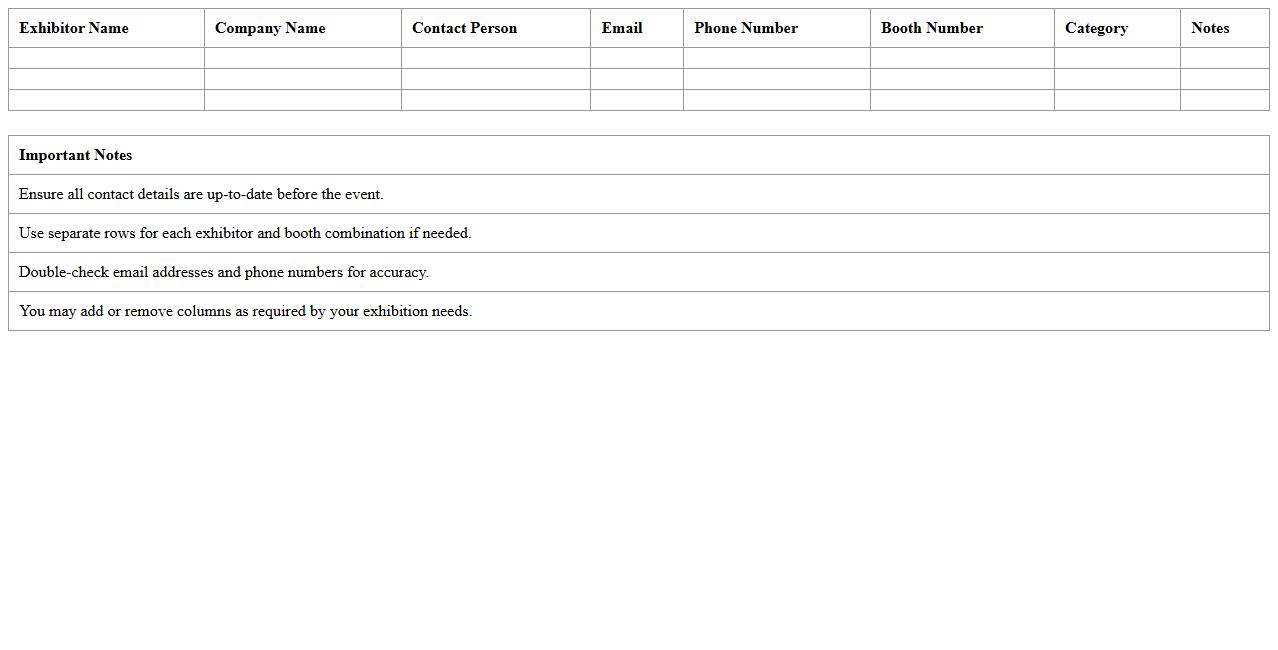
The
Exhibitor Contact List Excel Template is a structured spreadsheet designed to compile and organize detailed information about exhibitors, including names, company details, contact numbers, and email addresses. This template streamlines communication management and facilitates efficient follow-up for event organizers, marketers, and sales teams. Utilizing this document enhances networking opportunities and ensures seamless coordination during and after trade shows or exhibitions.
Trade Show Task Checklist Excel Template
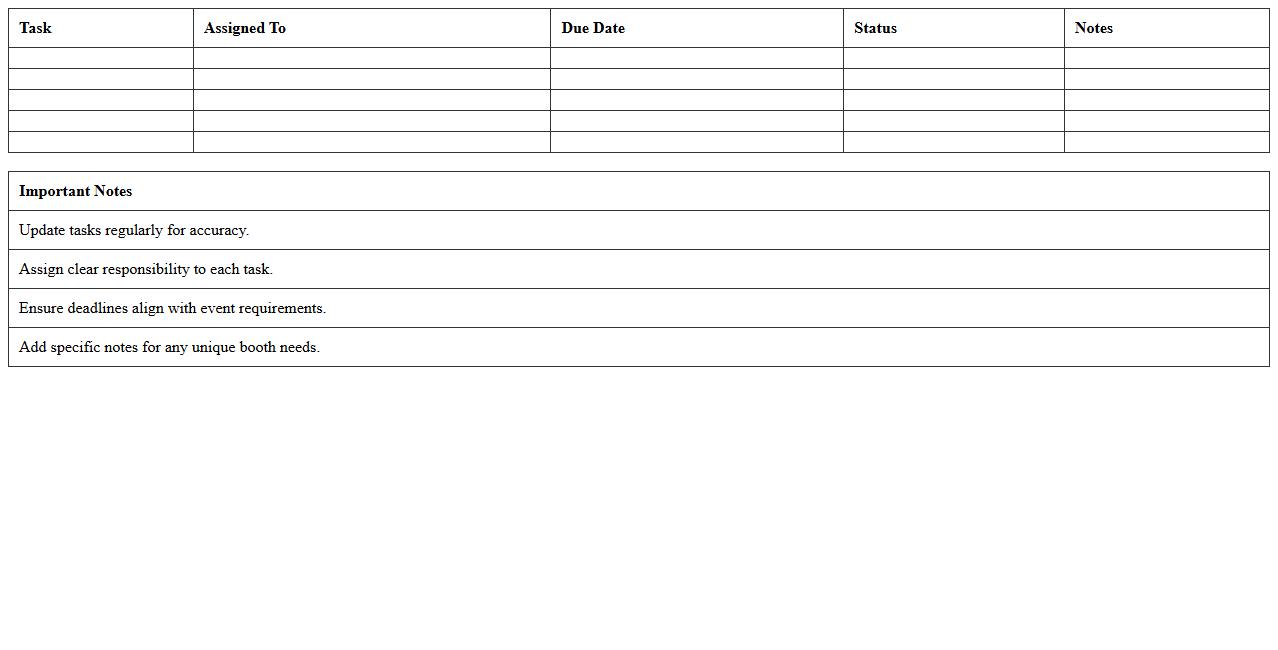
The
Trade Show Task Checklist Excel Template is a comprehensive tool designed to organize and track all tasks related to planning and executing a trade show event. It helps businesses streamline preparations by listing deadlines, responsibilities, and necessary resources in a clear, easily accessible format. Utilizing this template ensures efficient coordination, reduces the risk of overlooked details, and maximizes the impact of participation at trade shows.
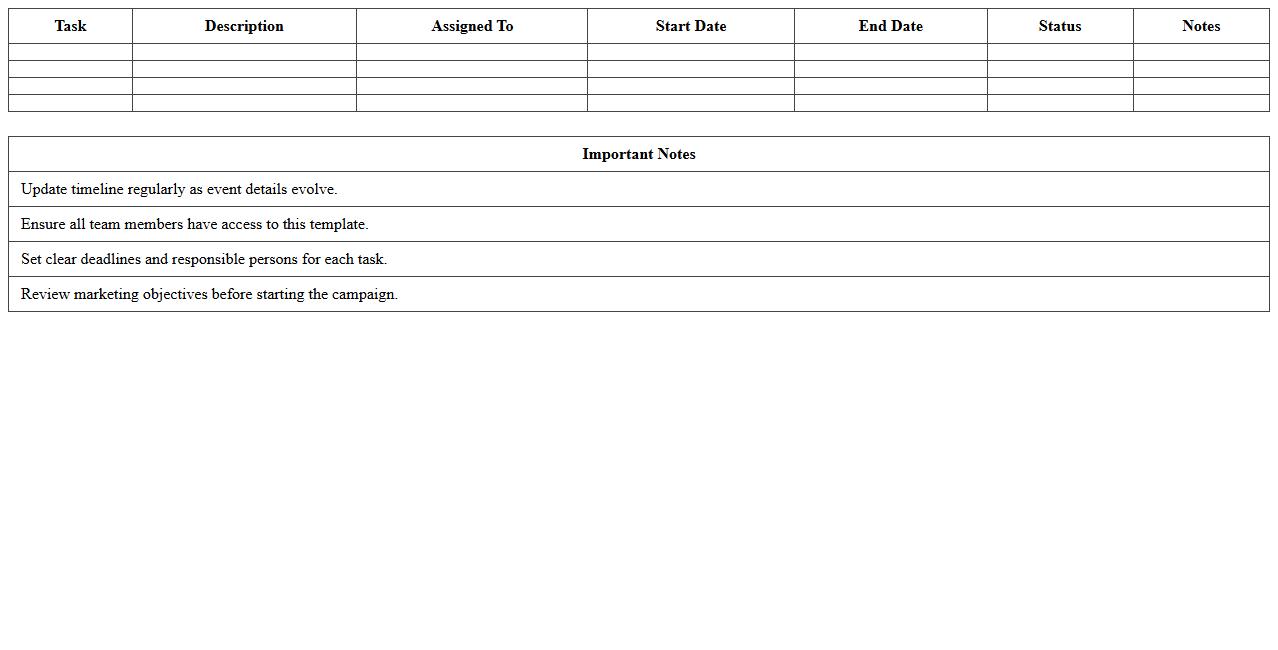
Pre-Event Marketing Timeline Excel Template
The
Pre-Event Marketing Timeline Excel Template is a structured planning tool designed to organize and schedule all promotional activities leading up to an event. It helps marketers allocate resources, set deadlines, and track progress for tasks like social media campaigns, email blasts, and media outreach. By providing a clear timeline and visual layout, this template ensures efficient coordination and maximizes the impact of marketing efforts before the event day.
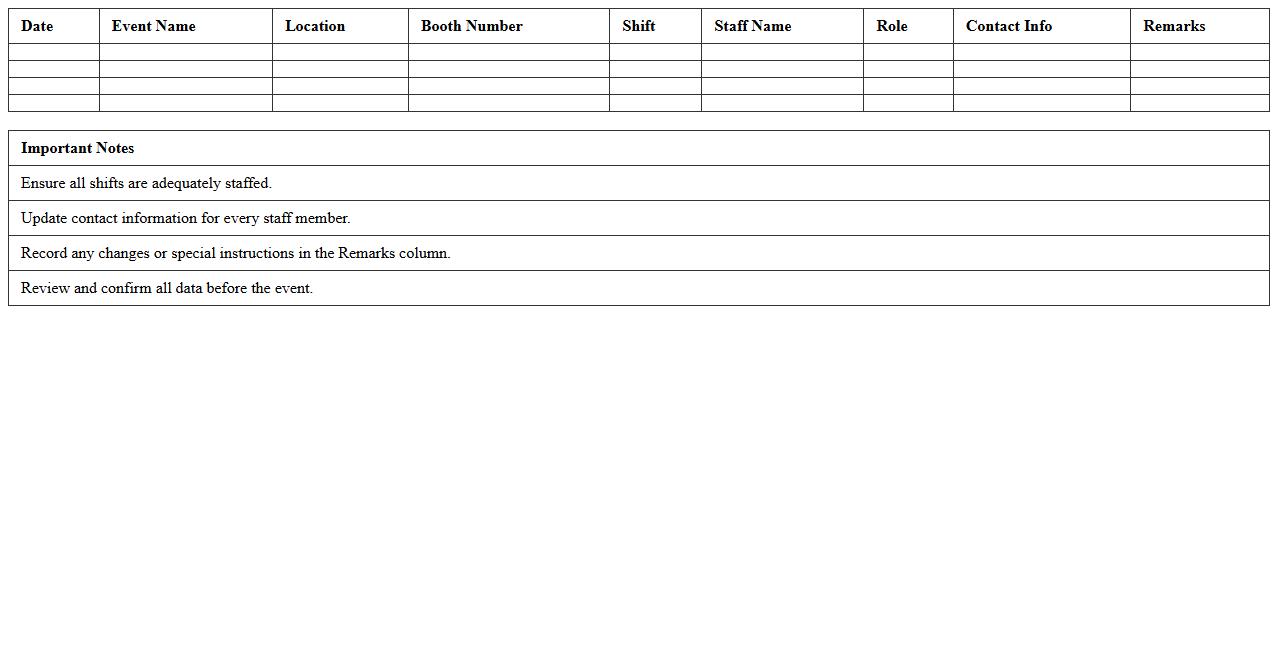
Booth Staffing Roster Excel Template
The
Booth Staffing Roster Excel Template is a structured spreadsheet designed to organize and manage the scheduling of personnel assigned to event booths. It streamlines workforce allocation by providing clear visibility into shifts, roles, and contact details, ensuring efficient coverage and minimizing scheduling conflicts. Using this template enhances communication among team members, improves operational planning, and optimizes resource utilization for event management.
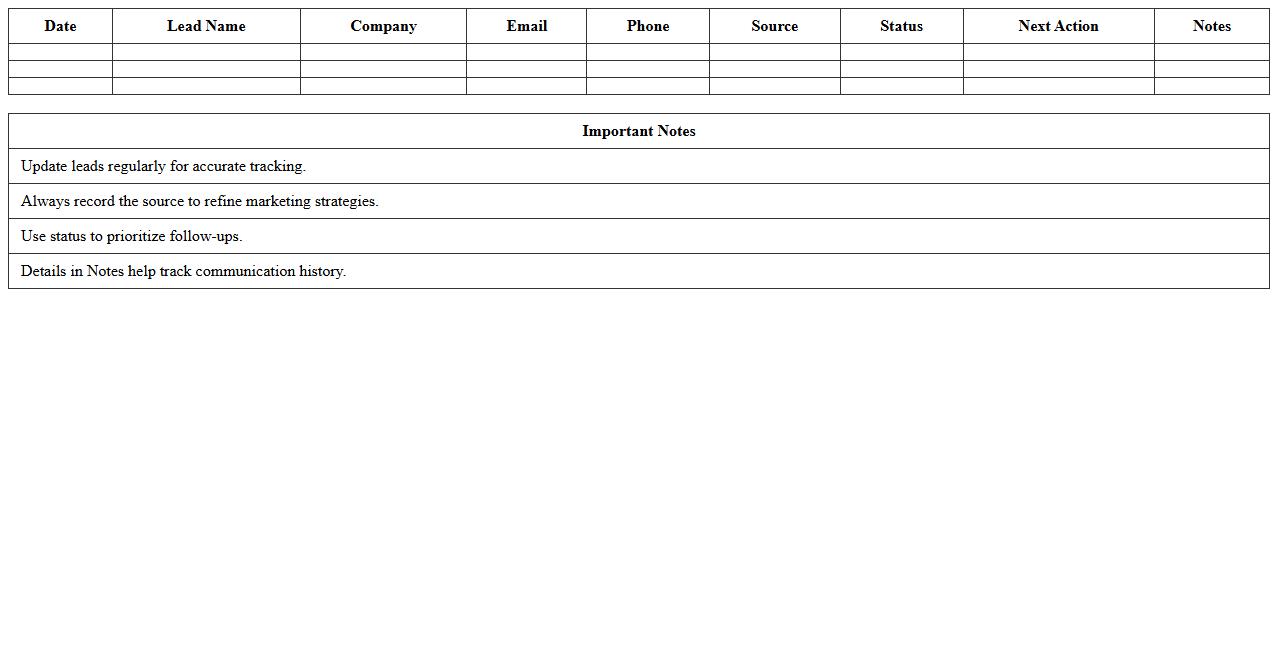
Lead Capture Tracking Excel Template
The
Lead Capture Tracking Excel Template is a structured document designed to systematically record and monitor potential customer information, including contact details, lead source, and engagement status. This template facilitates efficient lead management by enabling users to track progress through various sales funnel stages, prioritize follow-ups, and analyze lead conversion rates. Utilizing this tool enhances organization, improves data accuracy, and supports data-driven decision-making in marketing and sales strategies.
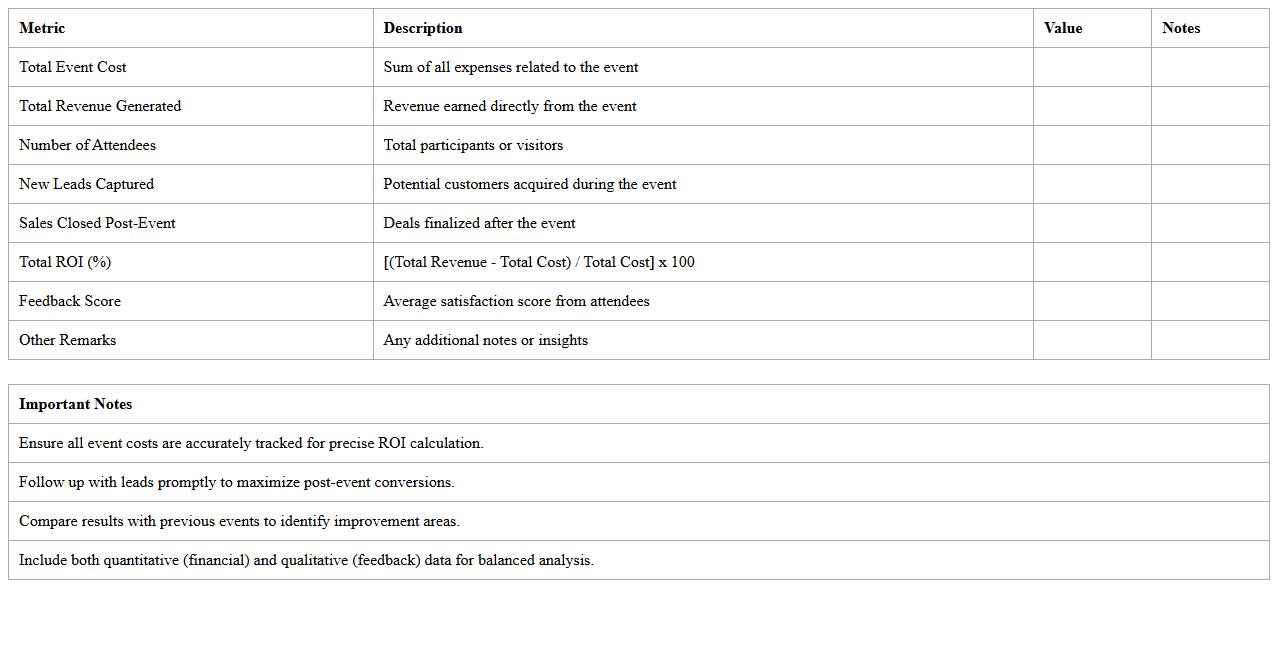
Post-Event ROI Analysis Excel Template
The
Post-Event ROI Analysis Excel Template document is a structured tool designed to measure the financial return on investment from events by tracking costs, revenues, and key performance indicators. It helps organizations quantify the success of events by providing clear visuals and detailed calculations on budget adherence, attendee impact, and overall profitability. Utilizing this template enables businesses to make data-driven decisions, optimize future event strategies, and justify marketing expenditures effectively.
Vendor Coordination Excel Template
The
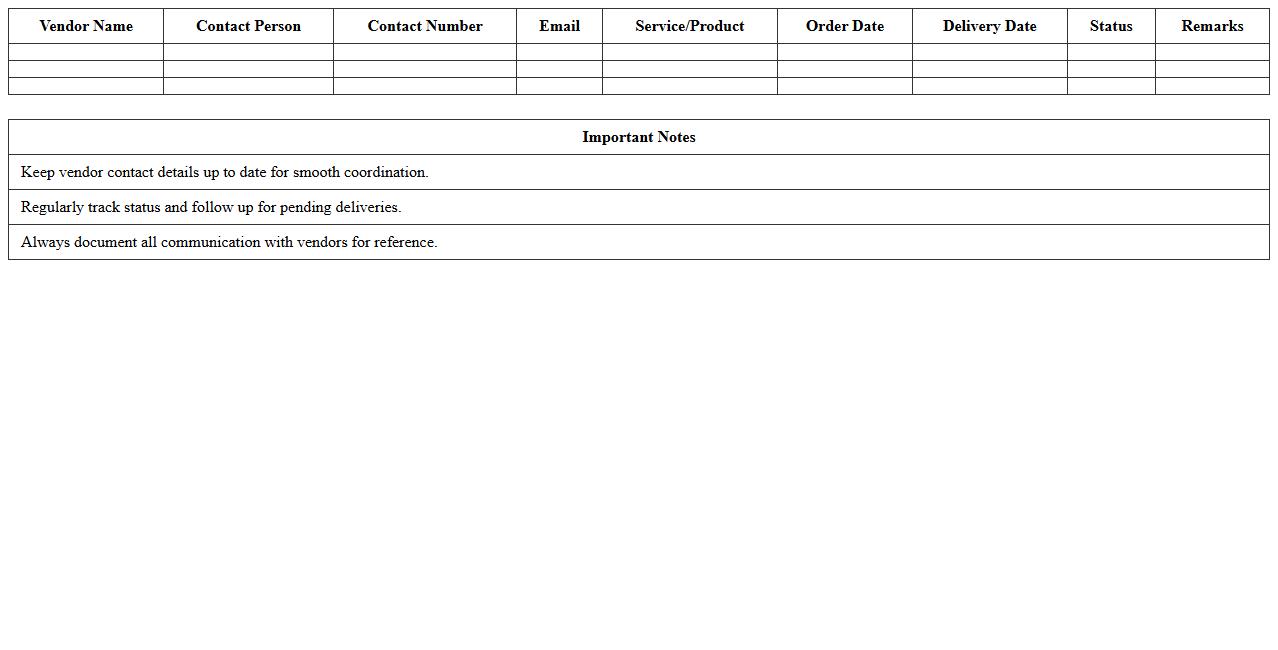
Vendor Coordination Excel Template document is a structured spreadsheet designed to streamline communication and track interactions with multiple vendors efficiently. It helps organize critical data such as contact details, order statuses, delivery schedules, and payment terms, ensuring timely follow-ups and reducing the risk of miscommunication. This template is useful for project managers and procurement teams to maintain clarity, improve vendor relationships, and enhance overall supply chain management.
Trade Show Materials Inventory Excel Template
The
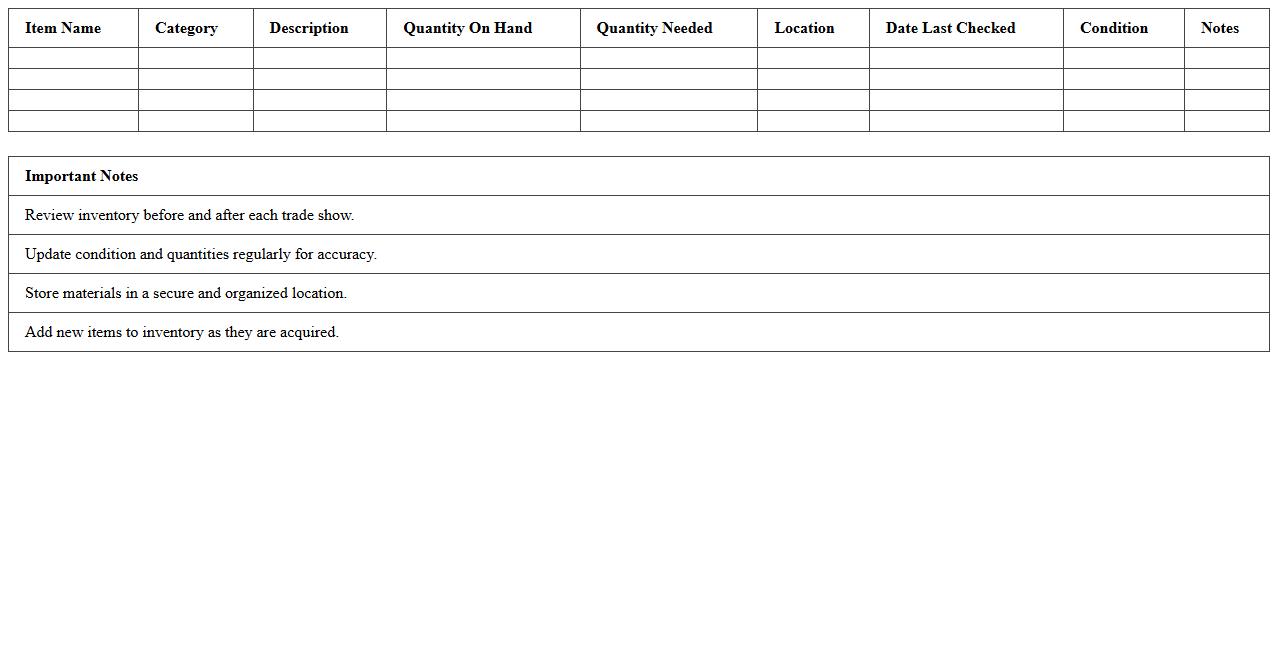
Trade Show Materials Inventory Excel Template is a specialized document designed to organize and track all promotional and presentation items used at trade shows. It helps businesses maintain accurate records of quantities, conditions, and storage locations, ensuring that essential materials are ready for each event. This template streamlines inventory management, reduces the risk of lost or forgotten items, and supports efficient planning for successful trade show participation.
How can Excel templates track marketing collateral inventory for trade show events?
Excel templates streamline inventory tracking by providing a structured format to log quantities of marketing materials. These templates allow real-time updates and alerts when stock levels fall below a predefined threshold. Utilizing drop-down lists and conditional formatting helps maintain accurate and efficient management of trade show collateral.
What Excel formulas best measure ROI from trade show lead follow-ups?
Formulas like SUMIF and VLOOKUP enable precise calculation of revenue generated from specific trade show leads. The ROI formula often used is (Net Profit / Cost) * 100, which can be applied directly within Excel to analyze lead follow-up effectiveness. Combining these formulas delivers insightful measurement of marketing return on investment.
How do you segment booth visitor data in Excel for targeted post-event campaigns?
Visitor data segmentation can be achieved by using Excel's filtering and pivot tables to categorize leads based on demographics or interaction levels. Applying advanced filters and conditional formatting assists in identifying key visitor segments quickly. This segmentation is vital for crafting personalized and effective post-event marketing campaigns.
Which Excel features automate scheduling for event staff during trade show days?
Excel's templates combined with macros allow event managers to create automated schedules for trade show staff. Using formulas like IF and COUNTIF helps balance shift hours and staff availability efficiently. The integration of drop-down lists further streamlines assigning roles and managing event staffing logistics.
How can Excel dashboards visualize budget vs. actual spend for trade show marketing?
Excel dashboards utilize charts like bar graphs and pie charts to visually compare budgeted expenses against actual spend. Incorporating dynamic data ranges with slicers enables easy updates and interactive budget tracking. This approach provides clear insights into financial performance and helps optimize trade show marketing budgets.