Lead Generation Tracker Excel Template
The
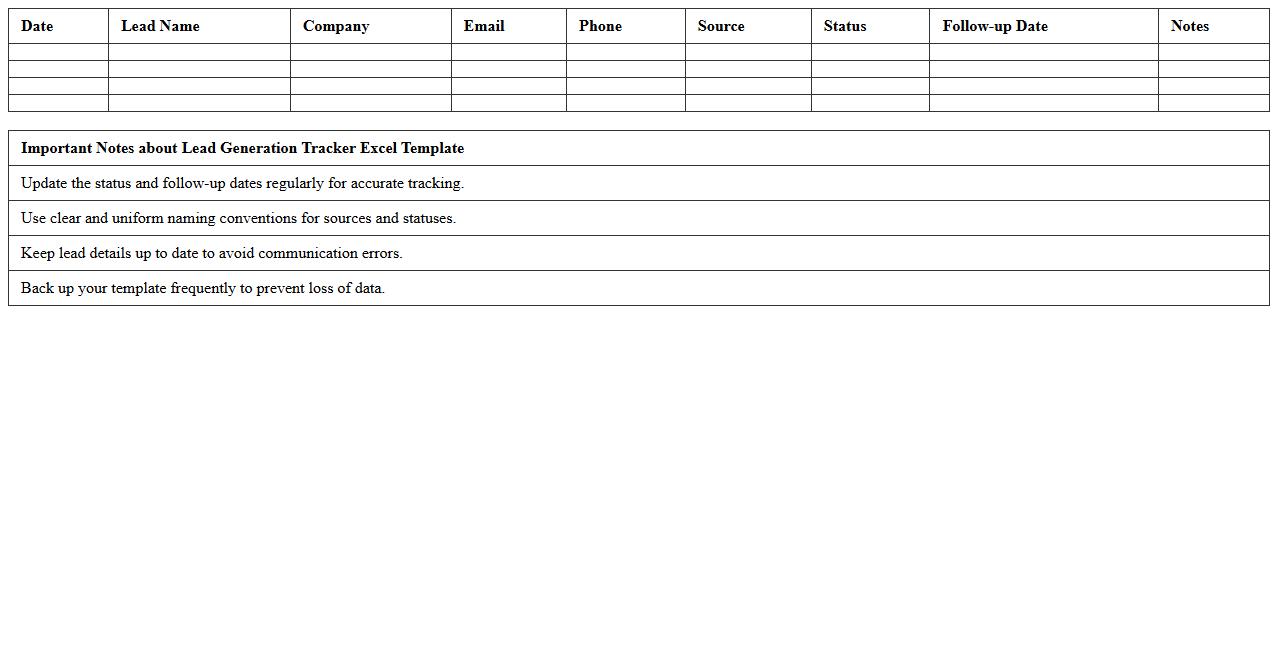
Lead Generation Tracker Excel Template is a structured spreadsheet designed to organize and monitor potential customer inquiries and contact details systematically. It helps businesses track the progress of leads through different sales stages, allowing for efficient follow-up and analysis of lead quality and source performance. Using this template improves lead management, increases conversion rates, and supports data-driven decision-making in marketing strategies.
Email Campaign Performance Excel Sheet
An
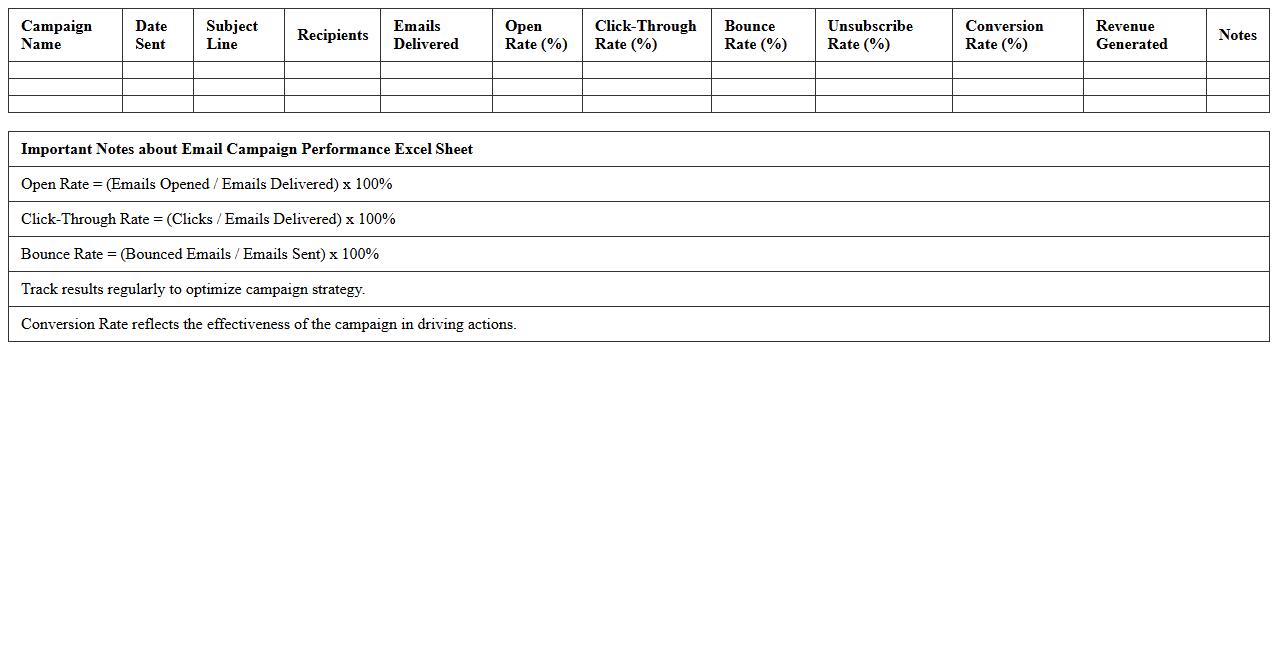
Email Campaign Performance Excel Sheet document is a comprehensive tool designed to track and analyze key metrics such as open rates, click-through rates, conversion rates, and unsubscribe rates for email marketing campaigns. This data-driven approach allows marketers to identify trends, measure campaign effectiveness, and optimize future strategies for higher engagement and ROI. By consolidating performance insights in one organized spreadsheet, teams can efficiently make informed decisions and improve overall email marketing outcomes.
E-commerce Conversion Funnel Analysis Template
An
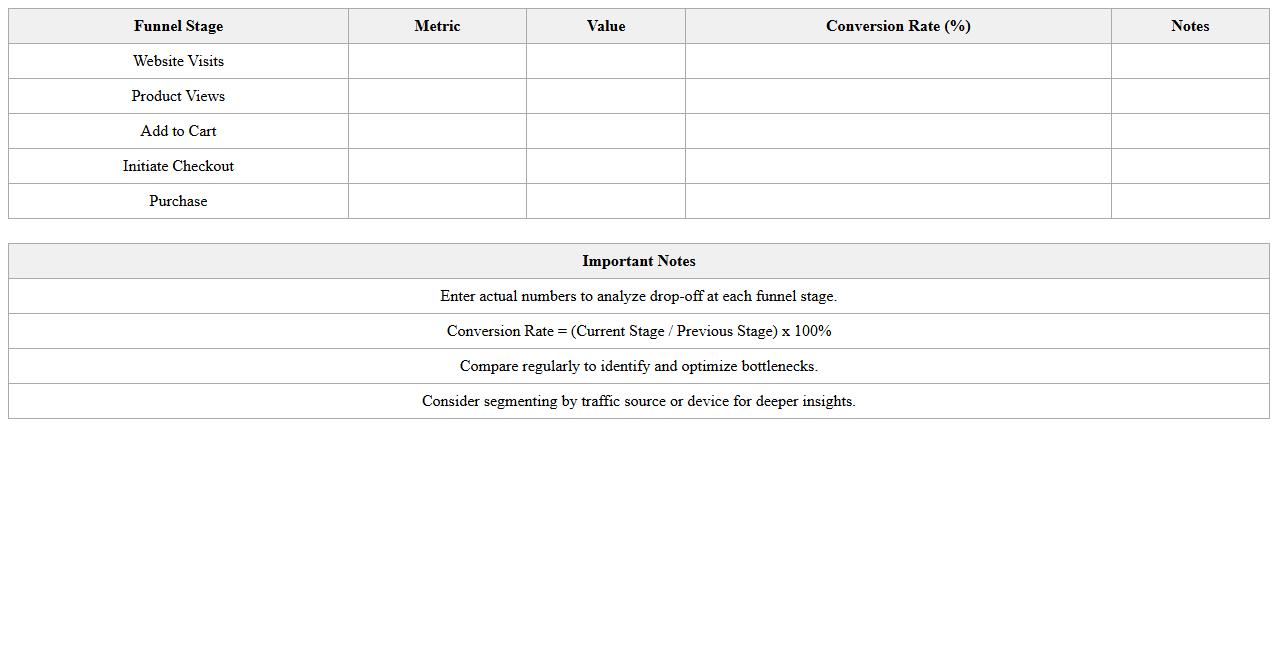
E-commerce Conversion Funnel Analysis Template document systematically tracks and visualizes customer behavior at each stage of the online purchasing process, from site visit to final sale. This tool enables businesses to identify drop-off points, optimize user experience, and increase sales by focusing on key conversion metrics such as cart abandonment rate and checkout completion. By analyzing data-driven insights, companies can tailor marketing strategies and improve website performance to boost overall revenue.
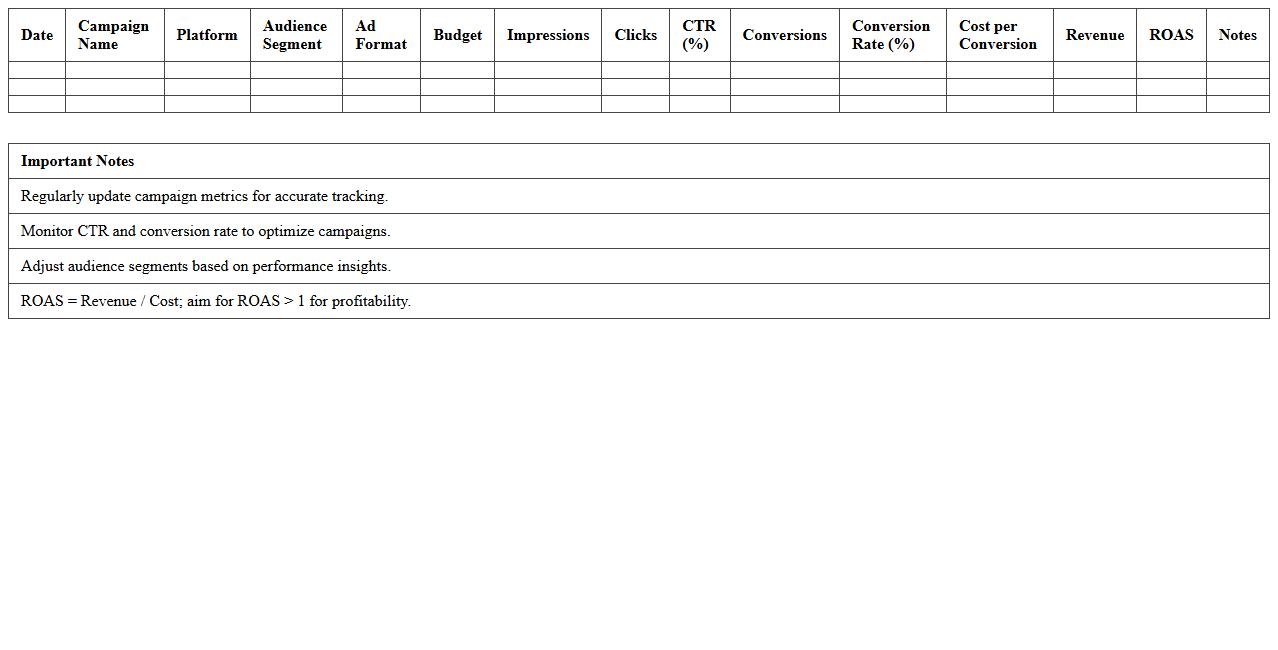
Paid Ads ROI Tracking Spreadsheet
A
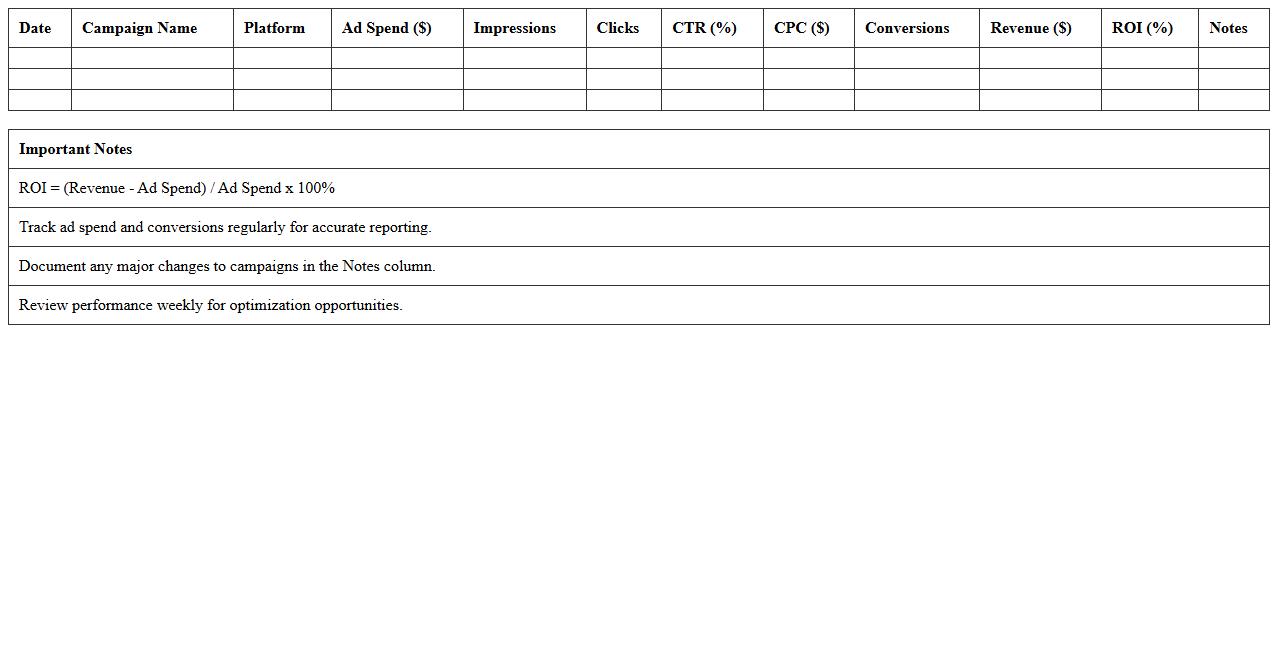
Paid Ads ROI Tracking Spreadsheet is a tool designed to monitor and measure the return on investment from advertising campaigns across platforms like Google Ads, Facebook Ads, and Instagram Ads. It helps businesses analyze cost per click, conversion rates, and revenue generated, enabling data-driven decisions to optimize ad spend effectively. By using this spreadsheet, marketers can identify high-performing ads, reduce budget waste, and maximize overall campaign profitability.
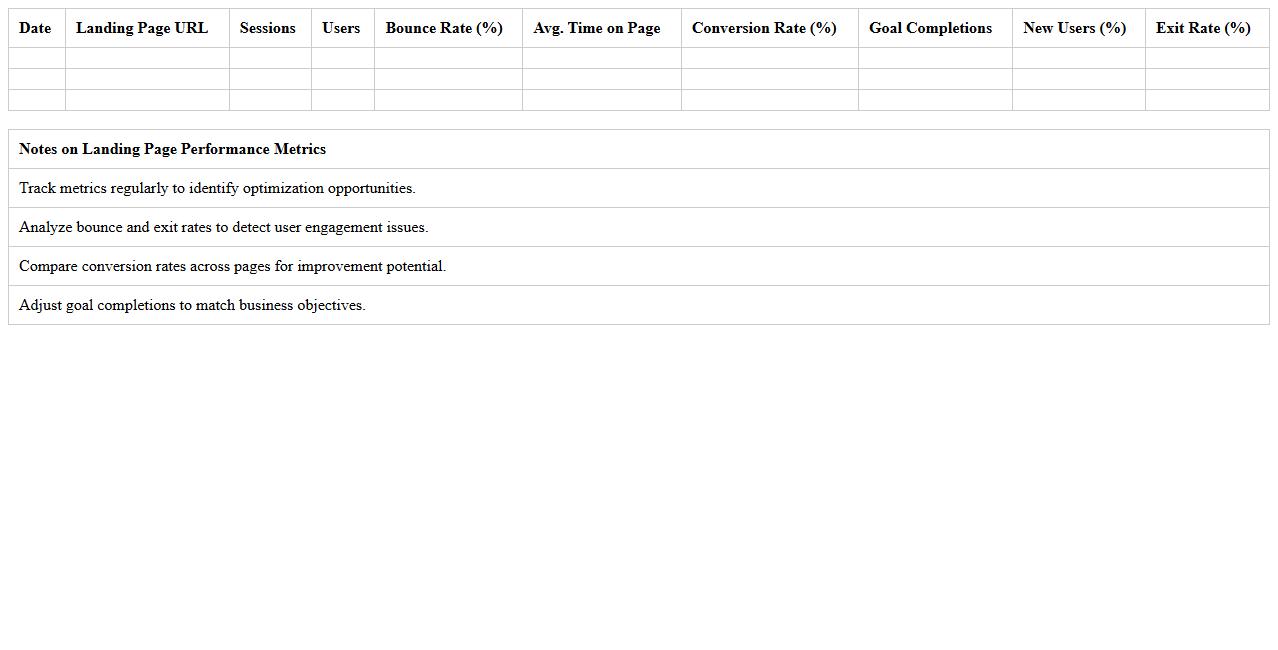
Landing Page Performance Metrics Excel
The
Landing Page Performance Metrics Excel document is a comprehensive tool designed to track, analyze, and visualize key performance indicators such as conversion rates, bounce rates, and user engagement for landing pages. It enables marketers and web analysts to make data-driven decisions by consolidating metrics into clear, actionable reports. This document helps optimize marketing strategies, improve user experience, and increase overall campaign effectiveness by identifying strengths and areas for improvement on landing pages.
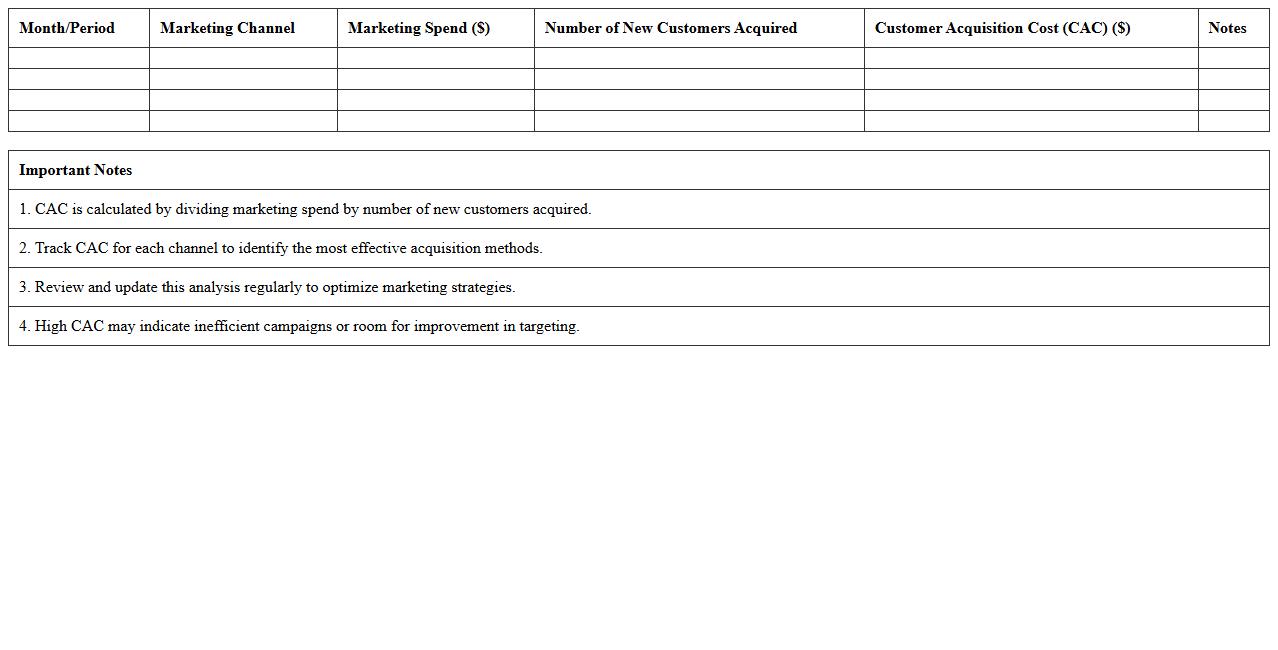
Customer Acquisition Cost Analysis Template
The
Customer Acquisition Cost Analysis Template document calculates the total expenses involved in gaining a new customer, including marketing, sales, and operational costs. It helps businesses identify the cost-effectiveness of their acquisition strategies by breaking down each expense category and comparing it against customer value. Using this template allows organizations to optimize budgets, improve return on investment (ROI), and make data-driven decisions for sustainable growth.
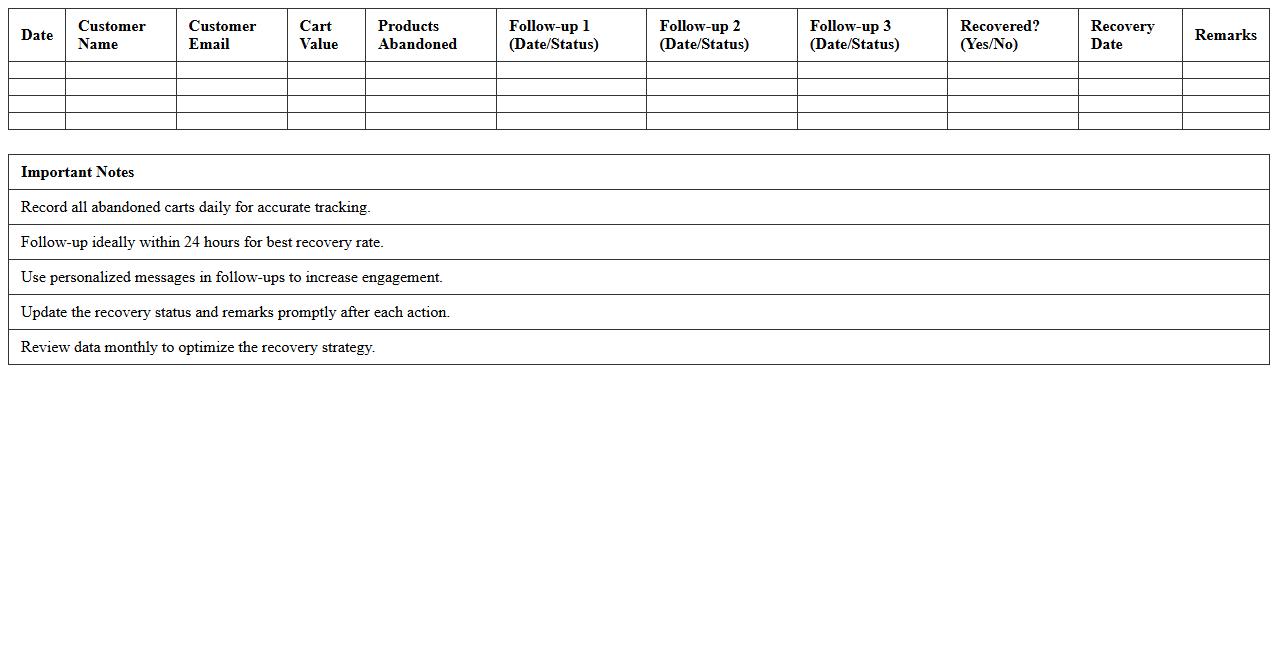
Abandoned Cart Recovery Tracking Sheet
An
Abandoned Cart Recovery Tracking Sheet is a document used to monitor and analyze instances when customers add items to their online shopping cart but leave without completing the purchase. This tool helps businesses identify patterns and reasons behind cart abandonment, enabling targeted follow-ups and optimized marketing strategies to recover lost sales. By systematically tracking recovery efforts, companies improve conversion rates and increase overall revenue.
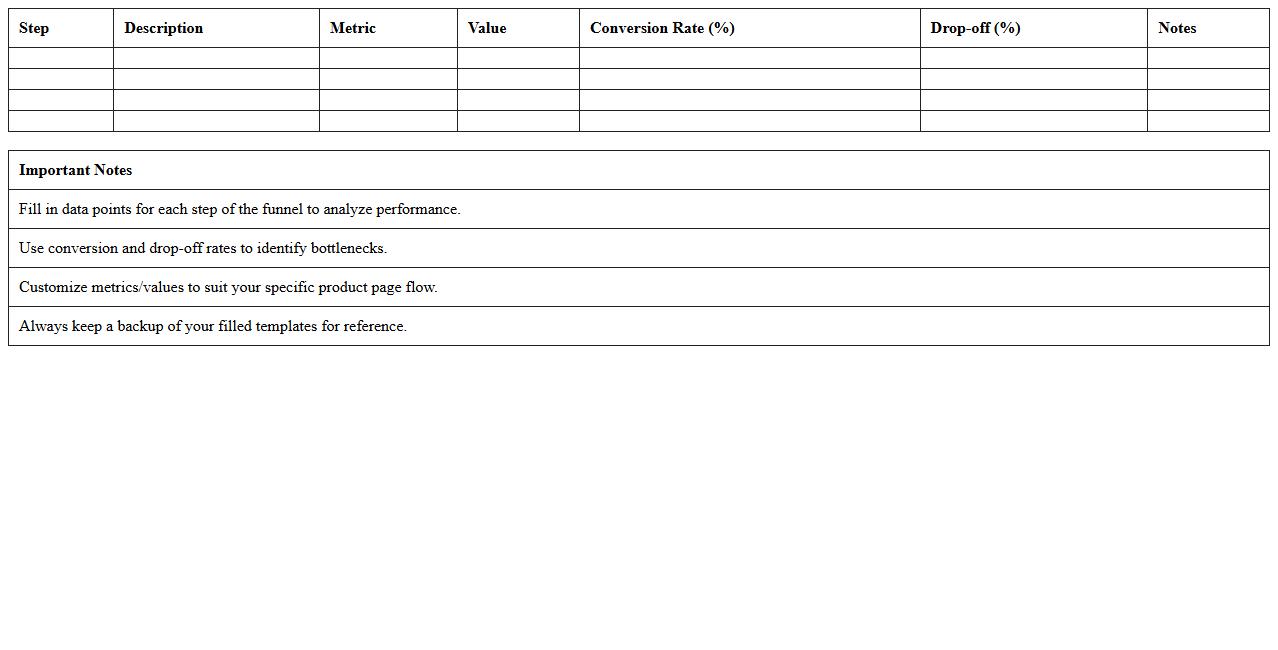
Product Page Funnel Breakdown Excel
The
Product Page Funnel Breakdown Excel document provides a detailed analysis of user behavior across different stages of the sales funnel on product pages, enabling businesses to pinpoint drop-off points and optimize conversion rates. By breaking down traffic acquisition, engagement metrics, and conversion statistics, this tool helps marketers and product managers make data-driven decisions to improve user experience and increase revenue. Its structured format allows for easy tracking of funnel performance over time, enhancing strategic planning and targeted marketing efforts.
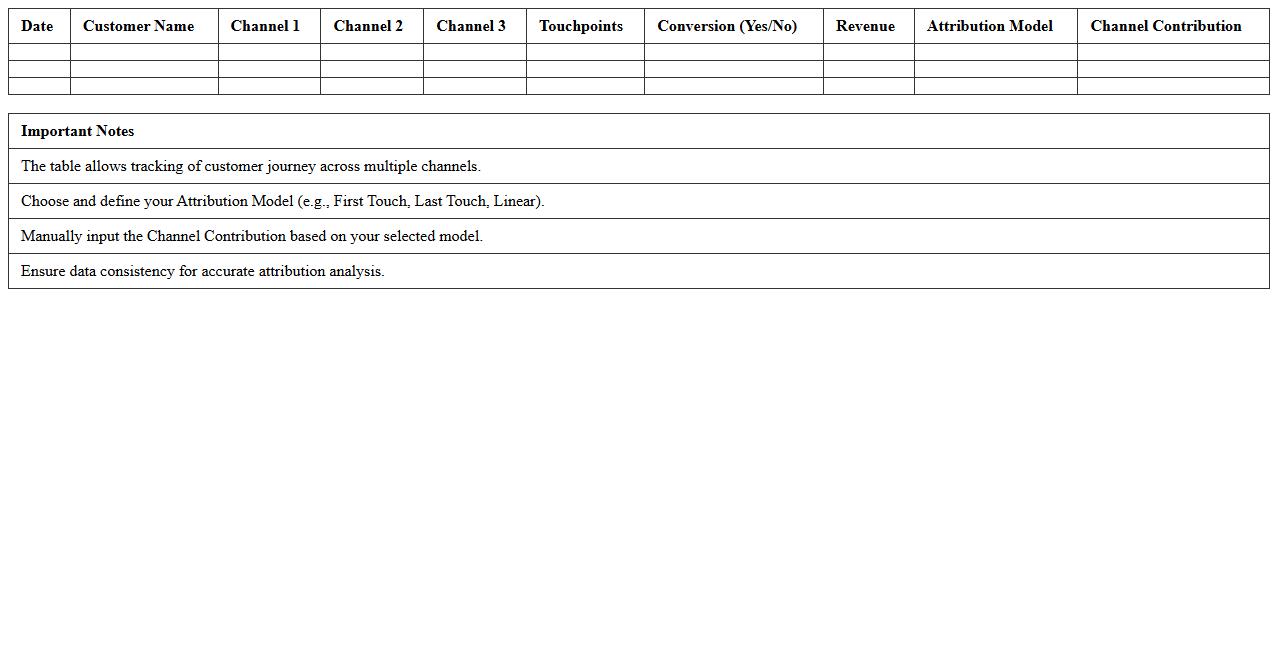
Multi-Channel Attribution Excel Template
A
Multi-Channel Attribution Excel Template is a powerful tool designed to track and analyze the performance of multiple marketing channels in driving conversions and sales. It enables businesses to allocate credit accurately across various touchpoints, such as social media, email, paid ads, and organic search, helping identify which channels contribute most effectively to the customer journey. Using this template enhances decision-making by providing clear insights into marketing ROI, optimizing budget allocation, and improving overall campaign efficiency.
Retargeting Campaign Results Tracker
The
Retargeting Campaign Results Tracker document systematically records key performance metrics such as click-through rates, conversion rates, and return on ad spend. This tool enables precise analysis of audience engagement and campaign effectiveness, facilitating data-driven adjustments to optimize marketing strategies. By tracking these results, businesses can improve targeting accuracy and maximize advertising ROI over time.
What are the key metrics to track in a Marketing Funnel Excel for e-commerce sales conversion?
Tracking conversion rate is crucial as it shows the percentage of visitors who complete a purchase. Monitoring customer acquisition cost (CAC) helps to understand the efficiency of marketing spend. Additionally, tracking average order value (AOV) gives insights into revenue per transaction.
How to visualize customer drop-off stages in a Marketing Funnel Excel for e-commerce brands?
Using a funnel chart in Excel clearly illustrates the stages where customers leave the process. Conditional formatting can highlight high drop-off points in color gradients for quick analysis. Layering percentage decreases between stages enhances visualization of customer churn.
Which automation formulas best optimize lead scoring in an e-commerce marketing funnel Excel sheet?
Formulas using SUMPRODUCT and IF statements can automate weighted lead scores based on user interactions. Incorporating VLOOKUP or INDEX MATCH matches lead behavior to predefined score criteria. Dynamic updating with ARRAYFORMULA ensures real-time lead prioritization.
How can you segment email campaign data in a marketing funnel Excel for targeted e-commerce promotions?
Filtering by customer demographics such as age or location helps create personalized email lists. Using pivot tables to group data by engagement metrics like open rates or click-throughs improves targeting strategy. Combining segmentation with purchase history maximizes promotion relevance.
What pivot table configurations reveal most profitable channels in an e-commerce funnel Excel document?
Setting channels as rows and revenue as values displays direct sales performance per marketing source. Adding profit margins as calculated fields prioritizes profitability over just volume. Filtering by time periods helps identify trends and peak channel effectiveness.