Export Shipment Schedule Tracker Excel Template
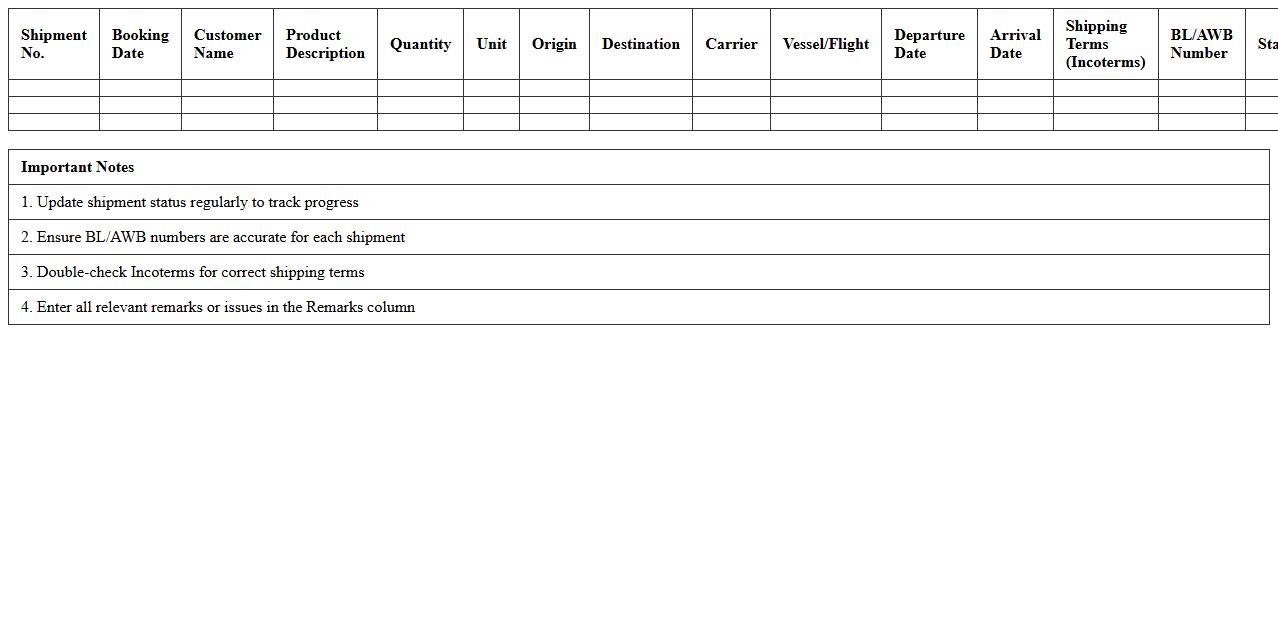
The
Export Shipment Schedule Tracker Excel Template is a structured spreadsheet designed for managing and monitoring export shipments efficiently. It helps track shipment dates, destinations, and statuses, ensuring timely deliveries and minimizing delays. This template enhances organization, improves communication with logistics teams, and supports accurate forecasting and reporting for export operations.
Freight Cost Calculation Sheet for Export Logistics
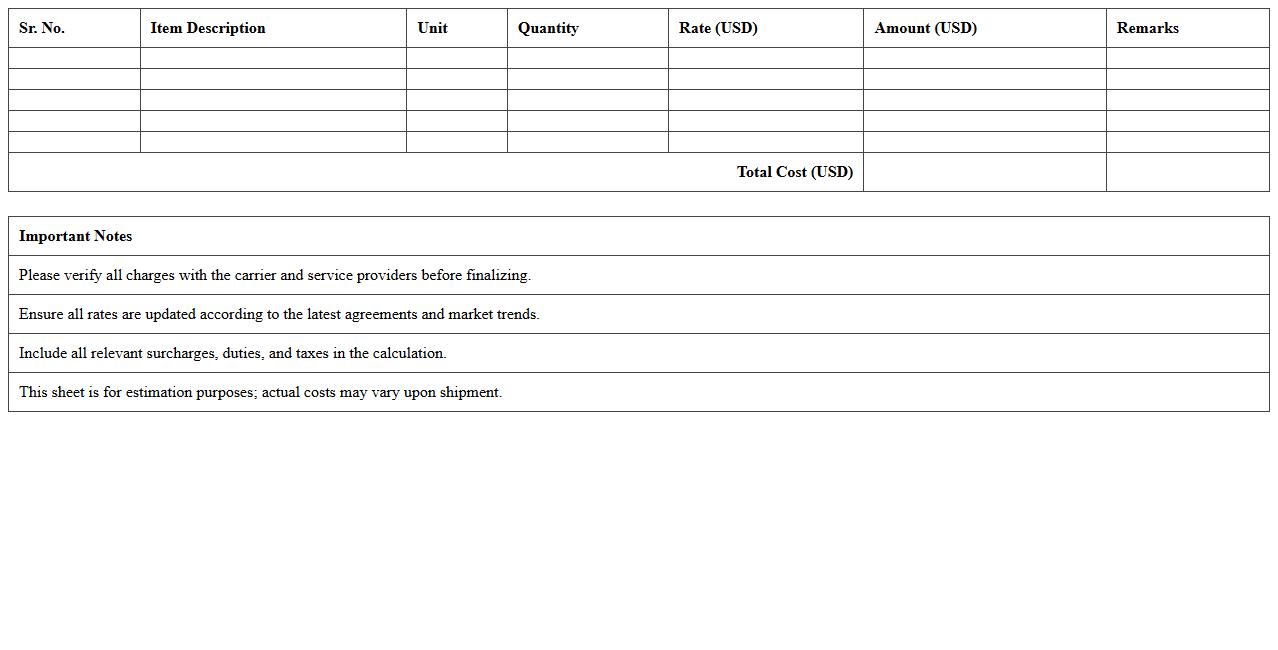
A
Freight Cost Calculation Sheet for Export Logistics is a detailed document that itemizes all expenses related to shipping goods internationally, including freight charges, customs duties, insurance, and handling fees. This sheet helps businesses accurately estimate total export costs, enabling better budgeting and pricing strategies. It also serves as a crucial tool for comparing different shipping options and ensuring compliance with international trade regulations.
Export Packing List Excel Sheet Template
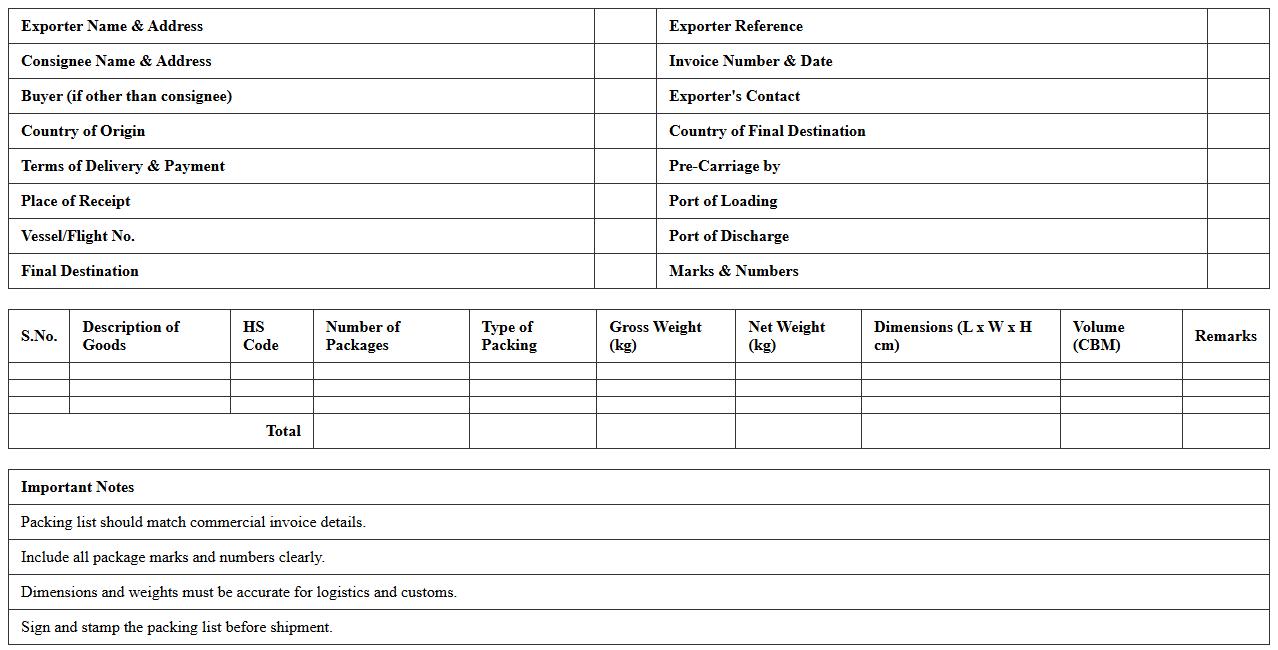
An
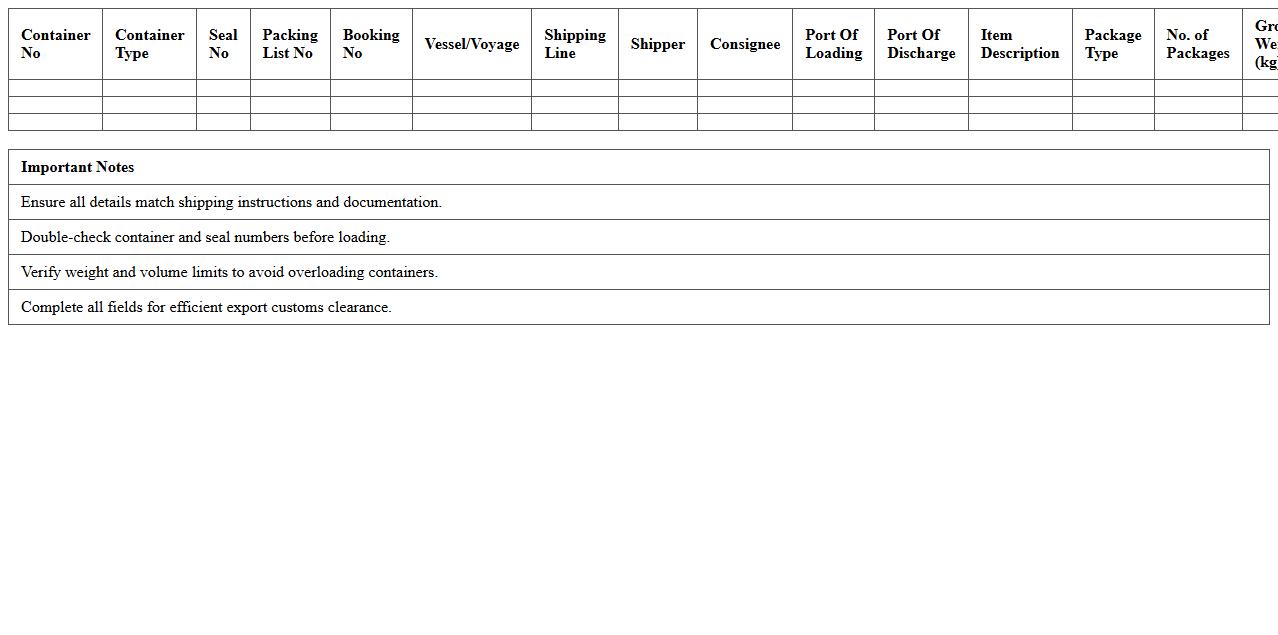
Export Packing List Excel Sheet Template is a standardized document used to detail the contents, quantities, and specifications of goods shipped internationally. This template streamlines the packing process by organizing product information clearly, ensuring compliance with customs regulations and facilitating smooth logistics handling. Using this template reduces errors, saves time in documentation, and enhances communication between exporters, freight forwarders, and customs authorities.
Shipment Booking and Tracking Log Template
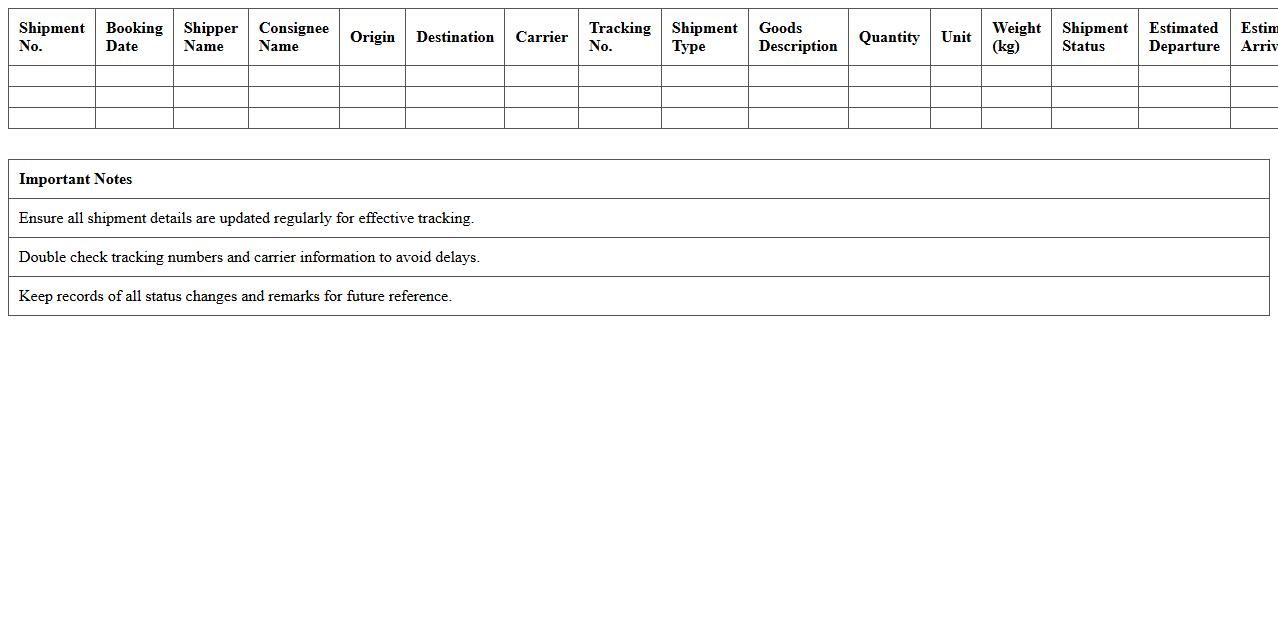
A
Shipment Booking and Tracking Log Template is a structured document designed to record and monitor shipment details, including booking dates, carrier information, tracking numbers, and delivery status. It streamlines communication between logistics teams and customers, ensuring accurate and timely updates on the movement of goods. Using this template enhances operational efficiency, reduces errors, and improves overall supply chain visibility.
Export Container Load Planning Excel Template
The
Export Container Load Planning Excel Template document is a specialized tool designed to streamline the organization and optimization of cargo loading within shipping containers. It allows users to efficiently allocate space, track item dimensions and weights, and ensure compliance with export regulations, reducing the risk of damage and shipping delays. This template enhances operational efficiency by providing clear visibility into load distribution and maximizing container utilization, essential for cost-effective and timely export logistics.
Export Order Dispatch Planning Worksheet
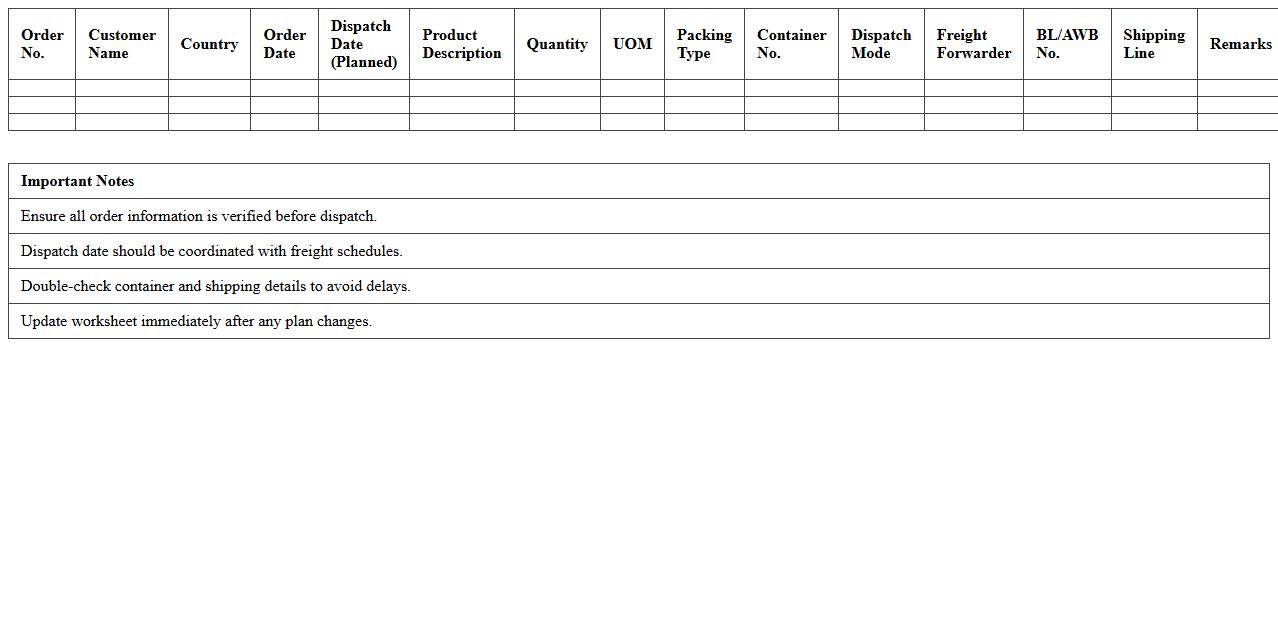
The
Export Order Dispatch Planning Worksheet is a strategic document used to organize and schedule the shipment of export orders efficiently. It helps businesses coordinate logistics by detailing order quantities, shipment dates, destination ports, and transport modes, ensuring timely dispatch and compliance with export regulations. Utilizing this worksheet enhances supply chain visibility, reduces delays, and optimizes resource allocation for seamless international trade operations.
Shipment Documentation Checklist Excel Template
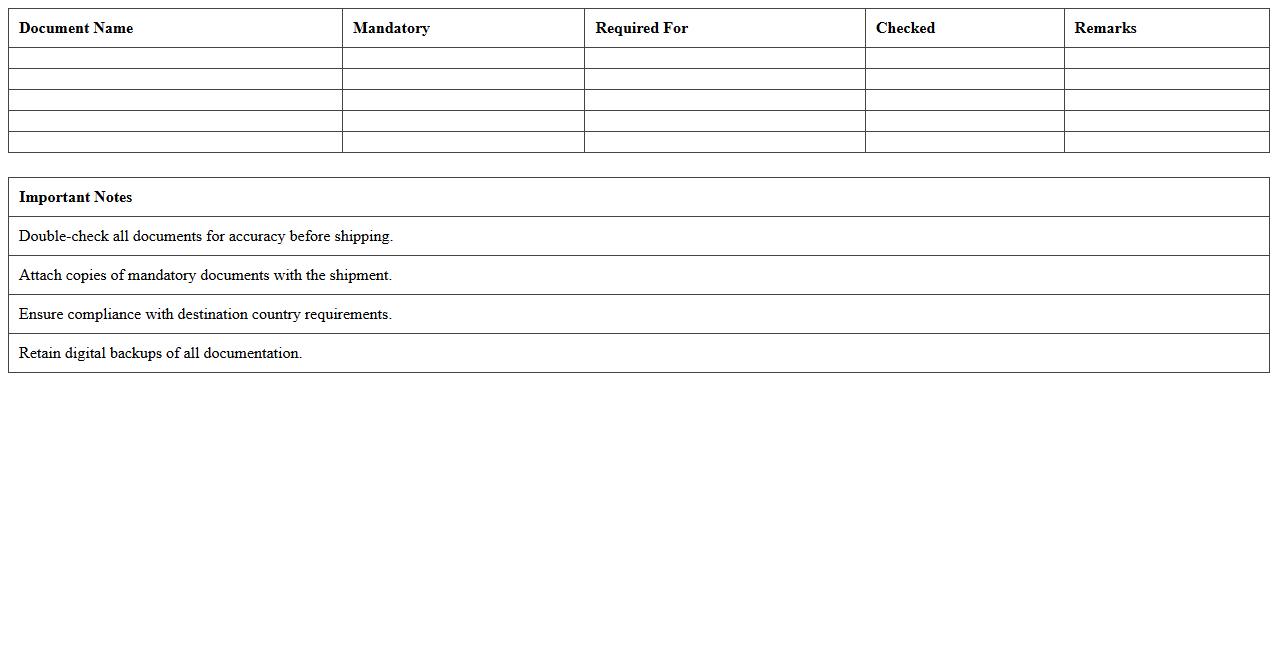
A
Shipment Documentation Checklist Excel Template is a structured digital tool designed to organize and track all necessary shipping documents such as bills of lading, packing lists, and customs paperwork. It ensures compliance with shipping regulations, reduces the risk of lost or incomplete documents, and streamlines communication between suppliers, carriers, and customs officials. This template enhances operational efficiency by providing a clear overview of documentation status, enabling timely shipment processing and minimizing delays.
Export Transit Time Planning Spreadsheet
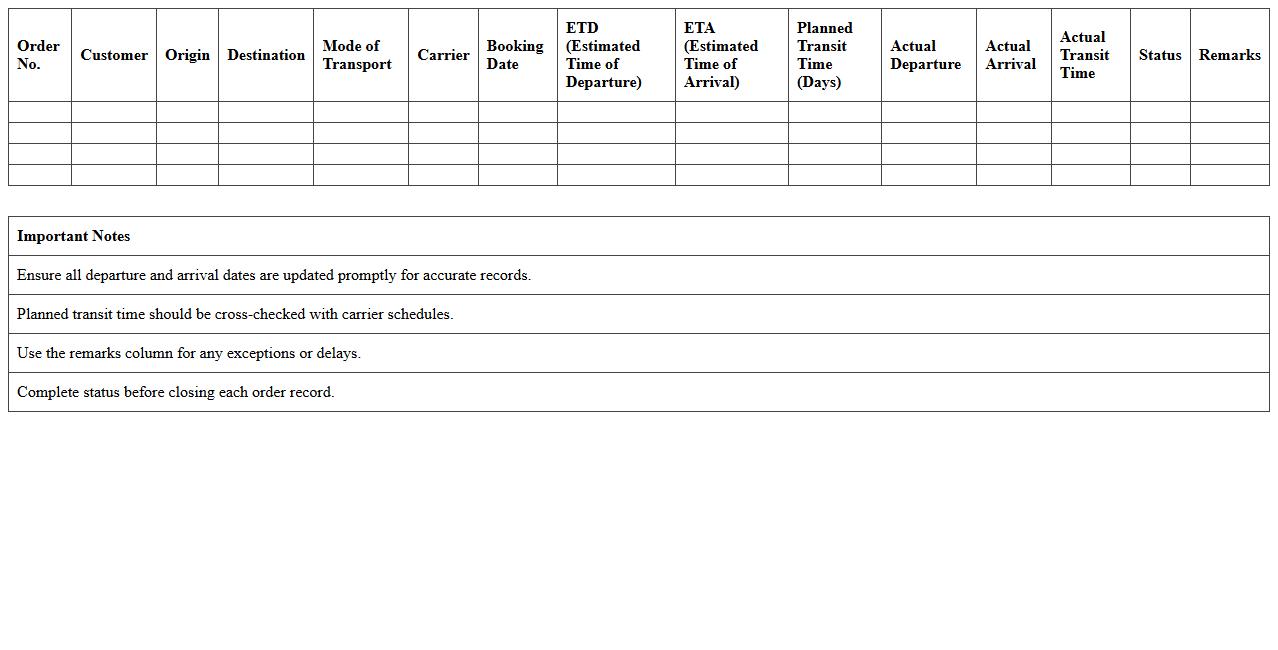
The
Export Transit Time Planning Spreadsheet is a tool designed to organize and calculate the estimated transit durations for shipments in international trade. It enables businesses to track shipping schedules, compare transit times across different carriers, and optimize delivery timelines for exports. Utilizing this spreadsheet helps improve supply chain efficiency, reduce delays, and provide accurate delivery forecasts to customers.
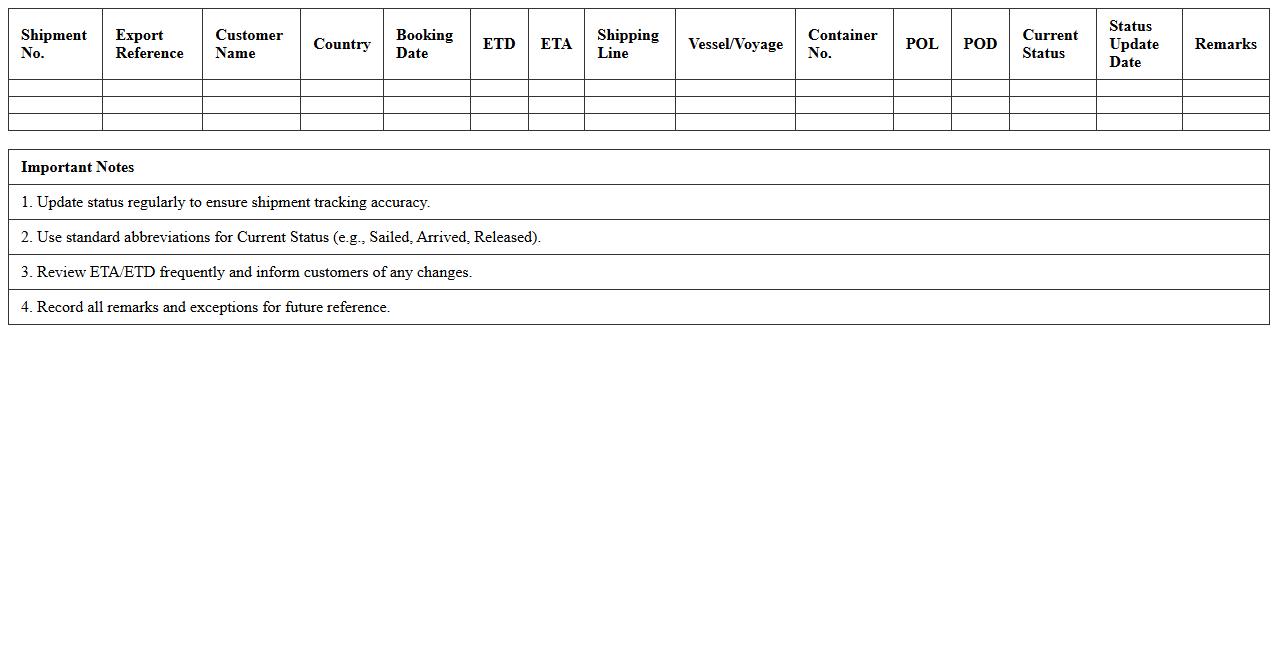
Export Shipment Status Update Tracker
The
Export Shipment Status Update Tracker document provides real-time information on the progress and location of goods during international transit. It helps businesses monitor shipment timelines, anticipate delays, and coordinate logistics efficiently. By maintaining accurate status updates, companies can improve supply chain transparency and ensure timely delivery to customers.
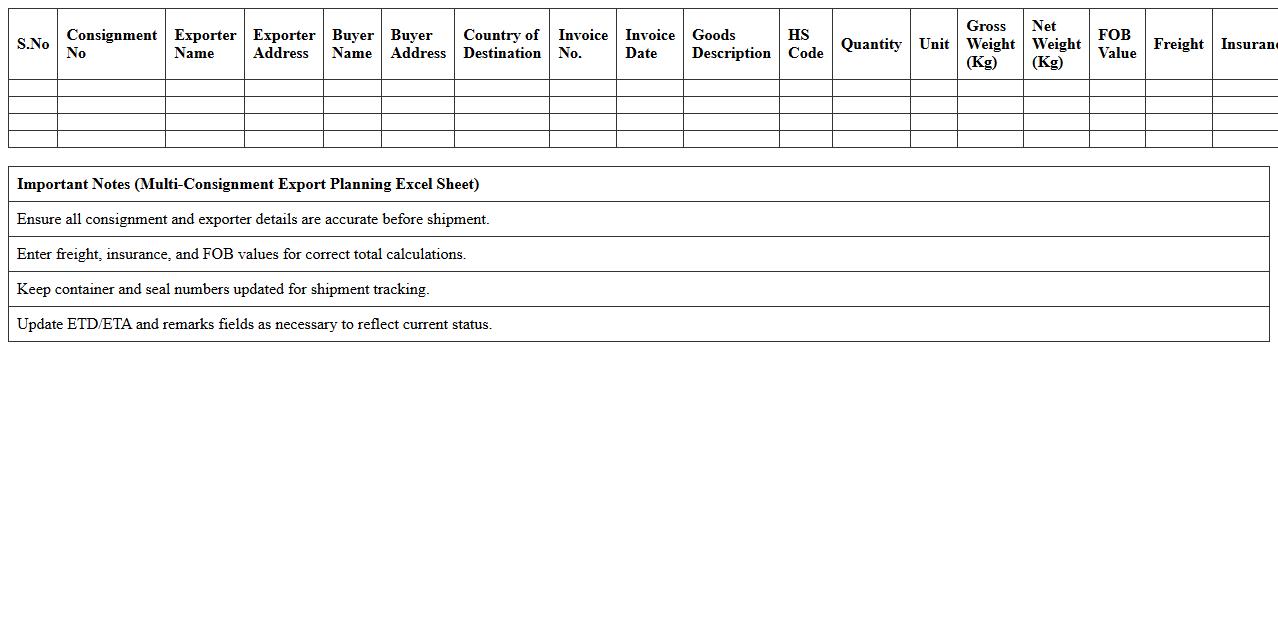
Multi-Consignment Export Planning Excel Sheet
The
Multi-Consignment Export Planning Excel Sheet is a comprehensive tool designed to streamline the management of multiple export consignments by organizing shipment details, schedules, and documentation in a single, accessible format. It enhances export efficiency by enabling precise tracking of various consignments, forecasting costs, and ensuring compliance with international trade regulations. This document serves as a vital resource for exporters to minimize errors, optimize resource allocation, and improve timely delivery across diverse export destinations.
How to automate shipment schedule tracking in Excel for multiple export orders?
To automate shipment schedule tracking, use Excel's conditional formatting to highlight upcoming and delayed shipments. Implement dynamic tables with Excel formulas like TODAY() and IF() to update statuses based on current dates. Additionally, leverage Excel macros or VBA scripts to send alerts or generate automated reports for multiple export orders.
What Excel formulas best calculate container load optimization for exports?
The SUMPRODUCT() formula is ideal for calculating container load by multiplying quantities and dimensions efficiently. Use IF() and VLOOKUP() formulas to apply constraints like maximum weight or volume limits per container. Combining these with Solver add-in helps in optimizing the container load for cost-effective export shipments.
How to link Incoterms selection with cost breakdowns in a logistics planning spreadsheet?
Create a drop-down list for Incoterms using Data Validation to select terms easily. Use lookup functions like VLOOKUP() or INDEX-MATCH to dynamically retrieve associated costs such as shipping, insurance, and customs based on selected Incoterms. This connection ensures an automatic and accurate cost breakdown for logistics planning.
Which Excel dashboard layouts visualize shipment delays for export logistics?
Effective dashboards use Gantt charts to display shipment timelines and highlight delays visually. Incorporate conditional formatting on key date columns to flag overdue shipments in red for immediate attention. Complement visuals with KPIs and trend graphs to monitor overall shipment delay patterns in export logistics.
How to integrate exporter compliance checks into a shipment planning Excel template?
Embed compliance criteria as a checklist with checkboxes or data validation to ensure adherence to export regulations. Utilize IF() formulas to flag non-compliance issues automatically for key exporter requirements. This integration streamlines the compliance verification process within the shipment planning workflow.