Inventory Tracking Excel Template for E-commerce Logistics
An
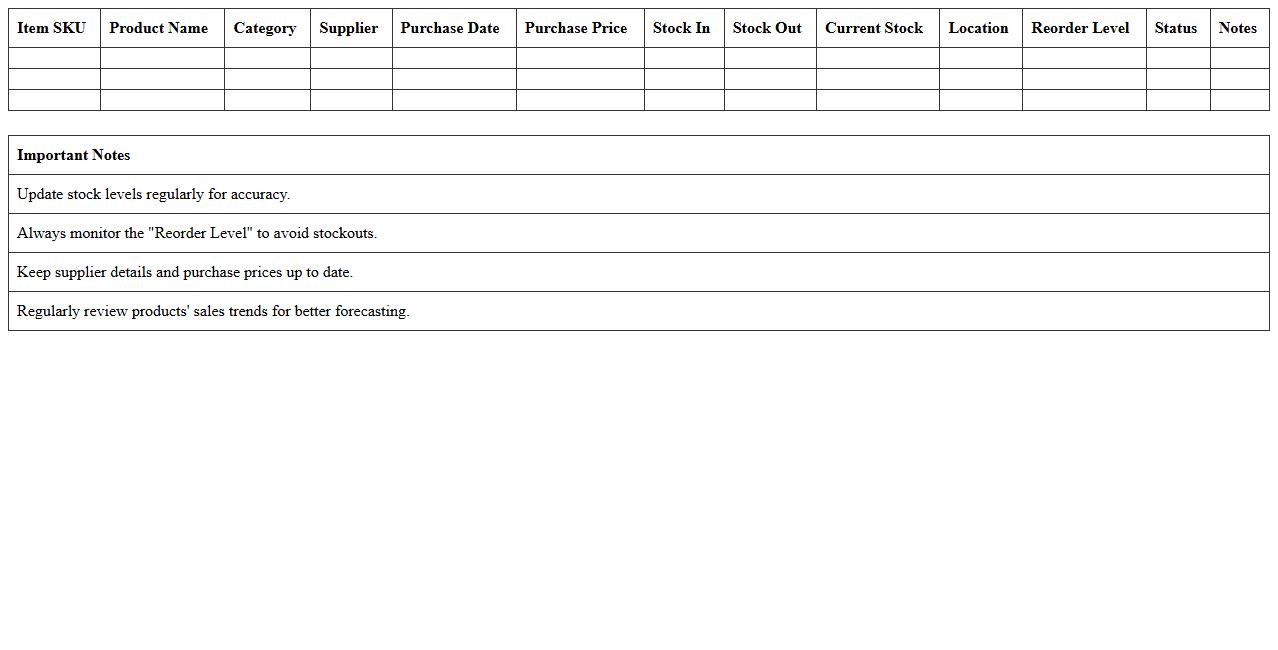
Inventory Tracking Excel Template for e-commerce logistics is a structured spreadsheet designed to monitor stock levels, manage order fulfillment, and track shipment details efficiently. It helps businesses maintain real-time visibility of inventory, reducing stockouts and overstock situations while optimizing supply chain operations. By consolidating crucial logistics data in one place, this template streamlines inventory management, enhances decision-making, and improves overall operational accuracy in e-commerce environments.
Order Fulfillment Excel Spreadsheet for Supply Chain Management
An
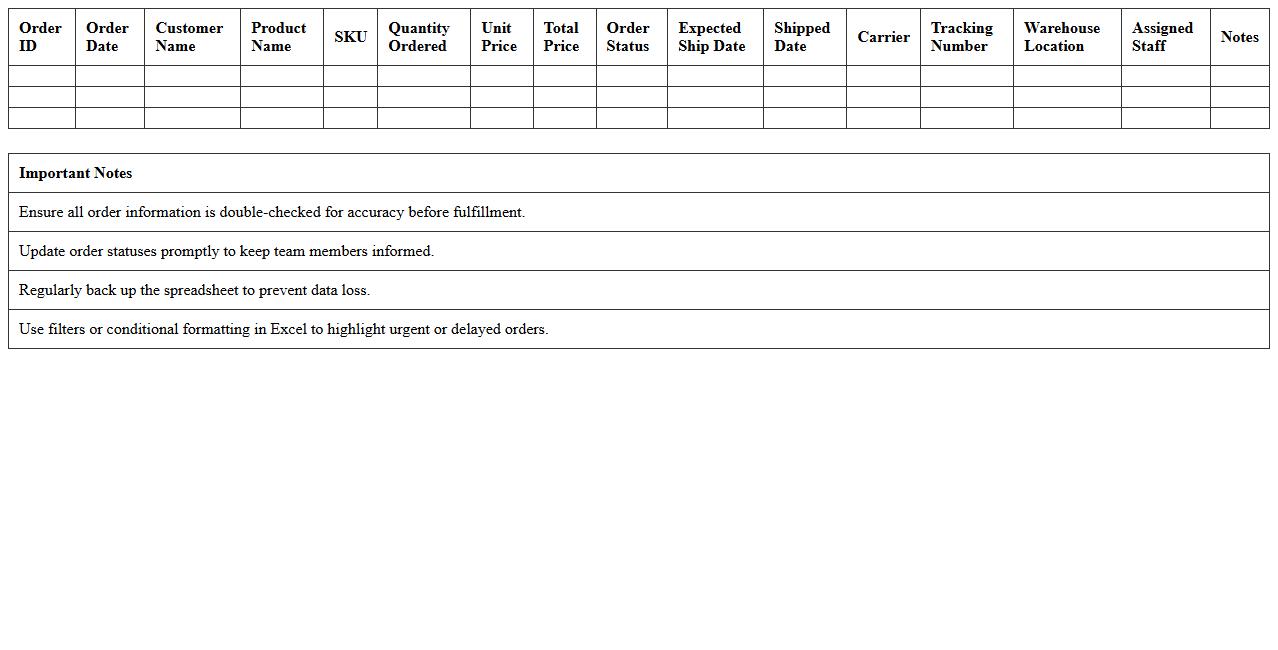
Order Fulfillment Excel Spreadsheet for Supply Chain Management is a structured document designed to track and manage the entire order fulfillment process, from order receipt to delivery. It streamlines inventory control, shipment scheduling, and order status updates, enhancing operational efficiency and reducing errors. This tool provides real-time visibility into order processing, aiding in accurate demand forecasting and improving customer satisfaction through timely deliveries.
Shipping Schedule Planner Excel for E-commerce Supply Chains
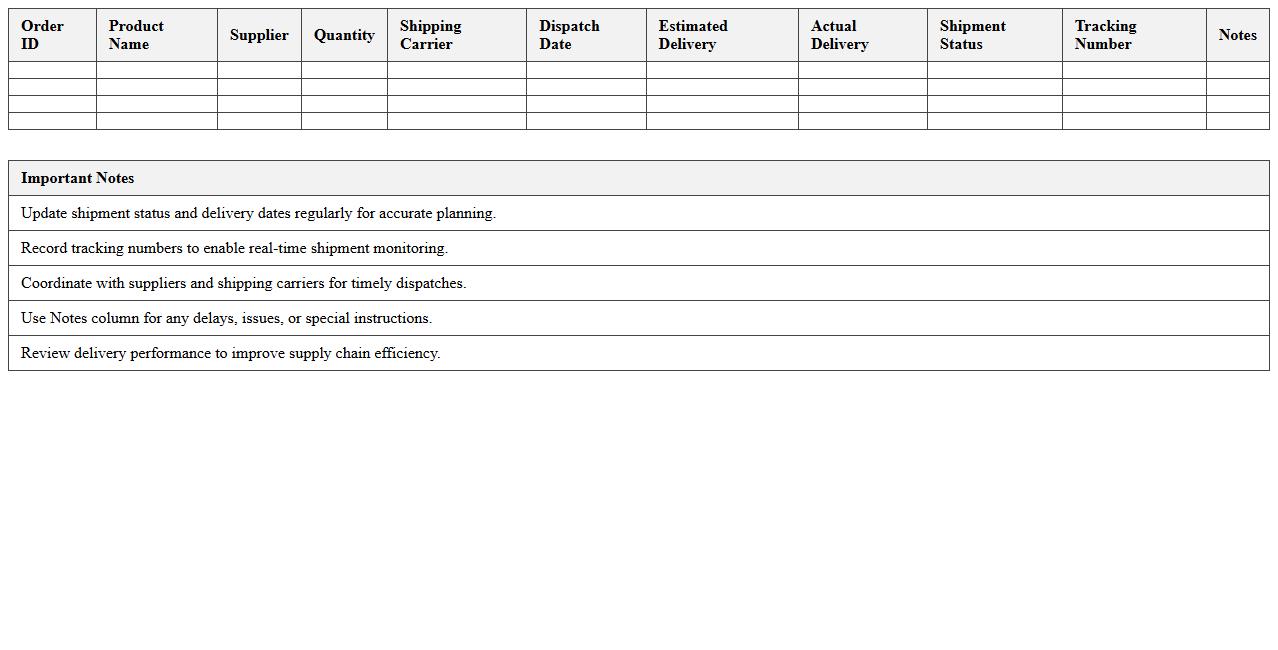
Shipping Schedule Planner Excel for e-commerce supply chains is a structured spreadsheet designed to organize and track shipment timelines, carrier details, and delivery statuses. It helps businesses optimize logistics by providing clear visibility of order dispatch dates, inventory levels, and transit times, ensuring timely deliveries. Using this tool reduces delays, improves customer satisfaction, and enhances overall supply chain efficiency.
Supplier Management Excel Template for Online Retailers
A
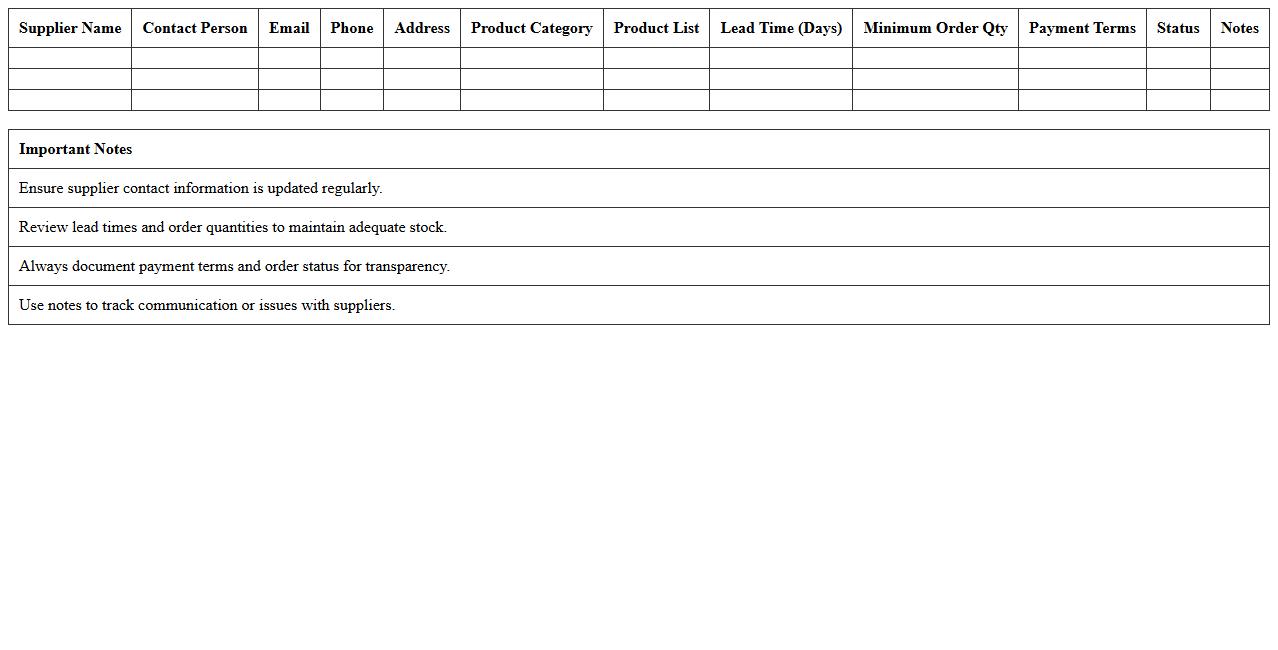
Supplier Management Excel Template for online retailers is a structured spreadsheet designed to organize and track supplier information, contracts, and performance metrics efficiently. This document helps streamline procurement processes, ensure timely restocking, and monitor supplier reliability, leading to improved inventory management and cost control. Utilizing this template enhances decision-making by providing clear visibility into supplier data, fostering stronger business relationships and operational efficiency.
Logistics KPI Dashboard Excel for E-commerce Operations
A
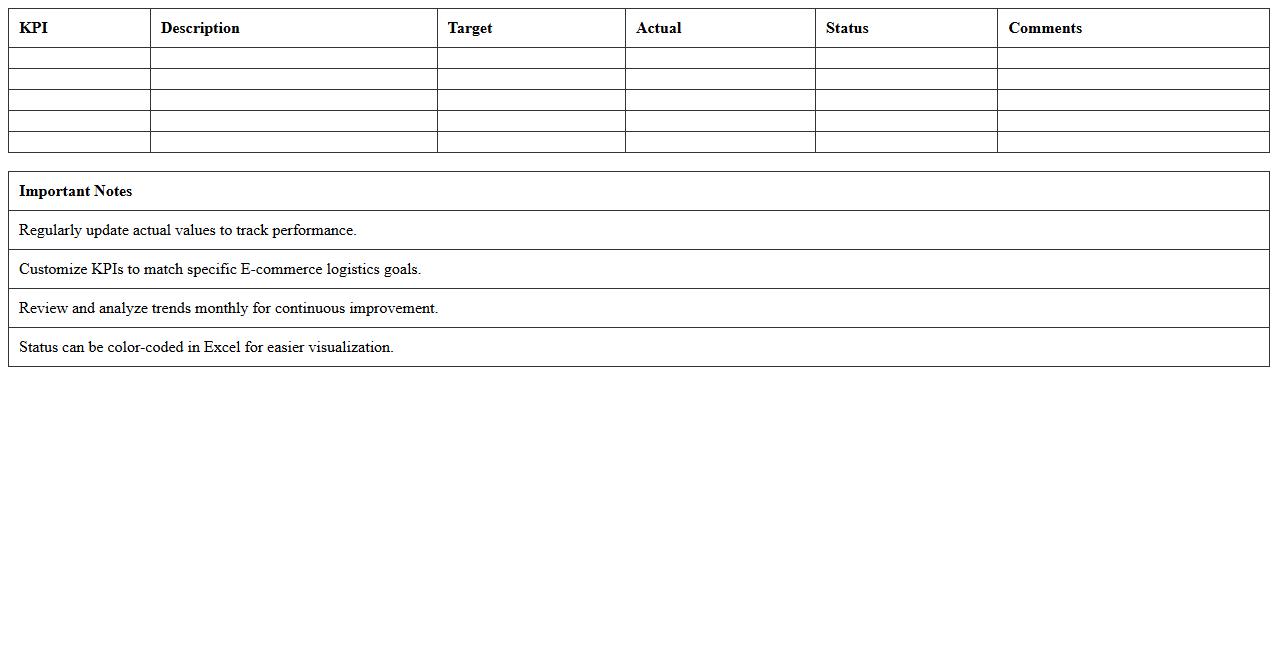
Logistics KPI Dashboard Excel for E-commerce Operations document is a tool designed to track, analyze, and visualize key performance indicators related to the logistics and supply chain aspects of e-commerce businesses. It helps monitor metrics such as order fulfillment rates, shipping times, inventory turnover, and delivery accuracy, enabling data-driven decision-making. This dashboard improves operational efficiency by identifying bottlenecks and optimizing logistics processes to enhance customer satisfaction and reduce costs.
Purchase Order Management Excel Sheet for Supply Chains
A
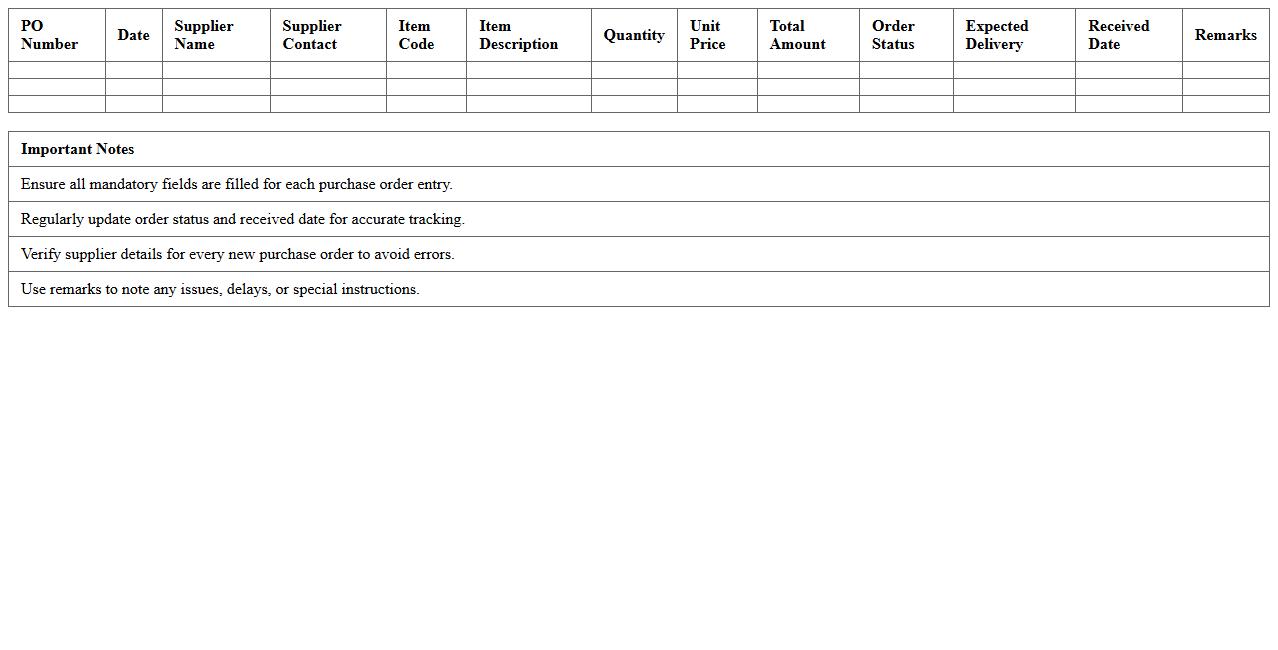
Purchase Order Management Excel Sheet for supply chains is a structured document used to track, organize, and manage purchase orders efficiently. It helps streamline procurement processes by providing real-time visibility into order statuses, supplier details, quantities, and delivery schedules. This tool enhances accuracy, reduces errors, and improves communication across supply chain teams, leading to better inventory control and cost management.
Warehouse Stock Movement Excel Log for E-commerce
The
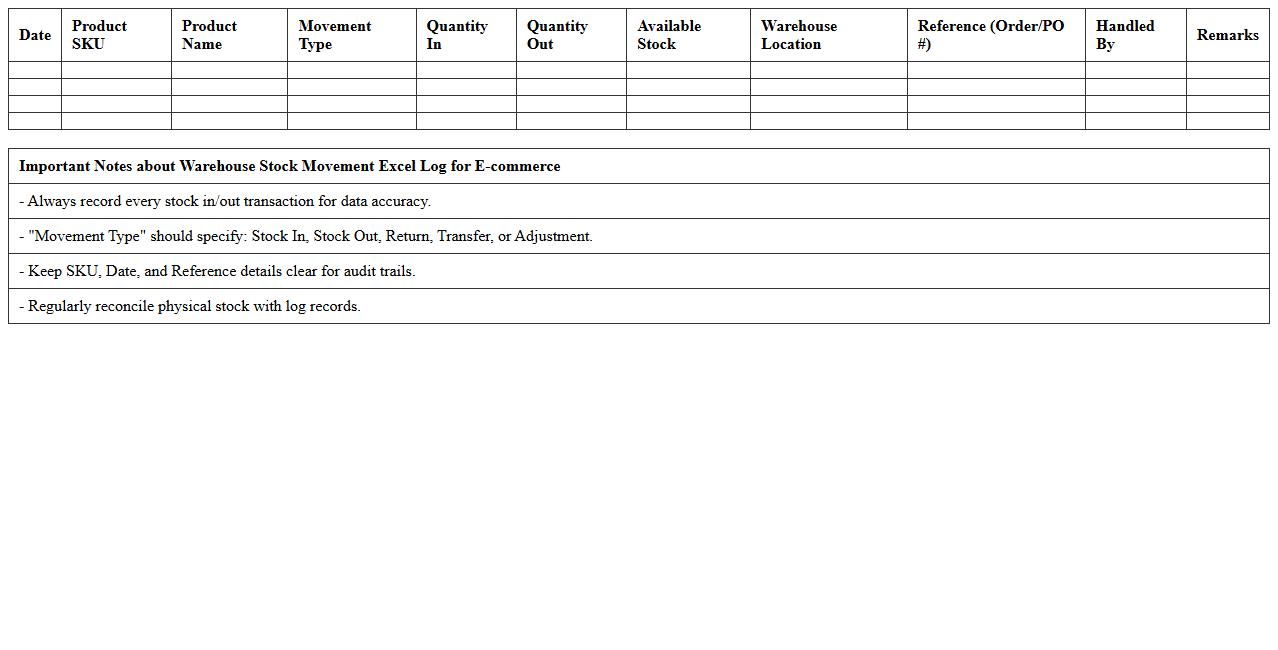
Warehouse Stock Movement Excel Log for E-commerce document tracks the inflow and outflow of inventory within a warehouse, providing detailed records of stock quantities, item locations, and timestamps. This log helps optimize inventory management by enabling accurate real-time stock level monitoring, reducing errors in order fulfillment, and improving demand forecasting. It supports efficient warehouse operations, minimizes stock discrepancies, and enhances overall supply chain visibility for e-commerce businesses.
Return & Reverse Logistics Tracking Excel Template
The
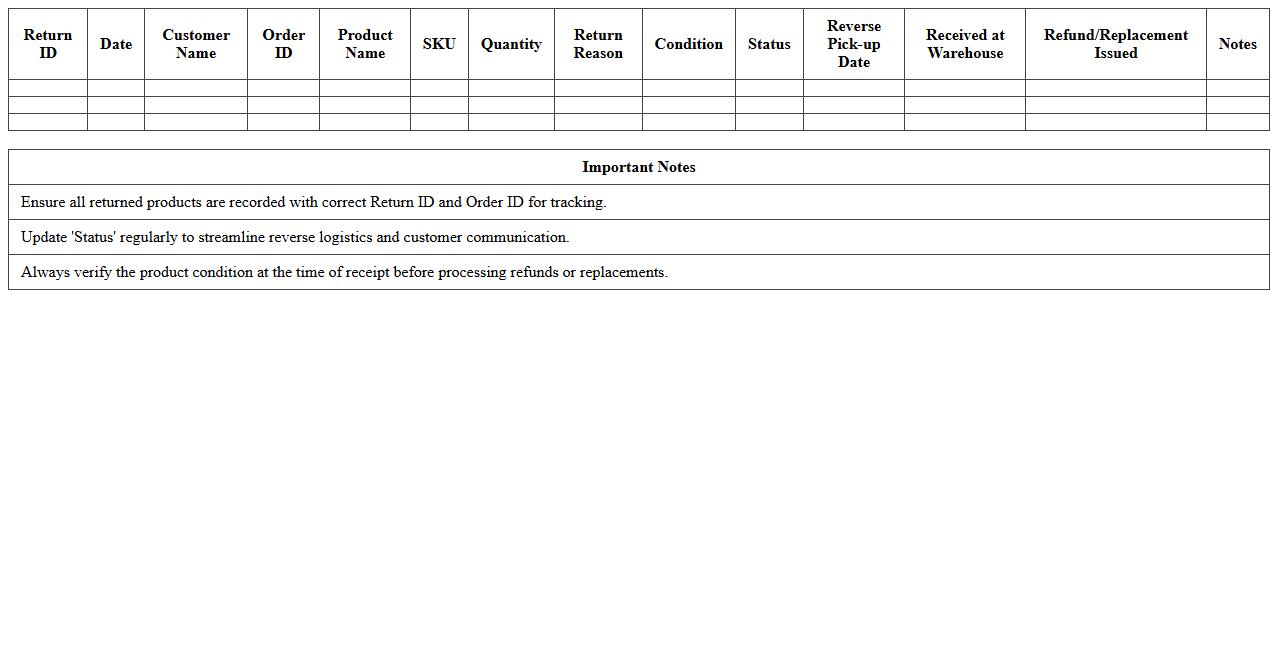
Return & Reverse Logistics Tracking Excel Template document is a structured spreadsheet designed to monitor and manage the flow of returned products efficiently. It helps businesses track return reasons, item conditions, and refund statuses, optimizing inventory control and minimizing losses. Utilizing this template improves transparency, streamlines reverse supply chain processes, and supports data-driven decision-making.
E-commerce Shipment Tracking Excel Spreadsheet
An
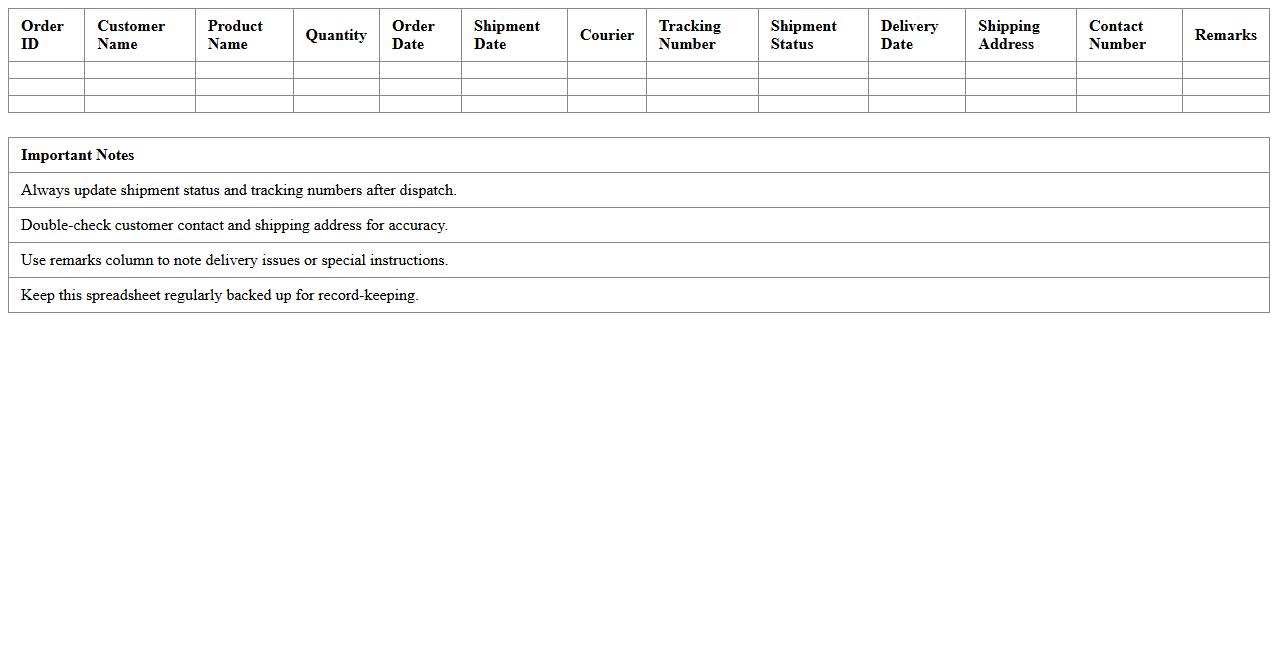
E-commerce Shipment Tracking Excel Spreadsheet document is a tool designed to systematically record and monitor the status of online order deliveries, including details like shipment dates, carrier information, tracking numbers, and delivery status. This spreadsheet enhances efficiency by providing a centralized and easily accessible overview, allowing businesses to quickly identify delays, manage customer inquiries, and optimize logistics. Utilizing this document reduces errors and improves customer satisfaction by ensuring transparency throughout the shipping process.
Logistics Cost Analysis Excel Template for Online Businesses
The
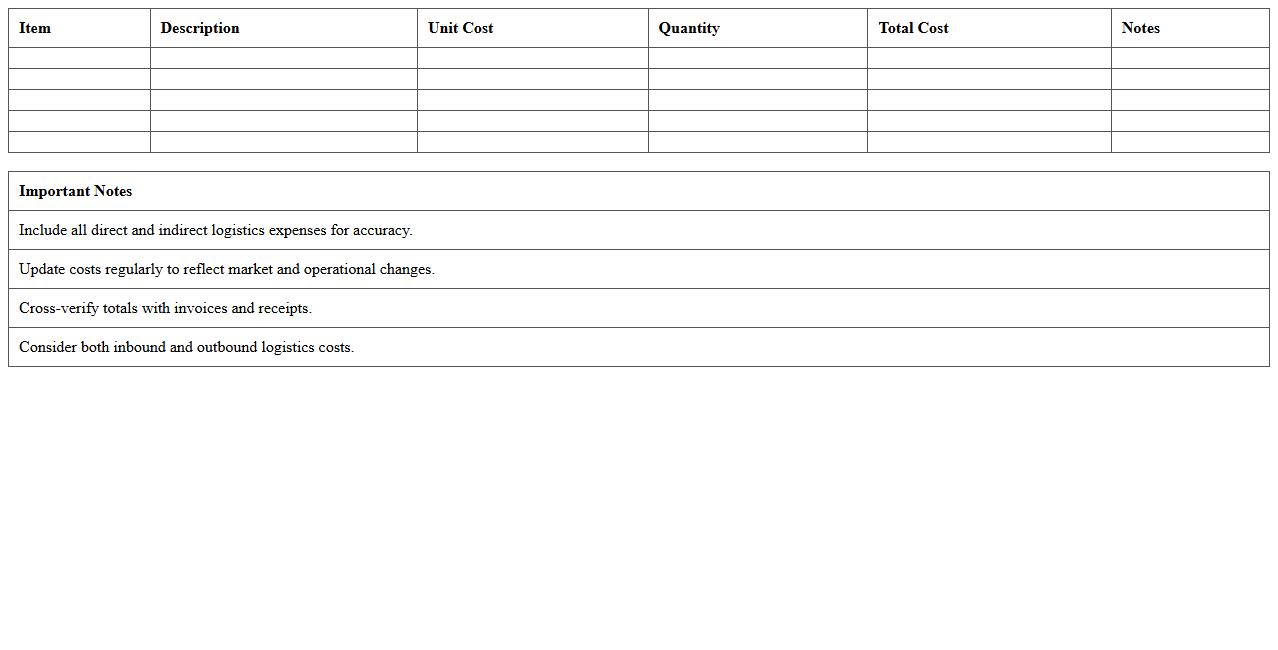
Logistics Cost Analysis Excel Template for online businesses is a comprehensive tool designed to track and manage shipping, warehousing, and inventory expenses efficiently. It enables businesses to identify cost-saving opportunities by providing detailed breakdowns of logistics expenditures and facilitating data-driven decision-making. Using this template helps optimize supply chain operations, reduce overhead, and improve overall profitability for e-commerce ventures.
What Excel templates optimize shipment tracking for e-commerce supply chain documents?
Using shipment tracking templates in Excel allows e-commerce businesses to monitor deliveries and inventory status efficiently. These templates typically include fields for tracking numbers, order statuses, delivery dates, and carrier information. Implementing such templates improves visibility across the entire supply chain and reduces shipment errors.
How to automate purchase order reconciliation using Excel for logistics coordination?
Automating purchase order reconciliation in Excel can be achieved through VLOOKUP and pivot table functions to compare purchase orders against invoices and receipts. Setting up conditional formatting highlights discrepancies automatically, enabling quicker resolution. This process streamlines logistics coordination by ensuring accuracy in financial and inventory records.
What formula identifies stockout risks in e-commerce warehouse Excel records?
The IF and SUMIF formulas are crucial for identifying stockout risks by analyzing current inventory against reorder thresholds. For example, a formula like =IF(CurrentStock<=ReorderLevel, "Risk", "OK") flags products at risk of stockouts. This proactive alert system helps maintain sufficient stock levels and avoids sales disruption.
How to structure supplier performance logs for e-commerce logistics in Excel?
Supplier performance logs should be structured with columns for delivery punctuality, order accuracy, product quality, and communication responsiveness. Using Excel's table feature allows for sorting and filtering by performance metrics. Adding calculated columns for performance scores aids in objective supplier evaluation and improvement strategies.
What Excel pivot table setup best analyzes delivery lead times from shipping documents?
The optimal pivot table setup includes delivery dates as rows and shipping dates as columns to calculate lead time differences. Adding a calculated field to find the average lead time helps identify trends and delays in shipments. Filtering by carrier or region further refines this analysis for targeted logistics improvements.