The Insurance Policy Management Excel Template for Agents streamlines tracking and organizing client policies efficiently. It offers customizable fields for policy details, renewal dates, and payment schedules, enhancing accuracy and productivity. This template supports agents in managing multiple policies with ease, ensuring timely updates and improved client service.
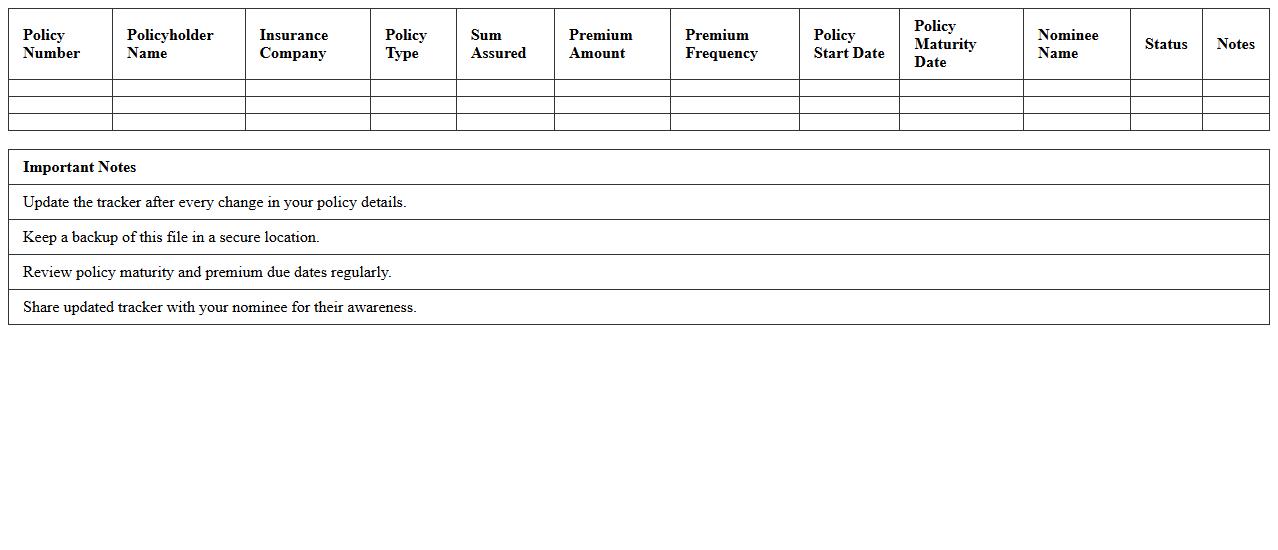
Life Insurance Policy Tracker Excel Template
The
Life Insurance Policy Tracker Excel Template is a structured spreadsheet designed to organize and monitor multiple life insurance policies efficiently. It helps users keep track of premium payments, policy maturity dates, coverage amounts, and beneficiary information in one centralized place, reducing the risk of missed payments or lapses in coverage. This template enhances financial planning by providing clear insights into the status and benefits of various life insurance policies.
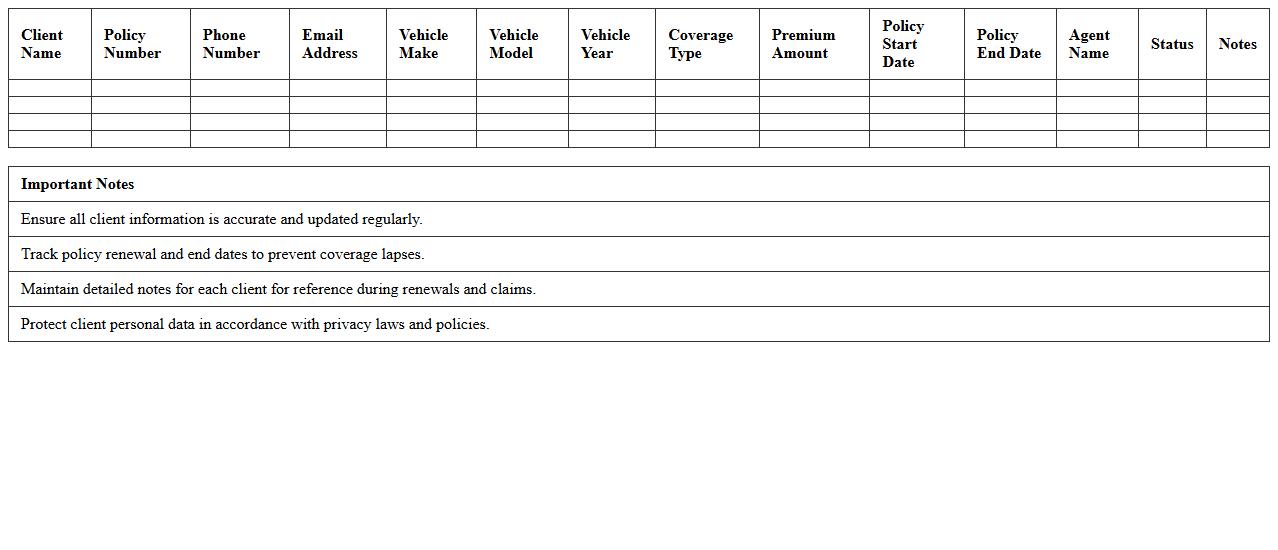
Auto Insurance Client Management Spreadsheet
The
Auto Insurance Client Management Spreadsheet is a powerful tool designed to organize and track client information, policy details, claims, and payment histories efficiently. It helps insurance agents streamline their workflow by providing quick access to customer data, enabling better communication and timely follow-ups. This document improves accuracy in managing multiple clients, reducing errors and enhancing overall service quality.
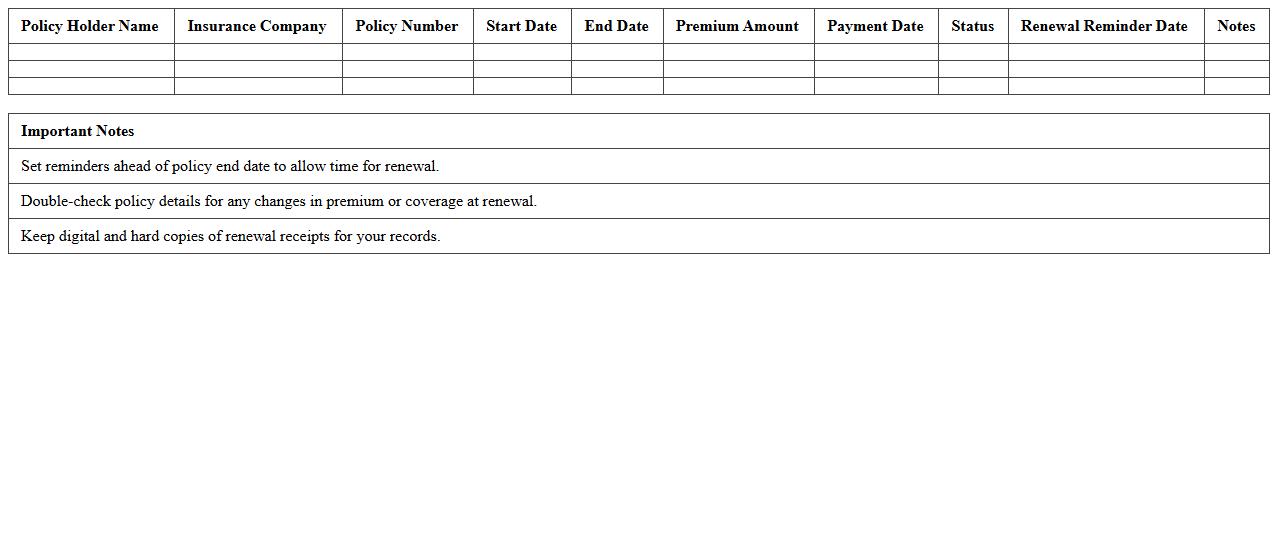
Health Insurance Policy Renewal Log
The
Health Insurance Policy Renewal Log document tracks the renewal dates, policy numbers, and coverage details of health insurance plans, ensuring timely renewals and avoiding lapse in coverage. It helps individuals and organizations maintain continuous protection by providing a centralized record for monitoring multiple policies. This log reduces administrative errors and supports efficient management of insurance benefits.
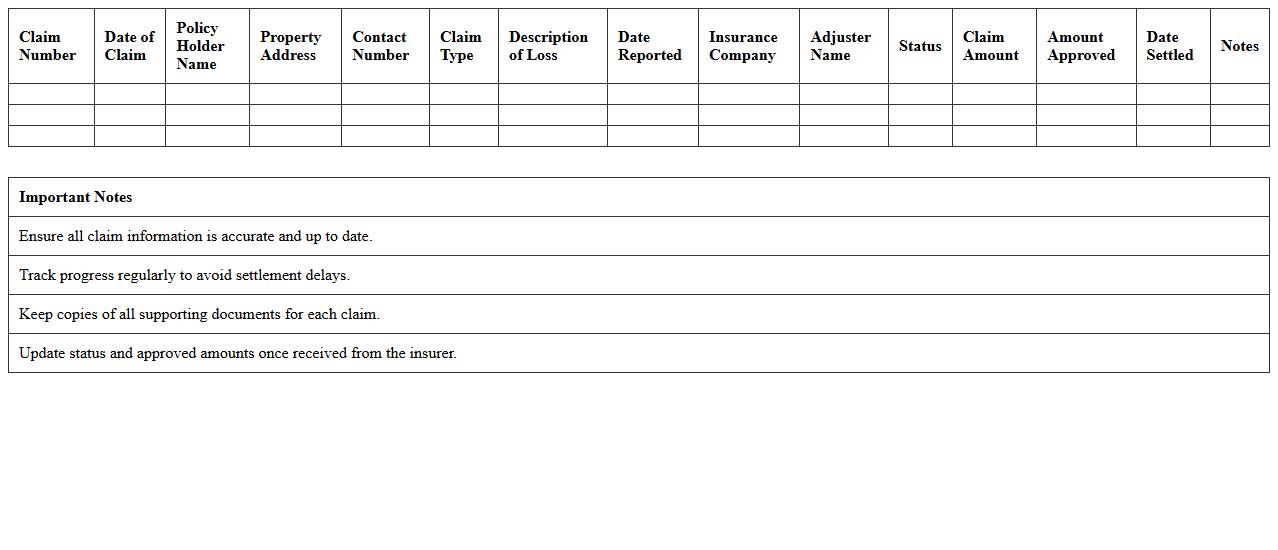
Property Insurance Claims Tracking Sheet
A
Property Insurance Claims Tracking Sheet is a detailed document designed to monitor and manage the progress of insurance claims related to property damage or loss. It organizes essential information such as claim numbers, dates, status updates, correspondence, and financial settlements, enabling efficient oversight and timely follow-up. This tool significantly enhances claim handling accuracy, reduces the risk of missed deadlines, and improves communication between policyholders and insurers.
Commercial Insurance Portfolio Excel Sheet
A
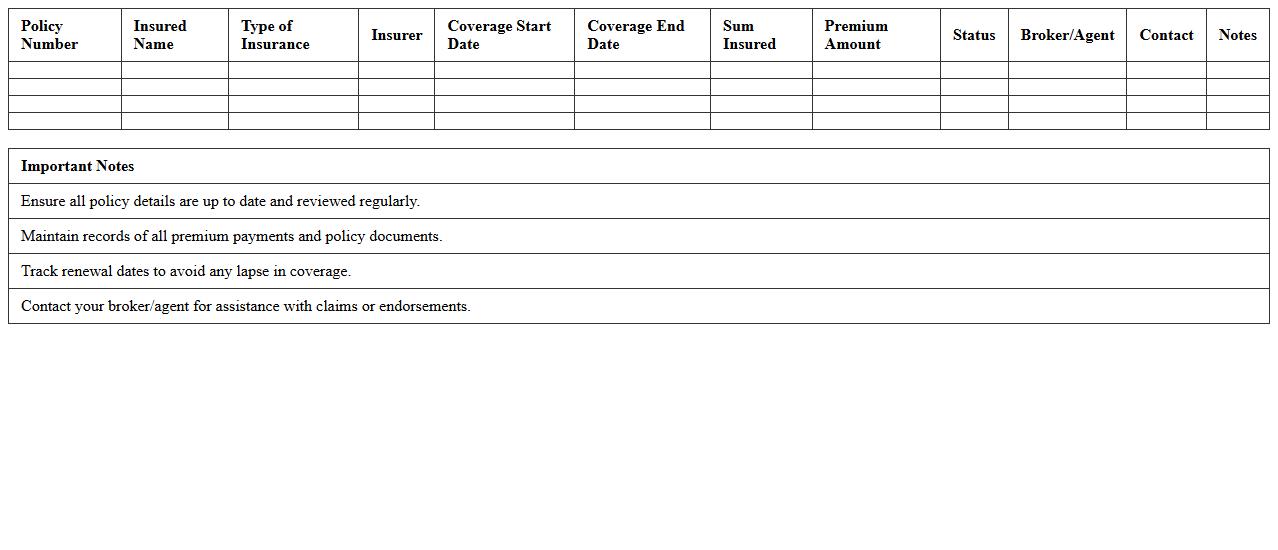
Commercial Insurance Portfolio Excel Sheet document is a structured tool designed to organize and manage various business insurance policies, including liability, property, and workers' compensation coverage. It helps businesses track policy details, premium payments, renewal dates, and claims history efficiently in one centralized location. By maintaining this document, companies can ensure comprehensive risk management and make informed decisions about coverage adjustments and budget planning.
Policyholder Payment Schedule Tracker
The
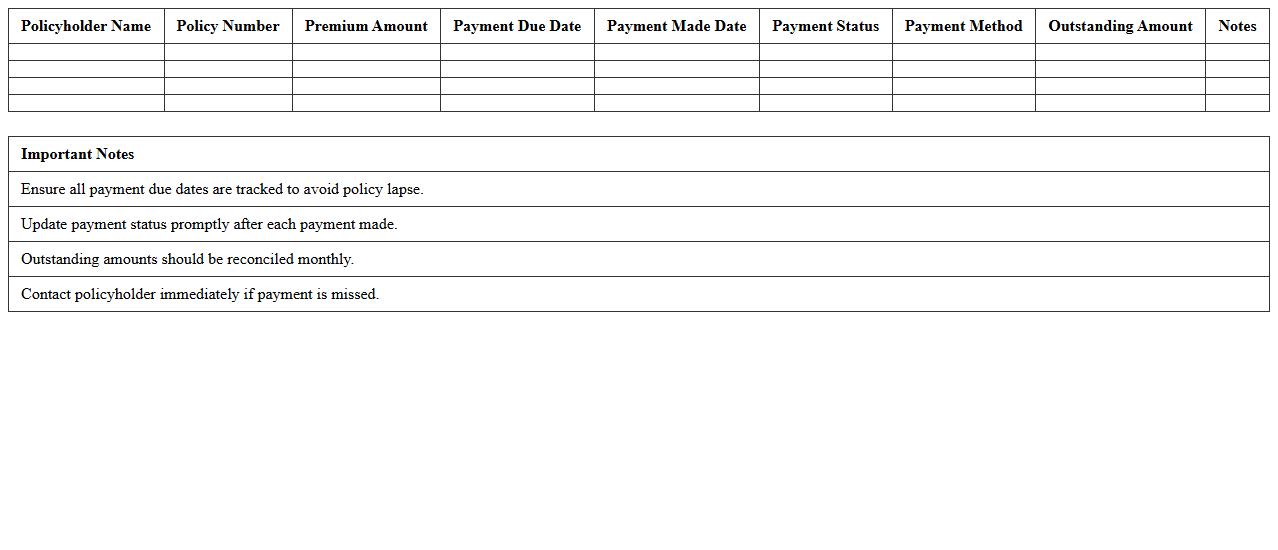
Policyholder Payment Schedule Tracker document systematically records and monitors all premium payment deadlines and amounts for insurance policies. It helps ensure timely payments, preventing policy lapses and maintaining continuous coverage. By providing clear visibility into upcoming payments, this tracker enhances financial planning and reduces administrative errors.
Group Insurance Enrollment Dashboard Template
The
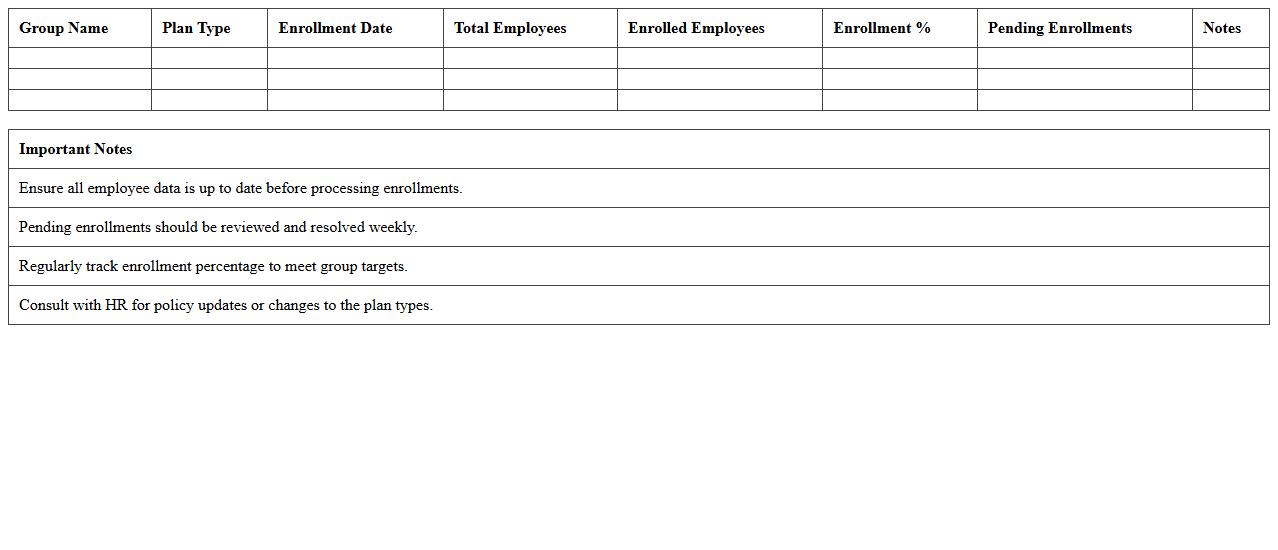
Group Insurance Enrollment Dashboard Template is a dynamic document designed to streamline the tracking and management of employee insurance enrollments within an organization. It consolidates key data such as enrollment status, plan selections, and eligibility metrics into one accessible interface, enabling HR teams to make data-driven decisions efficiently. This template enhances transparency, reduces administrative errors, and facilitates timely reporting, ultimately improving the overall insurance enrollment process.
Insurance Quote Comparison Excel Template
The
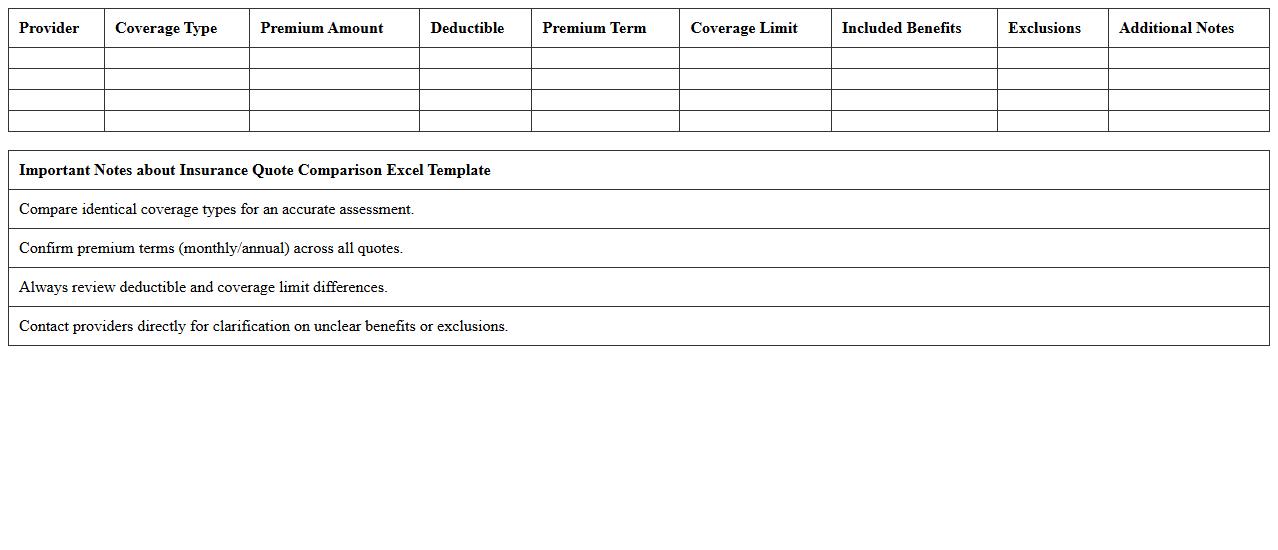
Insurance Quote Comparison Excel Template is a structured spreadsheet designed to help users systematically compare multiple insurance policies side-by-side. It streamlines the evaluation process by organizing key insurance parameters such as premiums, coverage limits, deductibles, and benefits, enabling informed decision-making. This template saves time, enhances accuracy, and ensures users select the best policy tailored to their specific needs and budget.
Agent Commission Calculation Spreadsheet
The
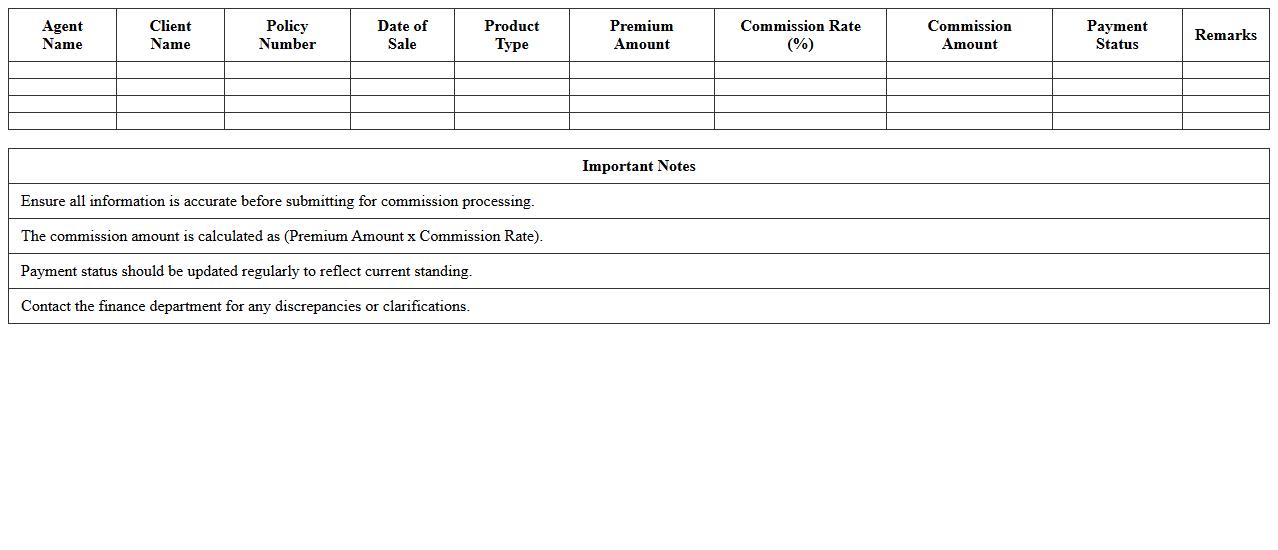
Agent Commission Calculation Spreadsheet is a specialized document designed to accurately compute sales agents' commissions based on predefined criteria such as sales volume, percentage rates, and performance targets. It streamlines the process of tracking individual agent earnings, minimizes errors, and ensures transparency in compensation management. This tool is essential for businesses aiming to efficiently manage their salesforce incentives and motivate agents through timely and precise commission calculations.
Insurance Lead Pipeline Management Sheet
The
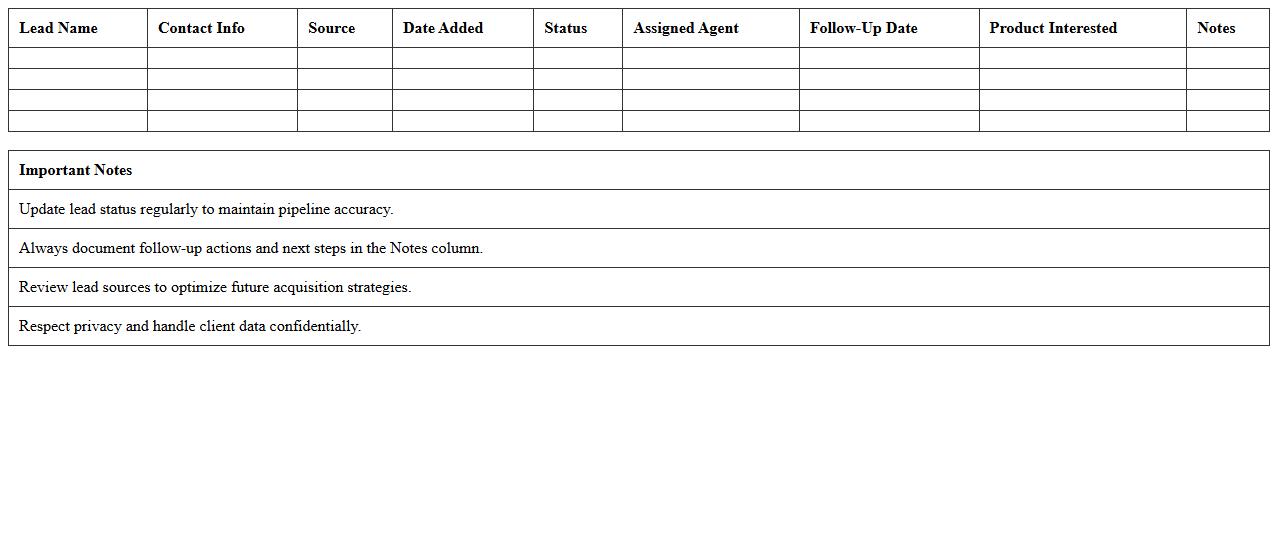
Insurance Lead Pipeline Management Sheet is a structured document designed to track and manage potential insurance clients through various stages of the sales process. It helps agents organize leads, monitor follow-up activities, and identify the status of each prospect to optimize conversion rates. By providing real-time visibility into the pipeline, this sheet enhances productivity, prioritizes high-value leads, and supports data-driven decision-making in insurance sales operations.
How can agents automate policy renewal tracking in Excel?
Agents can automate policy renewal tracking in Excel by using conditional formatting combined with the TODAY() function to highlight upcoming renewal dates. Setting up reminders with Excel's built-in alerts or using VBA macros enables automatic notifications when renewals approach. This process ensures timely follow-up and reduces the risk of missing important policy renewals.
What Excel formulas best calculate commission splits for insurance agents?
The ideal Excel formulas to calculate commission splits involve using basic arithmetic operators combined with IF statements to allocate percentages based on policy types or agent tiers. The SUMPRODUCT function can also be leveraged for more complex commission structures involving multiple variables. These formulas simplify accurate commission calculations and ensure agents are compensated correctly.
How to link client claim history to policy records in Excel management sheets?
Linking client claim history to policy records requires using Excel functions like VLOOKUP or INDEX-MATCH to dynamically pull claim data into policy sheets. Creating a unique identifier for each client or policy ensures accurate cross-referencing within the workbook. This setup allows agents to maintain consolidated and accessible information for analysis and decision-making.
Which Excel template optimizes multi-policy client management for agents?
An Excel template optimized for multi-policy client management includes structured tables with separate sheets for clients, policies, and claims linked via unique IDs. Features like drop-down lists, conditional formatting, and pivot tables streamline data entry and reporting. Using such a template enhances organization and improves efficiency in handling complex client portfolios.
What are the top Excel data validation rules for insurance policy entries?
Key data validation rules for insurance policy entries involve restricting date ranges to valid effective and expiration dates, enforcing numeric constraints for premium amounts, and limiting text inputs using drop-down lists for policy types. Implementing these rules minimizes data entry errors and maintains data integrity. Such validations are critical for accurate record-keeping and reporting in insurance management.
More Insurance Excel Templates