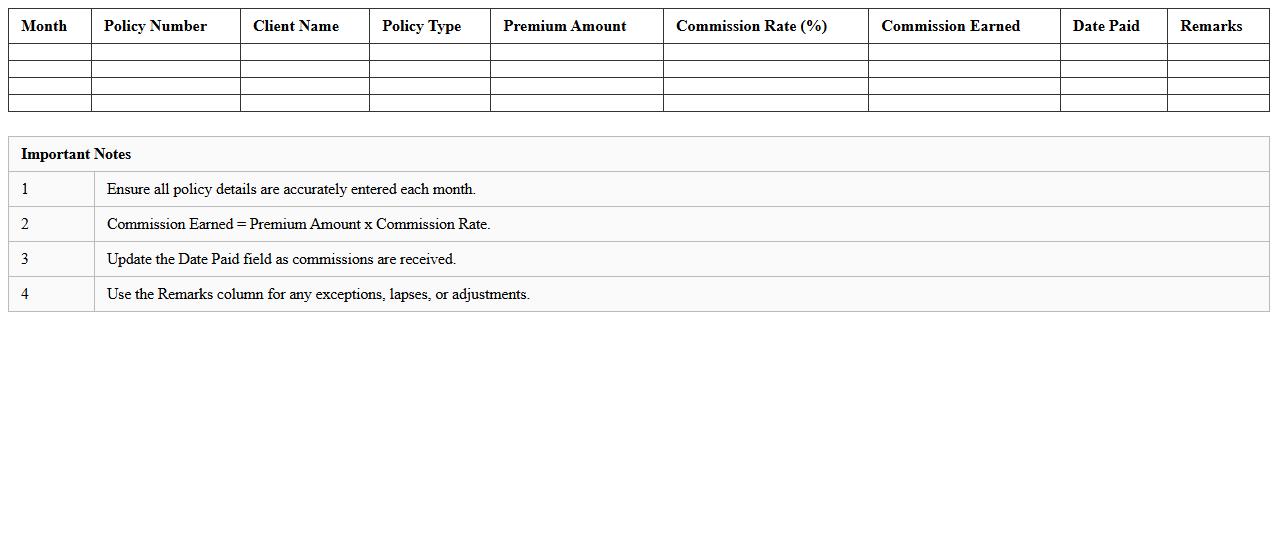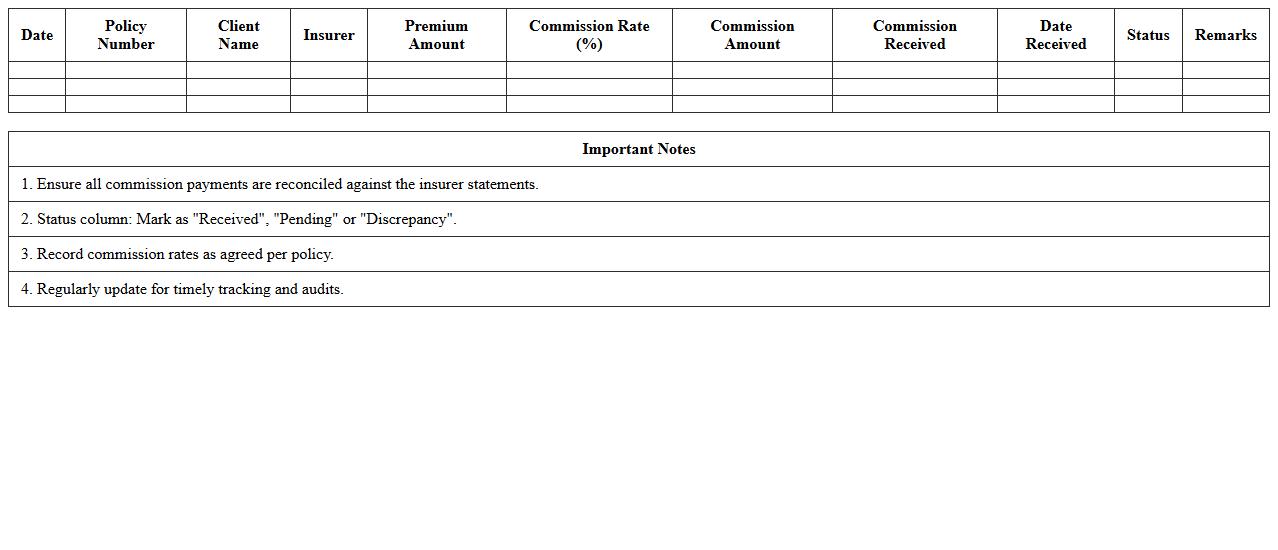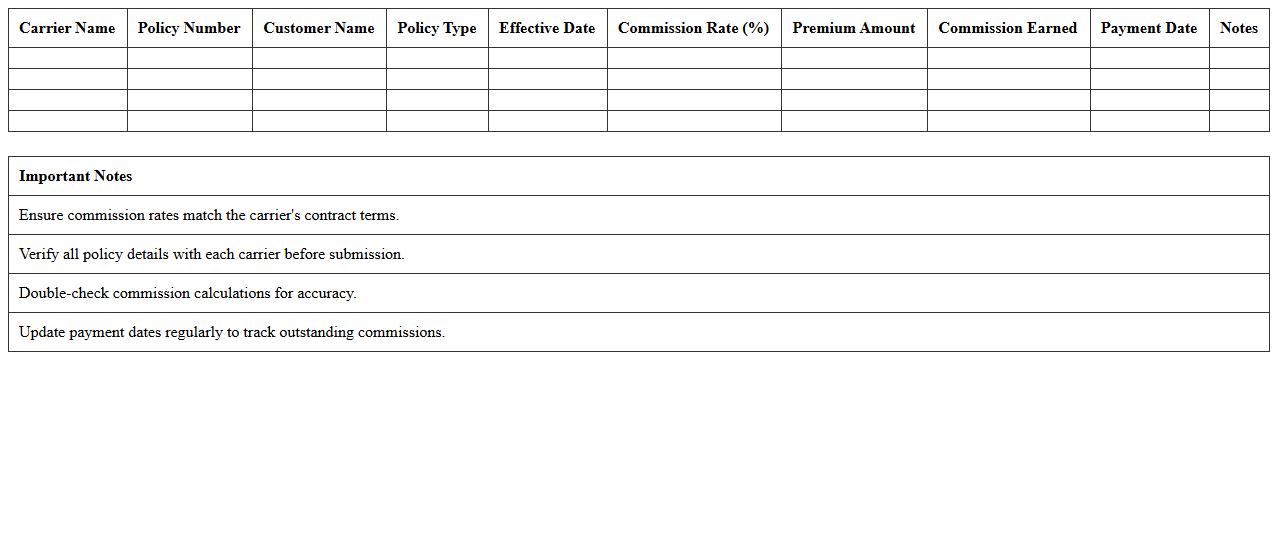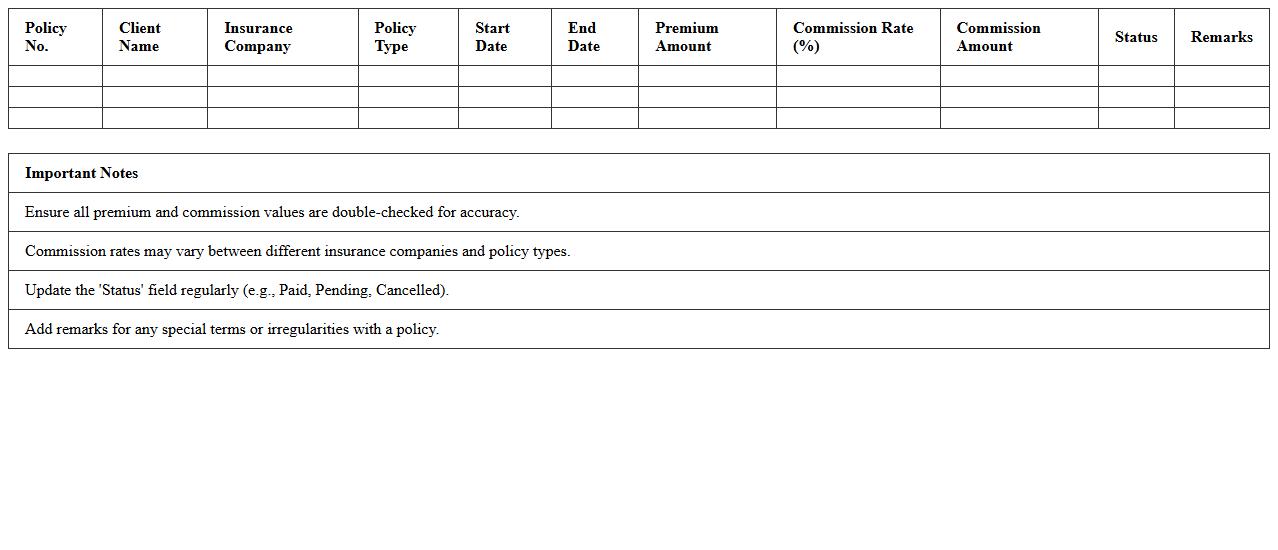
The Insurance Commission Statement Excel Template for Advisors streamlines tracking and managing commission earnings with clear, organized spreadsheets. It enables advisors to easily calculate, visualize, and report commissions, enhancing financial accuracy and efficiency. This template supports quick data entry and customizable categories to fit diverse insurance products and client portfolios.
Life Insurance Commission Tracking Excel Template
The
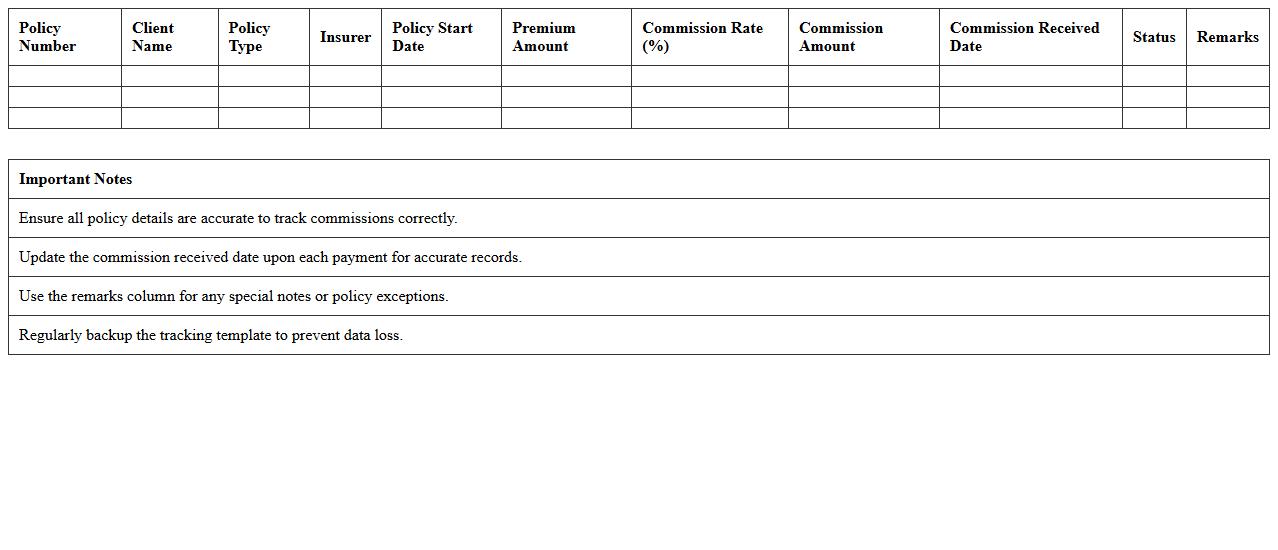
Life Insurance Commission Tracking Excel Template is a specialized spreadsheet designed to accurately record and monitor commissions earned from life insurance policies. It streamlines the calculation of commission percentages, payment schedules, and policyholder details, ensuring transparent financial management for agents and brokers. By providing organized data and automated formulas, this template enhances efficiency in commission tracking and helps in timely financial reporting.
Health Insurance Advisor Statement Excel Template
The
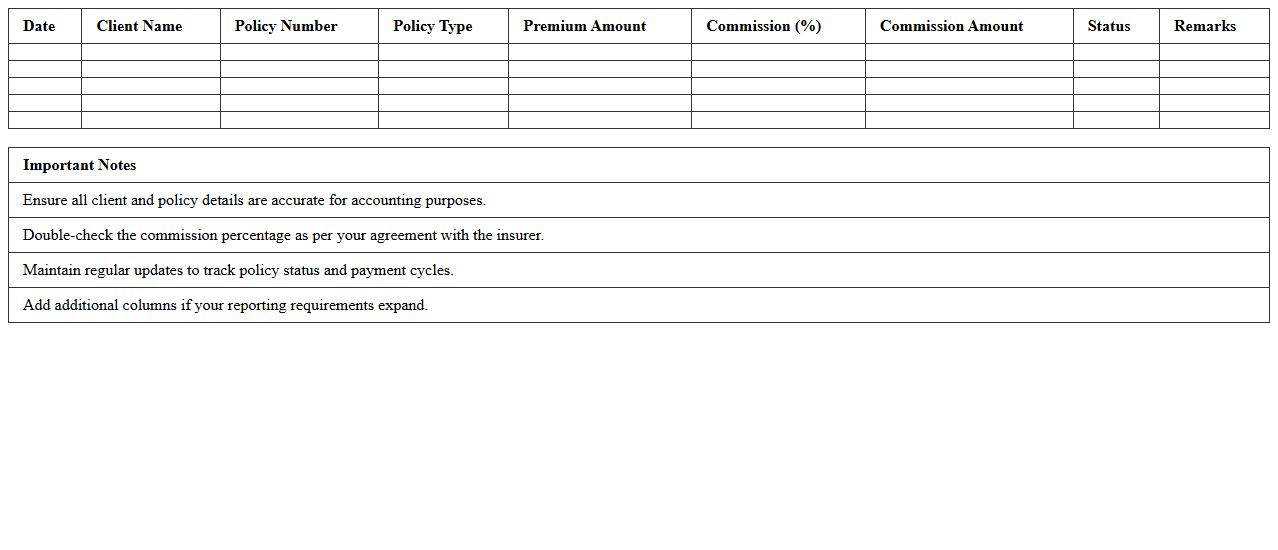
Health Insurance Advisor Statement Excel Template document is a structured spreadsheet designed to organize and track client information, policy details, and commission records efficiently. It enables health insurance advisors to maintain accurate financial summaries and generate professional statements, facilitating better client management and compliance with regulatory requirements. Using this template saves time, reduces errors, and enhances the clarity of insurance transactions for both advisors and clients.
Property & Casualty Commission Report Template
The
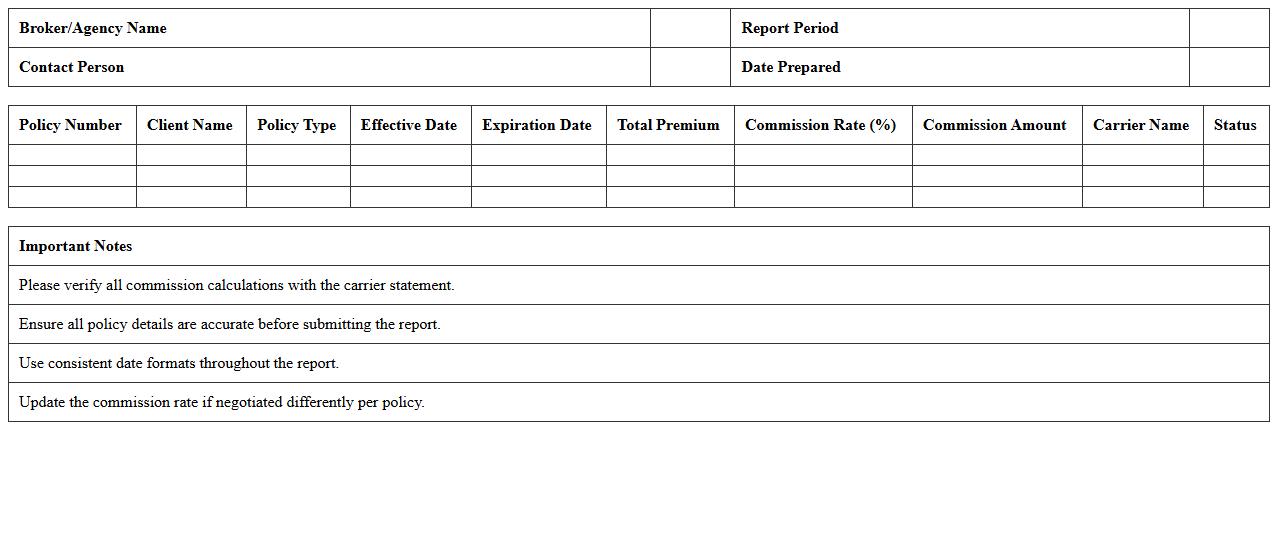
Property & Casualty Commission Report Template is a structured document designed to streamline the recording and analysis of commission transactions within the property and casualty insurance sector. It facilitates accurate tracking of agent commissions, policy details, and payment schedules, enhancing financial transparency and operational efficiency. Using this template helps insurance companies maintain compliance, optimize agent performance reporting, and improve overall commission management processes.
Annual Insurance Advisor Earnings Statement Excel
The
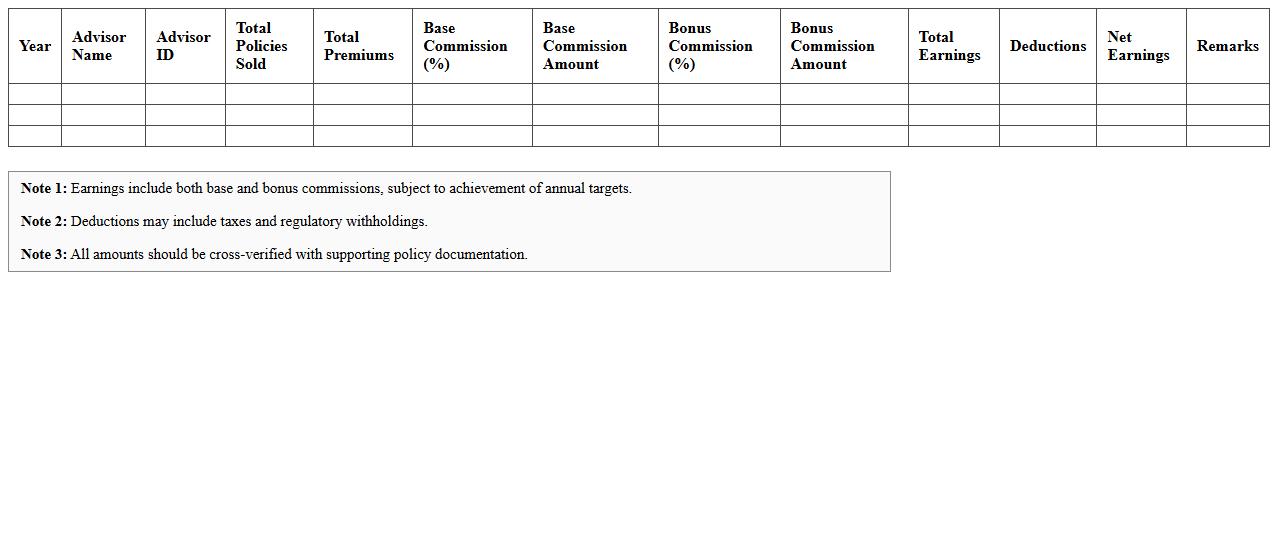
Annual Insurance Advisor Earnings Statement Excel document is a comprehensive financial report that tracks and summarizes the yearly income, commissions, and bonuses earned by insurance advisors. It provides detailed insights into individual and aggregated earnings, helping advisors and management analyze performance trends and forecast future income. This Excel document streamlines financial record-keeping and supports strategic decision-making by offering clear, organized data in an easily accessible format.
Monthly Insurance Commission Statement Spreadsheet
The
Monthly Insurance Commission Statement Spreadsheet is a detailed financial document that tracks commissions earned by insurance agents or brokers on a monthly basis. It provides clear visibility into commission calculations, payment statuses, and policy details, enabling accurate financial management and performance analysis. This spreadsheet helps streamline accounting processes, improve transparency, and support timely commission payouts.
Insurance Commission Payment Reconciliation Excel
The
Insurance Commission Payment Reconciliation Excel document is a financial tool designed to track and verify commission payments received from insurance companies against expected amounts. It helps identify discrepancies, ensures accurate record-keeping, and facilitates efficient management of commission income. By using this document, businesses can streamline audits, maintain transparency, and improve cash flow monitoring for insurance-related transactions.
Multi-Carrier Insurance Commission Statement Template
The
Multi-Carrier Insurance Commission Statement Template is a standardized document designed to streamline the reporting of commission earnings from multiple insurance carriers. It consolidates commission data, making it easier for insurance agents and brokers to track payments, reconcile accounts, and prepare accurate financial statements. This template enhances efficiency and accuracy in commission management, reducing errors and saving valuable administrative time.
Insurance Broker Commission Breakdown Excel Sheet
An
Insurance Broker Commission Breakdown Excel Sheet document systematically details commissions earned by brokers from various insurance policies, enabling accurate tracking and analysis. This sheet helps insurance brokers or agencies monitor individual and total commissions, ensuring transparent financial management and facilitating timely payments. Utilizing this tool improves efficiency in commission reporting and supports strategic decision-making based on precise earnings data.
Insurance Commission Disbursement Log Template
The
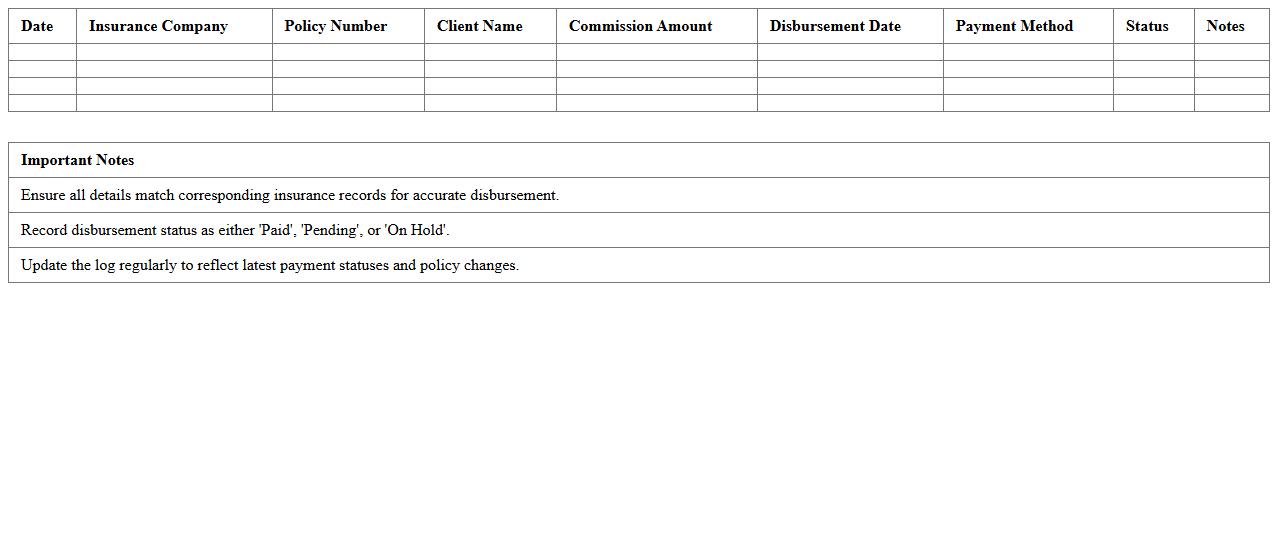
Insurance Commission Disbursement Log Template is a structured document used to track and record insurance commission payments systematically. It helps insurance agencies and agents monitor commission disbursements, ensuring accuracy in financial records and facilitating transparent reporting. By organizing payment details such as dates, amounts, recipients, and policies, this template improves commission management efficiency and supports audit compliance.
Insurance Policy Sales Commission Tracker Excel
The
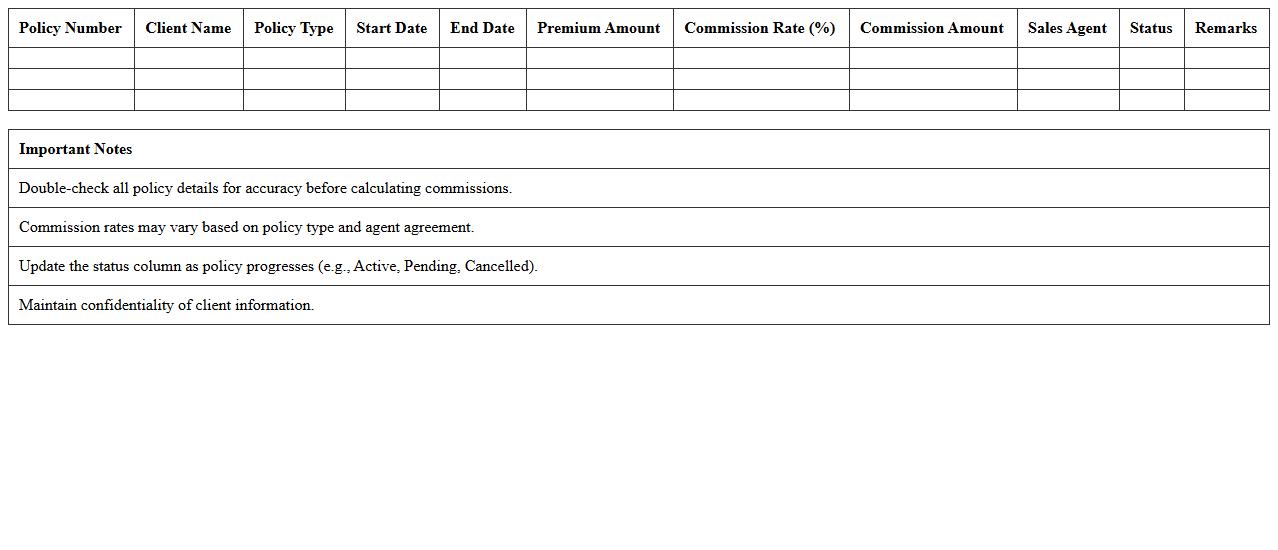
Insurance Policy Sales Commission Tracker Excel document is a specialized tool designed to monitor and calculate commissions earned by insurance agents based on policy sales. It efficiently organizes data such as policy details, agent names, commission rates, and payment dates, ensuring accurate and real-time tracking of earnings. This tracker enhances financial transparency, simplifies commission management, and aids in performance analysis for both agents and insurance companies.
How to automate monthly Insurance Commission Statement Excel reports for advisors?
To automate monthly insurance commission reports, start by designing a dynamic Excel template linked to your database or data source. Use Excel's Power Query to refresh data automatically every month, minimizing manual input and errors. Incorporate VBA macros to generate personalized statements for each advisor with a single click.
What formulas best track split commissions in Insurance Statement Excel sheets?
The best formulas for tracking split commissions include SUMIF, IFERROR, and VLOOKUP, which help allocate commission amounts accurately based on predefined splits. Combining these with conditional logic ensures each advisor's share is calculated correctly even in complex splits. Additionally, using array formulas can automate percentage-based splits efficiently across multiple entries.
How to visualize advisor performance using pivot tables in Insurance Commission reports?
Pivot tables offer a powerful way to visualize advisor performance by summarizing commissions by advisor, policy type, and time period. Use calculated fields within pivot tables to derive KPIs like total commissions and average earnings per policy. By adding slicers and charts, you can create interactive dashboards that highlight trends and comparisons.
Best way to handle chargebacks in Insurance Commission Statement Excel templates?
The most effective method to manage chargebacks is to include a dedicated column for chargeback adjustments linked to original commission entries. Use formulas to subtract chargebacks from total commissions automatically, ensuring accurate net payments. Maintain historical chargeback data separately to enable audit trails and reconciliation.
How to secure client-sensitive data in shared Excel Insurance Commission statements?
Protect client-sensitive data by using Excel's built-in password encryption and restricting worksheet editing permissions. Consider separating sensitive information into hidden or protected sheets that only authorized users can access. For enhanced security, use cloud services with controlled sharing options and audit logging features to monitor access.
More Insurance Excel Templates