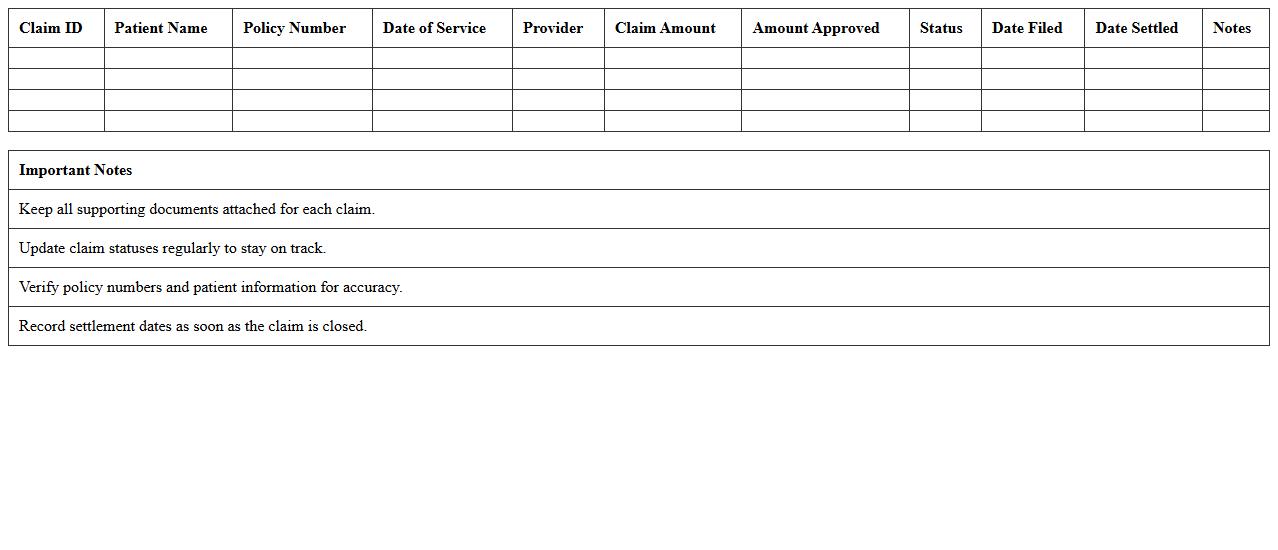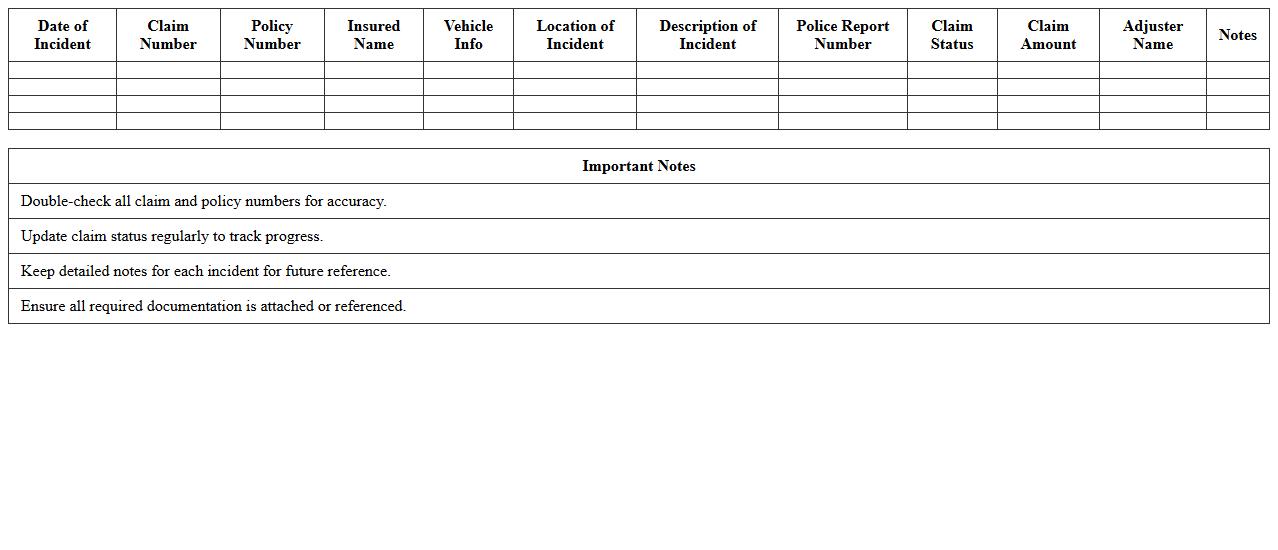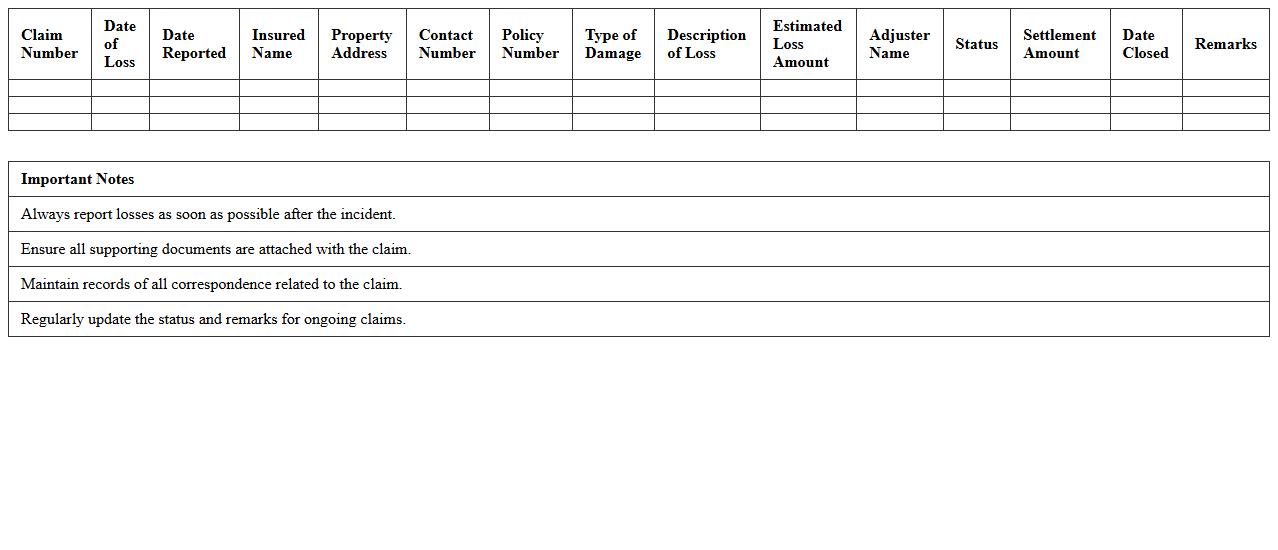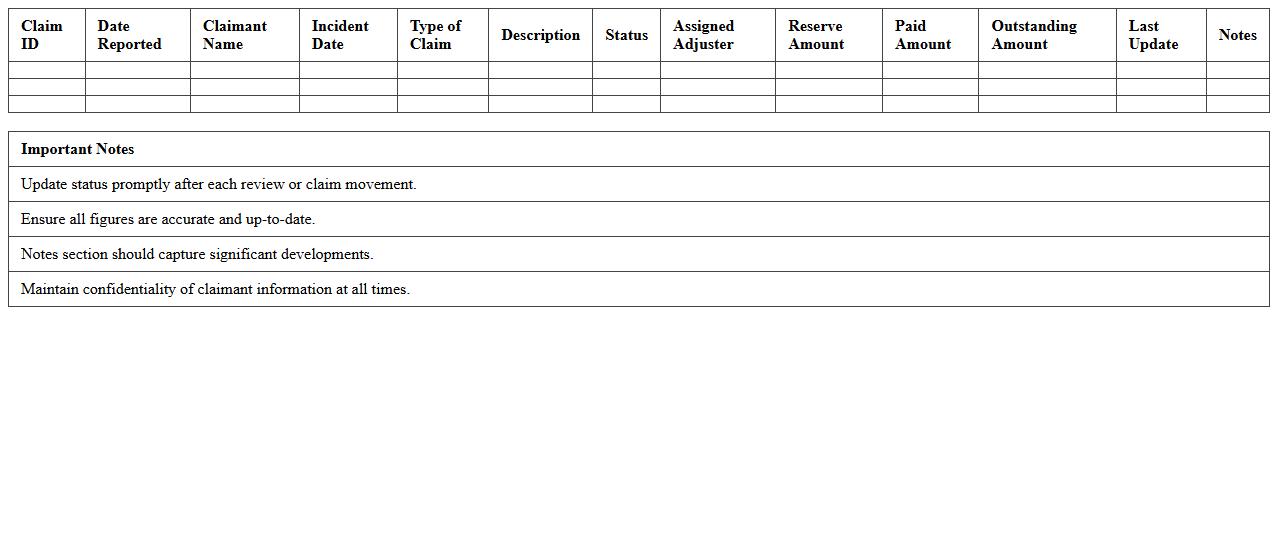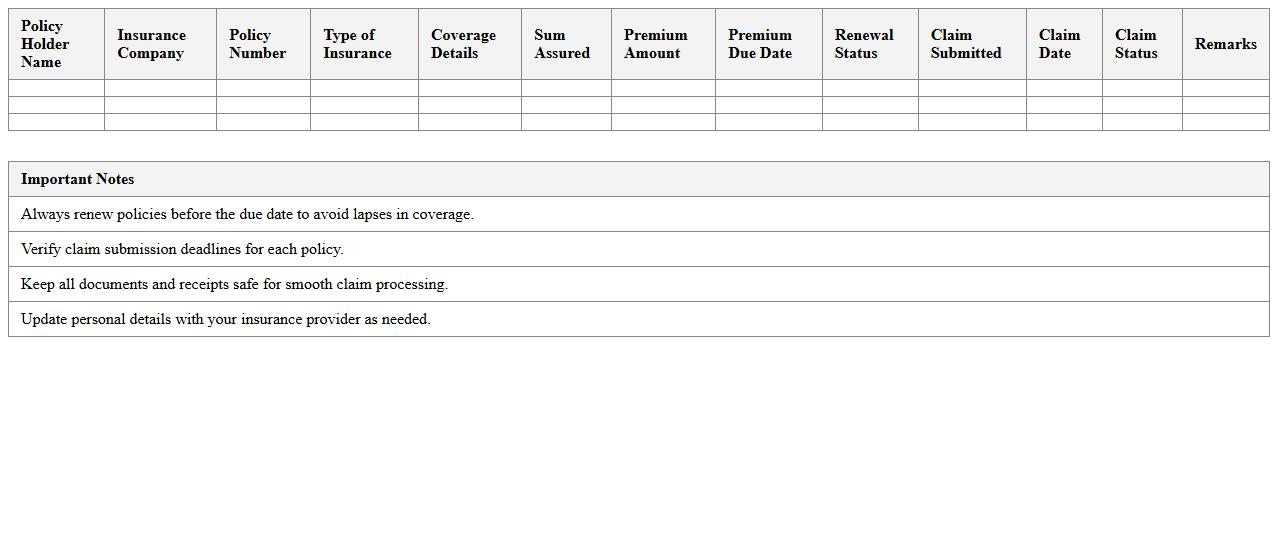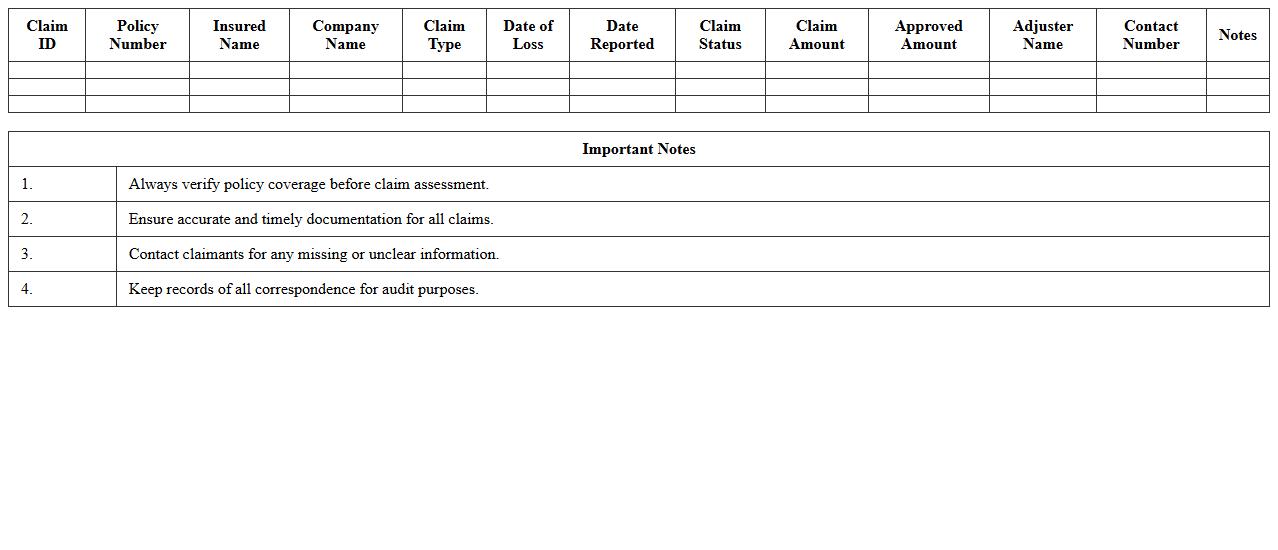
The Insurance Claim Tracking Excel Template for Small Businesses helps efficiently monitor and manage insurance claims by organizing crucial data such as claim numbers, dates, amounts, and statuses. Designed for small businesses, this template streamlines tracking processes, reduces errors, and improves communication with insurers. Customizable and user-friendly, it enhances overall claim management and ensures timely follow-ups.
Health Insurance Claim Tracker Excel Template
The
Health Insurance Claim Tracker Excel Template is a digital tool designed to systematically record and monitor insurance claims, ensuring accurate tracking of claim statuses, amounts, and dates. This template streamlines the management of multiple health insurance claims, helping users avoid missed deadlines and claim errors that can delay reimbursements. By using this document, individuals and businesses can efficiently organize claim information, leading to faster processing and better financial planning.
Auto Insurance Claim Log Spreadsheet
An
Auto Insurance Claim Log Spreadsheet is a structured document that helps individuals and businesses systematically record and track details related to auto insurance claims. It typically includes key information such as claim numbers, dates of incidents, insurance providers, claim statuses, and payment amounts. Using this spreadsheet improves organization, ensures timely follow-ups on pending claims, and provides a clear overview of all claim activities, enhancing effective management and accurate record-keeping.
Property Damage Insurance Claim Register
A
Property Damage Insurance Claim Register document systematically records all claims filed for property damage, detailing the nature, date, and amount of each claim. This register provides a comprehensive overview that helps insurance companies track claim history, assess risk exposure, and streamline the claims management process. For policyholders and businesses, it serves as a critical reference to verify claim statuses and ensure accurate and timely reimbursement.
Business Liability Claim Monitoring Sheet
A
Business Liability Claim Monitoring Sheet is a document designed to track and manage claims related to business liabilities systematically. It helps organizations record claim details, monitor progress, and ensure timely responses, reducing the risk of overlooked or mishandled claims. By maintaining accurate and up-to-date information, this sheet enhances risk management and supports informed decision-making.
Workers’ Compensation Claim Tracking Excel
A
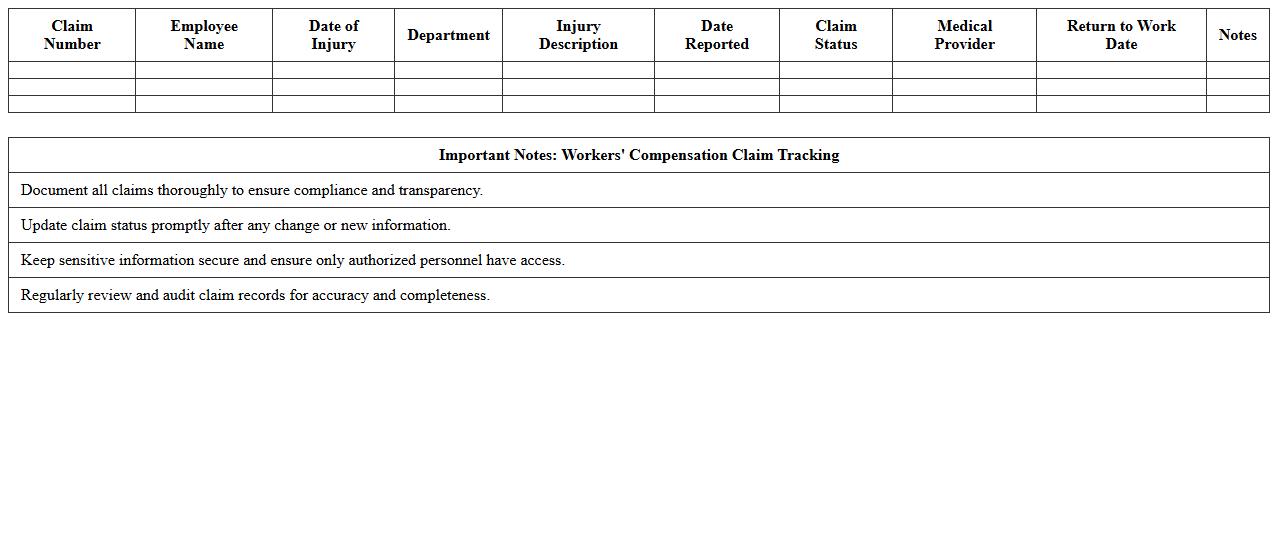
Workers' Compensation Claim Tracking Excel document is a specialized spreadsheet designed to systematically record and monitor details of workplace injury claims. It enables efficient management of claim statuses, dates of incidents, medical reports, and payment schedules, ensuring compliance and timely processing. Using this tool enhances operational oversight and reduces the risk of errors in handling workers' compensation cases.
Life Insurance Claim Status Sheet
A
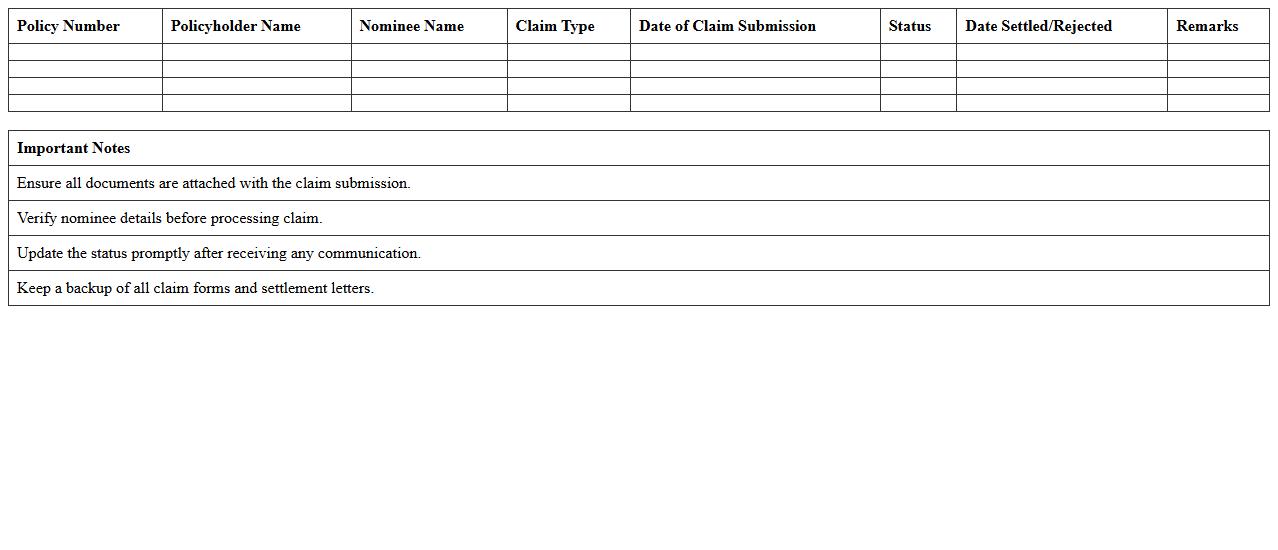
Life Insurance Claim Status Sheet is a detailed document that tracks the progress and current standing of a life insurance claim filed by a policyholder or beneficiary. It provides critical information such as claim reference number, submission date, processing milestones, and payout status, enabling stakeholders to monitor the claim efficiently. This document is useful for ensuring transparency, timely follow-up, and resolving any discrepancies during the claim settlement process.
Insurance Claim Expense Summary Template
An
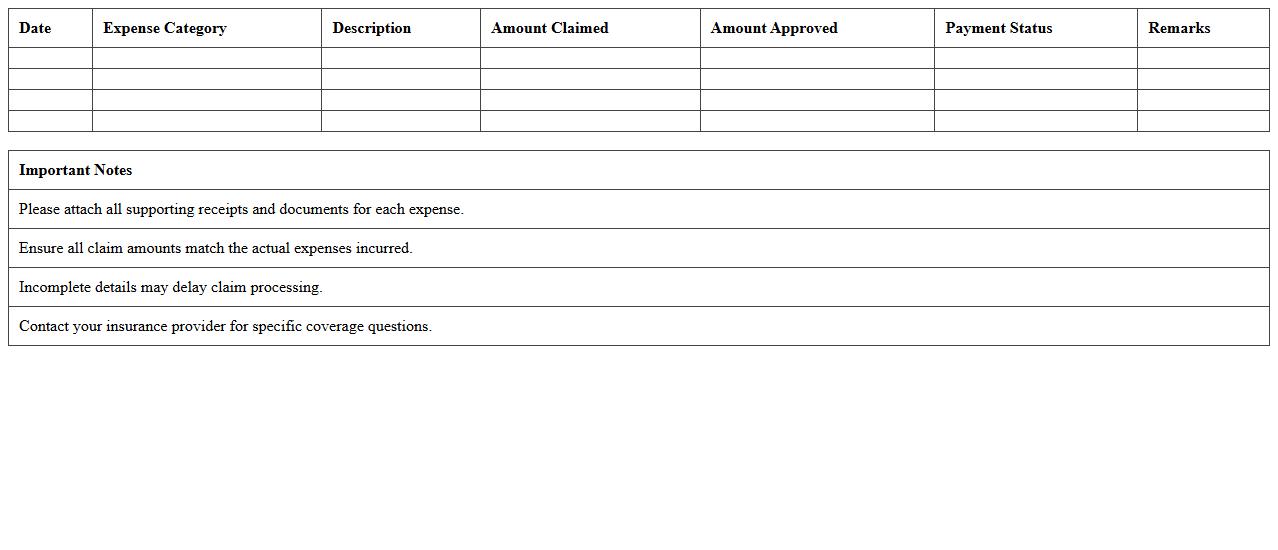
Insurance Claim Expense Summary Template document helps organize and track all expenses related to insurance claims in a clear, concise format. It enables users to systematically record claim amounts, payment dates, and approval statuses, improving accuracy in financial reporting. This template streamlines the claims management process, ensuring efficient monitoring and faster reimbursement.
Claims Submission & Reimbursement Log
The
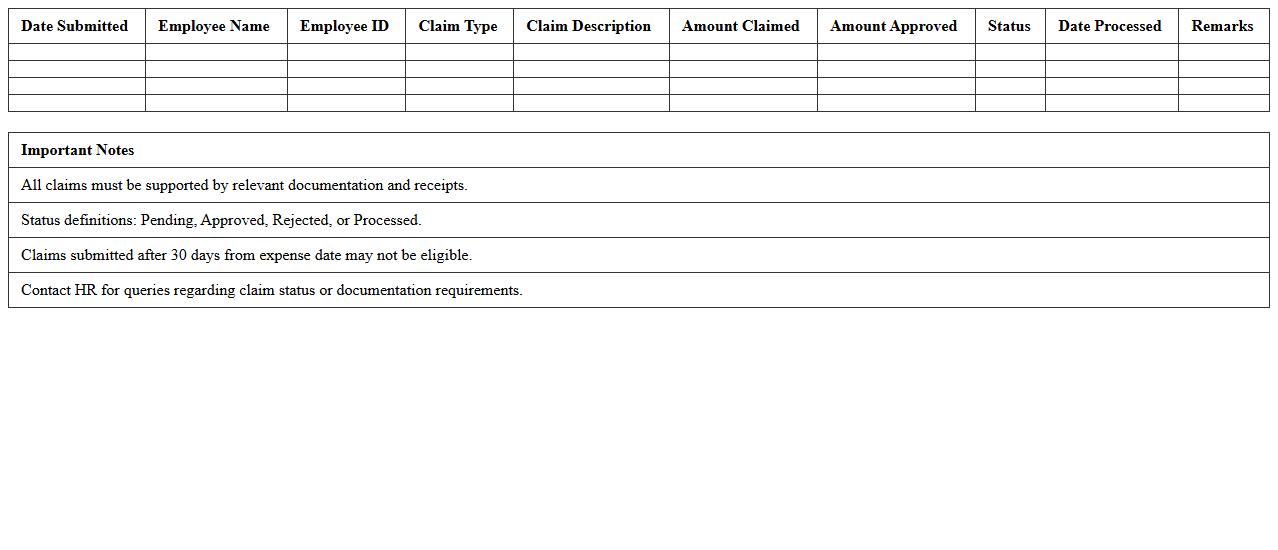
Claims Submission & Reimbursement Log document systematically tracks all insurance claims submitted and their reimbursement status, ensuring accurate financial management. It helps identify delays, discrepancies, and claim denials, enabling faster resolution and improved cash flow. Maintaining this log enhances accountability and provides essential data for audit compliance and performance analysis.
Insurance Policy Renewal and Claim Planner
An
Insurance Policy Renewal is the process of extending the coverage period of an existing insurance contract, ensuring continuous protection without lapses. The Claim Planner document helps policyholders organize and track potential claims, streamlining communication with insurers and accelerating the settlement process. Together, these tools improve risk management by maintaining uninterrupted coverage and facilitating efficient claim handling.
Commercial Insurance Claim Management Sheet
A
Commercial Insurance Claim Management Sheet is a detailed document designed to track and organize all aspects of insurance claims related to commercial properties or businesses. It helps streamline the claims process by recording essential information such as claim status, policy details, incident descriptions, and communication logs, ensuring efficient follow-up and resolution. This sheet is crucial for minimizing errors, accelerating claim settlements, and maintaining a comprehensive record for audits or future reference.
How can I automate claim status updates in an Insurance Claim Tracking Excel sheet?
You can automate claim status updates in Excel by using formulas like IF, VLOOKUP, and conditional formatting to reflect real-time changes. Setting up macros or Power Automate flows can enhance automation by updating statuses based on data inputs. This ensures your insurance claim tracking is always accurate and up to date, minimizing manual errors.
Which formulas track claim aging and overdue settlements in Excel?
To track claim aging, use the DATEDIF or TODAY function to calculate the number of days between the claim date and the current date. Overdue settlements can be highlighted using conditional formatting with formulas like IF and AND to flag claims exceeding predefined time limits. These formulas help monitor pending claims and accelerate settlement processes efficiently.
What columns are essential for small business insurance claim Excel templates?
Essential columns include Claim ID, Policy Number, Claimant Name, Date of Incident, Date Filed, Status, and Settlement Amount. Additional columns like Adjuster Assigned, Notes, and Claim Outcome improve tracking precision and communication. These columns form the foundation for comprehensive and organized claim management in small businesses.
How do I filter denied and approved claims using Excel functions?
Filtering denied and approved claims can be done using the FILTER function or AutoFilter feature based on the Status column. You can create dynamic views by applying criteria like "Denied" or "Approved," enabling quick data sorting and analysis. This streamlines the review process and improves claim management efficiency.
Can I integrate claim document uploads with Excel tracking for better documentation?
While Excel alone does not support direct document uploads, integration with cloud platforms like OneDrive or SharePoint allows linking to claim documents within the worksheet. Embedding hyperlinks or using VBA scripts can facilitate easy access and organization of supporting files. This approach enhances documentation and simplifies claim verification workflows.
More Insurance Excel Templates