Network Devices Maintenance Schedule Excel Template
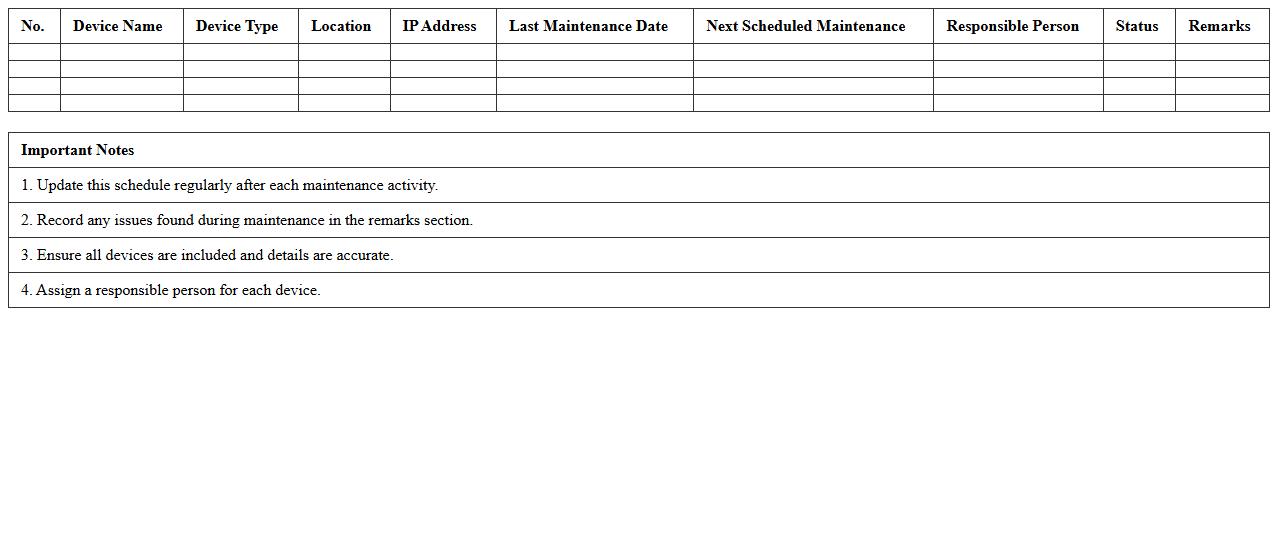
The
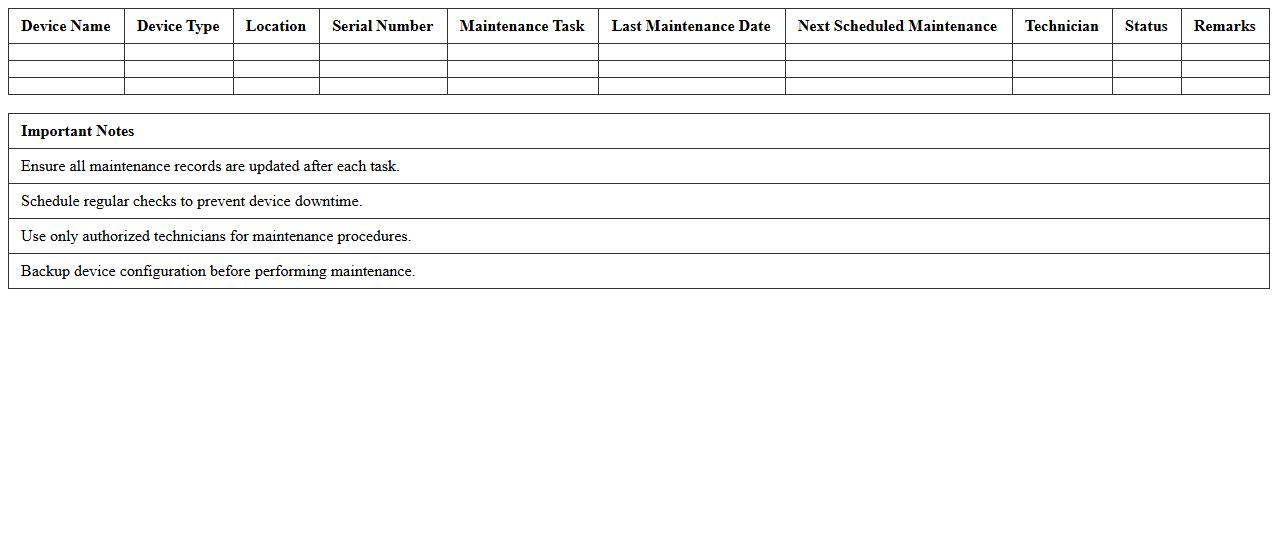
Network Devices Maintenance Schedule Excel Template document organizes and tracks routine maintenance tasks for routers, switches, firewalls, and other network hardware. It enables IT teams to schedule inspections, firmware updates, and performance checks efficiently, reducing downtime and preventing unexpected failures. By maintaining a clear log of maintenance activities, this template helps ensure network reliability and extends the lifespan of critical devices.
Server Maintenance and Inspection Log Template
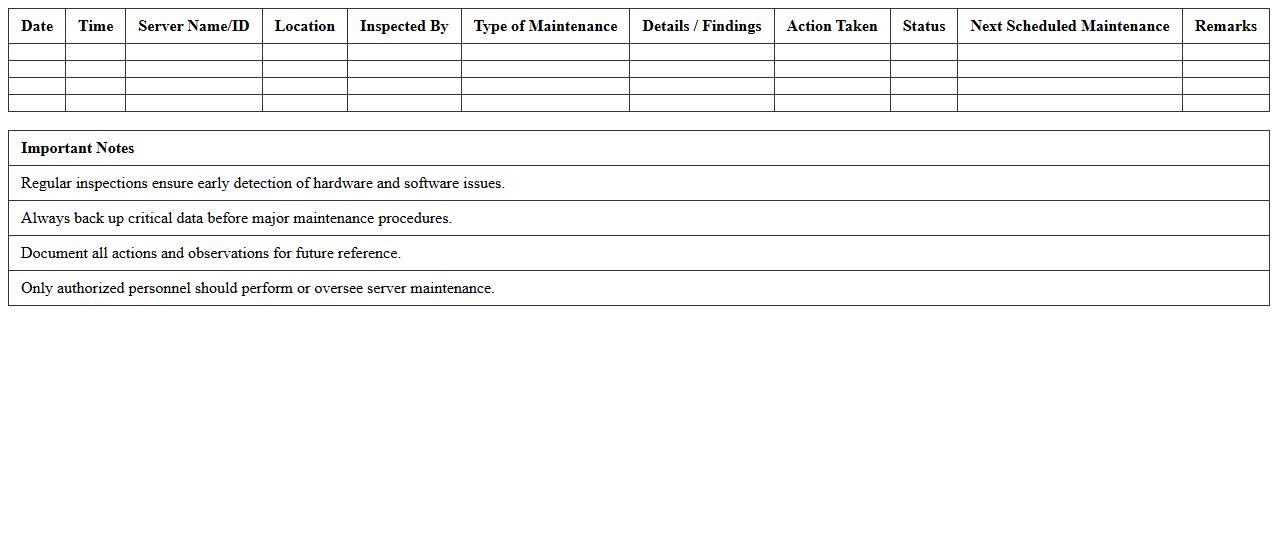
A
Server Maintenance and Inspection Log Template document systematically records routine checks, updates, and repairs performed on server hardware and software. It helps IT teams track maintenance activities, identify recurring issues, and ensure server uptime and performance. Using this template enhances organization, improves troubleshooting efficiency, and supports compliance with operational standards.
Computer Equipment Preventive Maintenance Tracker
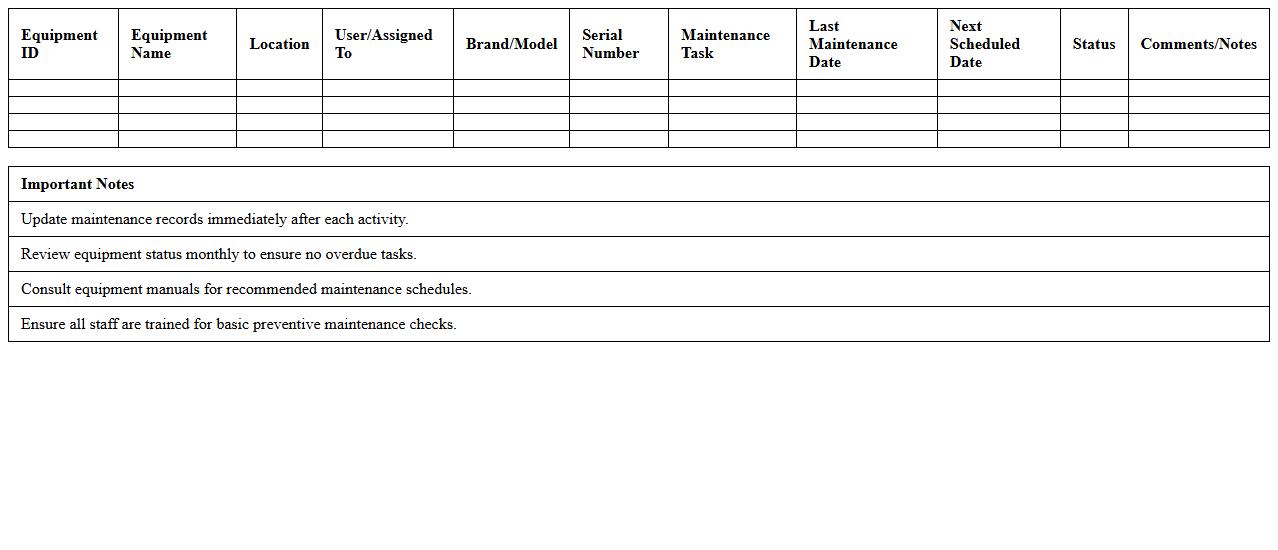
A
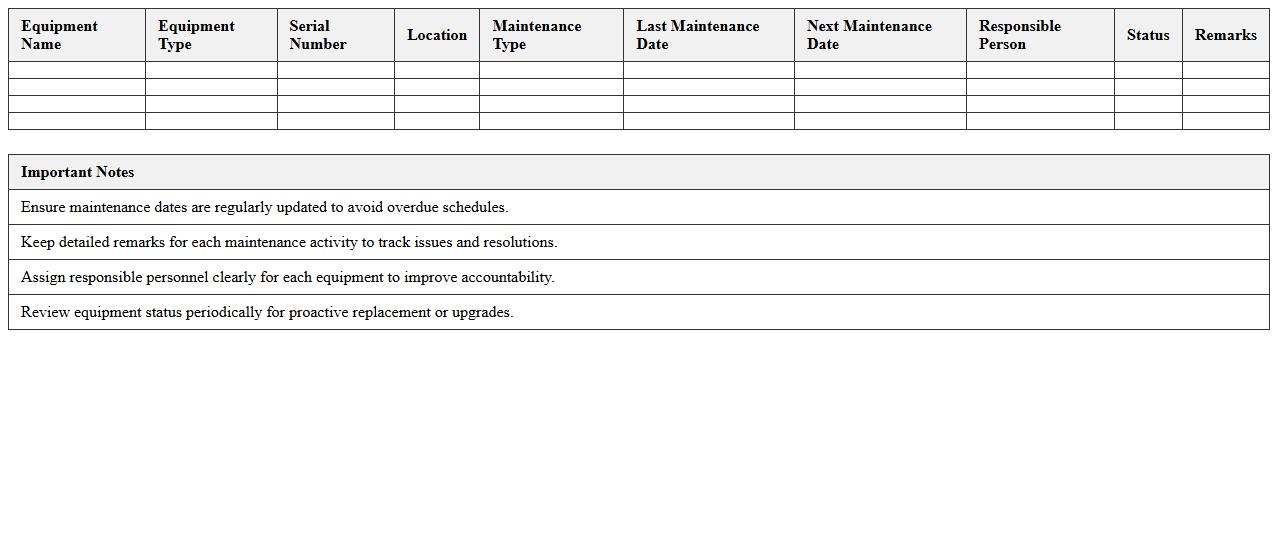
Computer Equipment Preventive Maintenance Tracker is a document designed to systematically record and schedule routine maintenance tasks for computer hardware. It helps organizations monitor equipment health, minimize downtime, and extend the lifespan of devices by ensuring timely inspections, cleaning, and updates. By using this tracker, businesses can reduce unexpected failures and optimize IT resource management efficiently.
IT Asset Maintenance Calendar Excel Sheet
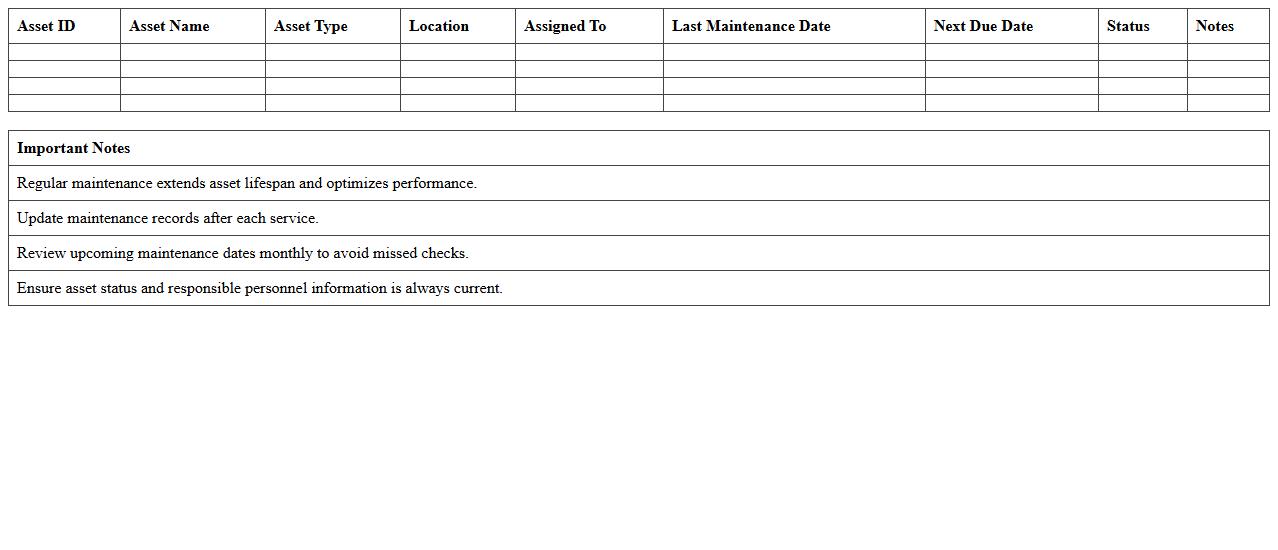
An
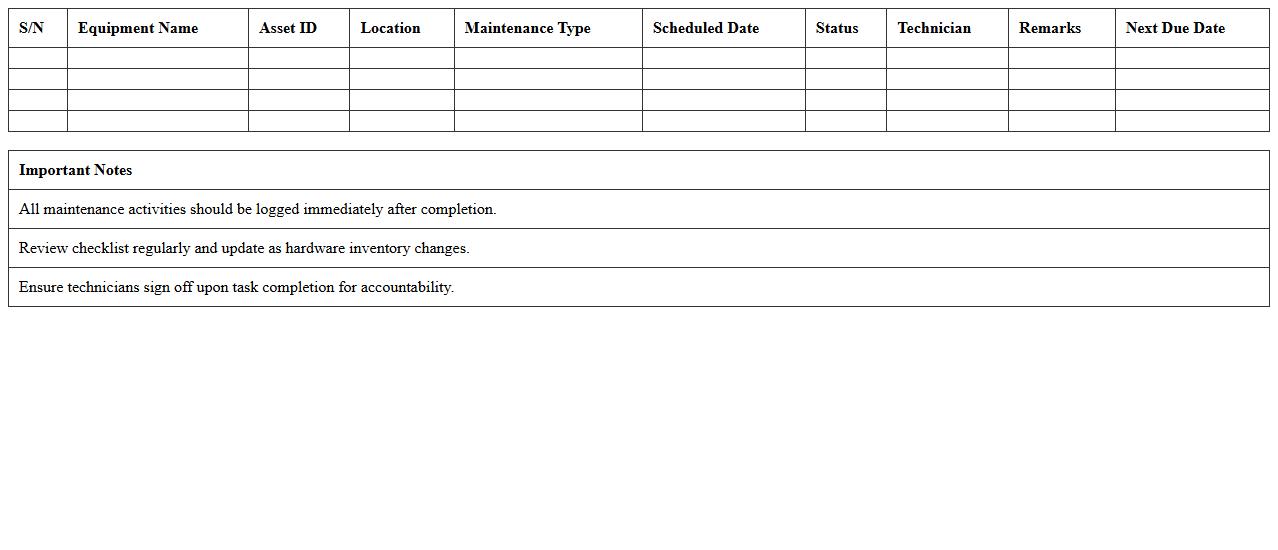
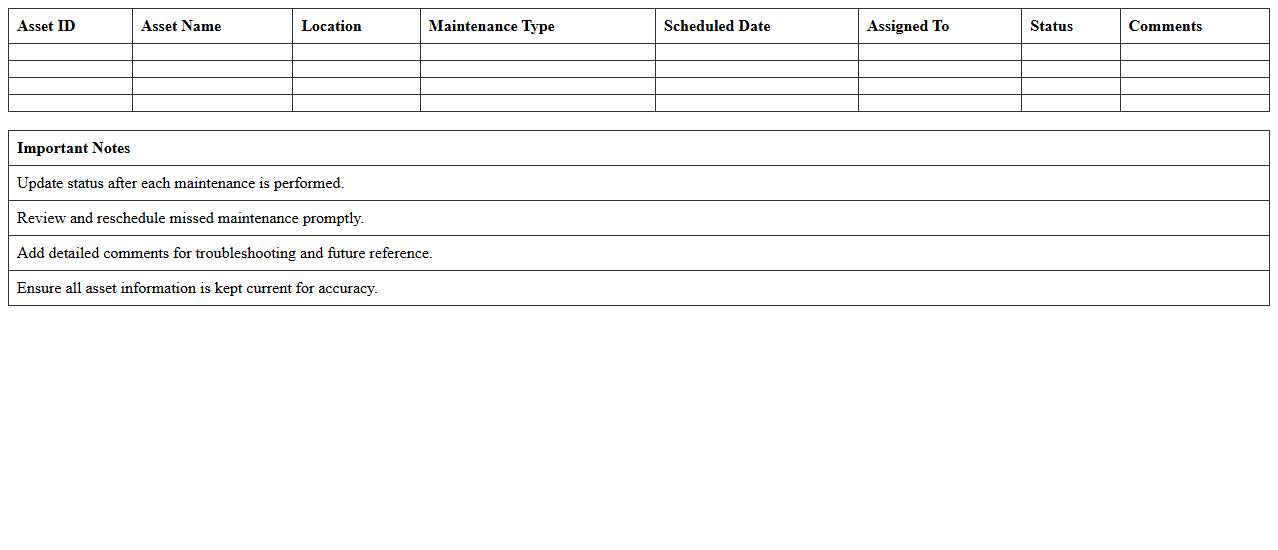
IT Asset Maintenance Calendar Excel Sheet is a structured document designed to schedule, track, and manage the maintenance activities of IT assets such as servers, laptops, and network devices. It helps organizations ensure timely updates, routine servicing, and compliance with maintenance schedules, reducing downtime and extending asset lifespan. This tool enhances operational efficiency by providing clear visibility into maintenance tasks, deadlines, and responsible personnel.
Hardware Maintenance Checklist Master Excel
The
Hardware Maintenance Checklist Master Excel document is a comprehensive tool designed to systematically track and manage the upkeep of computer hardware and related equipment. It helps organizations ensure regular inspections, identify potential issues early, and record maintenance activities efficiently, reducing downtime and extending the lifespan of hardware components. By centralizing all hardware maintenance data in one accessible spreadsheet, it improves accountability and streamlines preventive maintenance workflows.
Printer and Peripheral Maintenance Schedule Template
A
Printer and Peripheral Maintenance Schedule Template is a structured document designed to organize and track routine maintenance tasks for printers and related devices. It helps ensure timely servicing, reduces downtime, and extends equipment lifespan by systematically scheduling inspections, cleaning, and repairs. By using this template, businesses can maintain operational efficiency and avoid costly breakdowns through proactive maintenance management.
Software Update and Patch Management Log
A
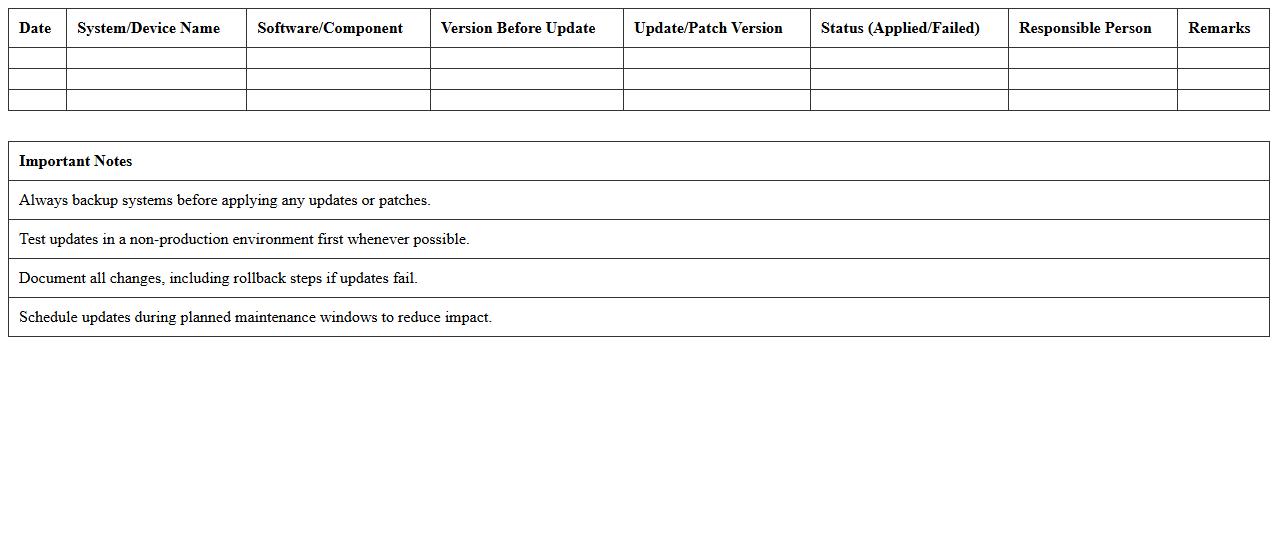
Software Update and Patch Management Log document records detailed information about all software updates and patches applied to a system, including dates, versions, and sources. This log helps track the history of changes, ensuring systems remain secure, stable, and compliant with security policies. Maintaining this document supports efficient troubleshooting and audit readiness by providing a clear record of updates and potential vulnerabilities addressed.
Data Center Equipment Maintenance Planning Template
A
Data Center Equipment Maintenance Planning Template document provides a structured framework to schedule, track, and manage regular maintenance tasks for critical data center hardware such as servers, cooling systems, and power supplies. This template helps optimize equipment uptime, reduce unexpected failures, and ensure compliance with operational standards by systematically organizing maintenance activities and deadlines. Utilizing this planning tool enhances efficiency, prolongs equipment lifespan, and supports proactive troubleshooting within data center operations.
IT Equipment Warranty and Service Log Excel
An
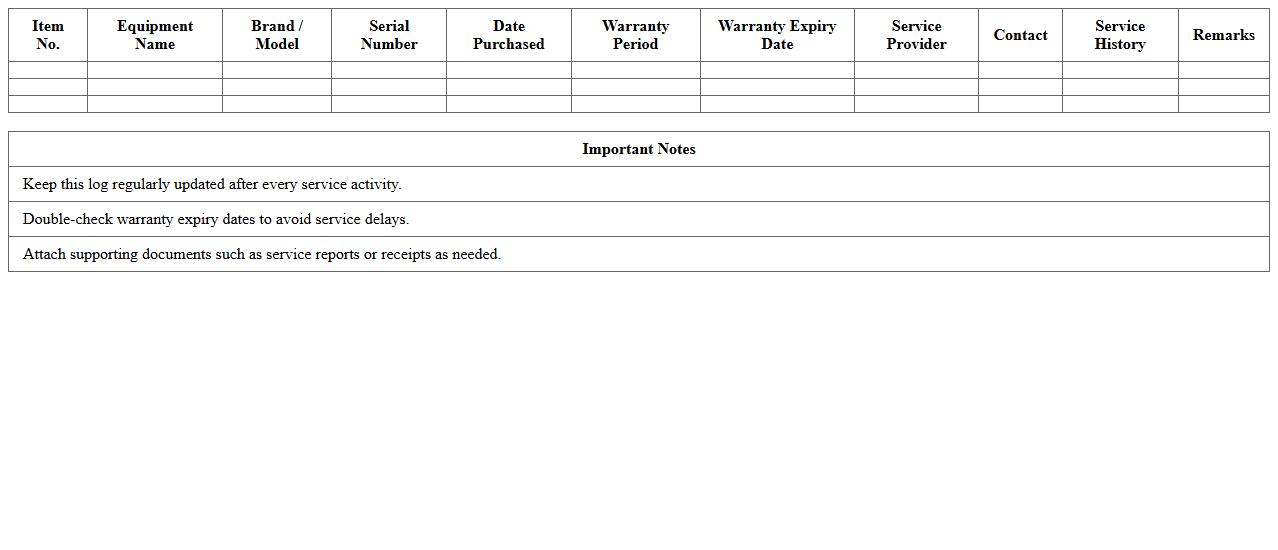
IT Equipment Warranty and Service Log Excel document is a digital tool designed to track the warranty periods, repair history, and maintenance schedules of IT hardware assets. It helps organizations monitor critical warranty information, manage service records efficiently, and streamline equipment lifecycle management. Using this log reduces downtime, optimizes asset utilization, and simplifies compliance with service contracts.
Infrastructure Maintenance Scheduling Spreadsheet
An
Infrastructure Maintenance Scheduling Spreadsheet is a structured document designed to organize, track, and plan maintenance activities for various infrastructure assets such as roads, bridges, buildings, and utilities. It helps facility managers and maintenance teams allocate resources effectively, schedule routine inspections, and prioritize repairs to prevent costly breakdowns and downtime. By providing a centralized platform for maintenance data, this spreadsheet enhances operational efficiency and extends the lifespan of critical infrastructure components.
How to automate monthly maintenance reminders in an IT Equipment Excel schedule?
To automate monthly maintenance reminders in Excel, use formulas combined with Excel's built-in notification tools like conditional formatting or alerts. Set a recurring date column for the next maintenance due and use the TODAY() function to highlight approaching dates. Additionally, consider using Excel VBA macros to send automated email reminders based on these dates.
What essential columns are needed for tracking IT asset service history?
Track your IT assets effectively by including columns such as Asset ID, Equipment Name, Service Date, Service Type, Technician, and Notes. These columns capture critical service information and history for each piece of equipment. Including a column for Next Scheduled Service enables proactive maintenance management.
How to integrate conditional formatting for overdue tasks in the schedule?
Use Excel's Conditional Formatting feature to highlight overdue tasks by creating a rule based on the Next Service Date compared to TODAY(). Tasks with dates earlier than today can automatically be formatted with a red fill or bold text. This visual cue quickly alerts users to overdue maintenance activities.
Can the Excel sheet generate maintenance summary reports automatically?
Excel can generate automatic maintenance summary reports using PivotTables or formulas such as COUNTIFS and SUMIFS to aggregate service data. Dashboards with charts and tables can be created to summarize completed, upcoming, and overdue maintenance tasks. Integrating slicers allows dynamic filtering for specific equipment or time periods.
How to link equipment warranty data with service schedules in the document?
Link warranty data to service schedules by adding warranty start and expiration dates as columns in your Excel sheet. Use formulas to calculate warranty status, such as whether the warranty is active or expired relative to TODAY(). Conditional formatting can help by highlighting equipment that is out of warranty, aiding in maintenance decision-making.