The Information Technology Asset Management Excel Template for Small Businesses streamlines tracking and organizing IT assets, including hardware, software, and licenses. This template ensures accurate record-keeping, improved inventory management, and simplified maintenance schedules. Small businesses benefit from enhanced visibility into asset lifecycle and cost control.
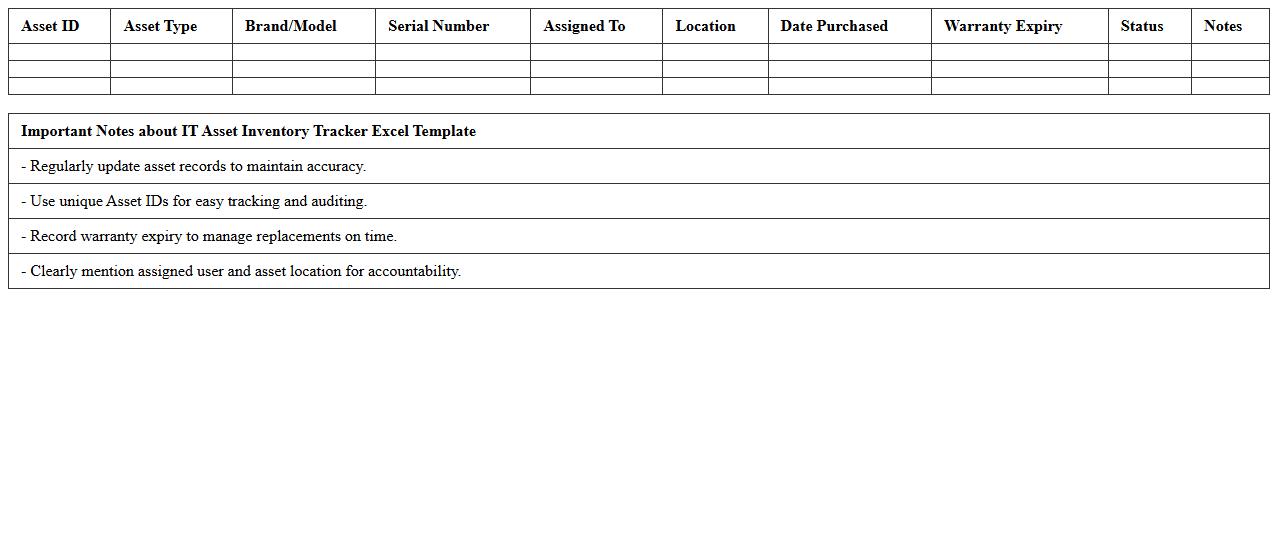
IT Asset Inventory Tracker Excel Template
The
IT Asset Inventory Tracker Excel Template document is a structured spreadsheet designed to systematically record, manage, and monitor an organization's IT assets such as computers, software licenses, and network devices. This template enables accurate tracking of asset details including purchase dates, warranties, and maintenance schedules, enhancing accountability and reducing loss or misplacement. By providing a centralized and easily accessible database, it improves operational efficiency, supports budgeting decisions, and ensures compliance with IT management policies.
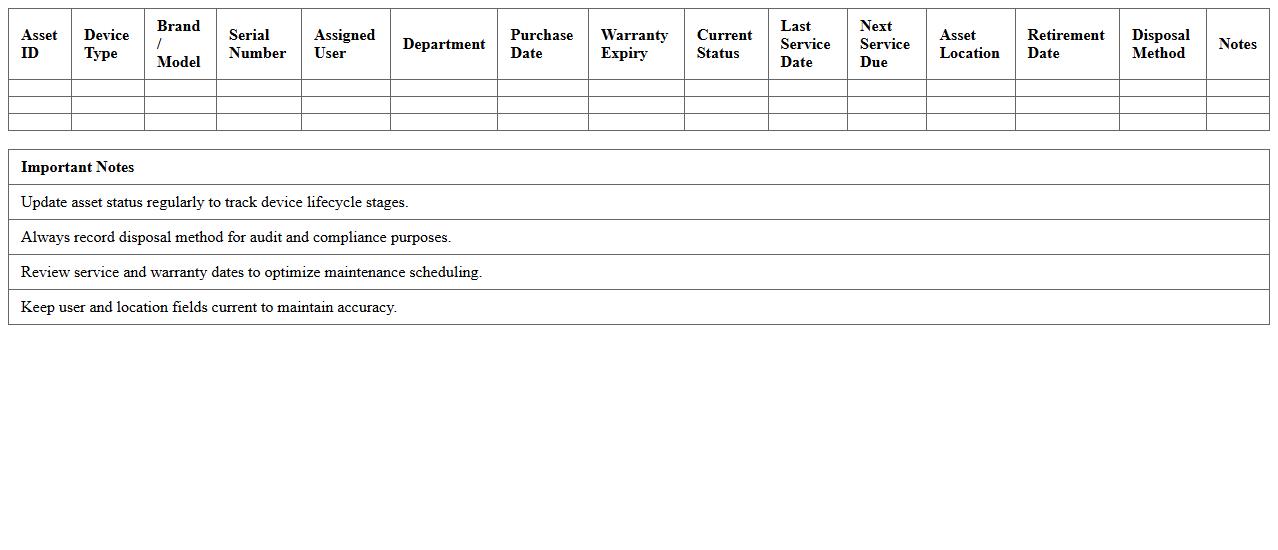
IT Hardware Lifecycle Management Spreadsheet
An
IT Hardware Lifecycle Management Spreadsheet is a structured document designed to track and manage the entire lifespan of IT hardware assets, from procurement to disposal. It provides detailed records on purchase dates, warranty periods, maintenance schedules, and depreciation values, facilitating efficient asset management and budget planning. This tool helps organizations minimize downtime, optimize hardware usage, and ensure compliance with asset management policies.
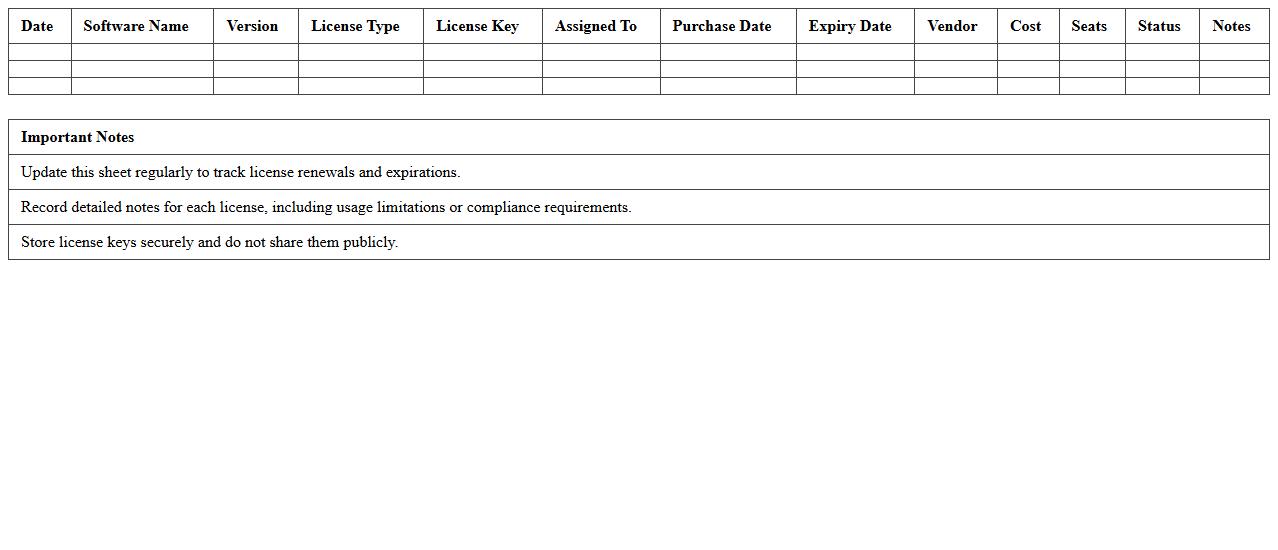
Software License Management Log Sheet
A
Software License Management Log Sheet document tracks and records software licenses, including purchase dates, expiry, usage, and compliance status. It helps organizations avoid legal risks, optimize software costs, and ensure proper license utilization. Effective management through this log sheet safeguards against penalties and enhances IT asset governance.
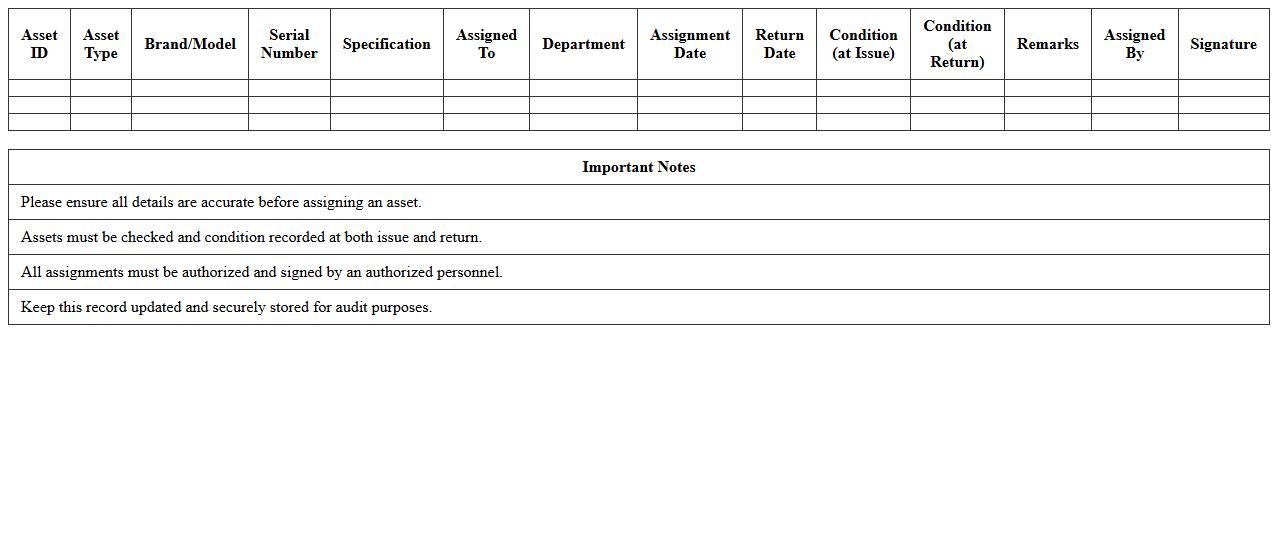
IT Asset Assignment Record Template
The
IT Asset Assignment Record Template document is a structured form used to track the allocation and management of IT assets within an organization. It helps maintain accurate records of asset distribution, user assignments, and asset lifecycle status, improving accountability and reducing loss or mismanagement of equipment. Implementing this template streamlines IT inventory control, supports audit compliance, and enhances operational efficiency by providing clear documentation of asset ownership and responsibility.
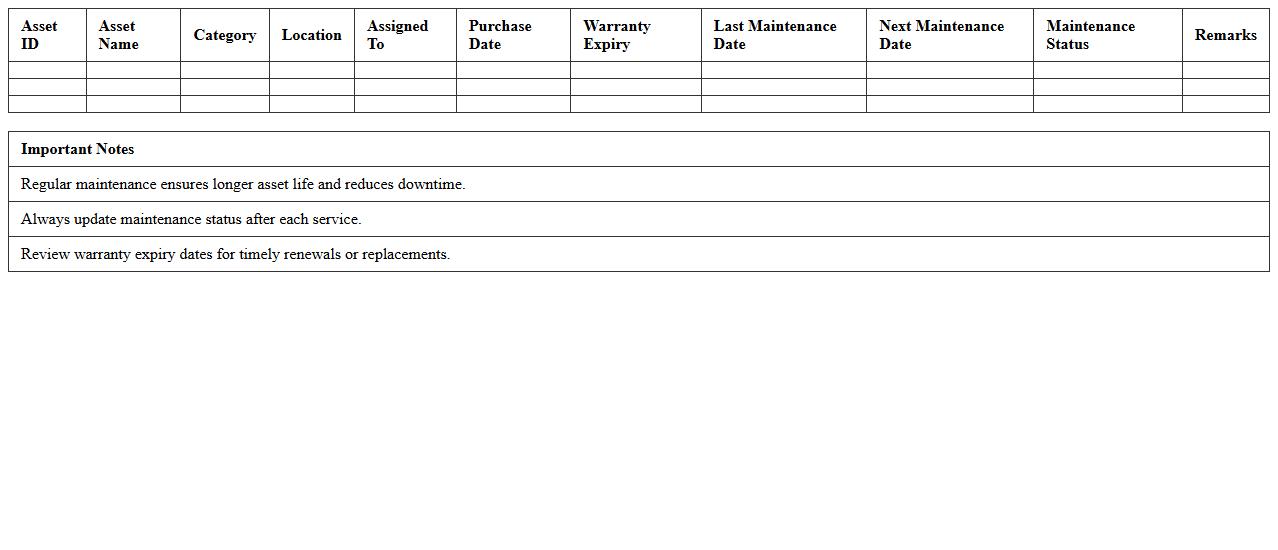
IT Asset Maintenance Schedule Excel
An
IT Asset Maintenance Schedule Excel document systematically tracks and manages the upkeep timelines for hardware and software assets, ensuring timely servicing and reducing downtime. It helps organizations optimize asset lifespan, budget maintenance costs effectively, and maintain compliance with warranty and service agreements. By providing a clear overview of maintenance activities, this schedule enhances operational efficiency and supports proactive IT infrastructure management.
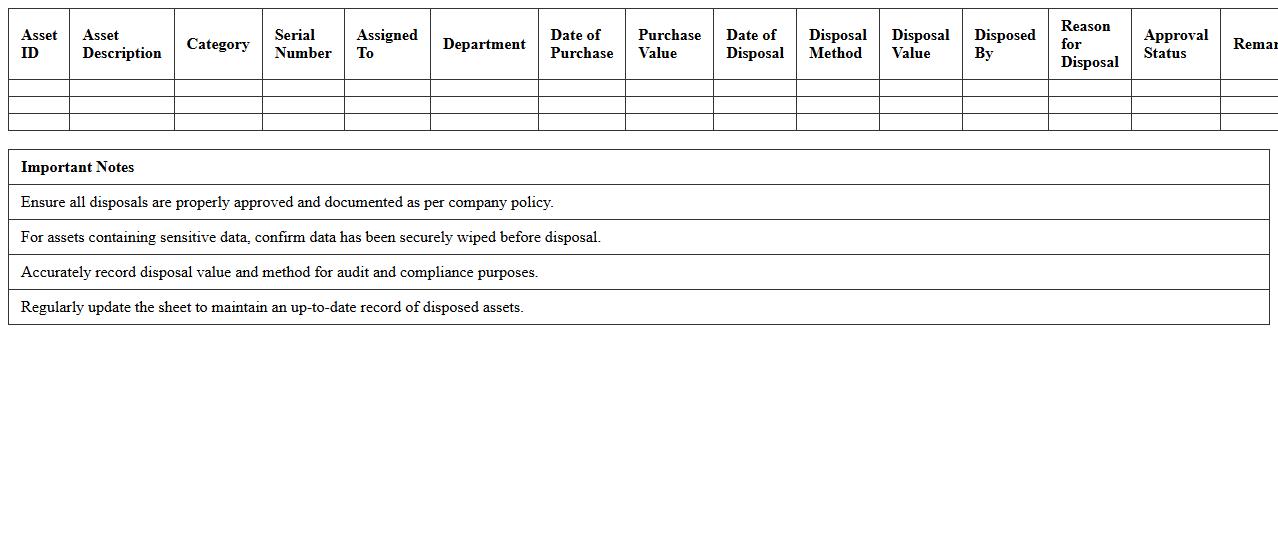
IT Asset Disposal Tracking Sheet
An
IT Asset Disposal Tracking Sheet document systematically records the disposal process of obsolete or retired IT equipment, ensuring compliance with corporate policies and environmental regulations. It provides detailed information on each asset's disposal status, method, date, and responsible personnel, enhancing accountability and traceability. This tracking tool helps organizations minimize data security risks and supports audit requirements by maintaining a clear disposal history.
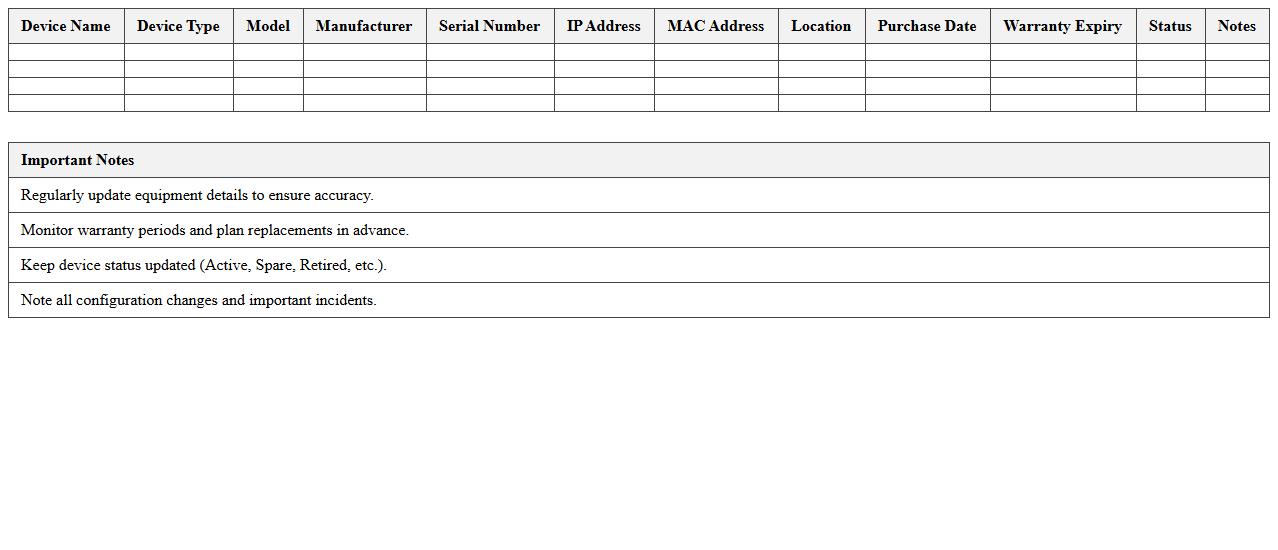
Network Equipment Management Excel Template
The
Network Equipment Management Excel Template document is a structured spreadsheet designed to organize, track, and maintain detailed records of all network hardware assets such as routers, switches, firewalls, and servers. It enables IT teams to monitor equipment statuses, manage warranties, schedule maintenance, and track inventory efficiently, reducing downtime and optimizing network performance. This template improves decision-making by providing clear visibility into asset lifecycle and helps streamline budgeting for future upgrades or replacements.
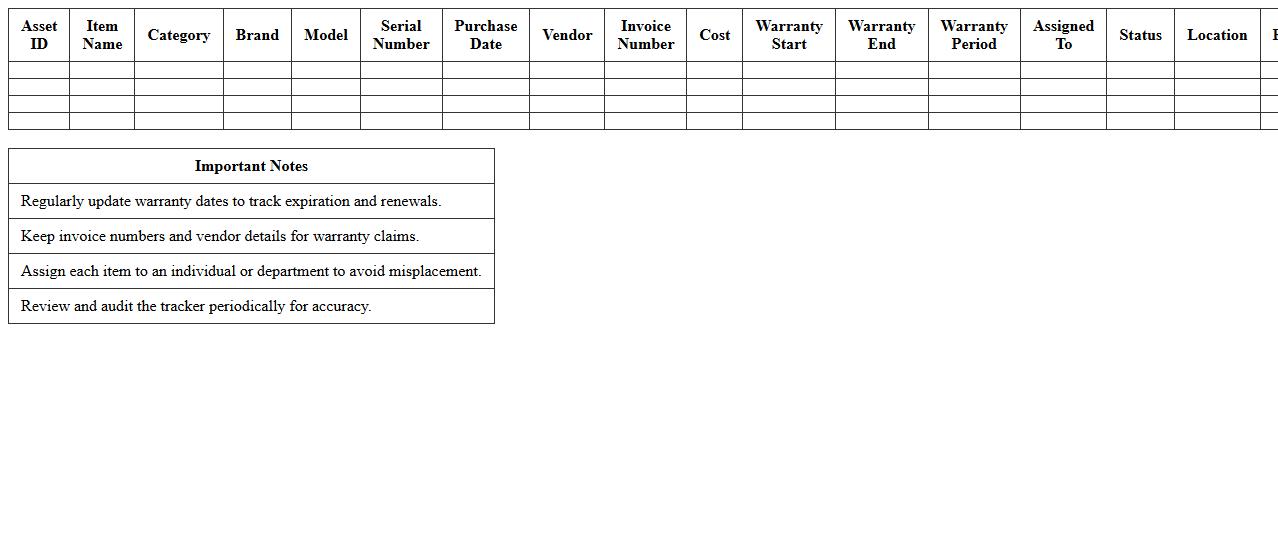
IT Purchase and Warranty Tracker Spreadsheet
An
IT Purchase and Warranty Tracker Spreadsheet is a digital tool designed to log and monitor IT equipment acquisitions along with their warranty details. It helps organizations manage asset lifecycles, ensuring timely maintenance and preventing warranty expiration. This spreadsheet enhances financial planning by keeping track of purchase dates, costs, warranty periods, and service terms.
IT Incident and Support Log Excel
The
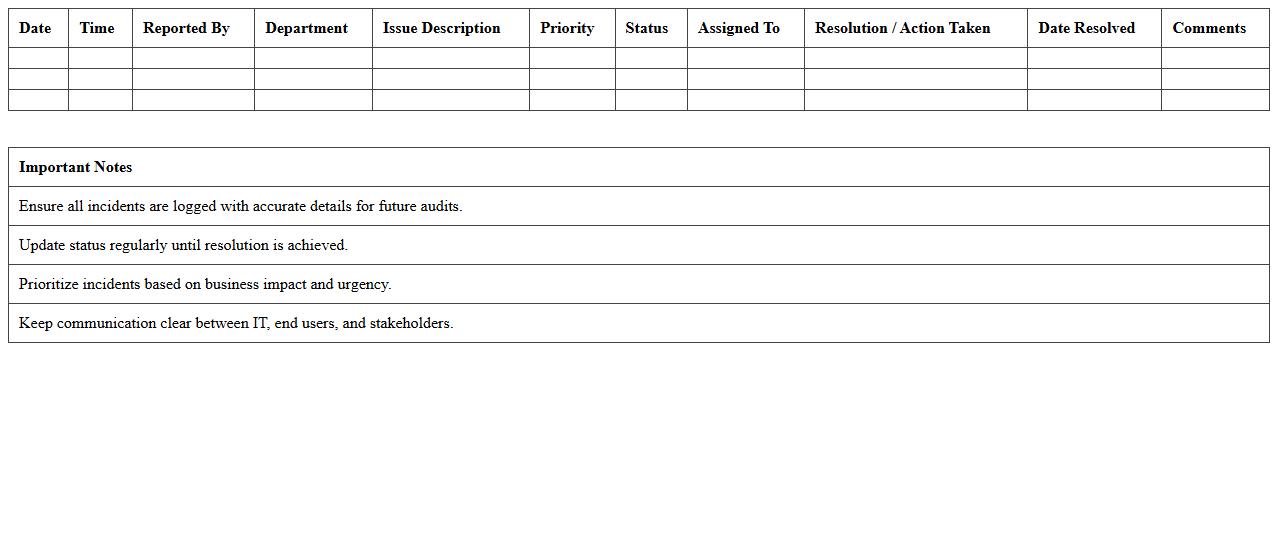
IT Incident and Support Log Excel document records details of technical issues and support requests, enabling efficient tracking and management of IT incidents. It helps prioritize troubles, document resolutions, and identify recurring problems, which improves overall system reliability and support responsiveness. By maintaining clear and organized incident data, organizations can enhance communication between IT teams and end-users, ensuring timely and effective problem-solving.
IT Asset Depreciation Calculator Template
An
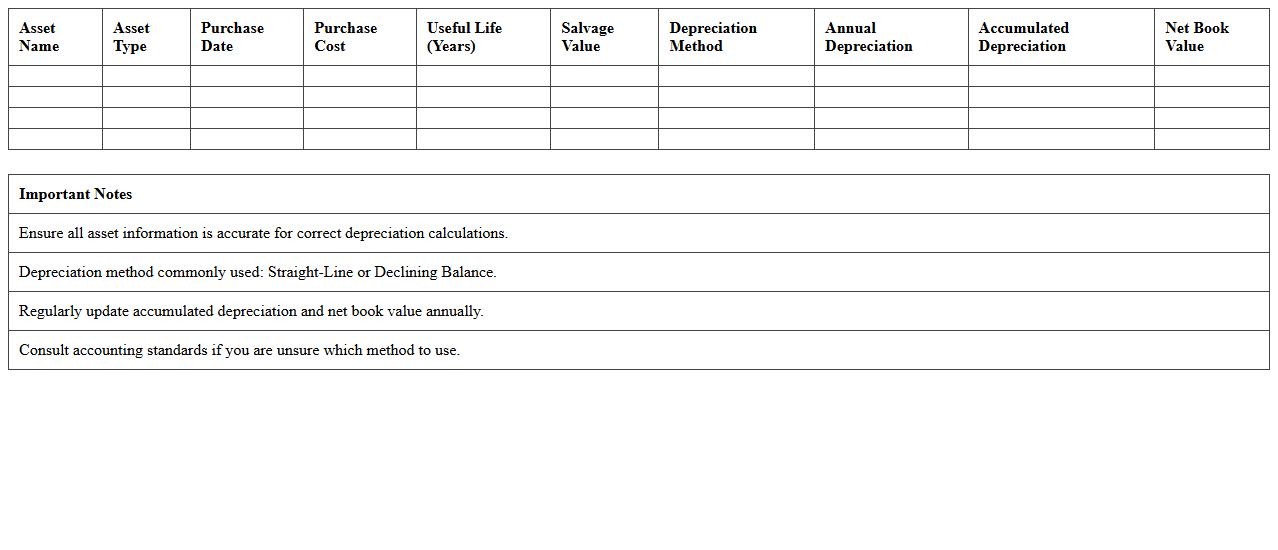
IT Asset Depreciation Calculator Template is a document designed to track and calculate the depreciation value of IT equipment over time, using methods like straight-line or declining balance. It helps businesses accurately assess the current worth of their technology assets, optimizing financial reporting and budgeting processes. This tool ensures compliance with accounting standards while aiding in making informed decisions on asset replacement and cost management.
How can IT asset lifecycle data be tracked efficiently in Excel for small businesses?
To track the IT asset lifecycle efficiently in Excel, start by creating a structured table with columns for asset details, acquisition date, maintenance, and disposal status. Utilize Excel's built-in features like conditional formatting to highlight upcoming maintenance or renewal dates. This approach aids in maintaining accurate and updated records that simplify lifecycle management for small businesses.
What formulas help automate hardware depreciation in IT asset Excel sheets?
The SLN (Straight Line Depreciation) and DB (Declining Balance) formulas are essential for automating hardware depreciation in Excel. SLN calculates equal depreciation over an asset's useful life, while DB accounts for accelerated depreciation in the early years. Using these formulas ensures precise tracking of asset value and helps maintain accurate financial records.
Which columns are critical in an IT asset inventory template for cybersecurity compliance?
Critical columns for cybersecurity compliance include Asset ID, Device Type, Serial Number, IP Address, Software Versions, and Last Security Update. These columns help monitor the security status and manage vulnerabilities effectively. Having this detailed data supports compliance audits and protects the organization from cyber risks.
How to use Excel to schedule software license renewal alerts for small companies?
Create a license tracking table with columns for License Name, Expiry Date, and Notification Date. Use formulas like DATEDIF to calculate days until renewal and conditional formatting to highlight upcoming license renewals. Additionally, setting Excel reminders or integrating with Outlook can automate alert notifications for timely renewals.
What filters best identify underutilized IT assets in an Excel asset management log?
Filters on columns such as Last Used Date, Usage Hours, and Status are most effective for spotting underutilized IT assets. Sorting assets by low utilization or outdated status helps prioritize reallocations or disposals. This filtering method supports optimized resource management and cost savings.
More Information Technology Excel Templates