The Information Technology Budget Tracking Excel Template streamlines expense management for finance teams by providing a clear overview of IT costs and allocations. It allows for precise tracking of software, hardware, and service expenditures, enhancing budget accuracy and financial planning. Customizable features support detailed reporting and real-time updates, ensuring efficient resource management in IT departments.
IT Department Expense Tracking Spreadsheet
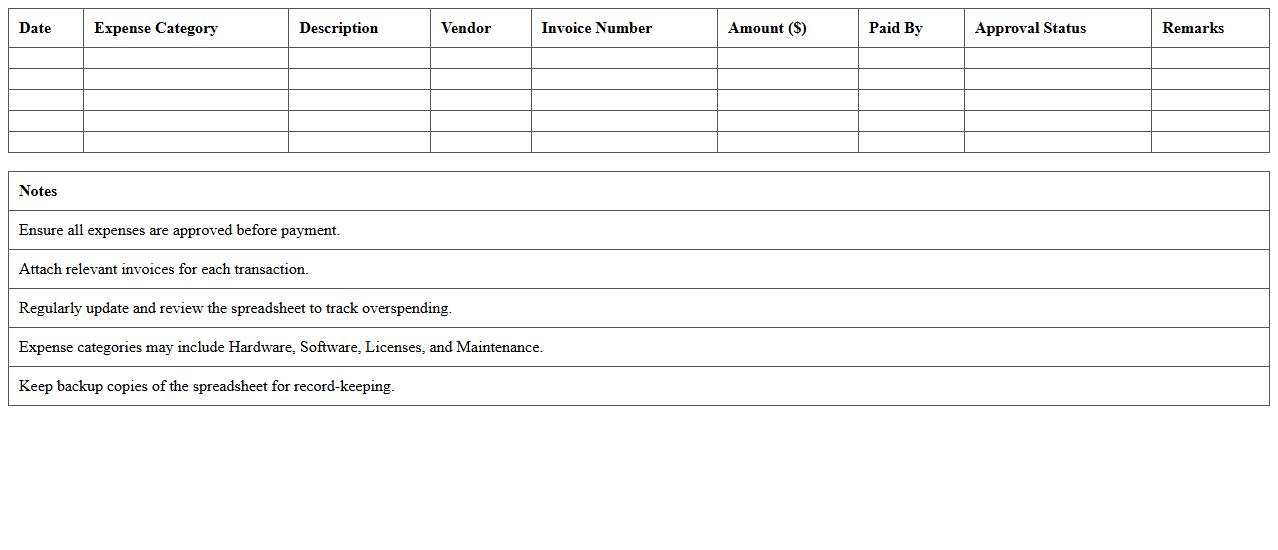
An
IT Department Expense Tracking Spreadsheet is a detailed document designed to record, monitor, and analyze all expenses related to information technology operations. It helps organizations control budgets, identify cost-saving opportunities, and ensure efficient allocation of resources by providing clear visibility into spending patterns. This tool supports financial planning and decision-making, enhancing accountability and transparency within the IT department.
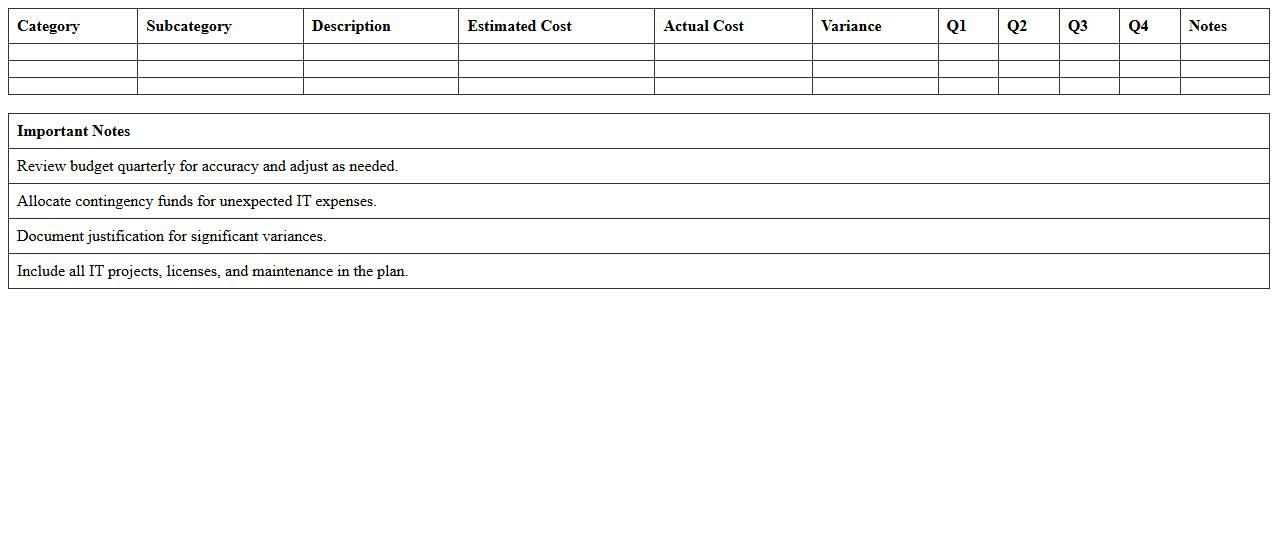
Technology Budget Allocation Excel Sheet
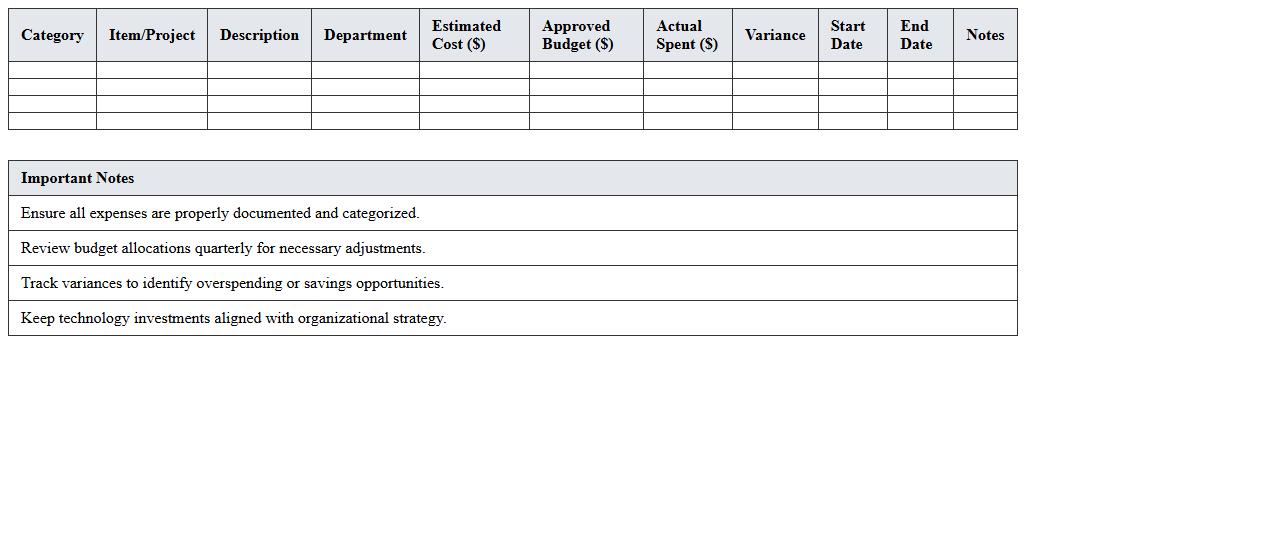
A
Technology Budget Allocation Excel Sheet is a structured financial planning tool designed to organize and track technology-related expenses within a business or project. It allows precise categorization of costs such as hardware, software, IT services, and maintenance, helping stakeholders monitor spending and forecast future technology investments. By providing clear visibility into budget distribution, this document supports informed decision-making and ensures efficient resource management for technology initiatives.
Software & Hardware Purchase Tracker
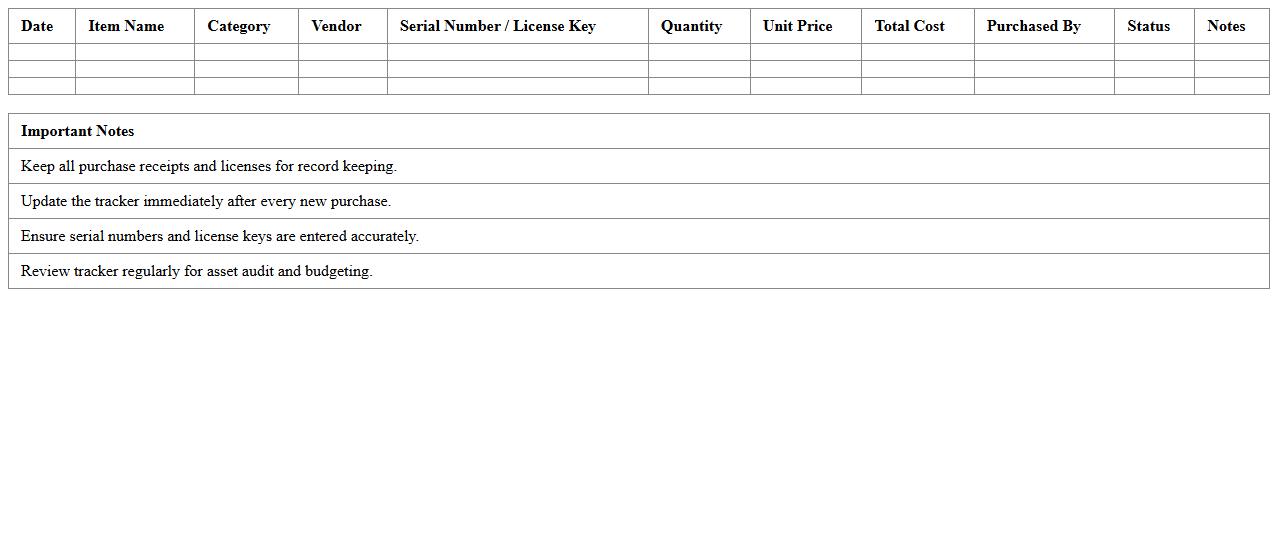
A
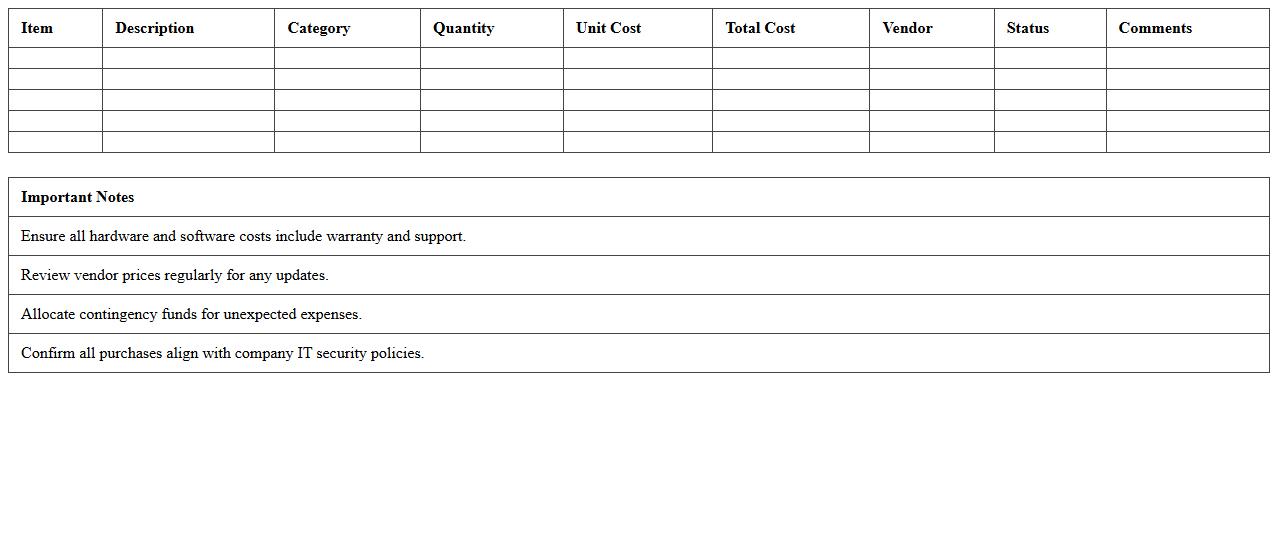
Software & Hardware Purchase Tracker document systematically records all technology-related acquisitions, including licenses, devices, and peripherals, ensuring budget control and audit readiness. It helps organizations monitor purchase dates, costs, warranty periods, and vendor details, optimizing asset management and preventing redundant spending. This tracker supports strategic planning by providing clear visibility into current software versions and hardware inventory, improving resource allocation and lifecycle management.
IT Project Cost Management Template
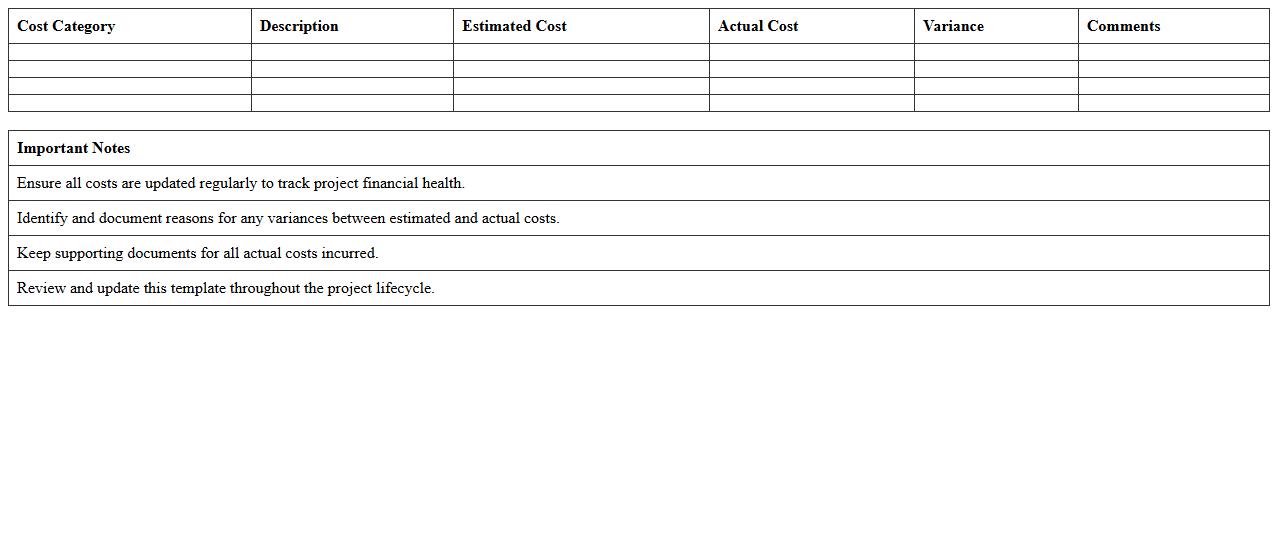
The
IT Project Cost Management Template is a structured document designed to plan, estimate, track, and control expenses associated with IT projects. It helps organizations maintain budget accuracy by providing detailed cost breakdowns, resource allocation, and real-time expense monitoring. Using this template improves financial accountability and ensures that projects are delivered within approved budgets, reducing the risk of cost overruns.
Annual IT Budget Planning Workbook
The
Annual IT Budget Planning Workbook is a comprehensive document used to systematically forecast and allocate financial resources for IT projects and operations throughout the year. It helps organizations track expenses, prioritize technology investments, and align IT initiatives with business goals, ensuring optimal use of funds. Utilizing this workbook promotes transparency, facilitates strategic decision-making, and enables effective monitoring of IT spending against planned budgets.
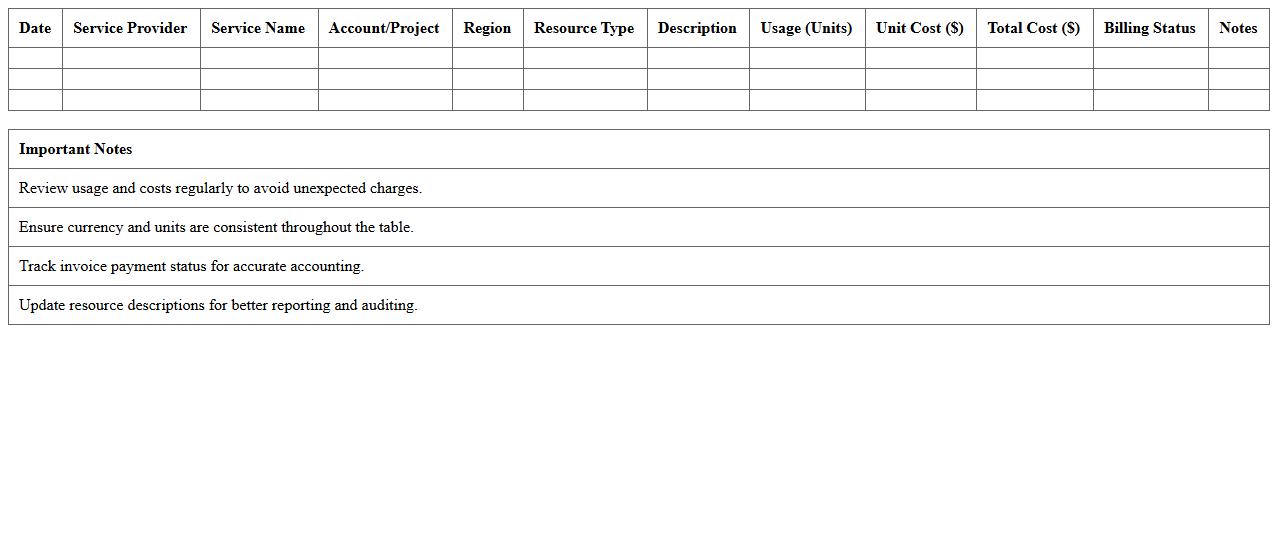
Cloud Services Expense Monitor Excel
The
Cloud Services Expense Monitor Excel document is a powerful tool designed to track and analyze cloud service costs across various platforms efficiently. It enables users to identify spending patterns, optimize resource allocation, and prevent budget overruns by providing detailed insights through customizable charts and reports. This document is particularly useful for IT managers and finance teams aiming to maintain control over cloud expenses and improve cost-effective cloud adoption strategies.
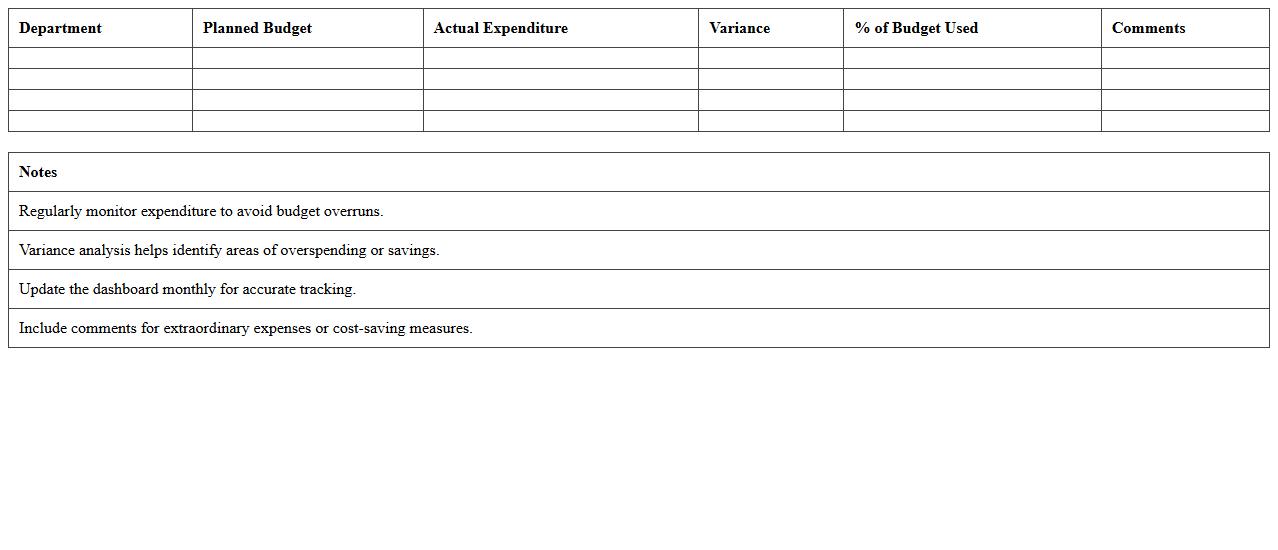
IT Expenditure vs Budget Dashboard
The
IT Expenditure vs Budget Dashboard document provides a clear comparison between planned IT budgets and actual spending, enabling organizations to monitor financial performance accurately. It helps identify overspending or underspending trends, ensuring better financial control and more effective allocation of resources. By offering real-time visibility into IT costs, this dashboard supports strategic decision-making and promotes accountability in managing technology investments.
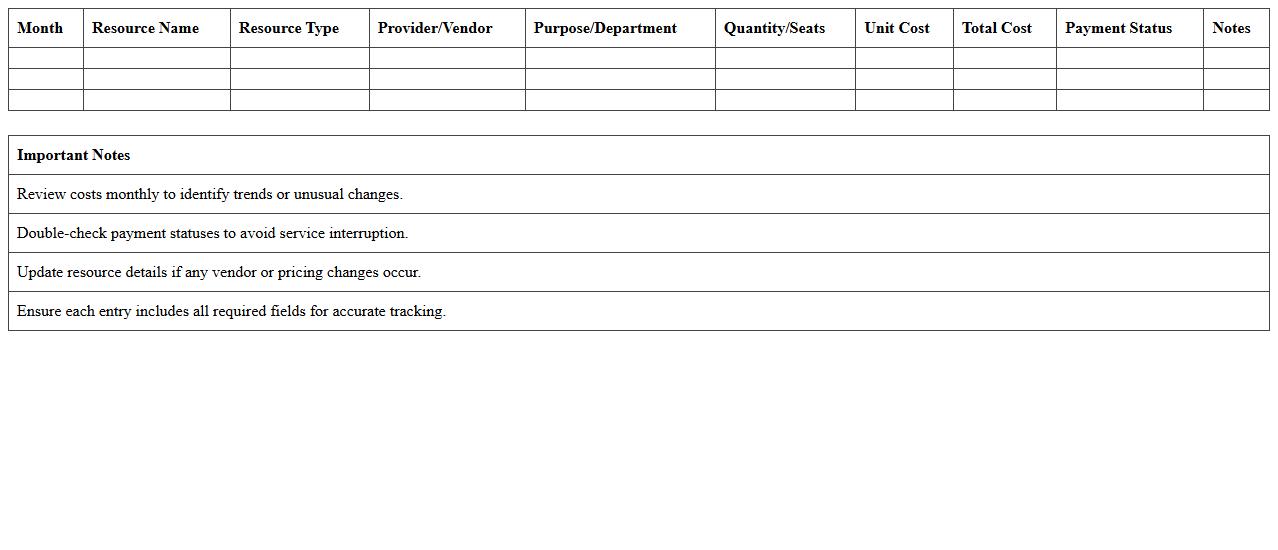
Monthly Tech Resources Cost Tracking Log
The
Monthly Tech Resources Cost Tracking Log document systematically records and monitors all expenses related to technology resources on a monthly basis. This log helps businesses maintain precise financial oversight, enabling better budget management and cost optimization by identifying trends and anomalies in tech spending. It also facilitates informed decision-making by providing clear visibility into resource allocation and expenditure patterns.
IT Assets Budget Forecasting Template
The
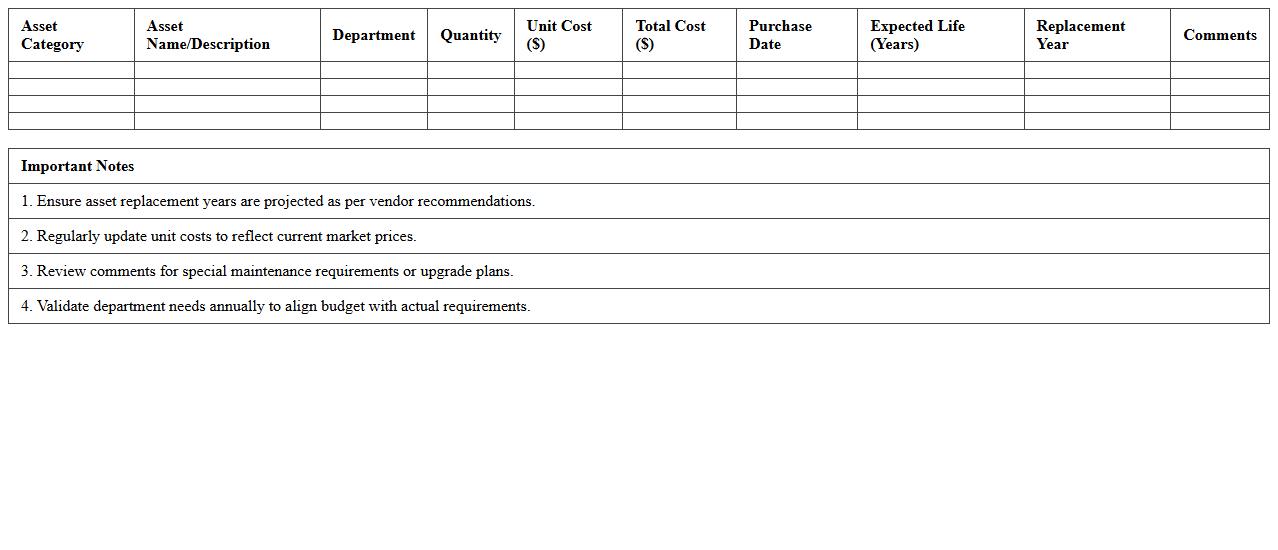
IT Assets Budget Forecasting Template is a structured document designed to project future expenses and investments related to IT hardware, software, and infrastructure. It helps organizations allocate resources efficiently by providing clear visibility into anticipated costs, depreciation schedules, and upgrade cycles. Utilizing this template enables better financial planning, risk management, and informed decision-making for technology asset management.
Network Infrastructure Budget Overview Sheet
The
Network Infrastructure Budget Overview Sheet is a detailed financial document that outlines the costs associated with the design, implementation, maintenance, and upgrade of network systems. It helps organizations allocate resources effectively by providing a clear summary of expenses including hardware, software, labor, and contingency funds. This sheet ensures budget control, facilitates strategic planning, and supports decision-making for maximizing network performance while minimizing operational costs.
How can we automate monthly variance analysis in our IT budget tracking Excel sheet?
To automate monthly variance analysis, use Excel's built-in functions like SUMIFS and dynamic named ranges to calculate variances automatically based on monthly inputs. Implement conditional formatting to highlight significant deviations, which enhances data visibility instantly. Consider using Excel's Power Query tool to streamline data import and refresh actions for ongoing automation.
Which formula best tracks recurring vs. one-time IT expenses in the workbook?
The best formula to track recurring vs. one-time expenses is a combination of IF and COUNTIF functions to categorize expenses based on frequency labels. You can use a helper column where IF checks for recurring tags and COUNTIF ensures occurrences, allowing clear differentiation in your reports. This approach enables accurate filtering and summarizing of expenses within PivotTables.
What method should we use to link allocation breakdowns to specific IT projects within Excel?
Link allocation breakdowns to specific IT projects by using Excel Tables and structured references to maintain data integrity. Utilize VLOOKUP or INDEX-MATCH formulas to dynamically associate budget allocations with their respective project codes. This systematic approach ensures updates in the breakdown are reflected across all related sheets efficiently.
How do we create user-level access controls for sensitive budget data in our Excel file?
Implement user-level access controls by protecting sheets with passwords and limiting editing permissions through Excel's built-in review features. For enhanced security, use the Workbook Sharing and Protect Workbook options to restrict users to view-only or specific editable ranges. Combining these layers of protection helps safeguard sensitive budget information effectively.
What is the best way to visualize IT spend trends across different departments in Excel?
Use dynamic PivotCharts and slicers to visualize IT spend trends across departments, offering interactive filtering and real-time updates. Combining these with timeline slicers allows you to analyze expenditures over customizable periods with ease. Additionally, consider using combo charts to compare departmental spend alongside budget targets for comprehensive insights.
More Information Technology Excel Templates