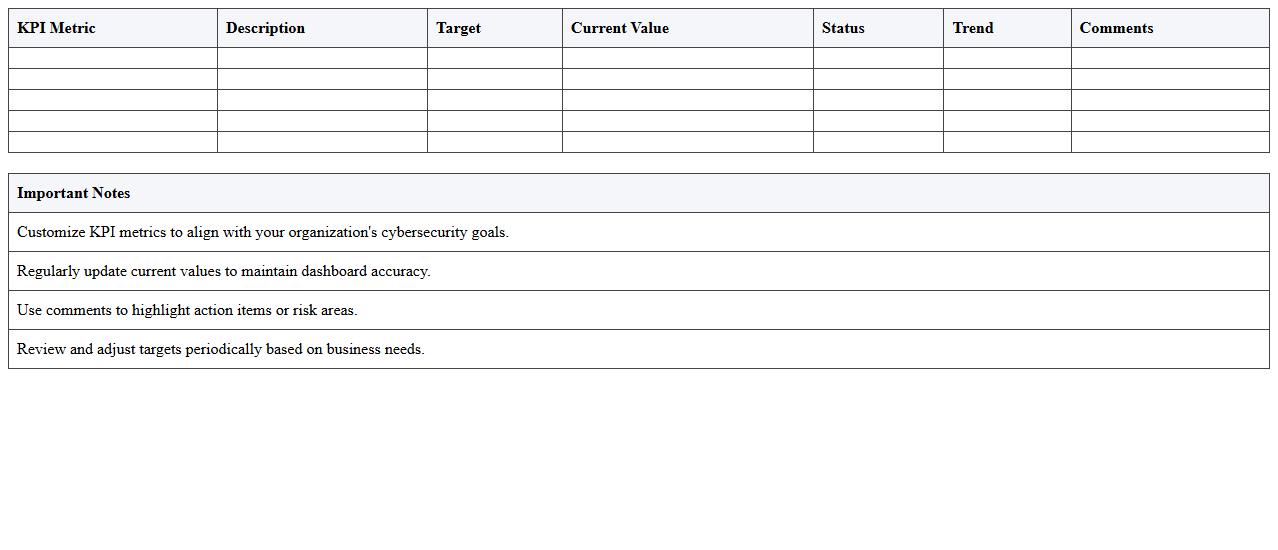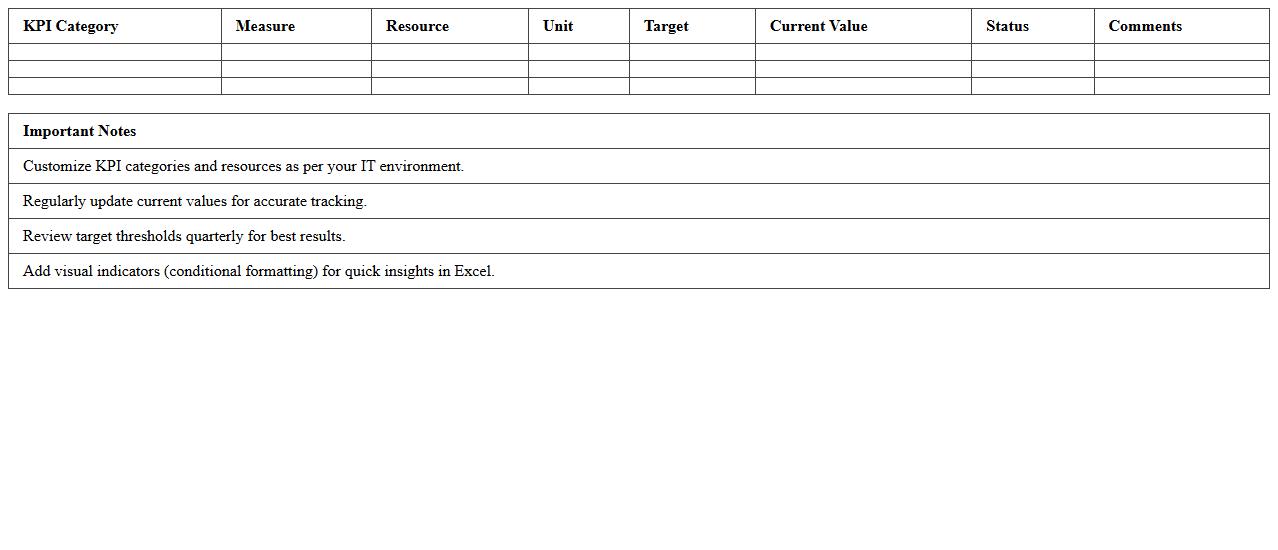
The Information Technology KPI Dashboard Excel Template for Performance Tracking provides a comprehensive and customizable platform to monitor key IT metrics efficiently. This template enables real-time data visualization, helping teams track system performance, project progress, and operational efficiency in one centralized location. Its user-friendly design enhances decision-making by presenting critical information clearly and concisely.
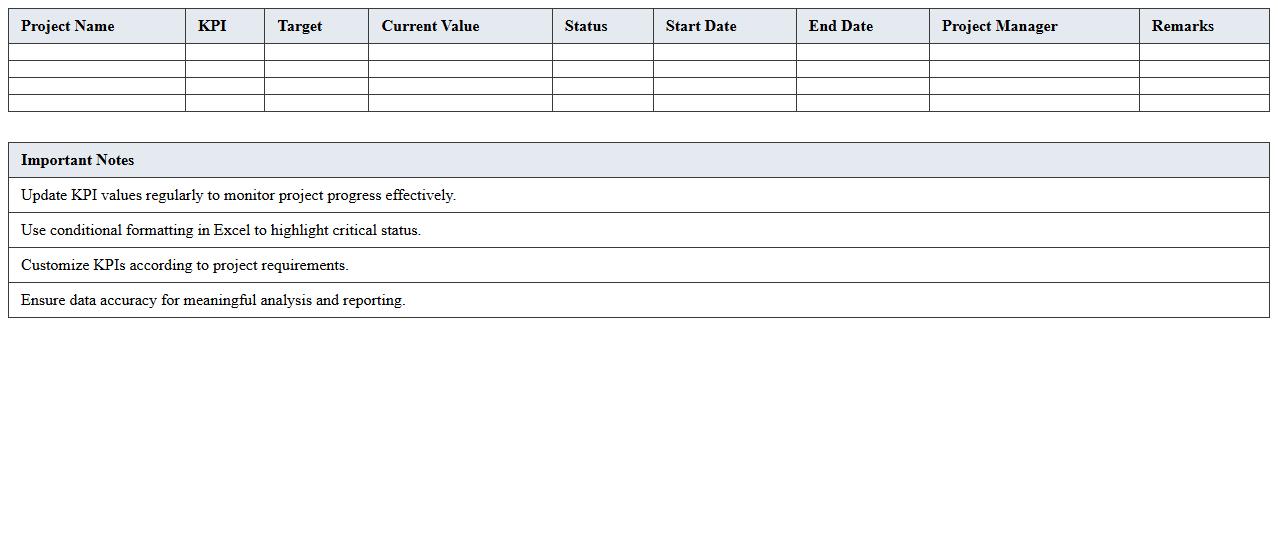
IT Project Progress KPI Dashboard Excel Template
The
IT Project Progress KPI Dashboard Excel Template document is a comprehensive tool designed to track and visualize key performance indicators (KPIs) related to IT project milestones, timelines, and resource allocation. It helps project managers analyze progress, identify potential bottlenecks, and ensure timely delivery by consolidating data into clear, actionable charts and metrics. Utilizing this template enhances decision-making efficiency and supports effective communication among stakeholders by providing real-time insights into project health.
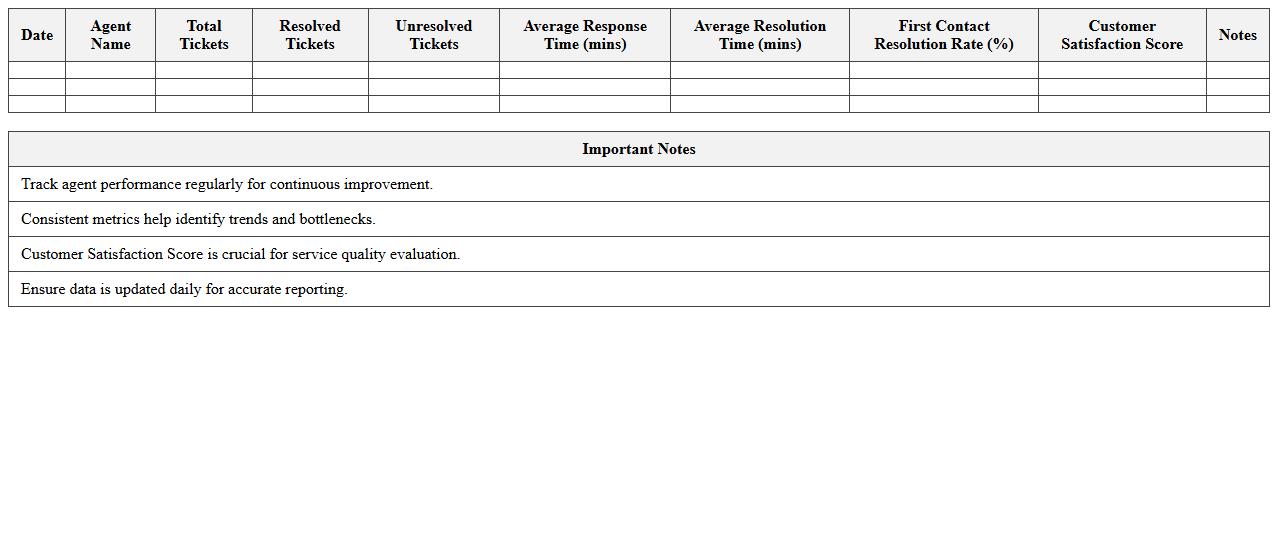
IT Service Desk Performance Tracking Excel Template
The
IT Service Desk Performance Tracking Excel Template is a specialized tool designed to monitor and analyze key performance metrics such as ticket resolution time, customer satisfaction, and agent productivity. This template helps organizations identify service bottlenecks, optimize resource allocation, and improve overall support efficiency. By leveraging its comprehensive data visualization and reporting features, IT teams can make informed decisions to enhance service quality and meet SLA commitments.
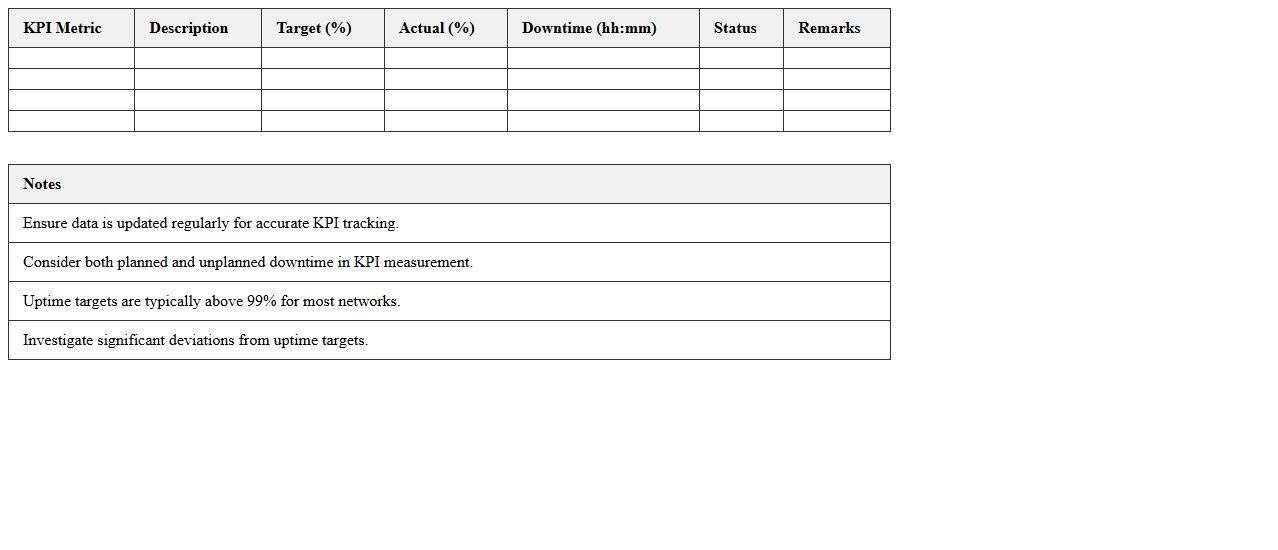
Network Uptime and Downtime KPI Dashboard Excel
The
Network Uptime and Downtime KPI Dashboard Excel document is a powerful tool designed to monitor and analyze the operational status of network systems by tracking key performance indicators such as uptime percentages and downtime intervals. It enables IT teams and network administrators to quickly identify performance issues, optimize maintenance schedules, and enhance overall network reliability. By providing real-time visualization and historical data analysis, this dashboard supports informed decision-making that minimizes service interruptions and improves user experience.
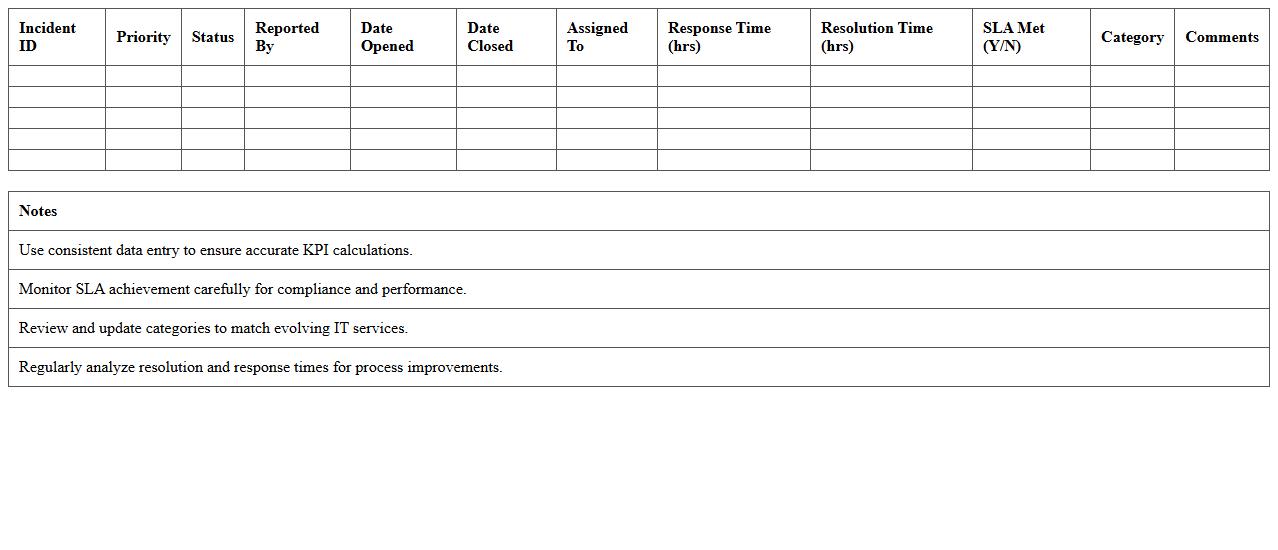
IT Incident Management KPI Dashboard Excel Template
The
IT Incident Management KPI Dashboard Excel Template is a structured tool designed to track and visualize key performance indicators related to IT incident resolution efficiency. It helps organizations monitor metrics such as incident response time, resolution rate, and downtime impact, enabling data-driven decision making. This template enhances operational transparency and supports continuous improvement in IT service management by highlighting trends and identifying bottlenecks swiftly.
IT SLA Compliance KPI Dashboard Excel Spreadsheet
The
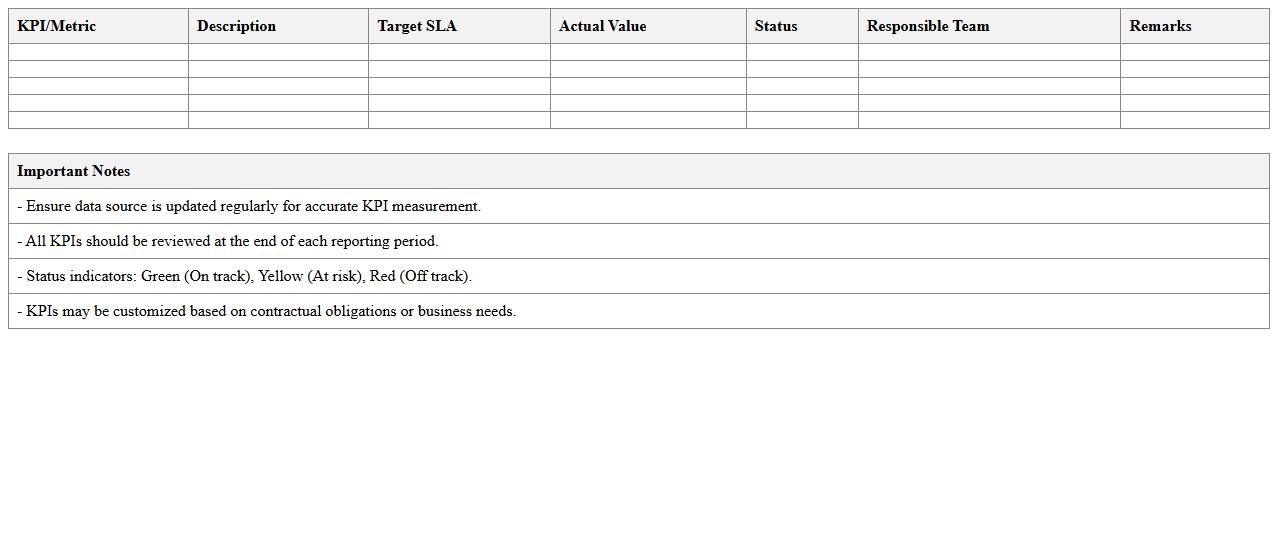
IT SLA Compliance KPI Dashboard Excel Spreadsheet document tracks and visualizes key performance indicators related to Service Level Agreement (SLA) adherence in IT operations. It helps organizations monitor response times, resolution rates, and uptime percentages to ensure contractual obligations are met efficiently. This tool improves decision-making by providing clear insights into SLA compliance trends, enabling proactive management and enhanced service quality.
Application Performance Monitoring KPI Excel Template
The
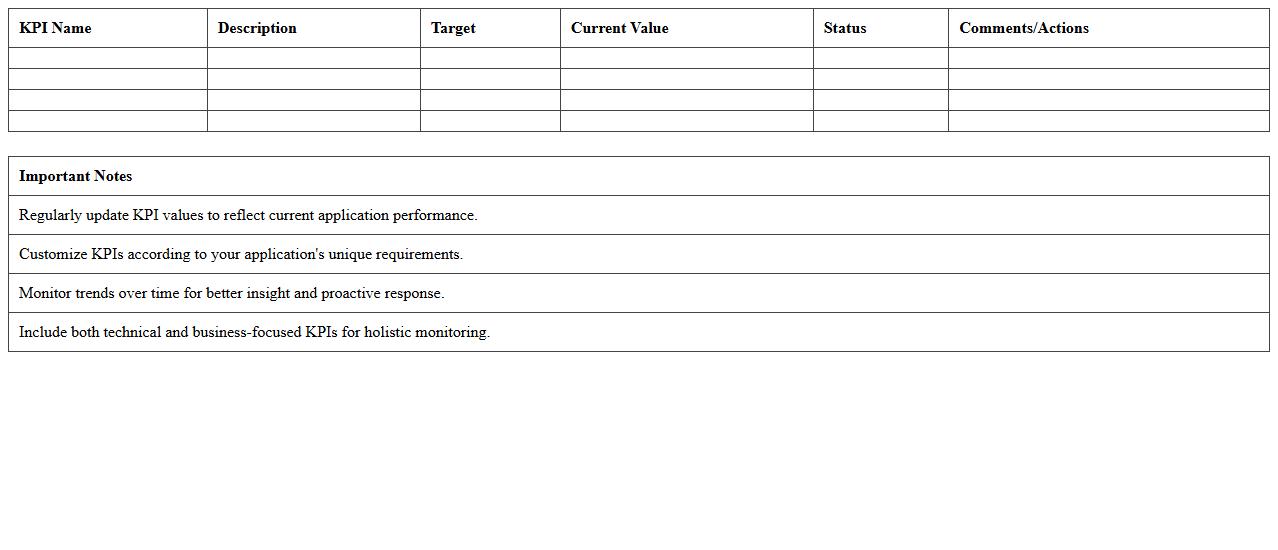
Application Performance Monitoring (APM) KPI Excel Template document is a structured tool designed to track and analyze key performance indicators related to software applications. It enables IT teams to monitor metrics such as response time, error rates, and uptime, facilitating early detection of performance bottlenecks. This template is useful for optimizing application reliability, improving user experience, and supporting data-driven decision-making in performance management.
IT Asset Management KPI Dashboard Excel Sheet
An
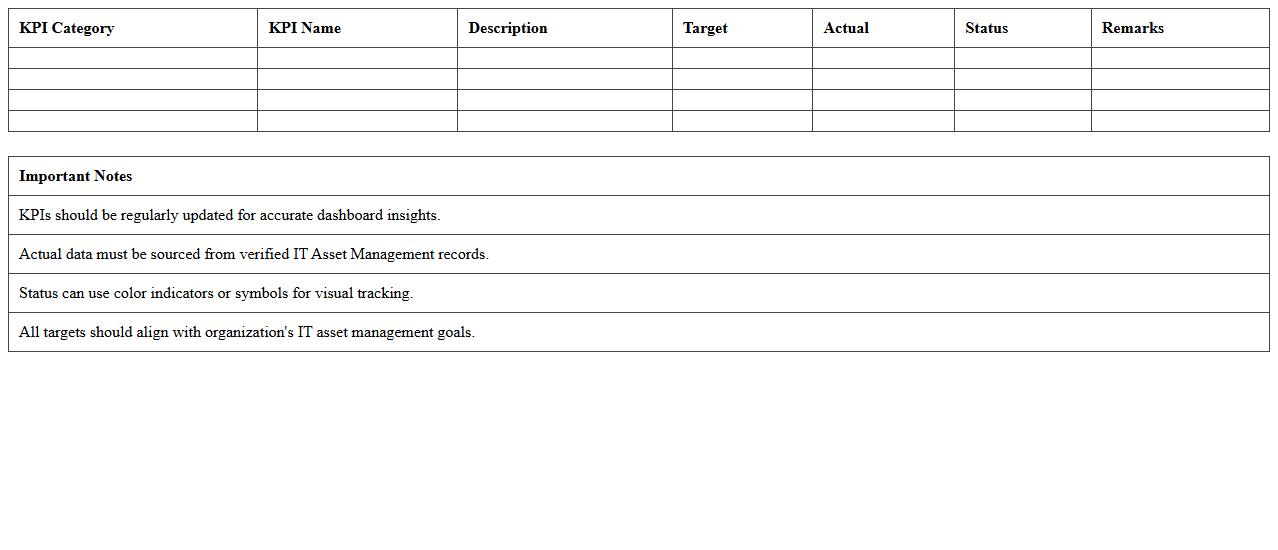
IT Asset Management KPI Dashboard Excel Sheet document is a powerful tool designed to track and visualize key performance indicators related to IT assets. It helps organizations monitor asset utilization, lifecycle status, compliance, and cost efficiency in real-time, enabling data-driven decision-making. By consolidating asset data into an easily interpretable format, it enhances transparency and optimizes asset management processes.
IT Helpdesk Ticket Resolution KPI Excel Template
The
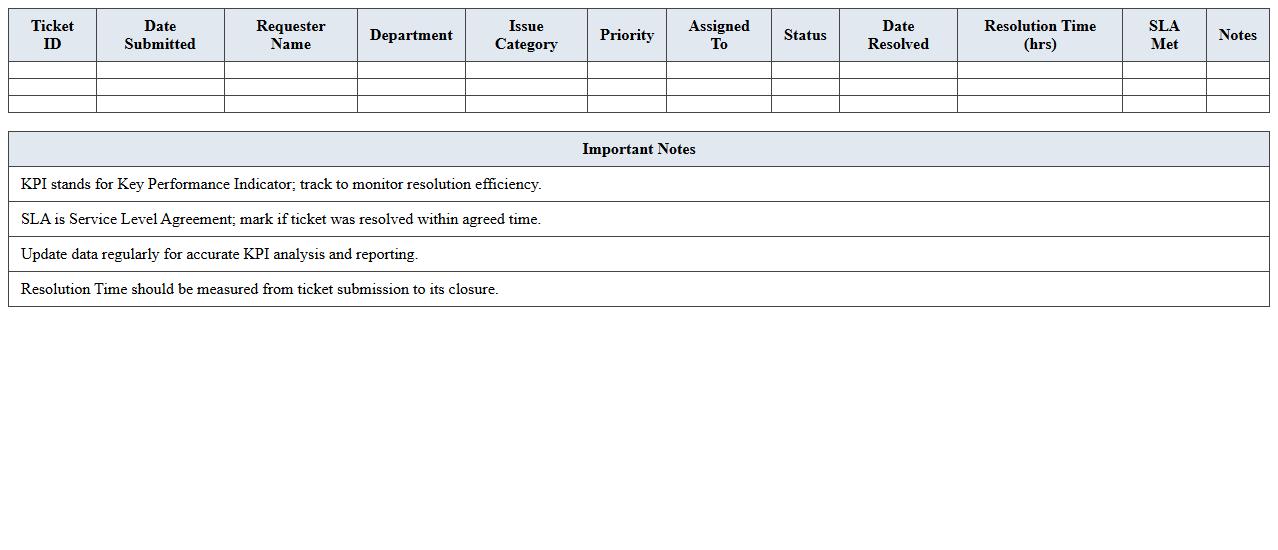
IT Helpdesk Ticket Resolution KPI Excel Template document is designed to track and analyze key performance indicators related to helpdesk ticket management, such as resolution time, ticket volume, and technician efficiency. This template helps IT teams monitor their effectiveness in resolving issues promptly, identify bottlenecks, and improve customer satisfaction. By using this tool, organizations can enhance service quality and optimize resource allocation through data-driven decisions.
Cybersecurity Metrics KPI Dashboard Excel Template
The
Cybersecurity Metrics KPI Dashboard Excel Template is a powerful tool designed to track and visualize key performance indicators related to an organization's cybersecurity posture. It consolidates data on threat detection, incident response times, vulnerability management, and compliance status into an easy-to-read format, enabling security teams to monitor trends and make data-driven decisions. This template enhances risk management by providing clear insights into security effectiveness, helping organizations prioritize resources and strengthen defenses against cyber threats.
IT Resource Utilization KPI Dashboard Excel Spreadsheet
The
IT Resource Utilization KPI Dashboard Excel Spreadsheet is a powerful tool designed to track and analyze key performance indicators related to IT resource usage, including server uptime, network bandwidth, and application performance. It allows organizations to visualize complex data through interactive charts and graphs, enabling better decision-making and resource allocation. By identifying underutilized assets and potential bottlenecks, this dashboard helps optimize IT infrastructure efficiency and reduce operational costs.
How does the dashboard automate data aggregation from multiple IT systems?
The dashboard automates data aggregation by integrating with various IT systems through APIs and data connectors. It collects, consolidates, and processes data in real-time or at scheduled intervals. This ensures a unified view of performance metrics from disparate sources without manual intervention.
What KPI metrics are customizable for different IT service areas?
The dashboard allows users to customize KPI metrics based on specific IT service areas like network performance, incident resolution, and system uptime. Users can define thresholds, measurement periods, and data sources to tailor KPIs to their operational needs. This flexibility supports targeted monitoring and decision-making across all IT departments.
Does the Excel dashboard support real-time alerting for underperforming indicators?
The Excel dashboard includes features for real-time alerting that notify users when KPIs fall below predefined thresholds. Alerts can be configured to appear as pop-ups, email notifications, or conditional formatting within the dashboard. This immediate feedback helps in prompt issue resolution and performance management.
How is user-role access managed within the KPI dashboard template?
User-role access in the KPI dashboard template is controlled through role-based permissions. Administrators assign different access levels such as viewer, editor, or administrator to ensure data integrity and confidentiality. This system restricts sensitive information to authorized personnel and streamlines collaboration.
Can the dashboard visually compare historical vs. current IT performance data?
The dashboard provides visual comparison tools like line charts, bar graphs, and heatmaps to contrast historical and current IT performance data. These visualizations help identify trends, anomalies, and improvements over time. Users gain insights that drive strategic planning and operational adjustments.
More Information Technology Excel Templates