The Event Management Excel Template for Conference Planning streamlines the organization of event details, including scheduling, budgeting, and attendee tracking, all in one easy-to-use spreadsheet. This template enhances efficiency by allowing planners to monitor tasks, deadlines, and resource allocation effectively. It is ideal for managing complex conference logistics while ensuring a smooth and successful event.
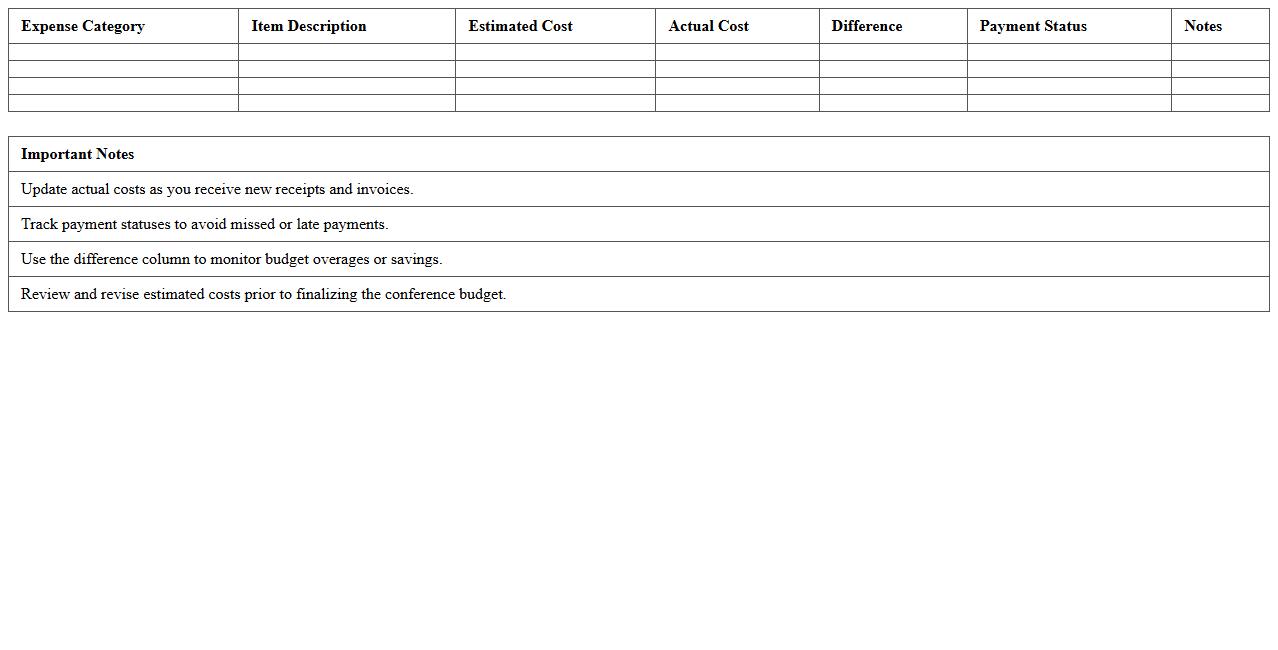
Conference Budget Tracking Spreadsheet Template
A
Conference Budget Tracking Spreadsheet Template is a structured financial planning tool designed to organize and monitor all expenses related to conference planning and attendance, including venue costs, travel, accommodation, and materials. This template streamlines budget management by providing real-time tracking of expenditures against allocated amounts, helping prevent overspending and ensuring transparency. Utilizing this document enhances financial accuracy, facilitates efficient decision-making, and supports successful event execution within budget constraints.
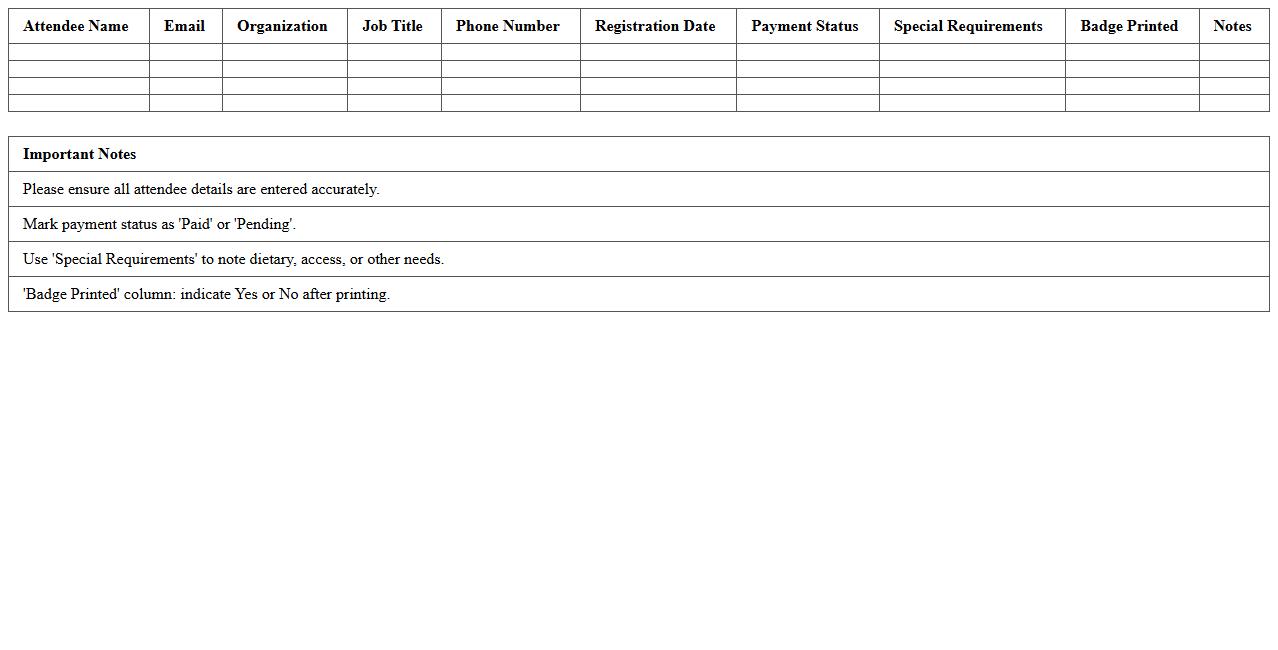
Conference Attendee Registration List Excel
A
Conference Attendee Registration List Excel document is a structured spreadsheet that captures essential information about participants, including names, contact details, company affiliations, and registration status. This organized data format allows event organizers to efficiently manage attendee check-ins, track payments, and communicate updates before and during the conference. Utilizing this document improves event logistics, enhances networking opportunities, and ensures a smooth, professional experience for both organizers and attendees.
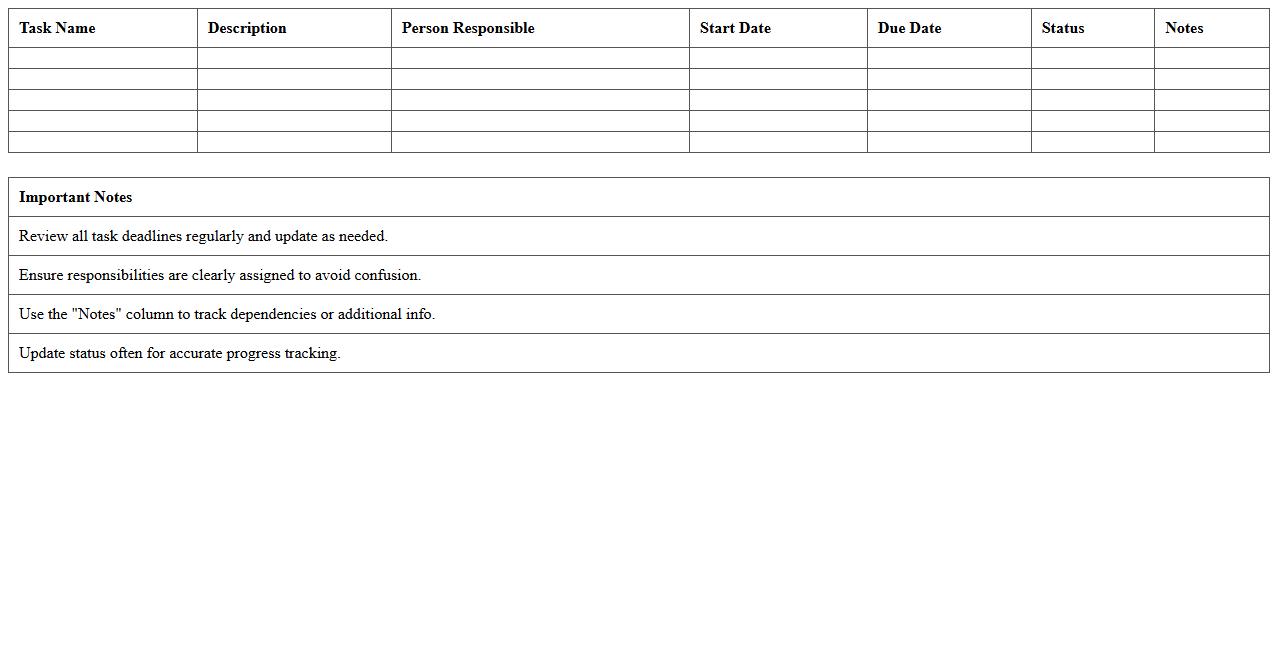
Event Task & Timeline Planning Worksheet
The
Event Task & Timeline Planning Worksheet is a detailed document designed to organize and schedule all tasks related to an event, ensuring that every component is completed on time. It outlines specific responsibilities, deadlines, and milestones which help streamline the planning process and prevent last-minute issues. This worksheet improves efficiency, enhances communication among team members, and increases the likelihood of a successful event execution.
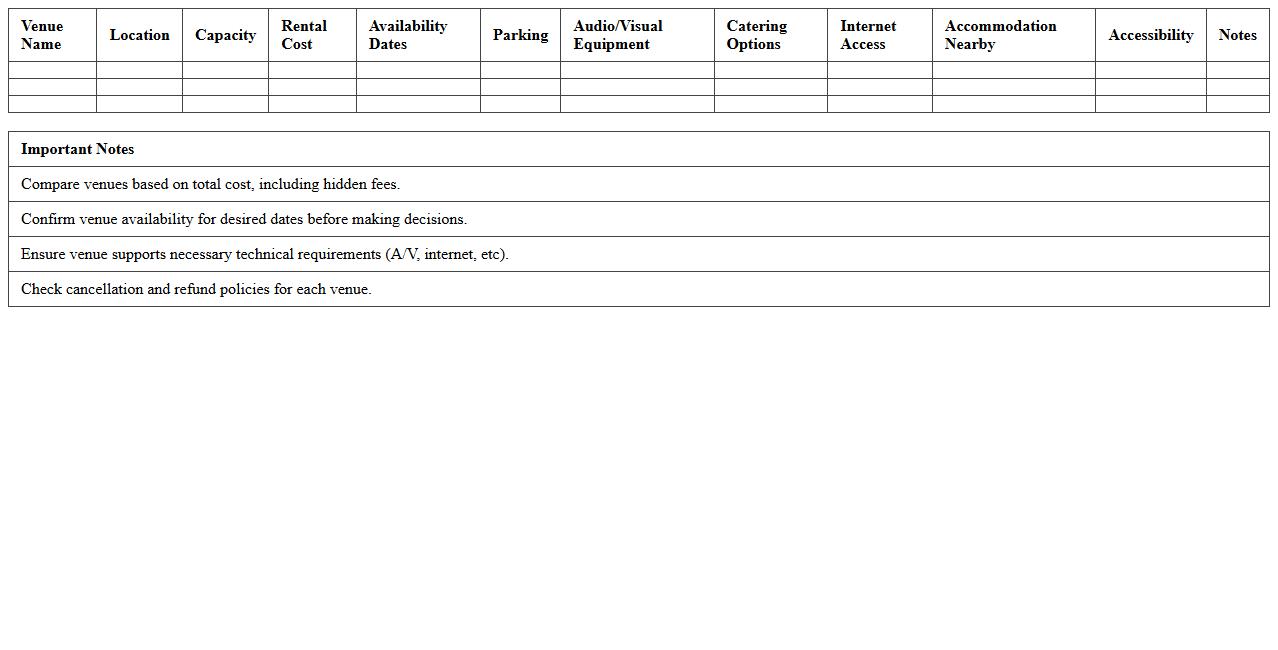
Conference Venue Comparison Sheet
The
Conference Venue Comparison Sheet is a structured document designed to evaluate and compare multiple event locations based on criteria such as capacity, cost, amenities, accessibility, and technical support. This tool enables event planners to make informed decisions by systematically organizing key data and highlighting the strengths and weaknesses of each venue option. Using this sheet streamlines the selection process, ensuring the chosen venue aligns with budget constraints, attendee needs, and event objectives.
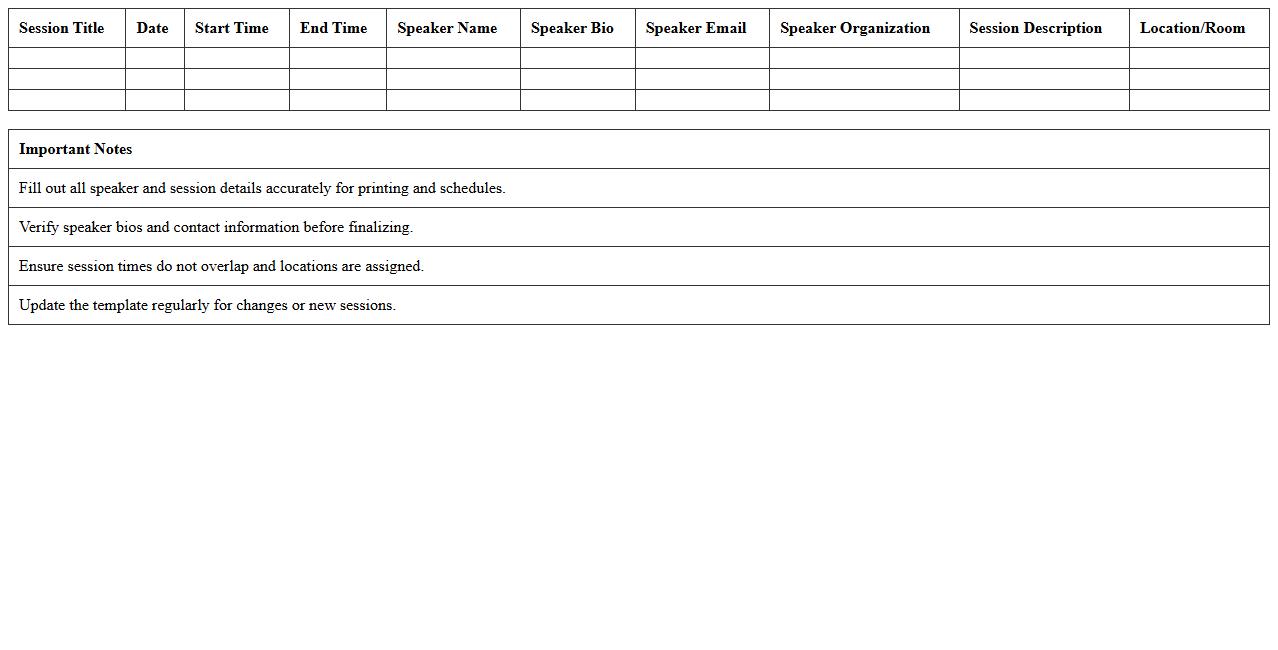
Conference Speaker Schedule and Bio Template
A
Conference Speaker Schedule and Bio Template document organizes key details such as speaker names, presentation times, and concise biographies, facilitating smooth event coordination and attendee engagement. This template ensures all stakeholders have clear access to essential information, promoting punctuality and informed networking. Utilizing this document streamlines communication and enhances the professional presentation of conference content.
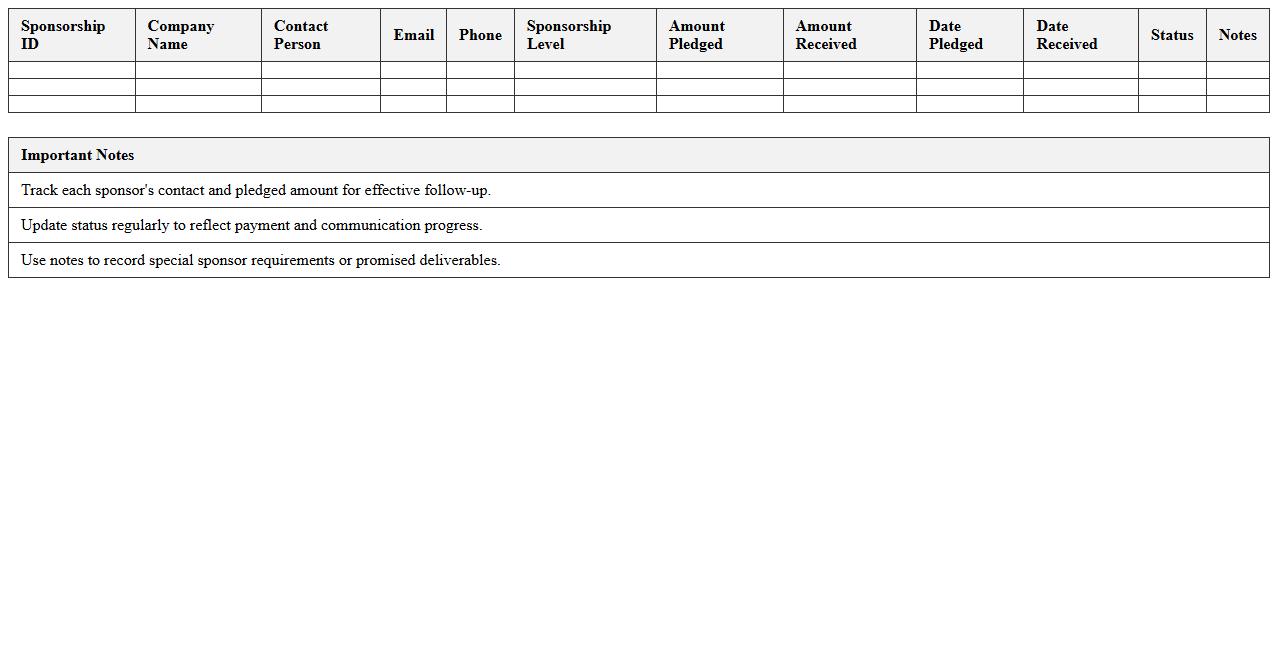
Sponsorship Management Tracker for Conferences
A
Sponsorship Management Tracker for Conferences is a detailed document designed to organize and monitor sponsorship activities, including sponsor commitments, payment statuses, deliverables, and communication logs. It helps event planners and marketing teams efficiently manage sponsor relationships, ensuring timely follow-up and fulfillment of sponsor benefits. This tracker optimizes resource allocation and enhances transparency throughout the conference preparation process.
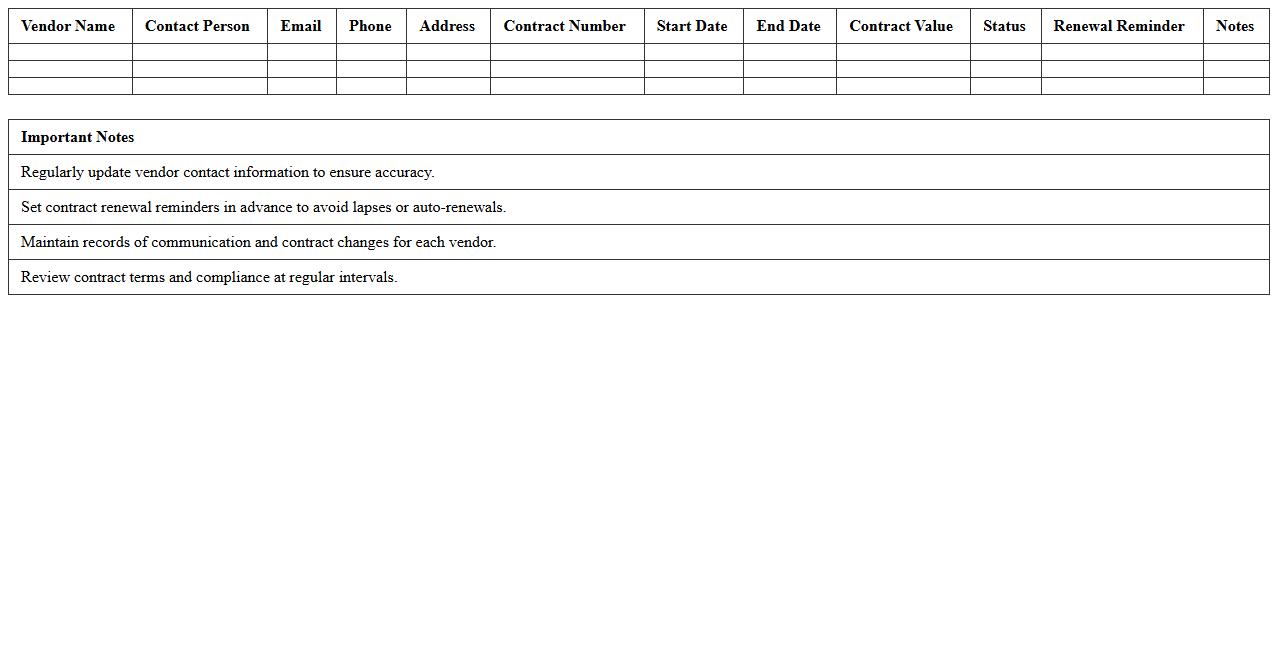
Vendor Contact & Contract Management Excel
The
Vendor Contact & Contract Management Excel document organizes vendor details, contract terms, and key dates in a centralized spreadsheet for easy access and tracking. This tool helps streamline communication with suppliers, ensures timely contract renewals, and mitigates risks related to missed deadlines or compliance issues. Efficient management of vendor information enhances procurement processes and supports better decision-making.
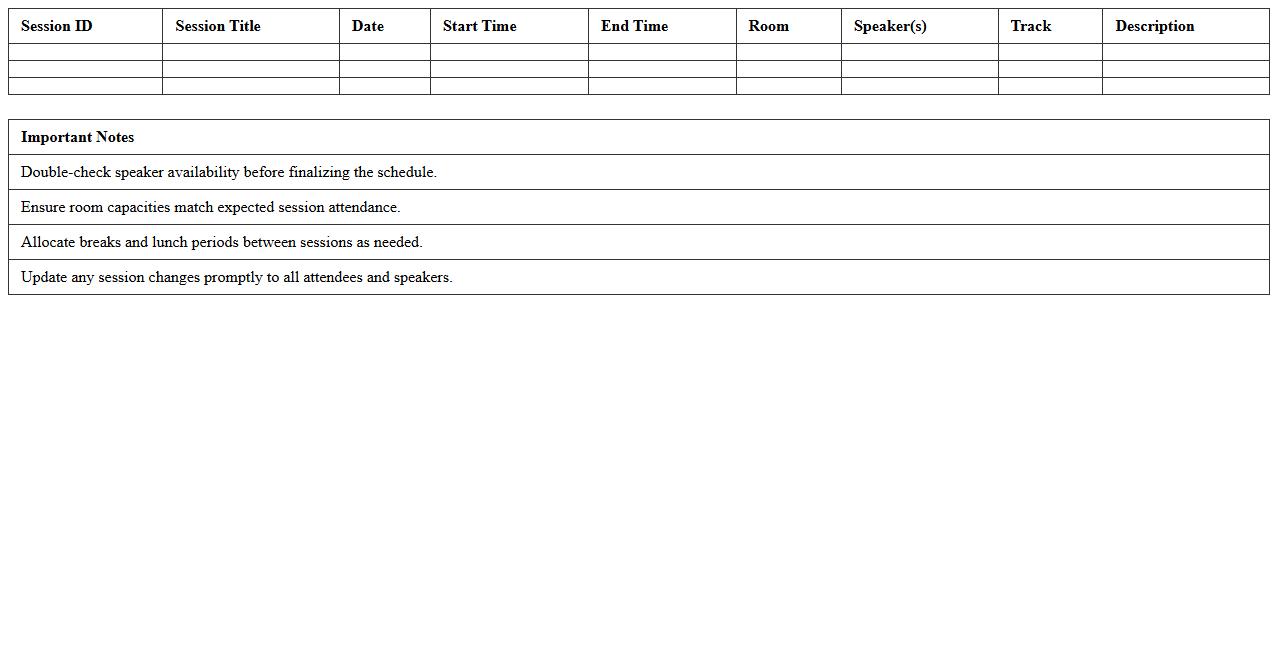
Conference Session Schedule Organizer
A
Conference Session Schedule Organizer is a detailed document that outlines the timing, topics, speakers, and locations of sessions during a conference. It helps attendees plan their day effectively, ensuring they do not miss important presentations or networking opportunities. Organizers use this document to coordinate logistics and maintain a smooth flow throughout the event.
Pre-Event Checklist & Progress Tracker
A
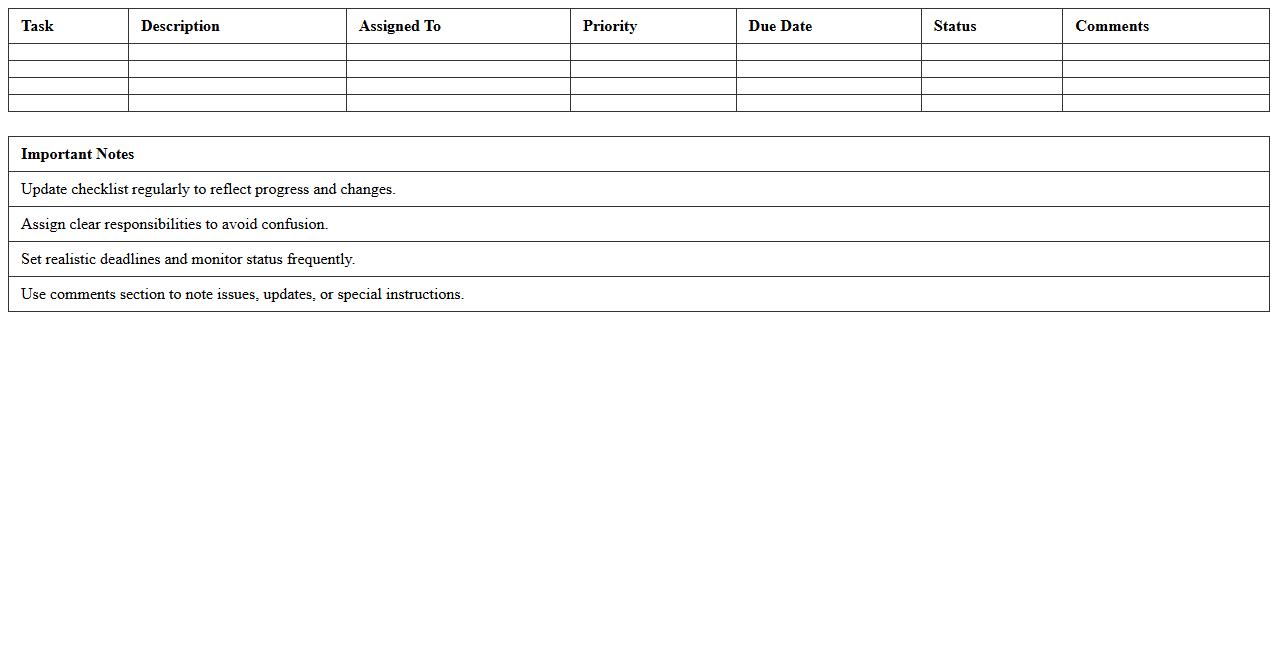
Pre-Event Checklist & Progress Tracker document is a comprehensive tool used to organize and monitor all essential tasks and milestones leading up to an event. It helps ensure nothing is overlooked by breaking down responsibilities, deadlines, and resources into manageable steps. This document enhances efficiency and accountability, making the event planning process smoother and more successful.
Post-Event Feedback Collection Template
A
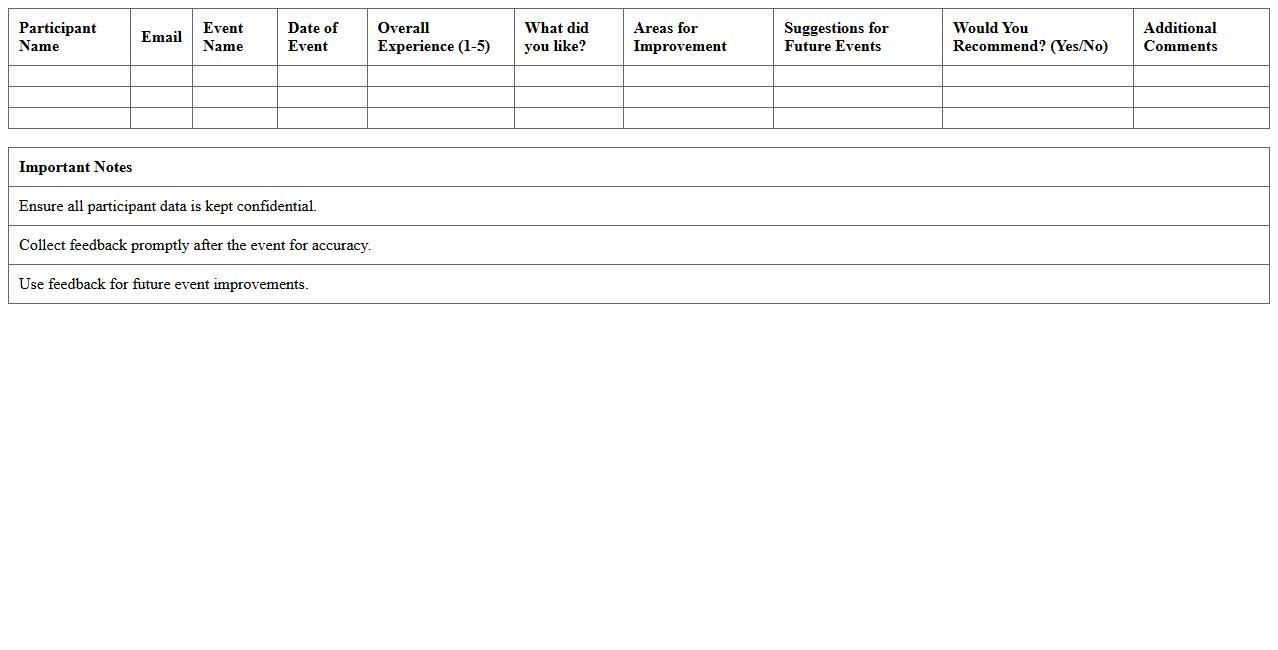
Post-Event Feedback Collection Template is a structured document designed to gather attendee opinions, satisfaction levels, and improvement suggestions after an event. It helps organizations analyze event success, identify strengths and weaknesses, and make data-driven decisions for future events. Using this template streamlines the feedback process, ensuring consistent, comprehensive, and actionable insights.
How can Excel automate attendee RSVP tracking for a conference?
Excel can automate attendee RSVP tracking by using data validation and drop-down lists to streamline responses. Conditional formatting highlights attendees who have or haven't responded, improving follow-up efficiency. Additionally, pivot tables summarize RSVP statuses, providing real-time insights into attendee confirmations.
What Excel templates best manage event budget and vendor payments?
The best Excel templates for managing event budget and vendor payments include comprehensive trackers that categorize expenses and payment statuses. These templates often feature pre-built formulas to calculate totals, balances, and cost variances. Using expense logs and payment schedules in Excel ensures transparent and timely financial management.
How do I use Excel for real-time conference session scheduling?
Excel enables real-time conference session scheduling by leveraging dynamic tables and drop-down menus to assign speakers and times. Integrating time-based conditional formatting helps visualize overlapping sessions or gaps. With formulas like VLOOKUP or INDEX-MATCH, schedules can update instantly as changes occur.
Which Excel formulas help monitor speaker assignments and availability?
Formulas such as COUNTIF, VLOOKUP, and IF statements are key for tracking speaker assignments and availability. COUNTIF can tally how many sessions each speaker is assigned, while VLOOKUP retrieves availability data from a centralized list. These formulas automate monitoring, reducing manual errors and enhancing coordination.
How can Excel visualize event logistics, like booth layouts or catering schedules?
Excel visualizes event logistics by creating custom charts, tables, and using cell color coding for booth layouts and catering timelines. SmartArt graphics and conditional formatting depict spatial arrangements or schedule phases effectively. These visual tools provide clear, actionable insights for seamless event execution.
More Event Management Excel Templates