Event Marketing Budget Tracker Excel Template
The
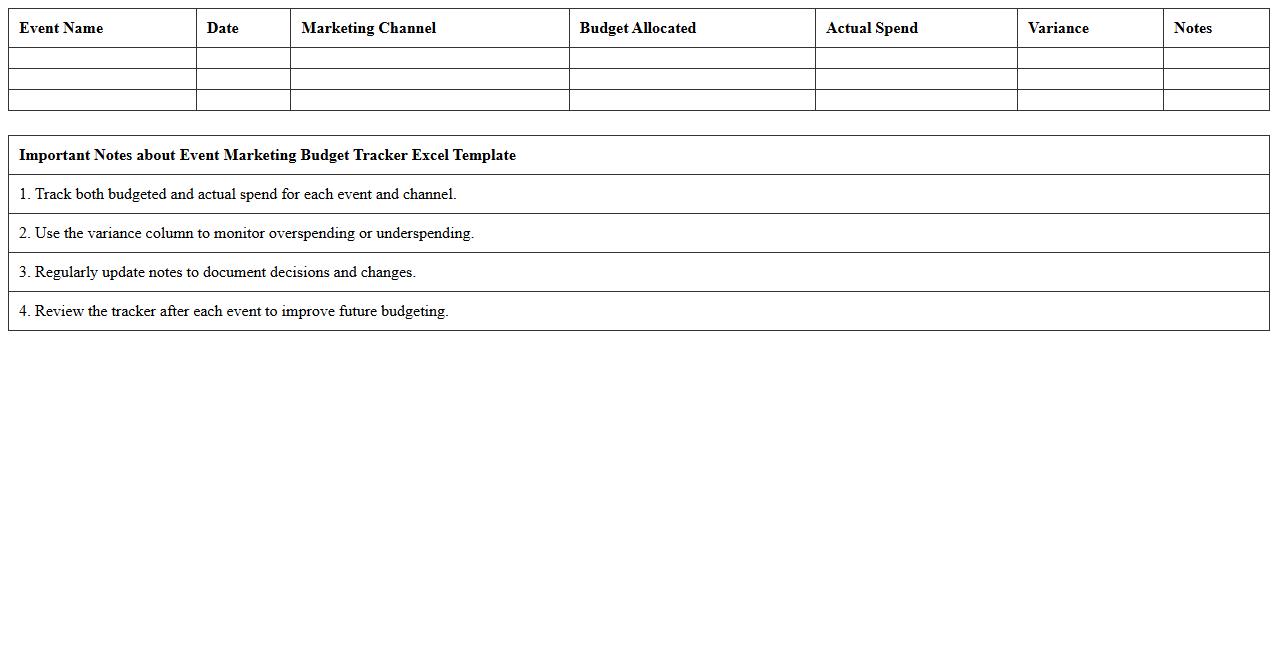
Event Marketing Budget Tracker Excel Template is a structured tool designed to help marketers efficiently plan, monitor, and control event-related expenses in a single spreadsheet. It organizes costs by categories such as venue, promotion, and staffing, enabling accurate budget allocation and real-time tracking to prevent overspending. This template enhances financial transparency and improves decision-making by providing clear insights into budget adherence and expense patterns throughout the event planning process.
Event Promotion Schedule Spreadsheet
An
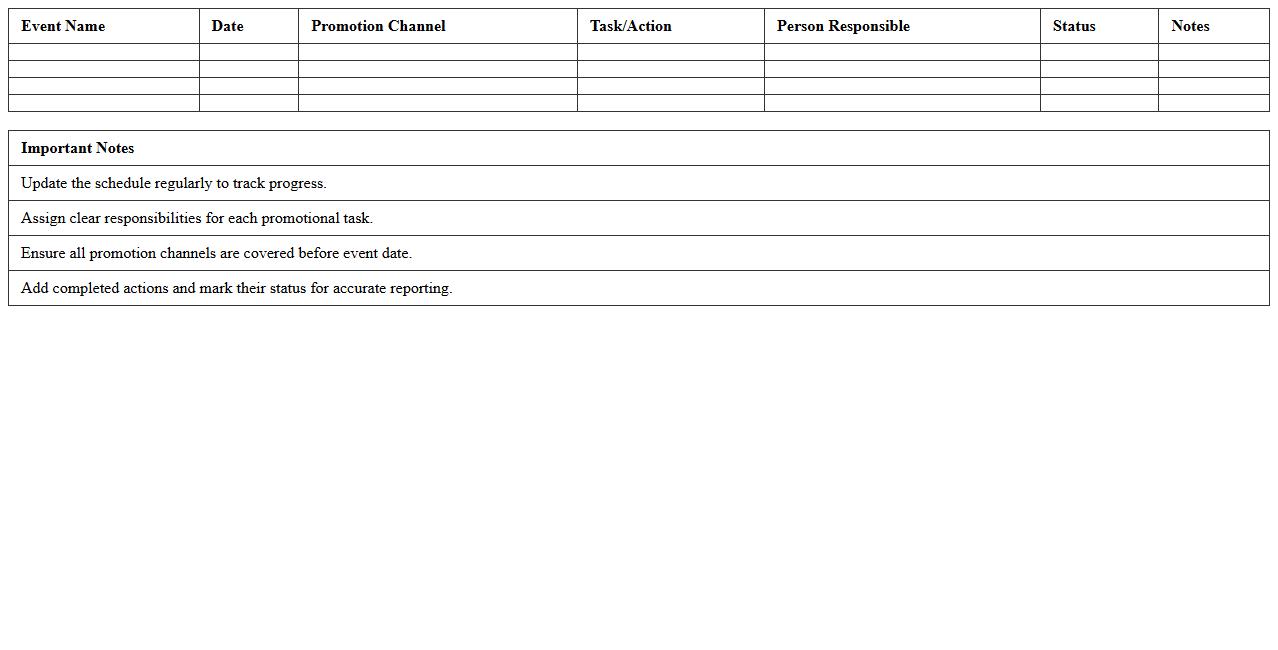
Event Promotion Schedule Spreadsheet is a detailed document that outlines the timeline and strategy for marketing activities leading up to an event. It helps organize promotional tasks, assign responsibilities, and track progress, ensuring all efforts are aligned with critical deadlines. Using this spreadsheet enhances efficiency, maximizes outreach, and improves overall event attendance through systematic planning and execution.
Event RSVP and Attendee List Template
An
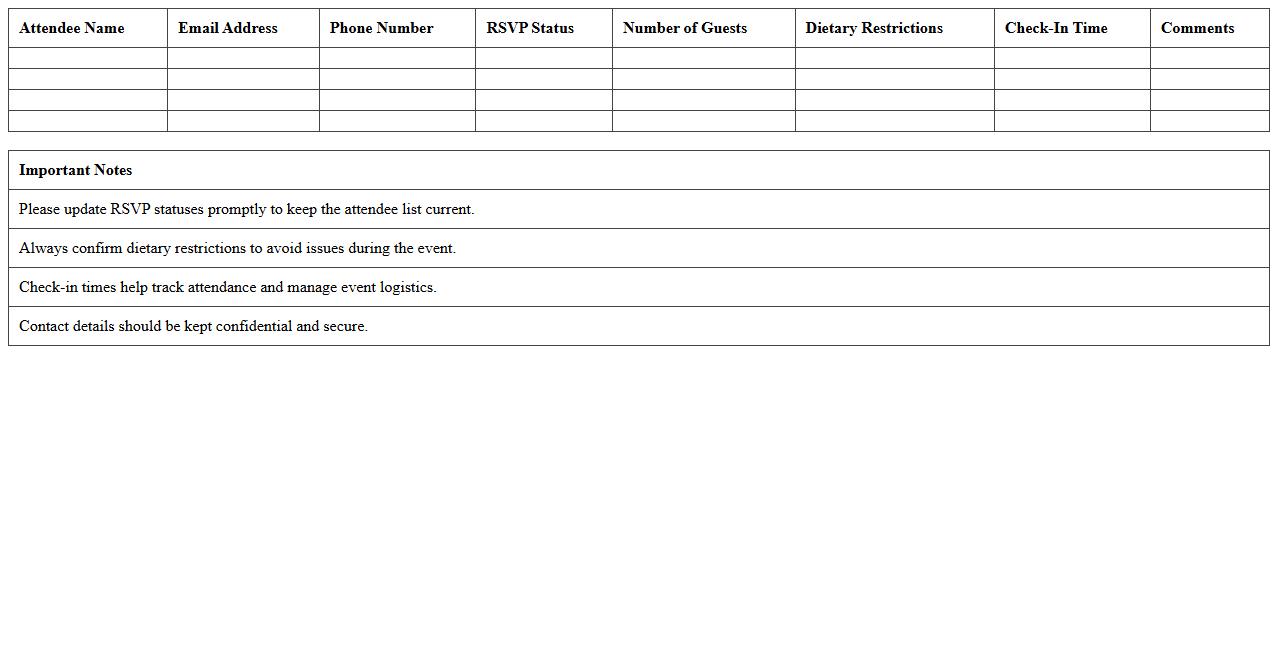
Event RSVP and Attendee List Template is a structured document designed to track invitee responses and manage event participation efficiently. It helps organizers collect accurate attendance data, monitor guest confirmations, and streamline communication with attendees. Using this template ensures better event planning, reduces no-shows, and enhances overall coordination.
Social Media Campaign Tracker for Events
A
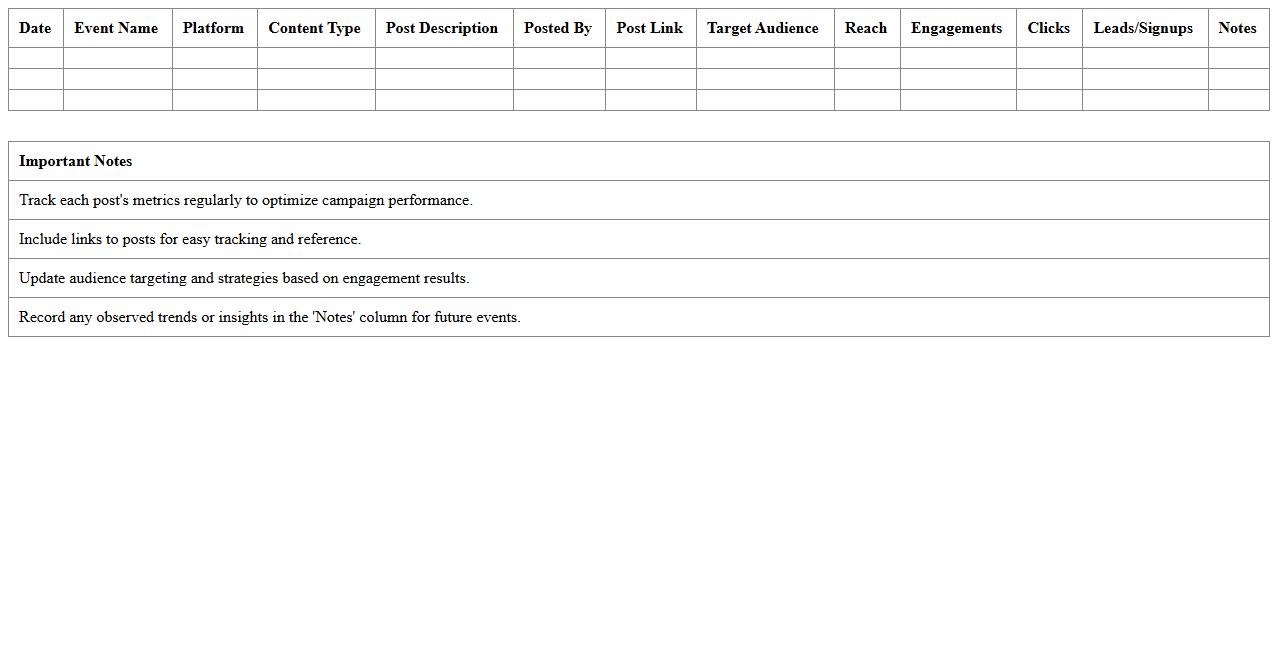
Social Media Campaign Tracker for Events document is a detailed tool that monitors and analyzes the performance of social media activities related to an event, including metrics like engagement, reach, and conversion rates. It helps event organizers identify the most effective platforms and content types, optimizing resource allocation and boosting audience interaction. By providing real-time insights, this tracker enables data-driven decisions to enhance overall event marketing strategies and increase attendance.
Event Email Campaign Planning Sheet
An
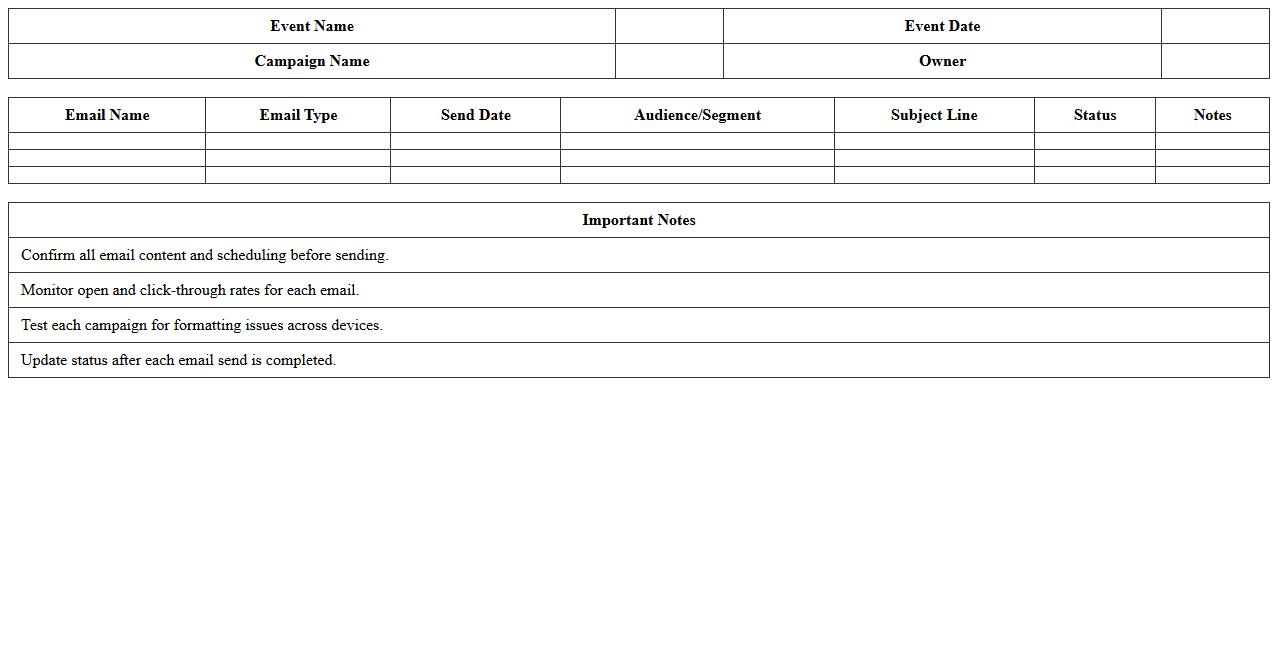
Event Email Campaign Planning Sheet is a structured document designed to organize and streamline the email marketing efforts related to an event. It outlines key details such as target audience, email content, scheduling, and performance metrics, enabling marketers to coordinate messaging and timing effectively. This tool enhances campaign efficiency, ensuring consistent communication and maximizing attendee engagement for successful event promotion.
Sponsorship Outreach and Tracking Excel
A
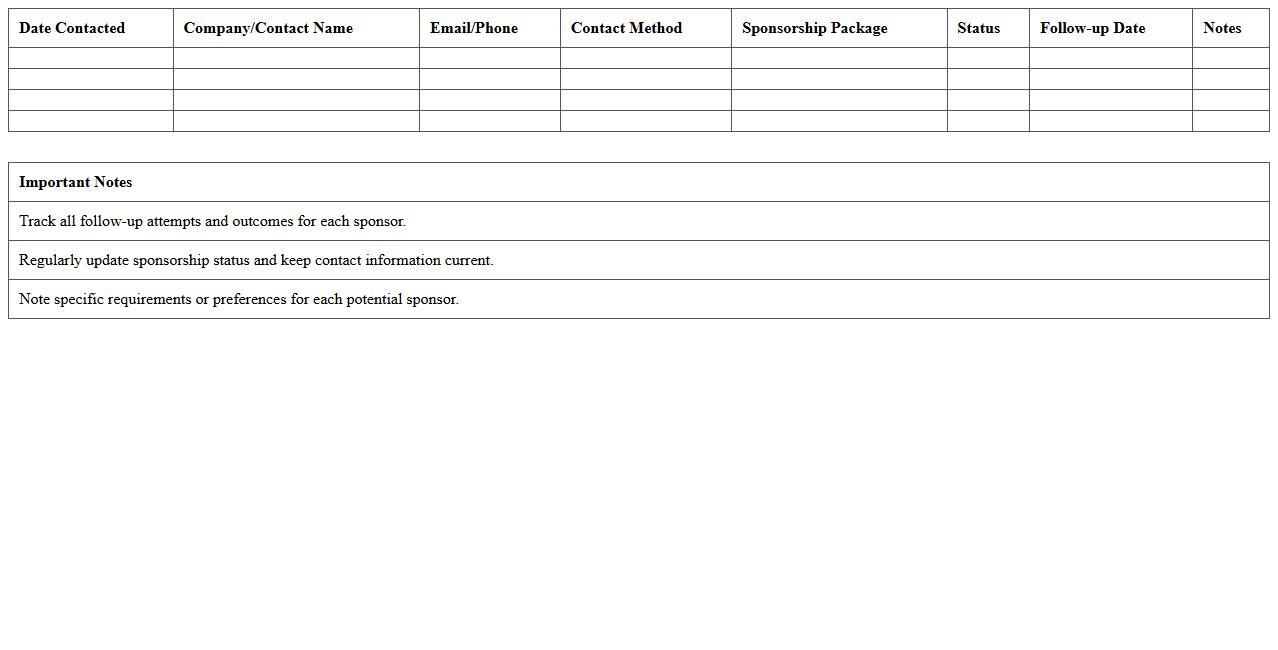
Sponsorship Outreach and Tracking Excel document is a powerful tool designed to organize and monitor communication with potential sponsors, tracking key details such as contact information, outreach dates, sponsorship levels, and follow-up actions. This document enhances efficiency by centralizing all sponsorship interactions, allowing users to analyze progress, prioritize leads, and maintain consistent engagement. By using this spreadsheet, teams can optimize their fundraising efforts, improve sponsor relationships, and ensure systematic follow-up for maximum partnership success.
Event Marketing Timeline and Checklist
An
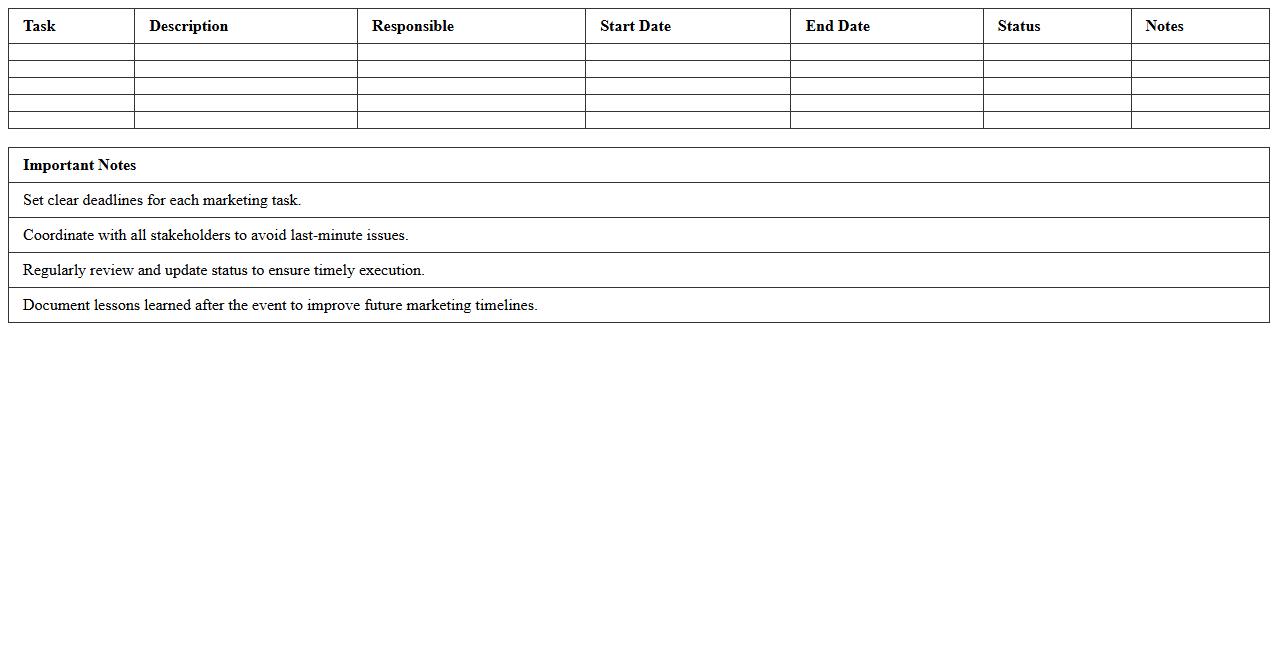
Event Marketing Timeline and Checklist document outlines the strategic schedule and essential tasks required to plan, promote, and execute successful events. It helps marketers manage deadlines, allocate resources efficiently, and ensure no critical steps are overlooked during campaign preparation. Utilizing this tool enhances coordination among teams, improves time management, and maximizes event impact and audience engagement.
Marketing Collateral Inventory Template
A
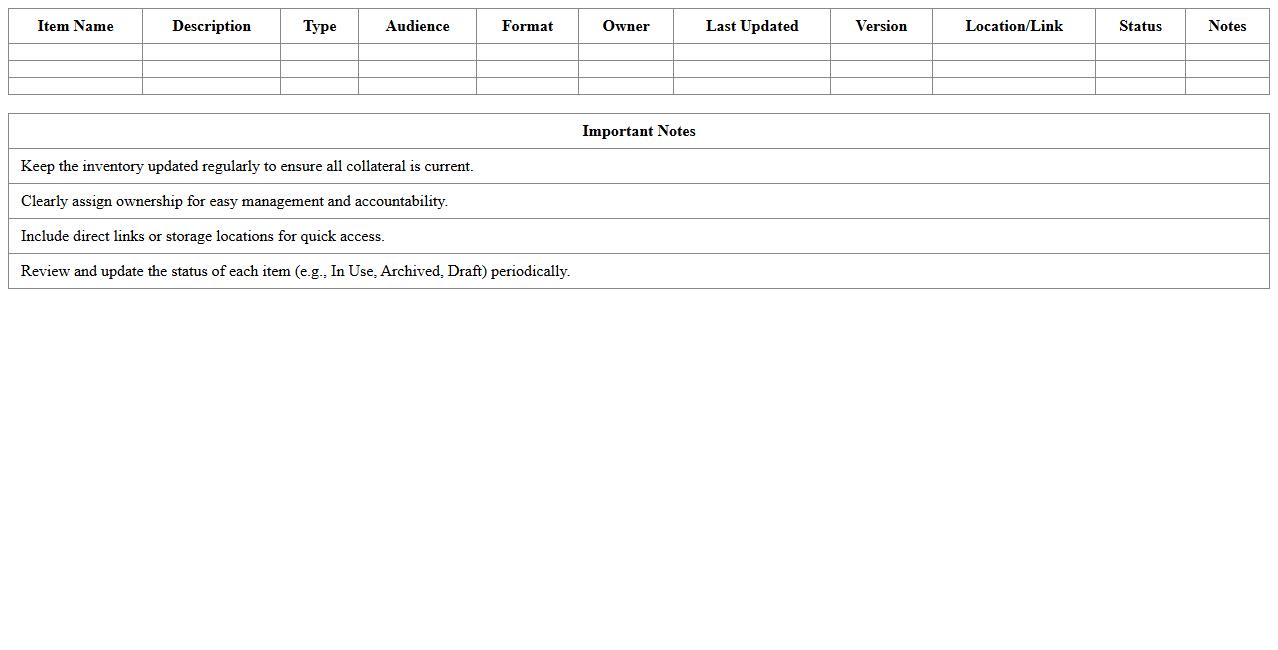
Marketing Collateral Inventory Template is a structured document that organizes all marketing materials such as brochures, flyers, digital assets, and promotional items in one place. It helps businesses track the quantity, location, and status of their marketing collateral, ensuring efficient resource management and timely distribution. By maintaining this template, organizations can reduce waste, streamline marketing efforts, and maintain brand consistency across campaigns.
Event Performance Metrics Dashboard
The
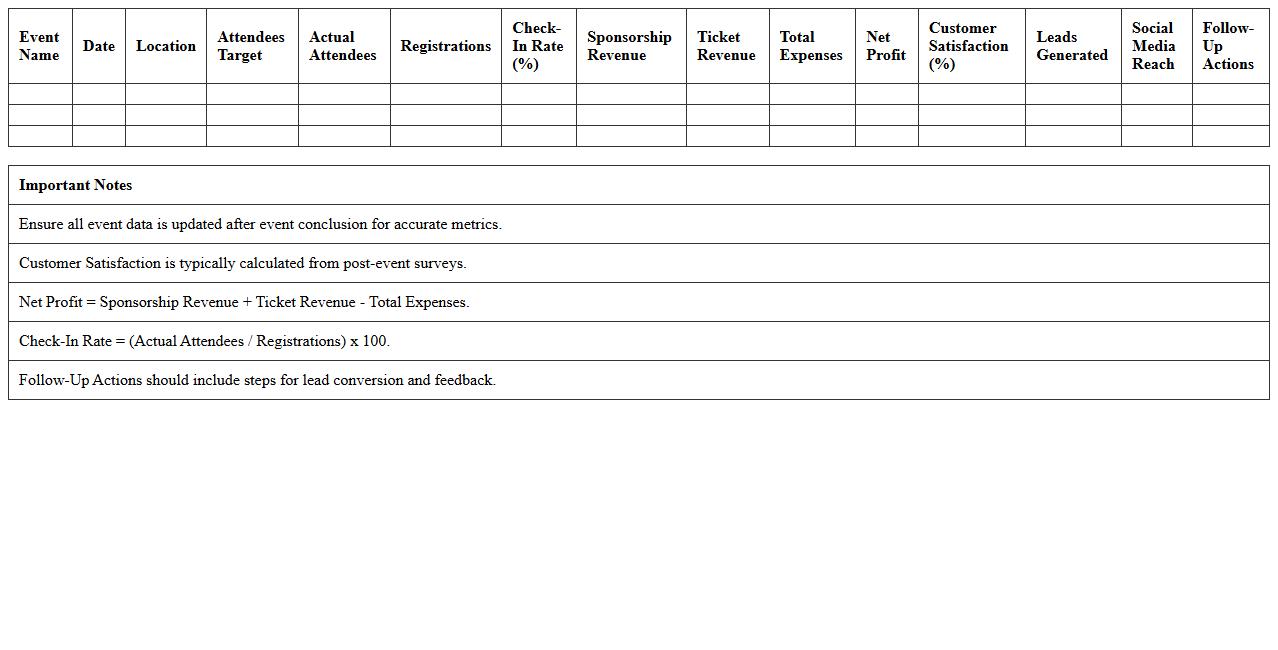
Event Performance Metrics Dashboard is a comprehensive document that consolidates key data points such as attendance rates, engagement levels, and real-time feedback to evaluate the success of an event. It enables stakeholders to identify trends, measure ROI, and make data-driven decisions for future event planning. Access to this dashboard ensures improved strategic alignment and enhances overall event effectiveness through actionable insights.
Influencer Collaboration Tracker for Events
An
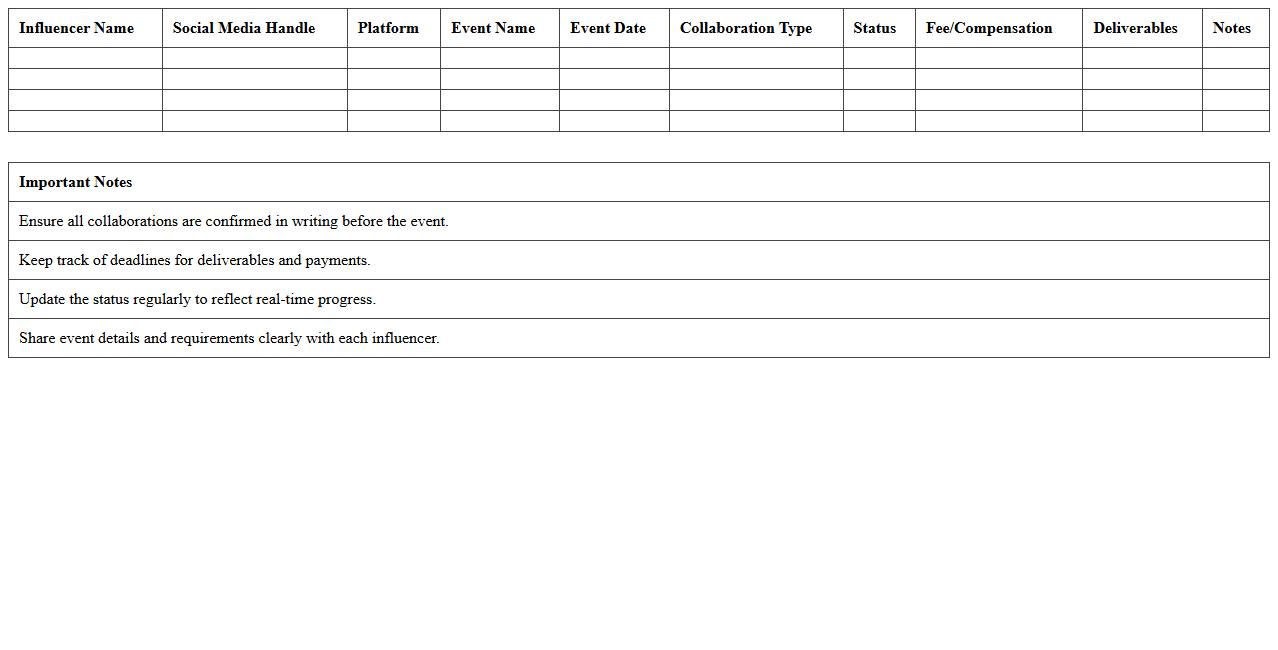
Influencer Collaboration Tracker for Events document systematically records and manages partnerships with influencers involved in event promotion. It helps streamline communication, track deliverables, monitor performance metrics, and ensure alignment with event goals. Utilizing this tracker enhances coordination, maximizes influencer impact, and optimizes event marketing strategies.
How can Excel automate RSVP tracking for event marketing campaigns?
Excel automates RSVP tracking by using tables and data validation to ensure accurate attendee input. By integrating dropdown lists for responses, event managers can quickly update and filter attendee status. Automated alerts and conditional formatting highlight changes, enhancing real-time tracking efficiency.
What formulas analyze attendee engagement data in event management spreadsheets?
Formulas like COUNTIF and SUMIF aggregate attendee data to measure engagement levels. VLOOKUP and INDEX-MATCH are essential for cross-referencing detailed attendance records. Advanced functions such as AVERAGEIF provide insights on average participation rates across multiple events.
Which pivot table setups best visualize budget allocation for event promotions?
Pivot tables with category-based rows and monthly columns offer clear views of budget distribution. Grouping by expense type and summarizing by cost total help identify major spending areas. Adding slicers enhances interaction, allowing dynamic filtering of promotional budget data.
How does conditional formatting highlight lead sources in event marketing docs?
Conditional formatting uses color scales and icon sets to differentiate lead sources visually. Rules that highlight cells based on source categories immediately show top-performing channels. This visual aid accelerates decision-making and campaign adjustments.
What Excel templates support multi-channel event marketing timelines?
Event marketing timeline templates include Gantt charts and project timelines tailored for multiple channels. These templates allow tracking of tasks, deadlines, and cross-channel activities in a single view. Customizable features help teams coordinate and optimize marketing efforts effectively.