The Event Management Excel Template for Multi-Day Events streamlines planning by organizing schedules, tasks, and resources across multiple days efficiently. It includes customizable sheets to track attendees, vendors, budgets, and timelines, ensuring no detail is overlooked. This template enhances coordination and communication, making complex event management more manageable.
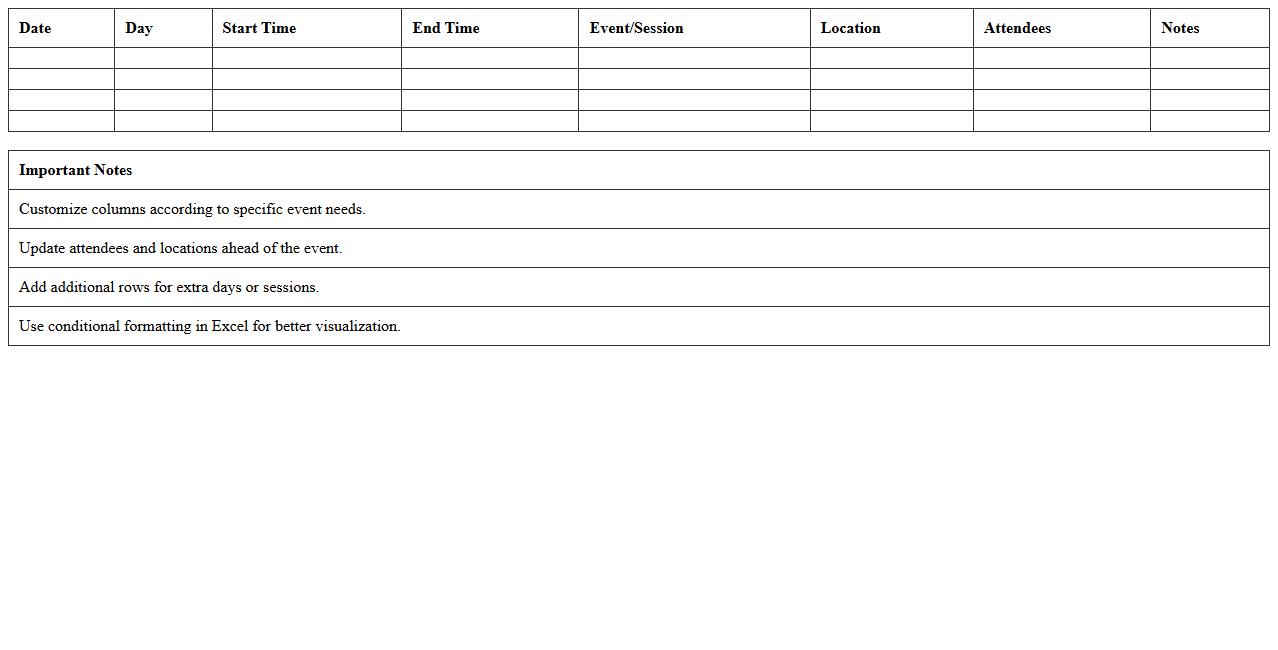
Multi-Day Event Schedule Planner Excel Template
The
Multi-Day Event Schedule Planner Excel Template is a comprehensive tool designed to organize and manage detailed event timelines across multiple days efficiently. It allows users to input and track sessions, speakers, venues, and times in one centralized spreadsheet, enhancing coordination and minimizing scheduling conflicts. This template is especially useful for event planners and coordinators aiming to streamline logistics, improve communication among teams, and ensure a seamless event experience.
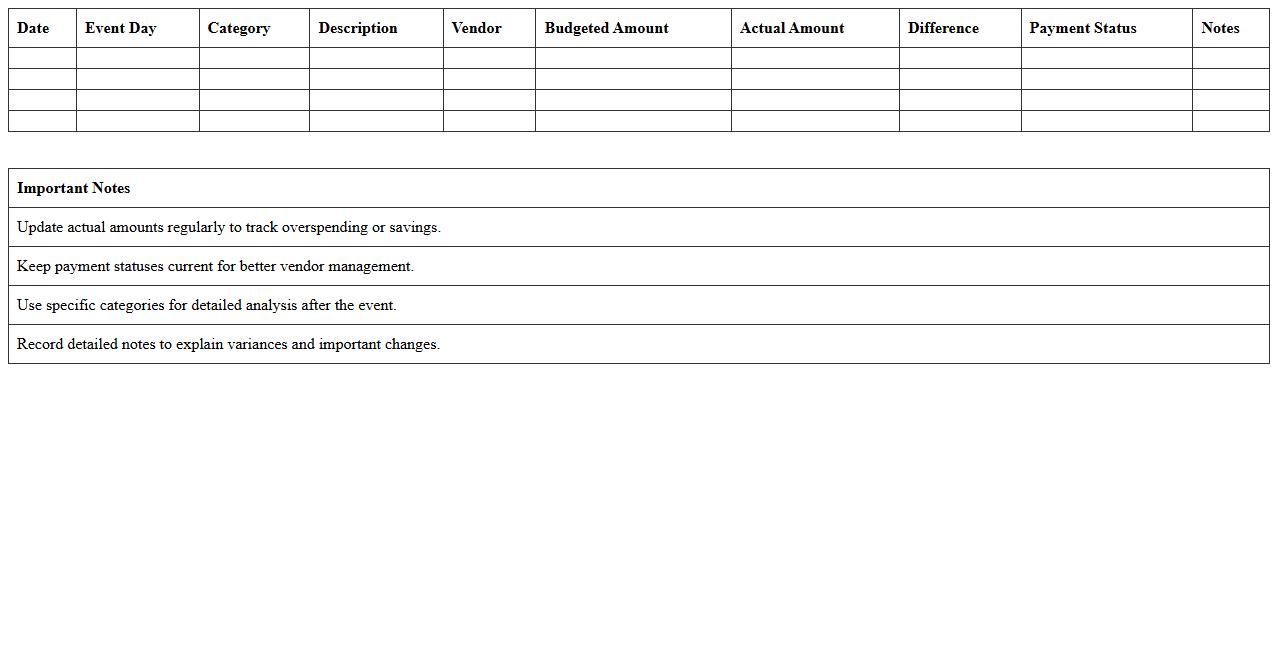
Event Budget Tracker for Multi-Day Events Excel
The
Event Budget Tracker for Multi-Day Events Excel document is a powerful tool designed to streamline financial planning and management across several days of event activities. It allows organizers to monitor expenses, allocate funds efficiently, and ensure that the event stays within its budget, reducing the risk of overspending. By providing a clear overview of costs and payments, it enhances transparency and decision-making throughout the event planning process.
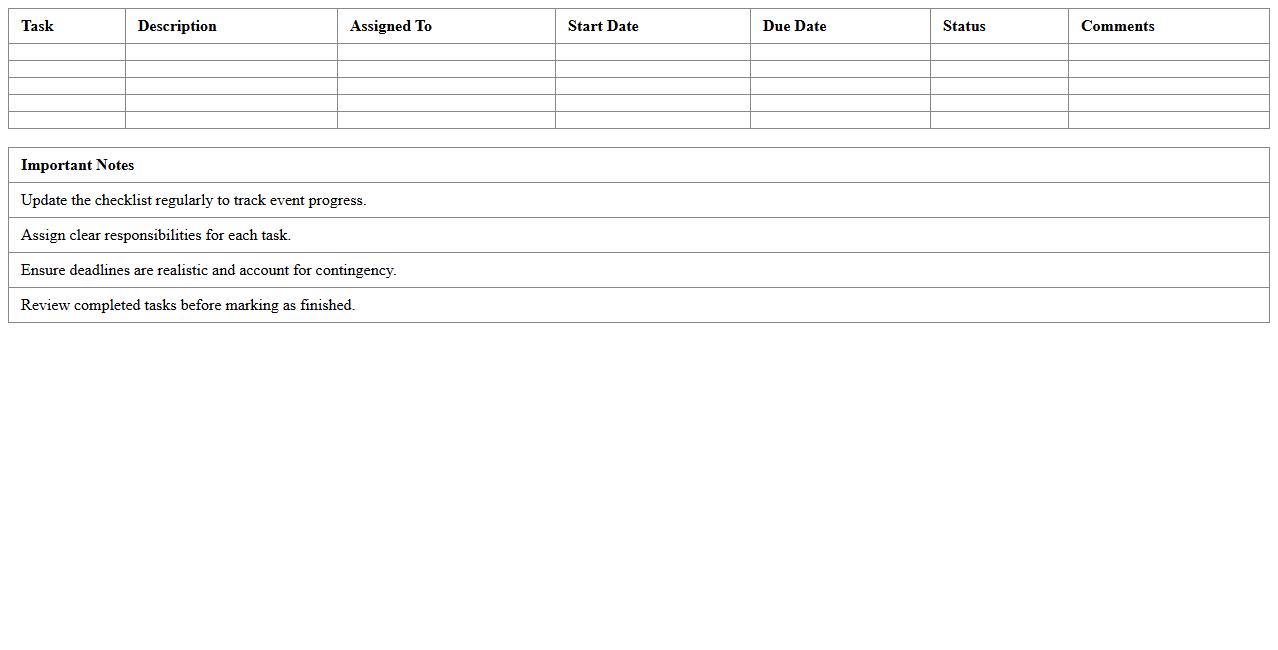
Multi-Day Event Task Checklist Excel Template
The
Multi-Day Event Task Checklist Excel Template is a structured document designed to organize and track all tasks required for successful event planning over multiple days. It allows users to break down complex events into manageable activities, assign responsibilities, set deadlines, and monitor progress efficiently. Utilizing this template enhances coordination, reduces oversight, and ensures timely execution throughout the event timeline.
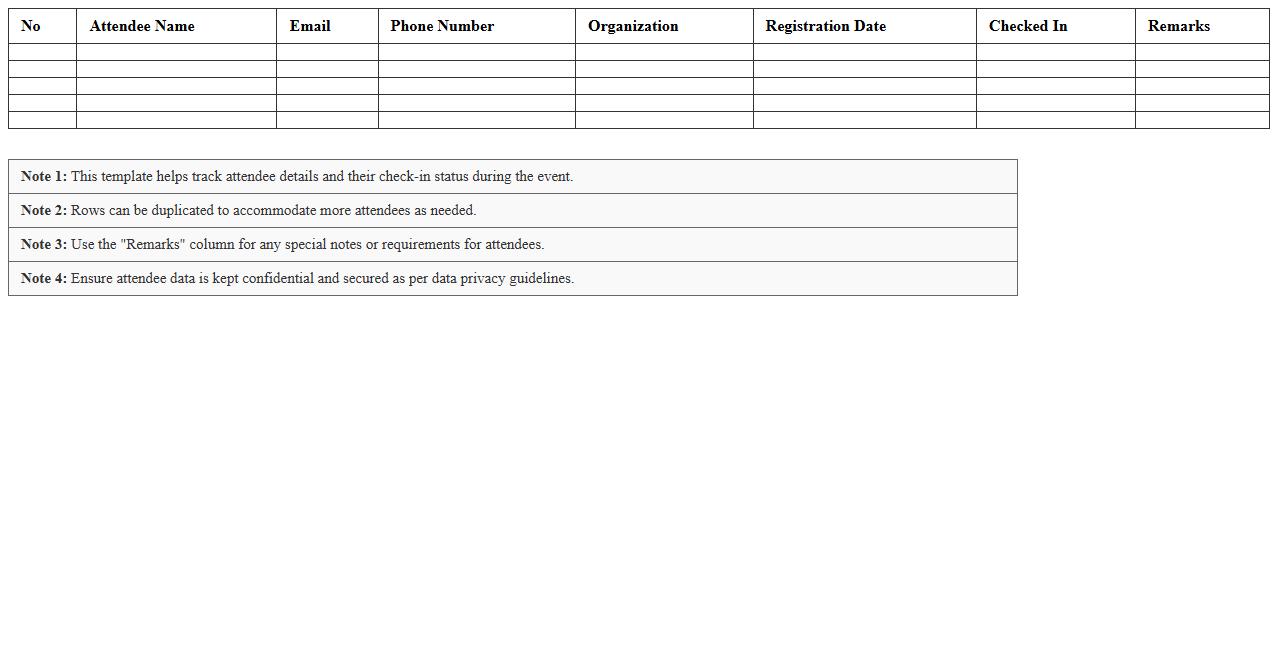
Event Attendee Registration Sheet Excel Template
The
Event Attendee Registration Sheet Excel Template is a structured spreadsheet designed to efficiently capture and organize participant details such as names, contact information, and registration status. It streamlines the registration process, enabling event organizers to track attendance, manage communication, and generate reports with ease. This template proves invaluable for ensuring accurate data collection and improving event coordination and follow-up activities.
Vendor Coordination Log for Multi-Day Events Excel
The
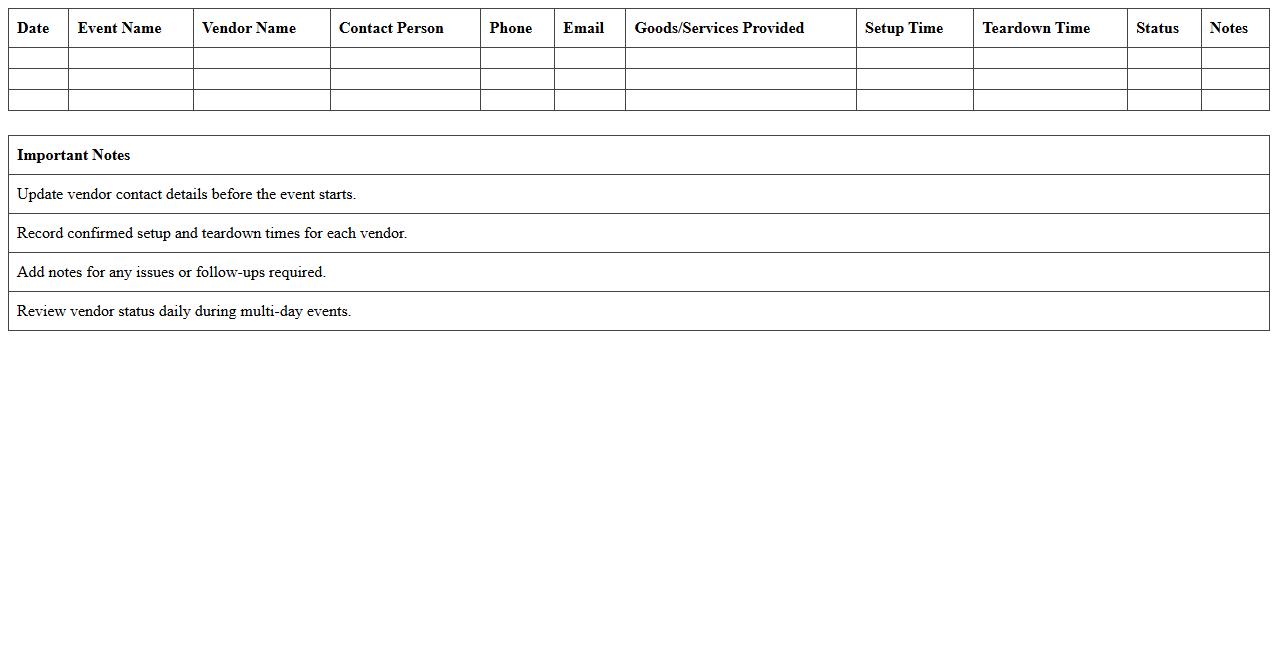
Vendor Coordination Log for Multi-Day Events Excel document is a comprehensive tool designed to streamline communication and scheduling between event planners and multiple vendors over several days. It organizes crucial details such as contact information, delivery times, service agreements, and payment terms, ensuring all parties are aligned and deadlines are met efficiently. This log enhances accountability, reduces miscommunications, and optimizes the overall event management process by providing a centralized, easily accessible record.
Room Assignment Planner for Multi-Day Events Excel
The
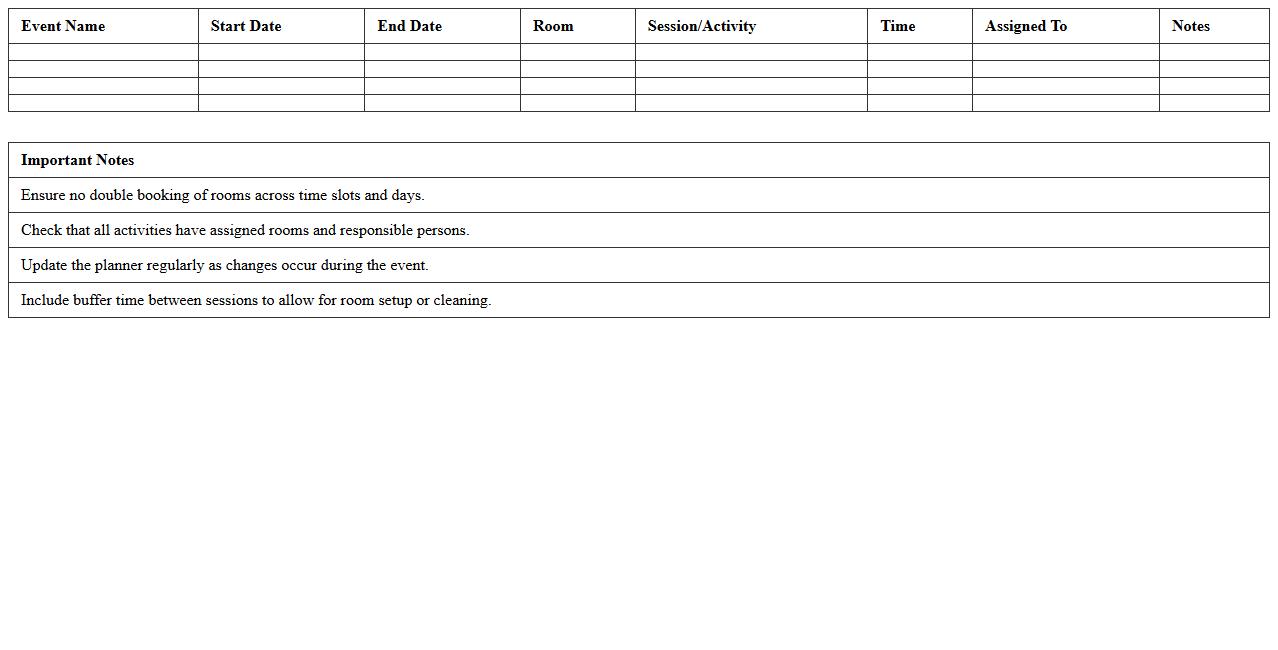
Room Assignment Planner for Multi-Day Events Excel document is a comprehensive tool designed to efficiently allocate and manage room assignments across multiple days for conferences, workshops, or seminars. It helps event organizers optimize space utilization, avoid scheduling conflicts, and ensure smooth coordination of resources by providing a clear, customizable visual layout of room bookings. By streamlining the assignment process, this planner enhances operational efficiency and improves the overall attendee experience.
Multi-Day Event Staff Shift Roster Excel Template
The
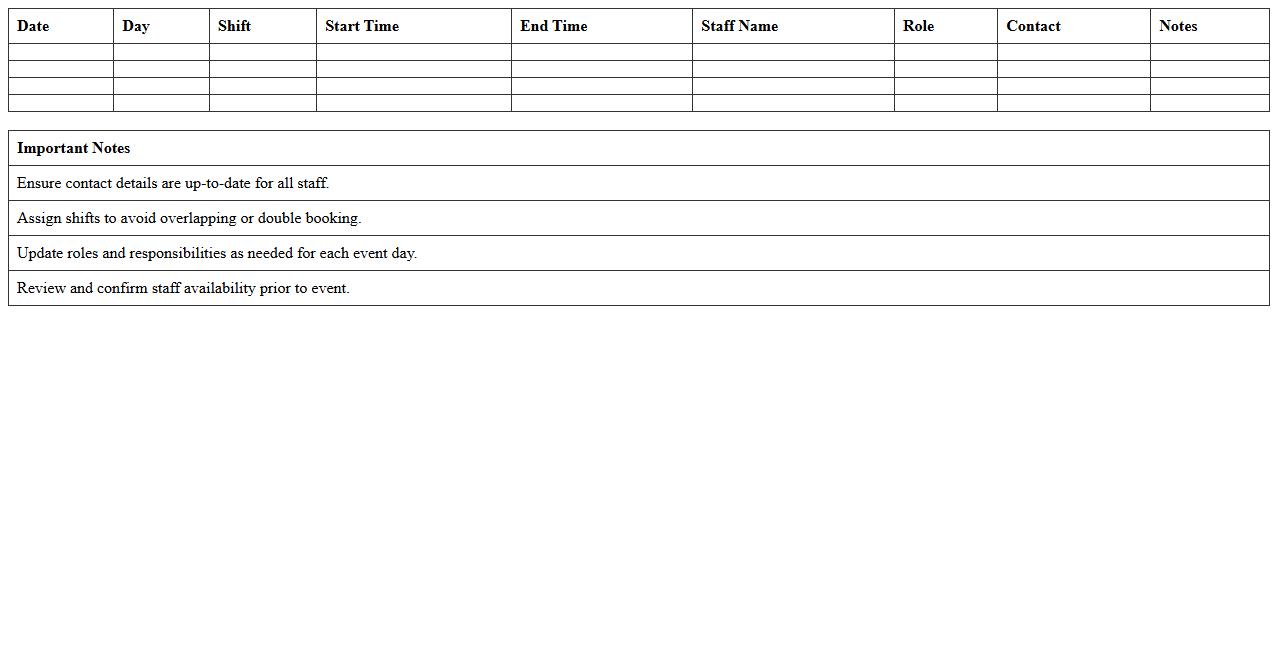
Multi-Day Event Staff Shift Roster Excel Template document is a comprehensive scheduling tool designed to organize staff shifts efficiently across multiple days for events. It allows event managers to allocate roles, track working hours, and manage breaks systematically within a single file, reducing scheduling conflicts and ensuring adequate coverage. This template enhances operational efficiency by providing clear visibility of staff assignments, facilitating smooth communication, and enabling quick adjustments as needed.
Event Equipment Inventory Tracker Excel Sheet
The
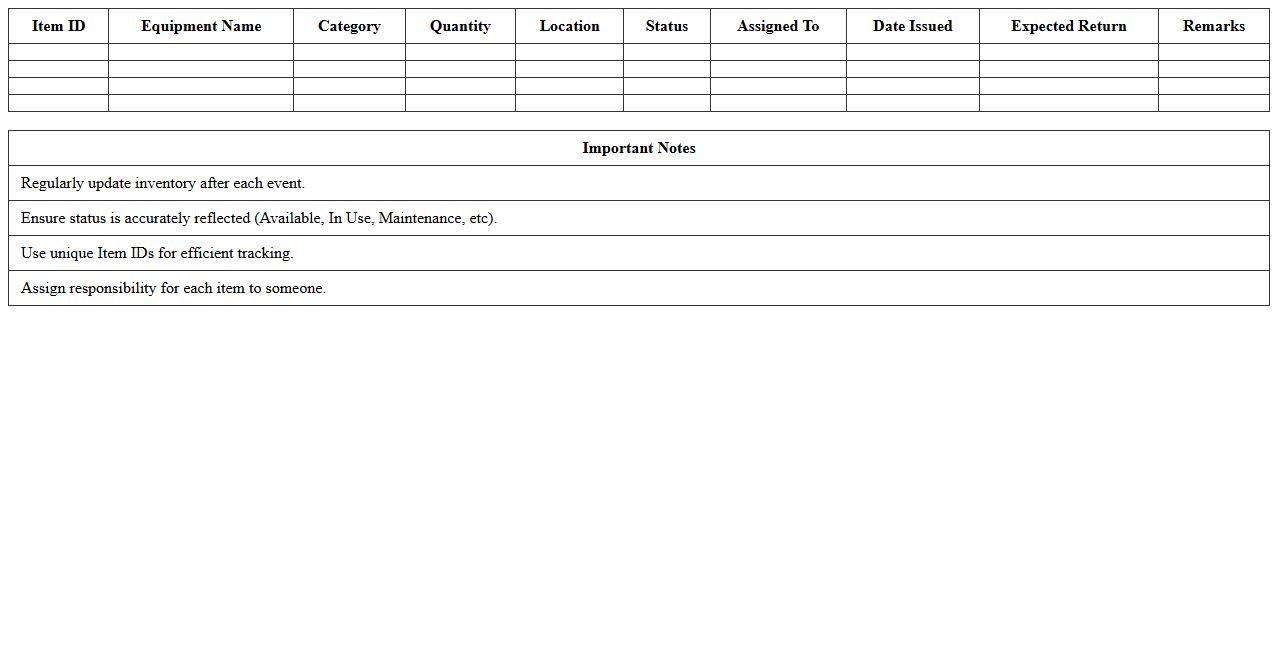
Event Equipment Inventory Tracker Excel Sheet is a comprehensive tool designed to organize and manage all event-related equipment efficiently. It helps users keep accurate records of inventory items, track equipment usage, maintenance schedules, and availability, reducing the risk of loss or overbooking. This document enhances logistical planning by providing real-time insights into equipment status, ensuring smooth event execution and resource optimization.
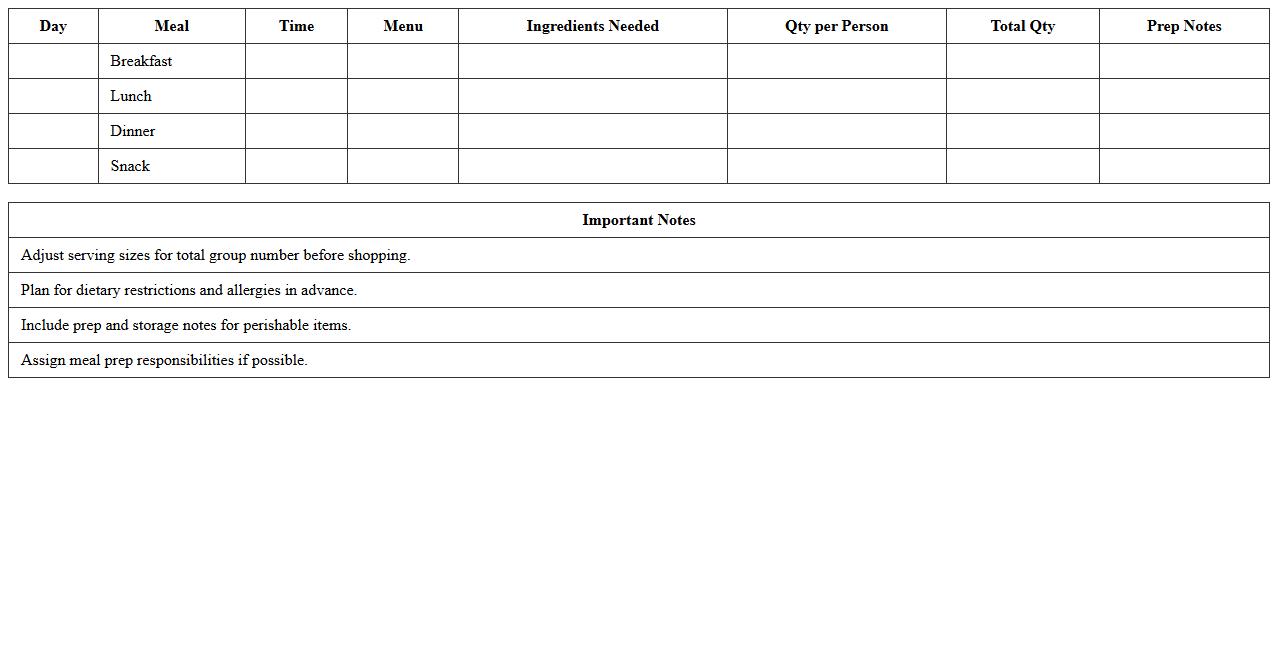
Multi-Day Event Meal Planning Excel Template
The
Multi-Day Event Meal Planning Excel Template is a comprehensive tool designed to organize and streamline meal preparation across several days for events, ensuring balanced nutrition and budget control. It allows users to input dietary preferences, meal times, and portion sizes, while automatically calculating ingredient quantities and costs. This template enhances efficiency in event management by reducing food waste and optimizing procurement processes.
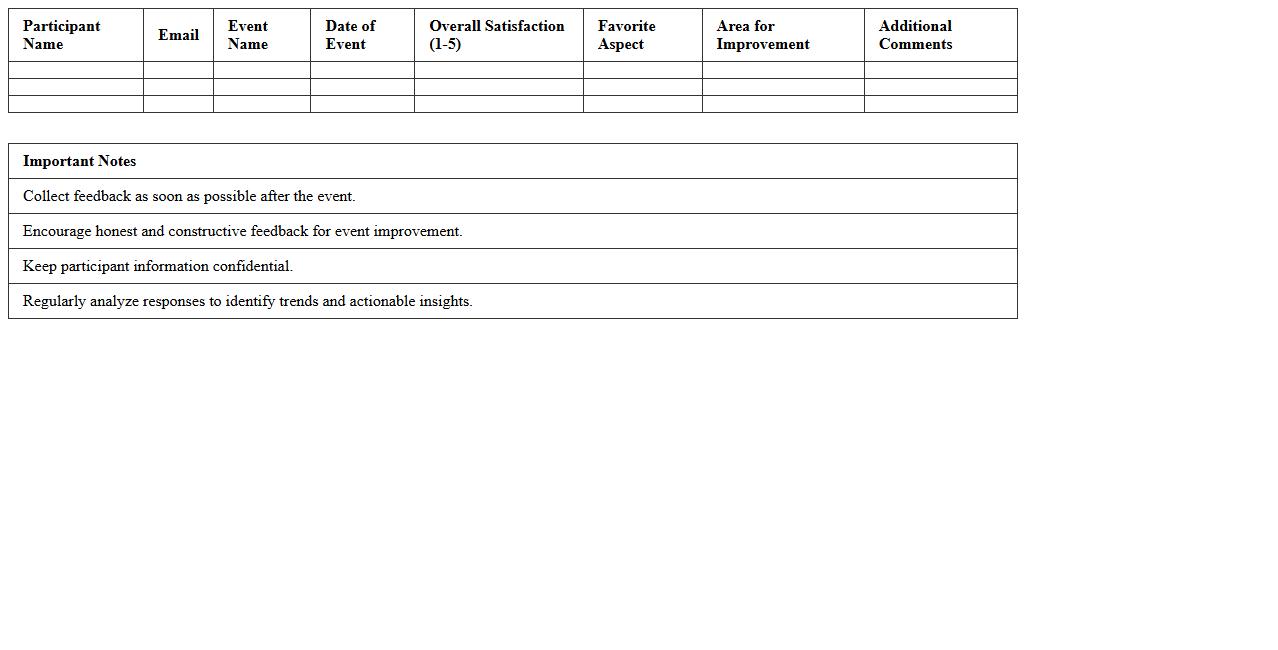
Post-Event Feedback Collection Excel Template
The
Post-Event Feedback Collection Excel Template is a structured spreadsheet designed to gather and analyze participant feedback efficiently after an event. It helps organizers identify strengths and areas for improvement by consolidating responses in an easily accessible format, facilitating better decision-making for future events. Using this template streamlines the feedback process, saving time and enhancing the quality of data-driven event evaluations.
How to automate attendee check-in tracking across multiple days in Event Management Excel sheets?
To automate attendee check-in tracking in Excel, use a combination of data validation and checkboxes linked to a master attendance sheet. Utilize the COUNTIF or SUMPRODUCT functions to aggregate daily check-ins per attendee across multiple days. This ensures real-time tracking and easy identification of no-shows or late arrivals in one consolidated view.
What formulas best summarize daily vendor expenses in multi-day event documents?
The SUMIF and SUMIFS formulas are ideal for summarizing vendor expenses by date in multi-day event sheets. Implement dynamic named ranges or structured tables to automatically update totals as new data entries are added. These formulas help provide accurate daily summaries and overall expense tracking without manual recalculation.
How to link daily session schedules for seamless updates in a multi-day event Excel template?
Use cell references and Excel's INDIRECT function to create dynamic links between daily session schedules and a master template. Incorporate drop-down menus with data validation to keep session updates consistent across all linked sheets. This synchronization enables effortless, simultaneous updates across multiple sheets without redundant data entry.
Methods to visualize attendee flow and session overlaps for multi-day events in Excel?
Visualize attendee flow using pivot tables combined with conditional formatting and Excel charts like stacked bar or line graphs. Employ Gantt charts to map session overlaps clearly, highlighting conflicts or parallel sessions. These visuals enhance data interpretation for better decision-making during event planning and execution.
How to set conditional formatting for task deadlines specific to each event day in the document?
Apply conditional formatting with custom formulas referencing task deadlines and current dates to highlight statuses like overdue, due today, or upcoming per event day. Use color scales or icons to visually differentiate urgency on the calendar or task list. This approach helps prioritize tasks effectively and ensures timely event execution.
More Event Management Excel Templates