Corporate Event Budget Planner Excel Template
The
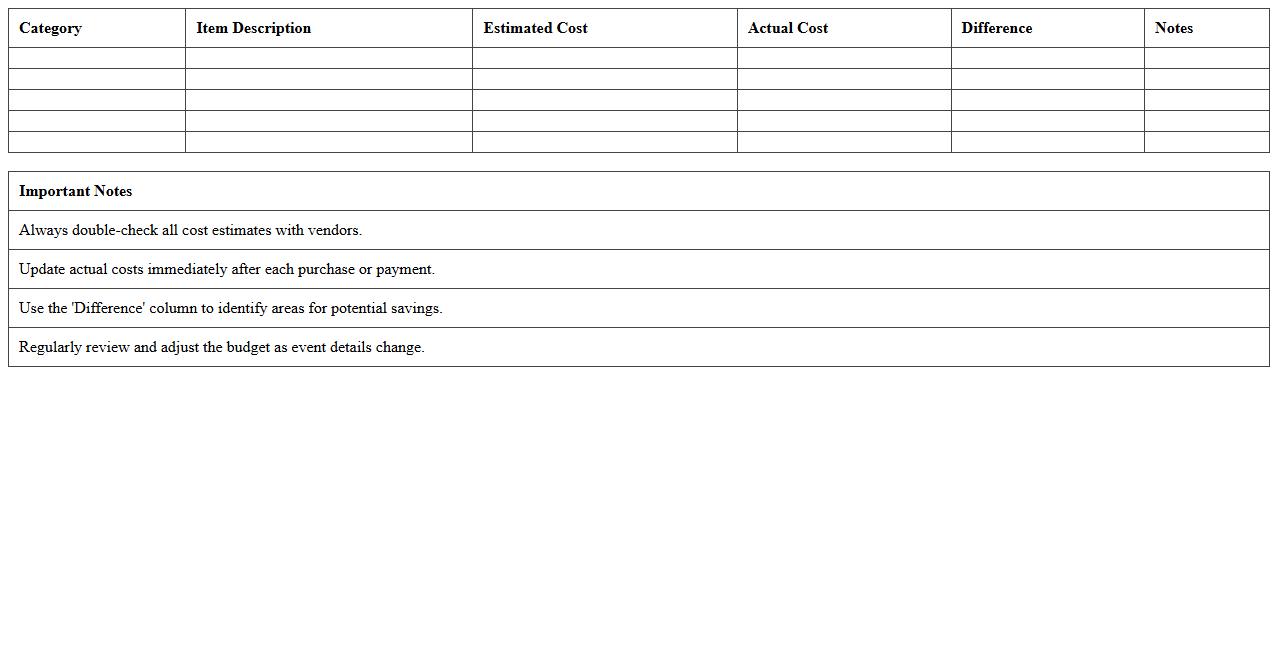
Corporate Event Budget Planner Excel Template document is a specialized tool designed to help businesses organize and manage all financial aspects of corporate events, including venue costs, catering, marketing, and logistics. It enables precise tracking of expenses against allocated budgets, reducing the risk of overspending and enhancing financial oversight. This template improves decision-making efficiency by providing clear visibility into budget distribution, cash flow, and potential cost savings, making event planning more streamlined and successful.
Event Registration Tracker Excel Spreadsheet
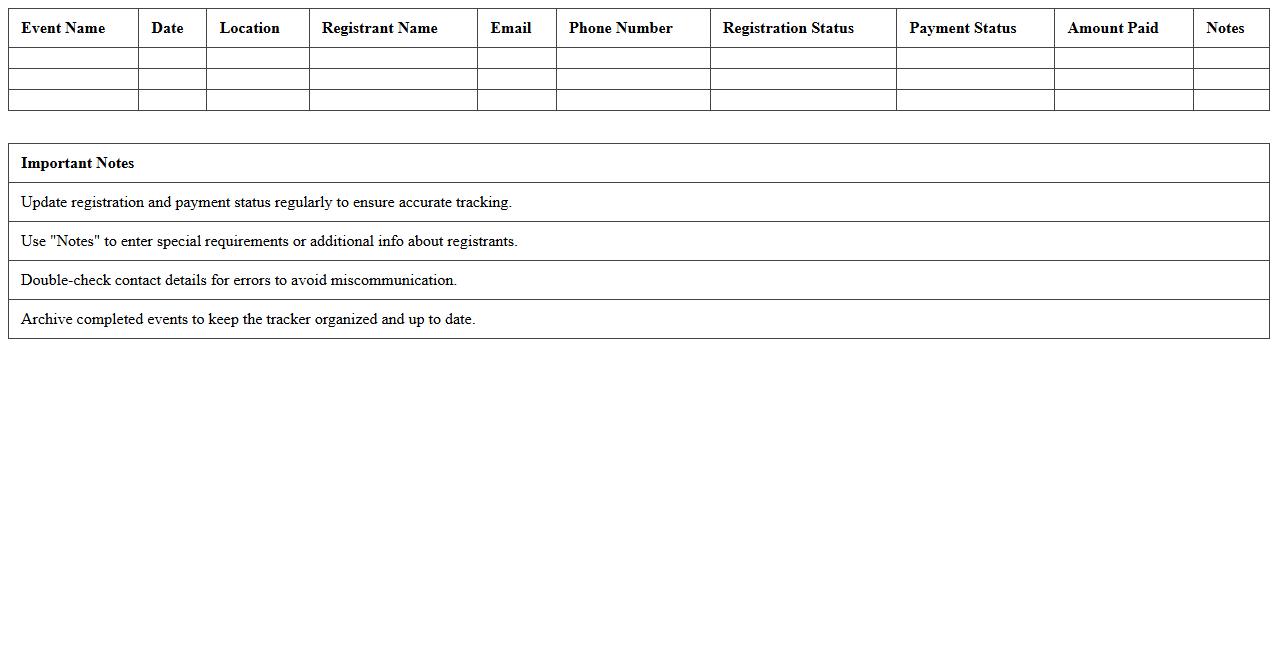
An
Event Registration Tracker Excel Spreadsheet is a comprehensive tool designed to organize and monitor attendee information, registration statuses, and payment details efficiently. It allows event planners to streamline the registration process, track participant data, and manage event logistics with ease through customizable columns and automatic data sorting. This spreadsheet enhances accuracy, saves time, and improves communication by providing a centralized platform for all event registration activities.
Corporate Event Timeline & Checklist Excel Planner
The
Corporate Event Timeline & Checklist Excel Planner is a comprehensive tool designed to organize and streamline all phases of corporate event planning, from initial concept to final execution. It provides a structured timeline alongside detailed checklists, enabling teams to track tasks, deadlines, and responsibilities efficiently. Utilizing this planner ensures meticulous coordination, reduces the risk of oversight, and enhances overall event success by maintaining clear communication and accountability.
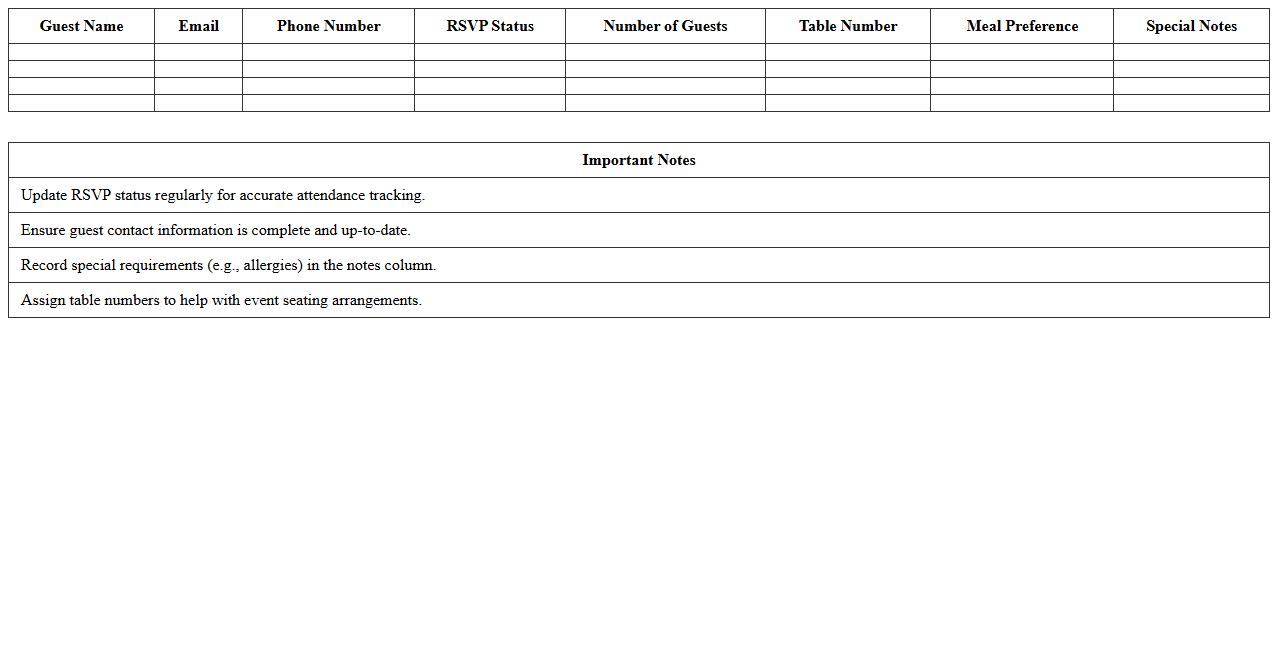
Event Guest List Management Excel Template
The
Event Guest List Management Excel Template is a structured spreadsheet designed to organize and track event attendees efficiently. It helps manage invitations, RSVP statuses, contact details, and seating arrangements, streamlining the planning process and ensuring no guest is overlooked. This template enhances event coordination by providing a clear, customizable overview of all guests, reducing errors and saving valuable time.
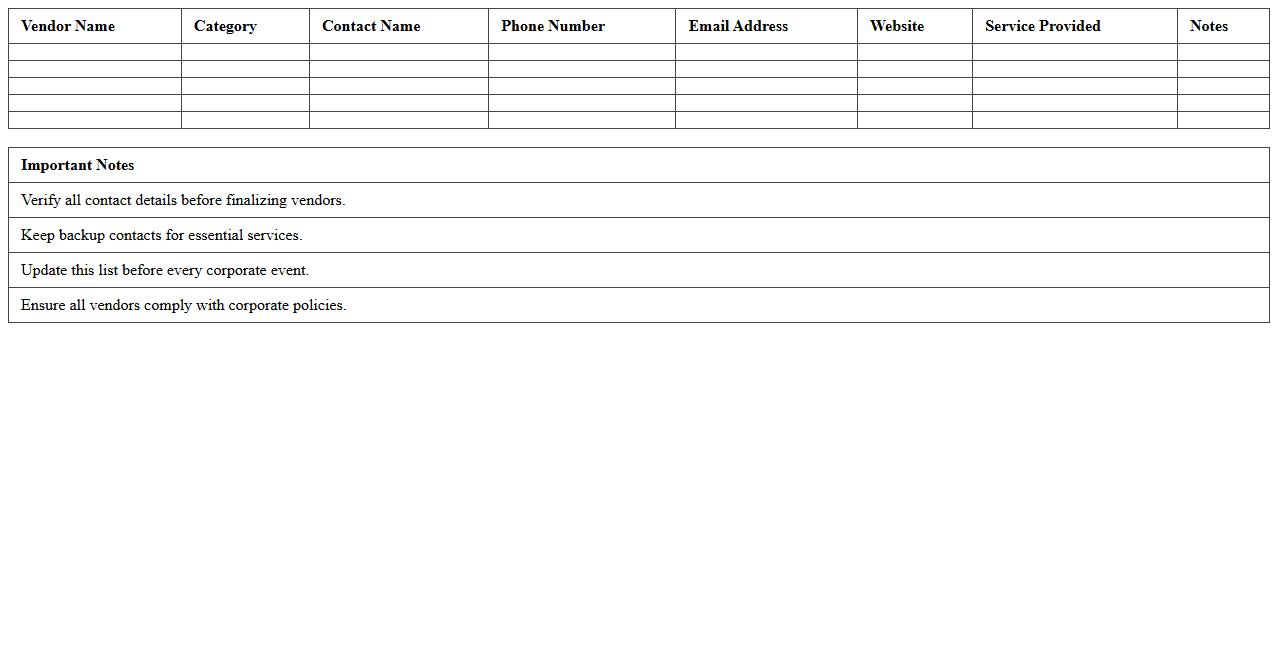
Vendor Contact List for Corporate Events Excel
A
Vendor Contact List for Corporate Events Excel document is a structured spreadsheet containing detailed information about suppliers and service providers essential for organizing corporate events, such as caterers, decorators, AV technicians, and venues. This document streamlines event planning by centralizing vendor contacts, ensuring quick access to reliable suppliers, improving communication, and facilitating efficient coordination. Using this list reduces time spent searching for vendors, enhances budget management through easy comparison of quotes, and supports seamless event execution.
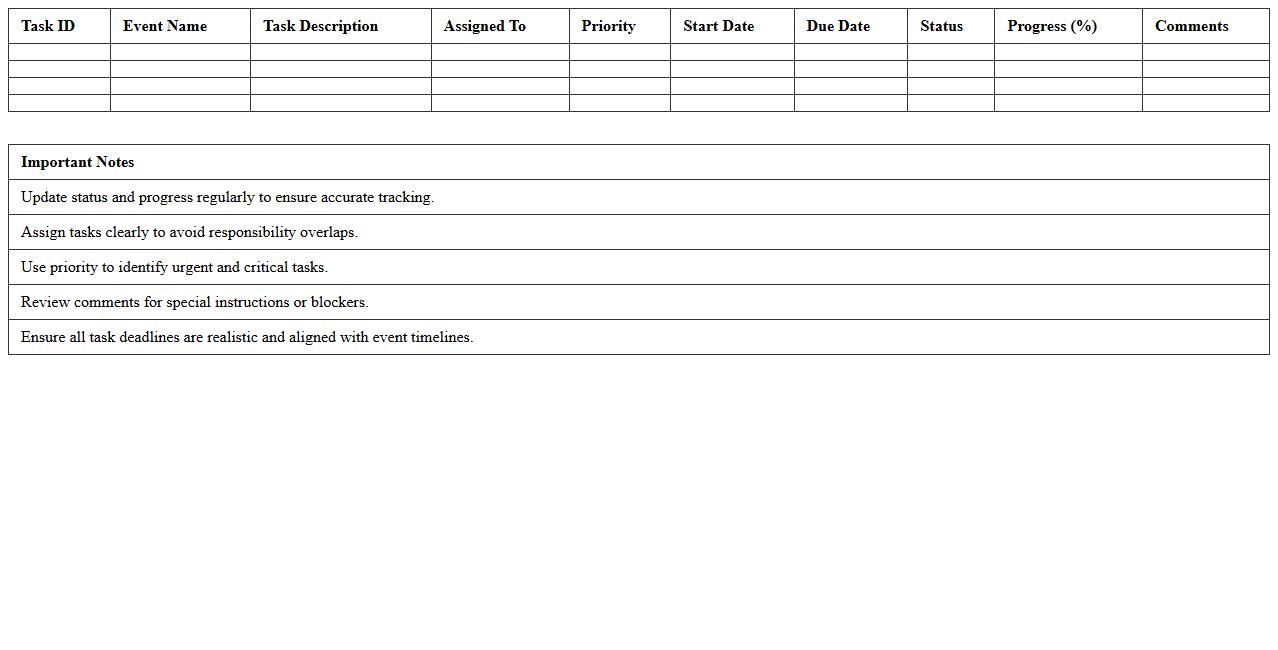
Corporate Event Task Assignment & Progress Tracker Excel
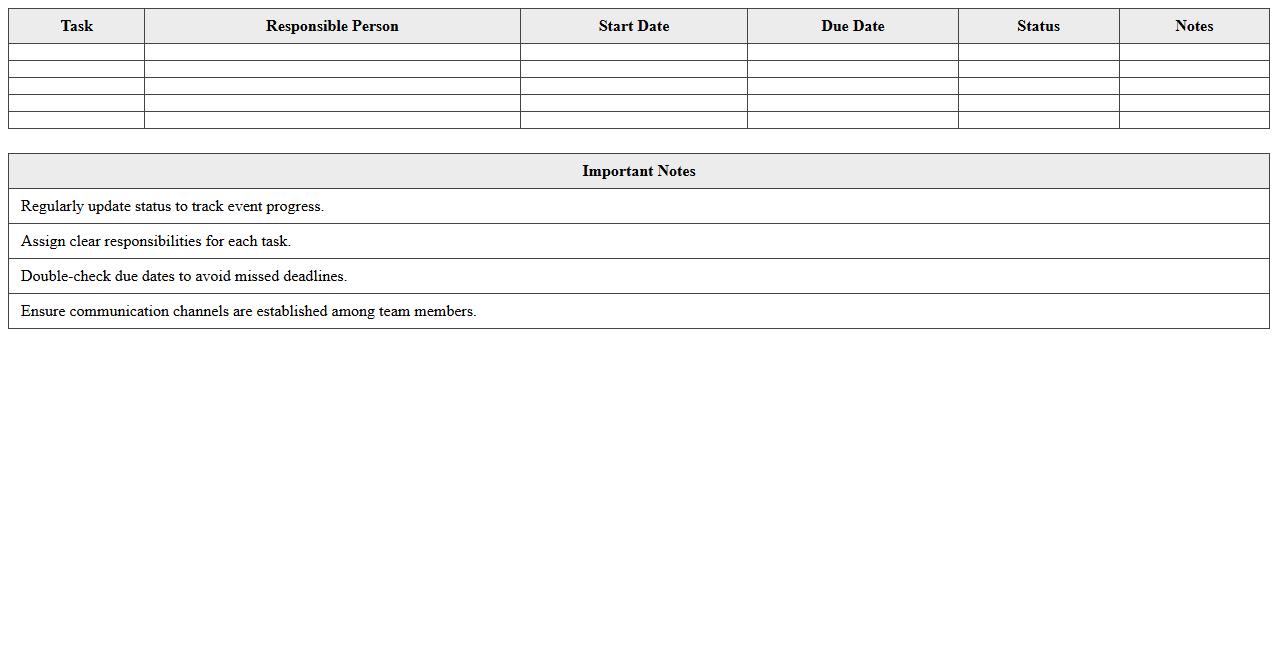
The
Corporate Event Task Assignment & Progress Tracker Excel document is a comprehensive tool designed to streamline task management by assigning responsibilities, setting deadlines, and monitoring progress in real-time. It enhances team coordination and accountability by providing clear visibility into each team member's roles and the status of ongoing tasks, ensuring timely completion of event preparations. This tracker helps improve efficiency, prevent task overlap, and facilitates effective communication within corporate event planning teams.
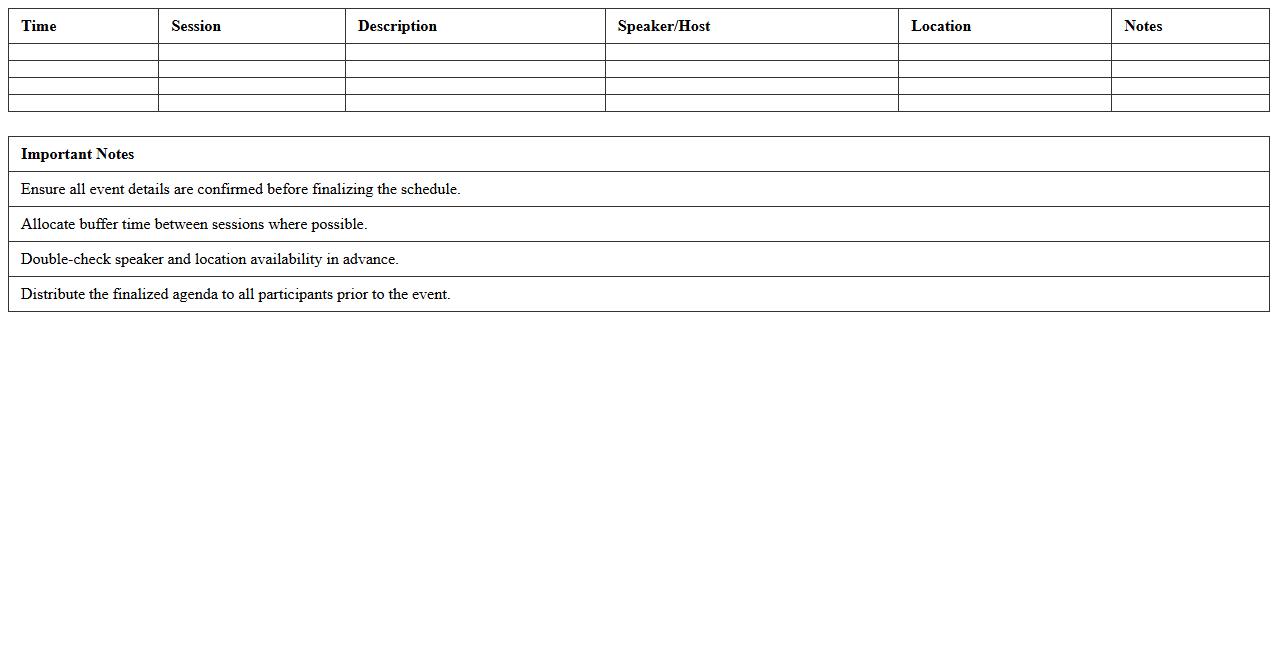
Event Agenda Schedule Excel Template
An
Event Agenda Schedule Excel Template is a structured spreadsheet designed to organize and outline the timeline, activities, and details of an event. It allows users to efficiently plan sessions, allocate time slots, and manage speakers or tasks, ensuring smooth coordination and time management. This template enhances productivity by providing a clear, customizable framework that helps avoid scheduling conflicts and keeps all stakeholders informed.
Corporate Event Feedback Survey Excel Sheet
A
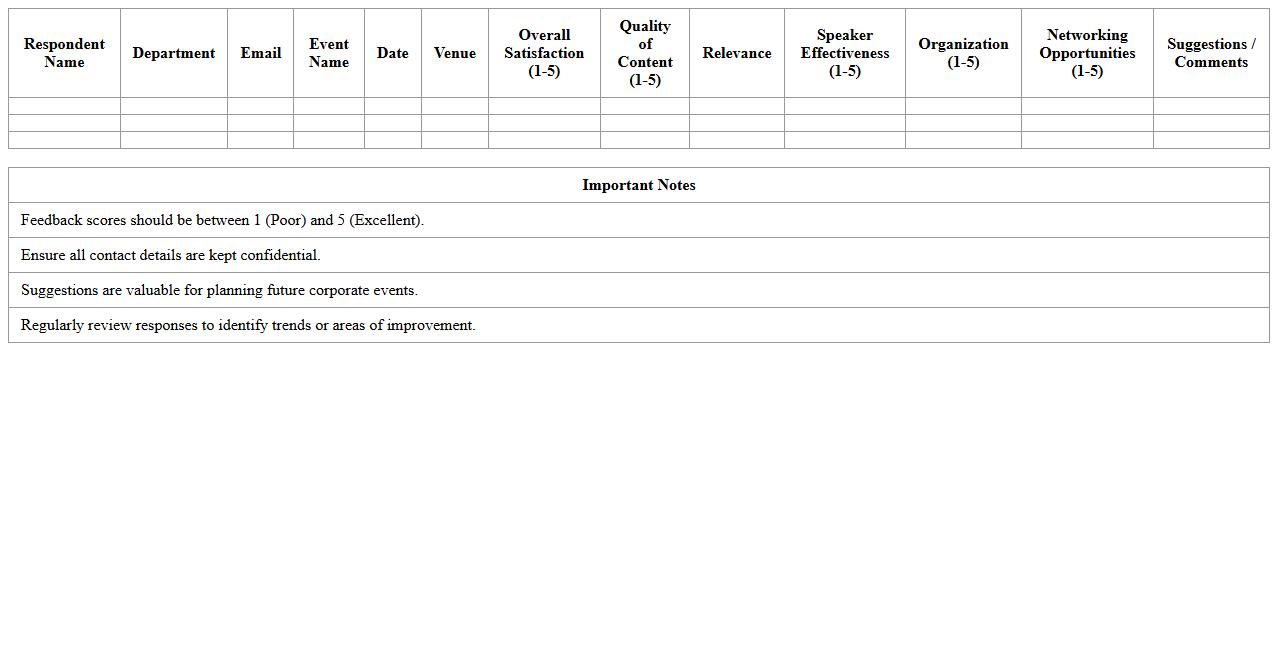
Corporate Event Feedback Survey Excel Sheet is a structured document designed to collect, organize, and analyze participant responses from corporate events. It helps businesses measure attendee satisfaction, identify areas for improvement, and make data-driven decisions for future events. Using this Excel sheet streamlines feedback management, providing clear insights into event success and enhancing overall corporate event planning effectiveness.
Venue Comparison Matrix Excel Template
A
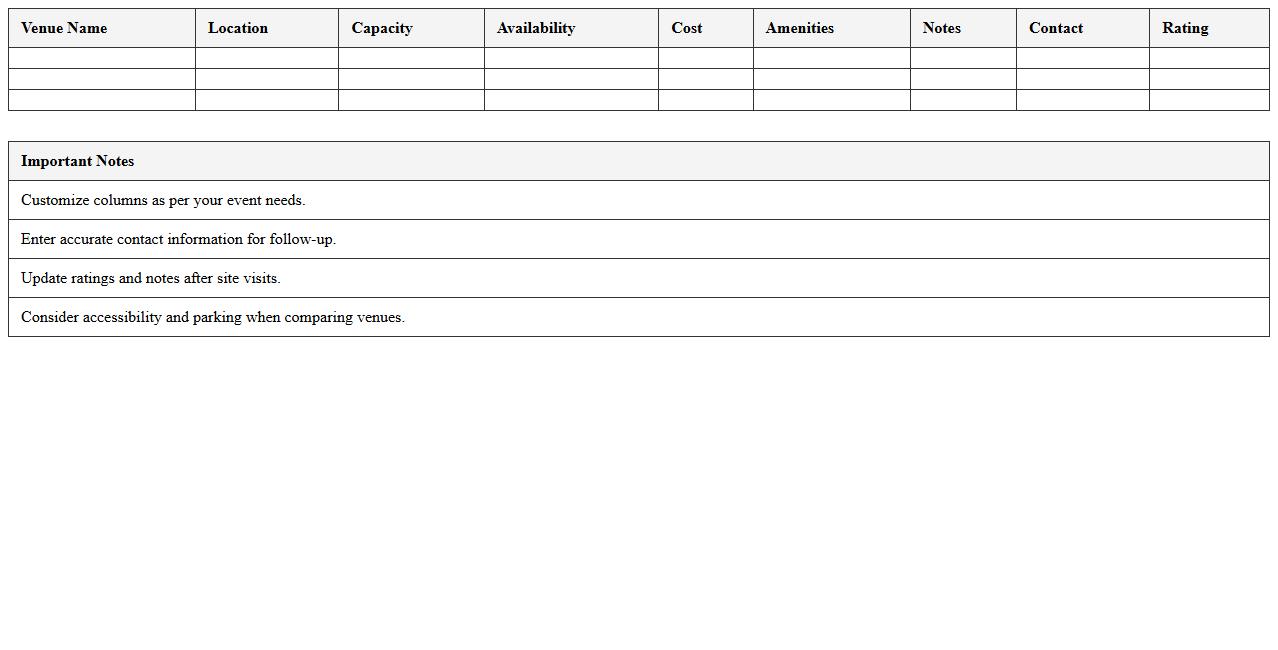
Venue Comparison Matrix Excel Template is a structured spreadsheet designed to evaluate and compare multiple event venues based on key criteria such as cost, capacity, location, amenities, and availability. This template streamlines decision-making by organizing complex data into clear, side-by-side comparisons, enabling event planners to identify the most suitable venue efficiently. Utilizing this matrix reduces the risk of overlooking crucial factors and supports strategic selection for diverse event needs.
Post-Event Analytics Dashboard Excel Template
The
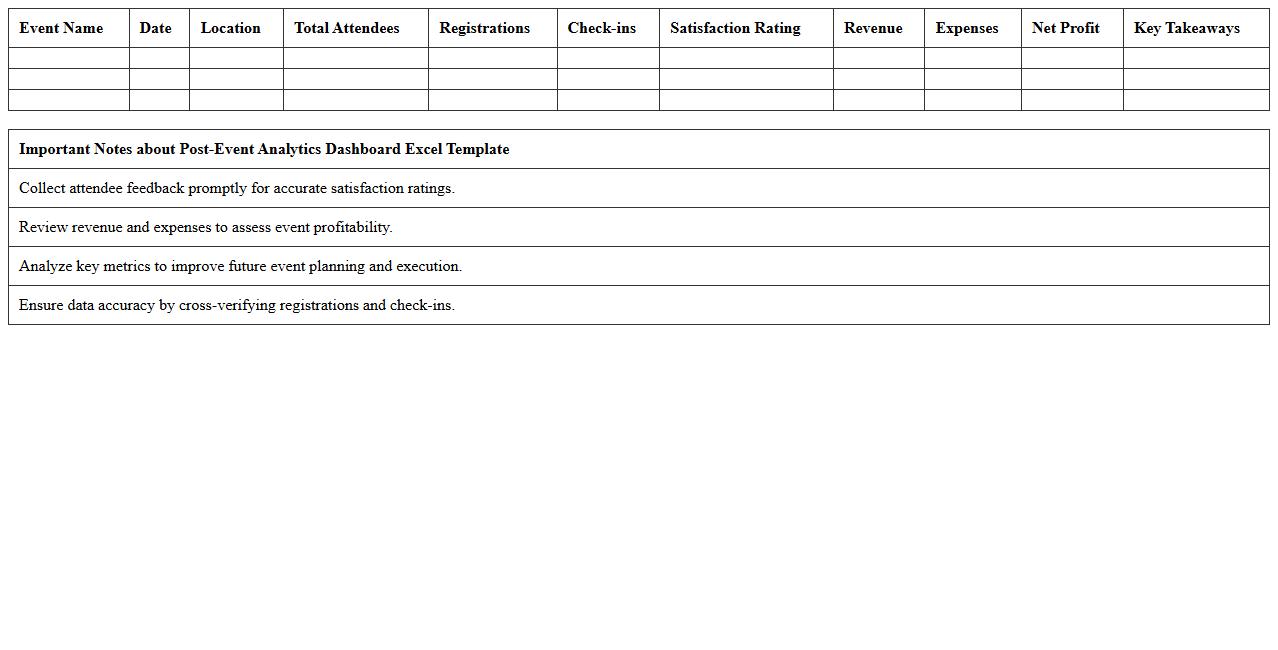
Post-Event Analytics Dashboard Excel Template is a comprehensive tool designed to organize, visualize, and analyze data collected from events, enabling users to track key performance indicators such as attendance, engagement, and revenue. This template helps event planners and marketers quickly identify trends, measure success metrics, and optimize future events by presenting insights in clear charts and tables. Using this dashboard allows for data-driven decision-making, improving overall event strategy and return on investment.
How to automate guest list tracking in an Event Management Excel template for corporate events?
To automate guest list tracking in Excel, use tables combined with conditional formatting to highlight RSVP statuses dynamically. Implement formulas such as COUNTIF to monitor the number of confirmed guests and update totals automatically. Integrating drop-down lists facilitates quick updates on attendee statuses, ensuring real-time accuracy.
What Excel formulas best forecast event budget overruns in corporate event planning?
Forecasting budget overruns effectively requires formulas like SUM and SUMIF to aggregate expenses and compare them against budget limits. Use IF statements to flag expenses that exceed predefined thresholds, providing early warnings for potential overruns. Incorporating TREND or FORECAST functions helps project future costs based on historical spending patterns.
Which columns to include in an Excel-based run-of-show document for seamless event execution?
A comprehensive run-of-show should include columns such as Time, Activity Description, Assigned Personnel, Location, and Status updates. Adding a Notes column allows for quick adjustments and communication during the event. Including a Duration column helps manage timing precisely, ensuring all segments run smoothly.
How to link vendor contract deadlines with reminders using Excel for corporate event documents?
Link vendor contract deadlines with Excel reminders by using conditional formatting to highlight approaching due dates automatically. Implement the TODAY() function combined with IF statements to trigger alerts within designated cells as deadlines near. Setting up data validation and task status columns ensures contracts are tracked and vendor communications remain timely.
What data validation rules ensure accurate RSVP tracking in an event management Excel sheet?
Enforce data accuracy in RSVP tracking by applying drop-down lists restricted to acceptable responses such as "Yes," "No," or "Maybe" using data validation. Restrict input formats with date and number validation where applicable to minimize entry errors. Additionally, applying error alert messages guides users to provide correct and consistent responses.