Corporate Event Budget Tracking Excel Template
The
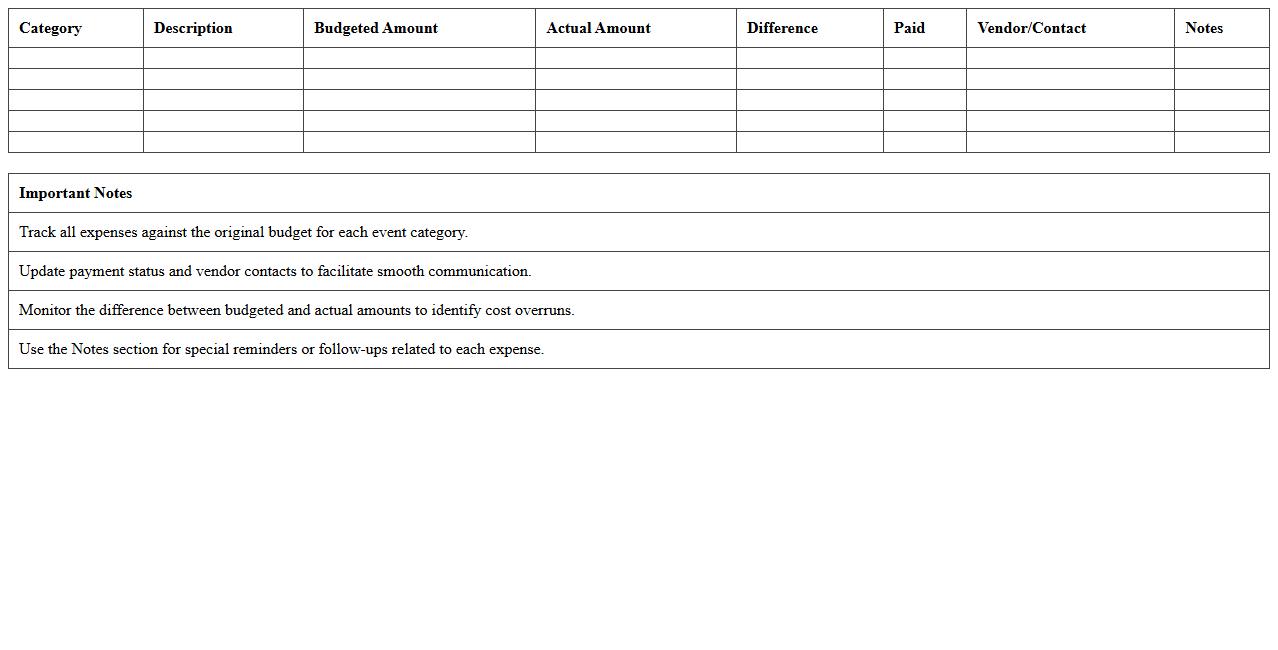
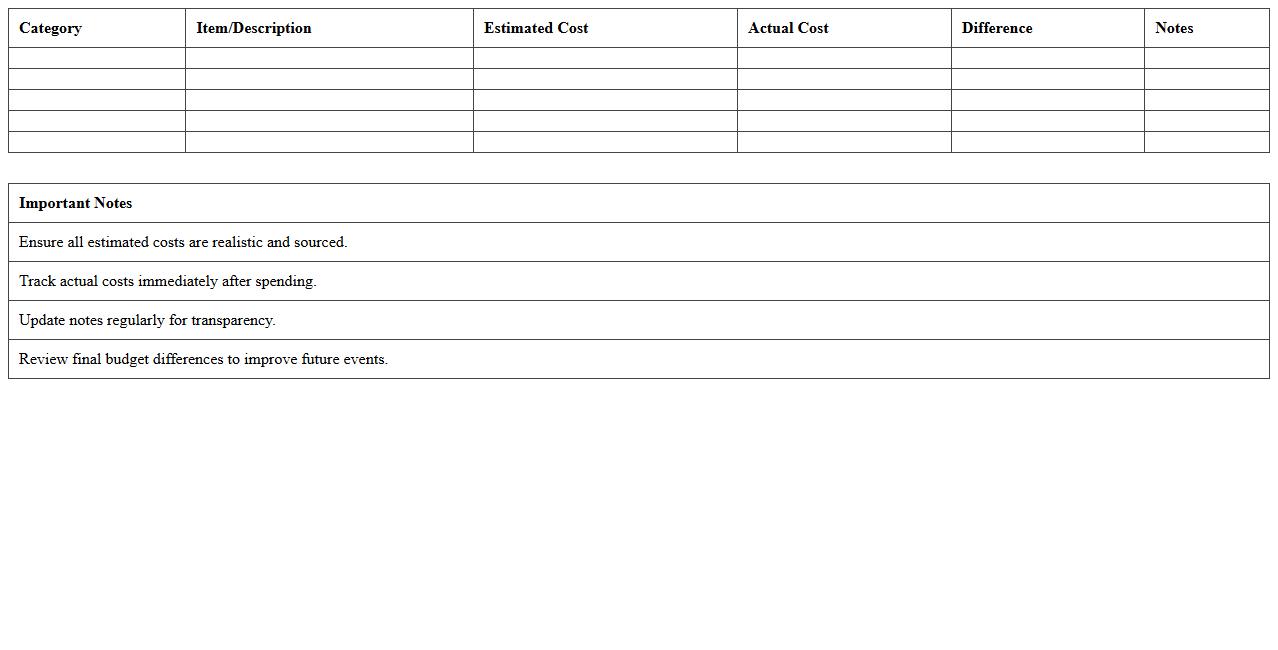
Corporate Event Budget Tracking Excel Template is a comprehensive spreadsheet designed to monitor and manage all financial aspects of a corporate event, including expenses, revenues, and budget variances. It enables event planners to allocate funds efficiently, track spending in real-time, and ensure the event stays within budget limits. Utilizing this template helps improve financial accuracy, optimize resource allocation, and provide transparent reporting for stakeholders.
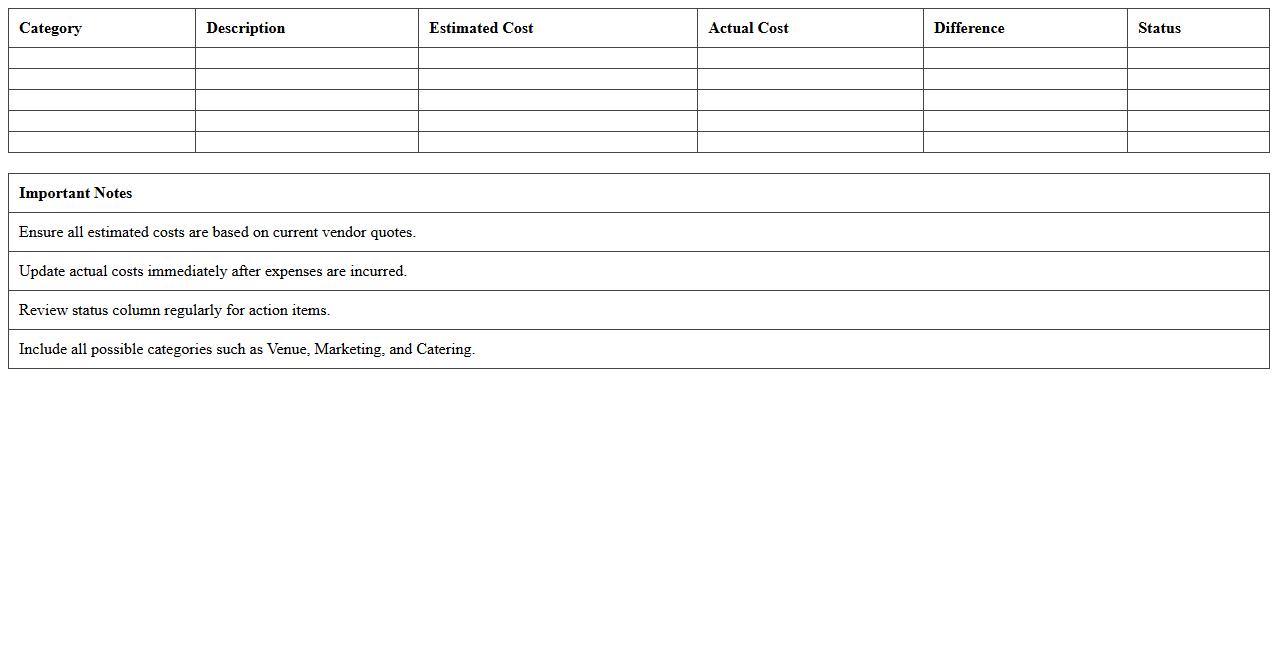
Wedding Event Budget Planner Spreadsheet
A
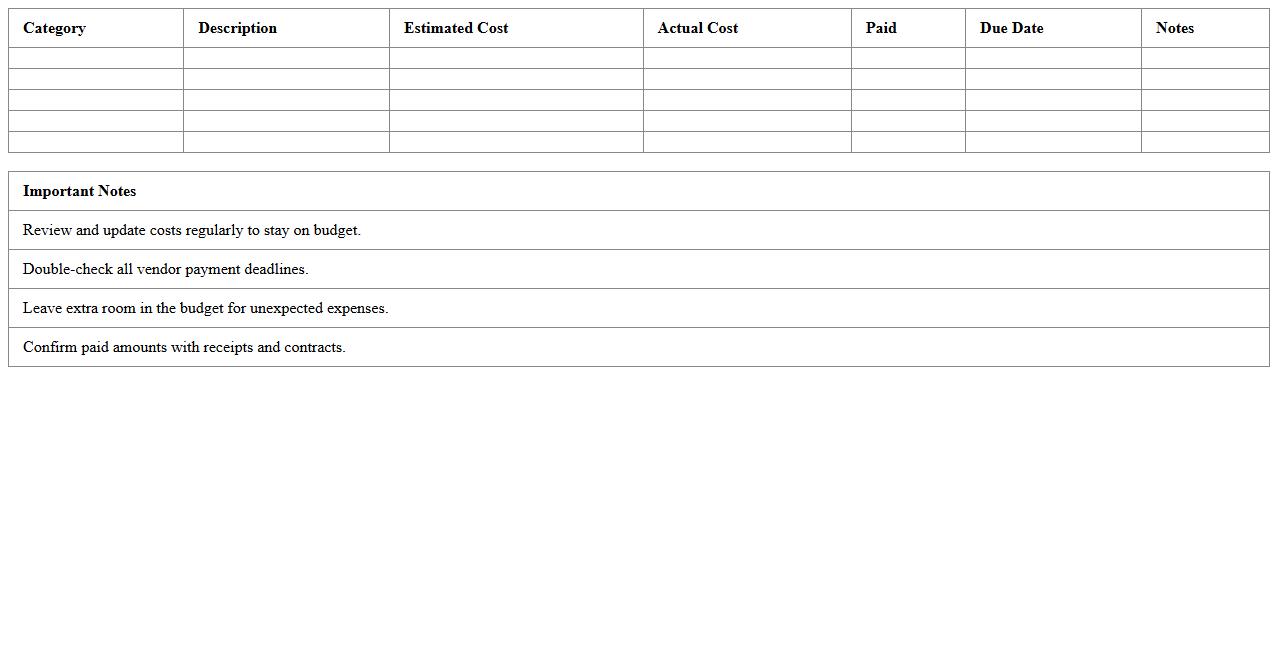
Wedding Event Budget Planner Spreadsheet is a detailed digital tool designed to organize and track all financial aspects of wedding planning, including venue costs, catering, decorations, and attire expenses. This document helps couples maintain control over their spending by providing clear visibility into allocated versus actual expenses, ensuring they stay within their financial limits. By using this spreadsheet, users can avoid overspending, prioritize essential expenditures, and efficiently manage vendor payments throughout the wedding preparation process.
Conference Expense Management Excel Sheet
A
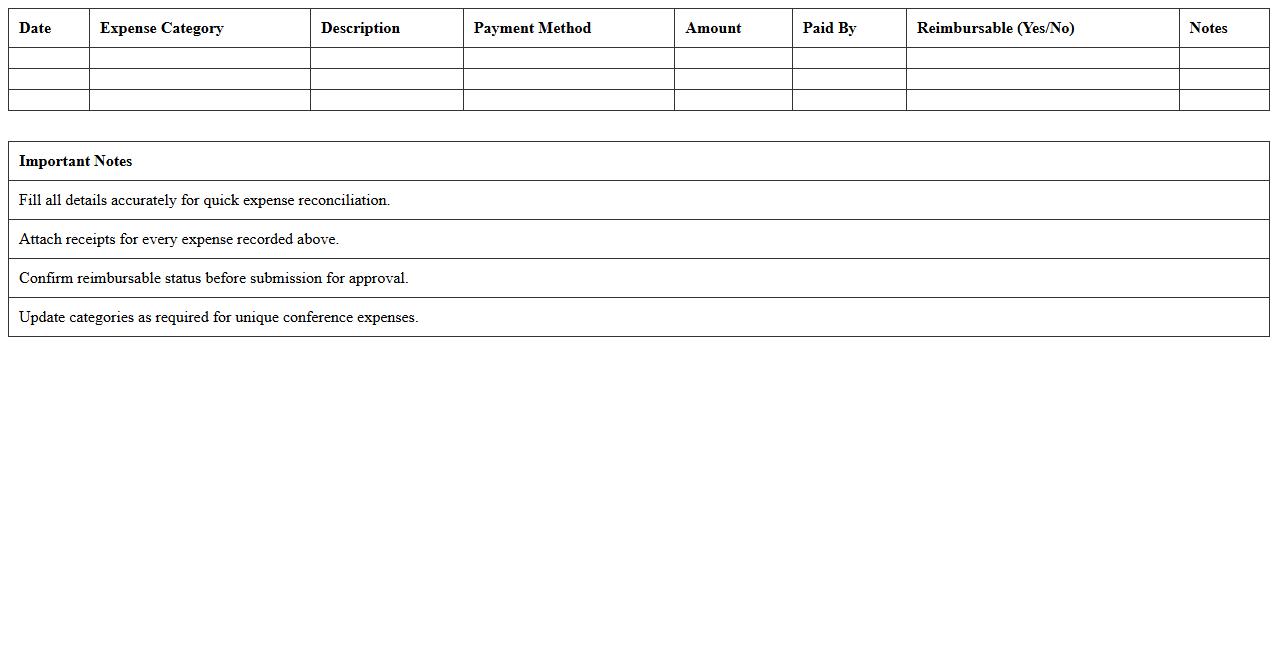
Conference Expense Management Excel Sheet is a structured spreadsheet designed to track and organize all costs associated with conferences, including registration fees, travel, accommodation, and meals. This document helps ensure accurate budgeting, prevents overspending, and provides clear visibility into expense trends for better financial planning. Using this tool enhances accountability and simplifies expense reporting for individuals or organizations managing conference-related expenditures.
Fundraising Event Budget Tracker Template
A
Fundraising Event Budget Tracker Template document is a tool designed to help organizers plan, monitor, and manage all financial aspects of a fundraising event, including income sources and expenses. It provides a clear overview of budget allocations, tracks actual spending against projected costs, and ensures transparency and accountability throughout the event planning process. This template is useful for preventing overspending, optimizing resource allocation, and maximizing the net proceeds raised for the cause.
Party Planning Budget Excel Chart
The
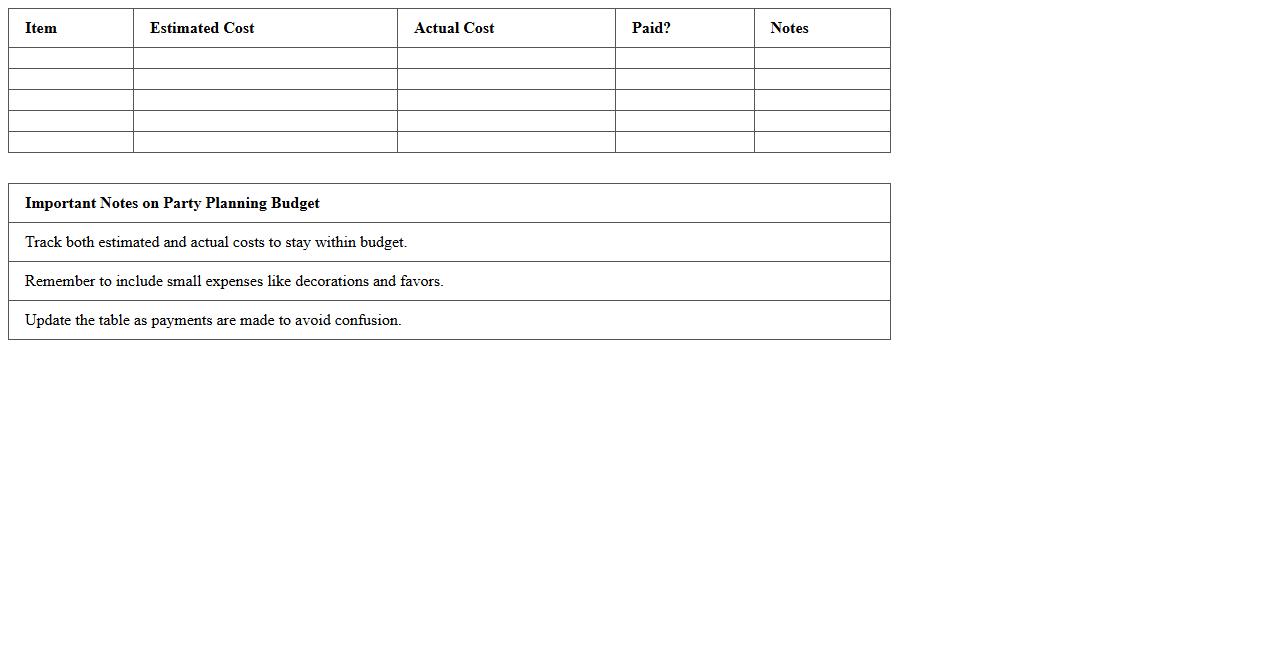
Party Planning Budget Excel Chart is a digital spreadsheet designed to organize and track expenses related to event planning. It helps users allocate funds efficiently by categorizing costs such as venue, catering, decorations, and entertainment, ensuring that the party stays within budget. This tool is useful for avoiding overspending, facilitating financial transparency, and simplifying the overall planning process.
Seminar Financial Planning Spreadsheet
A
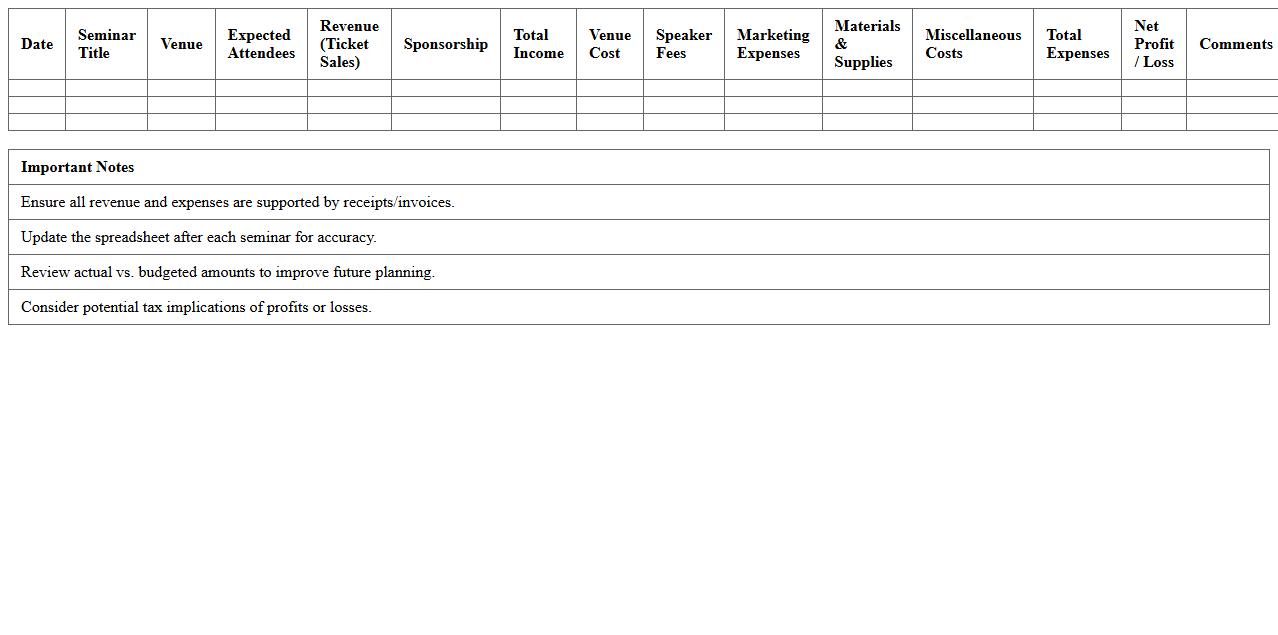
Seminar Financial Planning Spreadsheet document is a structured tool designed to organize and track all financial aspects related to a seminar, including budgeting, expenses, revenue, and cash flow. It enables efficient allocation of funds, accurate forecasting, and real-time monitoring of financial performance, ensuring that the event stays within budget and maximizes profitability. By providing clear visibility into costs and income, this spreadsheet supports informed decision-making and enhances overall financial management for seminar organizers.
Trade Show Expense Tracker Excel
A
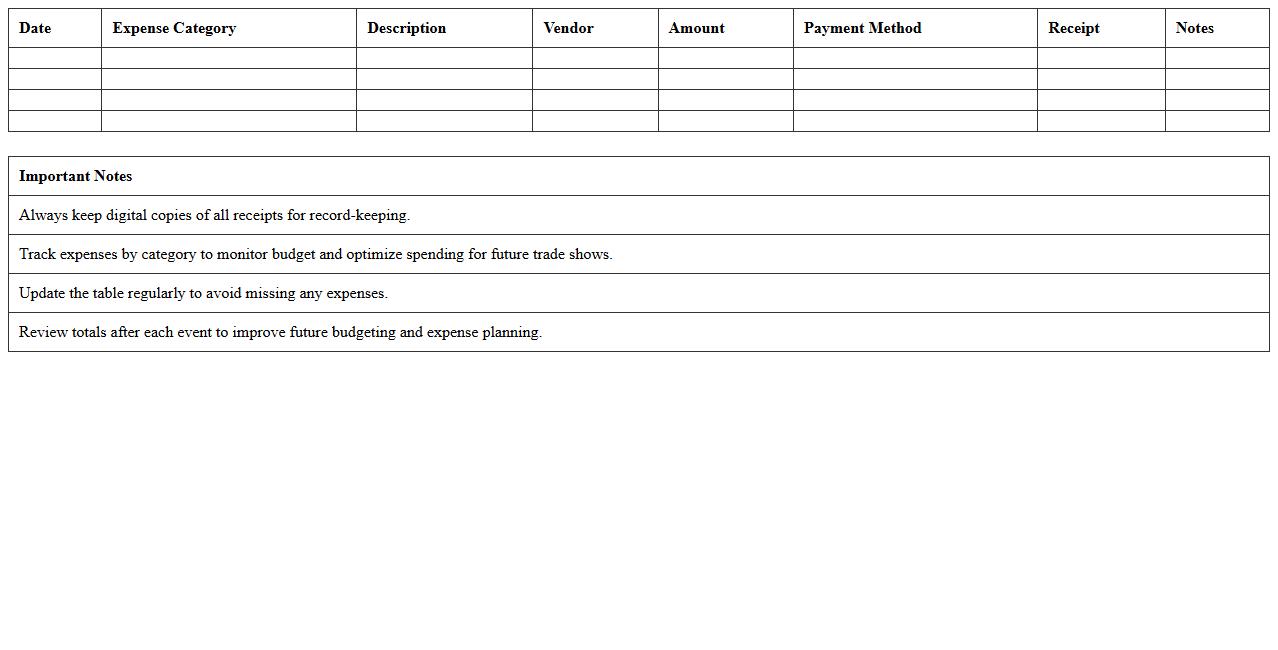
Trade Show Expense Tracker Excel document is a specialized spreadsheet designed to meticulously record and categorize all costs associated with participating in trade shows, including booth rental, travel, marketing materials, and accommodations. This tool enables businesses to monitor budget adherence, analyze spending patterns, and optimize resource allocation for future events. By providing clear financial insights, it helps improve decision-making and enhances overall trade show ROI.
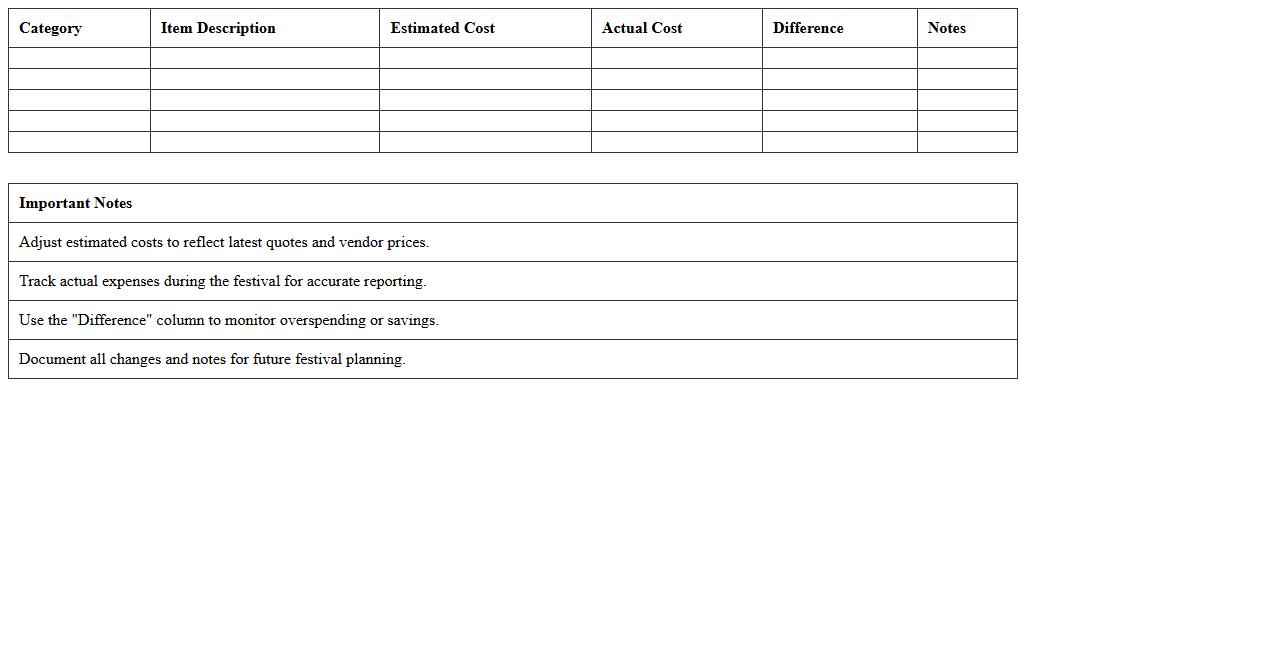
Festival Budget Allocation Excel Template
The
Festival Budget Allocation Excel Template is a specialized document designed to organize and manage all financial aspects of festival planning, including expenses, income sources, and resource distribution. It enables event organizers to accurately track budgeted versus actual costs, ensuring effective expense control and preventing overspending. Utilizing this template enhances financial transparency, streamlines decision-making, and maximizes resource efficiency, ultimately contributing to the successful execution of any festival.
Product Launch Event Budget Worksheet
The
Product Launch Event Budget Worksheet is a detailed financial planning tool designed to outline and track all expenses related to launching a new product. It helps businesses allocate funds efficiently, monitor costs such as venue, marketing, staffing, and materials, ensuring the event stays within budget. Using this worksheet enhances financial control, reduces overspending risks, and supports strategic decision-making throughout the product launch process.
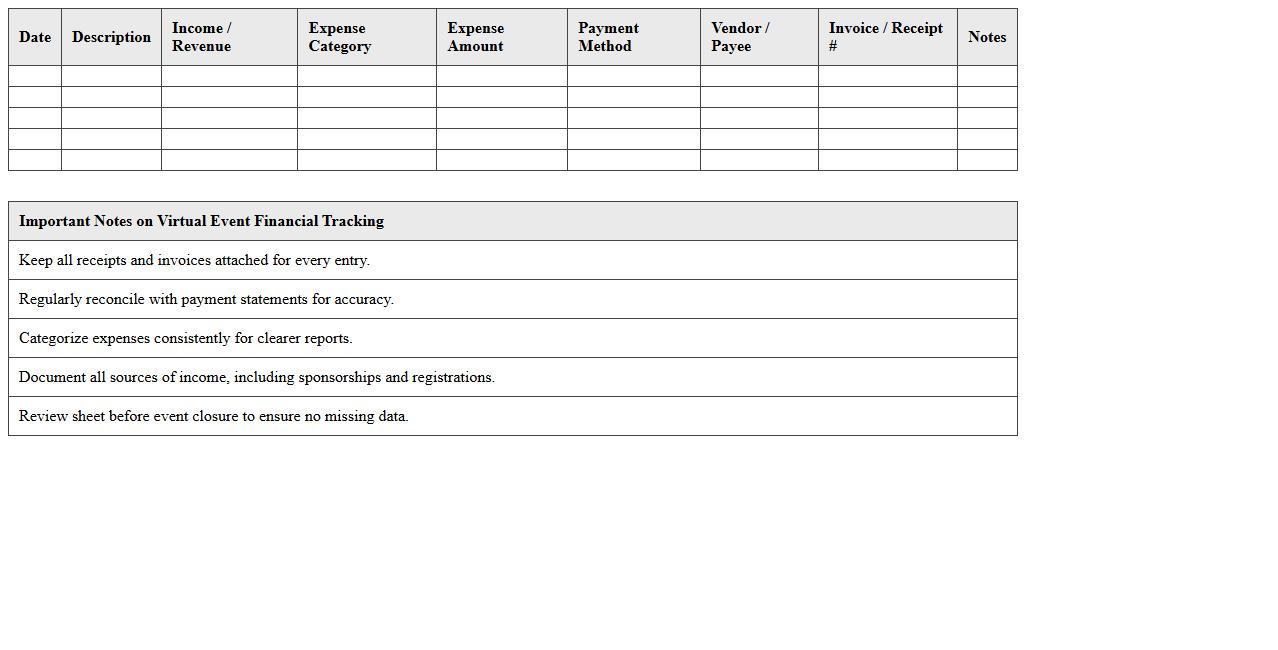
Virtual Event Financial Tracking Excel Sheet
A
Virtual Event Financial Tracking Excel Sheet is a specialized spreadsheet designed to organize and monitor all financial transactions related to virtual events, including expenses, revenues, sponsorships, and budgets. It helps event planners maintain accurate records, track cash flow in real-time, and ensure that the event stays within budget to maximize profitability. Using this tool enables efficient financial management and provides valuable insights for future event planning and reporting.
How can I automate vendor payment alerts in my Event Management Budget Excel template?
To automate vendor payment alerts, use conditional formatting combined with Excel formulas like TODAY() to highlight upcoming due dates. You can also set up data validation and reminders using Excel's built-in notification options or VBA macros. Integrate Microsoft Outlook with Excel for automatic email alerts to vendors based on payment deadlines.
What are the best ways to categorize miscellaneous expenses in an event budget tracking sheet?
Categorize miscellaneous expenses by grouping them into subcategories such as supplies, transportation, or unplanned fees within your budget sheet. Use a dedicated "Miscellaneous" category but include drop-down lists for better consistency and easier tracking. Employ Excel's filter and sorting features to analyze and control these variable costs effectively.
How do I set up dynamic graphs for real-time cost variance in an event budget Excel workbook?
Create dynamic graphs by linking your chart data range to Excel tables or named ranges that update automatically with new entries. Use formulas like SUMIFS to calculate cost variances and reflect these changes instantly in the graphical representation. Incorporate slicers or timeline controls to interactively filter data across multiple time periods or budget categories.
Which Excel formulas are essential for tracking in-kind sponsorship contributions?
Essential formulas include SUMIF and COUNTIF to aggregate and count in-kind contributions by sponsor or category. Use VLOOKUP or INDEX-MATCH to cross-reference sponsorship details and validate entries within your budget worksheet. Additionally, formulas like IF and CONCATENATE help in conditionally displaying and summarizing in-kind contributions for reporting.
What are effective methods to manage multi-event budget comparisons within one Excel document?
Use separate sheets or Excel tables for each event and consolidate critical data on a summary dashboard for easy comparison. Implement pivot tables and slicers to dynamically analyze budget differences and trends across multiple events. Leveraging consistent formatting and standard formulas across all event sheets ensures accurate, real-time budget tracking and reporting.