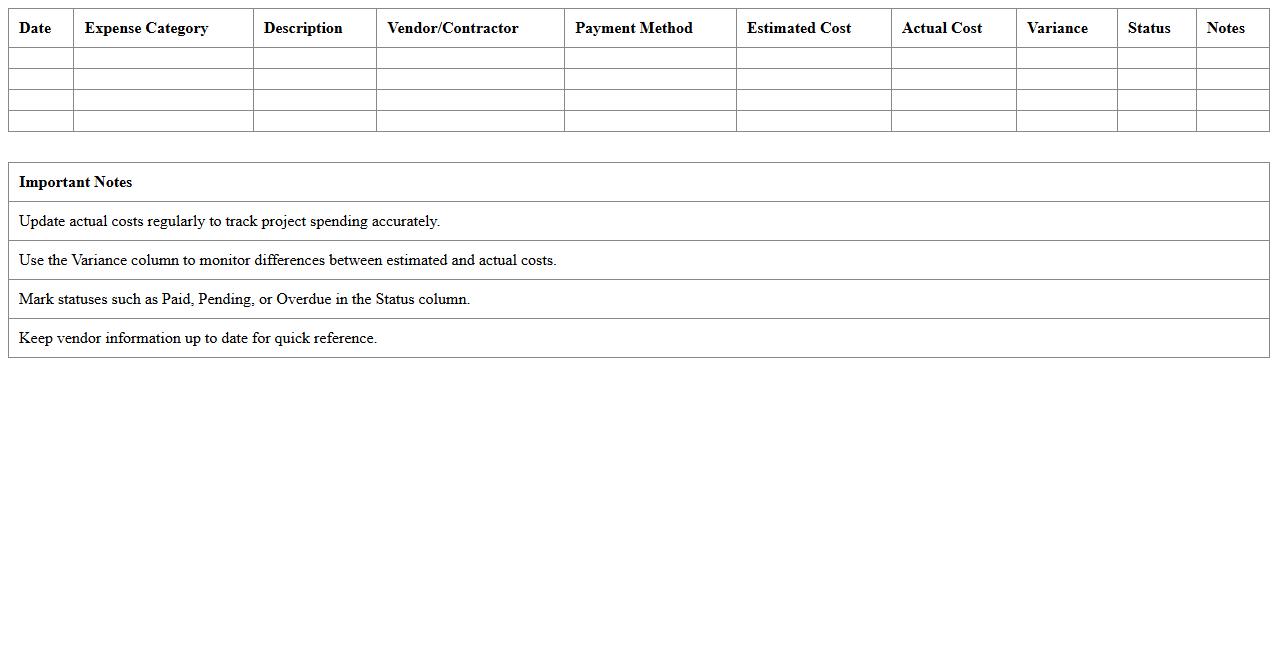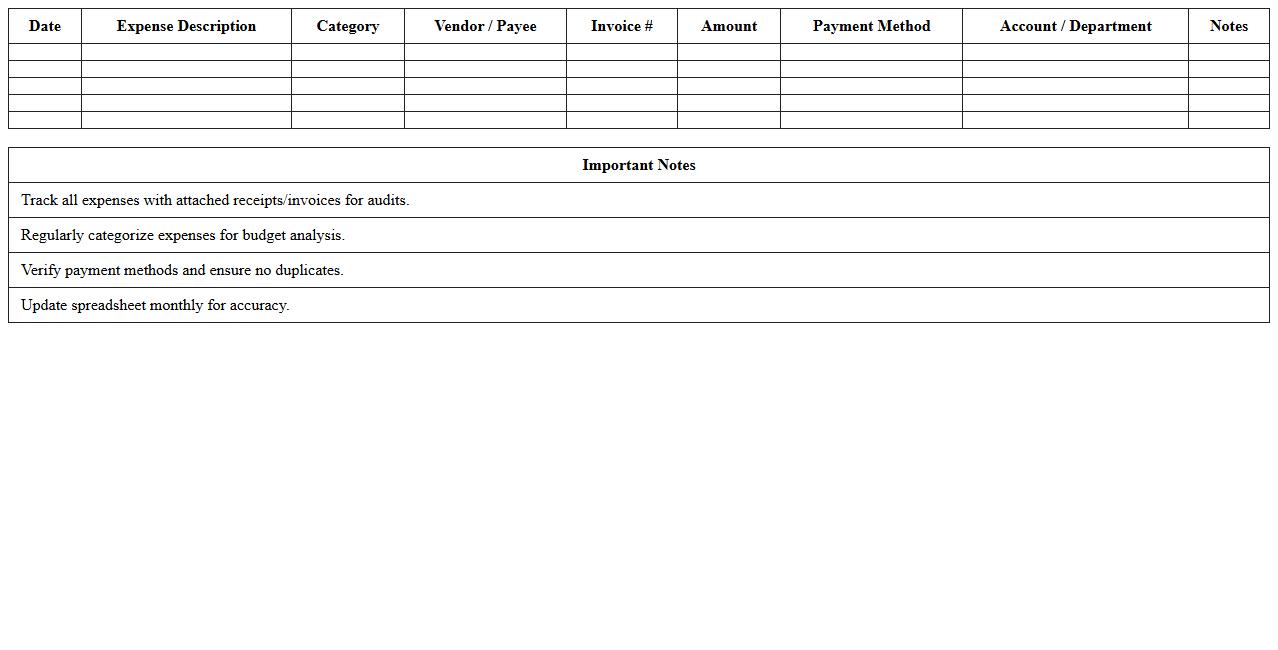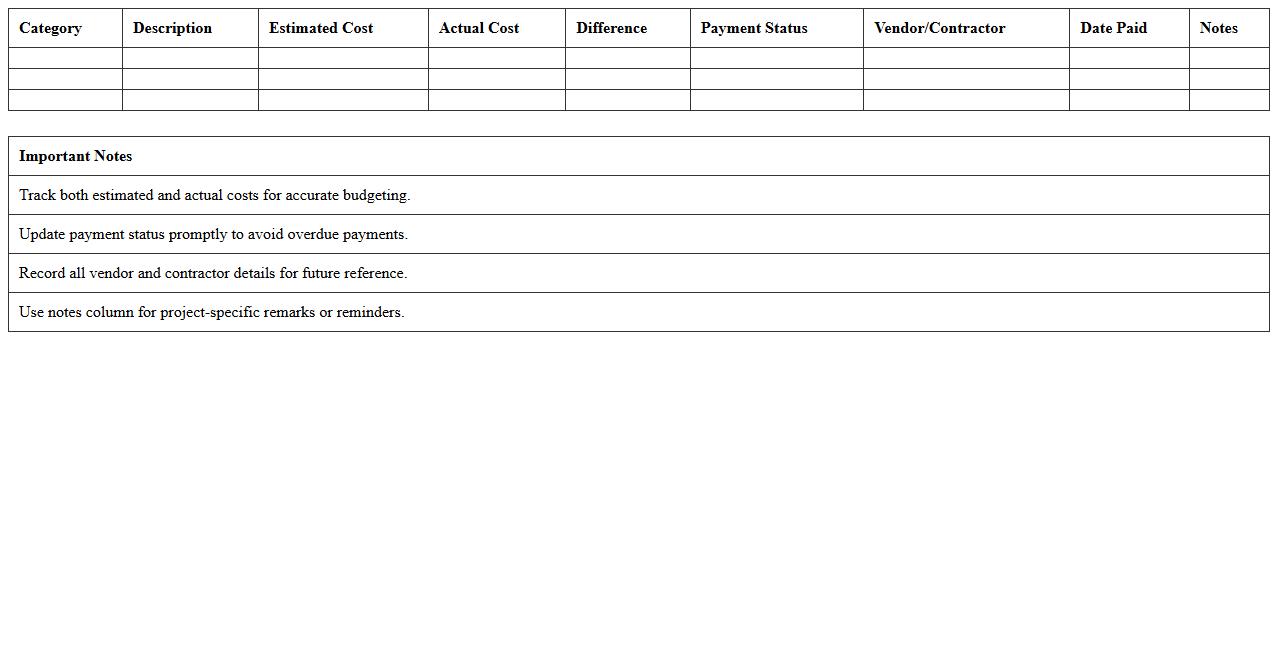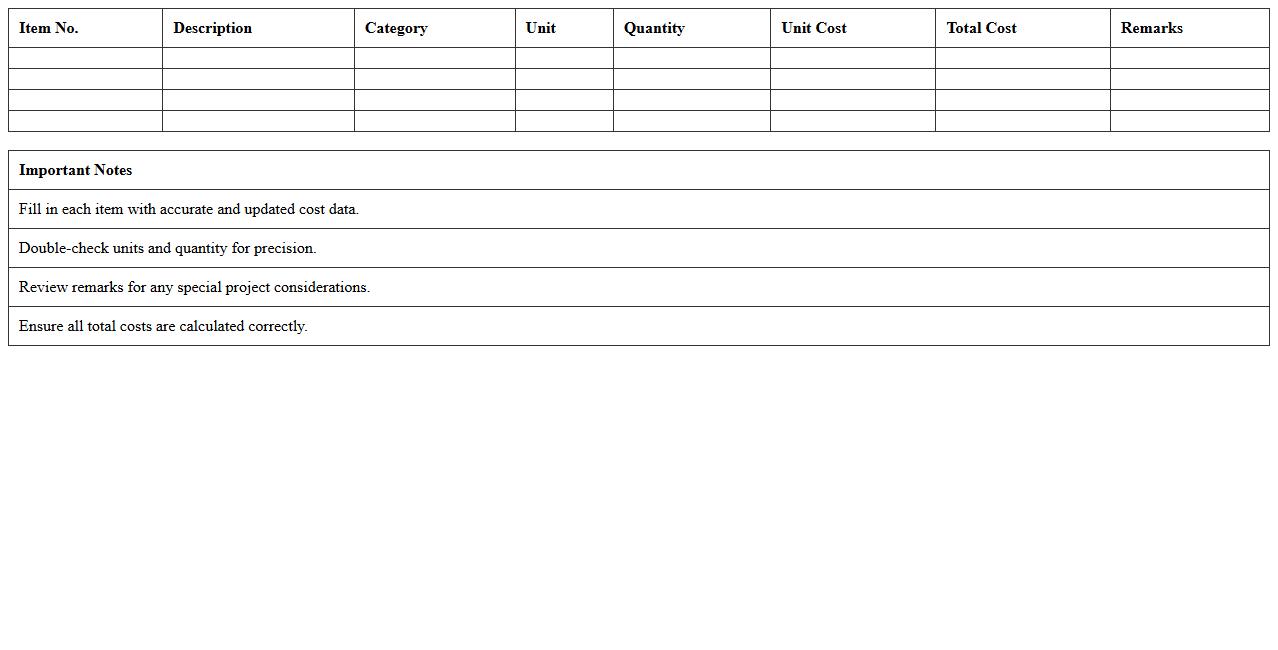
The Construction Cost Tracking Excel Template for Builders streamlines budget management by allowing users to monitor expenses and project costs efficiently. This customizable tool helps track labor, materials, and overheads in real-time, ensuring accurate financial oversight. Builders can enhance their project profitability by easily identifying cost overruns and optimizing resource allocation.
Residential Construction Cost Tracker Excel Template
The
Residential Construction Cost Tracker Excel Template is a comprehensive spreadsheet designed to monitor and manage expenses associated with residential building projects. It enables users to accurately record costs such as materials, labor, permits, and subcontractor fees, providing real-time budget tracking and financial analysis. This tool helps project managers maintain control over budgets, identify cost overruns early, and streamline financial reporting for better decision-making throughout the construction process.
Commercial Building Expense Log Spreadsheet
A
Commercial Building Expense Log Spreadsheet is a detailed document used to track and manage all costs related to the maintenance, operation, and improvement of commercial properties. It helps property managers, accountants, and business owners maintain accurate financial records, monitor spending patterns, and identify potential areas for cost savings. By providing organized expense data, this tool enhances budgeting accuracy and supports informed decision-making for effective property management.
Home Renovation Budget Monitoring Excel Sheet
A
Home Renovation Budget Monitoring Excel Sheet is a structured document designed to track expenses, allocate funds, and manage costs during a home improvement project. It helps users maintain financial control by categorizing expenditures like materials, labor, and permits, ensuring the project stays within budget. This tool provides real-time updates and visual summaries, aiding in informed decision-making and preventing overspending.
Project Materials & Labor Cost Breakdown Template
A
Project Materials & Labor Cost Breakdown Template is a detailed document that itemizes all expenses related to materials and labor required for a project. It helps in accurately estimating project costs, tracking expenditures, and managing budgets effectively to avoid overspending. This template is essential for ensuring transparency, improving financial planning, and enhancing decision-making throughout the project lifecycle.
Contractor Expense Tracking Spreadsheet for Builders
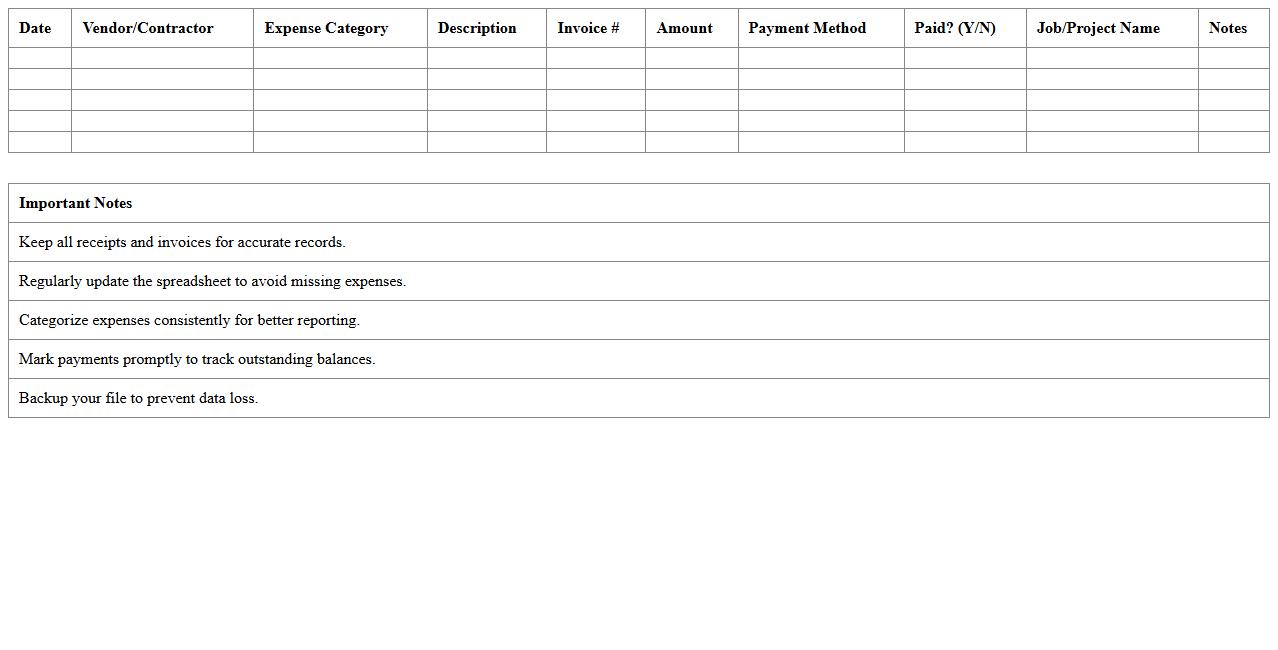
A
Contractor Expense Tracking Spreadsheet for builders is a comprehensive tool designed to monitor and manage all project-related expenses, including labor, materials, and subcontractor costs. This document helps builders maintain accurate financial records, streamline budgeting processes, and identify cost overruns early to ensure projects remain profitable. By providing clear visibility into spending patterns, it enhances decision-making and promotes efficient resource allocation throughout the construction lifecycle.
Construction Project Budget vs Actuals Excel Workbook
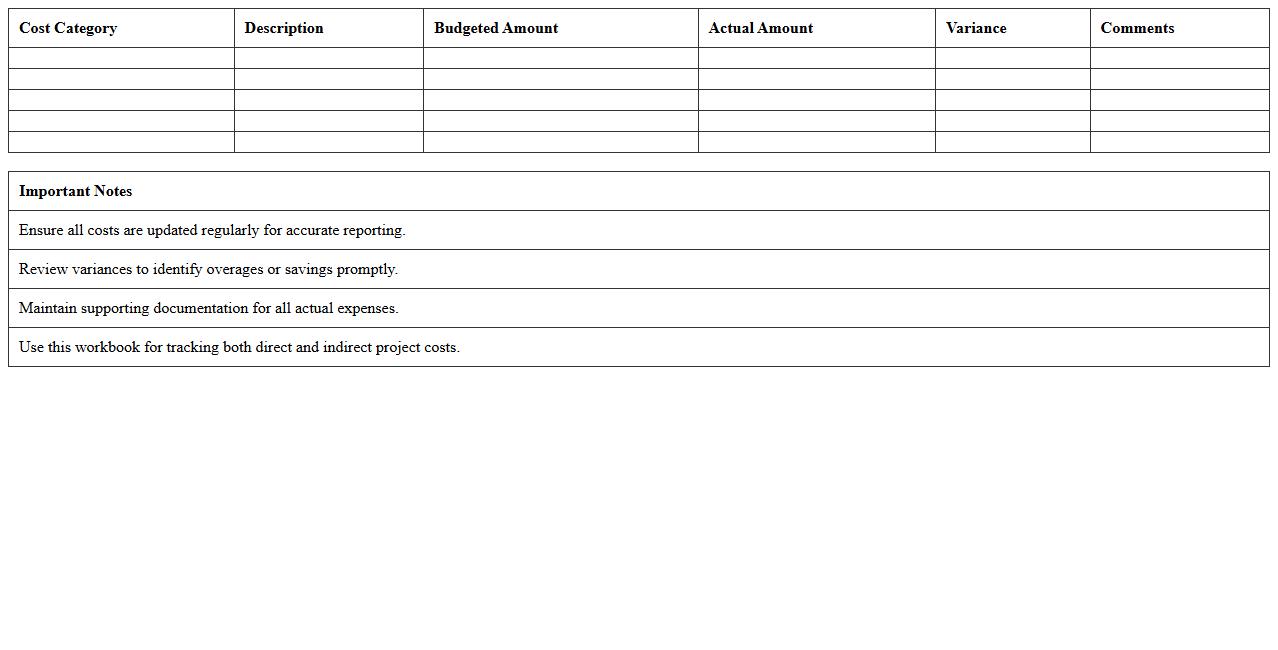
The
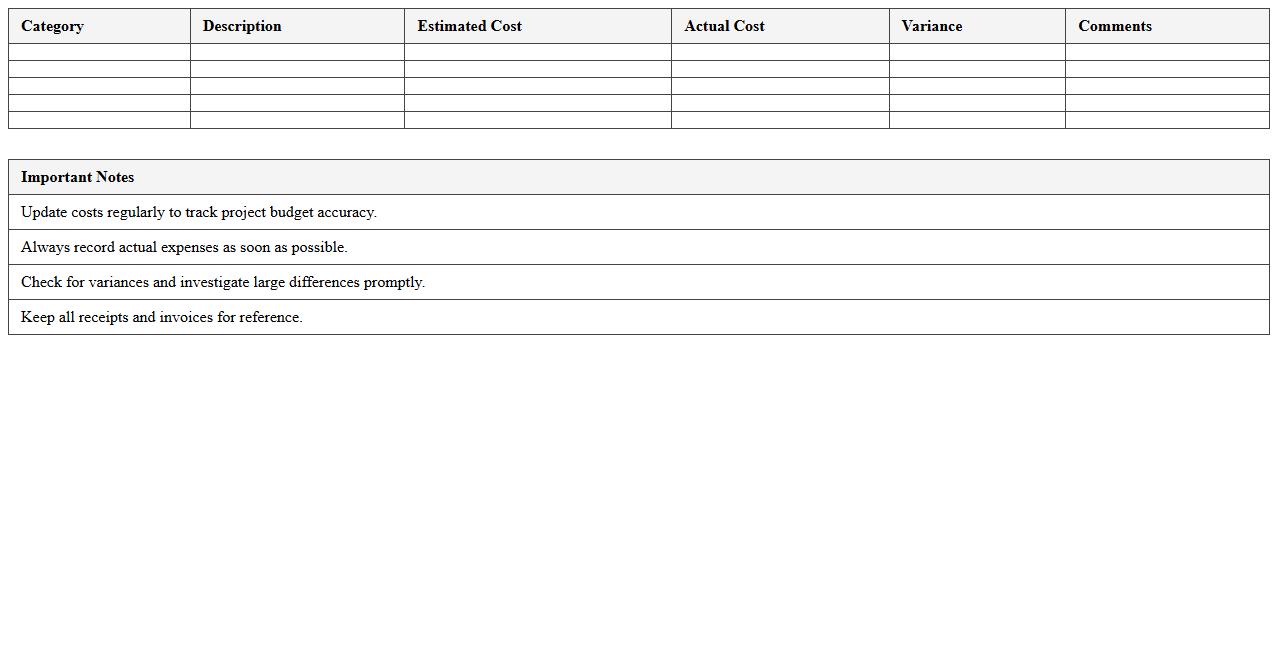
Construction Project Budget vs Actuals Excel Workbook is a powerful tool designed to track and compare planned budget figures against actual expenses throughout the lifecycle of a construction project. This document helps project managers and financial controllers identify cost overruns, monitor cash flow, and ensure financial accountability by providing real-time visibility into budget performance. Using this workbook enhances decision-making accuracy, improves resource allocation, and supports timely interventions to keep projects financially on track.
Remodeling Cost Estimate and Tracking Template
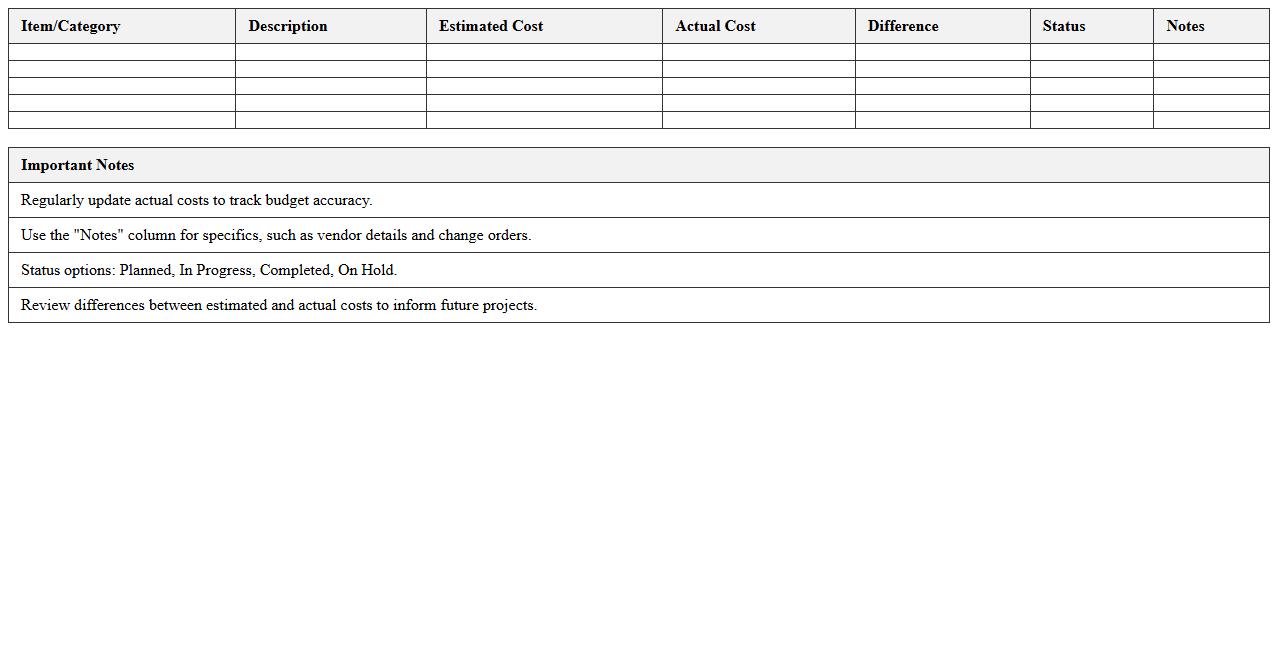
A
Remodeling Cost Estimate and Tracking Template is a structured document designed to help homeowners and contractors accurately forecast and monitor expenses during a renovation project. It itemizes materials, labor, permits, and unforeseen costs, providing a clear overview that prevents budget overruns and ensures financial control. Using this template enhances project planning efficiency by delivering precise cost tracking and real-time updates, ultimately supporting informed decision-making throughout the remodeling process.
Building Construction Progress Expense Tracker
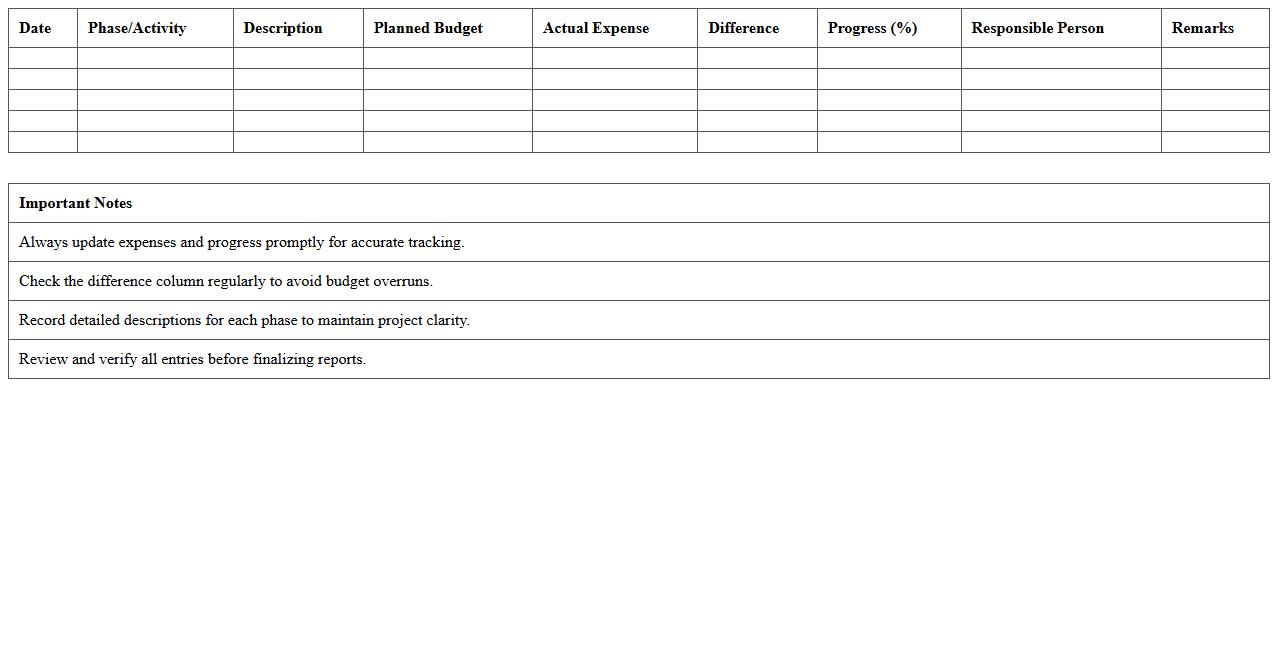
A
Building Construction Progress Expense Tracker document is a detailed record that monitors and manages the financial expenditures throughout various phases of a construction project. This tool helps project managers and stakeholders ensure that costs stay within budget by providing real-time insights into labor, materials, and other expenses. Tracking expenses effectively minimizes financial risks and supports timely decision-making, enhancing overall project efficiency.
Construction Site Materials Purchase Log Excel
A
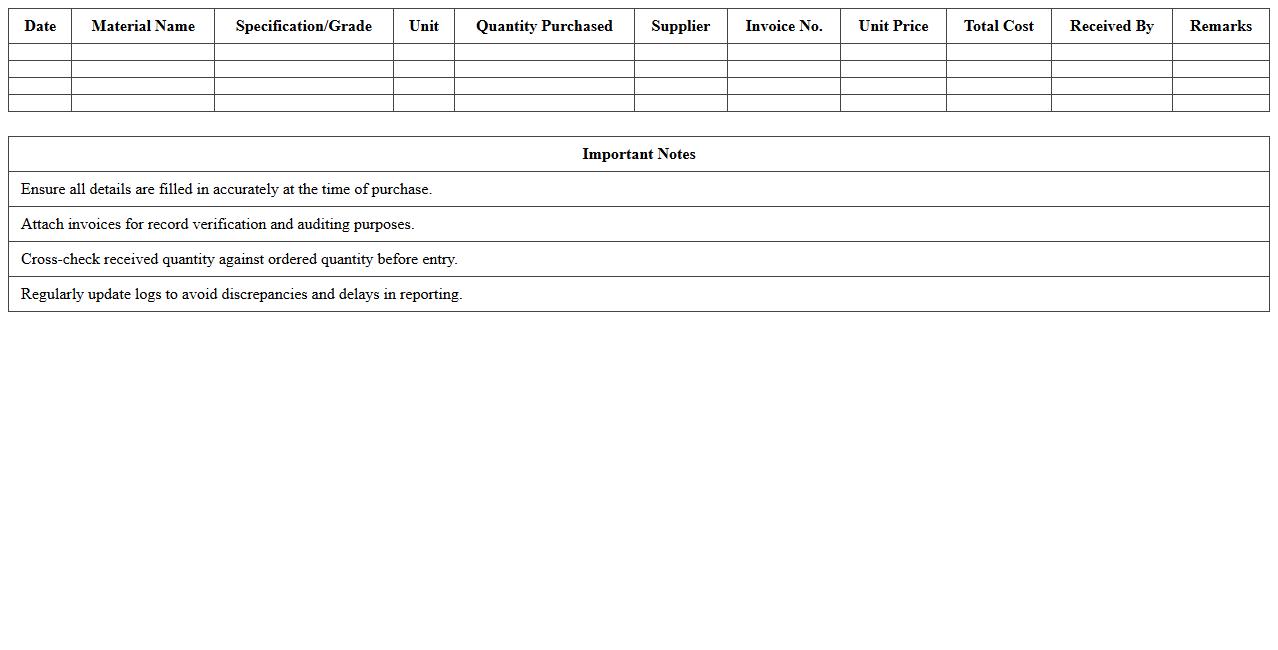
Construction Site Materials Purchase Log Excel document is a structured spreadsheet used to track and manage the procurement of building materials on construction projects. It helps project managers monitor expenses, ensure timely ordering, and maintain accurate records of quantities, suppliers, and delivery dates. This organized approach enhances budgeting accuracy and improves project timeline adherence by preventing material shortages or overstock situations.
New Build Cost Management Spreadsheet Template
The
New Build Cost Management Spreadsheet Template is a detailed financial planning tool designed to track and control expenses during construction projects. It helps project managers and contractors accurately estimate costs, monitor budget changes, and maintain financial oversight, reducing the risk of overruns. Using this template ensures efficient allocation of resources and timely adjustments to spending, ultimately supporting successful project completion within budget constraints.
How can conditional formatting highlight over-budget items in a construction cost tracking Excel sheet?
Conditional formatting in Excel allows users to visually identify over-budget items by applying specific formatting rules based on set criteria. By creating a rule that compares actual costs against budgeted amounts, cells exceeding the budget can be highlighted in red or another noticeable color. This quick visual aid helps builders easily spot and address potential financial issues before they escalate.
Which formulas best automate labor and material cost updates in builder-focused spreadsheets?
Formulas like SUMIF and VLOOKUP are essential for automating labor and material cost calculations in construction spreadsheets. SUMIF helps total specific costs based on criteria such as work type or project phase, while VLOOKUP pulls updated unit prices from a master list to keep cost data current. These functions reduce manual entry errors and streamline ongoing budget management.
How can builders track change orders and their financial impact in Excel documents?
Builders can track change orders by maintaining a dedicated change order log sheet within their Excel workbook, recording details such as order description, date, and cost impact. Linking this log to the main budget sheet via formulas ensures real-time updates to project costs and forecasts. This method provides transparent documentation and helps prevent disputes by clearly showing how each change affects the overall budget.
Which Excel templates integrate project timelines with construction cost tracking?
Project management templates like Gantt charts combined with cost tracking sheets enable builders to monitor progress alongside budget adherence. These templates often feature timeline bars linked to milestone payments and expense tracking, offering a holistic project overview. Utilizing such integrated templates enhances scheduling accuracy and financial control.
What are the best practices for builder invoice reconciliation using Excel cost tracking sheets?
Best practices for invoice reconciliation involve consistently comparing vendor invoices against budgeted amounts using pivot tables and conditional formatting. Builders should schedule regular reconciliations, record discrepancies promptly, and update the cost tracking sheet to reflect payments and outstanding balances. Maintaining accurate records in Excel ensures financial transparency and aids in cash flow management throughout the construction process.
More Construction Excel Templates