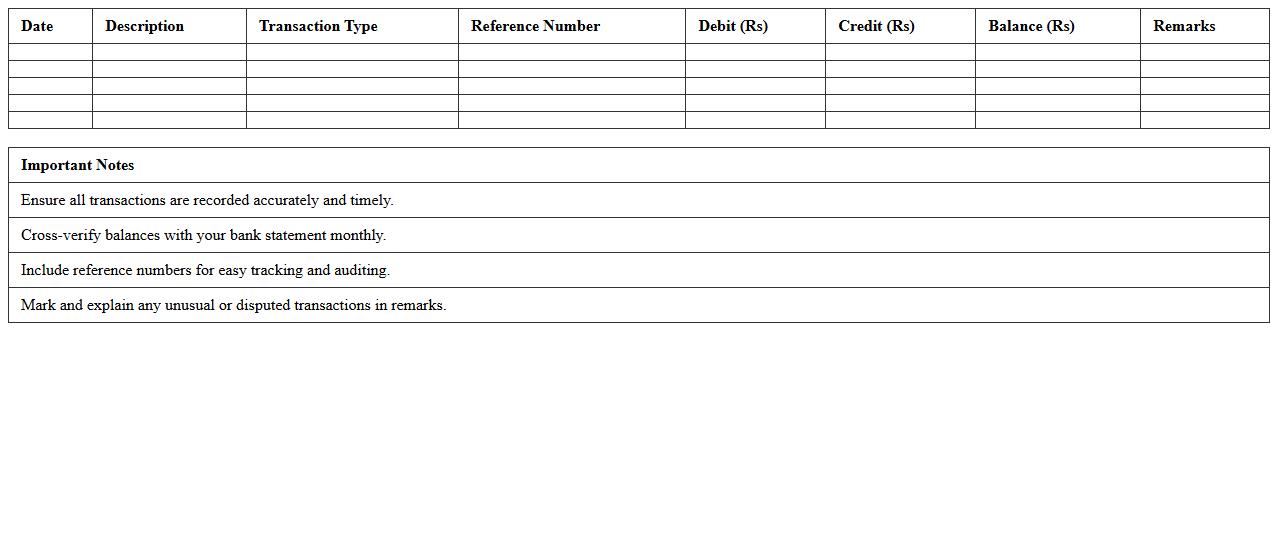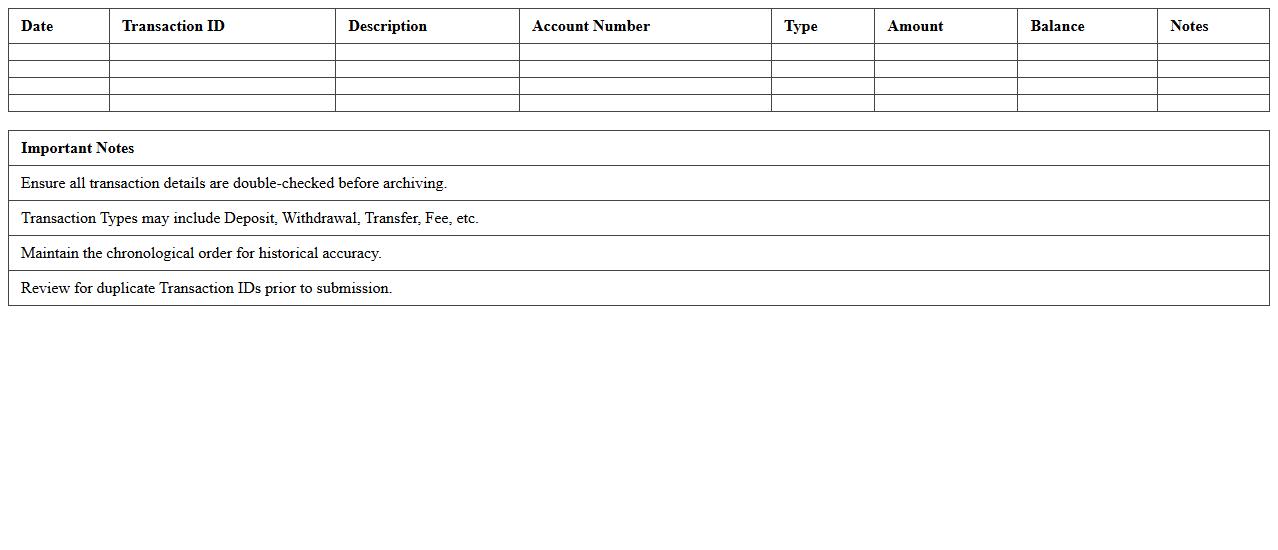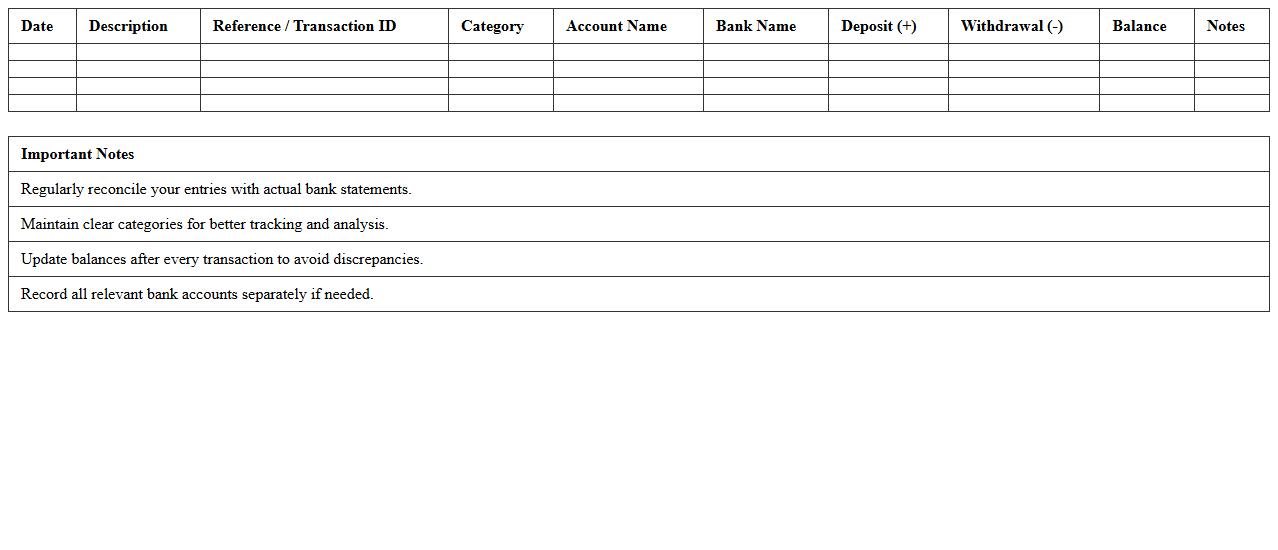
The Banking Transaction Log Excel Template for Small Businesses streamlines financial tracking by providing an organized and easy-to-use format for recording deposits, withdrawals, and transfers. This template helps small businesses maintain accurate records, monitor cash flow, and simplify reconciliation processes. Its customizable features cater to various business needs, ensuring efficient financial management and reporting.
Daily Banking Transaction Log Excel Template
The
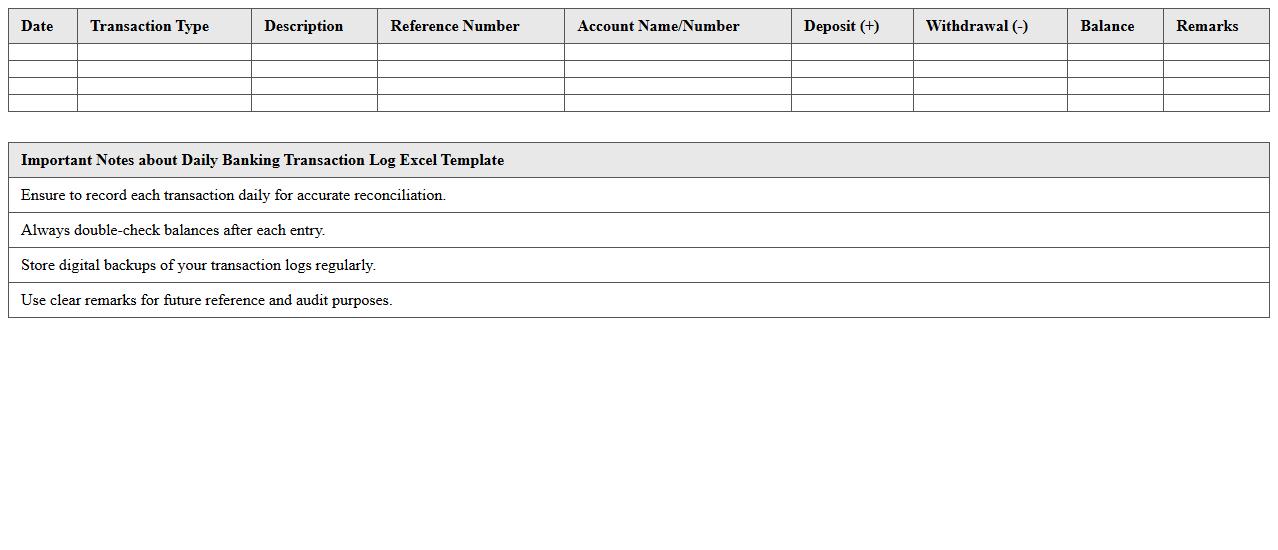
Daily Banking Transaction Log Excel Template is a structured spreadsheet designed to track and record all daily financial transactions within a bank or personal finance context. This document helps users maintain accurate records of deposits, withdrawals, transfers, and balances, facilitating efficient cash flow management and audit preparedness. By organizing transaction data systematically, it enhances financial transparency, reduces errors, and supports timely reconciliation processes.
Cash Flow Banking Record Spreadsheet
A
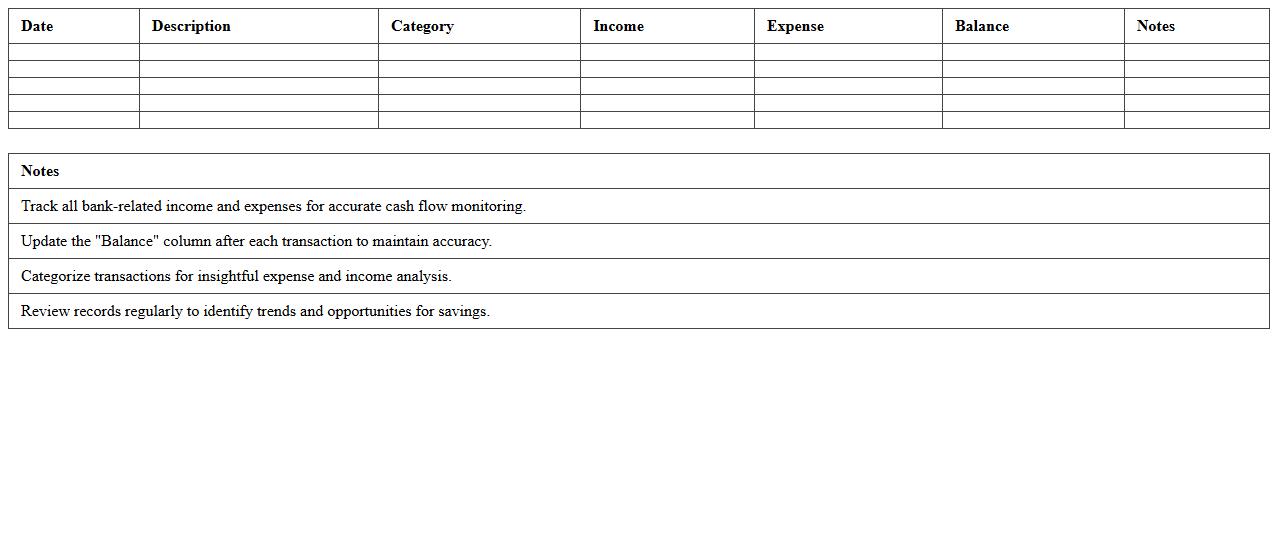
Cash Flow Banking Record Spreadsheet is a financial document designed to track and manage the inflows and outflows of cash within a bank account over a specific period. It helps individuals and businesses monitor their liquidity by providing detailed records of deposits, withdrawals, and balances, enabling better budgeting and financial planning. This spreadsheet enhances financial accuracy, reduces errors in tracking transactions, and supports effective decision-making by offering clear visibility into cash availability.
Bank Deposit & Withdrawal Tracker Template
The
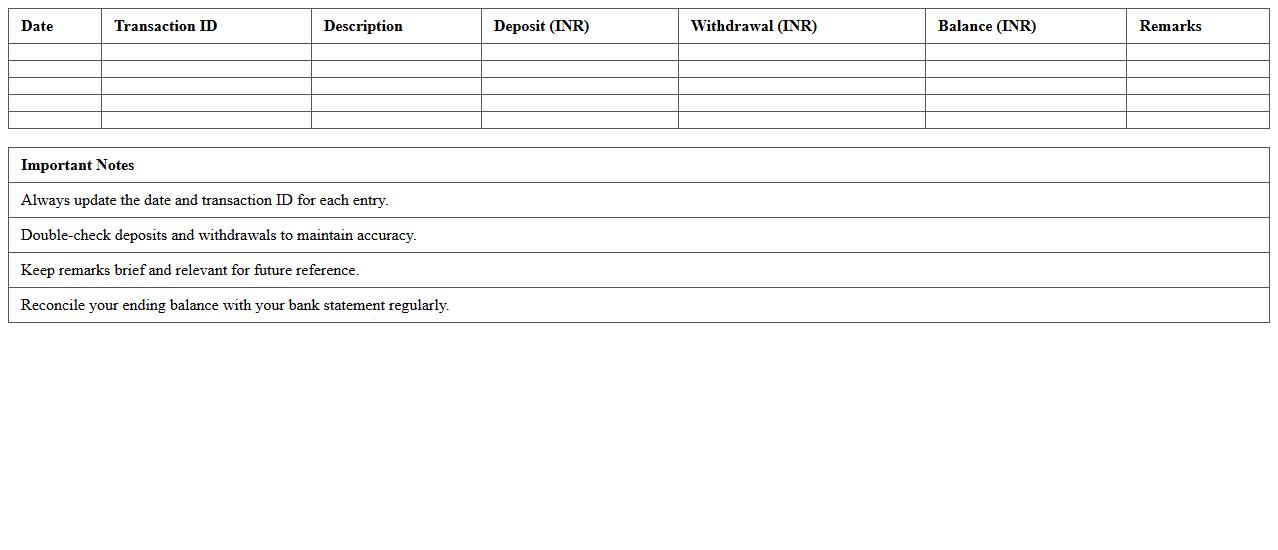
Bank Deposit & Withdrawal Tracker Template document is a structured tool designed to record and monitor all banking transactions, including deposits and withdrawals. It helps users maintain accurate financial records, identify spending patterns, and ensure efficient cash flow management. This template is essential for budgeting, reconciling bank statements, and preventing errors or discrepancies in personal or business accounts.
Simple Business Banking Ledger Template
A
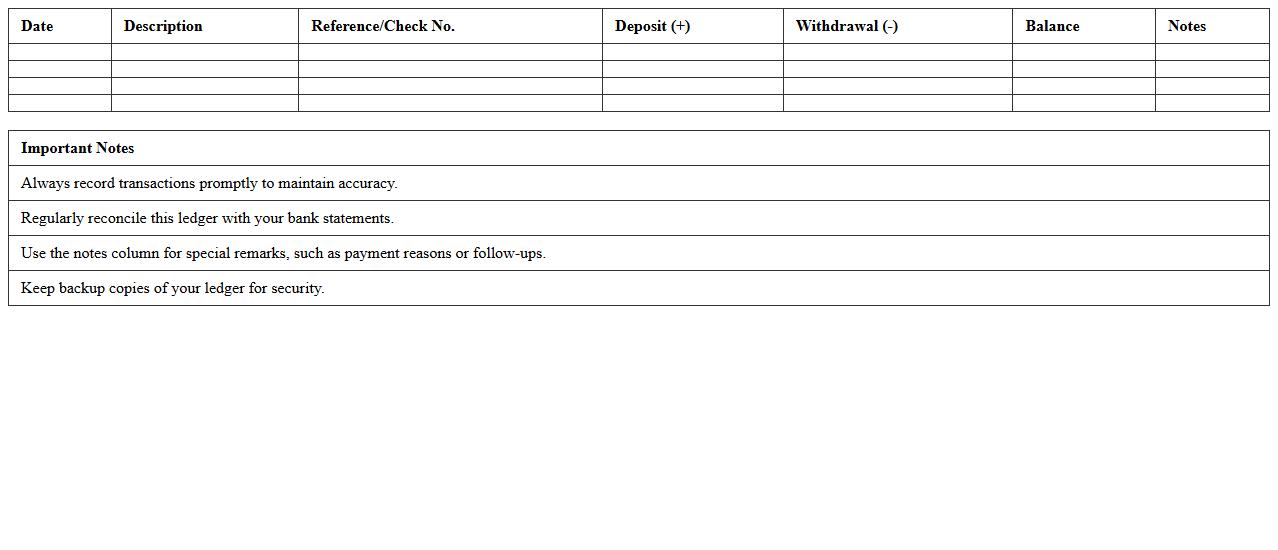
Simple Business Banking Ledger Template is a structured document designed to track all financial transactions including deposits, withdrawals, and transfers in a business bank account. It helps maintain accurate records, ensures transparency, and simplifies reconciliation processes for small business owners or accountants. Using this template improves financial organization and supports effective cash flow management.
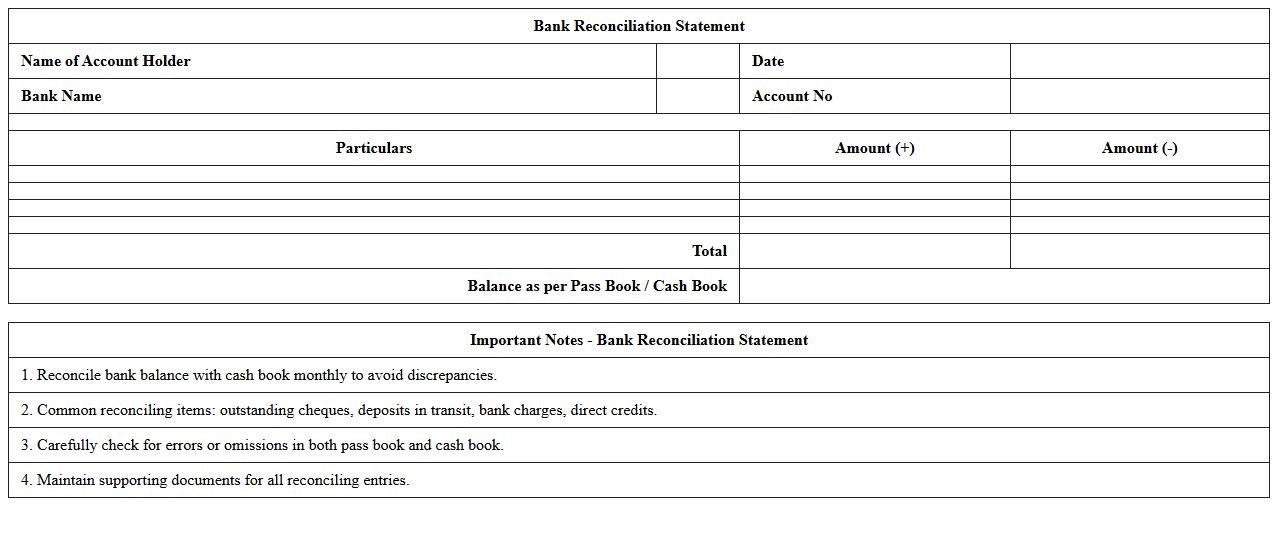
Bank Reconciliation Statement Excel Sheet
A
Bank Reconciliation Statement Excel Sheet document is a tool used to compare and match the bank statement entries with the company's financial records to identify discrepancies. It helps ensure accuracy in cash flow management by detecting errors, outstanding checks, or unrecorded transactions. This sheet streamlines the reconciliation process, saving time and enhancing financial transparency for better decision-making.
Monthly Bank Transaction Summary Template
A
Monthly Bank Transaction Summary Template is a structured document that organizes all monthly financial transactions, including deposits, withdrawals, and transfers. It helps individuals and businesses monitor cash flow, identify spending patterns, and reconcile bank statements efficiently. Using this template enhances financial accuracy and simplifies budgeting and auditing processes.
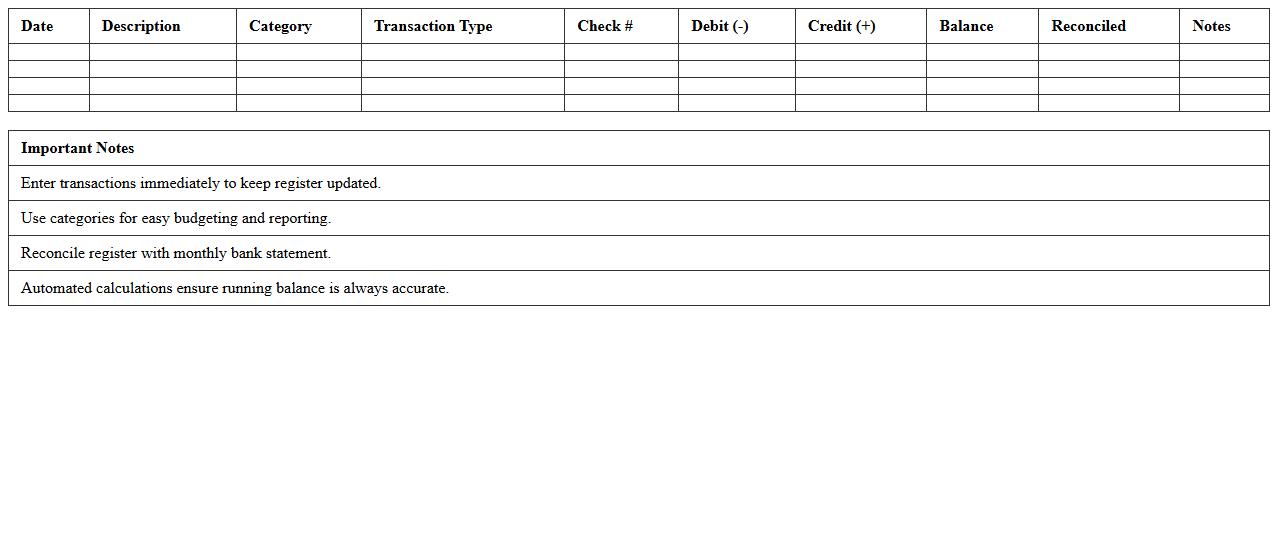
Automated Bank Transaction Register Spreadsheet
An
Automated Bank Transaction Register Spreadsheet is a digital tool designed to systematically track and record all bank transactions, including deposits, withdrawals, and transfers. It enhances financial management by reducing manual entry errors, providing real-time updates, and facilitating easy reconciliation of bank statements. This document aids individuals and businesses in maintaining accurate records, improving cash flow analysis, and ensuring compliance with accounting standards.
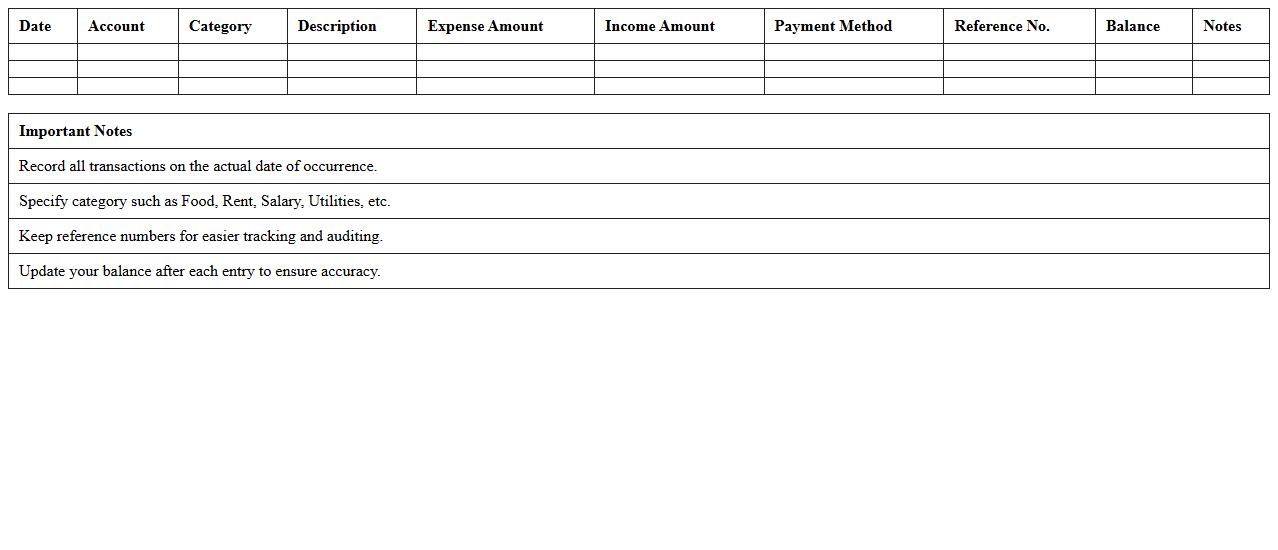
Expense & Income Banking Transaction Log
The
Expense & Income Banking Transaction Log document is a detailed record of all financial transactions including deposits, withdrawals, and transfers related to both expenses and income. It provides a clear overview of cash flow, enabling individuals and businesses to track spending patterns, verify accuracy of transactions, and reconcile bank statements. This document is essential for budgeting, financial planning, and ensuring compliance with accounting standards.
Historical Banking Transaction Archive Template
The
Historical Banking Transaction Archive Template document serves as a structured format to systematically record and store past banking transactions, including deposits, withdrawals, transfers, and account adjustments. It is essential for maintaining accurate financial records, facilitating audit processes, and ensuring regulatory compliance by providing a clear chronological history of all transactions. Businesses and financial institutions use this template to analyze financial trends, resolve discrepancies, and support effective decision-making.
Small Business Bank Account Movement Tracker
A
Small Business Bank Account Movement Tracker document records all financial transactions, including deposits, withdrawals, and transfers, to provide a clear overview of cash flow. This tracker helps businesses monitor daily account activity, identify discrepancies, and maintain accurate financial records for budgeting and tax purposes. By systematically documenting bank movements, it improves financial management and supports strategic decision-making.
How can I automate bank statement imports into a Banking Transaction Log Excel for small businesses?
Automating bank statement imports into Excel can save small businesses significant time and reduce errors. Using tools like Power Query, you can easily connect and load transaction data directly from CSV or PDF bank statements. Setting up a recurring query allows for automatic updating of your transaction log whenever a new bank statement is available.
What formulas best track recurring expenses in a small business transaction log?
To track recurring expenses, Excel formulas like SUMIF and COUNTIF are highly effective in summarizing specific expense categories over time. Using named ranges for recurring expense categories helps simplify formula management and improve accuracy. Combining these with conditional formatting can highlight unusual changes in recurring expense patterns, aiding in financial oversight.
How do I reconcile bank transactions with outstanding invoices in Excel?
Reconciliation involves matching bank transactions against outstanding invoices using Excel functions like VLOOKUP or INDEX-MATCH. By tagging invoices and transactions with unique IDs and using these formulas, discrepancies between recorded and paid amounts can be identified. Adding pivot tables and filters makes the reconciliation process more transparent and easier to audit.
Which columns are essential for fraud detection in banking transaction logs for small businesses?
Essential columns for fraud detection include Date, Description, Amount, Payee, and Transaction Type to monitor abnormal patterns. Adding columns such as Transaction ID and Account Balance can help identify duplicate or unauthorized transactions quickly. Incorporating a Flag or Alert column that marks suspicious activities based on predefined rules enhances proactive fraud management.
How can I visualize monthly cash flow trends using an Excel banking transaction log?
Visualizing monthly cash flow trends is achieved by summarizing inflows and outflows with PivotTables grouped by month. Using line or bar charts to represent these summaries provides a clear visual representation of cash flow dynamics. Adding slicers enables easy filtering by categories or accounts, making monthly trends more interactive and insightful.
More Banking Excel Templates