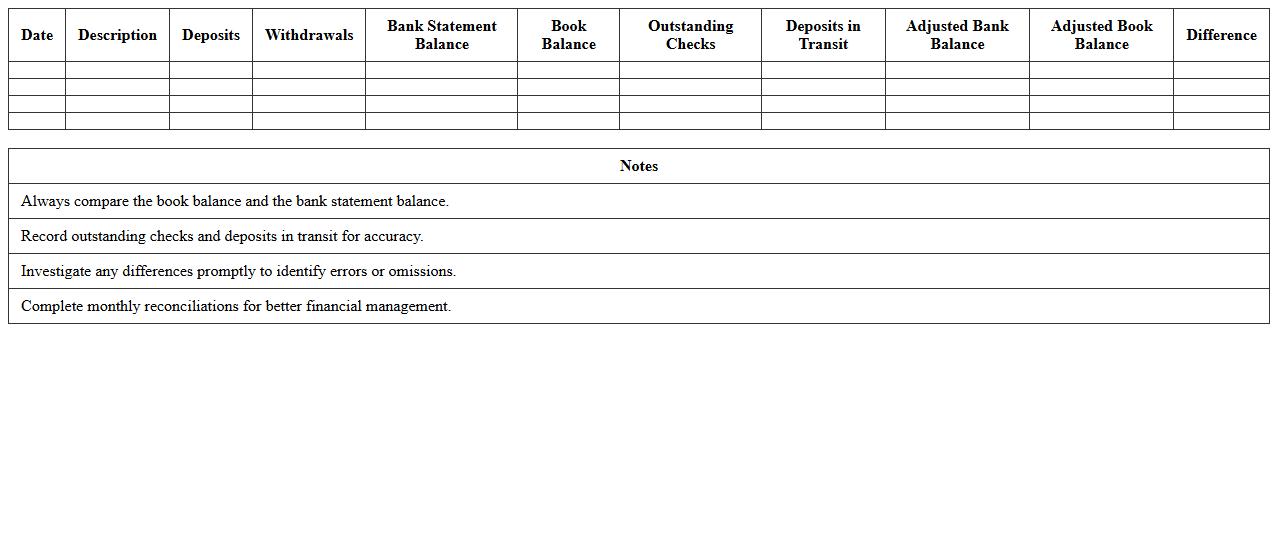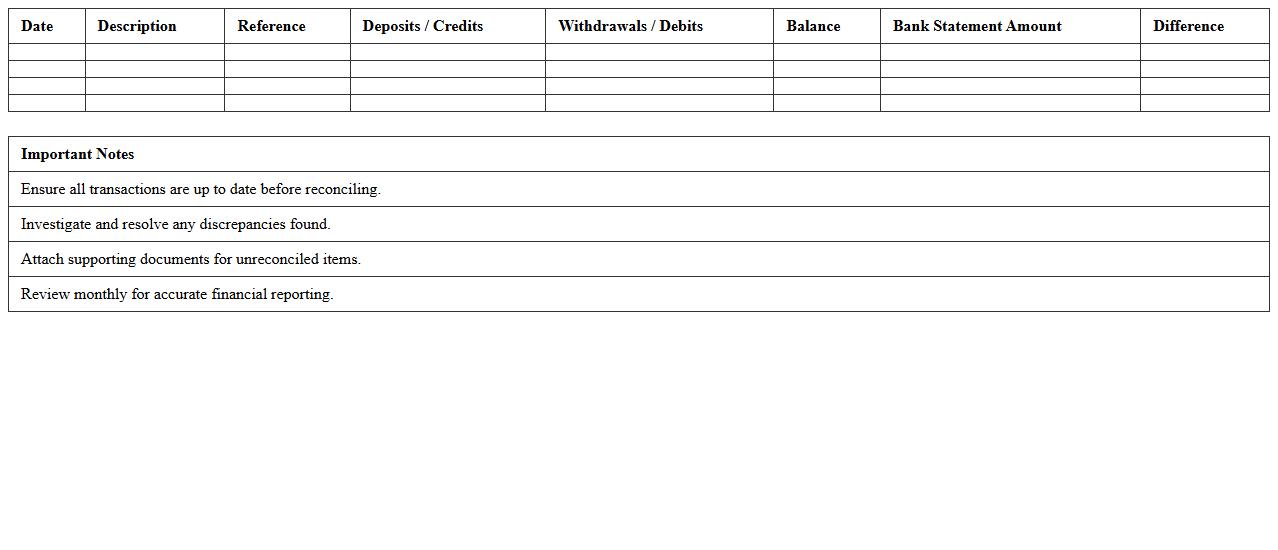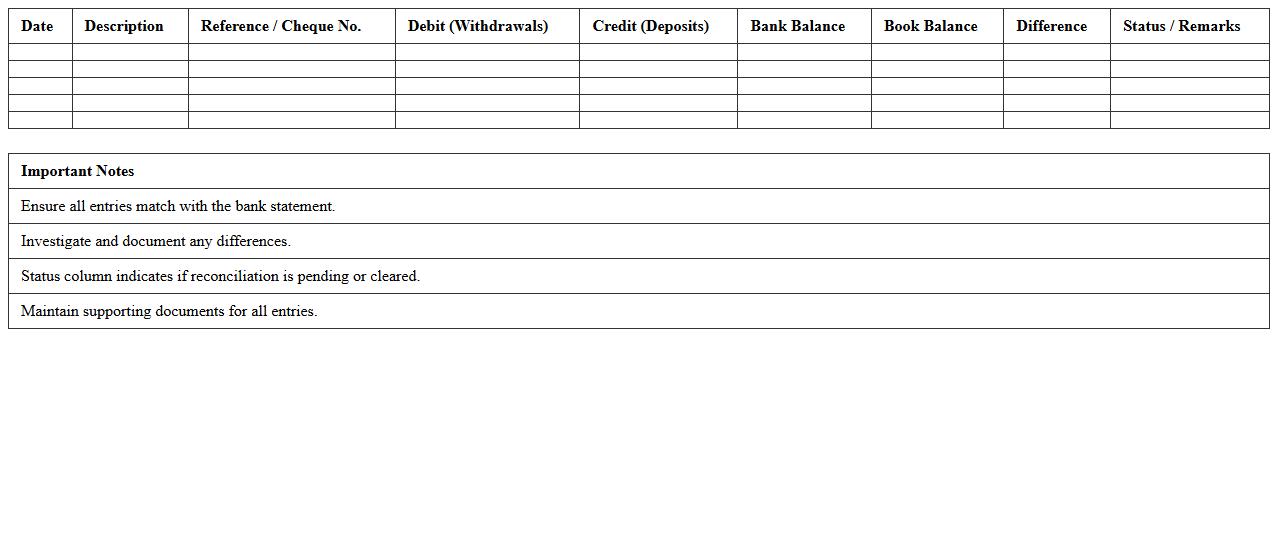
The Banking Excel Template for Account Reconciliation streamlines the process of matching bank statements with internal records, ensuring accuracy in financial reporting. This template features automated calculations, customizable fields, and easy-to-use formatting to identify discrepancies quickly. It enhances efficiency by reducing errors and saving time during monthly or quarterly reconciliations.
Monthly Bank Account Reconciliation Excel Template
The
Monthly Bank Account Reconciliation Excel Template document is a structured tool designed to systematically compare and verify bank statements against internal financial records. It helps identify discrepancies such as outstanding checks, deposits in transit, and bank fees, ensuring accurate cash flow management and preventing errors or fraud. Using this template streamlines the reconciliation process, saving time and enhancing financial accuracy for businesses and individuals.
Bank Statement vs Ledger Reconciliation Sheet
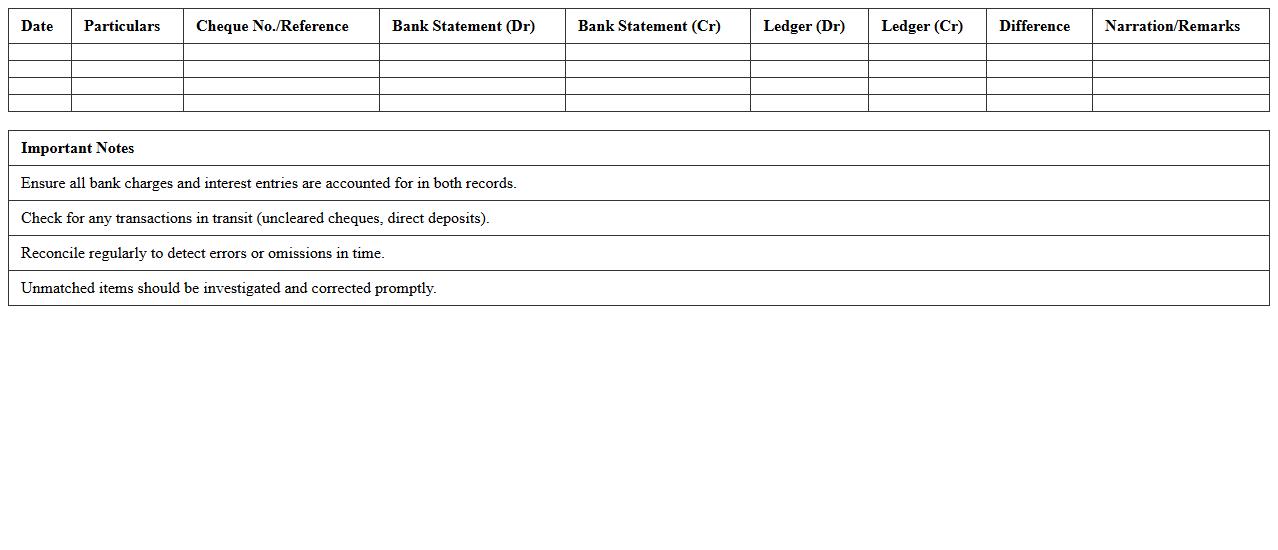
A
Bank Statement vs Ledger Reconciliation Sheet is a financial document used to compare the bank statement with the company's ledger records to identify discrepancies and ensure accuracy. This reconciliation helps in detecting errors, unauthorized transactions, and timing differences between internal records and the bank's records. It is essential for maintaining financial integrity, preventing fraud, and providing a clear overview of cash flow and account balances.
Multi-Account Reconciliation Spreadsheet
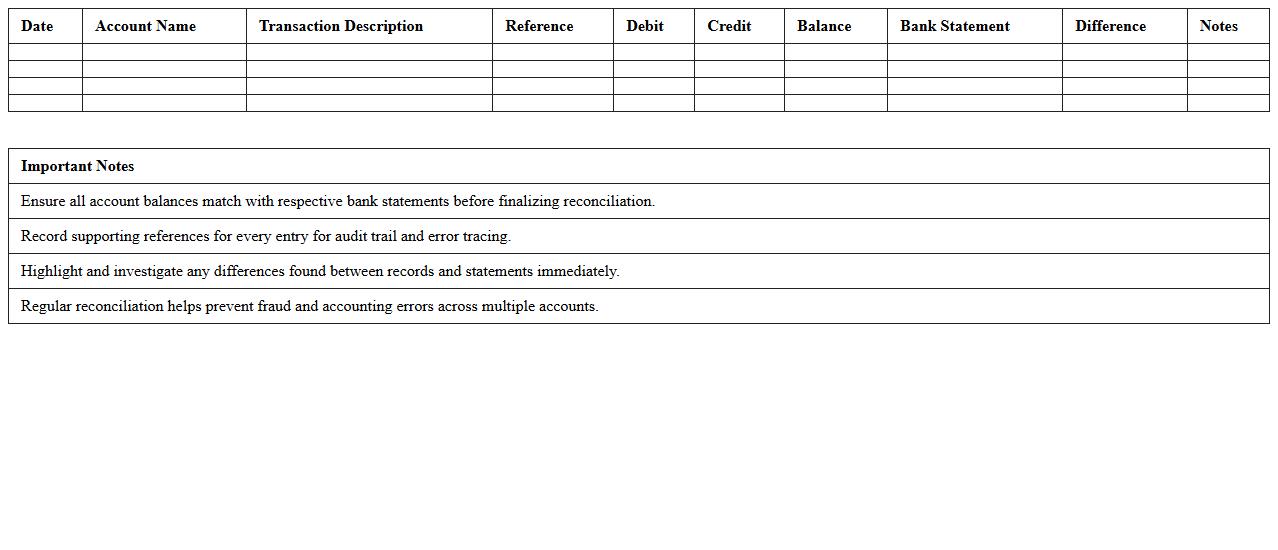
A
Multi-Account Reconciliation Spreadsheet is a financial tool designed to systematically compare and verify transactions across multiple bank or accounting accounts within a single document. This spreadsheet helps identify discrepancies, ensuring accuracy and consistency in financial records, which is crucial for audits, budgeting, and financial reporting. By consolidating data from various accounts, it streamlines the reconciliation process, saving time and reducing the risk of errors in managing complex financial information.
Daily Bank Balance Comparison Template
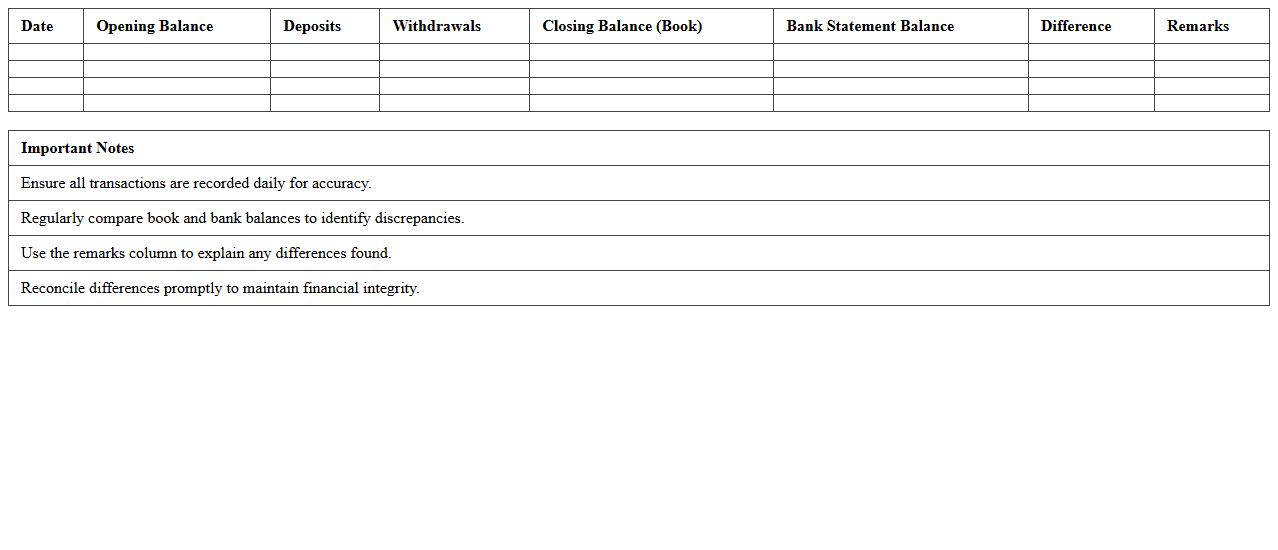
The
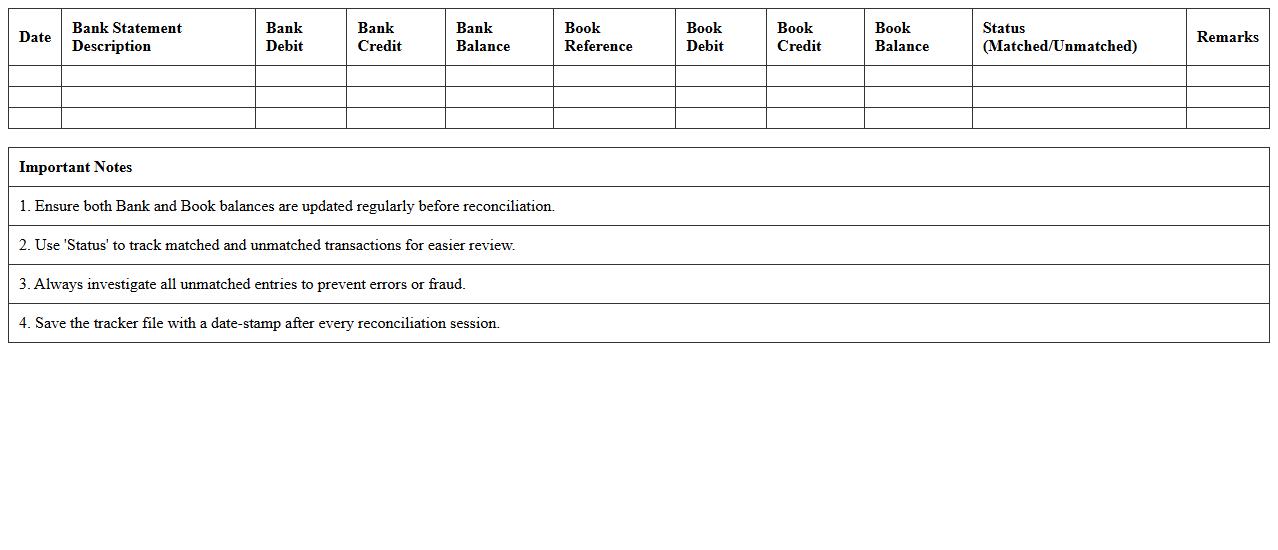
Daily Bank Balance Comparison Template document enables accurate tracking of daily financial transactions by comparing bank statements with internal records. This tool helps businesses identify discrepancies quickly, ensuring accurate cash flow management and preventing potential fraud. Utilizing this template enhances financial transparency and supports effective reconciliation processes.
Automated Bank Reconciliation Excel Tracker
The
Automated Bank Reconciliation Excel Tracker is a tool designed to streamline the process of matching bank statements with internal financial records by automatically identifying discrepancies and duplicates. It enhances accuracy and saves time by reducing manual data entry and minimizing human errors, facilitating faster month-end closing and improved cash flow management. This document is particularly valuable for accountants and finance teams aiming to maintain accurate financial records and ensure regulatory compliance.
Cashbook and Bank Account Matching Template
A
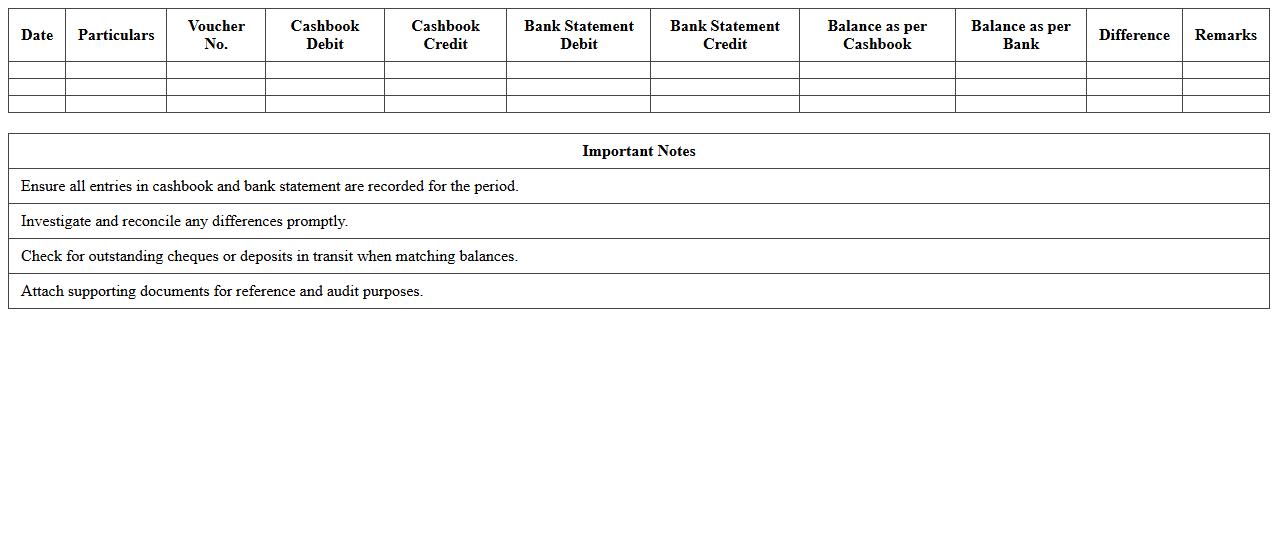
Cashbook and Bank Account Matching Template is a financial tool designed to reconcile the entries in a company's cashbook with the transactions recorded in the bank statement. It helps identify discrepancies, such as missed payments, bank errors, or timing differences, ensuring the accuracy of financial records. This template improves cash flow management and supports effective decision-making by providing clear visibility into the alignment between internal records and bank balances.
Excel Reconciliation Template for Multiple Banks
An
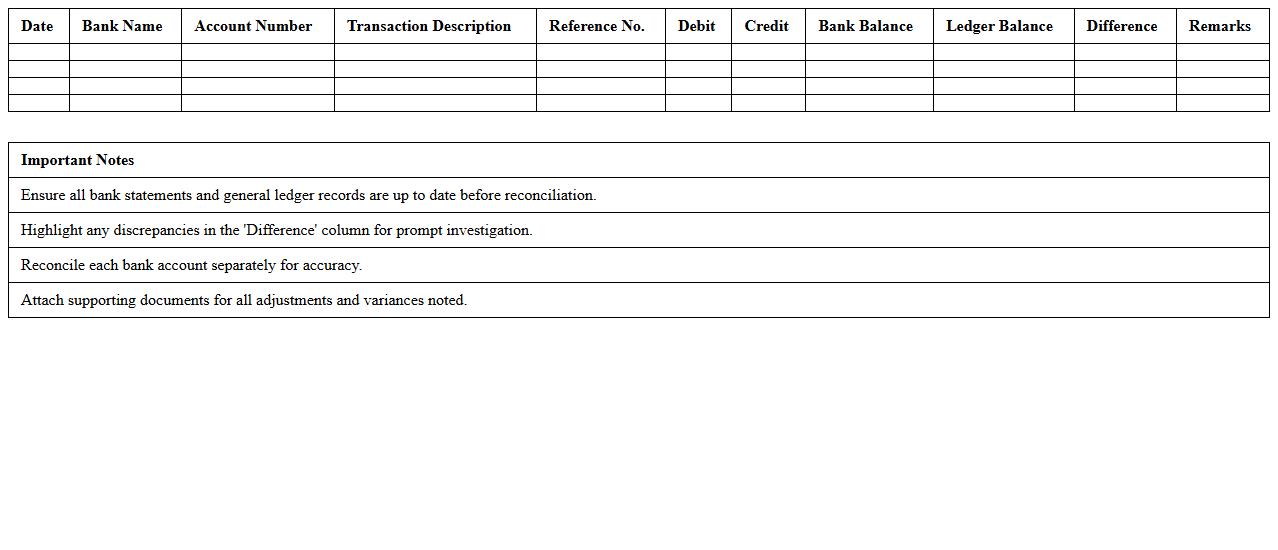
Excel Reconciliation Template for Multiple Banks is a structured spreadsheet designed to compare and verify transactions from various bank accounts against internal financial records. This template streamlines the reconciliation process by automating calculations, highlighting discrepancies, and organizing data from multiple sources in one place, which reduces errors and saves time. It is especially useful for businesses managing numerous bank accounts, ensuring accuracy in cash flow management and facilitating efficient financial audits.
Simple Bank Reconciliation Worksheet
A
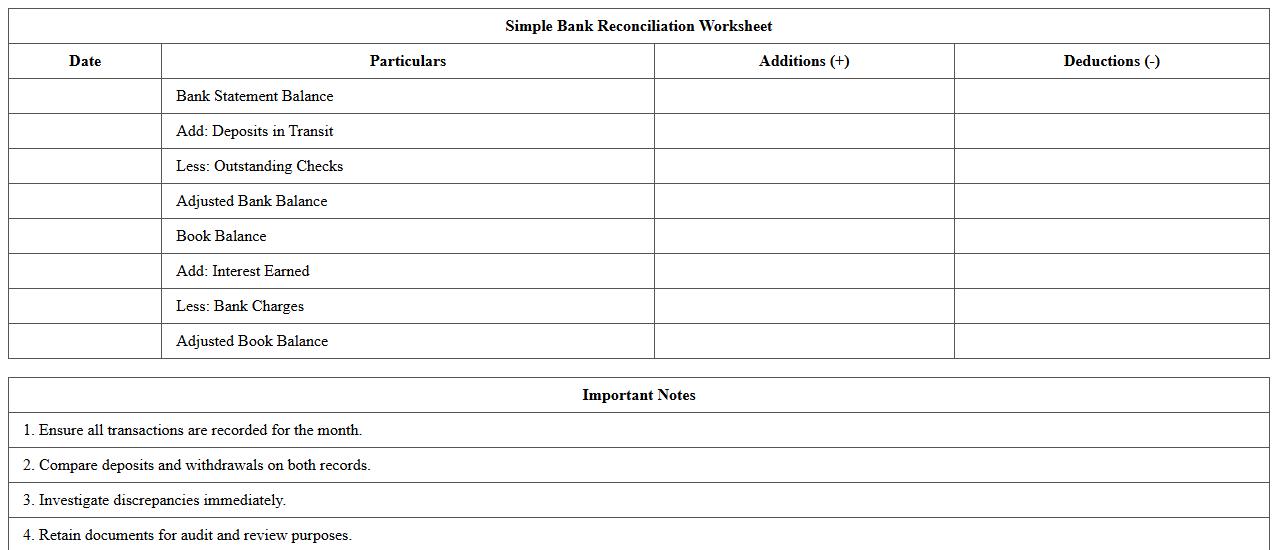
Simple Bank Reconciliation Worksheet is a financial document used to match the bank statement balance with the company's accounting records. It helps identify discrepancies such as outstanding checks, deposits in transit, or bank errors, ensuring the accuracy of cash records. This worksheet is essential for maintaining precise financial statements and detecting potential fraud or accounting mistakes.
Bank Reconciliation Report Template
A
Bank Reconciliation Report Template is a structured document used to compare and reconcile the bank statement with an organization's financial records to identify discrepancies. It helps ensure accuracy in accounting by highlighting unmatched transactions, errors, or unauthorized activities, facilitating timely corrections. Utilizing this template streamlines the reconciliation process, enhances financial control, and supports effective cash flow management.
Bank Transactions Audit Reconciliation Sheet
A
Bank Transactions Audit Reconciliation Sheet is a crucial document that compares and verifies the bank statement against the company's financial records. It helps identify discrepancies such as missed payments, unauthorized transactions, or errors in recording, ensuring accuracy in financial reporting. This sheet is useful for maintaining transparent accounting, supporting audit processes, and enhancing internal controls over cash flow management.
How to automate bank statement imports into Excel for reconciliation?
To automate bank statement imports into Excel, use the Power Query feature to directly connect and pull data from your bank's CSV or Excel file exports. Set up scheduled data refreshes so that the latest statement automatically updates your workbook. This process saves time and ensures accuracy by minimizing manual data entry errors.
Which Excel formulas best flag mismatched ledger and bank entries?
The VLOOKUP and IFERROR formulas are ideal for identifying mismatched ledger and bank entries by cross-referencing transaction amounts and dates. Use COUNTIF to detect duplicate or missing entries easily within your reconciliation sheet. Combining these functions helps quickly highlight discrepancies that require further investigation.
What template structure optimizes monthly bank reconciliation tracking?
An effective template structure includes separate columns for bank statement amounts, ledger entries, transaction dates, and reconciliation status. Incorporate conditional formatting to visually differentiate cleared and uncleared transactions. Summarize monthly totals and reconciliation differences to provide a clear overview of your monthly bank reconciliation status.
How to document audit trails within Excel for banking reconciliation letters?
Maintain a dedicated audit trail worksheet that logs every change made during the reconciliation process, including date, user, and modification details. Use Excel's Track Changes feature and cell comments to provide context for adjustments made. This documentation supports transparency and is essential for audit compliance.
What Excel tools help securely share reconciliation results with auditors?
Utilize password protection and encryption features in Excel to control access to your reconciliation files before sharing with auditors. Export reports to PDF format to preserve the integrity of the data and prevent unintended edits. Additionally, consider cloud platforms like OneDrive with restricted access permissions for secure collaboration.
More Banking Excel Templates