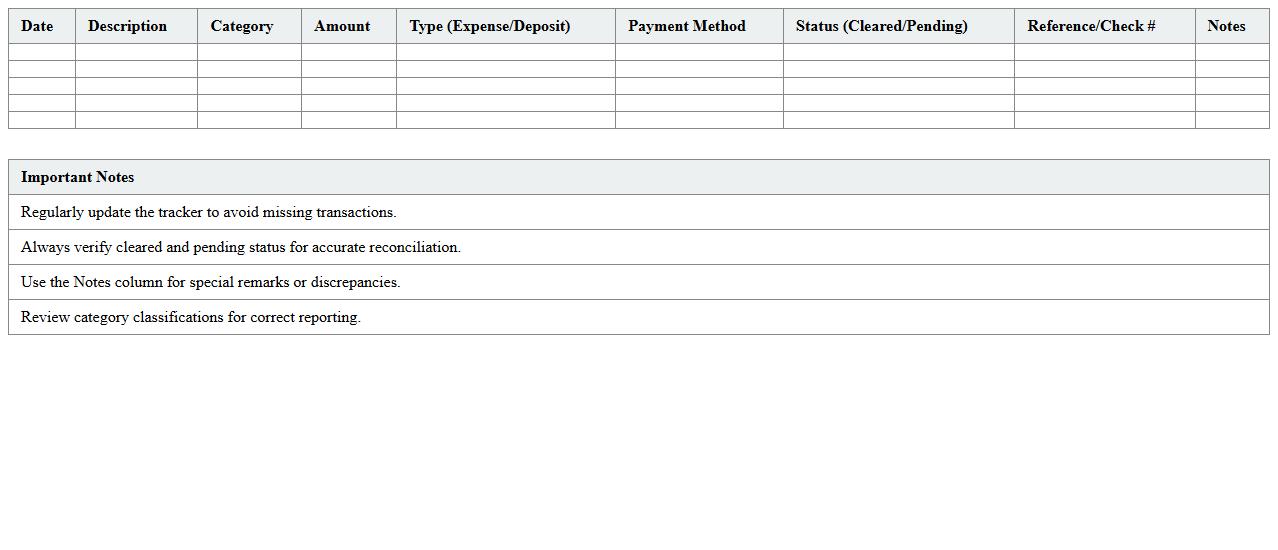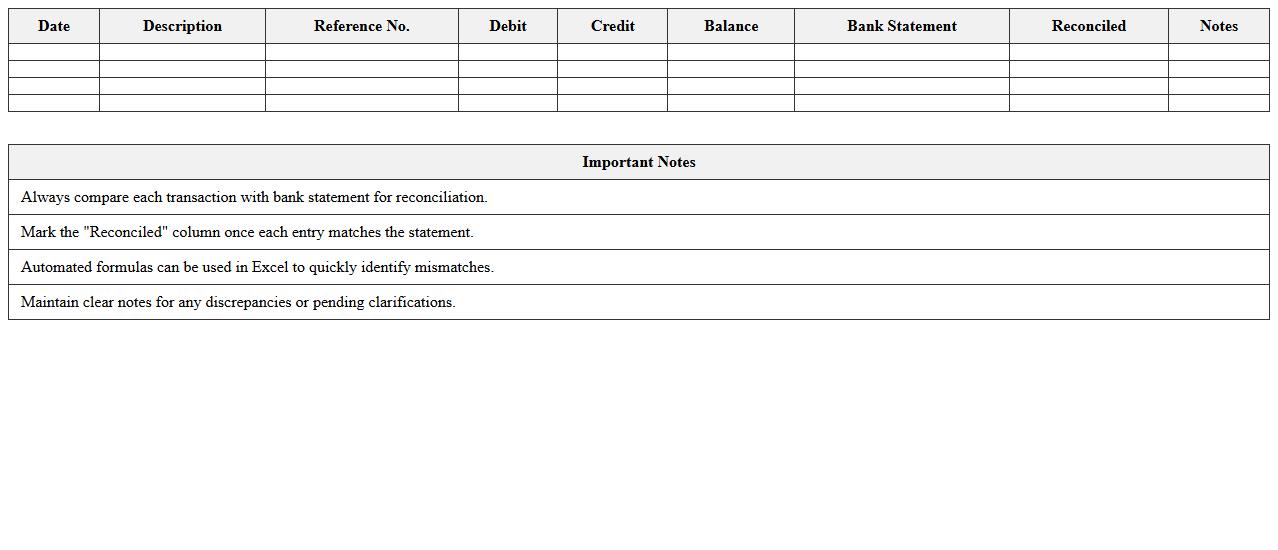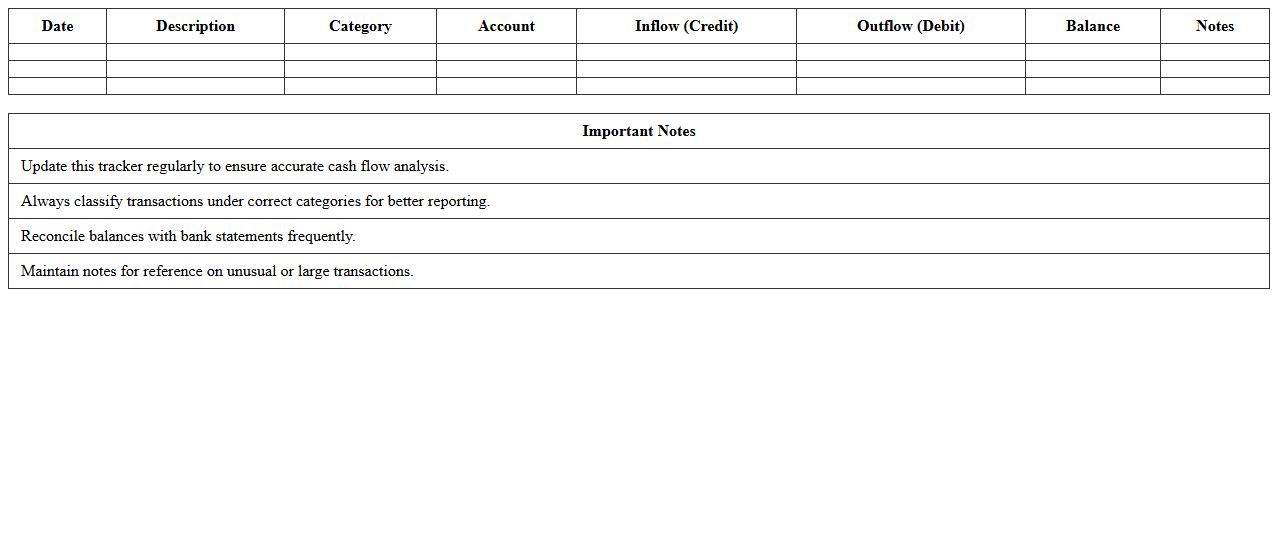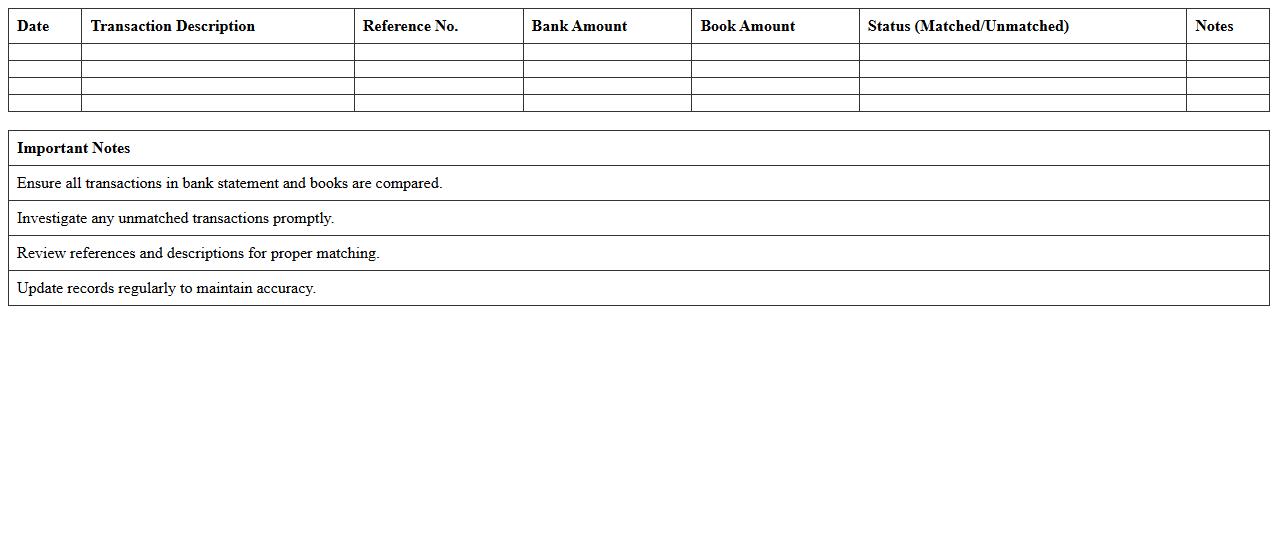
The Banking Transaction Tracker Excel Template for Account Reconciliation streamlines the process of monitoring deposits, withdrawals, and transfers, ensuring your financial records stay accurate and up-to-date. This template offers customizable fields to categorize transactions and generate real-time summaries, simplifying the reconciliation between bank statements and accounting records. Users can quickly identify discrepancies and maintain clear financial oversight with its intuitive design and automated calculations.
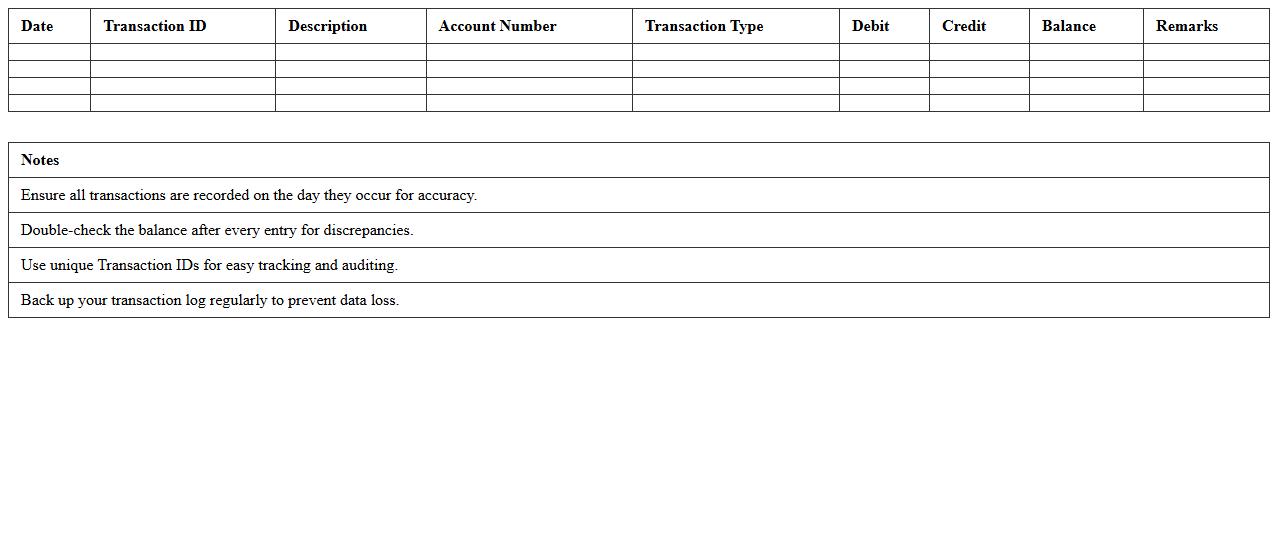
Daily Bank Transaction Log Excel Template
The
Daily Bank Transaction Log Excel Template is a customizable spreadsheet designed to record all daily banking activities such as deposits, withdrawals, and transfers in an organized manner. It streamlines financial tracking by providing clear categories and automated calculations that help identify discrepancies quickly and maintain accurate cash flow records. This template enhances financial transparency and supports better decision-making for personal finance management or business accounting.
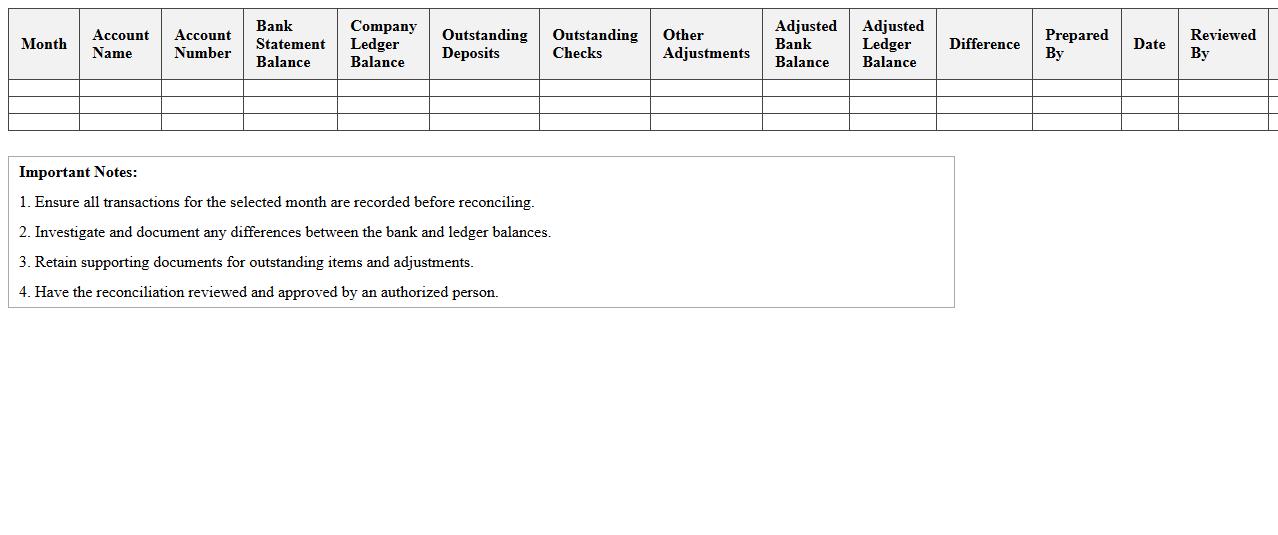
Monthly Account Reconciliation Sheet
The
Monthly Account Reconciliation Sheet is a financial document used to compare and verify the accuracy of account balances between internal records and external statements, such as bank statements. It helps identify discrepancies, detect errors, and ensure that all transactions are accurately recorded, providing a clear and updated financial position. Regular use of this sheet improves financial control, supports auditing processes, and aids in making informed business decisions.
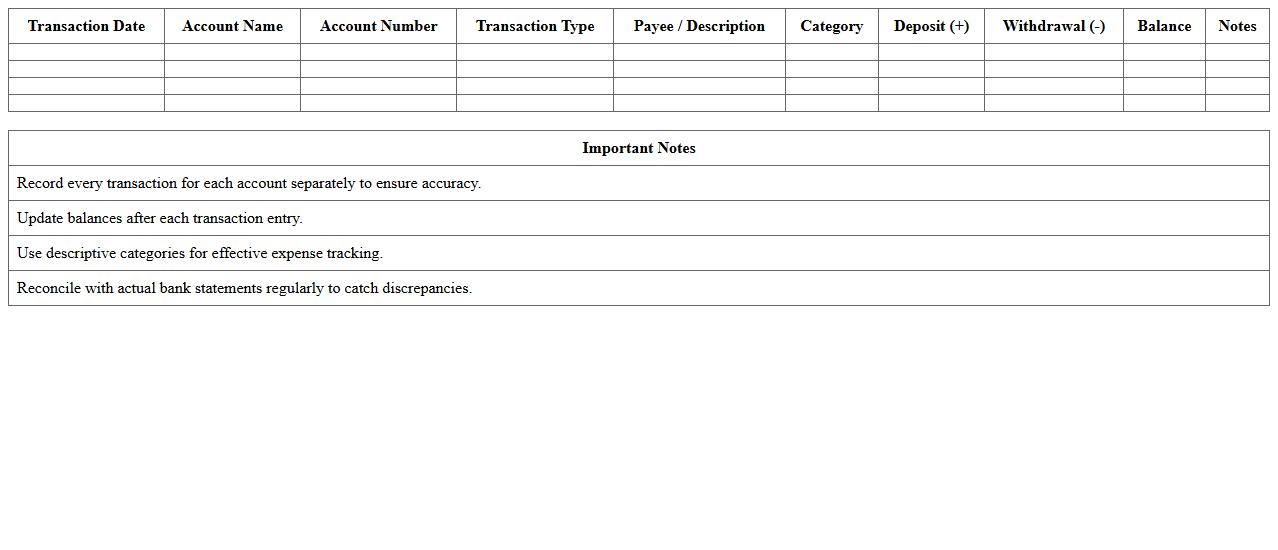
Multi-Account Banking Transaction Register
A
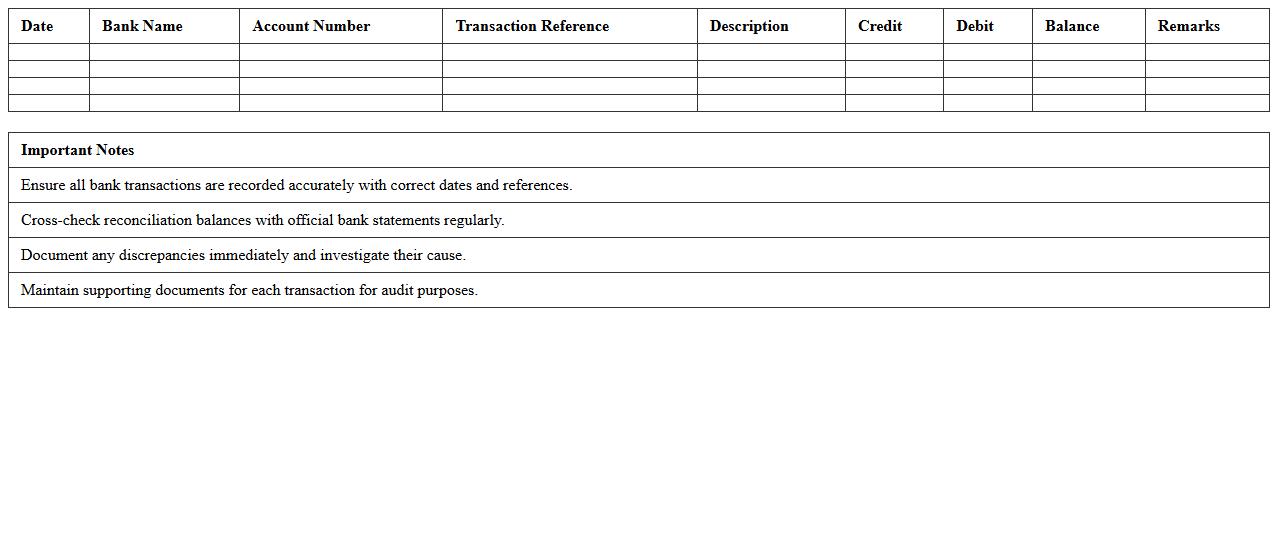
Multi-Account Banking Transaction Register is a comprehensive financial document that tracks and records transactions across multiple bank accounts in a unified format. It helps businesses and individuals efficiently monitor cash flow, reconcile accounts, and identify discrepancies by consolidating data such as deposits, withdrawals, transfers, and balances. Using this register improves financial accuracy, streamlines accounting processes, and enhances decision-making with a clear overview of multi-account activities.
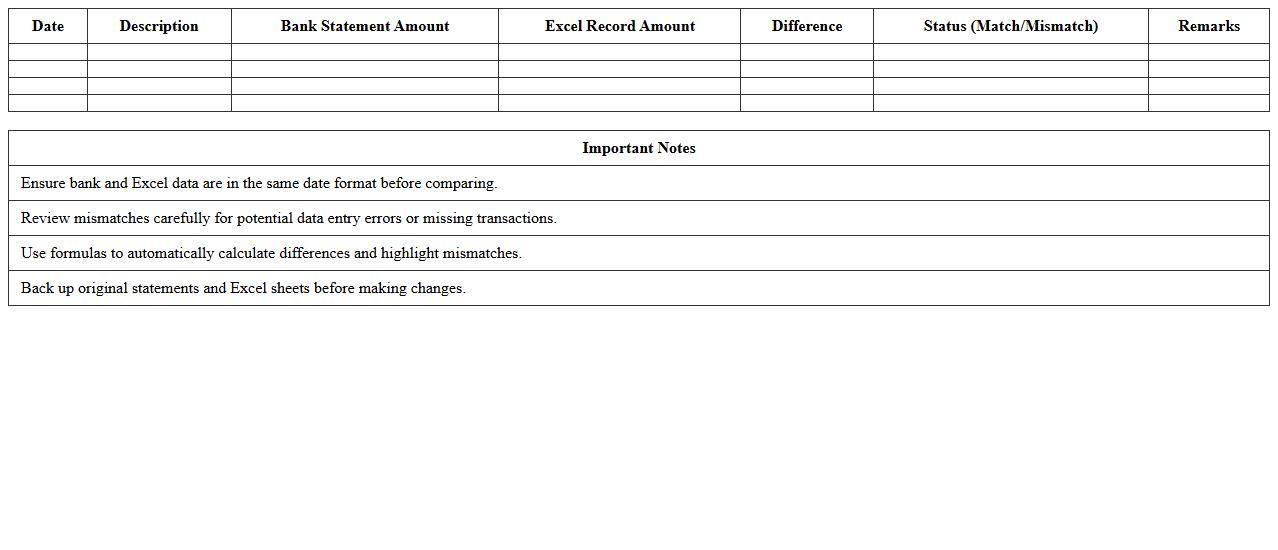
Automated Bank Statement Comparison Template
The
Automated Bank Statement Comparison Template is a digital tool designed to streamline the reconciliation process by automatically matching transactions between bank statements and accounting records. It eliminates manual errors, saves time, and enhances accuracy by quickly identifying discrepancies and unmatched entries. This template is useful for businesses and accountants seeking to improve financial auditing, cash flow management, and compliance reporting.
Expense and Deposit Reconciliation Tracker
An
Expense and Deposit Reconciliation Tracker document is a financial tool designed to systematically compare and verify recorded expenses and deposits against actual bank statements or financial records. It helps identify discrepancies, prevent fraud, and ensure accuracy in bookkeeping by highlighting unmatched transactions and facilitating timely corrections. This document is essential for maintaining transparent financial oversight, improving budget management, and supporting accurate financial reporting.
Bank Ledger with Automated Reconciliation
A
Bank Ledger with Automated Reconciliation document systematically records all financial transactions between a company and its bank, ensuring accuracy in tracking deposits, withdrawals, and transfers. This document leverages automation to match bank statement entries with internal records, significantly reducing errors and saving valuable time in the reconciliation process. It provides clear visibility into cash flow, enhances financial control, and supports compliance by maintaining up-to-date and verified account information.
Cash Flow and Banking Activity Tracker
A
Cash Flow and Banking Activity Tracker document systematically records all cash inflows and outflows alongside banking transactions, providing a clear overview of an organization's financial position. It assists in monitoring liquidity, ensuring sufficient funds for operational needs, and detecting discrepancies or unauthorized transactions promptly. This tool enhances financial planning, supports budgeting accuracy, and aids in maintaining compliance with banking regulations.
Transaction Matching for Bank Reconciliation
Transaction Matching for Bank Reconciliation is a process that compares and aligns bank statements with internal financial records to identify discrepancies and ensure accuracy. This method helps detect unauthorized transactions, errors, and omissions, facilitating accurate financial reporting and compliance. Effective
transaction matching enhances cash flow management and reduces the risk of fraud by providing clear visibility into account activities.
Suspense Account Clearing Excel Template
The
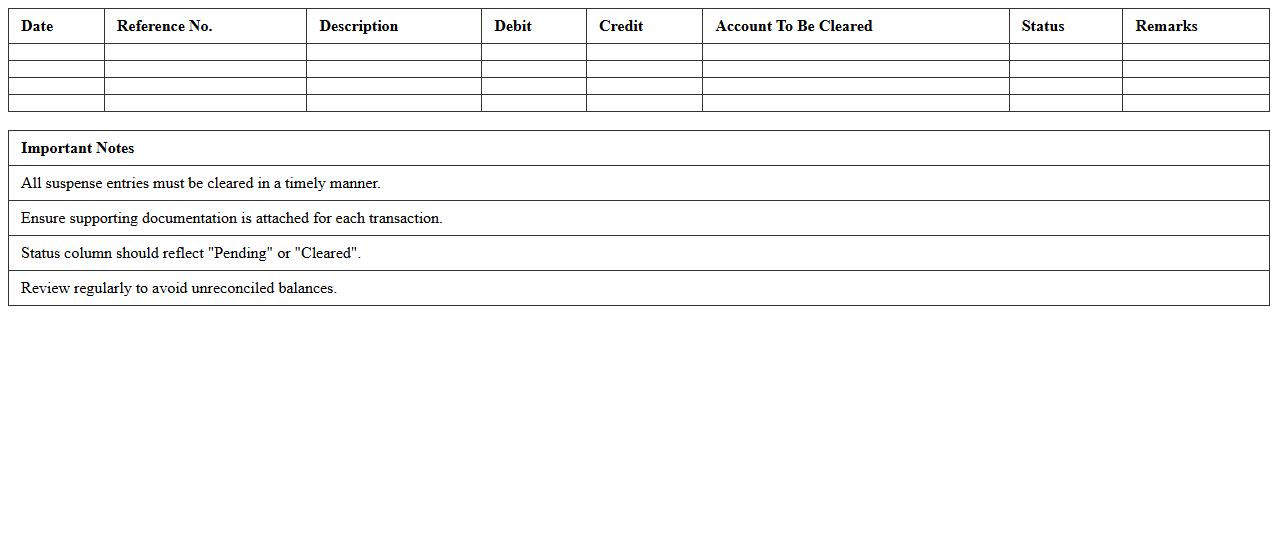
Suspense Account Clearing Excel Template is a financial tool designed to organize and reconcile unclear or unmatched transactions within suspense accounts. It streamlines the process of identifying discrepancies by categorizing entries and tracking their resolution status, enhancing accuracy in financial records. This template improves efficiency in account management, reduces errors in reporting, and supports timely financial decision-making.
Bank Transfer Detail Reconciliation Sheet
A
Bank Transfer Detail Reconciliation Sheet is a financial document that records and compares bank transfer transactions with internal accounting records to ensure accuracy and consistency. It helps identify discrepancies, errors, or unauthorized transactions, facilitating effective cash flow management and financial reporting. Utilizing this sheet enhances transparency, reduces reconciliation time, and strengthens internal controls within an organization.
How to automate bank statement imports in Banking Transaction Tracker Excel for seamless account reconciliation?
To automate bank statement imports in Excel, start by using Power Query to connect to your bank's CSV or Excel files. Set up a query that refreshes automatically, pulling new transaction data into your tracker. This ensures seamless account reconciliation by keeping your data up-to-date without manual imports.
What advanced formulas can identify duplicate transactions in the tracker sheet?
Advanced formulas like COUNTIFS and SUMPRODUCT can effectively identify duplicate transactions based on matching criteria such as date, amount, and description. Using conditional formatting with these formulas highlights duplicates in the tracker for easy review. Implementing these techniques helps maintain data accuracy by preventing double counting.
How to customize category mapping for various bank transaction types in Excel reconciliation?
Customize category mapping by creating a dedicated lookup table that links bank transaction descriptions to predefined categories. Use the VLOOKUP or XLOOKUP functions to automatically assign categories during reconciliation. This automation ensures consistent classification for diverse bank transaction types, streamlining financial analysis.
Which Excel features enable multi-account reconciliation within one Banking Transaction Tracker?
Excel features like PivotTables, Power Query, and data models enable efficient multi-account reconciliation in a single tracker. By linking multiple bank accounts through queries and creating consolidated views via PivotTables, you can oversee all transactions collectively. These powerful tools facilitate comprehensive reconciliation across multiple financial accounts.
How to generate monthly reconciliation discrepancy reports from the tracker sheet?
Generate monthly discrepancy reports by leveraging Excel's filtering and PivotTable functionalities to isolate unmatched transactions for each month. Incorporate formulas like IFERROR and logical functions to flag discrepancies automatically. The result is a clear, structured report that highlights reconciliation issues monthly for prompt resolution.
More Banking Excel Templates