The Accounting Excel Template for Expense Tracking simplifies financial management by organizing and categorizing expenses efficiently. It offers customizable fields to monitor spending patterns, ensuring accurate budget control. This template enhances visibility into cash flow, helping users make informed financial decisions.
Monthly Expense Tracker Excel Template
The
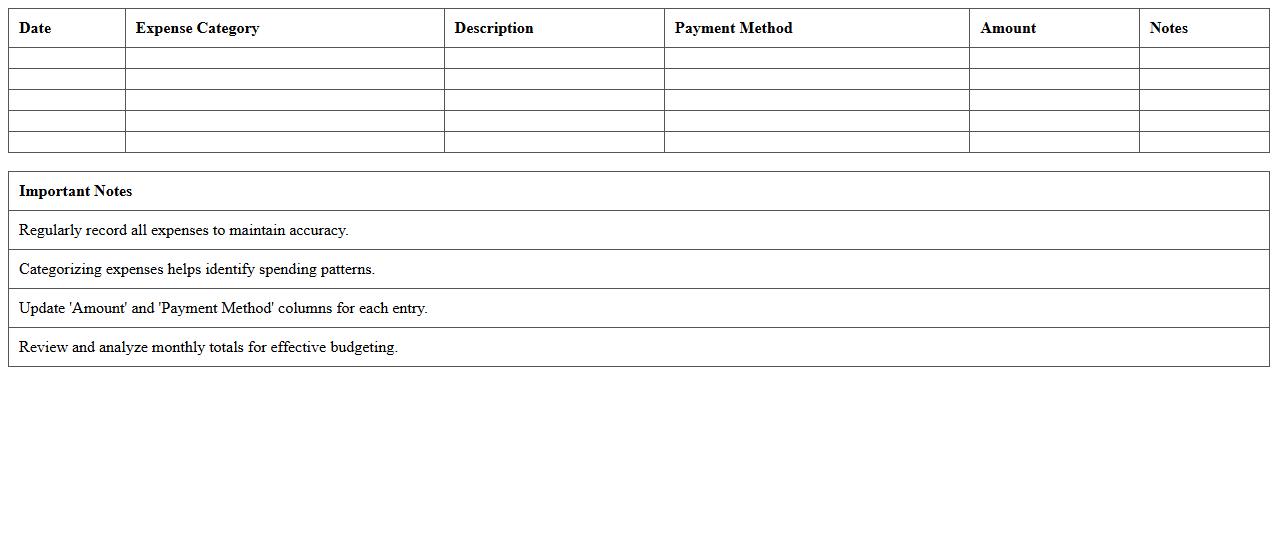
Monthly Expense Tracker Excel Template document is a structured spreadsheet designed to help users record, categorize, and analyze their monthly spending patterns. It enables individuals and businesses to monitor cash flow, identify unnecessary expenses, and plan budgets more effectively. By using this template, users can gain financial clarity and make informed decisions to improve savings and manage expenses.
Personal Expense Report Spreadsheet
A
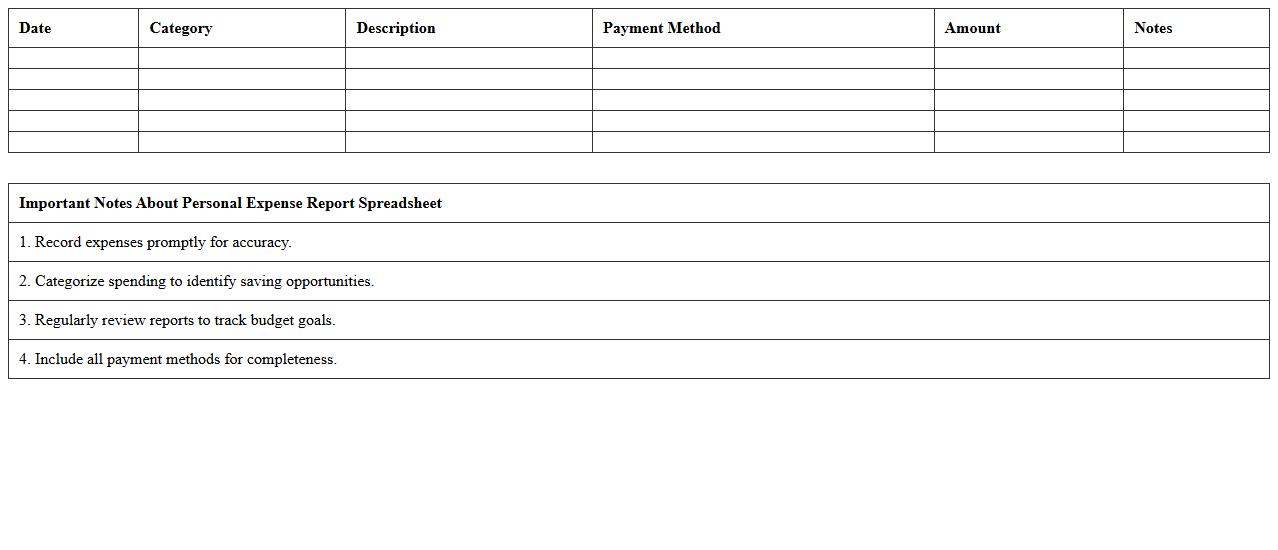
Personal Expense Report Spreadsheet is a digital document used to systematically track and categorize individual or household expenditures. This tool helps users monitor spending patterns, set budgets, and identify areas for cost reduction to enhance financial management. Businesses and individuals alike benefit from improved clarity and accountability in managing personal finances through detailed, organized expense data.
Small Business Expense Log Template
A
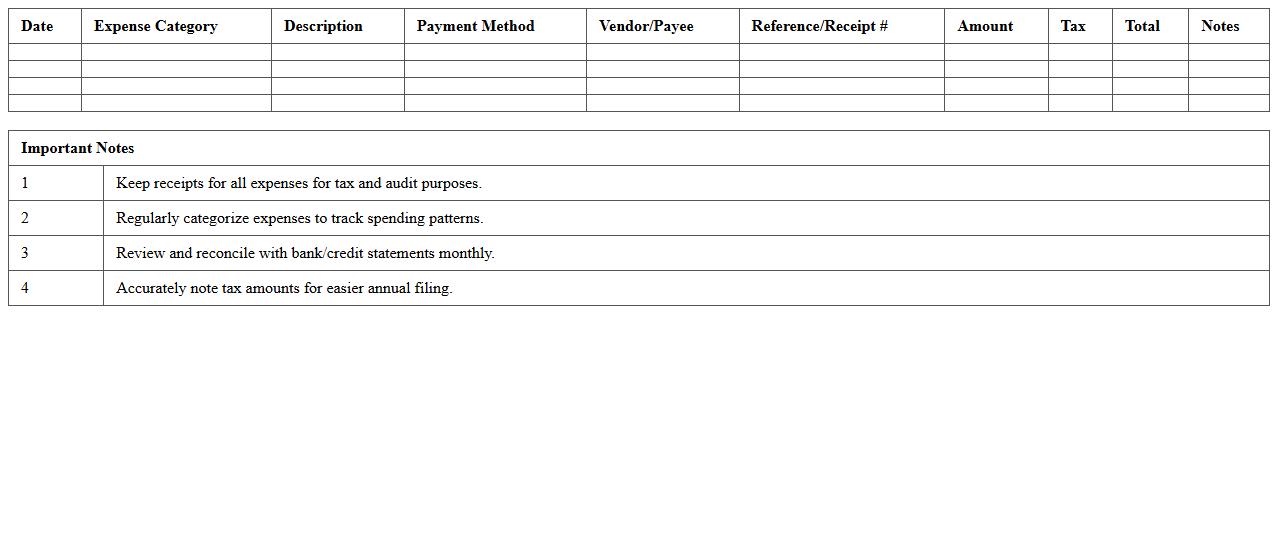
Small Business Expense Log Template is a structured document designed to track and organize all business expenditures efficiently. It helps entrepreneurs maintain accurate financial records, monitor cash flow, and prepare for tax filing by categorizing expenses systematically. Utilizing this template streamlines budget management and supports informed decision-making for sustainable business growth.
Family Household Expense Sheet
A
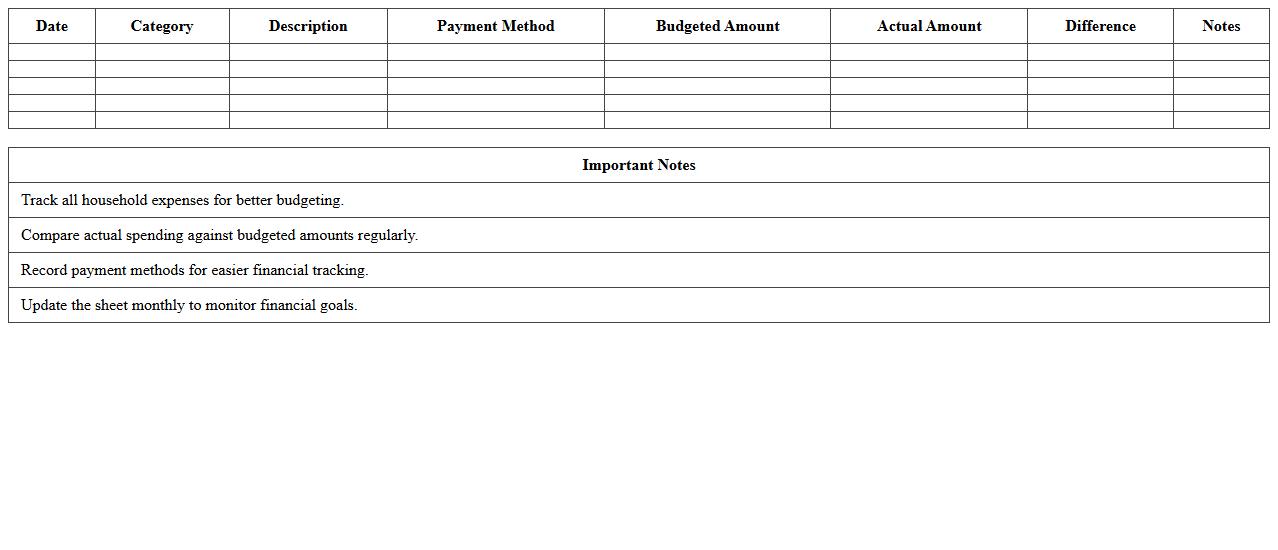
Family Household Expense Sheet document is a detailed record of all monthly expenses incurred by a household, including rent, utilities, groceries, transportation, and other essential costs. It helps track spending patterns, identify areas for budget optimization, and maintain financial stability by ensuring that income covers essential expenditures. This tool is instrumental in managing personal finances effectively and preparing for future financial goals.
Travel Expense Tracker Excel
A
Travel Expense Tracker Excel document is a digital spreadsheet designed to record and manage all costs related to travel, including transportation, accommodation, meals, and miscellaneous expenses. It helps individuals and businesses maintain organized financial records, monitor budget adherence, and simplify reimbursement processes. Using this tool improves accuracy in expense reporting and enhances overall travel cost management efficiency.
Annual Expense Summary Template
An
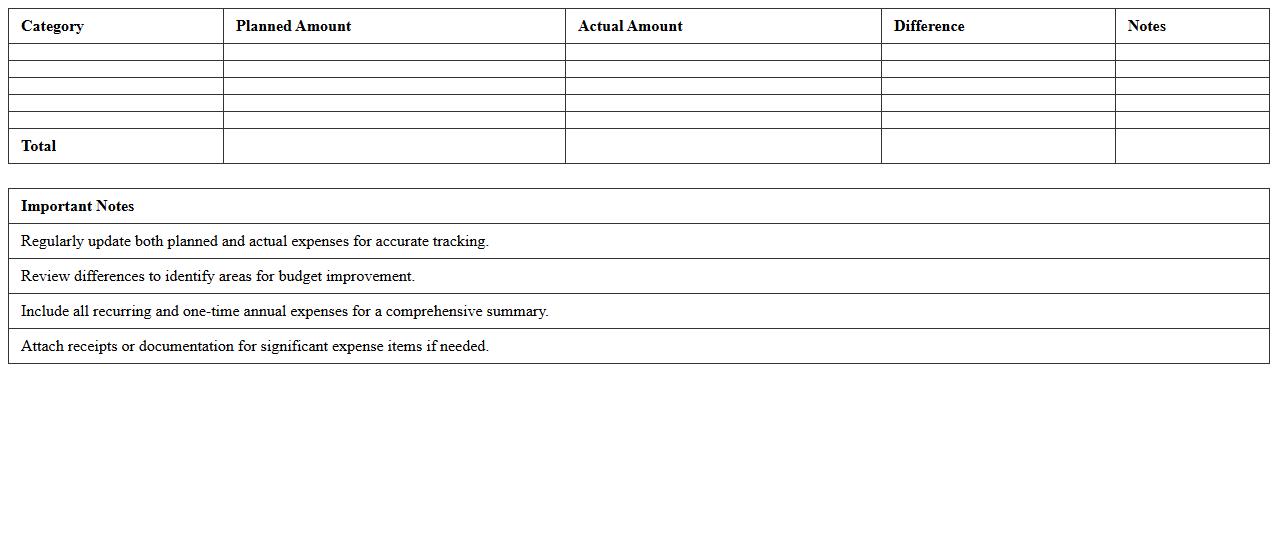
Annual Expense Summary Template is a structured document designed to systematically record and categorize yearly expenditures for individuals or organizations. It helps track financial outflows across various categories, enabling effective budget management and financial planning. Utilizing this template improves expense visibility, facilitates tax preparation, and supports informed decision-making for future investments.
Project Expense Management Spreadsheet
A
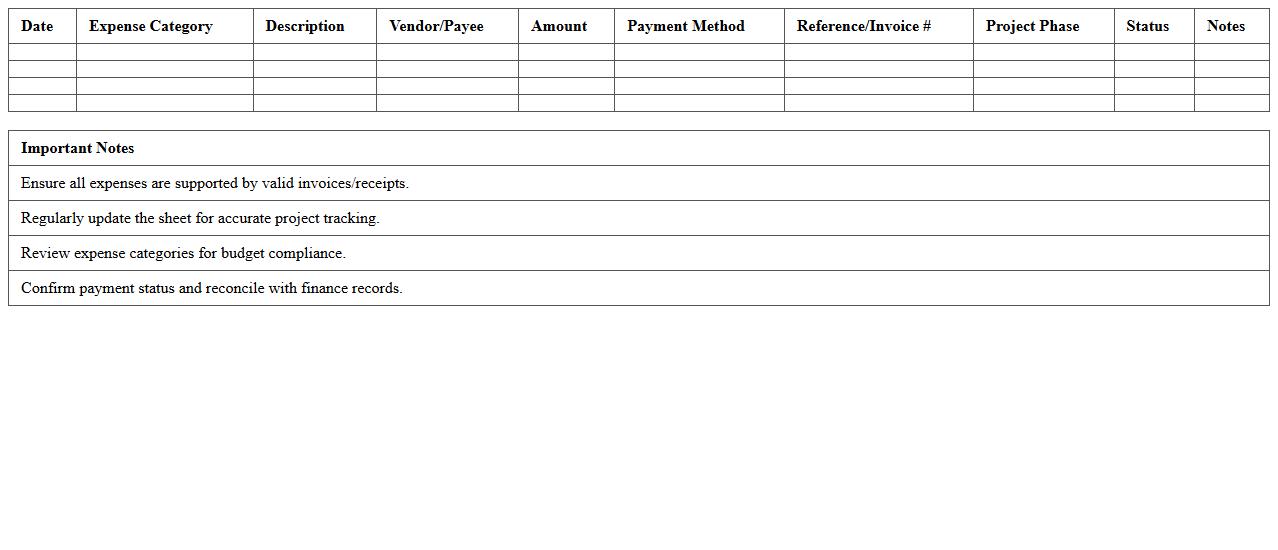
Project Expense Management Spreadsheet is a tool designed to track, organize, and analyze all costs associated with a project, including labor, materials, and overheads. It helps project managers maintain budget control by providing real-time visibility into expenses, enabling timely adjustments to avoid cost overruns. By centralizing financial data, this spreadsheet enhances accountability and improves forecasting accuracy for future project planning.
Employee Reimbursement Form Excel
An
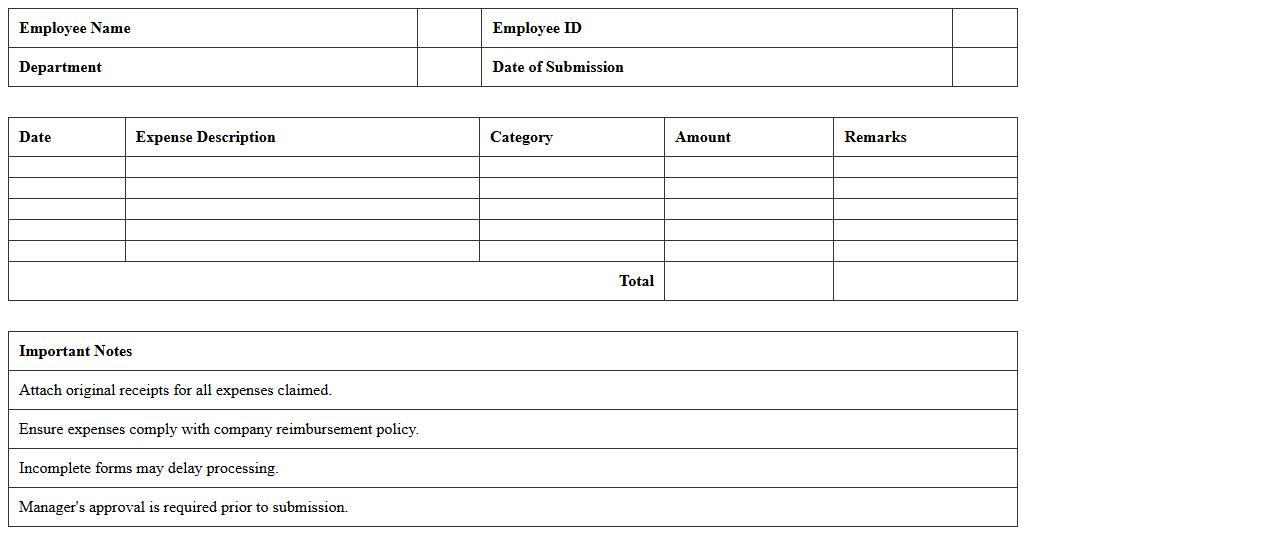
Employee Reimbursement Form Excel document is a structured spreadsheet used to record and process employee expense claims efficiently. It helps organizations maintain accurate financial records by tracking reimbursable expenses such as travel, meals, and office supplies. This form streamlines the approval process and ensures timely reimbursement, improving financial transparency and employee satisfaction.
Daily Expense Recording Template
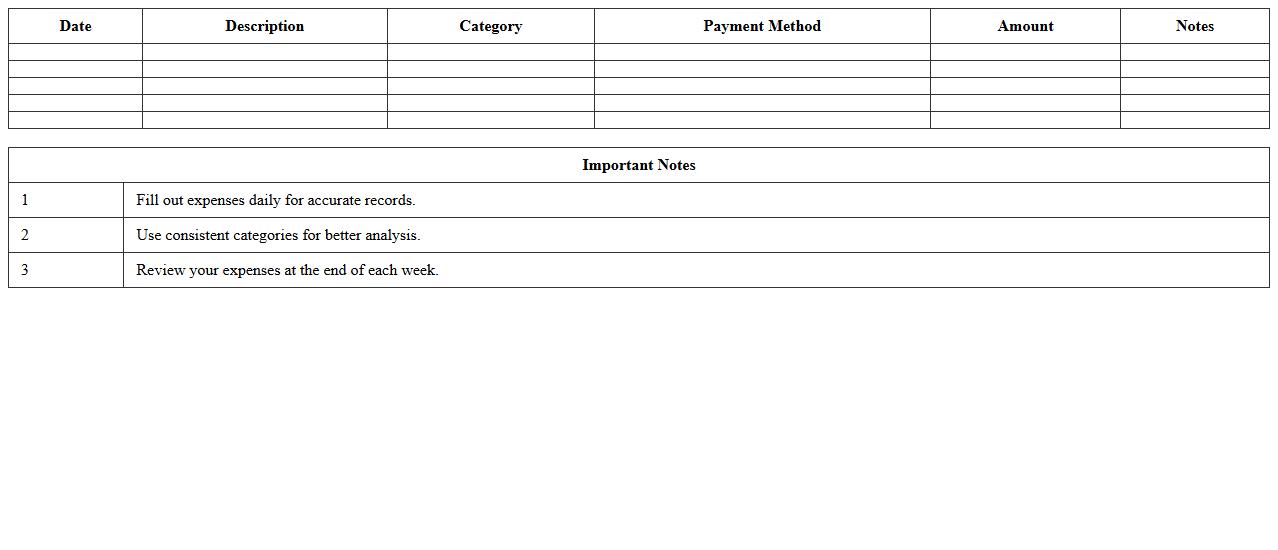
A
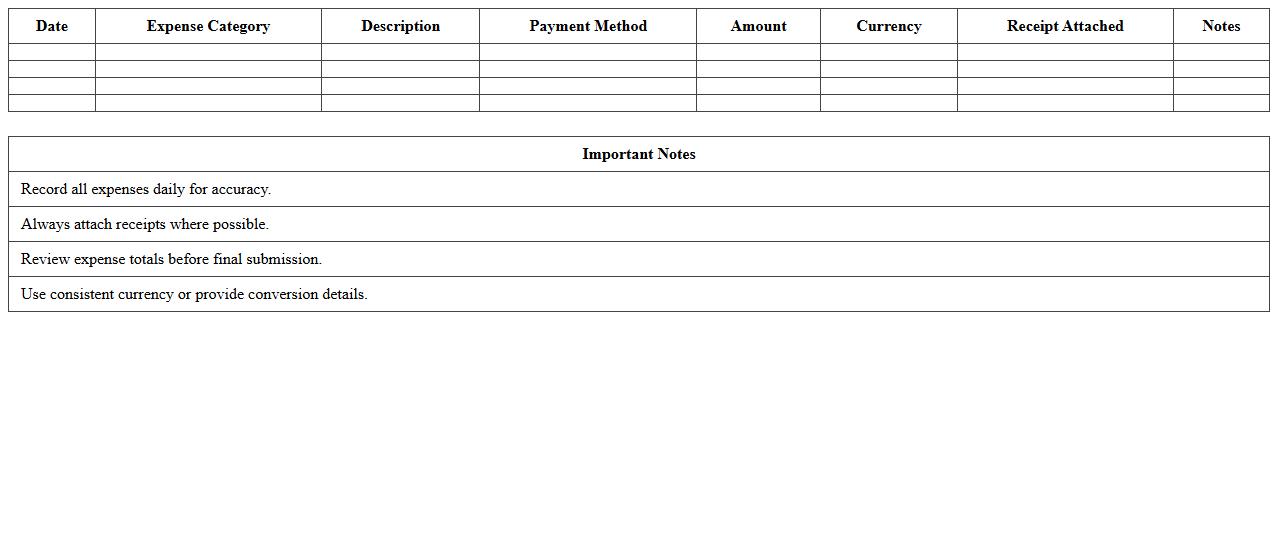
Daily Expense Recording Template is a structured document designed to track and categorize daily financial transactions efficiently. It helps users maintain accurate records of their spending habits, enabling better budgeting and financial planning. Consistent use of this template can lead to improved money management and identification of unnecessary expenses.
Office Supplies Expense Tracker Excel
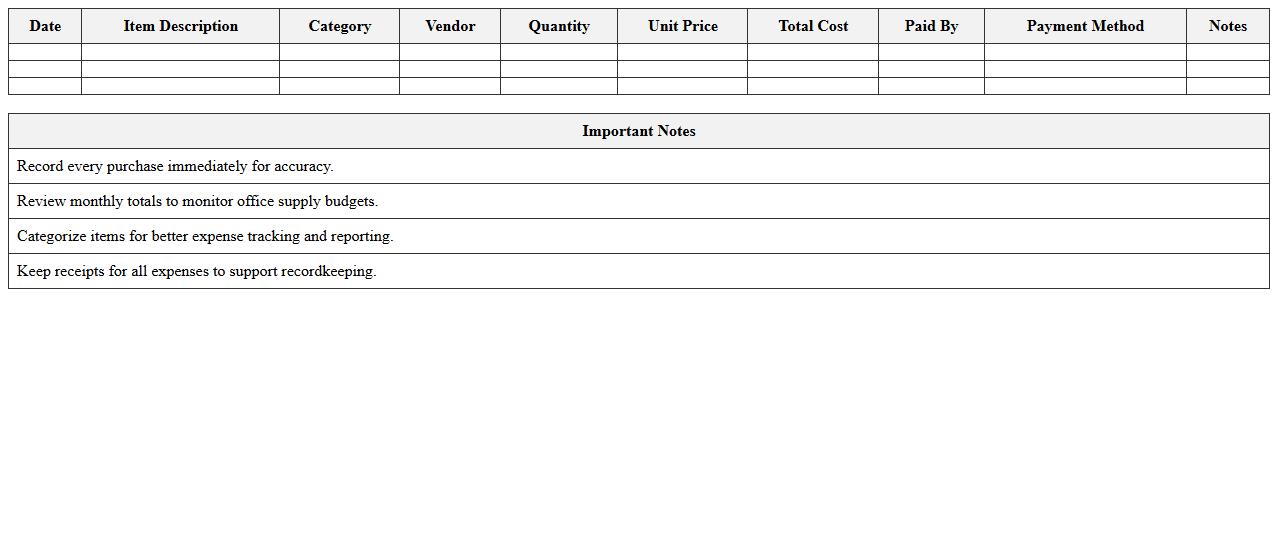
An
Office Supplies Expense Tracker Excel document is a tool designed to record and monitor spending on office supplies, enabling efficient budget management and expense analysis. It helps businesses maintain accurate financial records, identify spending patterns, and control costs by categorizing purchases and tracking vendor information. Using this tracker reduces the risk of overspending and ensures timely replenishment of essential office materials.
How can I automate recurring expense entries in an Accounting Excel document letter?
To automate recurring expense entries in Excel, use the combination of formulas and VBA macros. Setting up a dynamic template with date functions like EDATE helps generate future expense dates automatically. This approach saves time and ensures consistency across your accounting records.
What formulas best summarize monthly expense categories for expense tracking?
The SUMIFS formula is ideal for summarizing monthly expense categories as it allows multiple criteria, such as date ranges and category names. Combining SUMIFS with the MONTH and YEAR functions enables precise tracking of expenses per month. This method enhances clarity and efficiency in financial reporting.
How do I ensure data validation for receipt numbers in Excel expense sheets?
Implement data validation rules to restrict receipt number entries to specific formats, such as text length or numeric patterns. Use the Data Validation feature and create custom formulas, like ISNUMBER or LEN, to maintain data integrity. This minimizes errors and ensures consistent recording of receipt numbers.
Which Excel templates optimize audit trails for expense approvals?
Audit trail optimized templates include fields for approval dates, approver names, and statuses, enhancing expense tracking transparency. Templates with built-in conditional formatting and time stamps help maintain clear documentation for audits. These features streamline the approval process and ensure compliance.
What pivot table setup reveals departmental spending trends in accounting expense logs?
Create a pivot table with department names as rows and expense categories or months as columns to visualize spending patterns. Use the sum of expenses as values and apply filters for time periods to analyze trends effectively. This setup provides actionable insights into departmental budget allocations and cost control.
More Accounting Excel Templates