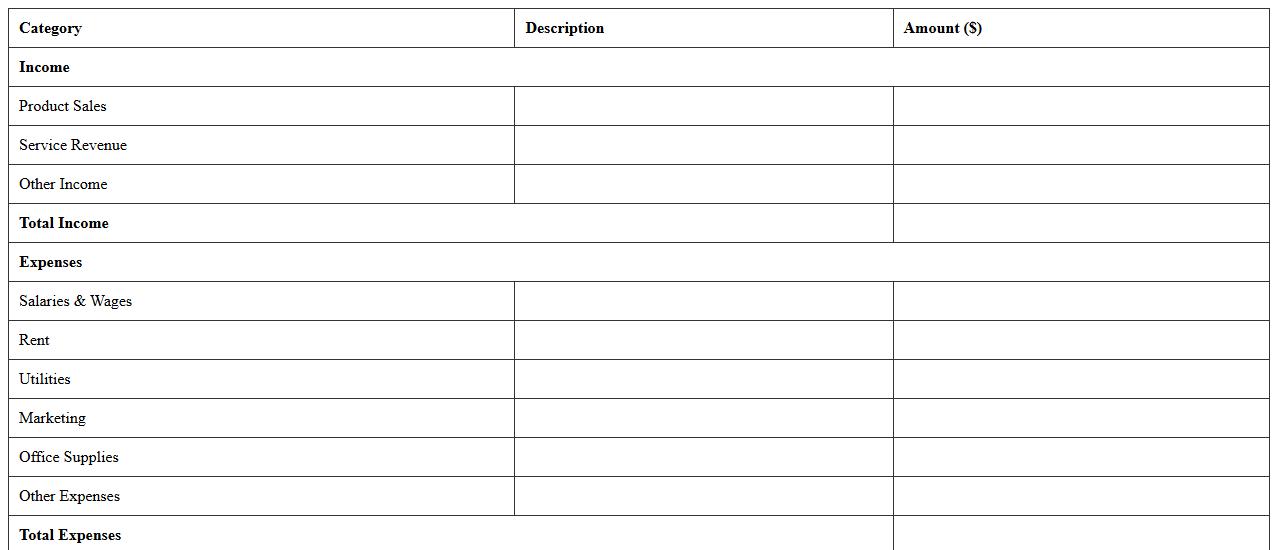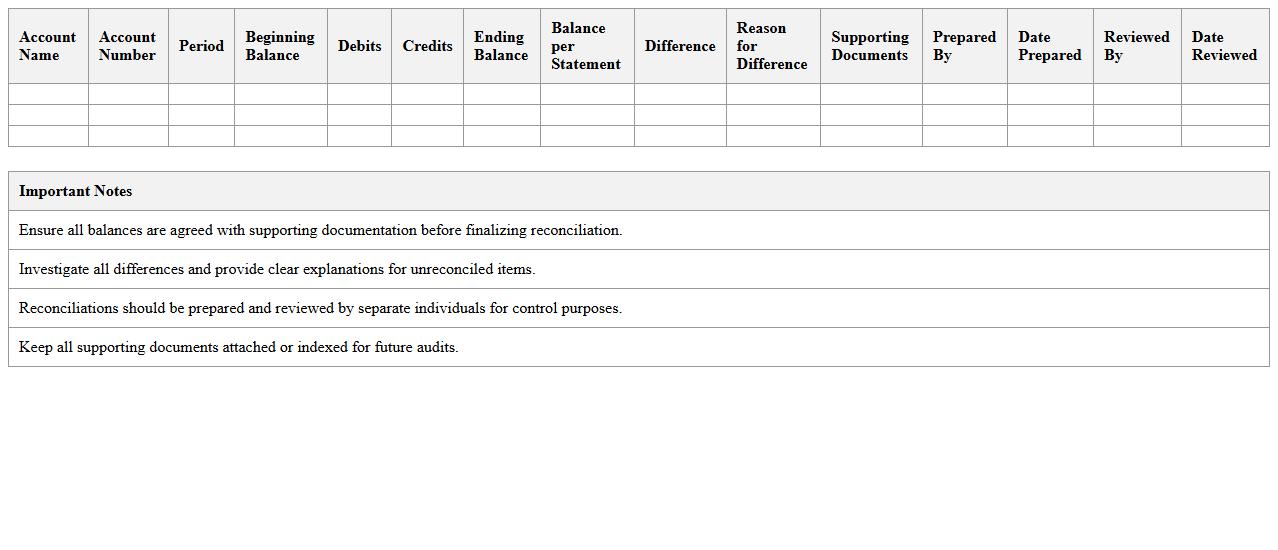
The Accounting Excel Template for Year-End Closing streamlines the financial closing process by organizing all necessary data and calculations in one accessible file. This template ensures accurate reconciliation of accounts, preparation of financial statements, and identification of discrepancies before finalizing the fiscal year. Its user-friendly design reduces time and errors, supporting efficient year-end reporting and audit readiness.
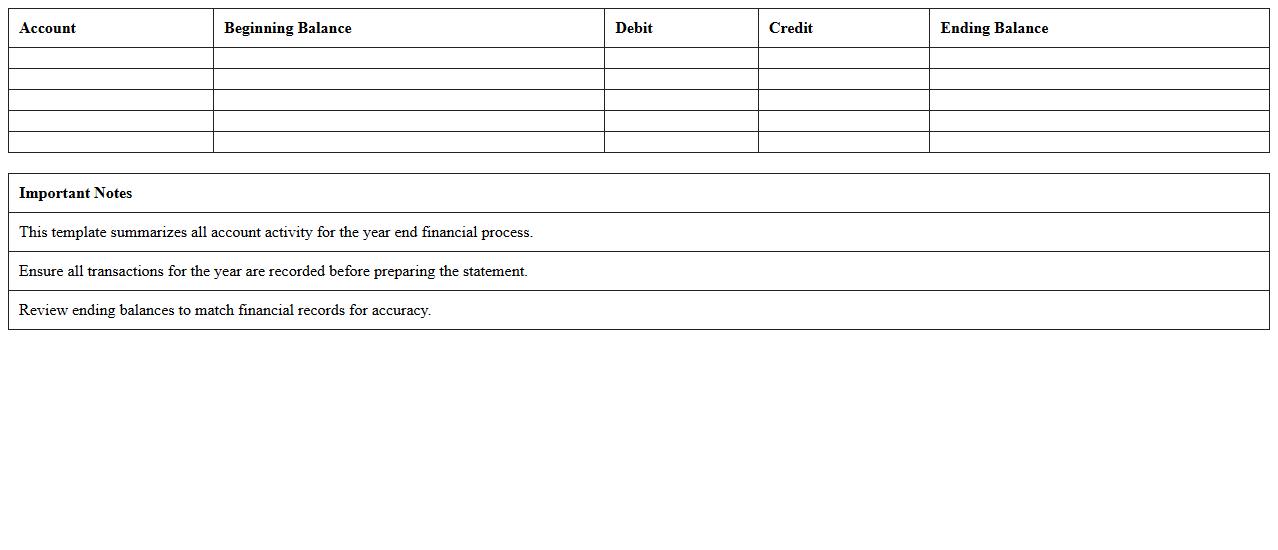
Year-End Financial Statement Excel Template
A
Year-End Financial Statement Excel Template document is a pre-designed spreadsheet that helps organizations compile and summarize their financial data at the end of the fiscal year. It streamlines the process of generating balance sheets, income statements, and cash flow reports, ensuring accuracy and consistency in financial reporting. This template is useful for improving efficiency, facilitating budget analysis, and supporting informed decision-making for business growth.
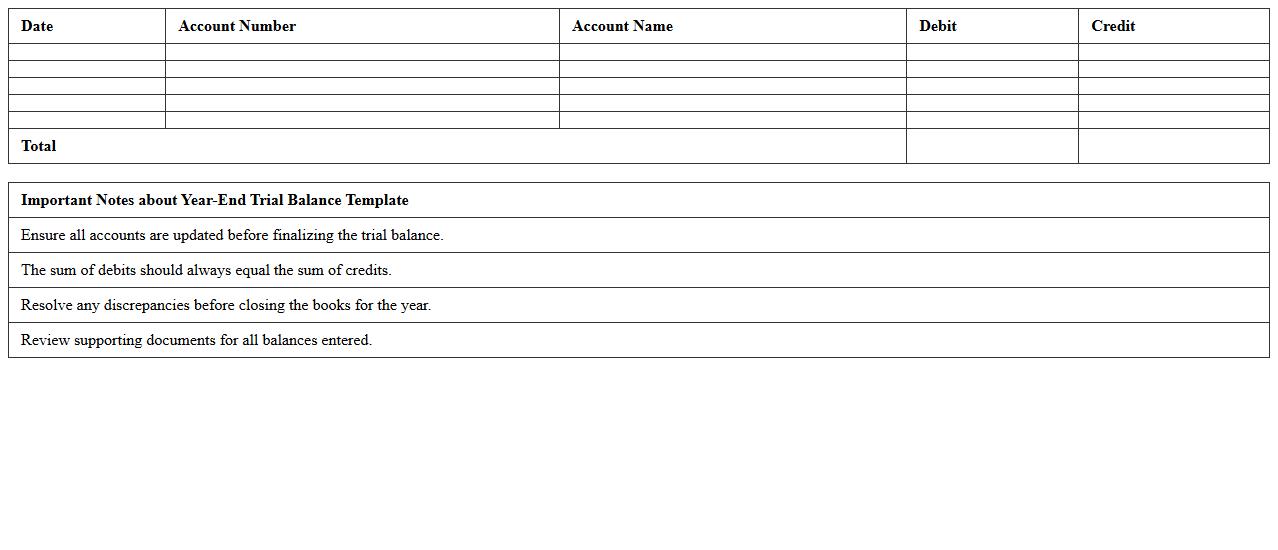
Year-End Trial Balance Template
A
Year-End Trial Balance Template document summarizes the balances of all general ledger accounts at the end of a fiscal year, ensuring accuracy before financial statements preparation. This template helps identify discrepancies, errors, or omissions in accounting records, facilitating a smooth audit process. By providing a clear snapshot of a company's financial position, it supports efficient closing procedures and informed business decisions.
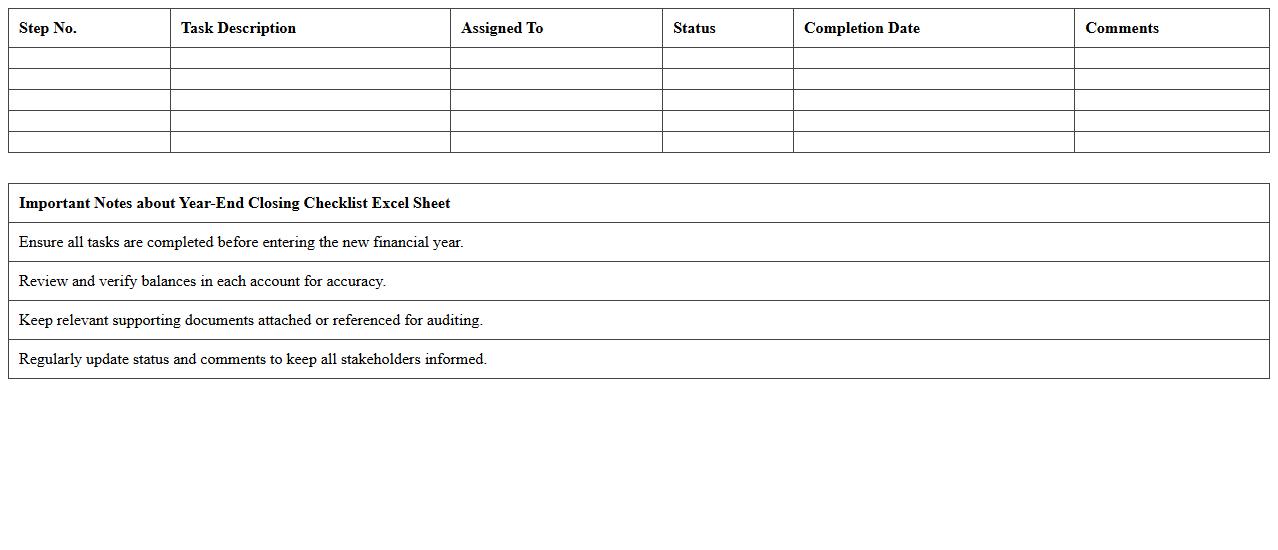
Year-End Closing Checklist Excel Sheet
The
Year-End Closing Checklist Excel Sheet is a structured document that helps organizations systematically review and complete all financial and operational tasks required at the end of the fiscal year. It ensures accuracy in financial statements, compliance with tax regulations, and identification of outstanding liabilities or assets. This tool improves efficiency by providing a clear timeline and responsibilities, reducing errors, and facilitating a smooth audit process.
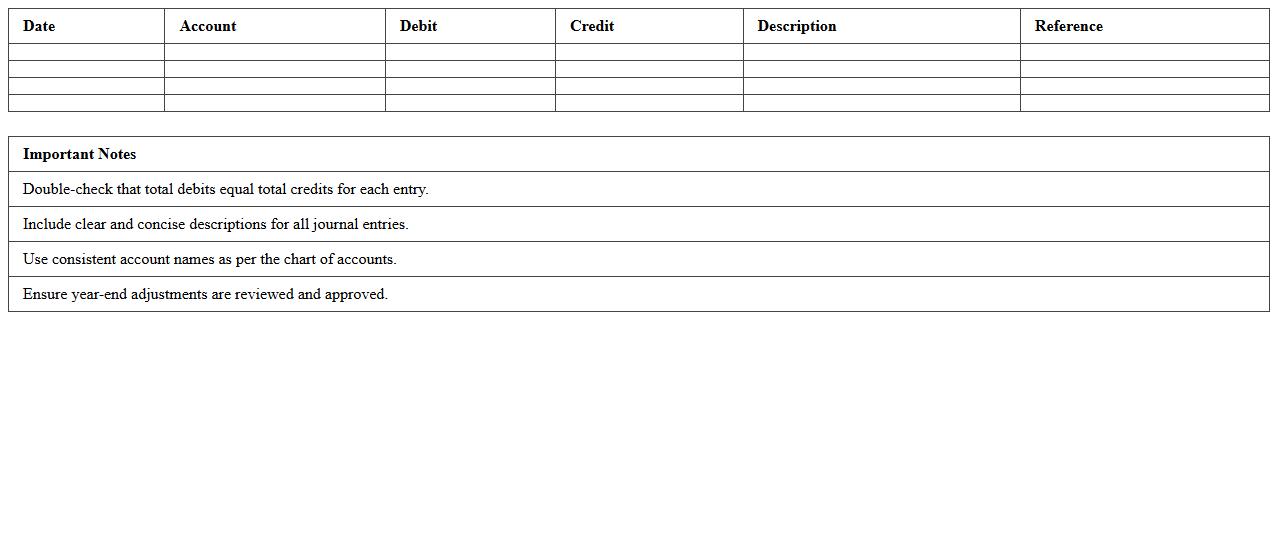
Year-End Journal Entries Template
A
Year-End Journal Entries Template document is a structured tool used to record and organize all necessary adjustments and closing entries required at the end of an accounting period. It ensures accuracy in financial statements by systematically capturing accrued expenses, depreciation, and revenue adjustments, facilitating compliance with accounting standards. This template saves time, reduces errors, and improves the efficiency of the year-end closing process for accountants and financial teams.
Year-End Accrual Adjustments Template
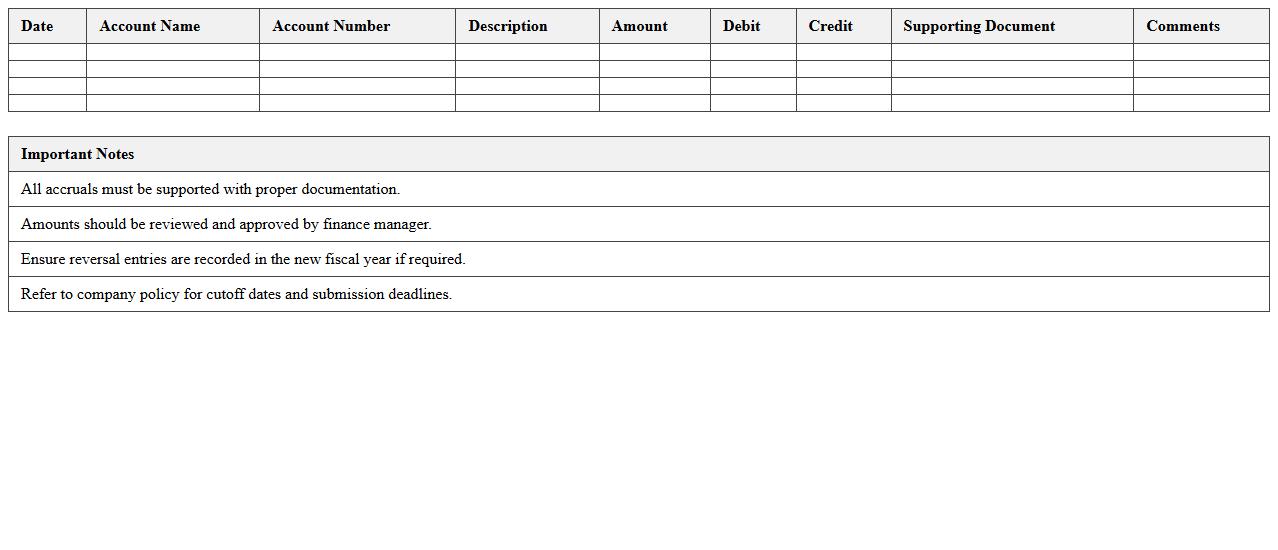
The
Year-End Accrual Adjustments Template document facilitates accurate financial reporting by capturing accrued expenses and revenues that have not yet been recorded. It ensures compliance with accounting standards by aligning financial records with actual economic events within the fiscal year. Using this template helps businesses close their books with precision, improving audit readiness and enhancing the reliability of financial statements.
Year-End Bank Reconciliation Excel Template
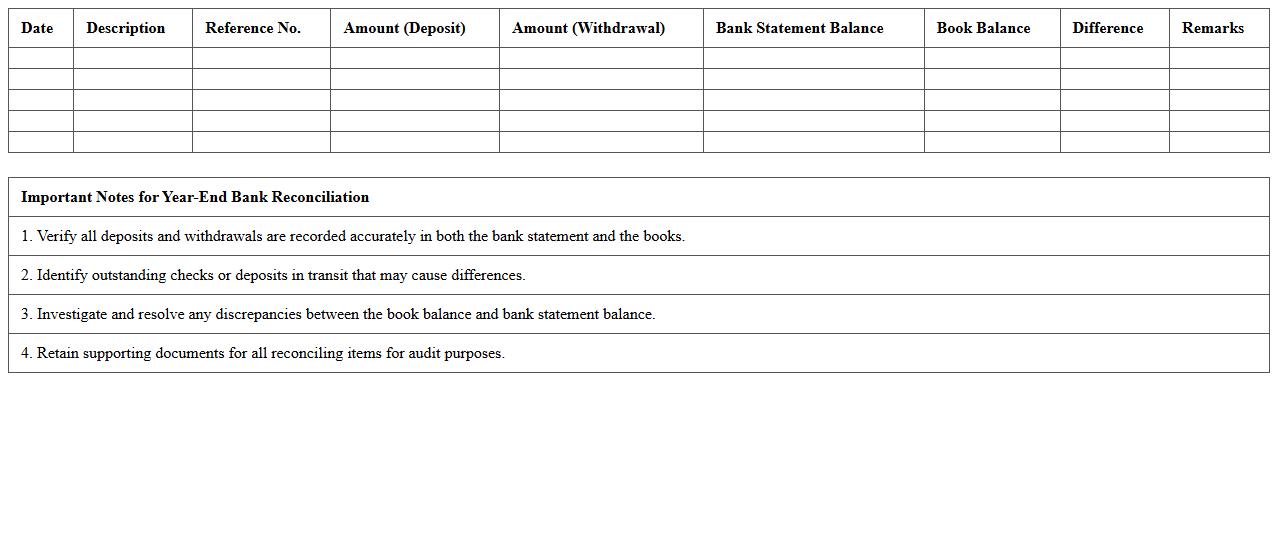
The
Year-End Bank Reconciliation Excel Template document is a structured spreadsheet designed to compare and match bank statements with an organization's internal financial records at the end of the fiscal year. It helps identify discrepancies such as outstanding checks, deposits in transit, and errors, ensuring accurate financial reporting and compliance with accounting standards. This template streamlines the reconciliation process, minimizes errors, and supports efficient audit preparation.
Year-End Expense Reconciliation Spreadsheet
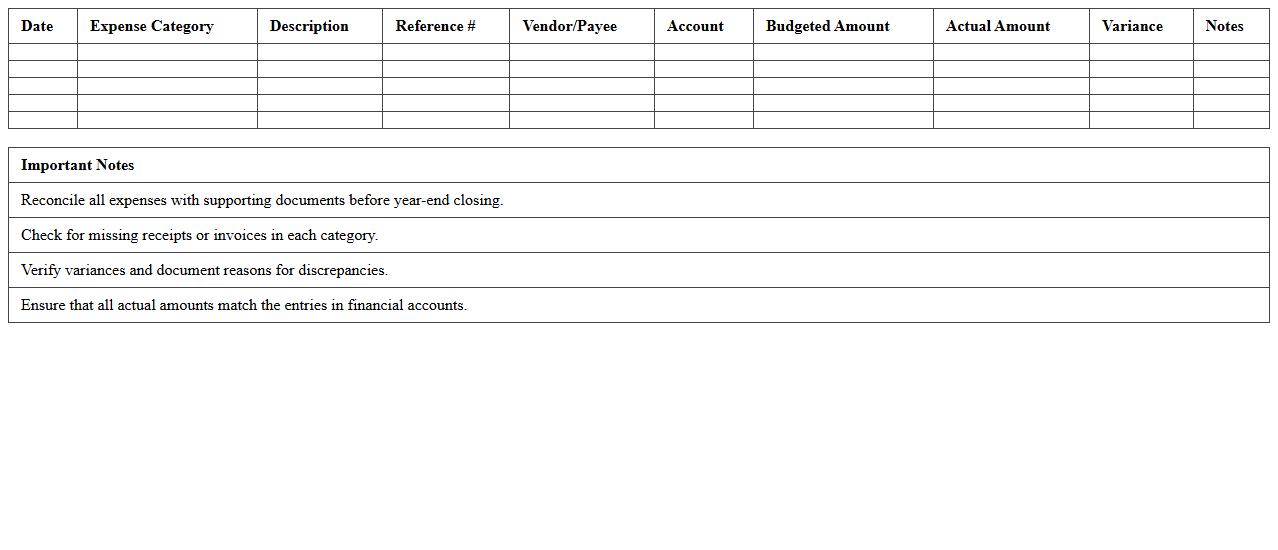
A
Year-End Expense Reconciliation Spreadsheet document tracks and organizes all financial transactions related to expenses throughout the fiscal year, ensuring accuracy and completeness in reporting. It helps identify discrepancies, manage budget compliance, and prepare for audits by providing a clear summary of expenses versus allocated budgets. This tool streamlines financial closing processes and supports informed decision-making for future budget planning.
Year-End Balance Sheet Excel Template
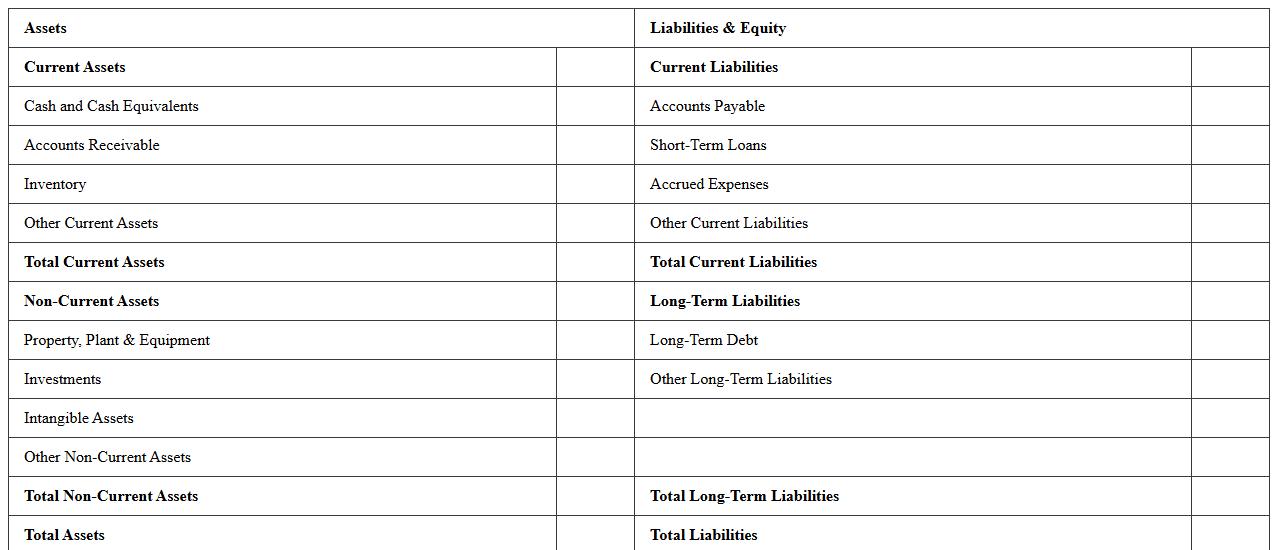
A
Year-End Balance Sheet Excel Template is a structured spreadsheet designed to compile and summarize a company's financial position at the close of the fiscal year, including assets, liabilities, and shareholders' equity. This document streamlines the preparation process by automating calculations and providing a clear overview of financial standings, which aids in accurate reporting and financial decision-making. Using this template enhances efficiency, reduces errors, and ensures compliance with accounting standards during year-end financial analysis.
Year-End Profit and Loss Template
A
Year-End Profit and Loss Template document is a structured financial report that summarizes a business's revenues, costs, and expenses over the fiscal year, providing a clear overview of net profit or loss. It streamlines the process of financial analysis by organizing data for tax preparation, budgeting, and performance evaluation. Using this template helps businesses make informed strategic decisions by presenting accurate financial insights and ensuring compliance with accounting standards.
Year-End Account Reconciliation Tracker Excel
A
Year-End Account Reconciliation Tracker Excel document is a specialized spreadsheet designed to systematically compare and verify financial records at the end of the fiscal year. It helps identify discrepancies between ledgers and bank statements, ensuring accuracy in financial reporting and compliance with accounting standards. This tool streamlines the audit process, reduces errors, and enhances overall financial transparency for businesses.
How do you format consolidation adjustment entries in Excel for year-end closing documentation?
To format consolidation adjustment entries in Excel, create a structured table with clear columns for account numbers, descriptions, debit, and credit amounts. Ensure each entry includes a reference to supporting documentation and a concise explanation for audit traceability. Use consistent date formats and apply conditional formatting to highlight any discrepancies or errors for accuracy.
What Excel templates are most efficient for reconciling sub-ledgers during year-end close?
Efficient Excel templates for reconciling sub-ledgers feature pre-built macros, pivot tables, and lookup formulas to swiftly match transactions. Templates should include columns for transaction dates, ledger balances, sub-ledger entries, and variance analysis to identify discrepancies. Using a standardized layout ensures faster review and simplifies adjustments during the year-end close process.
How can you automate accrual journal entries in Excel for year-end financial closing letters?
Automate accrual journal entries by utilizing Excel formulas like IF, SUMIFS, and DATE functions to calculate accrual amounts based on cutoff dates. Integrate dropdown lists and data validation rules to minimize input errors and streamline entry updates. Linking the accrual schedule to the general ledger sheet enhances dynamic updates for closing letter accuracy.
Which Excel formulas best validate opening balances in year-end closing documents?
Use Excel formulas like VLOOKUP, MATCH, and SUMPRODUCT to cross-reference opening balances against prior period closing entries. The IFERROR function helps manage discrepancies gracefully by flagging mismatches for review. Combining these formulas ensures precise validation, maintaining the integrity of opening balances in year-end documentation.
What checklist features should an Excel year-end closing letter include for compliance audits?
The checklist features in an Excel year-end closing letter must include verification of all adjusting entries, confirmation of account reconciliations, and inclusion of audit trail references. It should also have sections for sign-off by responsible personnel and timestamps for completion tracking. Ensuring these components enhances transparency and supports audit compliance effectively.
More Accounting Excel Templates