Inventory Tracking Excel Template
An
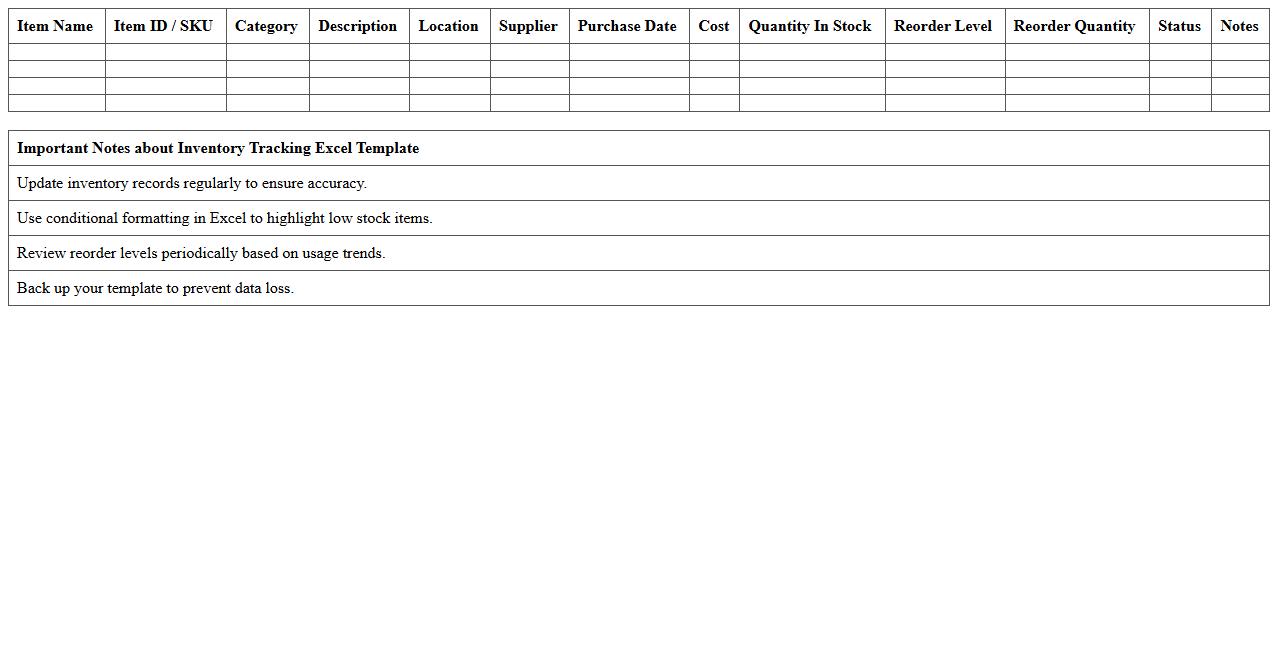
Inventory Tracking Excel Template is a pre-designed spreadsheet that enables efficient management and monitoring of stock levels, sales, and reorder points. It helps businesses maintain accurate records of inventory quantities, reduce the risk of overstocking or stockouts, and streamline the supply chain process. By using this template, users can improve decision-making, optimize inventory turnover, and save time on manual data entry and calculations.
Warehouse Inbound Shipments Log
The
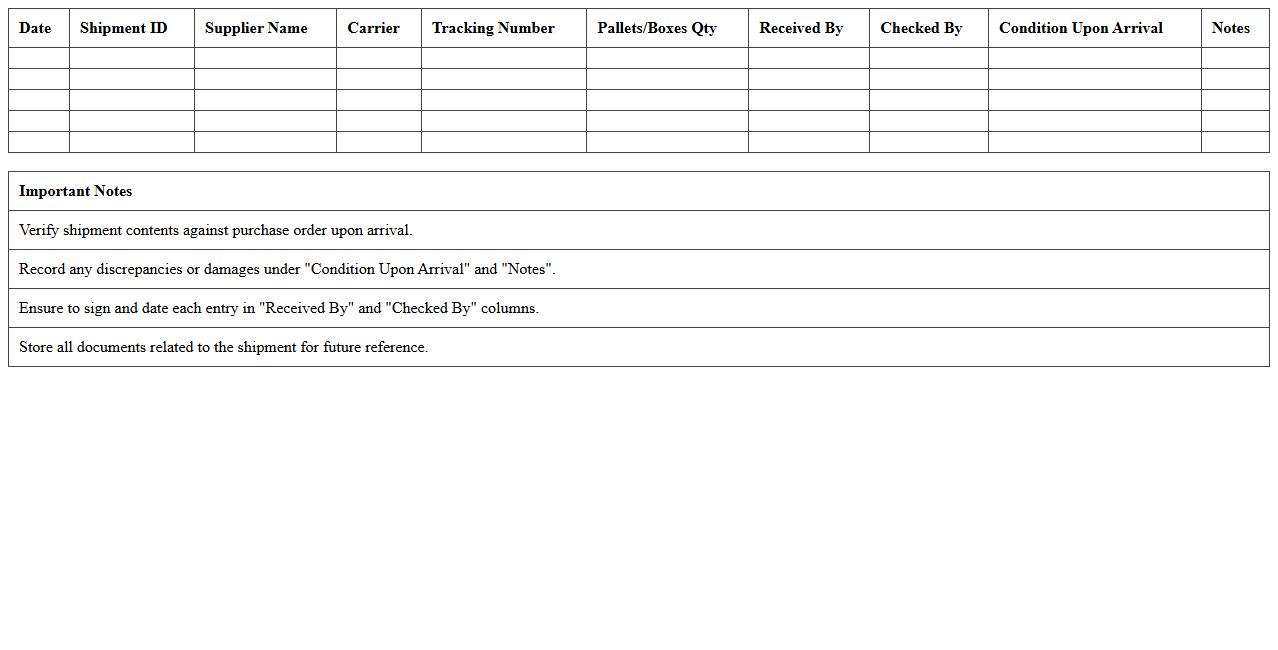
Warehouse Inbound Shipments Log document records detailed information about all incoming shipments to a warehouse, including shipment dates, supplier details, quantities, and SKU numbers. This log is essential for tracking inventory accuracy, verifying received goods against purchase orders, and identifying discrepancies early to prevent stockouts or overstock situations. Utilizing this document enhances operational efficiency by streamlining receiving processes and supporting timely inventory management decisions.
Warehouse Outbound Deliveries Tracker
The
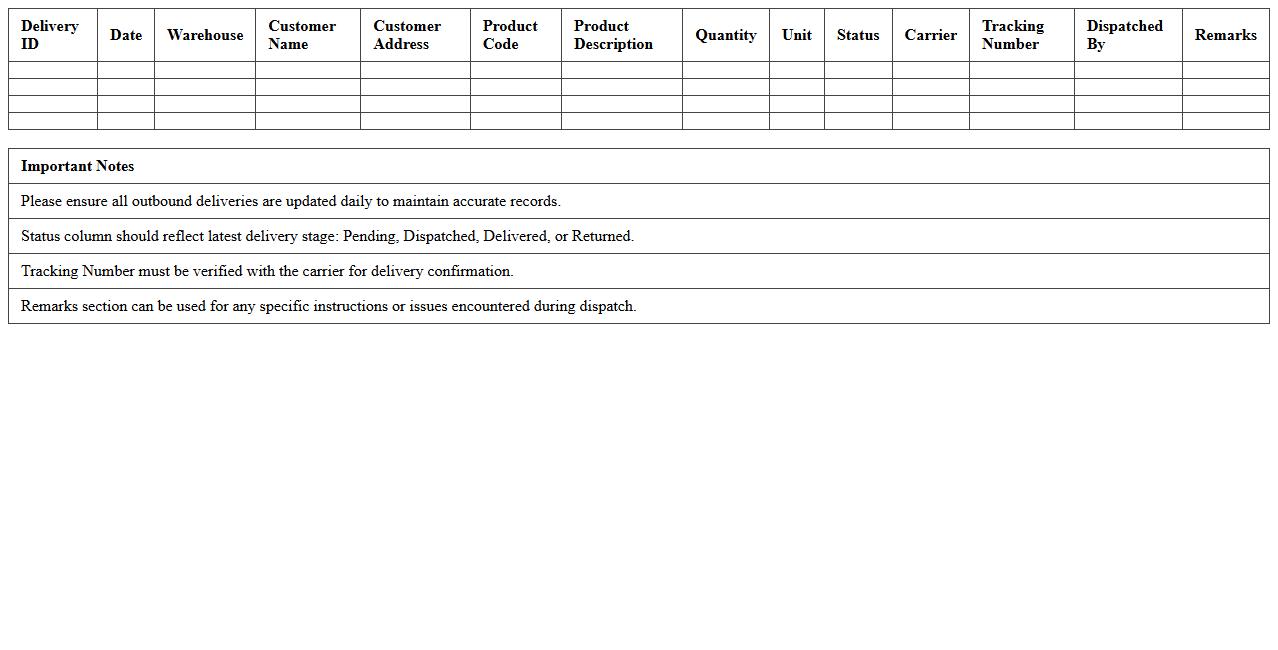
Warehouse Outbound Deliveries Tracker document systematically records all shipments leaving the warehouse, including details such as delivery dates, quantities, destination addresses, and carrier information. This tracker enhances inventory accuracy by ensuring real-time monitoring of outgoing goods, reducing errors, and improving logistical coordination. It is essential for optimizing delivery schedules, managing customer expectations, and maintaining efficient supply chain operations.
Logistics Order Fulfillment Spreadsheet
A
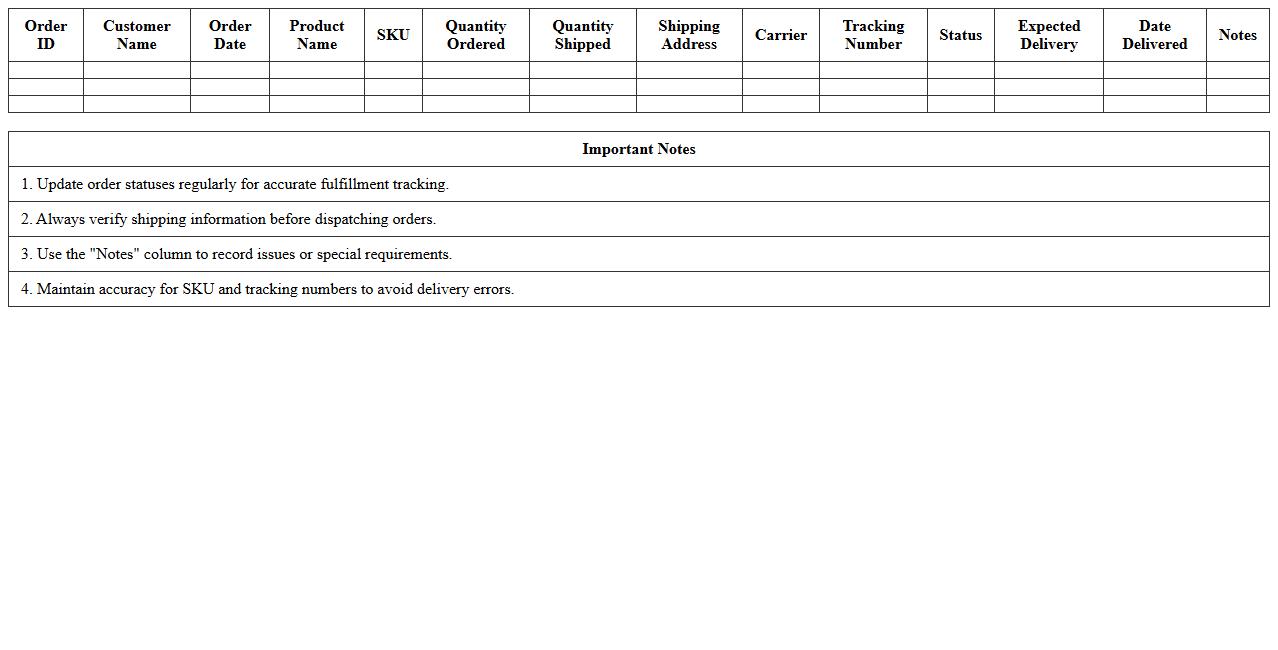
Logistics Order Fulfillment Spreadsheet document serves as a comprehensive tool to track and manage the entire order processing workflow, including inventory levels, shipment schedules, and delivery statuses. It enhances operational efficiency by providing real-time insights into order fulfillment progress, minimizing errors, and optimizing resource allocation. Businesses rely on this spreadsheet to streamline logistics, ensure timely deliveries, and improve customer satisfaction through accurate order tracking.
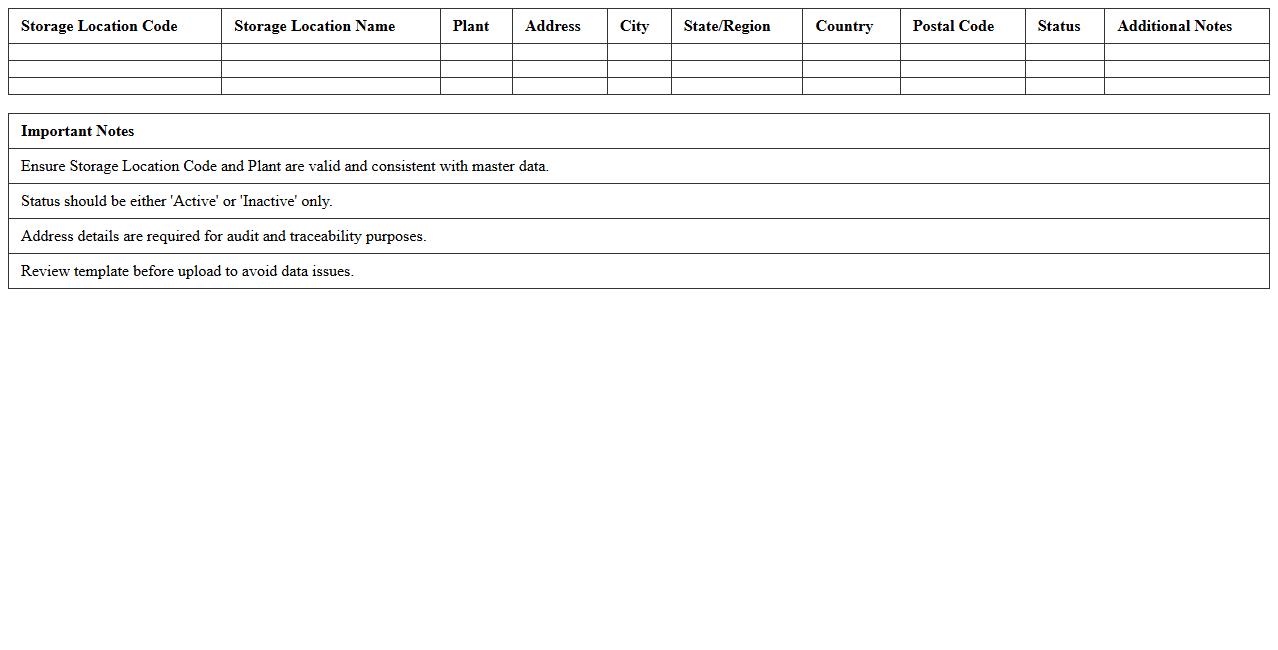
Storage Location Mapping Template
A
Storage Location Mapping Template document is a structured tool that organizes and maps inventory storage locations within a warehouse or distribution center. It helps streamline inventory management by providing clear references for where each item is stored, reducing time spent searching and minimizing errors. Using this template enhances operational efficiency, improves stock accuracy, and supports smoother logistics and order fulfillment processes.
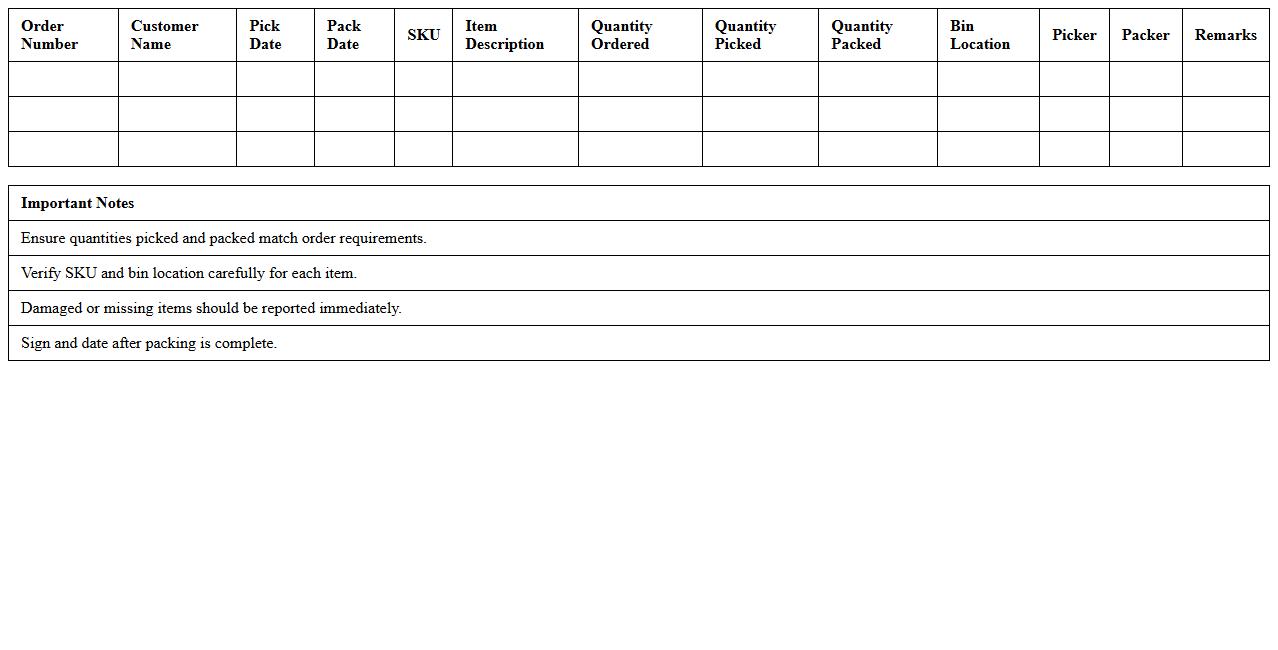
Warehouse Pick and Pack List
A
Warehouse Pick and Pack List document is a detailed inventory sheet used in logistics to specify the exact items and quantities that need to be picked from storage and packed for shipment. It streamlines the order fulfillment process by minimizing errors, improving accuracy, and enhancing efficiency in handling products. This document is crucial for maintaining inventory control, ensuring correct shipping, and optimizing warehouse operations.
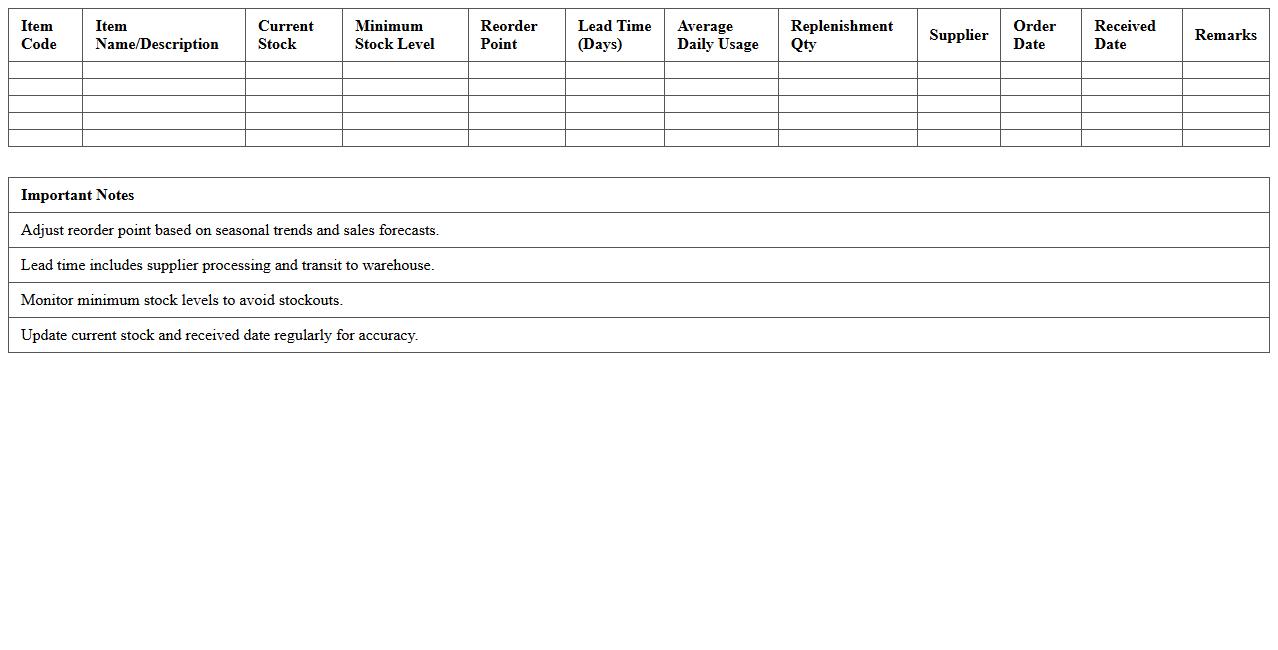
Stock Replenishment Planning Sheet
A
Stock Replenishment Planning Sheet is a detailed document used to track inventory levels, forecast demand, and schedule restocking activities to prevent stockouts and overstock situations. It provides critical data such as reorder points, lead times, and supplier information, enabling businesses to maintain optimal inventory levels efficiently. Utilizing this sheet enhances supply chain management, reduces carrying costs, and improves customer satisfaction by ensuring product availability.
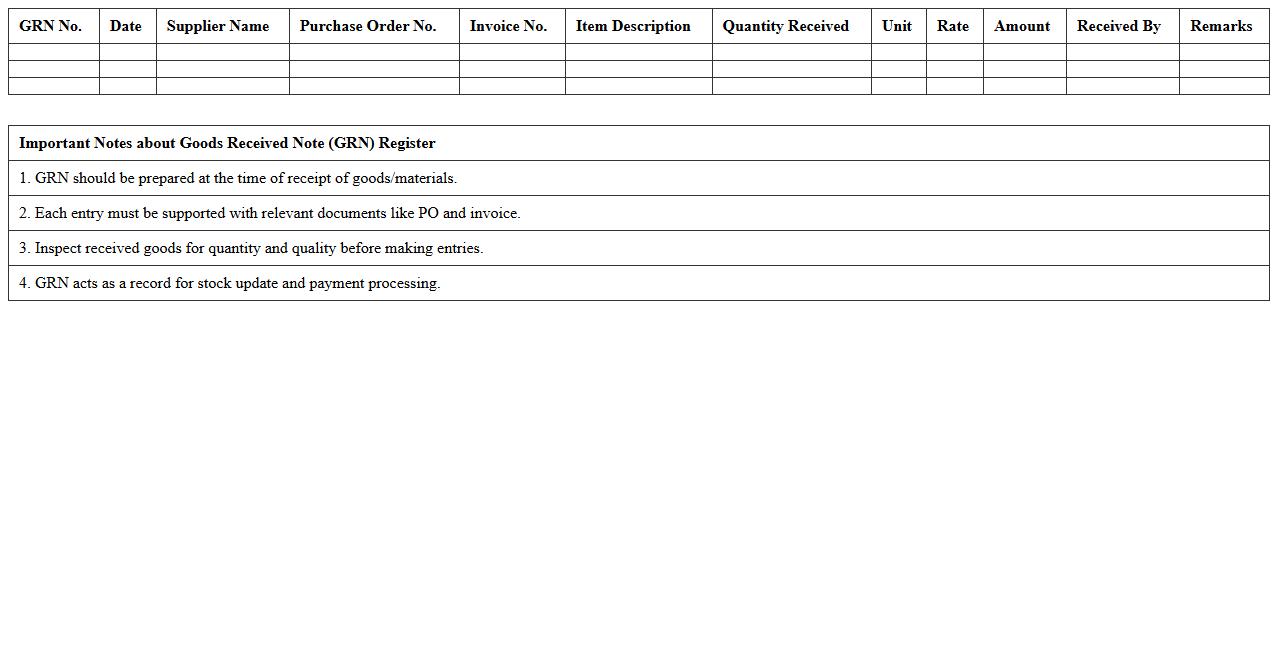
Goods Received Note (GRN) Register
The
Goods Received Note (GRN) Register document is a detailed record that tracks all incoming goods against purchase orders, ensuring accurate inventory management and verification. It helps businesses confirm receipt of correct quantities and quality of products, reducing discrepancies and facilitating efficient supplier payments. Utilizing a GRN register enhances accountability, streamlines stock control processes, and supports audit compliance by maintaining transparent transaction histories.
Backorder Management Excel Log
A
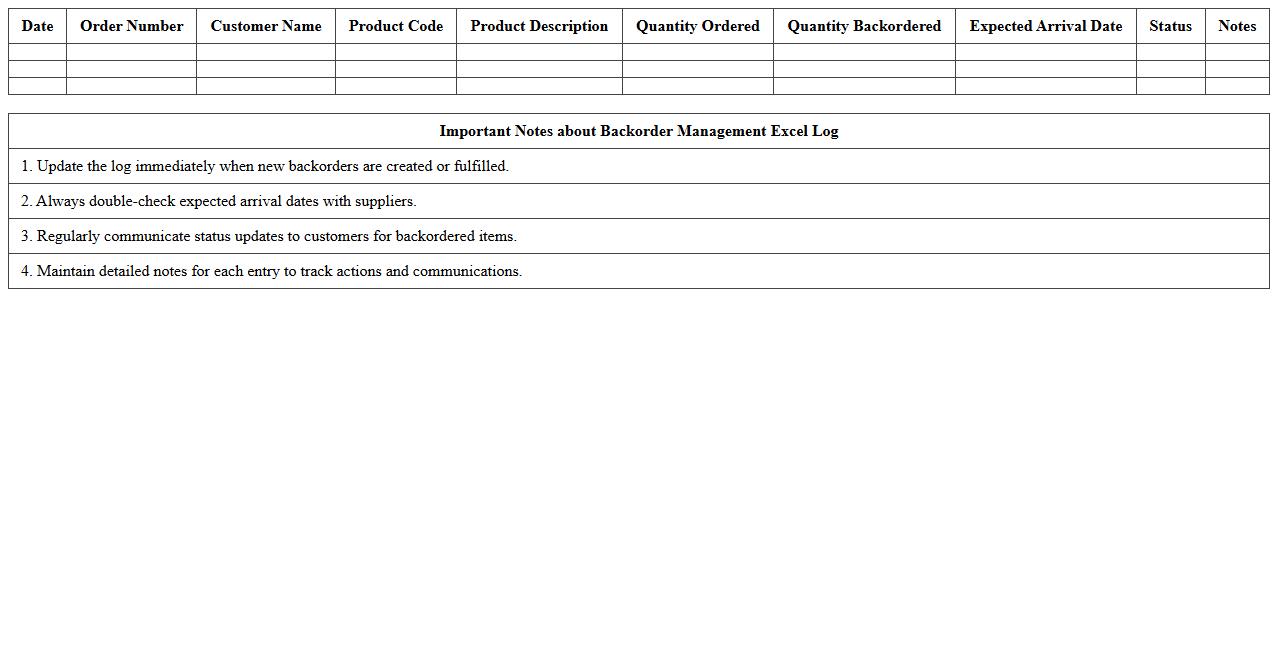
Backorder Management Excel Log document is a spreadsheet tool designed to track and monitor pending orders that cannot be fulfilled immediately due to inventory shortages. It enables businesses to organize backorder details, such as customer information, product specifications, order dates, and expected fulfillment times, ensuring accurate follow-up and timely communication. Utilizing this log enhances supply chain efficiency, reduces customer dissatisfaction, and supports inventory planning by providing clear visibility into outstanding orders.
Warehouse Productivity KPI Dashboard
A
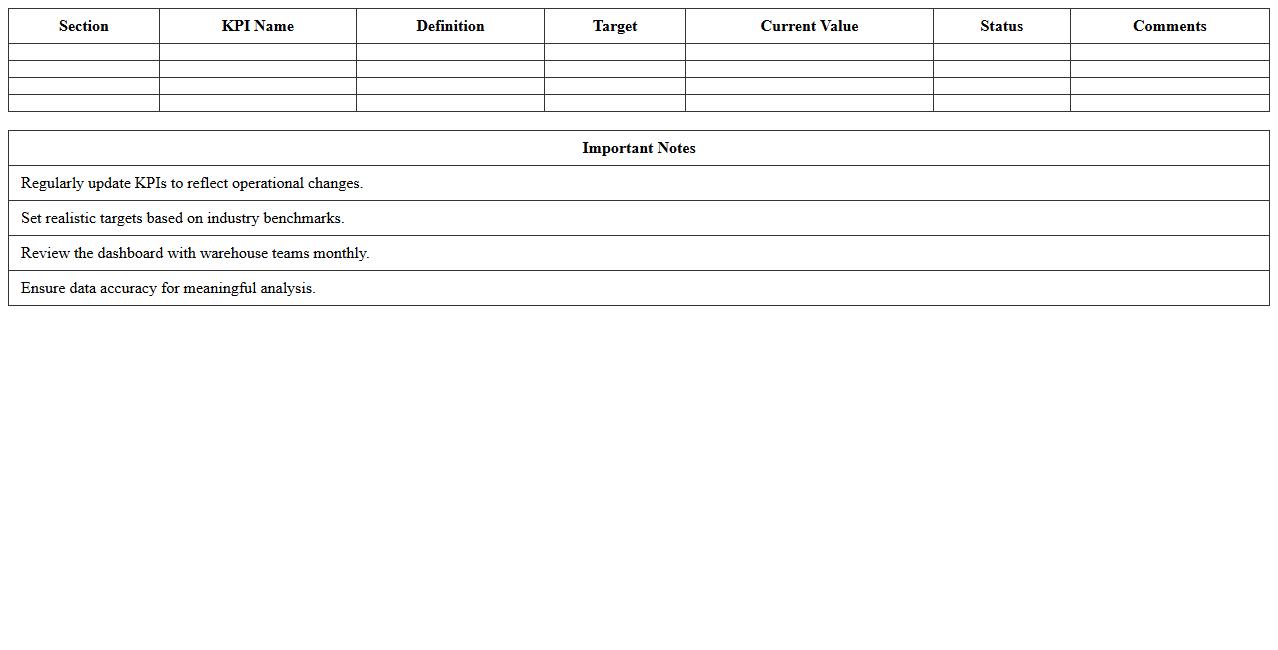
Warehouse Productivity KPI Dashboard document is a tool that visually tracks key performance indicators related to warehouse operations, such as order accuracy, picking speed, and inventory turnover. It helps managers identify inefficiencies, monitor progress toward goals, and make data-driven decisions to optimize workflow and reduce operational costs. By providing real-time insights, the dashboard enhances overall productivity and supports continuous improvement initiatives within the warehouse.
How can Excel formulas optimize inventory tracking in logistics management documents?
Excel formulas such as SUMIF and VLOOKUP enable automated tracking of stock levels and reorder points. These formulas reduce manual errors and update inventory counts in real time. By integrating dynamic calculations, logistics managers can maintain accurate and efficient inventory control.
What pivot table setups are best for analyzing warehouse picking accuracy in Excel letters?
Using pivot tables with row fields for SKU numbers and value fields for quantities picked helps analyze picking accuracy effectively. Including a filter for date ranges or shifts can identify performance trends over time. Grouping data by employee and item category further enhances detailed accuracy assessments.
Which conditional formatting rules highlight delayed shipments in logistics management spreadsheets?
Applying conditional formatting rules that trigger on shipment dates past today's date with a status not marked as delivered highlights delays. Using red fill color or bold font emphasizes overdue shipments immediately. These visual cues help logistics teams quickly identify and prioritize problematic shipments.
How can Excel templates automate inbound and outbound logistics reporting for warehouses?
Excel templates with built-in formulas and data validation fields streamline the input and reporting process. Automated summaries and charts generated from raw data provide instant insights into inbound and outbound flows. This reduces manual report generation and improves data accuracy across warehouse logistics documentation.
What macro functions can streamline batch processing of shipment scheduling in warehouse documents?
Macros using looping structures can automate repetitive tasks like updating multiple shipment schedules at once. Functions to import data, calculate estimated delivery times, and send alerts save significant operational time. Implementing these macros enhances efficiency in managing complex warehouse shipment workflows.