The Import Export Logistics Excel Template for International Trade streamlines the management of shipping schedules, inventory tracking, and customs documentation. Designed to enhance accuracy and efficiency, this template helps businesses monitor costs, deadlines, and compliance with international trade regulations. Its user-friendly interface supports seamless coordination between suppliers, carriers, and clients worldwide.
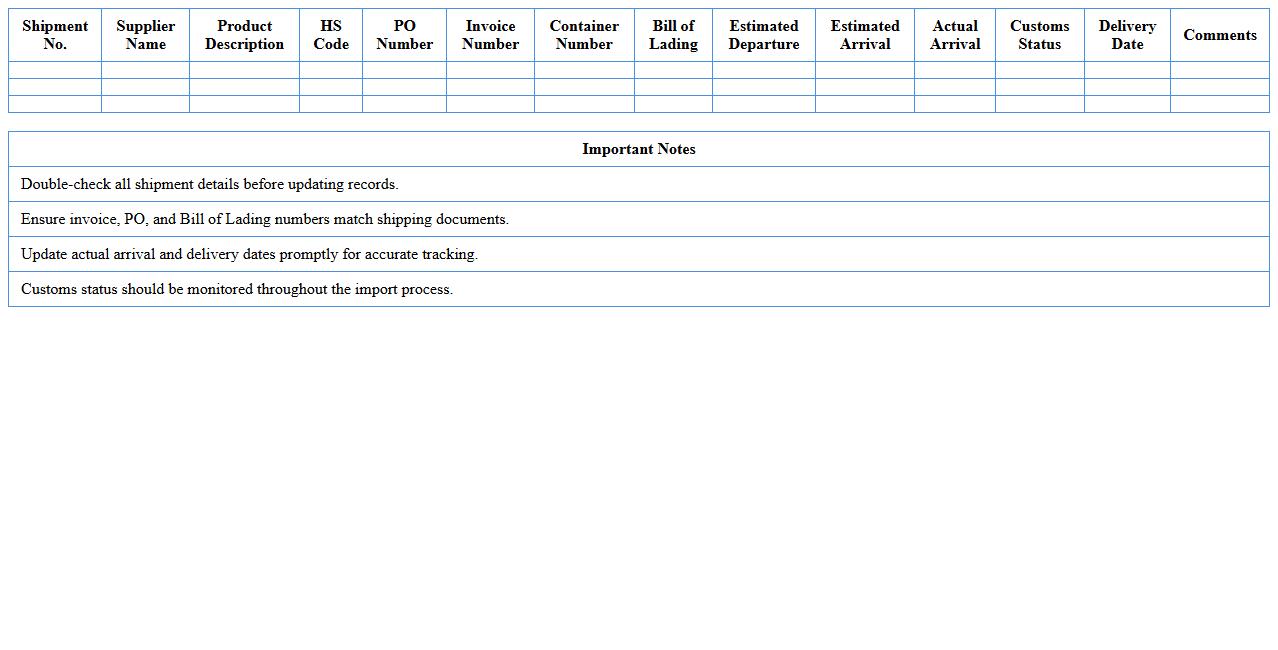
Import Shipment Tracking Log Excel Template
The
Import Shipment Tracking Log Excel Template is a structured spreadsheet designed to record and monitor the status of imported goods throughout the supply chain. It helps businesses maintain accurate details such as shipment dates, carrier information, customs clearance status, and delivery timelines, ensuring transparency and timely updates. Utilizing this template enhances operational efficiency, reduces the risk of delays, and facilitates better communication between suppliers, freight forwarders, and importers.
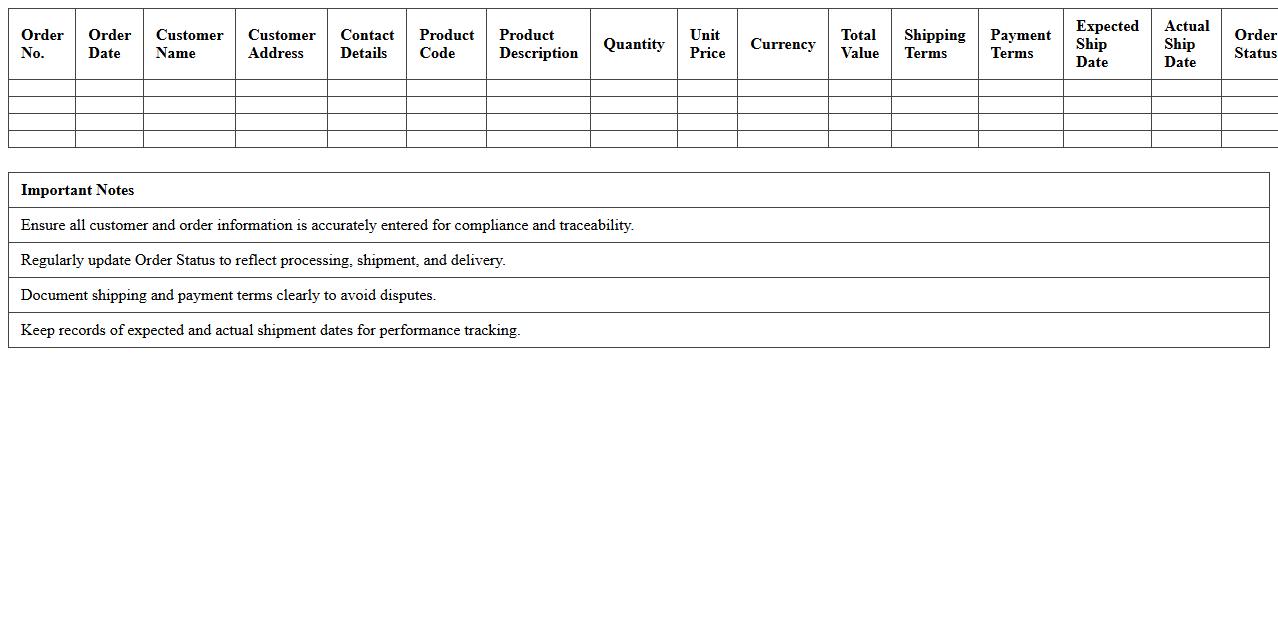
Export Order Management Spreadsheet Template
The
Export Order Management Spreadsheet Template is a structured document designed to track and organize international sales orders efficiently. It helps businesses monitor order details such as product specifications, shipment dates, customer information, and payment status, ensuring accuracy and timely delivery. Utilizing this template enhances export process visibility, reduces errors, and improves overall supply chain management.
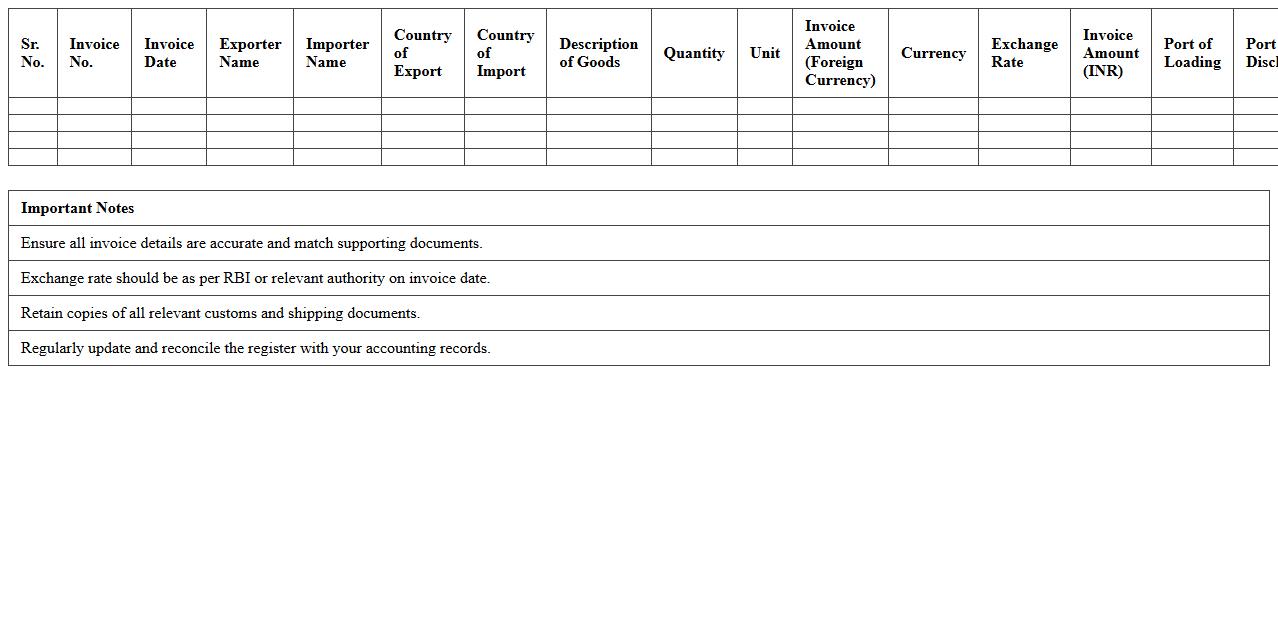
International Trade Invoice Register Excel Sheet
The
International Trade Invoice Register Excel Sheet is a comprehensive document designed to systematically record and track all invoices related to cross-border transactions. It helps businesses maintain organized financial records, ensuring accuracy in billing, compliance with international trade regulations, and efficient management of payments and receivables. This Excel sheet facilitates better audit trails and enhances the ability to analyze trade patterns and financial performance across different markets.
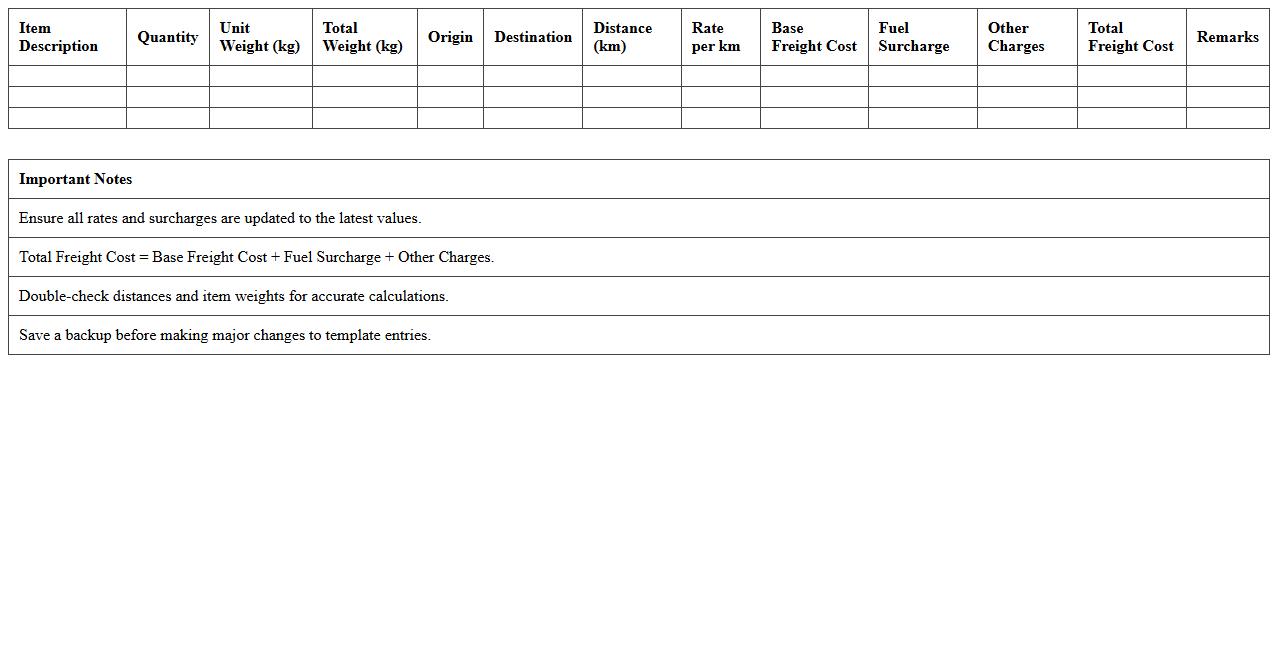
Freight Cost Calculation Excel Template
The
Freight Cost Calculation Excel Template is a structured spreadsheet designed to accurately estimate shipping expenses by factoring in variables such as weight, distance, fuel surcharges, and carrier rates. This tool streamlines the process of budgeting and financial forecasting for logistics and supply chain management by providing transparent and quick cost analysis. Using this template improves decision-making efficiency, enabling businesses to optimize shipping strategies and reduce unnecessary expenses.
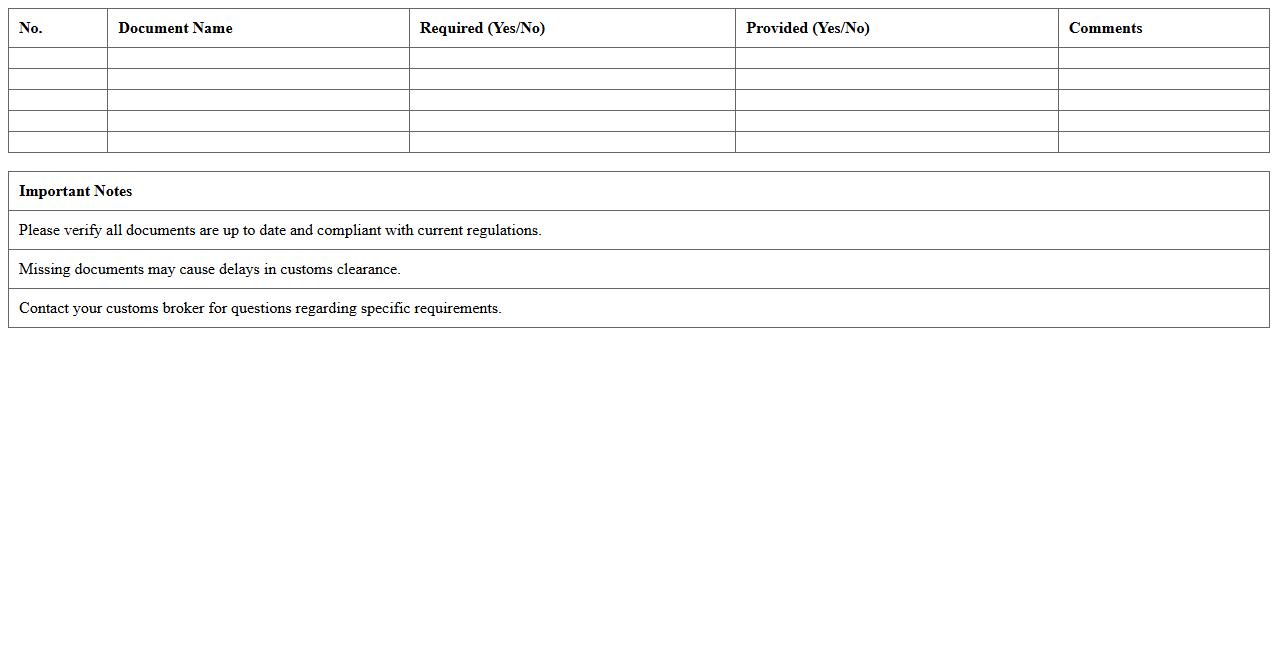
Customs Documentation Checklist Excel Template
The
Customs Documentation Checklist Excel Template is a structured digital tool designed to organize and track all necessary customs paperwork for international shipping and trade compliance. It helps businesses ensure timely submission of documents such as commercial invoices, packing lists, and certificates of origin, reducing delays and avoiding costly penalties. By streamlining the customs process, this template enhances efficiency and accuracy in global logistics operations.
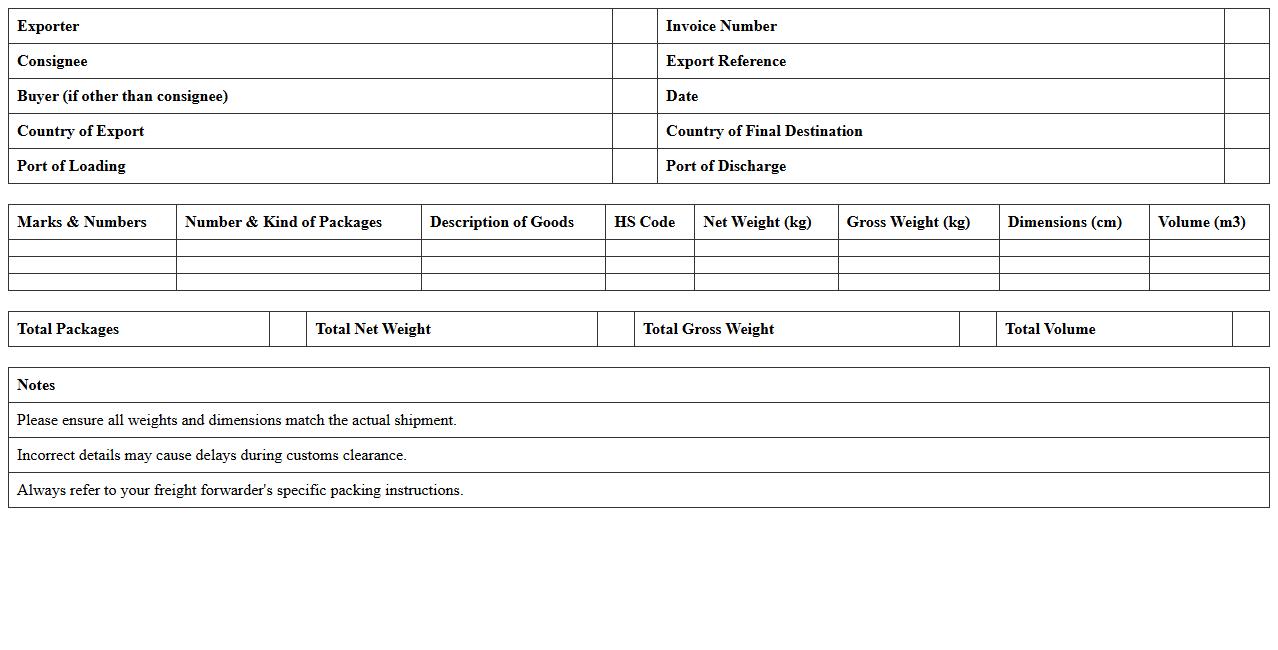
Export Packing List Excel Spreadsheet
The
Export Packing List Excel Spreadsheet document details all items included in a shipment, specifying quantities, weights, dimensions, and packaging types to ensure accuracy in export operations. It facilitates communication between exporters, freight forwarders, customs officials, and importers, minimizing errors and streamlining customs clearance. Utilizing this spreadsheet improves inventory management, shipment tracking, and compliance with international trade regulations.
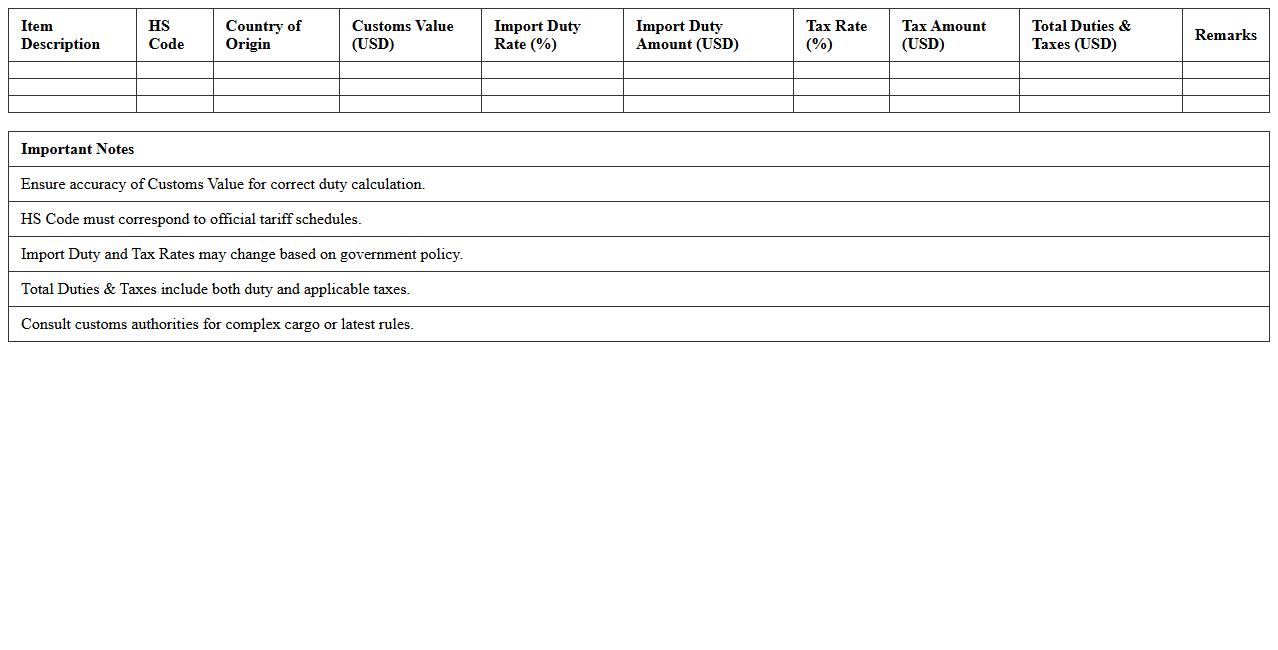
Import Duties and Taxes Calculator Excel Sheet
An
Import Duties and Taxes Calculator Excel Sheet document is a tool designed to accurately compute the total import costs by factoring in applicable customs duties, taxes, and fees based on shipment details. This calculator streamlines the process of estimating import expenses, enabling businesses and individuals to budget effectively and avoid unexpected charges. By inputting product value, classification codes, and origin countries, users can quickly obtain precise duty and tax liabilities essential for informed decision-making in international trade.
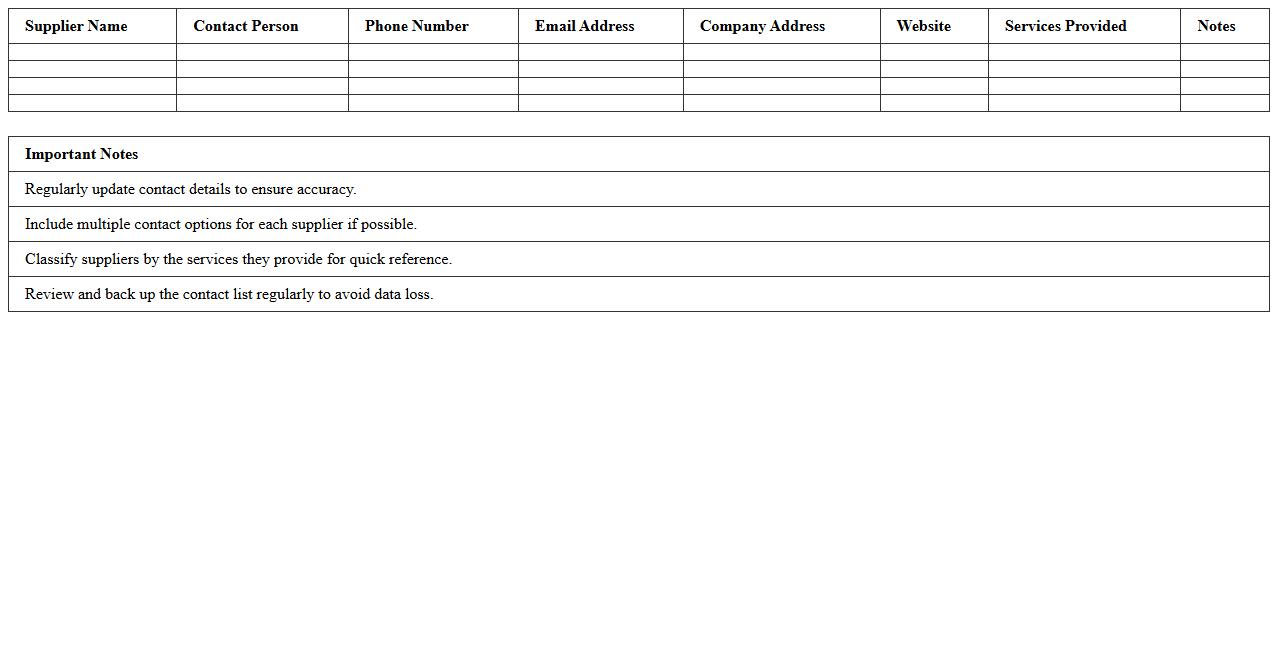
Logistics Supplier Contact List Excel Template
The
Logistics Supplier Contact List Excel Template is a structured document designed to organize and manage supplier information including company names, contact details, and service categories. It streamlines communication and enhances supplier relationship management by providing quick access to critical data, reducing response times, and improving operational efficiency. This template is essential for logistics professionals aiming to maintain accurate records and optimize procurement and supply chain processes.
Cargo Container Load Planning Excel Template
The
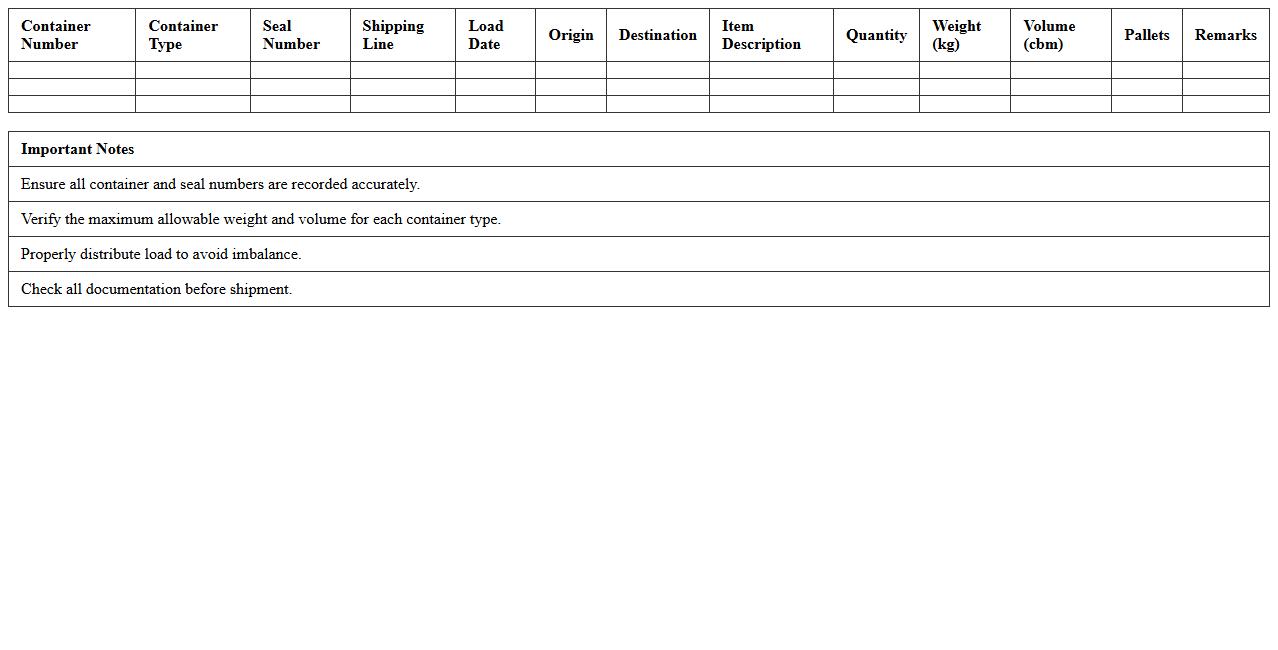
Cargo Container Load Planning Excel Template is a powerful tool designed to optimize the arrangement of cargo within shipping containers, ensuring maximum space utilization and balanced weight distribution. By inputting detailed cargo dimensions and weights, users can efficiently plan load sequences, reducing transportation costs and minimizing the risk of damage during transit. This template streamlines logistical operations, enhances cargo safety, and improves overall shipping efficiency for businesses managing complex freight shipments.
Incoterms Comparison Table Excel Sheet
The
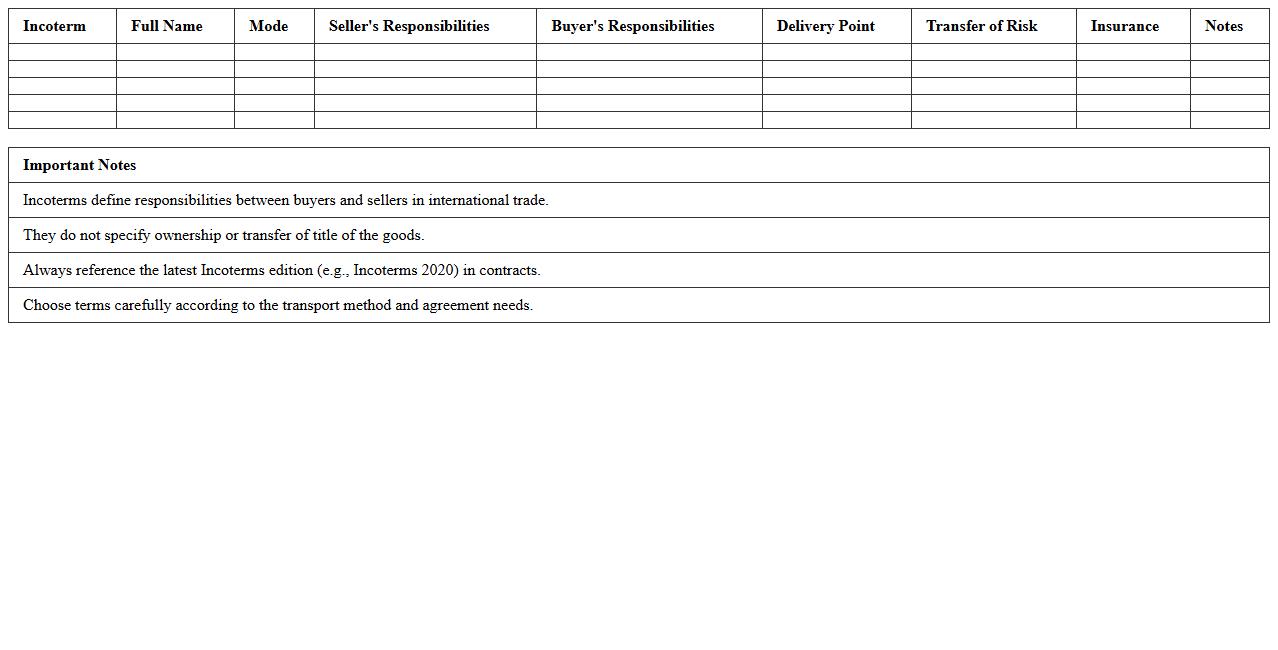
Incoterms Comparison Table Excel Sheet document provides a comprehensive overview of international commercial terms, outlining the responsibilities, risks, and costs between buyers and sellers in global trade. By organizing key elements such as delivery points, transfer of risk, and payment obligations in a clear, tabular format, it simplifies the decision-making process for logistics and contractual agreements. This tool is invaluable for businesses aiming to optimize shipping strategies and ensure compliance with international trade regulations.
How can I automate bill of lading tracking in an Import Export Logistics Excel sheet?
Automating bill of lading tracking in Excel involves using dynamic data entry forms and VBA macros to update shipment status automatically. Integrate tracking numbers with online carrier APIs through Excel to fetch real-time updates. Conditional formatting can highlight delays or completed shipments for quick visualization.
What Excel templates optimize HS code classification for international shipments?
Excel templates focusing on HS code classification typically contain drop-down lists with standardized codes tied to tariff descriptions. These templates allow users to search and filter HS codes efficiently, ensuring accurate customs documentation. Incorporating data validation minimizes errors and accelerates shipment processing.
How to use pivot tables for freight cost breakdown by country in trading logistics?
Pivot tables help summarize freight cost breakdown by grouping data based on countries and shipment dates. By dragging cost metrics into the value area, you can analyze expenditures across different routes quickly. Adding slicers enhances interactivity, letting users filter costs by carriers or shipment types.
Which Excel functions best support Incoterms compliance documentation?
Excel functions like IF, VLOOKUP, and TEXT streamline Incoterms compliance by automating document checks and data matching. These functions validate shipment terms against contract requirements, reducing manual review time. Combining date and location fields ensures Incoterm-specific deadlines are tracked effectively.
How to link shipment schedules with customs clearance status in Excel for global trade?
Linking shipment schedules with customs clearance involves using Excel formulas to connect timing data with status updates. Utilize LOOKUP functions to fetch customs clearance progress based on shipment IDs, centralizing data management. Automated alerts can be set up using conditional formatting for delayed clearance events.
More Logistics Excel Templates