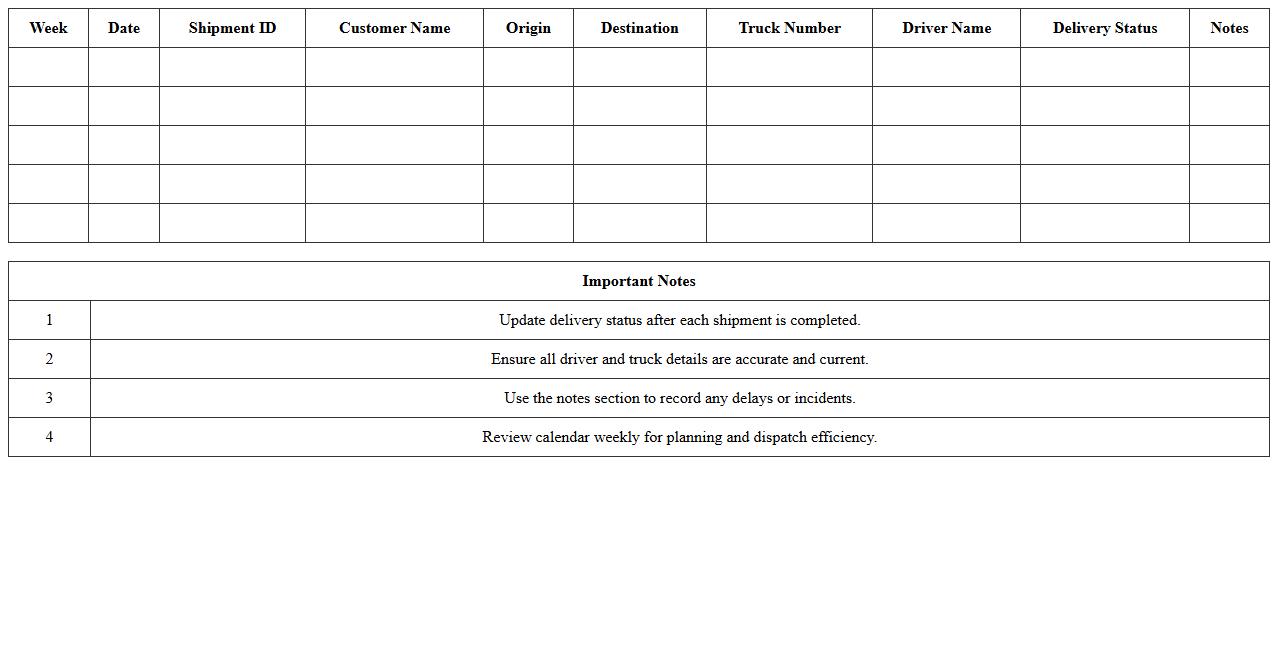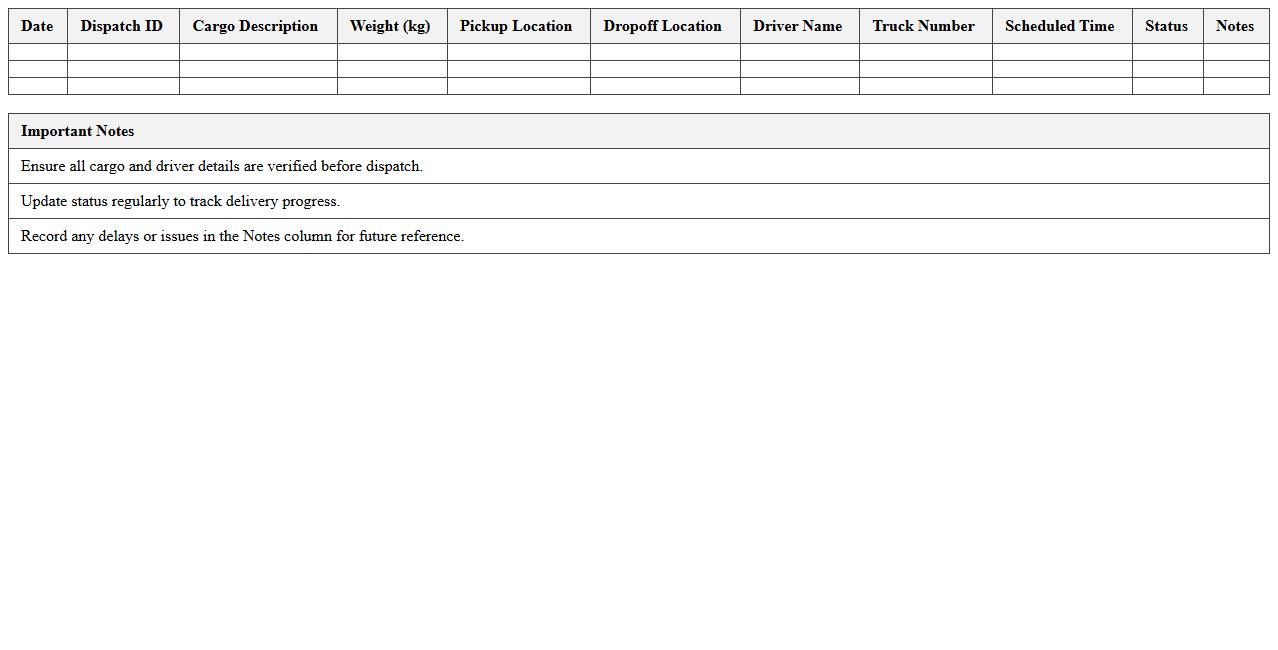
The Logistics Delivery Schedule Excel Template for Trucking Companies streamlines route planning and shipment tracking, enhancing operational efficiency. This user-friendly template allows managers to organize delivery times, assign drivers, and monitor load statuses in real-time. Designed specifically for trucking companies, it reduces scheduling errors and improves on-time delivery rates.
Daily Freight Delivery Schedule Excel Template
The
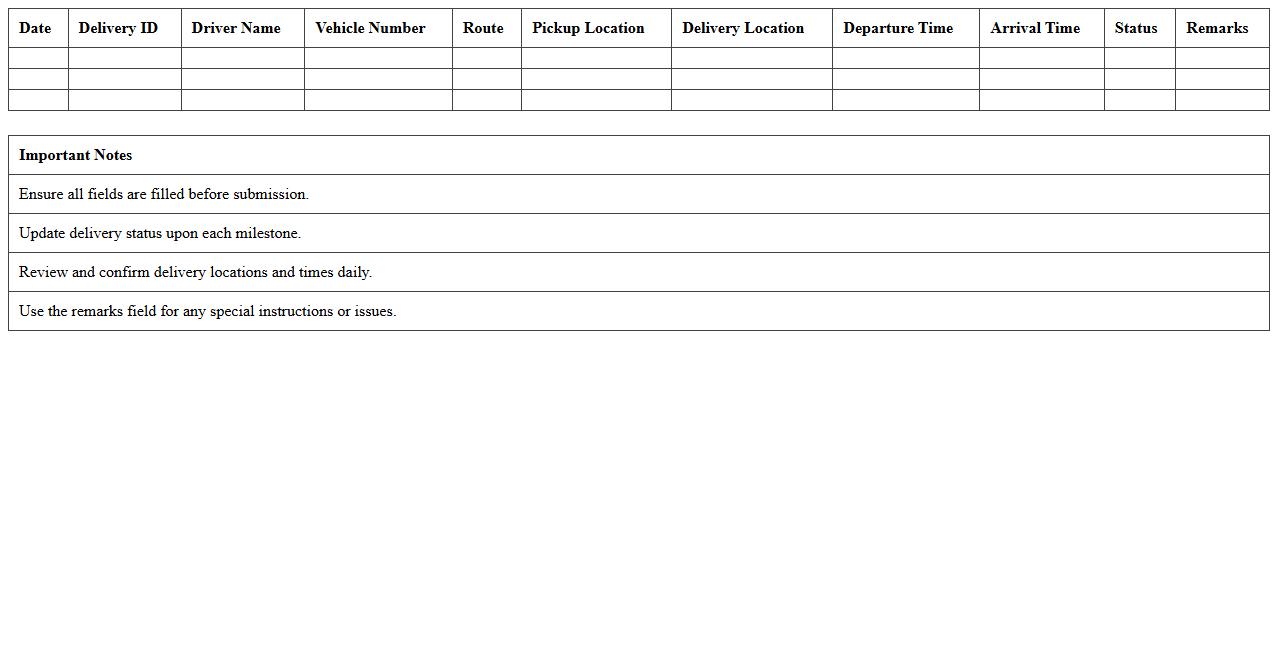
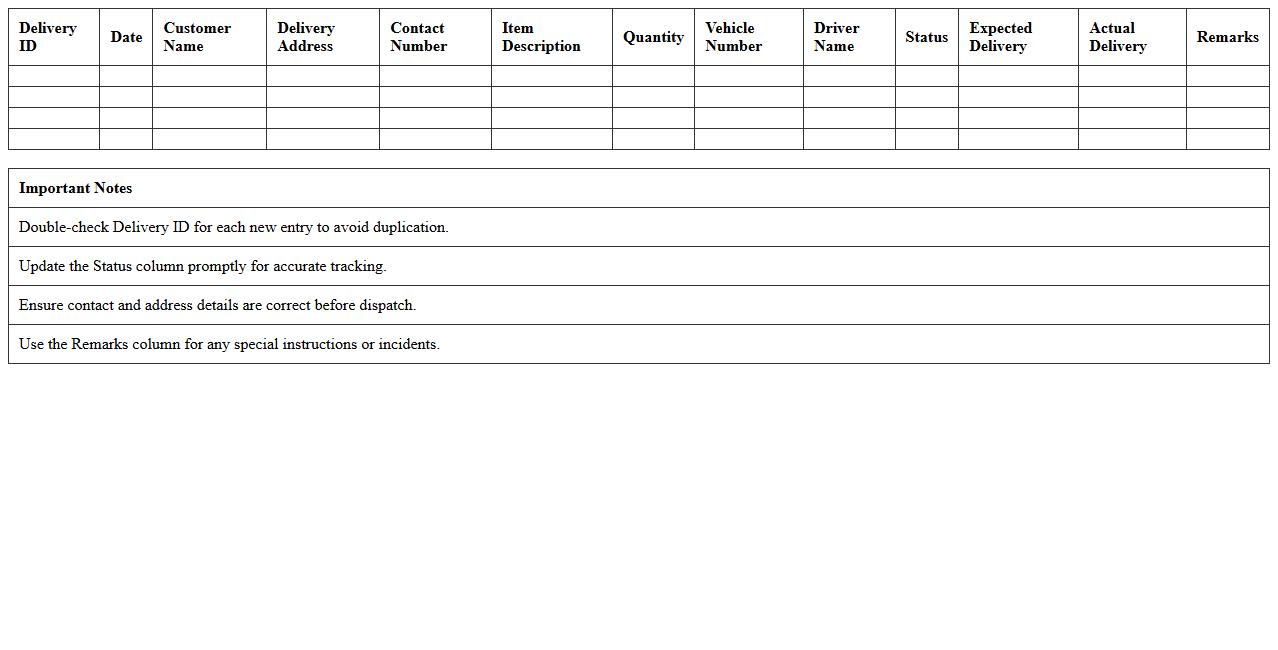
Daily Freight Delivery Schedule Excel Template document is a structured tool designed to organize and track freight deliveries on a daily basis, allowing businesses to efficiently manage shipping times, vehicle assignments, and delivery routes. It enhances operational efficiency by providing clear visibility into shipment schedules, reducing errors and delays in transport logistics. This template is useful for logistics managers, freight companies, and supply chain professionals aiming to optimize delivery planning and improve customer satisfaction through timely shipments.
Weekly Truck Route Planner Excel Template
The
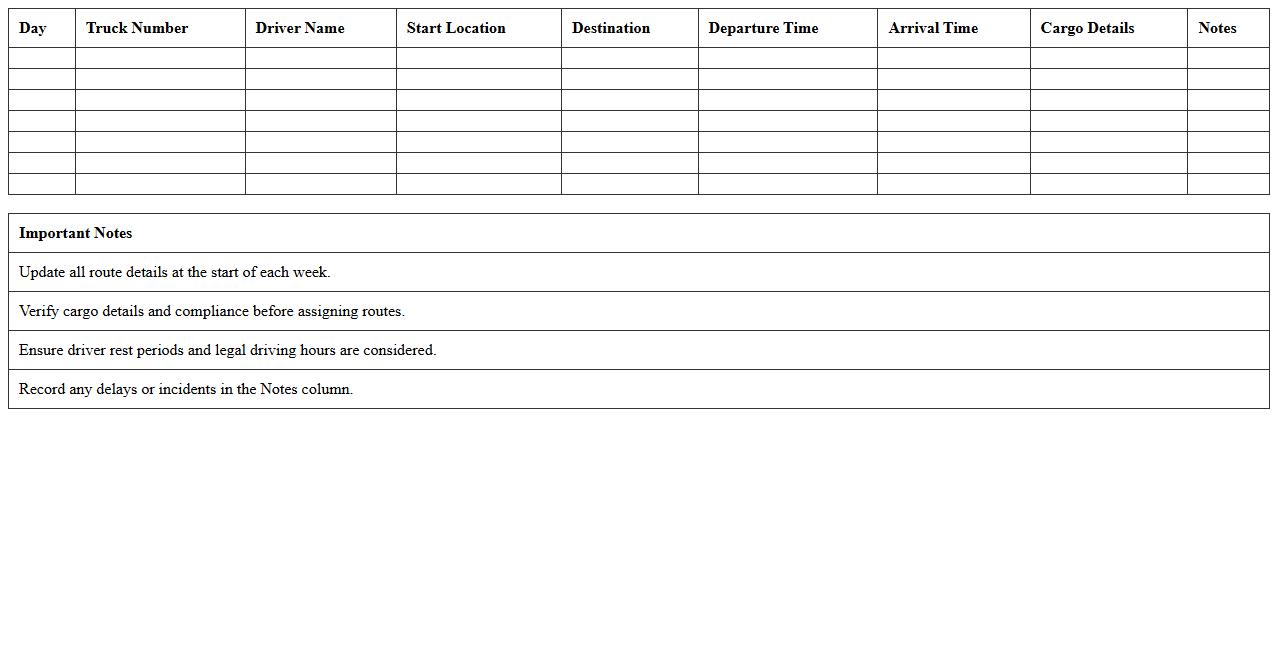
Weekly Truck Route Planner Excel Template is a comprehensive document designed to organize and optimize truck delivery schedules across multiple locations. It enables logistics managers to allocate routes efficiently, track driver assignments, and monitor fuel and time expenditures, reducing operational costs and delays. This template enhances productivity by providing clear visualizations and easily editable fields to adapt to changing delivery demands.
Dispatch & Delivery Timeline Spreadsheet
The
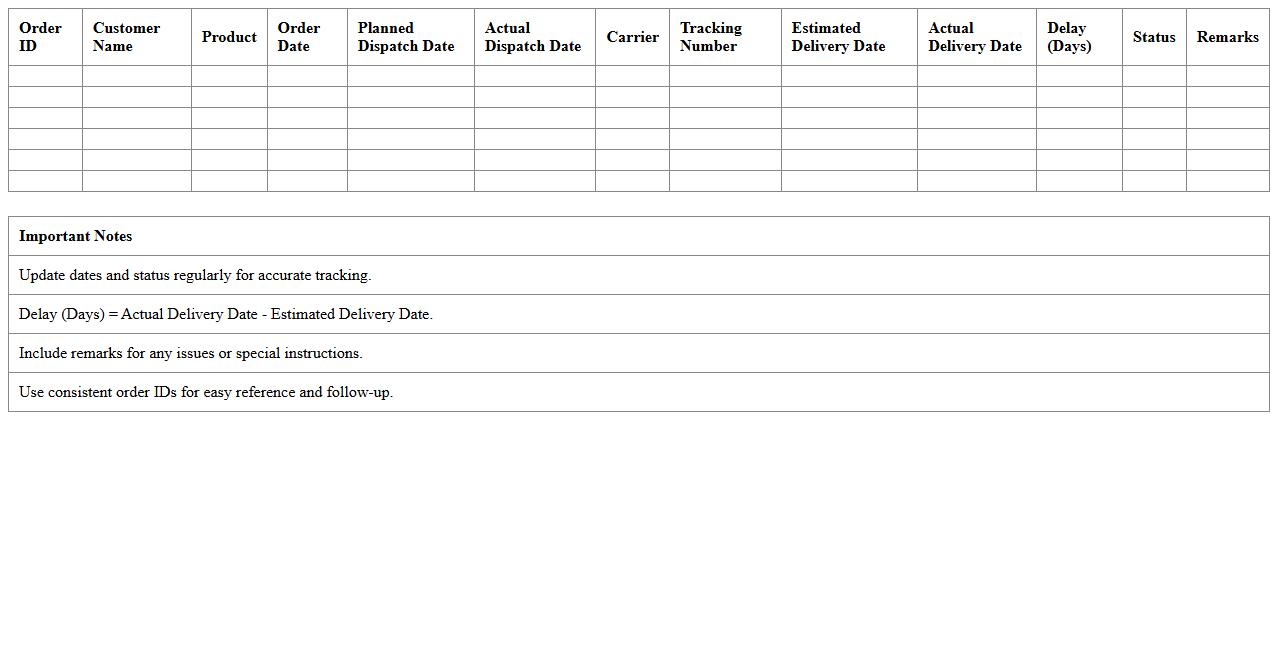
Dispatch & Delivery Timeline Spreadsheet is a detailed tracking tool designed to monitor the schedule and status of shipments from dispatch to final delivery. It helps businesses manage logistics by providing clear visibility into estimated dispatch dates, transit durations, and delivery deadlines, ensuring timely fulfillment. This spreadsheet improves operational efficiency by enabling proactive adjustments to delays and streamlining communication between dispatch teams and recipients.
Truck Fleet Load Assignment Excel Sheet
The
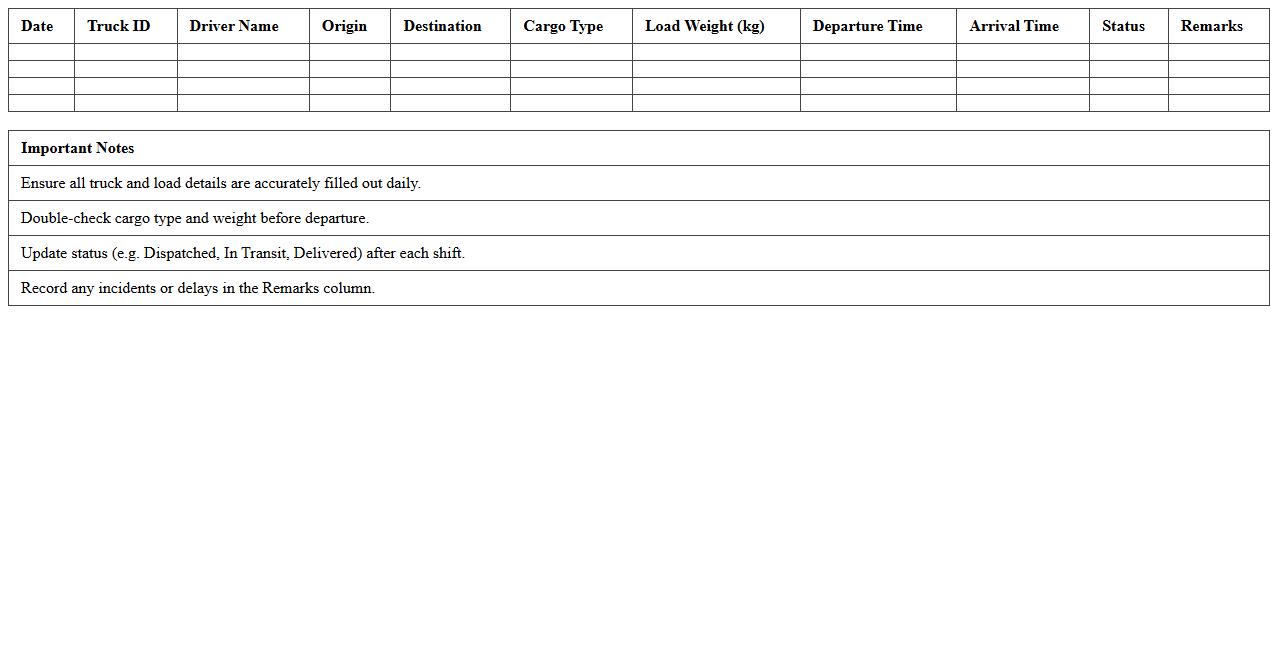
Truck Fleet Load Assignment Excel Sheet document is a spreadsheet tool designed to optimize the distribution of loads across a fleet of trucks, ensuring efficient route planning and resource allocation. It helps logistics managers track truck capacities, assign loads based on weight, destination, and availability, reducing downtime and operational costs. By providing clear visibility into load assignments, this document enhances fleet utilization and streamlines delivery schedules.
Logistics Delivery Tracking Excel Template
A
Logistics Delivery Tracking Excel Template is a structured spreadsheet designed to monitor and manage the movement of goods through various stages of delivery. It helps streamline operations by providing real-time insights into shipment status, delivery timelines, and inventory levels, facilitating efficient decision-making. By automating data entry and analysis, this template reduces errors, saves time, and enhances supply chain transparency for businesses.
Multi-Stop Delivery Schedule Planner
A
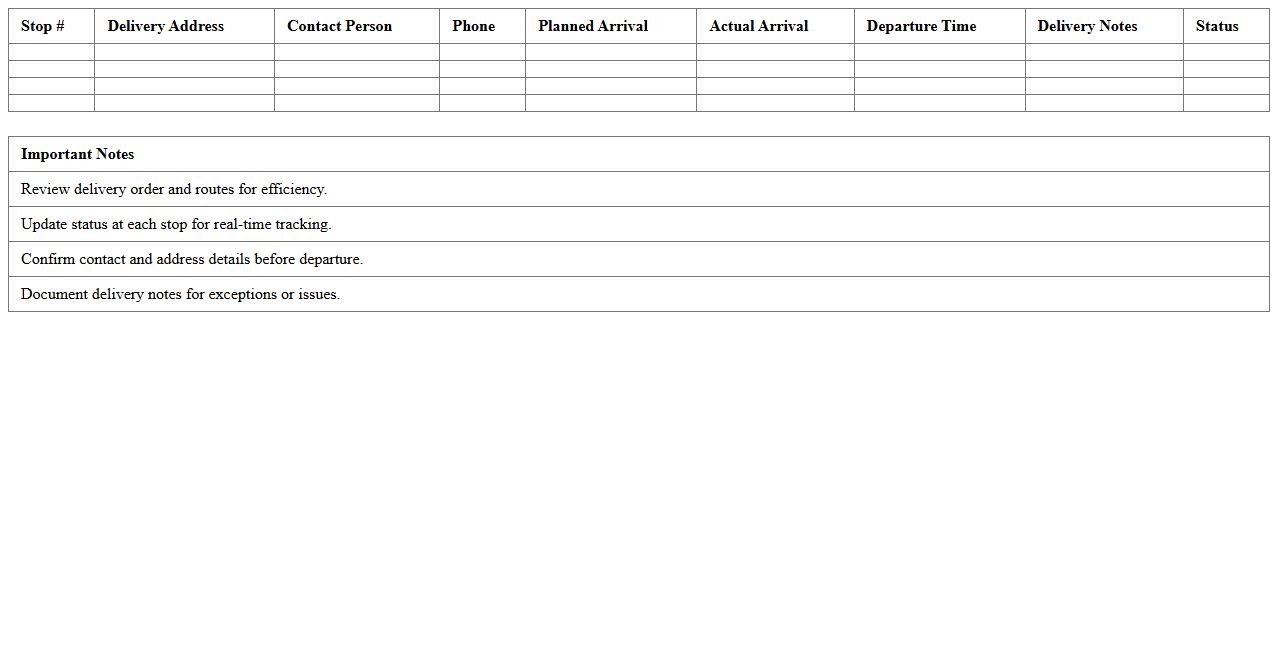
Multi-Stop Delivery Schedule Planner document organizes multiple delivery locations into an efficient route, optimizing time and fuel consumption. It improves logistics management by reducing transit costs, minimizing delays, and enhancing overall customer satisfaction. Businesses use this planner to streamline operations and ensure timely deliveries across multiple stops.
Driver Route and Delivery Log Excel Template
The
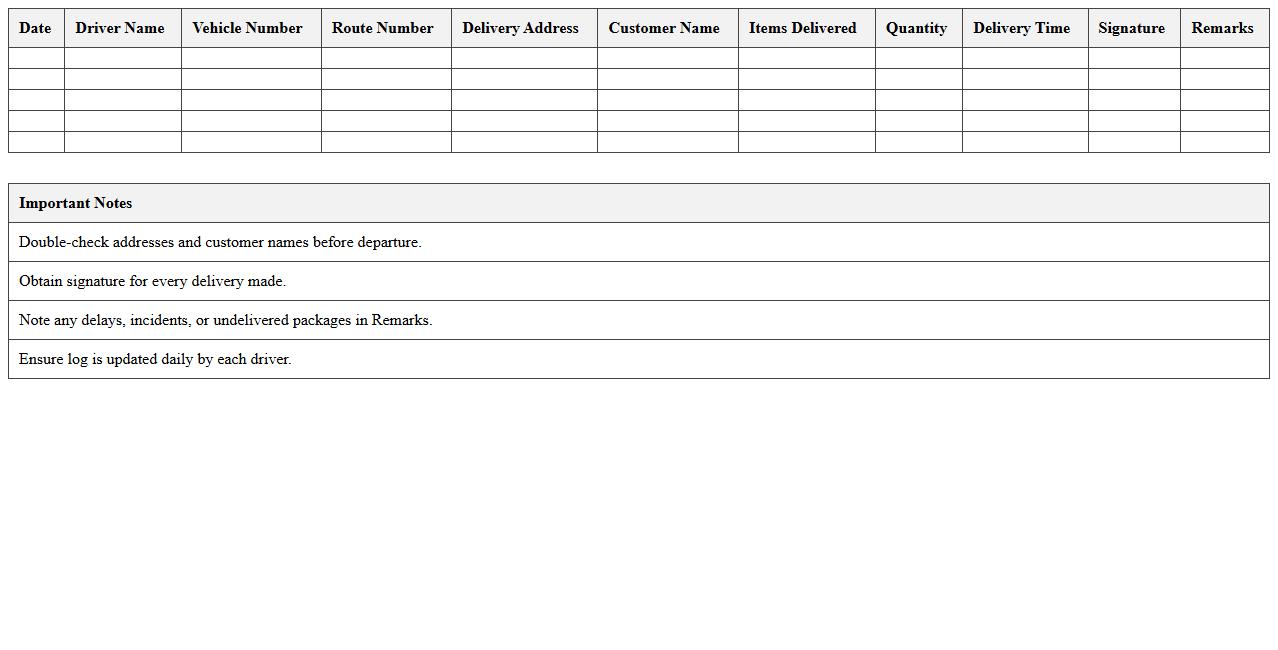
Driver Route and Delivery Log Excel Template is a structured spreadsheet designed to efficiently record and track delivery routes, driver activities, and delivery statuses. It streamlines logistics management by enabling real-time documentation of departure times, stop locations, delivery confirmations, and mileage, which enhances operational transparency. Businesses can optimize route planning, monitor driver performance, and ensure timely deliveries, ultimately reducing costs and improving customer satisfaction.
Bulk Freight Shipment Schedule Spreadsheet
A
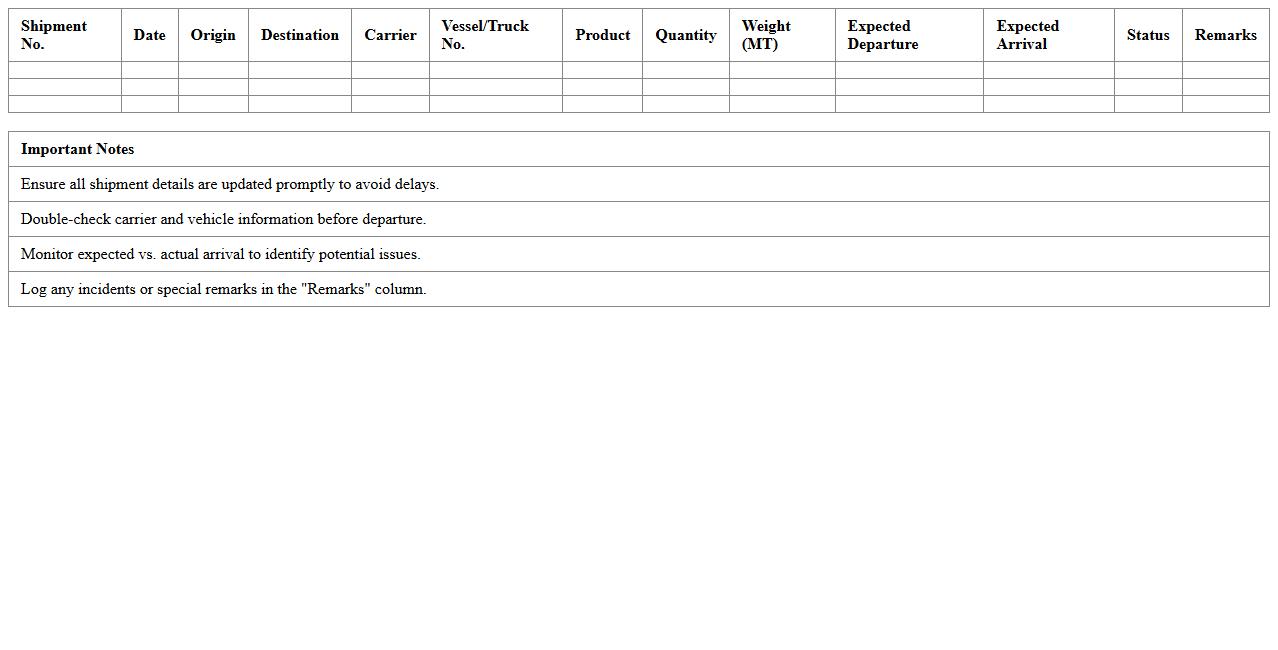
Bulk Freight Shipment Schedule Spreadsheet is a detailed document used to organize and track large-scale cargo shipments, including dates, quantities, destinations, and carrier information. This spreadsheet enhances logistical planning by providing a centralized and easily accessible overview of shipment timelines and inventory flow. Utilizing such a document improves efficiency, reduces delays, and aids in maintaining clear communication across supply chain stakeholders.
Trucking Company Delivery Calendar Excel
A
Trucking Company Delivery Calendar Excel document organizes and tracks delivery schedules, routes, and deadlines efficiently. It helps logistics managers optimize fleet utilization, minimize delays, and ensure timely shipments by providing clear visibility of daily, weekly, and monthly delivery plans. This tool supports data-driven decision-making by consolidating delivery information in an easy-to-update format, improving overall trucking operations and customer satisfaction.
Cargo Dispatch & Scheduling Excel Template
The
Cargo Dispatch & Scheduling Excel Template document is a structured tool designed to streamline the organization of cargo shipments and vehicle dispatch times. It helps logistics managers efficiently allocate resources, track delivery schedules, and monitor cargo statuses in real-time, reducing the likelihood of delays and errors. By providing customizable fields and automated calculations, this template enhances operational productivity and supports data-driven decision-making in supply chain management.
How can conditional formatting highlight late deliveries in a logistics delivery schedule Excel sheet?
Conditional formatting in Excel can visually highlight late deliveries by comparing delivery dates against their scheduled dates. You can apply a formula that checks if the actual delivery date is later than the expected date and then format those cells with a distinct color. This helps logistics managers quickly identify and address delays.
What formulas track truck utilization rates within a trucking company's delivery schedule?
To track truck utilization rates, you can use formulas calculating the ratio of active delivery hours to total available hours per truck. For example, SUMIFS combined with total shift hours can determine usage percentages for each vehicle. These formulas enable monitoring of operational efficiency in the trucking schedule.
How do you automate route assignment updates in an Excel-based trucking logistics schedule?
Automating route assignment updates can be achieved using Excel's dynamic formulas such as INDEX, MATCH, or VLOOKUP to pull updated routes from a master list. You can also combine these with data validation drop-downs to ensure accurate and quick input changes. This streamlines scheduling adjustments without manual rework.
Which Excel features best manage driver shift overlaps in a delivery timetable?
Managing driver shift overlaps is efficiently handled by features like Conditional Formatting, Excel Tables, and Data Validation. These tools help identify overlapping time intervals and enforce rules that prevent double-booking. Additionally, using formulas to flag conflicts ensures clear and manageable driver timetables.
How can pivot tables summarize on-time vs. delayed deliveries for monthly trucking reports?
Pivot tables can quickly summarize delivery performance by categorizing records into on-time and delayed groups based on delivery dates. By grouping data by month and applying calculated fields, managers gain actionable insights into trends and delays. This makes monthly trucking reports concise and data-driven.
More Logistics Excel Templates