The Insurance Portfolio Management Excel Template for Firms streamlines the organization and analysis of insurance policies, claims, and risk assessments in a single, user-friendly spreadsheet. It enables firms to track premium payments, coverage details, and renewal dates efficiently while providing visual dashboards for performance monitoring. This template enhances decision-making by consolidating data and offering customizable reports tailored to firm-specific insurance portfolios.
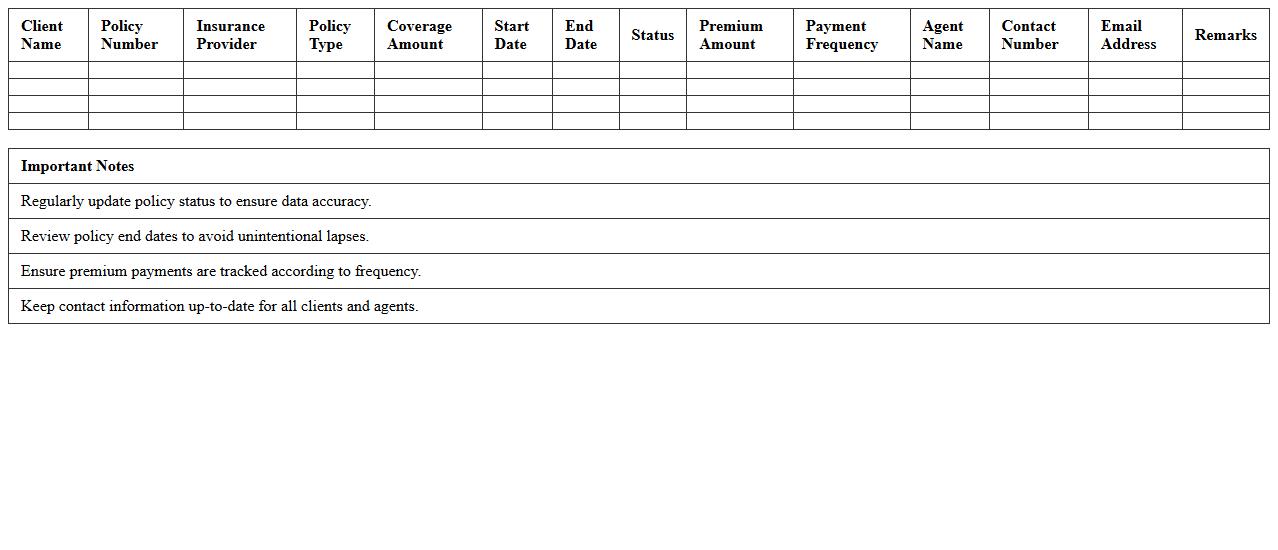
Client Insurance Policy Tracker Excel Template
The
Client Insurance Policy Tracker Excel Template document is a comprehensive tool designed to organize and monitor multiple insurance policies efficiently. It enables users to track policy details such as coverage amounts, renewal dates, premiums, and insurer contacts in a structured format. This template enhances management accuracy, reduces the risk of missed renewals, and streamlines communication with clients.
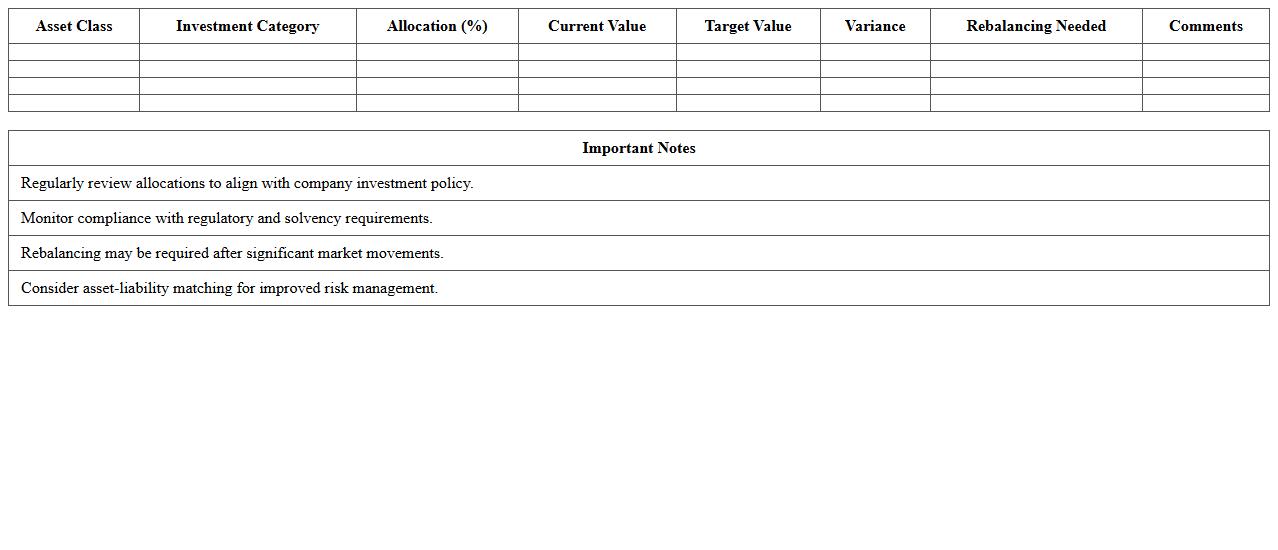
Corporate Insurance Asset Allocation Spreadsheet
A
Corporate Insurance Asset Allocation Spreadsheet is a specialized financial tool designed to help businesses strategically distribute their insurance-related assets across various investment categories. This document enables companies to analyze risk exposure, optimize returns, and maintain regulatory compliance by systematically organizing asset classes, liabilities, and projected performance metrics. Utilizing this spreadsheet enhances decision-making efficiency, supports long-term financial stability, and aligns insurance asset management with corporate investment policies.
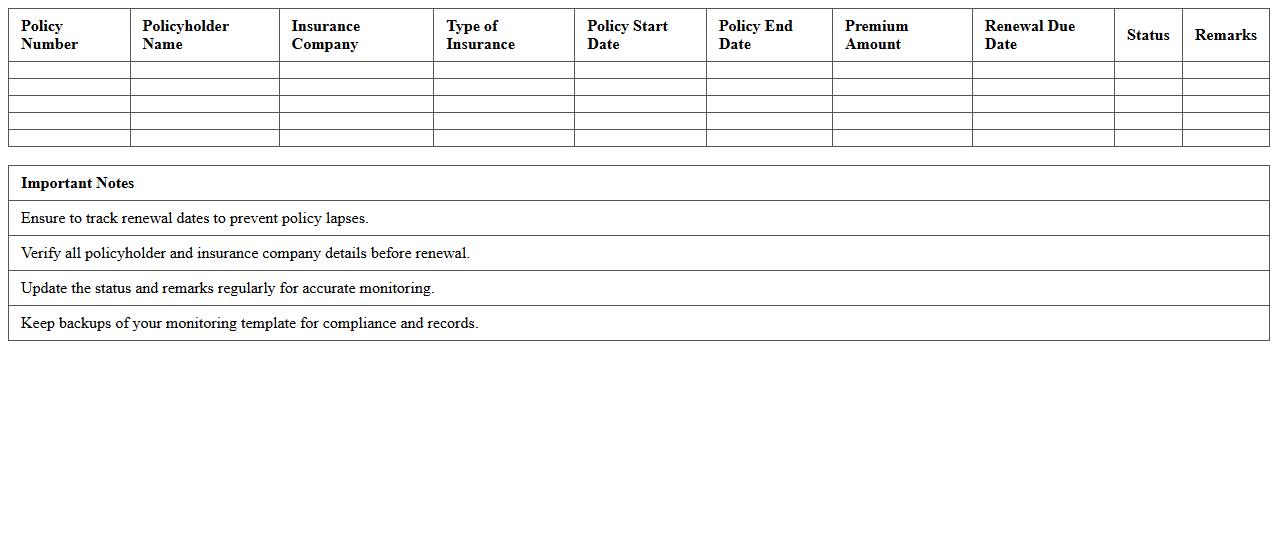
Insurance Policy Renewal Monitoring Template
An
Insurance Policy Renewal Monitoring Template is a structured document designed to track and manage the renewal dates, terms, and conditions of various insurance policies. This template helps ensure timely renewals, preventing coverage lapses and facilitating comparison of policy changes over time. By organizing critical information such as insurer details, premium amounts, and expiry dates, it streamlines decision-making and enhances risk management.
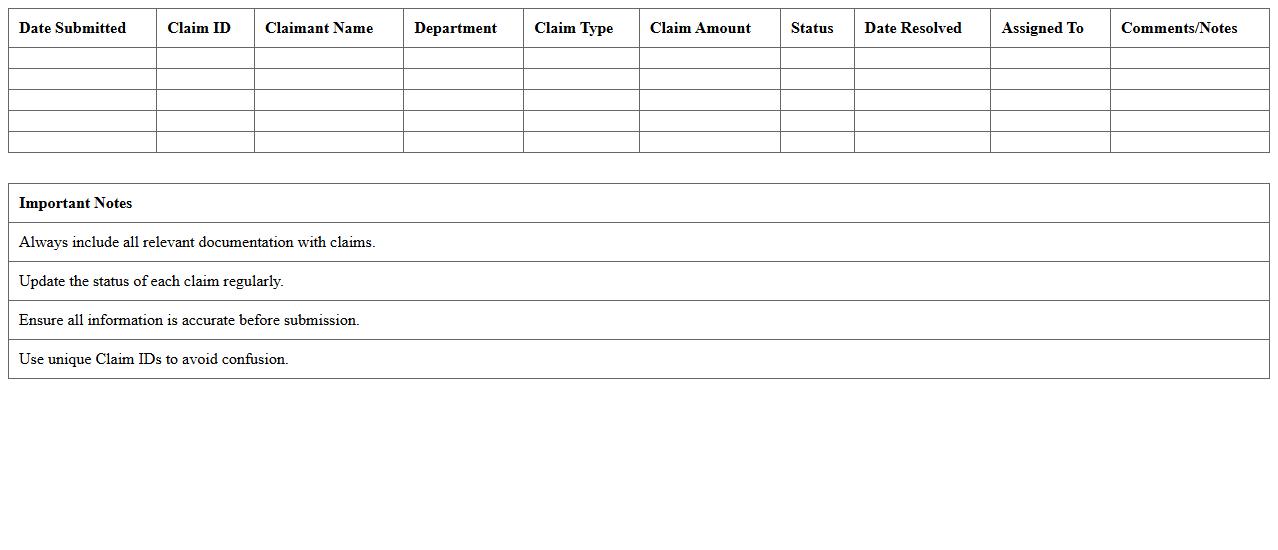
Claims Management Log Excel Sheet
A
Claims Management Log Excel Sheet document is a structured spreadsheet designed to track, organize, and monitor insurance claims or project-related claims efficiently. It helps users maintain detailed records of claim statuses, dates, claimant details, and resolution outcomes, enhancing transparency and accountability. Utilizing this log improves claim processing accuracy, reduces errors, and facilitates timely follow-ups and reporting.
Premium Payment Schedule Tracker
A
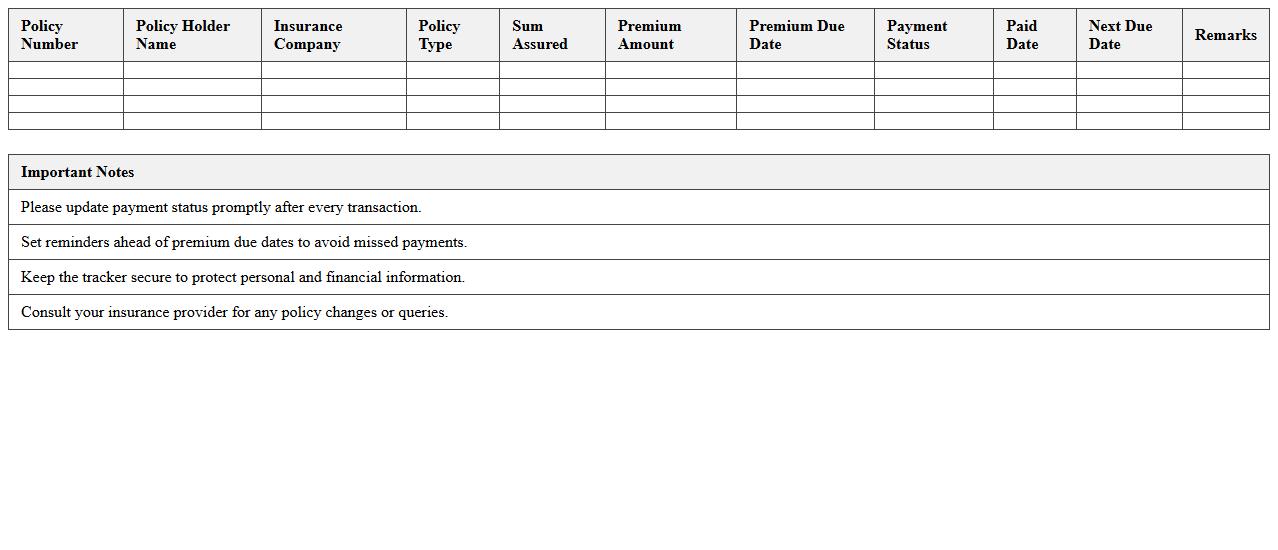
Premium Payment Schedule Tracker document is a detailed record that helps monitor insurance premium payment dates, amounts, and status to ensure timely payments and avoid lapses in coverage. It provides a clear overview of upcoming, pending, and completed payments, improving financial planning and cash flow management. This tool is essential for individuals and businesses to maintain continuous insurance protection and avoid penalties or policy cancellations.
Risk Assessment Matrix for Insurance Firms
A
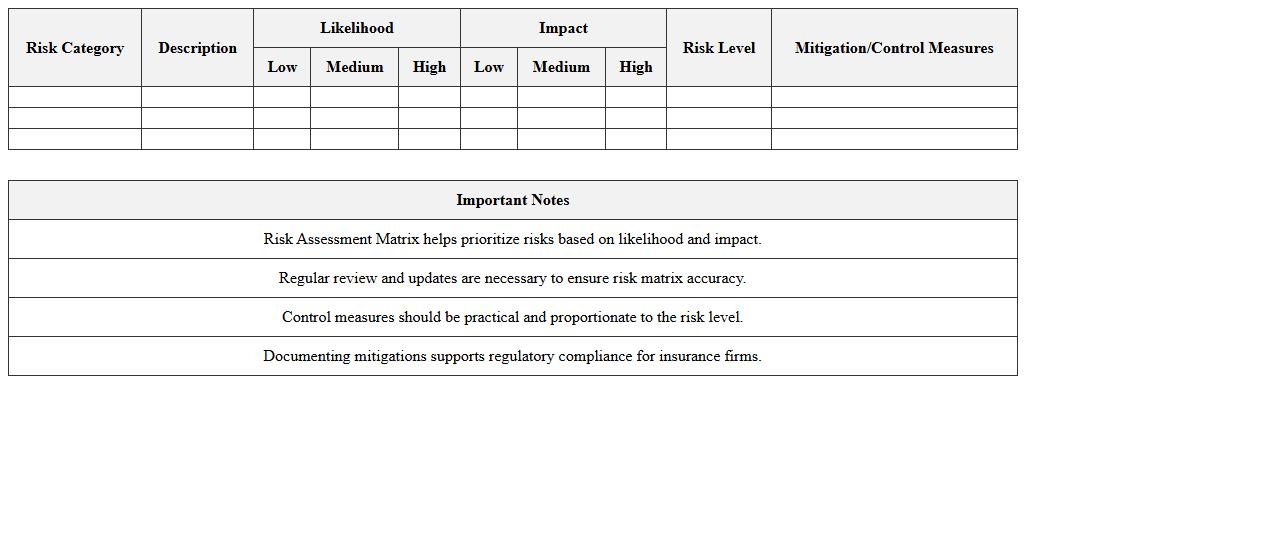
Risk Assessment Matrix for insurance firms systematically categorizes potential risks by their likelihood and impact, enabling precise evaluation and prioritization of threats. This document aids insurance professionals in making informed underwriting and claims decisions by visualizing risk severity, which enhances portfolio management and regulatory compliance. Utilizing this matrix improves risk mitigation strategies, ensuring financial stability and better customer trust.
Multi-Policy Portfolio Performance Dashboard
The
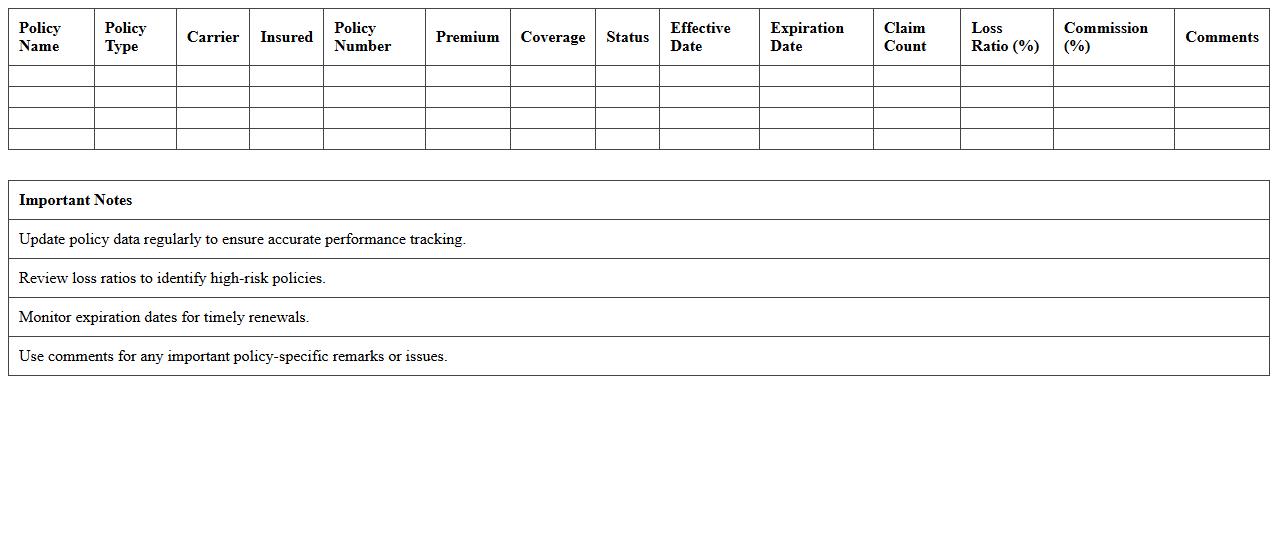
Multi-Policy Portfolio Performance Dashboard is a comprehensive document that consolidates performance metrics across various insurance policies within a portfolio. It enables stakeholders to efficiently monitor and compare key indicators such as claim frequency, loss ratios, and premium growth, facilitating data-driven decision-making. This dashboard enhances portfolio management by providing clear insights into risk exposure, policy profitability, and strategic opportunities for optimization.
Broker Commissions Record Template
The
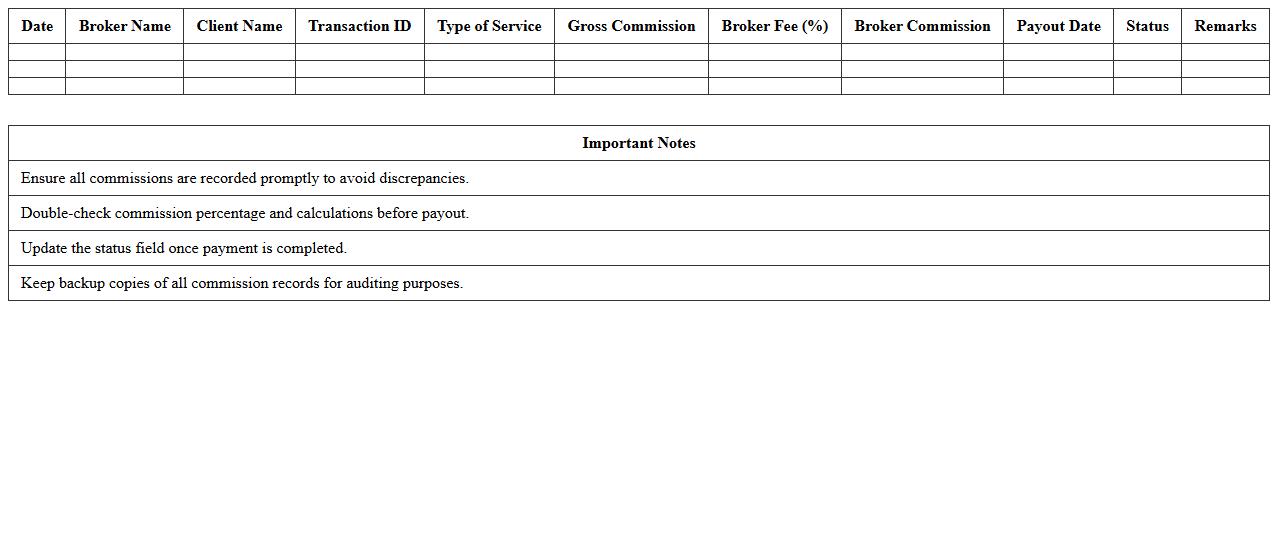
Broker Commissions Record Template is a structured document designed to track and manage commission payments between brokers and companies efficiently. It helps ensure accuracy in financial transactions, simplifies auditing processes, and provides clear documentation for compliance purposes. Using this template minimizes errors, saves time in record-keeping, and enhances transparency in commission management.
Insurance Coverage Gap Analysis Worksheet
The
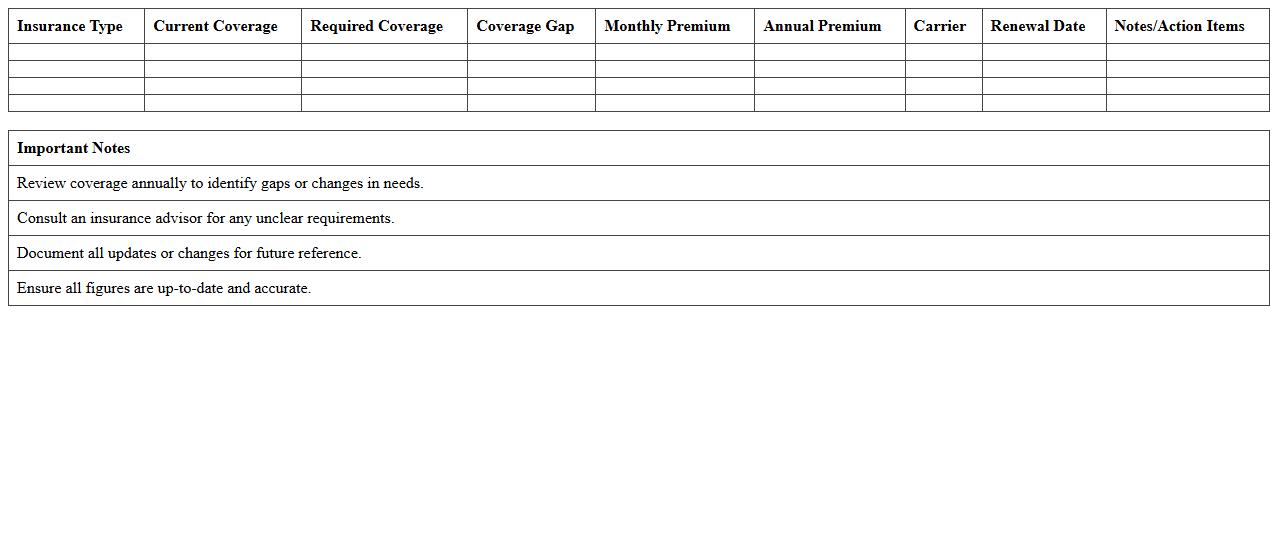
Insurance Coverage Gap Analysis Worksheet is a tool designed to identify discrepancies between existing insurance policies and actual coverage needs. It helps pinpoint underinsured areas, ensuring comprehensive protection and minimizing financial risks. By systematically comparing coverage limits against potential exposures, it allows individuals and businesses to make informed decisions about necessary policy adjustments.
Insured Asset Inventory Excel Template
The
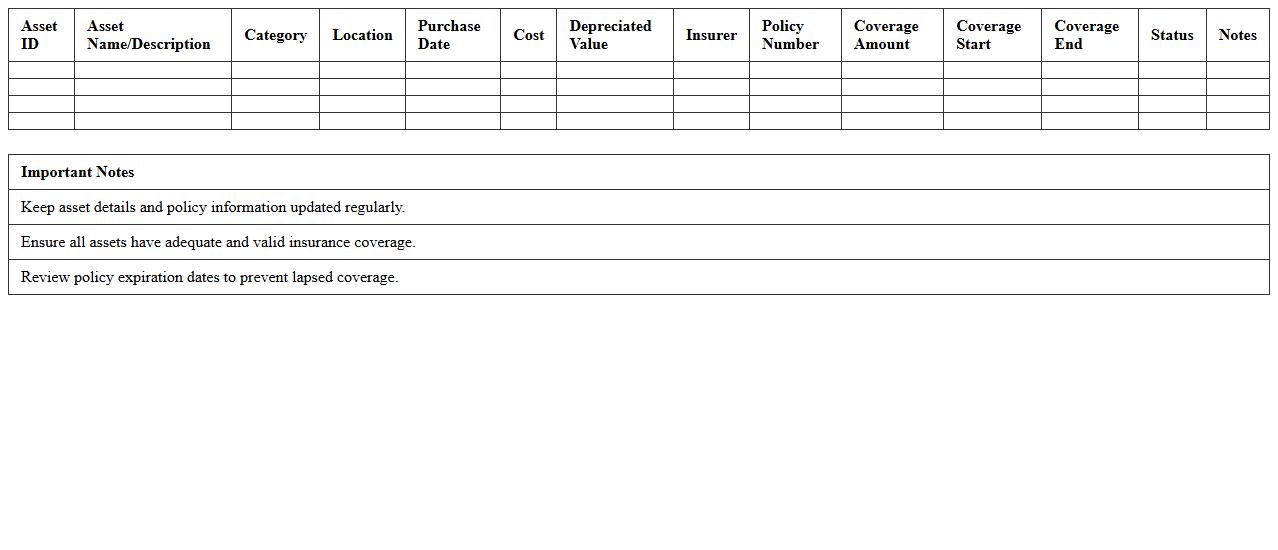
Insured Asset Inventory Excel Template document is a structured spreadsheet designed to systematically record and manage information about insured assets, including property details, insurance policy numbers, values, and coverage dates. It helps organizations maintain accurate and up-to-date records, simplifying the claims process and ensuring adequate coverage is in place. Using this template improves asset tracking, risk management, and financial planning by providing a clear overview of insured assets.
What Excel formulas best track premium payment schedules in insurance portfolios?
The SUMIFS formula is essential for totaling payments based on multiple criteria like date and policy type. Using EDATE helps calculate upcoming payment due dates, which is crucial for scheduling. Additionally, IF statements can manage conditional payment statuses, marking late or completed installments efficiently.
How to automate claims monitoring in insurance portfolio management spreadsheets?
Automation begins with creating dynamic tables using Excel Tables that auto-expand with new claims data. Leveraging the FILTER function allows for real-time visibility of claims based on status or date. Combining SUMPRODUCT with conditional checks provides accurate claim totals and helps flag anomalies quickly.
Which pivot tables efficiently summarize policyholder risk categories in Excel?
Pivot tables should include Risk Category as a row label and aggregate by policy count or premium value for clear insights. Utilizing slicers enables interactive filtering by time period or insurer type. Adding calculated fields can further refine risk exposure summaries within the pivot.
What are best practices for visualizing asset-liability matching with Excel charts?
Employing Combo Charts with line and bar graphs distinctly shows assets versus liabilities over time. Use dynamic named ranges to ensure charts update as new data is added. Incorporating secondary axes can clarify scale differences between asset and liability amounts for better comparison.
How to set up conditional formatting for renewal alerts in insurance Excel documents?
Apply Conditional Formatting rules to highlight cells with renewal dates within a specified window, such as the next 30 days. Use formulas like =TODAY() to create dynamic date checks that adjust daily. Color coding with red or yellow draws immediate attention to urgent renewals, improving portfolio management responsiveness.
More Insurance Excel Templates