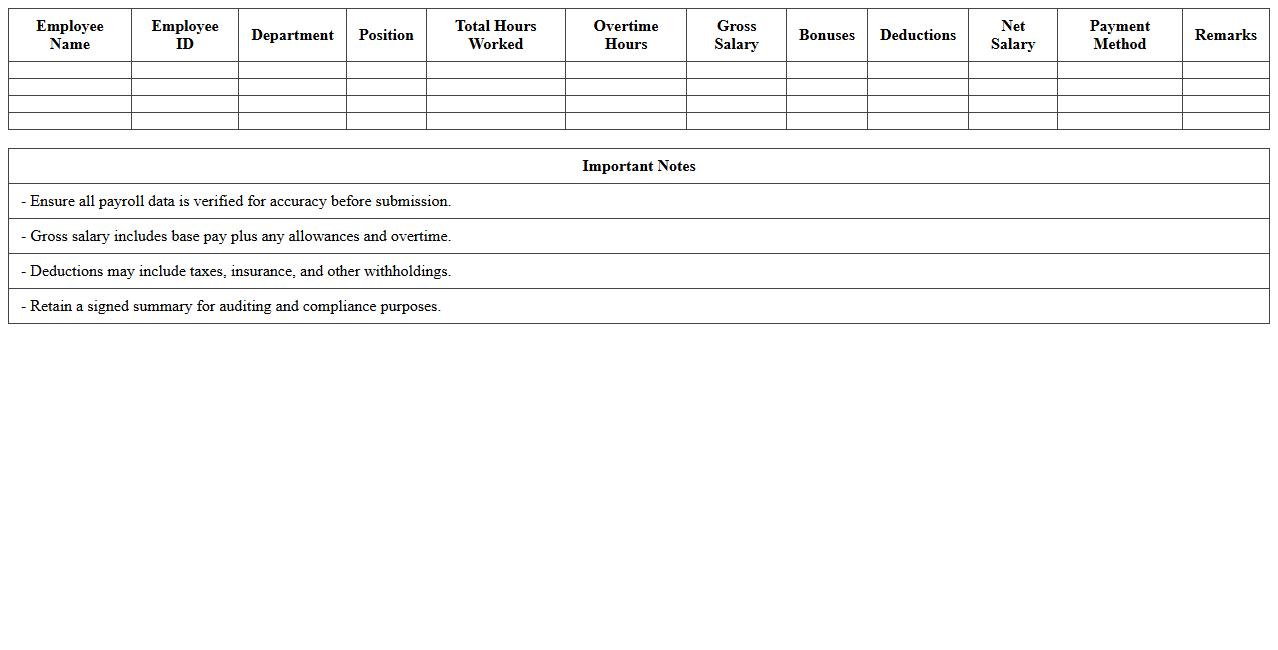
The Human Resource Excel Template for Payroll Management streamlines the process of tracking employee salaries, deductions, and bonuses with ease. It offers customizable fields to accurately calculate net pay and generate detailed payroll reports. This efficient tool helps HR professionals maintain organized records and ensures timely, error-free payroll processing.
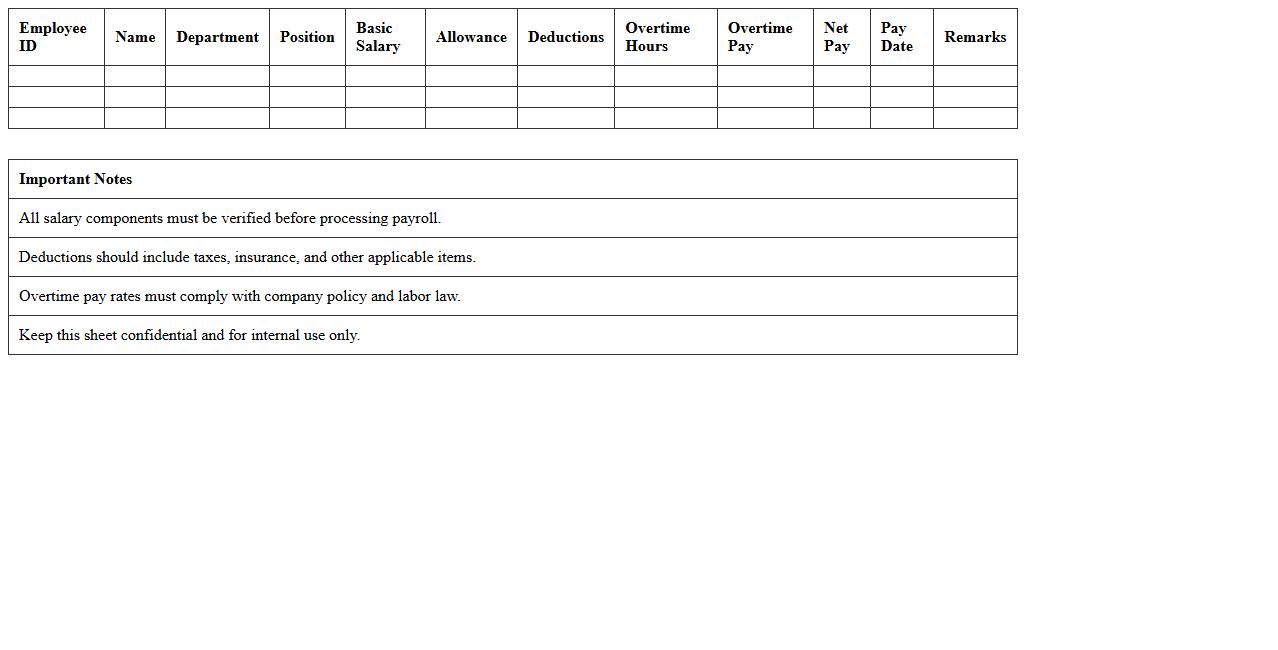
Employee Payroll Calculation Sheet Template
An
Employee Payroll Calculation Sheet Template is a structured document designed to systematically calculate employee wages, deductions, taxes, and net pay. It streamlines payroll processing by organizing key financial details such as hours worked, overtime, bonuses, and statutory contributions, ensuring accuracy and compliance with tax laws. This template enhances efficiency, reduces errors, and provides clear records for both employers and employees, facilitating smooth payroll management.
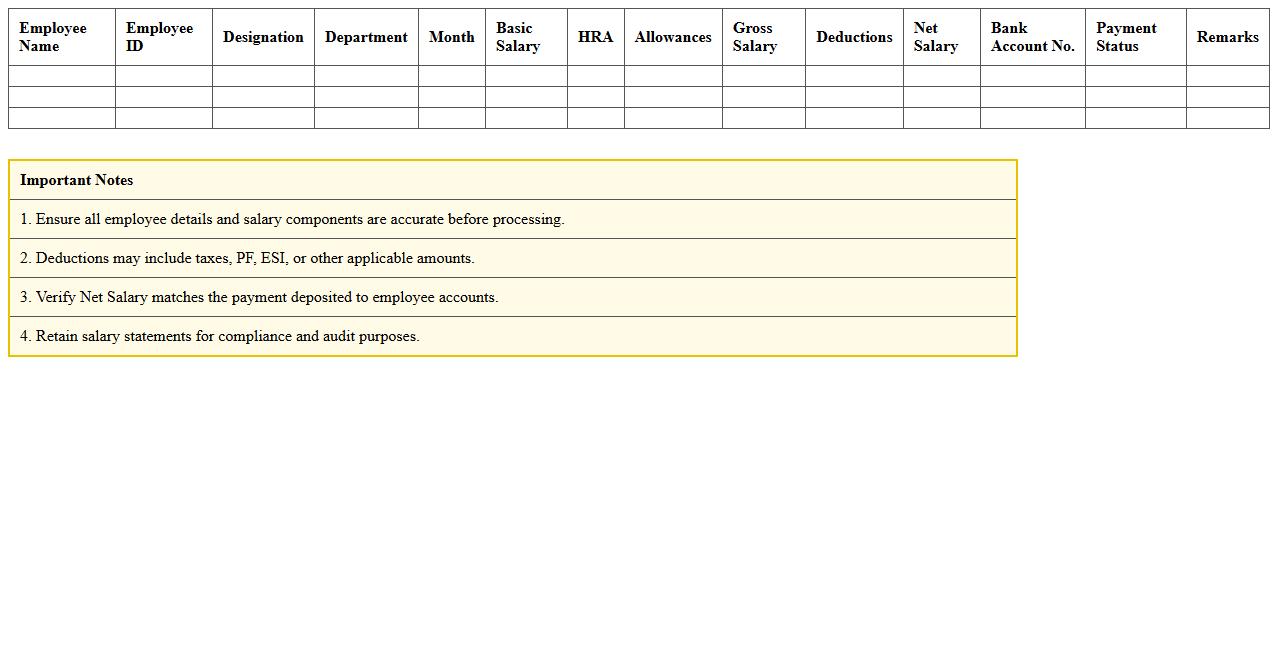
Monthly Salary Statement Excel Template
The
Monthly Salary Statement Excel Template is a structured spreadsheet designed to systematically record and calculate employees' monthly wages, deductions, and net pay. It simplifies payroll management by automating salary computations, ensuring accuracy and saving time for HR departments and business owners. This template also provides clear documentation for employees and helps maintain compliance with financial and tax regulations.
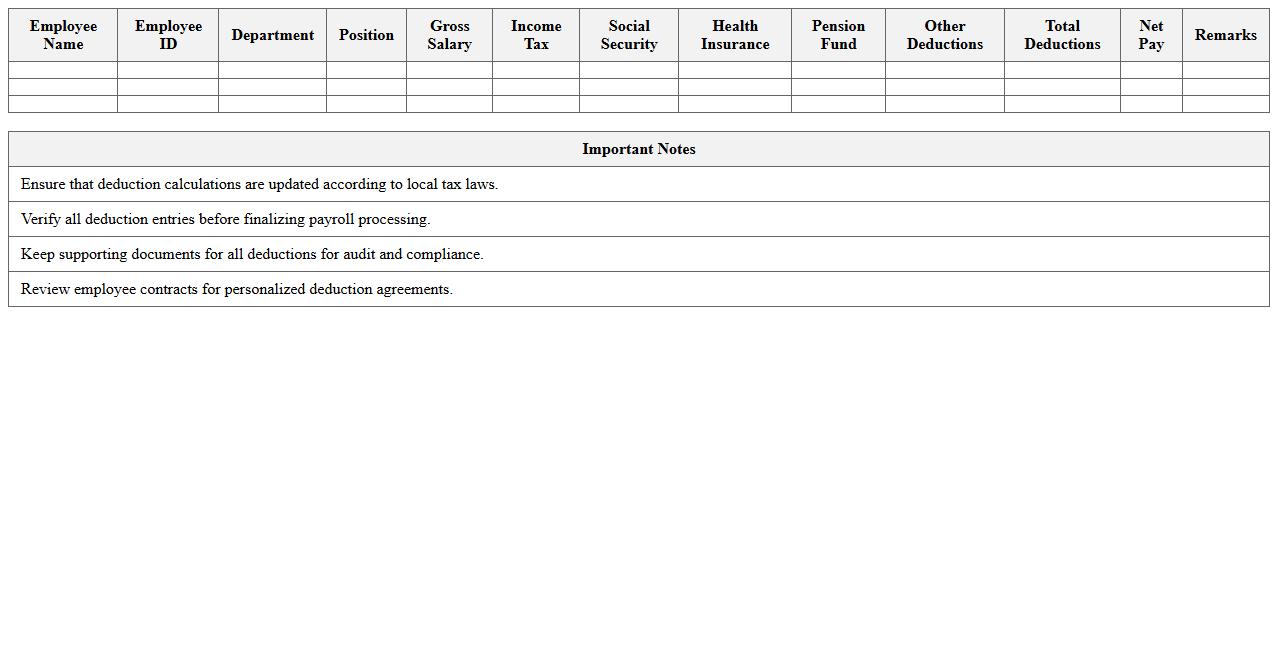
Payroll Deductions Management Template
The
Payroll Deductions Management Template is a structured document designed to track and organize employee payroll deductions such as taxes, benefits, and retirement contributions. This template ensures accurate calculation and compliance with legal requirements, reducing errors and streamlining payroll processing. Utilizing this tool improves financial transparency and simplifies auditing by maintaining clear records of all deduction entries.
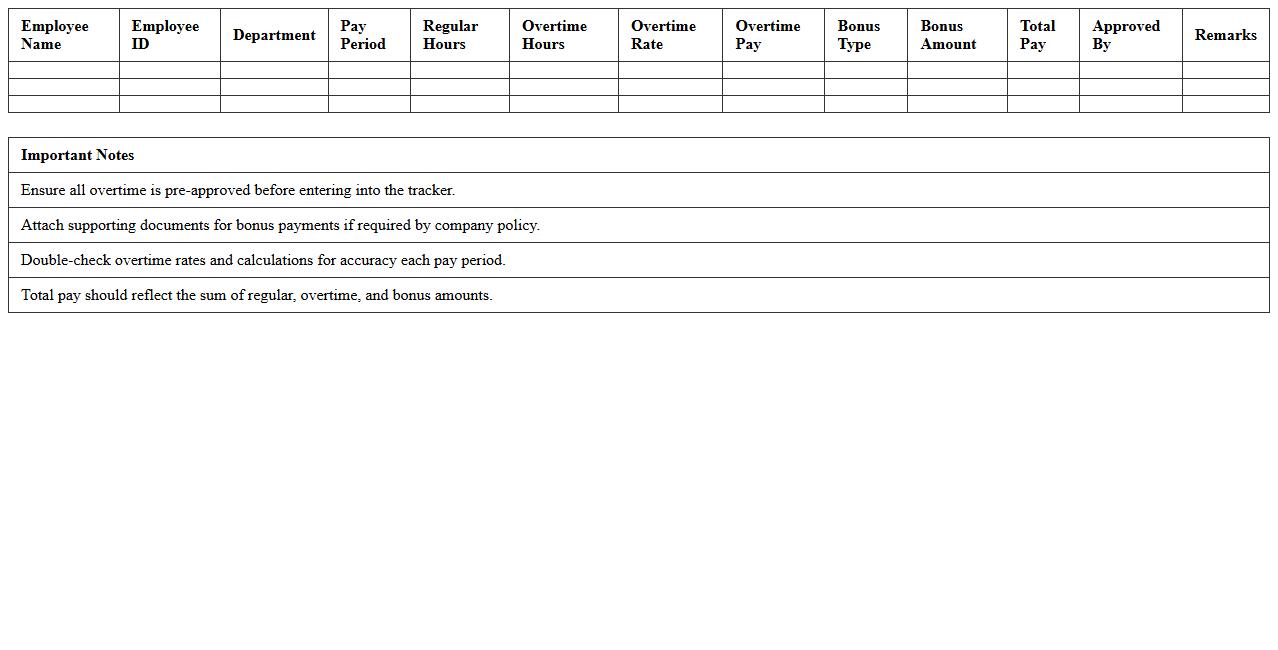
Overtime and Bonus Payroll Tracker
The
Overtime and Bonus Payroll Tracker document is a tool used to systematically record and monitor additional employee work hours and bonus payments. It helps ensure accurate payroll calculations, compliance with labor laws, and transparent compensation management. This tracker enhances financial planning by providing clear insights into overtime costs and bonus distributions.
Payslip Generation Excel Template
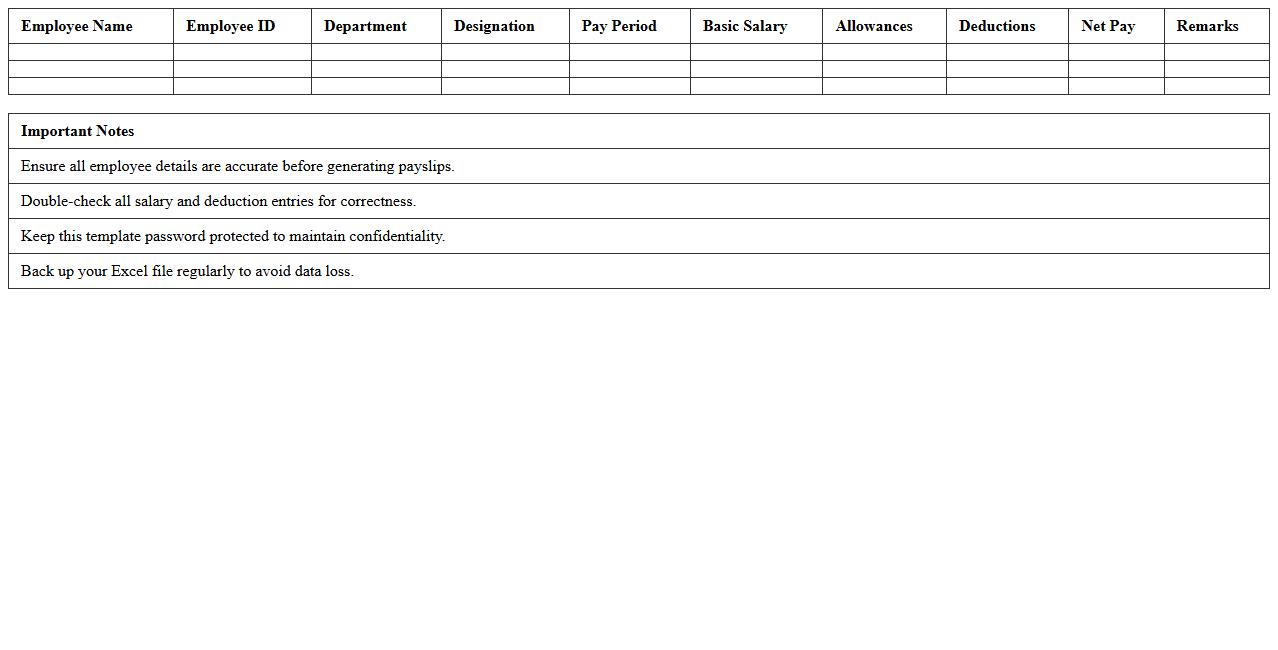
The
Payslip Generation Excel Template document is a pre-formatted spreadsheet designed to automate the creation of employee payslips quickly and accurately. It includes fields for salary details, deductions, taxes, and net pay, making payroll processing efficient and reducing manual errors. This template is useful for businesses to maintain organized financial records, ensure transparency in salary payments, and save valuable time during payroll cycles.
Leave and Attendance Payroll Template
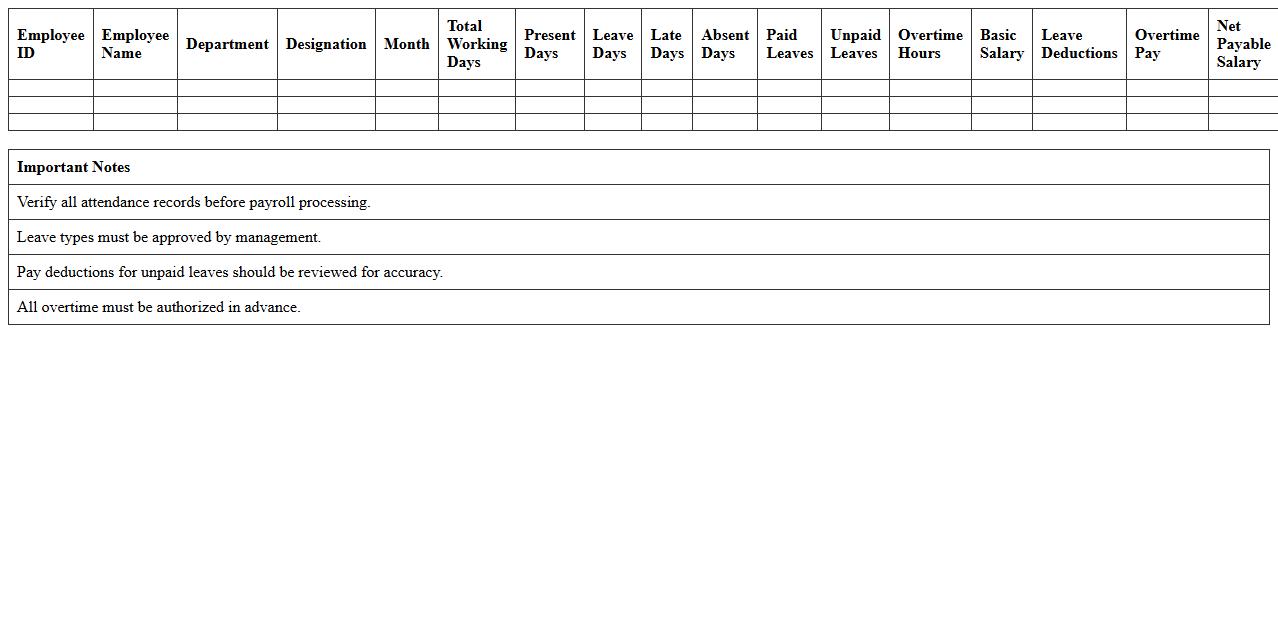
A
Leave and Attendance Payroll Template document is a structured tool designed to track employee attendance, leave balances, and work hours accurately. It streamlines payroll processing by automatically calculating deductions, overtime, and leave encashments based on recorded attendance data. Utilizing this template enhances payroll accuracy, reduces administrative errors, and ensures compliance with company leave policies and labor regulations.
Payroll Tax Calculation Sheet
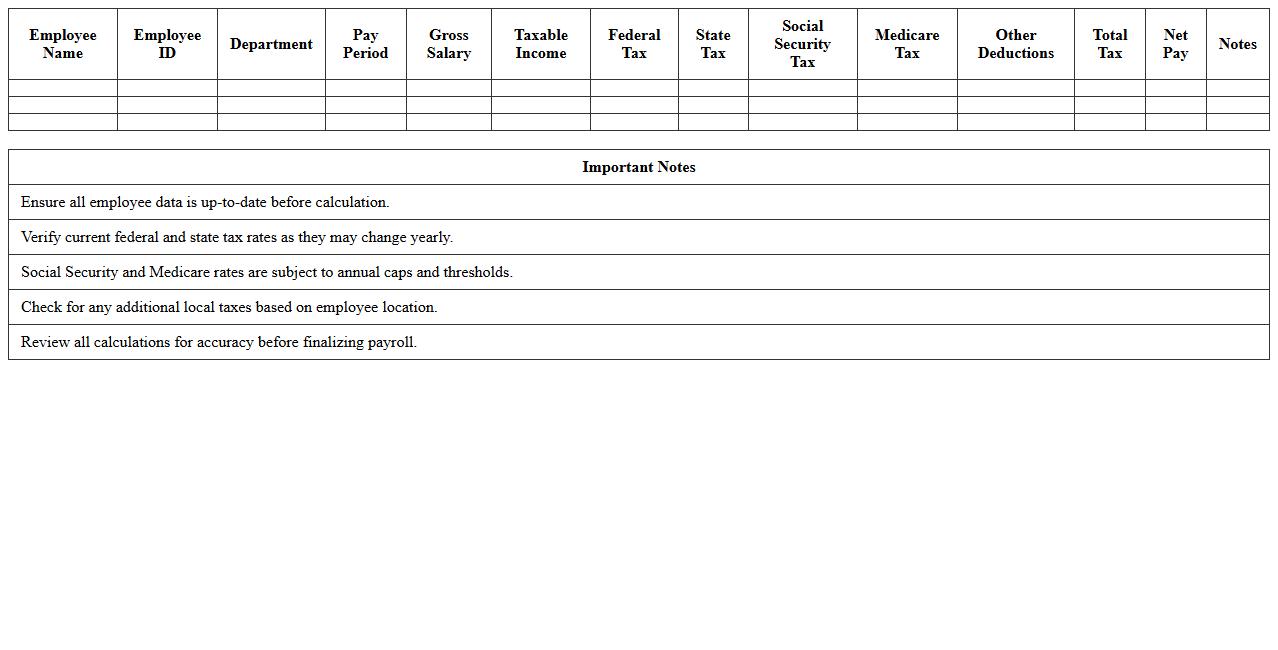
A
Payroll Tax Calculation Sheet is a detailed document that outlines the computation of taxes deducted from employee salaries, including federal, state, and local taxes. It helps businesses accurately determine payroll tax liabilities, ensuring compliance with tax laws and preventing errors in employee paychecks. This sheet is useful for maintaining organized financial records and simplifying tax filing and reporting processes.
Employee Salary Increment Tracker
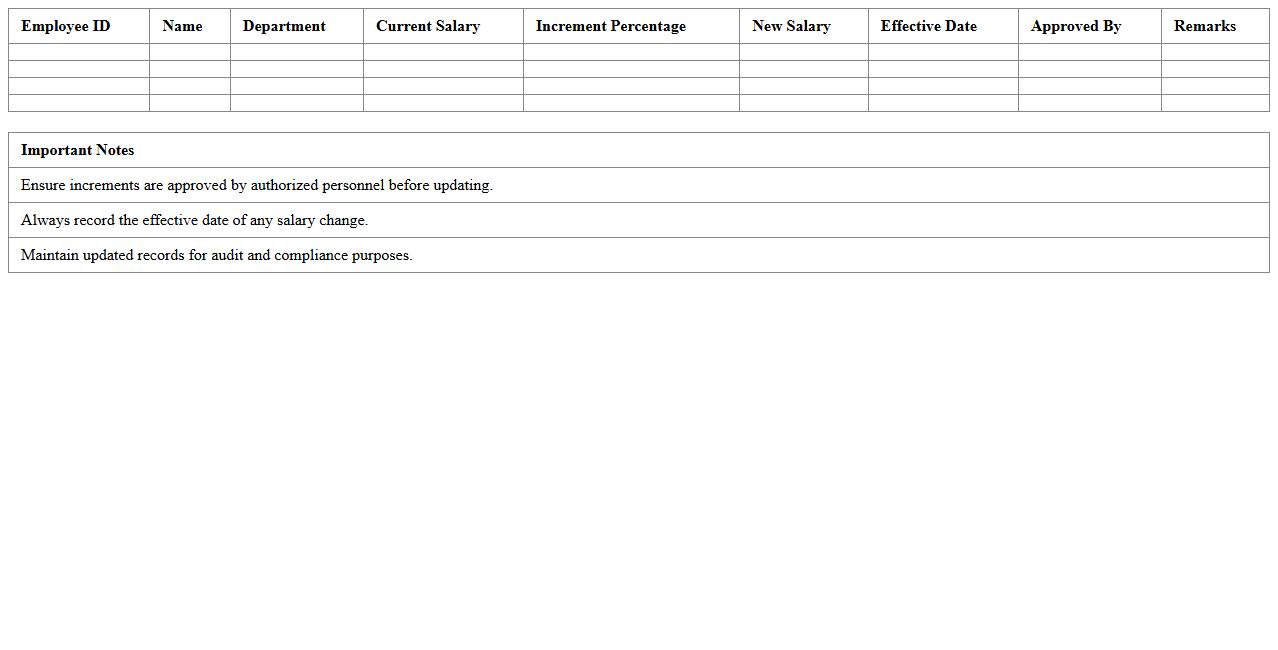
An
Employee Salary Increment Tracker document systematically records and monitors salary increases for employees over time, helping HR departments maintain accurate compensation records. It provides insights into pay progression, ensuring fairness and transparency in salary adjustments while assisting in budget planning and compliance with company policies. Utilizing this tracker enhances decision-making related to employee retention, motivation, and performance evaluation.
Yearly Payroll Summary Report Template
A
Yearly Payroll Summary Report Template is a structured document that consolidates annual payroll data for employees, including wages, taxes, deductions, and benefits. It streamlines financial record-keeping, ensuring compliance with tax regulations and simplifying end-of-year reporting for businesses. This template enhances accuracy and efficiency in managing payroll information, reducing errors and saving time during audits or tax preparation.
Payroll Compliance Audit Checklist Excel
The
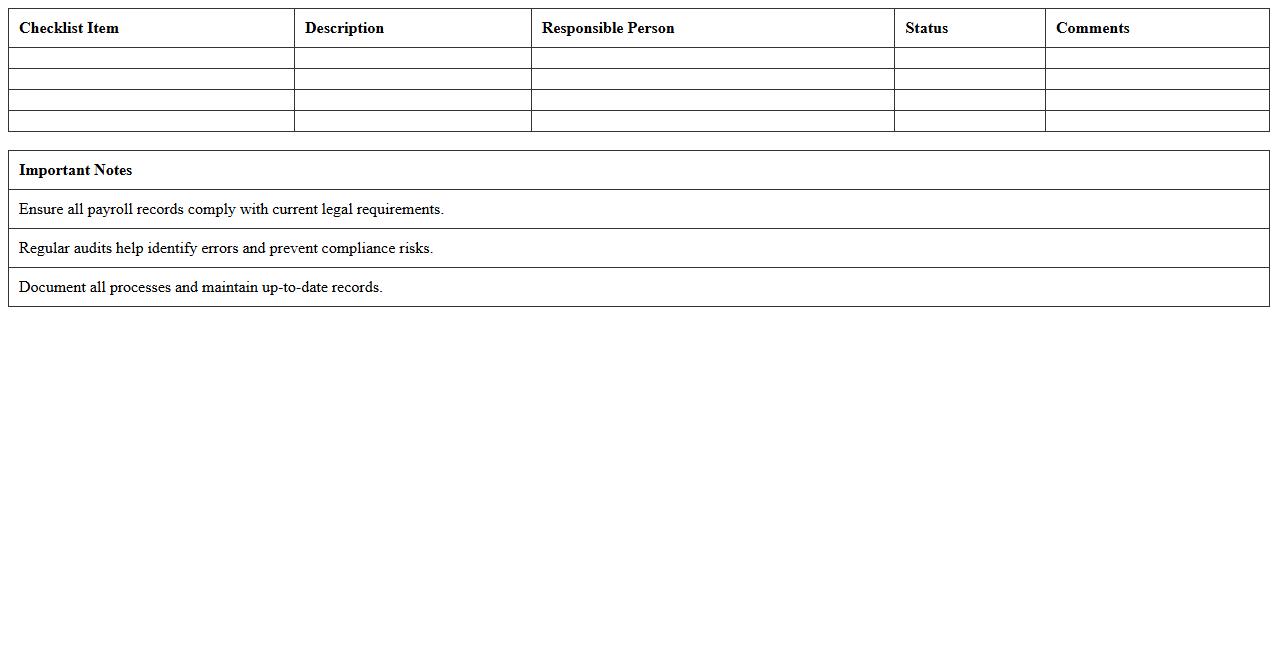
Payroll Compliance Audit Checklist Excel document is a structured tool designed to help organizations systematically verify adherence to payroll laws and regulations. It enables HR and finance teams to track key compliance areas such as tax withholdings, wage laws, employee classifications, and timely payment of salaries, ensuring accuracy and reducing legal risks. By organizing audit data in an accessible spreadsheet format, it simplifies the review process, improves accountability, and supports corrective actions to maintain payroll integrity.
How can I automate payroll calculations in Excel for HR document tracking?
You can automate payroll calculations in Excel by using formulas and functions such as SUM, IF, and VLOOKUP to process employee data efficiently. Setting up a structured payroll template with clearly defined input fields helps track salaries, deductions, and taxes systematically. Additionally, integrating Excel macros or VBA scripts can further streamline repetitive payroll calculation tasks within your HR document tracking system.
What Excel formulas best streamline overtime and bonus documentation for payroll?
The IF function is essential for calculating overtime pay by setting conditions based on hours worked beyond regular shifts. Combining SUMPRODUCT with logical tests enables accurate bonus calculations linked to performance metrics and attendance records. Using INDEX and MATCH functions also helps automatically retrieve and update overtime and bonus information from corresponding data tables.
Which Excel templates are optimal for confidential HR payroll letter records?
Payroll letter templates with password protection and data validation features are optimal for maintaining confidentiality in HR records. Templates that include locked cells and hidden formulas ensure secure handling of sensitive employee payroll information. Utilizing Excel's Worksheet Protection alongside encryption methods safeguards payroll letters from unauthorized access and alterations.
How do I link leave and attendance data to payroll letters in Excel?
Link leave and attendance data to payroll letters by utilizing dynamic cell references and Excel's Lookup functions, such as VLOOKUP or XLOOKUP, for real-time data integration. Formulas can automatically deduct leave days or calculate attendance bonuses within payroll documentation, reflecting accurate salary adjustments. Embedding data connections between worksheets allows seamless updates for leave and attendance in corresponding payroll letters.
What are efficient Excel methods for generating payslip documents for multiple employees?
Using Excel's Mail Merge or VBA macros allows mass generation of customized payslips for multiple employees efficiently. Setting up a payslip template linked to a master employee database enables individual data to populate automatically for each staff member. Additionally, using pivot tables and filters helps summarize and manage payroll details before exporting payslips in bulk formats like PDF.
More Human Resource Excel Templates