The Human Resource Excel Template for Performance Appraisal streamlines employee evaluation by providing a structured format to record, analyze, and track performance metrics. This template enhances accuracy and consistency in assessments, facilitating better decision-making for promotions and development plans. Its user-friendly design supports HR teams in efficiently managing appraisal data and generating insightful reports.
Employee Performance Review Tracker Excel Template
The
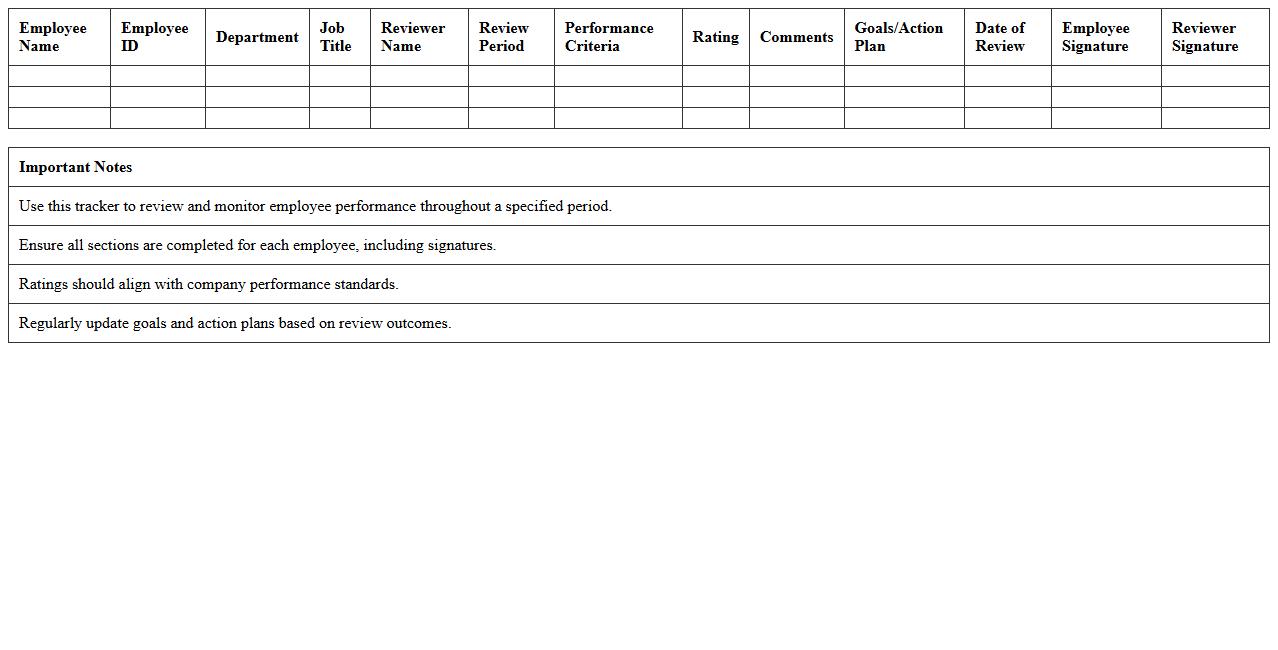
Employee Performance Review Tracker Excel Template is a structured spreadsheet designed to monitor and evaluate employee performance over specific periods. It streamlines the appraisal process by organizing key metrics such as goals, achievements, feedback, and improvement areas in one accessible document. This tool enhances productivity and decision-making by providing clear insights into workforce performance, aiding managers in making informed HR decisions.
Annual Performance Appraisal Form Excel Template
The
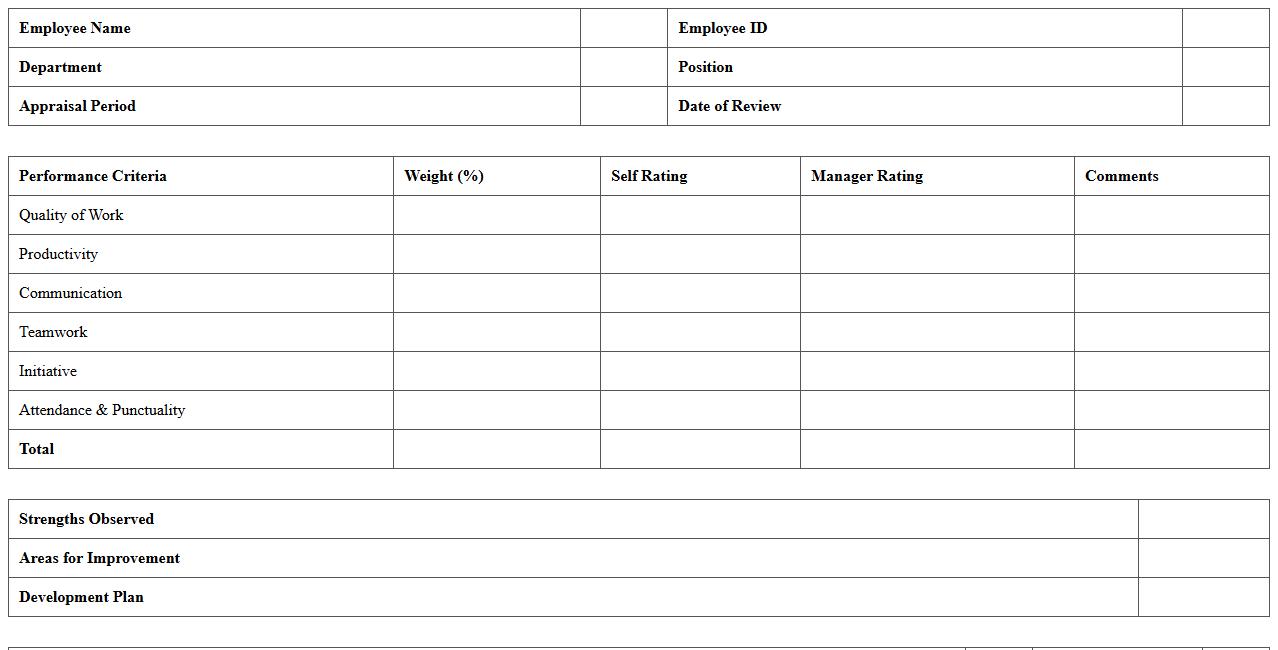
Annual Performance Appraisal Form Excel Template is a structured document designed to evaluate employee performance over a specific period using customizable criteria and rating scales. It streamlines the performance review process by enabling easy data entry, automatic calculations, and clear visualization of employee strengths and areas for improvement. This template enhances accuracy, saves time, and supports informed decision-making for promotions, training, and goal setting.
Competency Assessment Matrix Excel Template
The
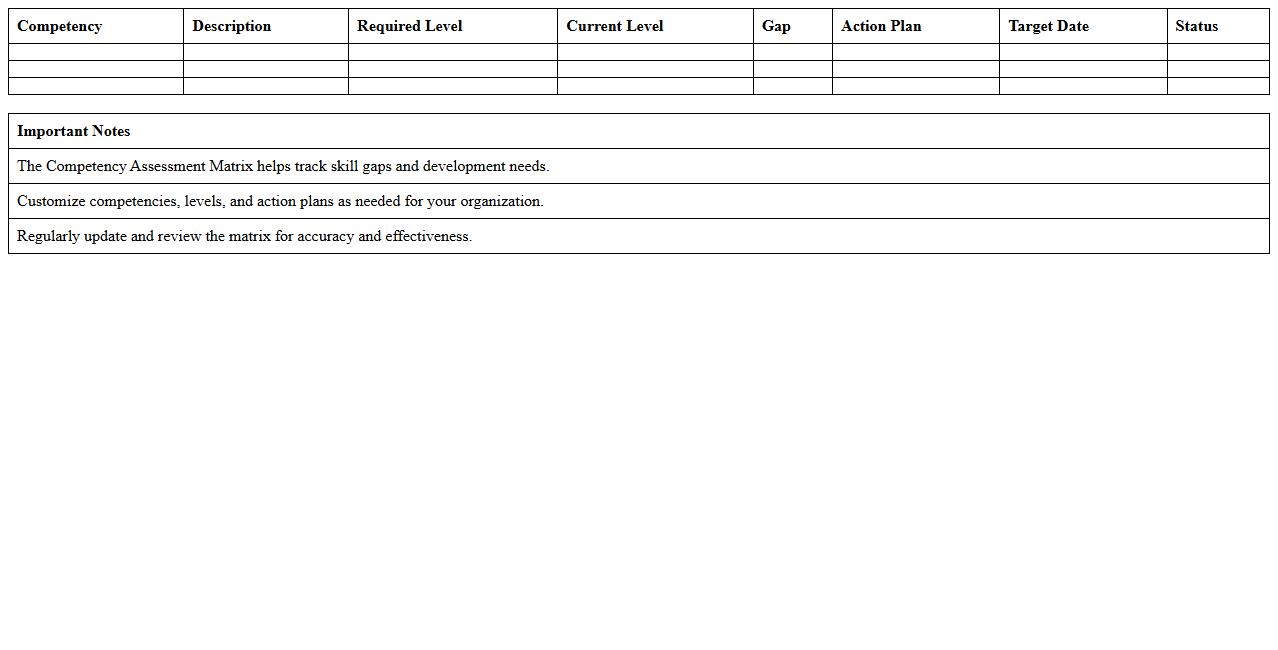
Competency Assessment Matrix Excel Template is a structured tool designed to evaluate and track employees' skills and competencies against defined job requirements. It allows organizations to identify skill gaps, plan targeted training, and optimize talent development efficiently. Using this template enhances workforce planning by providing clear visualization of strengths and areas for improvement across teams.
360 Degree Feedback Excel Template
A
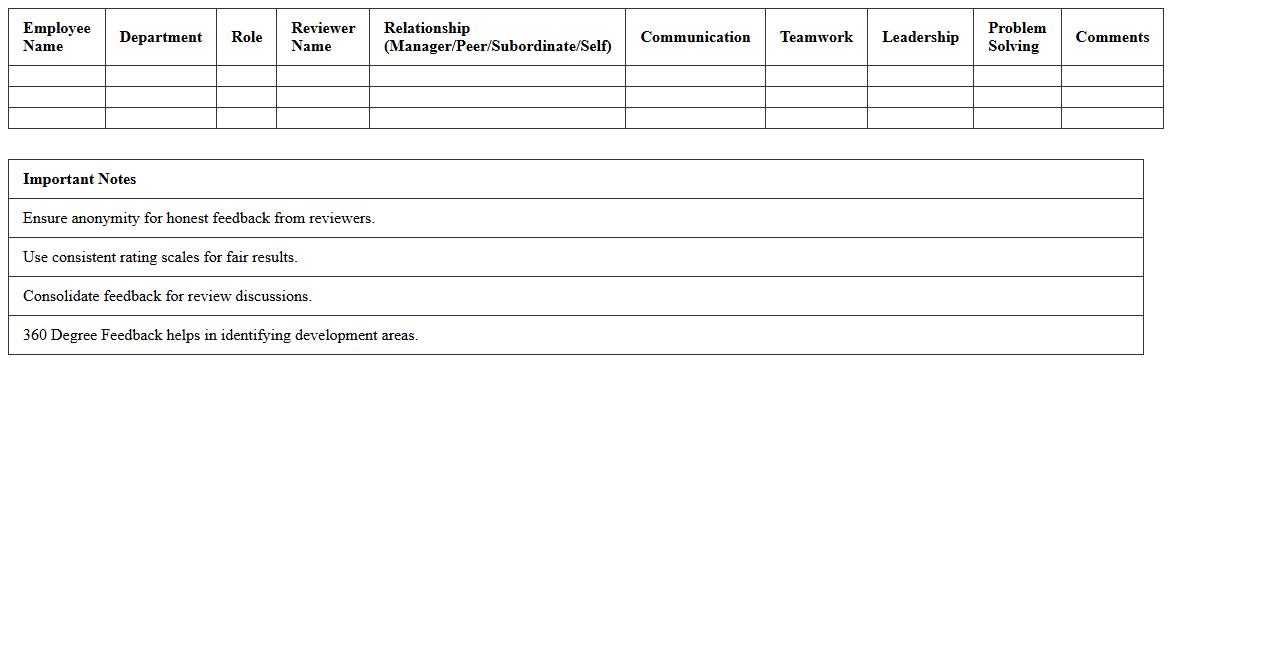
360 Degree Feedback Excel Template is a structured spreadsheet designed to collect, organize, and analyze comprehensive performance evaluations from multiple sources such as peers, supervisors, and subordinates. This document streamlines the feedback process by enabling easy data entry, automatic aggregation of scores, and generation of insightful reports to identify strengths and areas for improvement. It is highly useful for organizations aiming to enhance employee development, foster transparent communication, and support informed decision-making in performance management.
Employee Goal Setting & Evaluation Excel Template
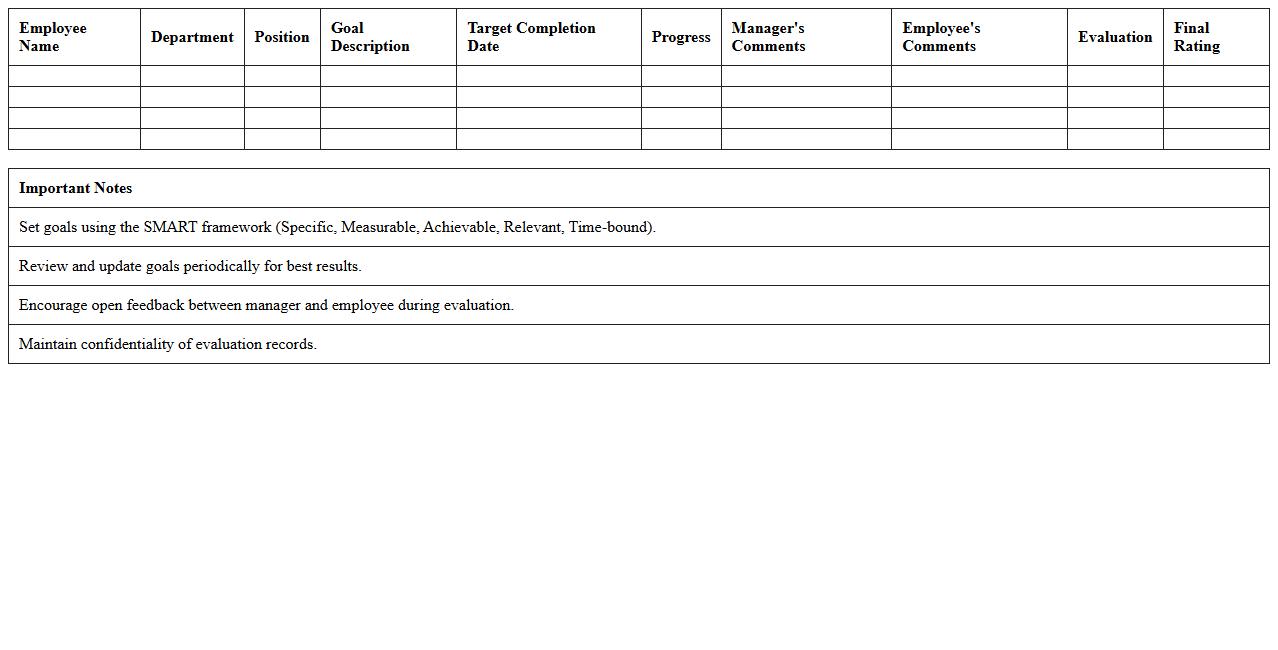
The
Employee Goal Setting & Evaluation Excel Template is a structured document designed to help managers and employees collaboratively set, track, and assess performance objectives. It streamlines the goal-setting process by providing clear sections for defining SMART goals, monitoring progress, and conducting periodic evaluations, ensuring alignment with organizational targets. This template enhances productivity by promoting accountability, improving communication, and facilitating data-driven performance reviews, leading to more effective employee development and strategic growth.
Performance Improvement Plan Tracker Excel Template
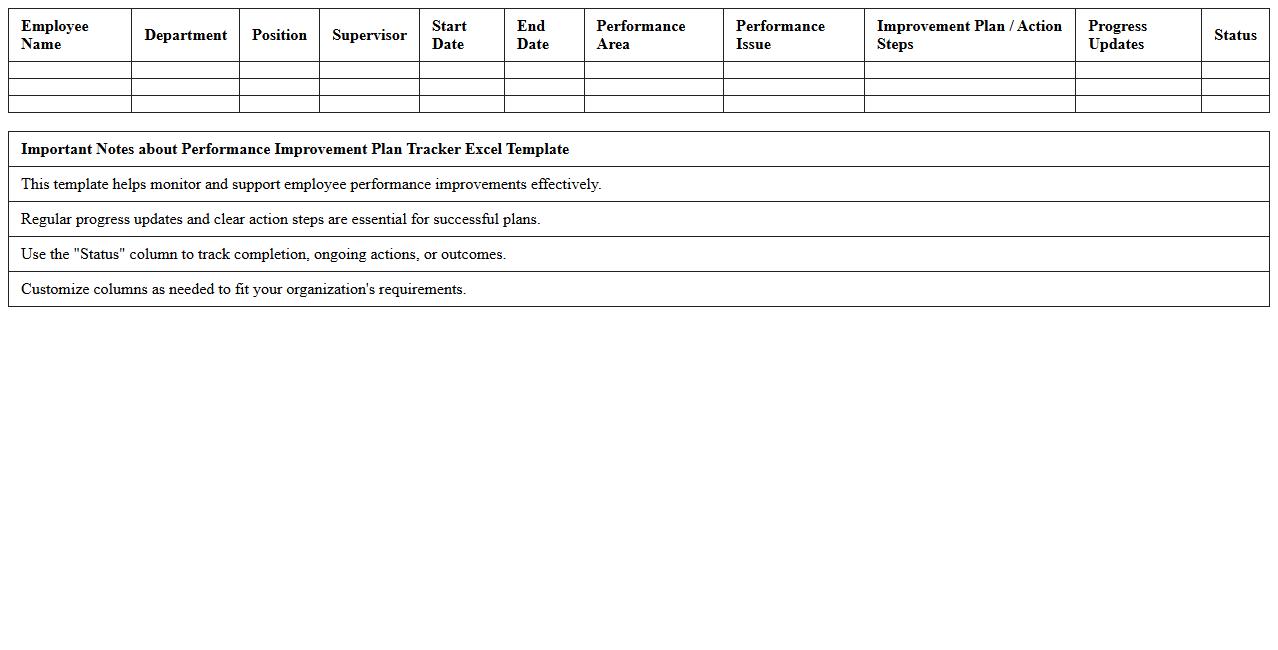
The
Performance Improvement Plan Tracker Excel Template is a structured document designed to monitor and manage employee performance goals and corrective actions efficiently. It helps managers systematically track progress, set deadlines, and document outcomes, ensuring accountability and clear communication throughout the improvement process. Utilizing this template enhances productivity by providing a centralized tool for performance evaluation and development planning.
Departmental Performance Dashboard Excel Template
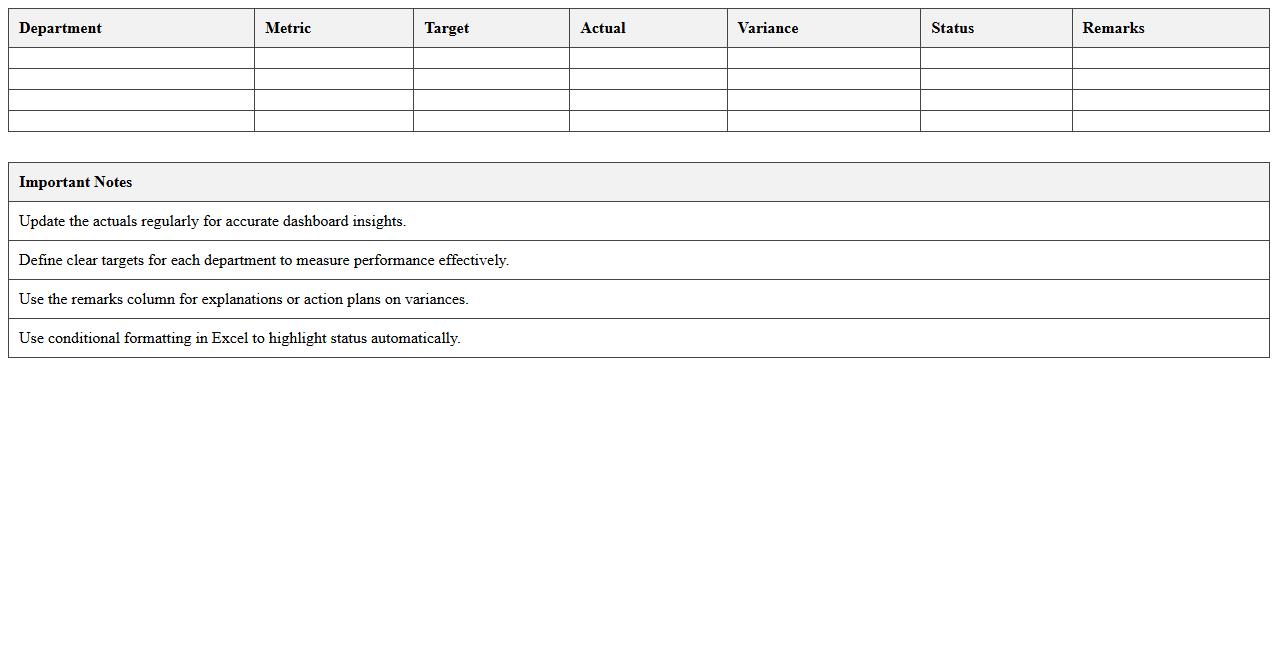
The
Departmental Performance Dashboard Excel Template is a dynamic tool that consolidates key performance indicators (KPIs) and metrics in a visually intuitive format, allowing departments to monitor productivity, efficiency, and overall progress toward goals. This template enables quick data analysis through charts, graphs, and pivot tables, facilitating informed decision-making and timely adjustments to strategies. Its customizable features help organizations align departmental objectives with company-wide targets, driving enhanced performance and accountability.
Quarterly Performance Review Report Excel Template
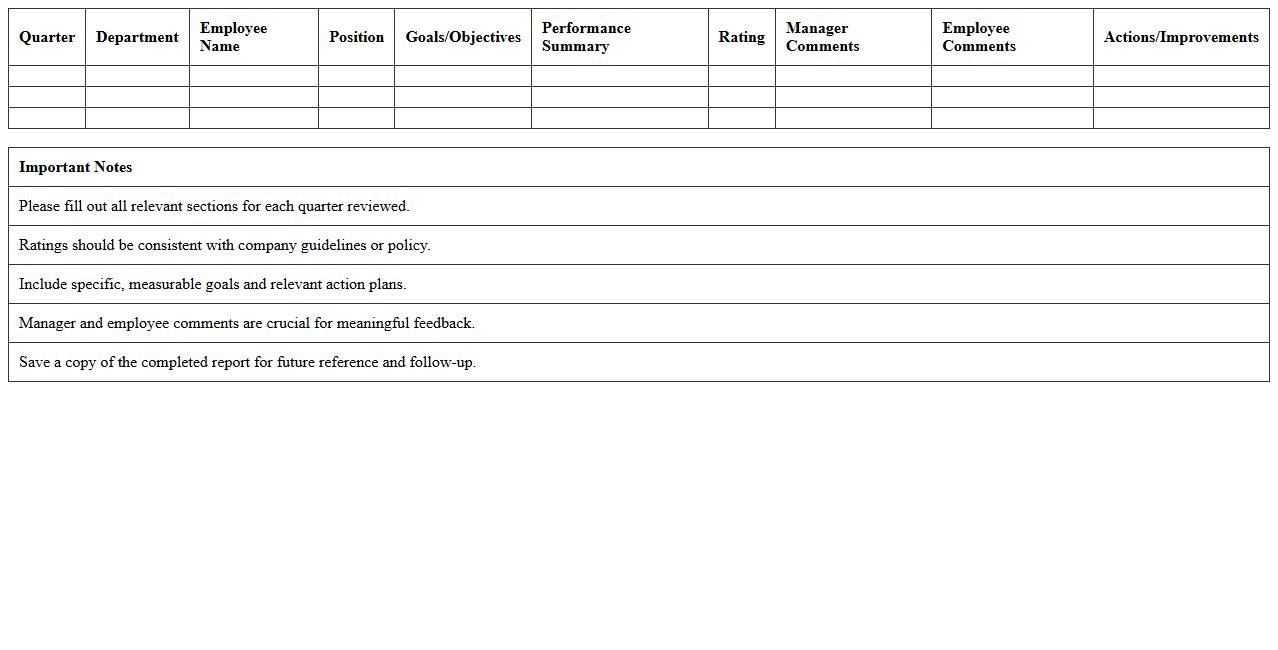
The
Quarterly Performance Review Report Excel Template is a structured document designed to systematically track and evaluate employee or project performance over a three-month period. It allows organizations to organize data such as key performance indicators (KPIs), goals achieved, and areas for improvement, facilitating clear and concise reporting. This template enhances decision-making by providing a consistent format for reviewing progress, identifying trends, and planning actionable strategies.
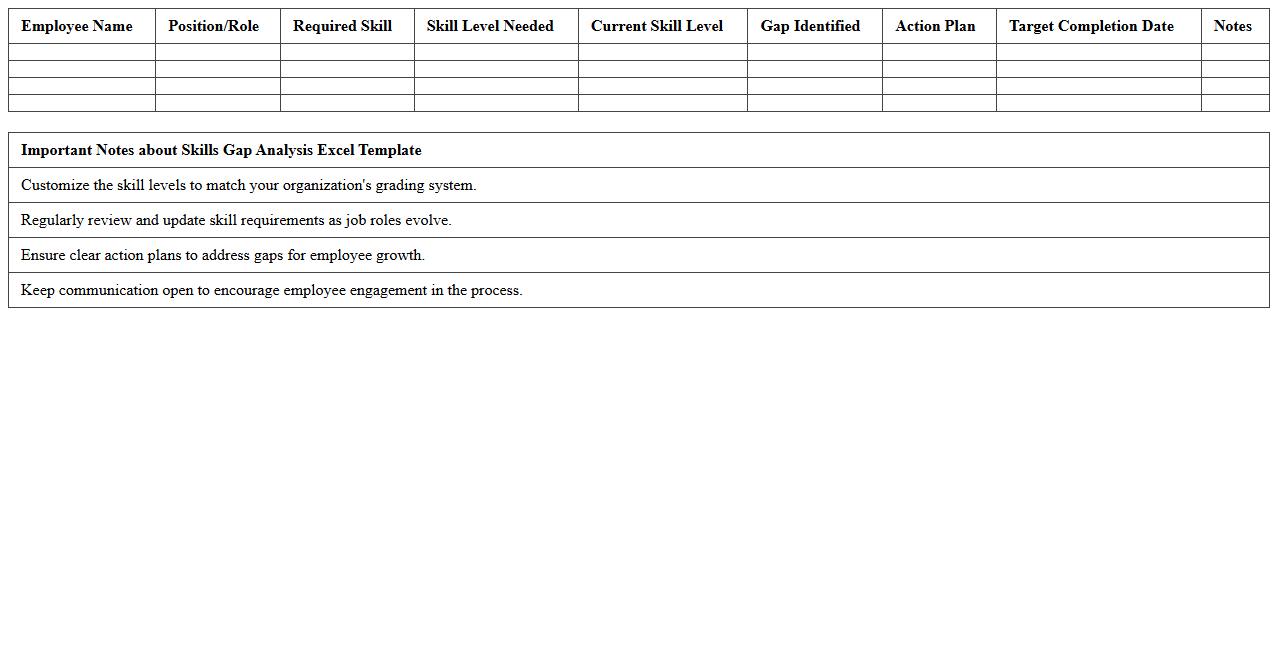
Skills Gap Analysis Excel Template
The
Skills Gap Analysis Excel Template document enables organizations to systematically identify discrepancies between current employee skills and required competencies for specific roles. By mapping individual capabilities against desired skill sets, this tool helps prioritize training needs, optimize workforce development, and align talent with strategic business goals. Utilizing this template improves decision-making processes, reduces skill shortages, and enhances overall organizational performance.
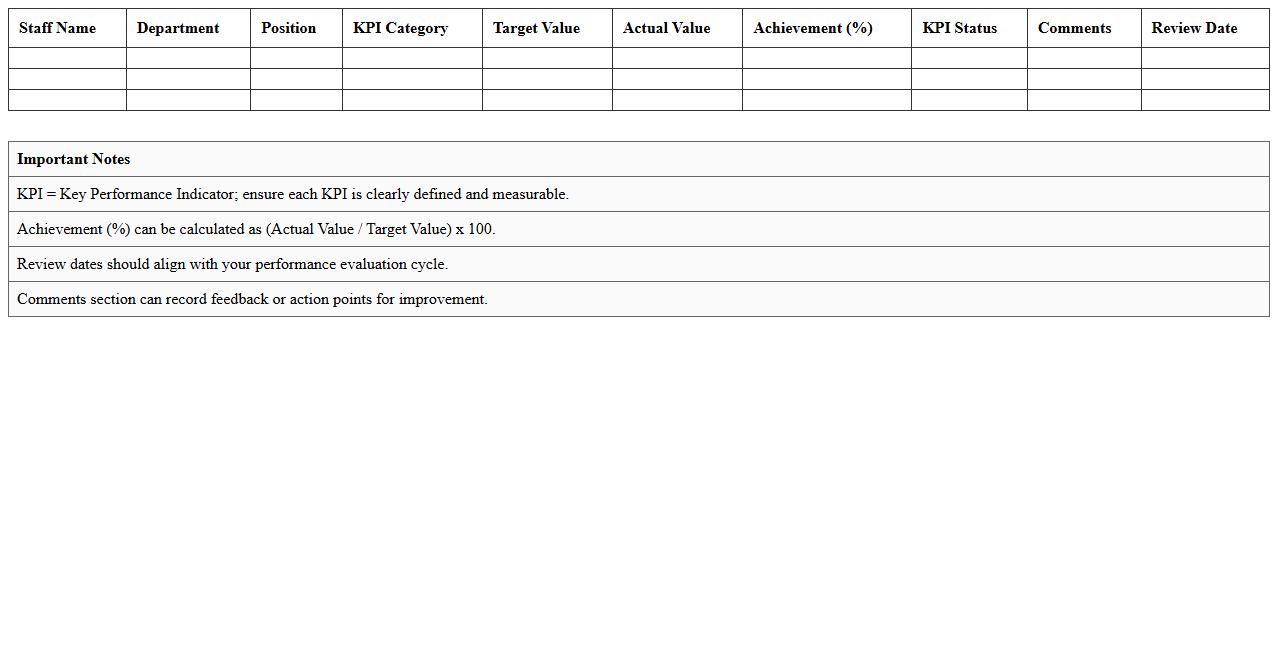
Staff KPI Monitoring Excel Template
The
Staff KPI Monitoring Excel Template is a comprehensive tool designed to track and evaluate employee performance metrics efficiently. It allows managers to set specific Key Performance Indicators (KPIs), monitor progress in real-time, and generate clear reports that highlight areas for improvement. Utilizing this template enhances productivity by providing actionable insights and ensuring alignment between individual goals and organizational objectives.
How to automate performance appraisal scoring using Excel formulas in HR documents?
To automate performance appraisal scoring, use formulas like SUM, AVERAGE, and IF to calculate total and conditional scores. Integrate weighted scores by applying multiplication formulas for each KPI. This approach ensures accurate and consistent scoring across all employee evaluations.
What Excel templates are best for 360-degree feedback tracking in HR appraisal letters?
The best Excel templates for 360-degree feedback tracking include pre-built matrices with input sections for self, peer, and manager reviews. Choose templates that allow for easy data consolidation and summary visualization. Their structured format simplifies comprehensive performance analysis in appraisal letters.
How to use conditional formatting for visualizing employee ratings in Excel-based appraisal letters?
Apply conditional formatting rules to highlight performance levels using color scales or icon sets. This visual technique quickly identifies high and low ratings by changing cell colors based on value ranges. It enhances readability and assists managers in interpreting employee evaluations.
Which Excel functions help in generating personalized performance summary letters for HR?
Functions like CONCATENATE, TEXTJOIN, and VLOOKUP enable personalized performance summary letter creation by merging data and text dynamically. These functions pull relevant appraisal details into templates, ensuring each employee's summary is unique. Automating this process saves time and improves document accuracy.
How to secure sensitive appraisal data in Excel HR documents before sharing appraisal letters?
Protect sensitive appraisal data by using Excel's password protection and sheet locking features to restrict access. Additionally, encrypt files and disable editing permissions to prevent unauthorized changes. These security measures safeguard confidential HR information during distribution.
More Human Resource Excel Templates